
Not Enough Servers Mod (1.21.1, 1.19.3) – Manage Multiplayer Servers

 0


Not Enough Servers Mod brings handy tools and commands to help you manage and edit your server list with ease.

Features:
- Home and End keys: Lets you jump straight to the start and end of your server list using the HOME and END keys.
- Delete key functionality: Allows you to delete a server instantly, or press Shift+Delete to remove one without any confirmation prompt.
- Quick edit any server in the list by pressing the R key.
- Quick add a new server to your list by pressing the A key.
- Displays the current server address and IP right in the bottom left corner of the pause menu.
Commands:
/addserver <ip> <name>: Adds a server IP to your server list while playing in-game./addserver this <name>: Adds the multiplayer server you are currently on directly to your server list./joinserver <name>: Joins a specific server from your list using its saved name.
Screenshots:
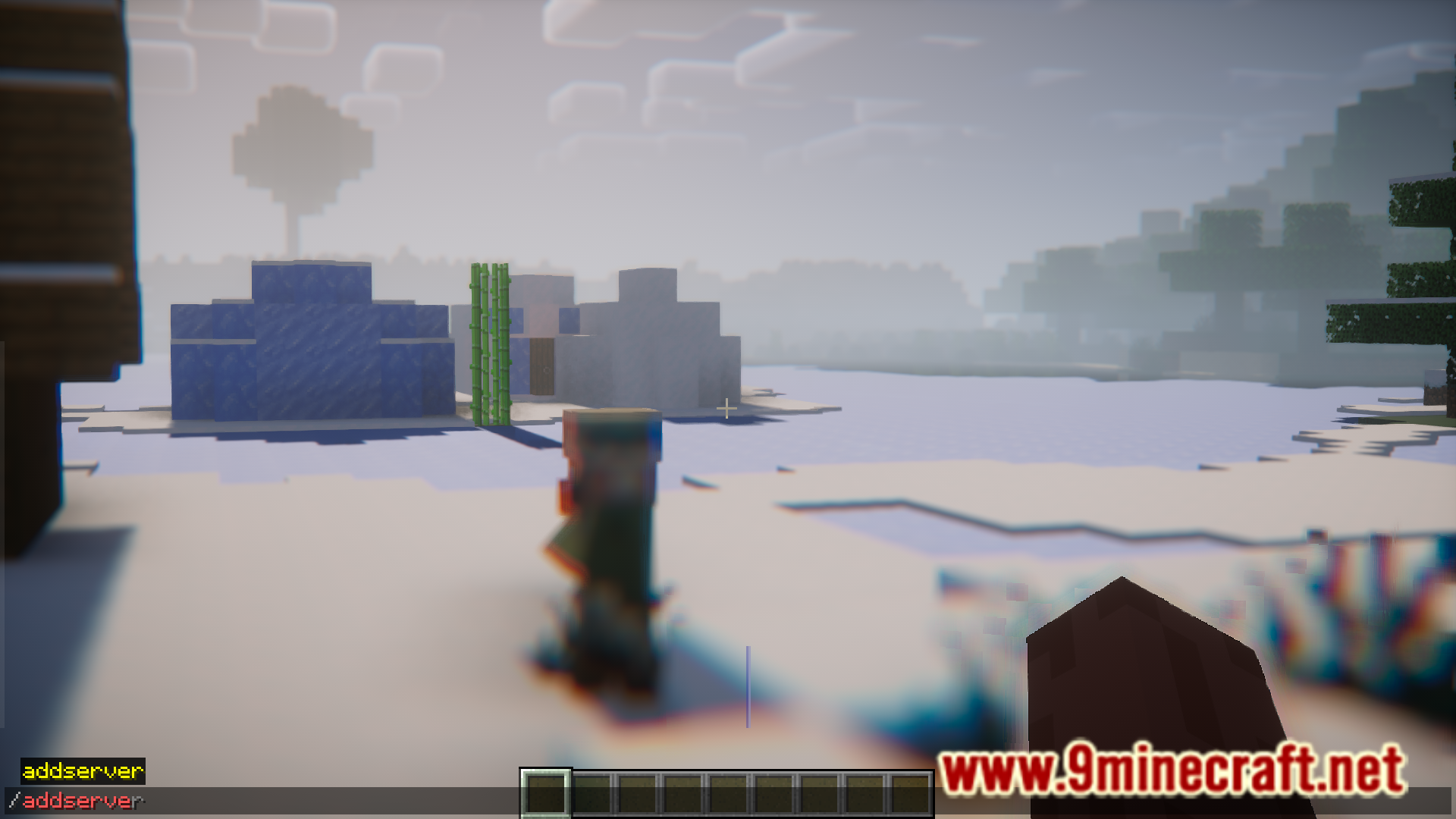
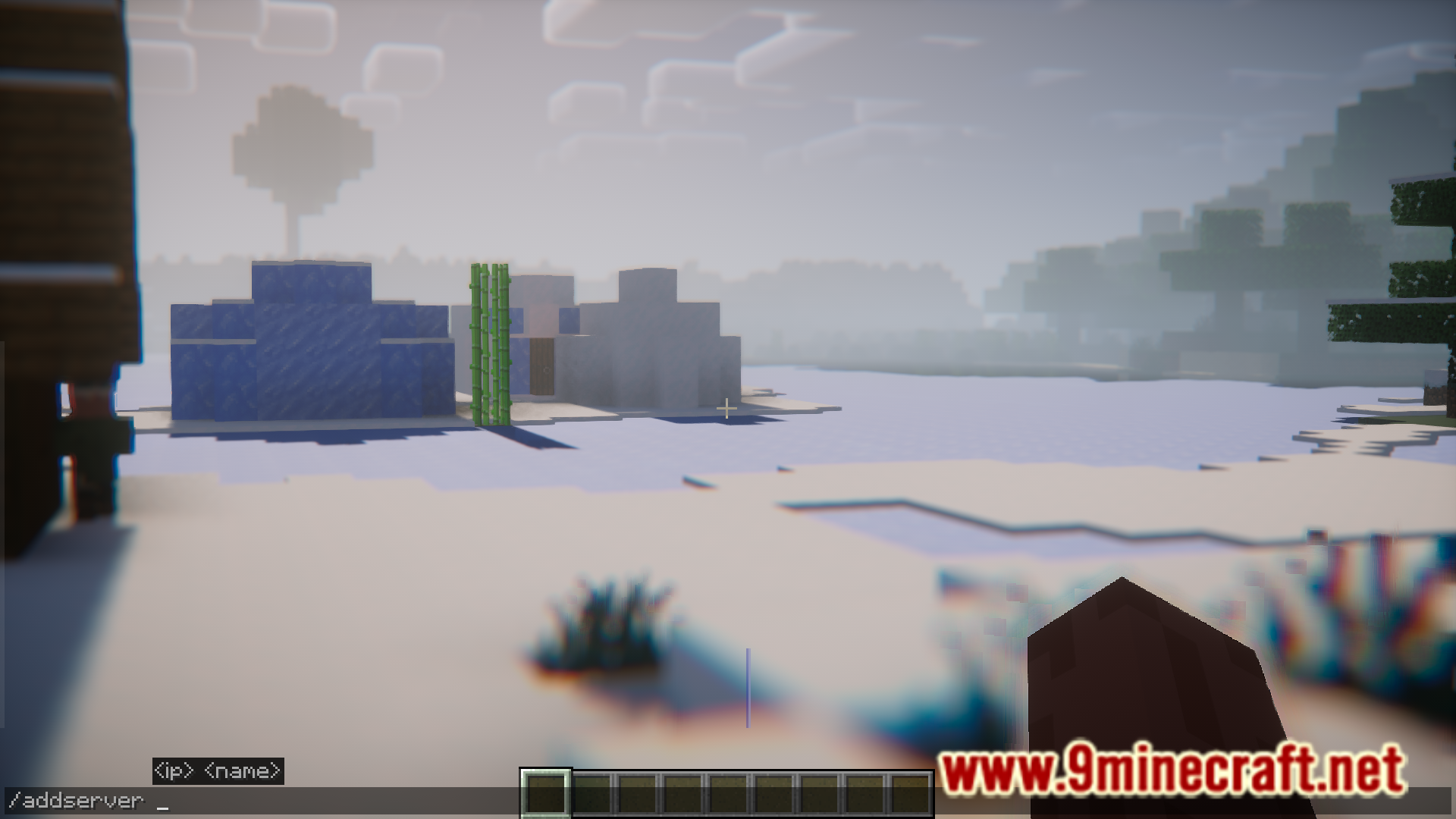



How to Install:
New to Minecraft? Follow our step-by-step guide to install Mods on your PC.View Guide
Not Enough Servers Mod Download Links
For Minecraft 1.21.1, 1.21
Fabric version: Download from Server 1 – Download from Server 2
For Minecraft 1.19.3
Fabric version: Download from Server 1 – Download from Server 2
For Minecraft 1.19.2
Fabric version: Download from Server 1 – Download from Server 2
For Minecraft 1.18.2
Fabric version: Download from Server 1 – Download from Server 2
For Minecraft 1.17.1
Fabric version: Download from Server 1 – Download from Server 2
For Minecraft 1.16.5
Fabric version: Download from Server 1 – Download from Server 2
How do you handle updating your mods when a new Minecraft version drops?
32 responses · See the full results →
You May Also Like
Picked for this page
 Cascades Mod (26.3, 1.20.1) – Better Terrain Generation & New Biomes
 Claim Chunk Mod (1.21.8, 1.20.1) – Create Safe Area
 Leashable Players Mod (26.2, 1.20.1) – Leash Your Friends
 Trash Cans Mod (26.3, 1.20.1) – Declutter Your Automation
 HighLight Item Mod (1.21.11, 1.20.1) – Highlights Similar Items To Selected One In Inventory
 Better Conduit Placement Mod (26.3, 1.20.1) – Placing Conduit Prismarine Blocks Easier
 Server Resourcepack Checker Mod (26.3, 1.20.1) – Join And Leave Servers Swiftly
 Item Transform Helper Mod (26.3, 1.20.1) – Set Size & Location Of Items
 Create: More Drill Heads Mod (1.21.1, 1.20.1) – 6 Types of Drill Heads
 Expansion Of Border Mod (26.3, 1.21.1) – Limited World Access
 Jobs Plus Remastered Mod (1.21.11, 1.20.1) – Earn XP, Coins And Power-Ups
 Island Menu Mod (26.2, 1.20.1) – Dynamic Main Menu
Most viewed in Mods over the last 7 days
 Ala Industrial Mod (26.3) – Run Electric Power Grids and Automated Factories
 PleasureCraft Mod (26.3, 1.21.1) – Jenny Mod Remake for Fabric
 Jennycraft Mod (26.3, 1.20.1) – Virtual Girlfriend in Minecraft
 Fapcraft Mod (26.3, 1.12.2) – Comprehensive and Detailed Content
 Meteor Client Mod (26.3, 1.20.1) – Xray, HUD, Fly
 Jenny Mod (Fapcraft) Official Complete Guide – How to use, Tutorial
 BangCraft Mod (1.20.1) – Jenny, Ellie and Elliot
 Fabric Loader (26.3, 1.20.1) – Fabric Installer for All Minecraft Versions
 OptiFine HD (26.3, 1.20.1) – Run Faster, FPS Boost, Shaders Support
 SchnurriTV Mod (1.12.2) – Characters and Features
 Cinematic Interactions Mod (26.3, 1.20.1) – Watch Your Hands Work
 NeoForge (26.3, 1.21.1) – NeoForged, Modding API
More from Mods
 Croptopia Mod (26.3, 1.20.1) – New Crops, Seeds, Foods
 ScamScreener for Hypixel Skyblock Mod (26.3, 1.21.11) – Warns About Potentonal Scammers
 FunClient Client Mod (26.3) – Run Long Anarchy Sessions From One Clean Menu
 Visual Client Mod (1.21.11) – Give Every Dimension Its Own Weather and Sky
 CherryBlossom Client Mod (1.21.11) – Rule Anarchy Servers From a Cherry Tree
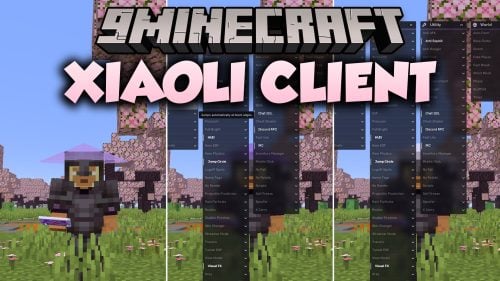 Xiaoli Client Mod (1.21.11) – Control Anarchy Crystal Fights From One Menu
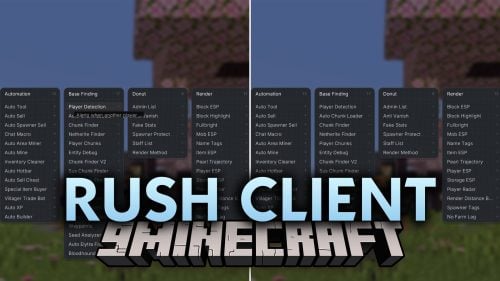 Rush Client Mod (1.21.11) – Crystal PvP and Base Hunting in One Menu
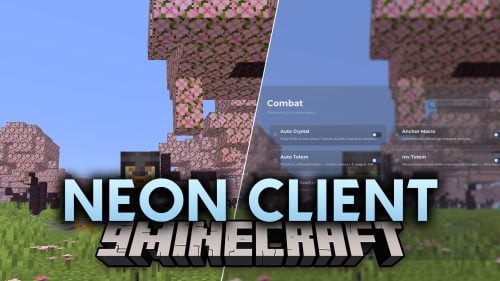 Neon Client Mod (1.21.11) – Win Anarchy Crystal Fights with One-Click Modules
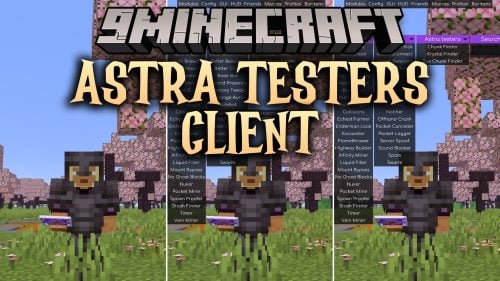 Astra Testers Client Mod (1.21.11) – Hunt Suspicious Chunks on Anarchy Servers
 Zens Addon V5 Client Mod (1.21.11) – Win Crystal Fights and Find Hidden Bases
 Z Debug V5 Client Mod (1.21.11) – Hunt Hidden Bases on Anarchy Servers
 Water v7 Client Mod (1.21.11) – Dominate Anarchy Servers with One Menu

This post has no comments yet. Be the first — your comment will appear here.