
Keep That Music Mod (26.2, 1.20.1) – Enjoy Continuous Soundtracks
 454
 0


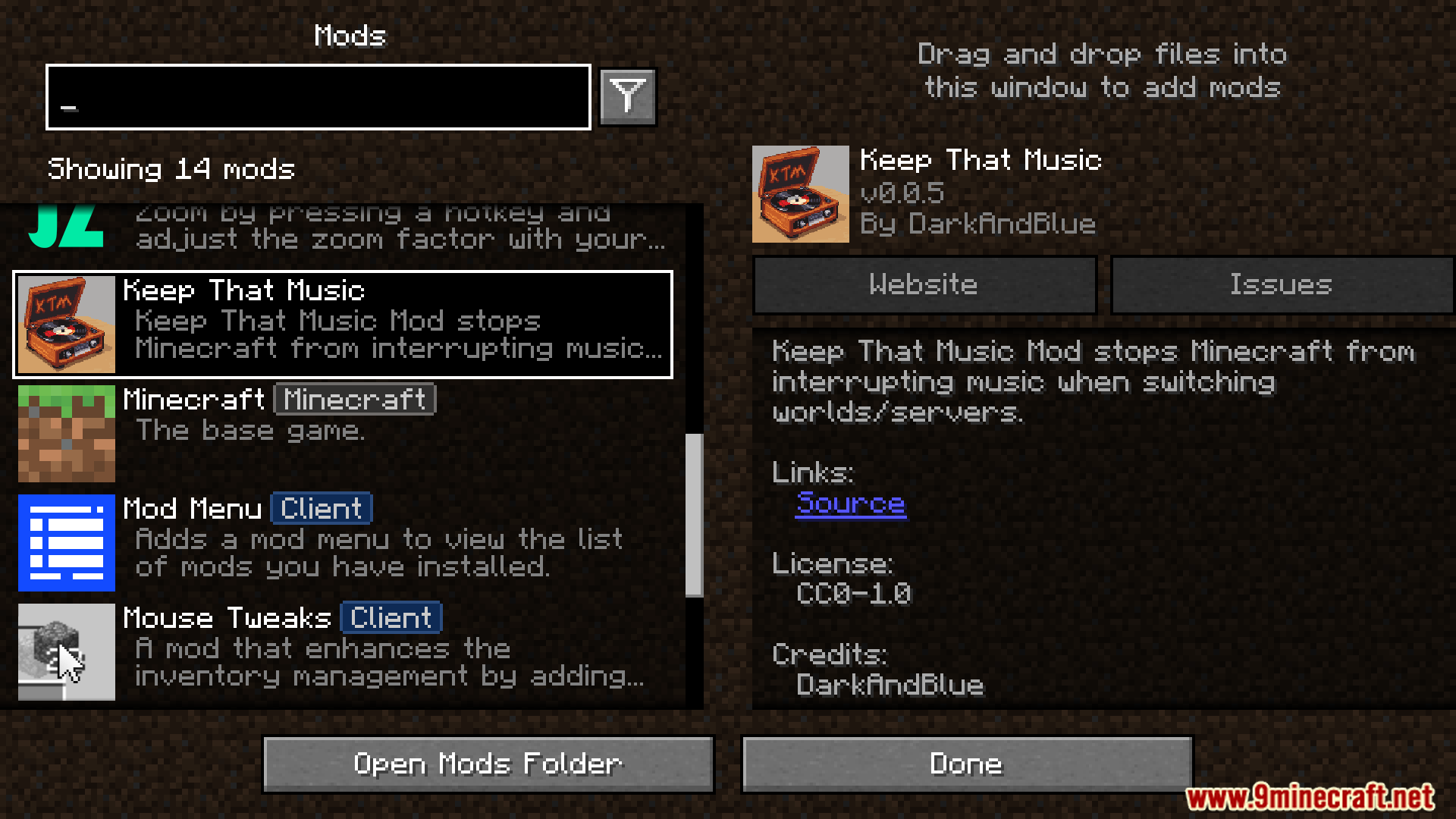
Keep That Music Mod stops Minecraft from cutting off your favorite tunes when moving between worlds or servers. It keeps the music playing smoothly through Nether and End portals, while opening the pause menu, and even when returning to the title screen. This addon lets you enjoy uninterrupted background music and sound packs without annoying resets.
Features:
- Prevents music interruption when switching between worlds or multiplayer subservers.
- Maintains continuous music playback when traveling through Nether or End portals.
- Keeps music going while the single-player pause menu is open.
- Allows music to persist when returning back to the main menu.
- Controls the pause behavior for the main menu return feature using the config.
- Adjusts the max music delay setting to control the pause duration between different tracks.
How to Use:
- Install Mod Menu if you want an in-game settings screen to adjust options.
- Open the mod settings in the menu to configure track delays and main menu music behavior.
- Play the game normally and enjoy continuous music across dimensions and servers.
Configuration:
Mod Menu integration: Enable or disable the mod directly within the in-game settings screen.Max music delay: Control the exact delay length between different music tracks.
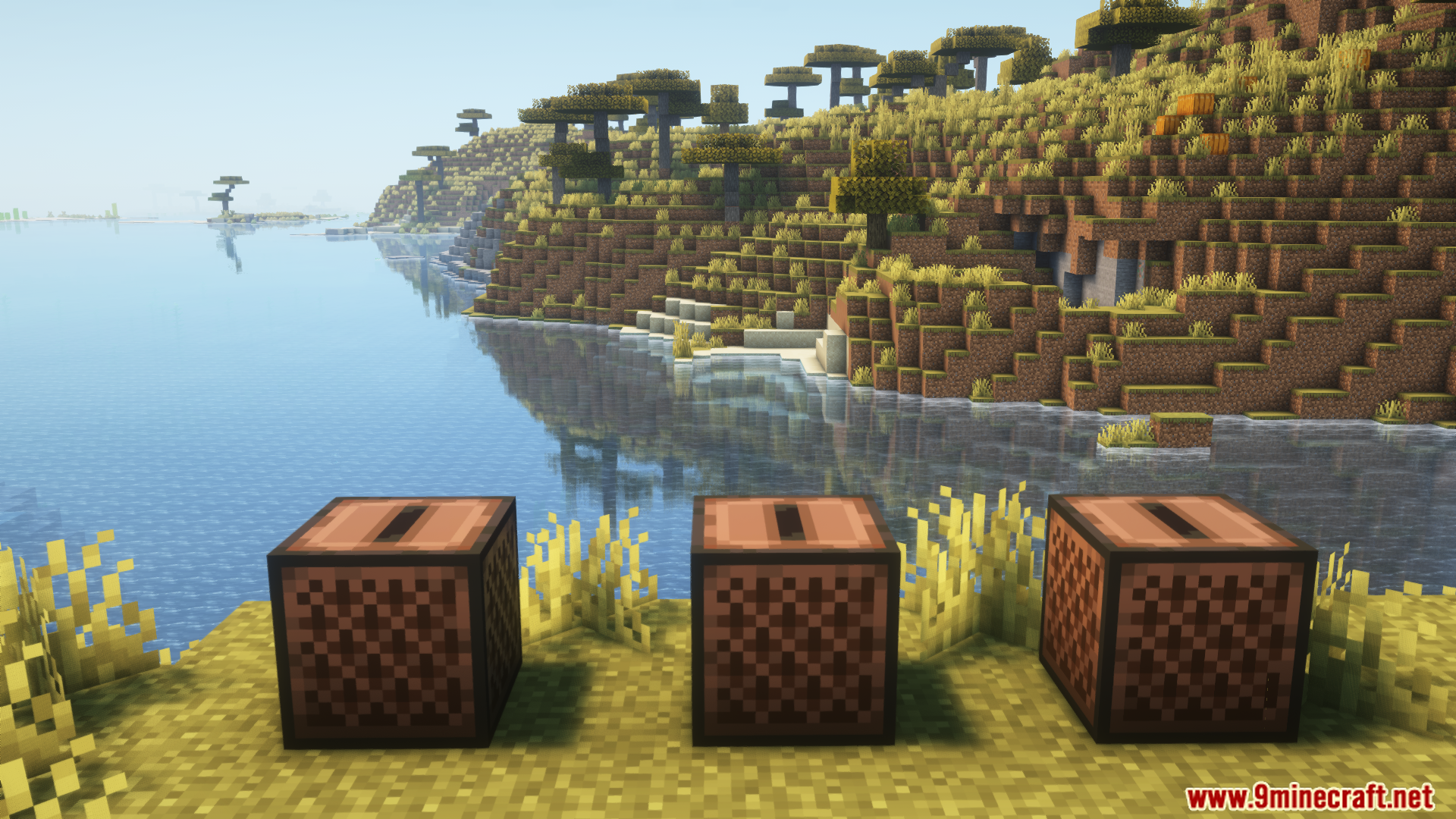
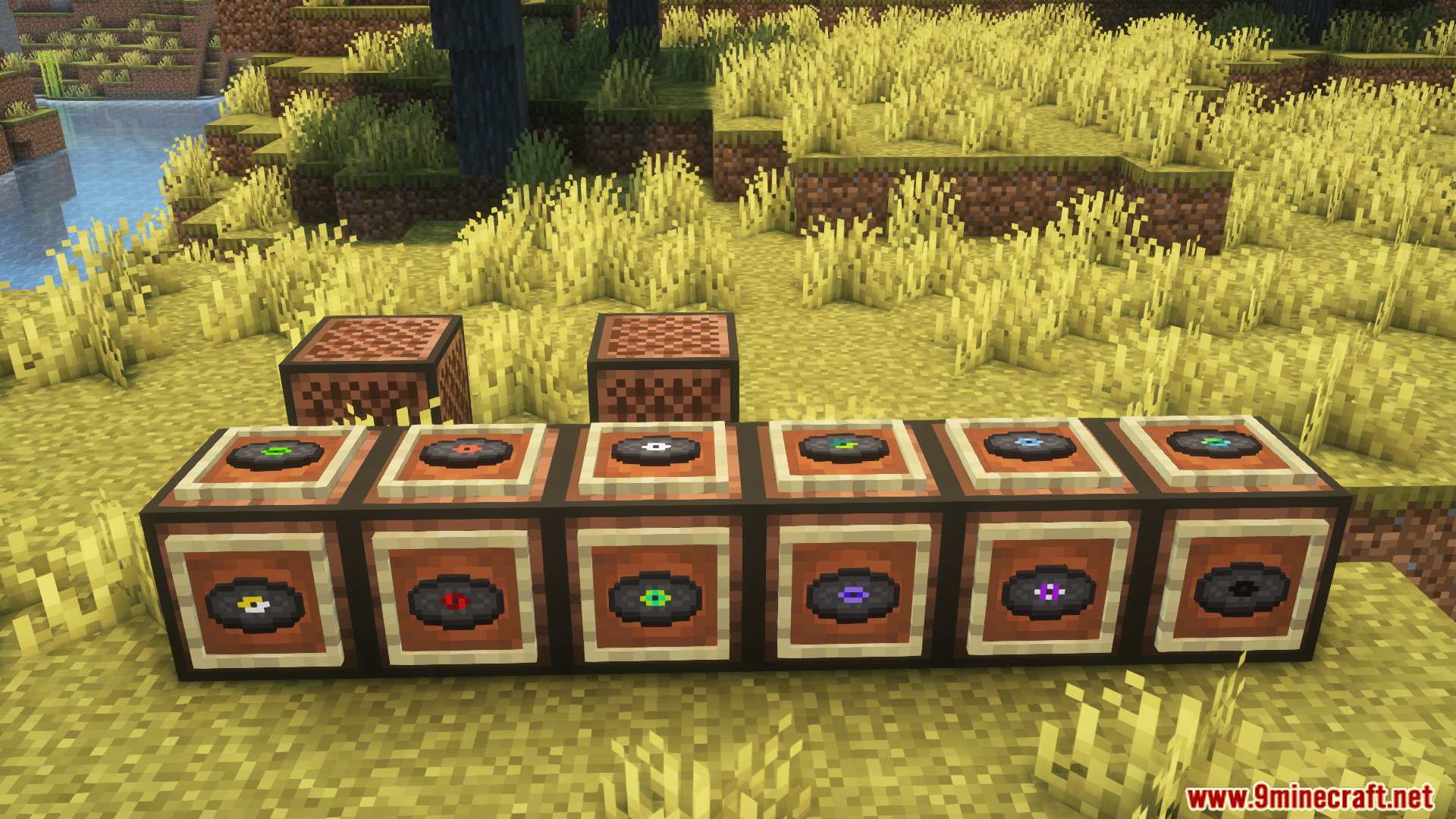
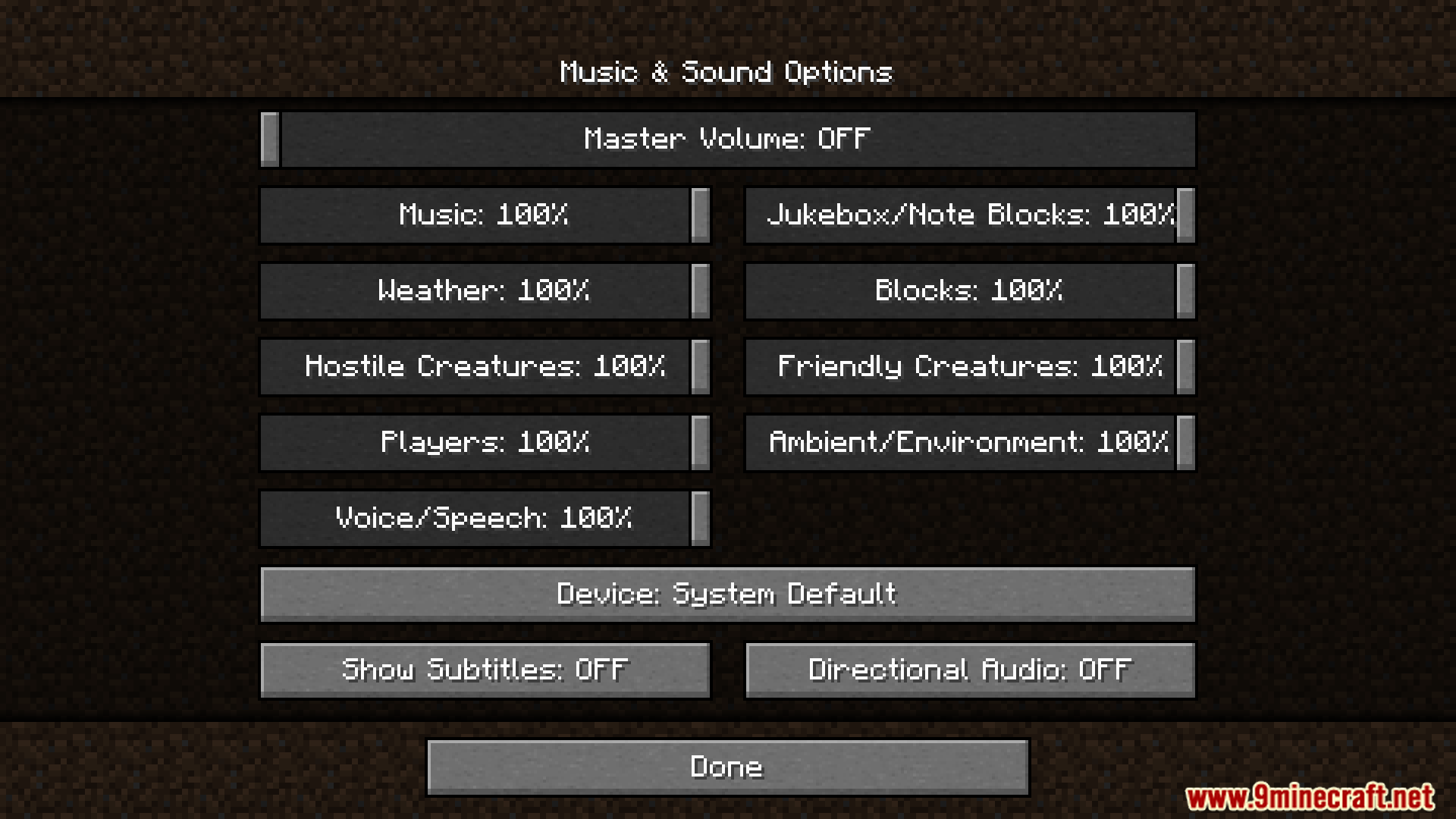
Screenshots:
How to Install:
New to Minecraft? Follow our step-by-step guide to install Mods on your PC.View Guide
Requirements:

Keep That Music Mod Download Links
For Minecraft 26.2
For Minecraft 26.1.2, 26.1.1, 26.1
For Minecraft
1.21.11,
1.21.10,
1.21.9
All Versions Covered
1.21.11
1.21.10
1.21.9
1.21.8
1.21.7
1.21.6
All Versions Covered
1.21.11
1.21.10
1.21.9
1.21.8
1.21.7
1.21.6
For Minecraft
1.21.5,
1.21.4,
1.21.3
All Versions Covered
1.21.5
1.21.4
1.21.3
1.21.2
1.21.1
1.21
1.20.6
1.20.5
1.20.4
1.20.3
1.20.2
1.20.1
1.20
1.19.4
1.19.3
1.19.2
1.19.1
1.19
1.18.2
1.18.1
1.18
1.17.1
1.17
1.16.5
1.16
All Versions Covered
1.21.5
1.21.4
1.21.3
1.21.2
1.21.1
1.21
1.20.6
1.20.5
1.20.4
1.20.3
1.20.2
1.20.1
1.20
1.19.4
1.19.3
1.19.2
1.19.1
1.19
1.18.2
1.18.1
1.18
1.17.1
1.17
1.16.5
1.16
For Minecraft
1.20.4,
1.20.3,
1.20.2
All Versions Covered
1.20.4
1.20.3
1.20.2
1.20.1
1.20
1.19.4
1.19.3
1.19.2
1.19.1
1.19
1.18.2
1.18.1
1.18
1.17.1
1.17
1.16.5
1.16.4
1.16.3
1.16.2
1.16.1
1.16
All Versions Covered
1.20.4
1.20.3
1.20.2
1.20.1
1.20
1.19.4
1.19.3
1.19.2
1.19.1
1.19
1.18.2
1.18.1
1.18
1.17.1
1.17
1.16.5
1.16.4
1.16.3
1.16.2
1.16.1
1.16
Click to rate this post!
[Total: 0 Average: 0]
You May Also Like
Picked for this page
 Traveler’s Backpack Mod (26.3, 1.20.1) – A Mobile Base on Your Back
 Double Doors Mod (26.3, 1.20.1) – Doors will Now Open and Close Together
 Better Crates Mod (26.2, 1.20.1) – Better Storage of Your Items
 Macro Keybinds Mod (26.3, 1.20.1) – Macro Creation, Keybind Execution
 Hunter’s Return Mod (26.3, 1.20.1) – Meet the Boomerang Illager
 Cascades Mod (26.3, 1.20.1) – Better Terrain Generation & New Biomes
 Syncmatica Mod (26.3, 1.20.1) – Server-Wide Shared Litematics
 Fancy Block Particles Renewed Mod (26.1.2, 1.20.1) – 3D Digging Particles
 The Speedrunner Mod (26.3, 1.20.1) – Speedrun-Focused Gameplay Overhaul
 Chance Globe Mod (26.3, 1.20.1) – Spawns a Random Block or Item
 Spider Pig Mod (26.3, 1.20.1) – Transform Spiders Into Playful Pigs
 iCommon API Mod (26.1.2, 1.20.1) – Library for Isaiah’s Mods
Most viewed in Mods over the last 7 days
 Ala Industrial Mod (26.3) – Run Electric Power Grids and Automated Factories
 PleasureCraft Mod (26.3, 1.21.1) – Jenny Mod Remake for Fabric
 Jennycraft Mod (26.3, 1.20.1) – Virtual Girlfriend in Minecraft
 Fapcraft Mod (26.3, 1.12.2) – Comprehensive and Detailed Content
 Jenny Mod (Fapcraft) Official Complete Guide – How to use, Tutorial
 BangCraft Mod (1.20.1) – Jenny, Ellie and Elliot
 Fabric Loader (26.3, 1.20.1) – Fabric Installer for All Minecraft Versions
 Meteor Client Mod (26.3, 1.20.1) – Xray, HUD, Fly
 OptiFine HD (26.3, 1.20.1) – Run Faster, FPS Boost, Shaders Support
 The Shooting Star Demo Mod (26.3, 1.20.1) – Vaporize Terrain From Orbit
 Aristois Client Mod (1.21.4, 1.20.1) – World Class Minecraft Utility
 SchnurriTV Mod (1.12.2) – Characters and Features
More from Mods
 Water Vision Mod (26.3, 1.20.1) – No More Murky Minecraft Waters
 Sophisticated Backpacks Create Integration Mod (26.3, 1.20.1) – Smart Storage
 Hammers 3×3 Mod (26.3, 1.20.1) – Carve Caves with One Swing
 RevampedWolf Mod (26.3, 1.20.1) – Smarter, Pack-Driven Wolves
 Ping Mod (26.3, 1.20.1) – Notifying Other Players
 Masonry Mod (26.3, 1.20.1) – New Building Blocks from Existing Materials
 Cooldown Coordinator Mod (26.3, 1.20.1) – Coordinate Setting Cooldown Timers
 Cores Mod (26.3, 1.20.1) – Never Lose Extra Levels and Recolor In-Game Menus
 Keybind Atlas Mod (26.3, 1.20.1) – Manage Mod Controls on a Visual Keyboard
 DayTimeControl Mod (1.20.1) – Enjoy Longer Days for Big Builds or Endless Nights
 Builders Companion Core Mod (1.20.1) – Power Custom Waters for Better Creative
 Giacomo’s Fishing Net Mod (1.20.1) – Catch Fish and Treasure While Away

This post has no comments yet. Be the first — your comment will appear here.