
Perspective Enhancements Mod (26.3, 1.20.1) – Check Your Blind Spots Faster
 709
 0


Perspective Enhancements Mod lets you change how the camera perspective key works in the game. It adds a settings menu under Options and Controls to adjust camera behavior. You can hold down the key to switch your view and release it to go back to normal. It makes quick camera checks fast and simple.
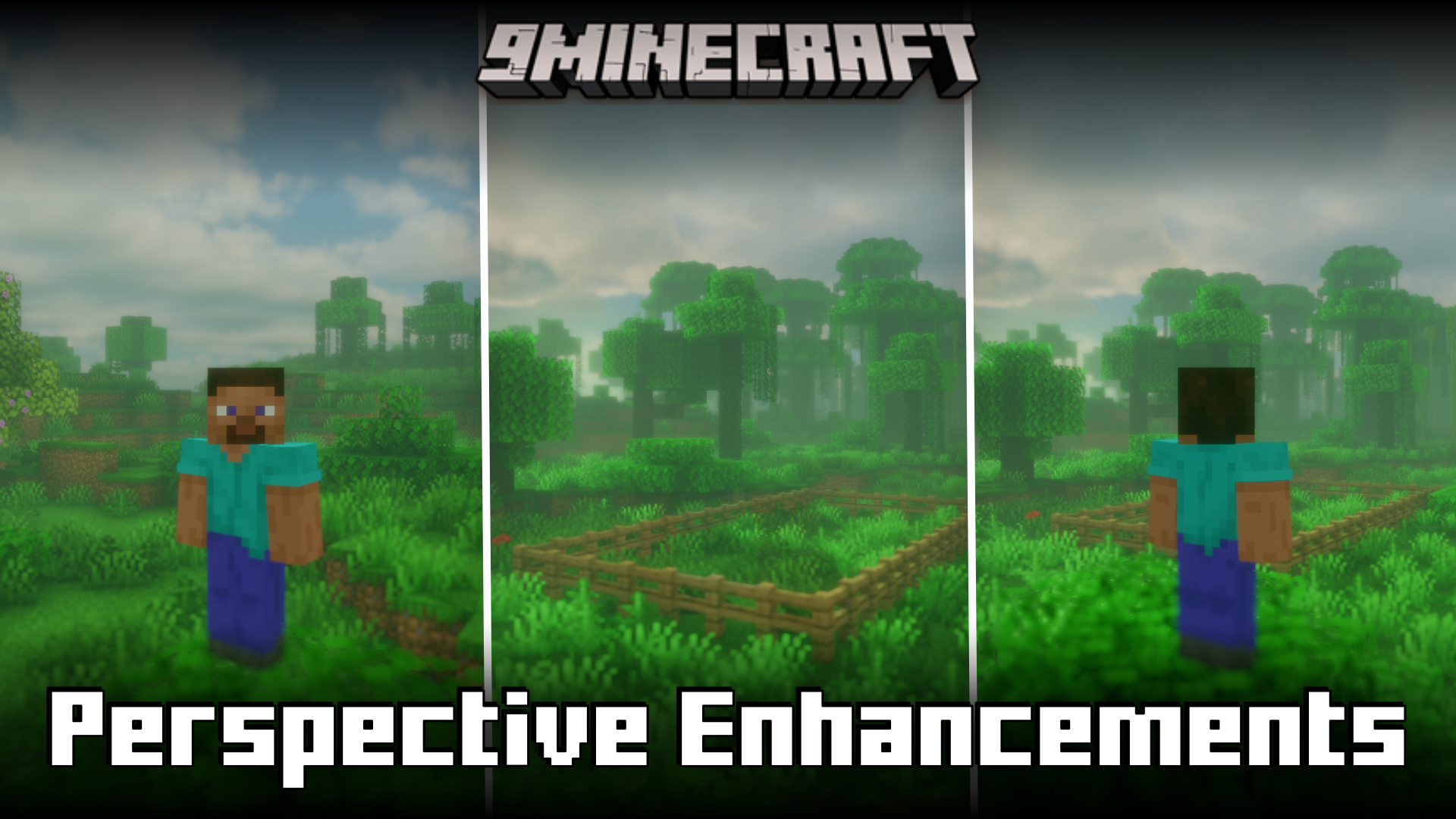
Features:
- Adds a dedicated settings page under Options and Controls for camera configurations.
- Lets you press and hold the perspective key to switch views and release it to return automatically.
- Features an adjustable default threshold set to 250 milliseconds.
- Allows you to disable the front perspective, the back perspective, or both views completely.
- Changes the default starting perspective to match your preference.
How to Use:
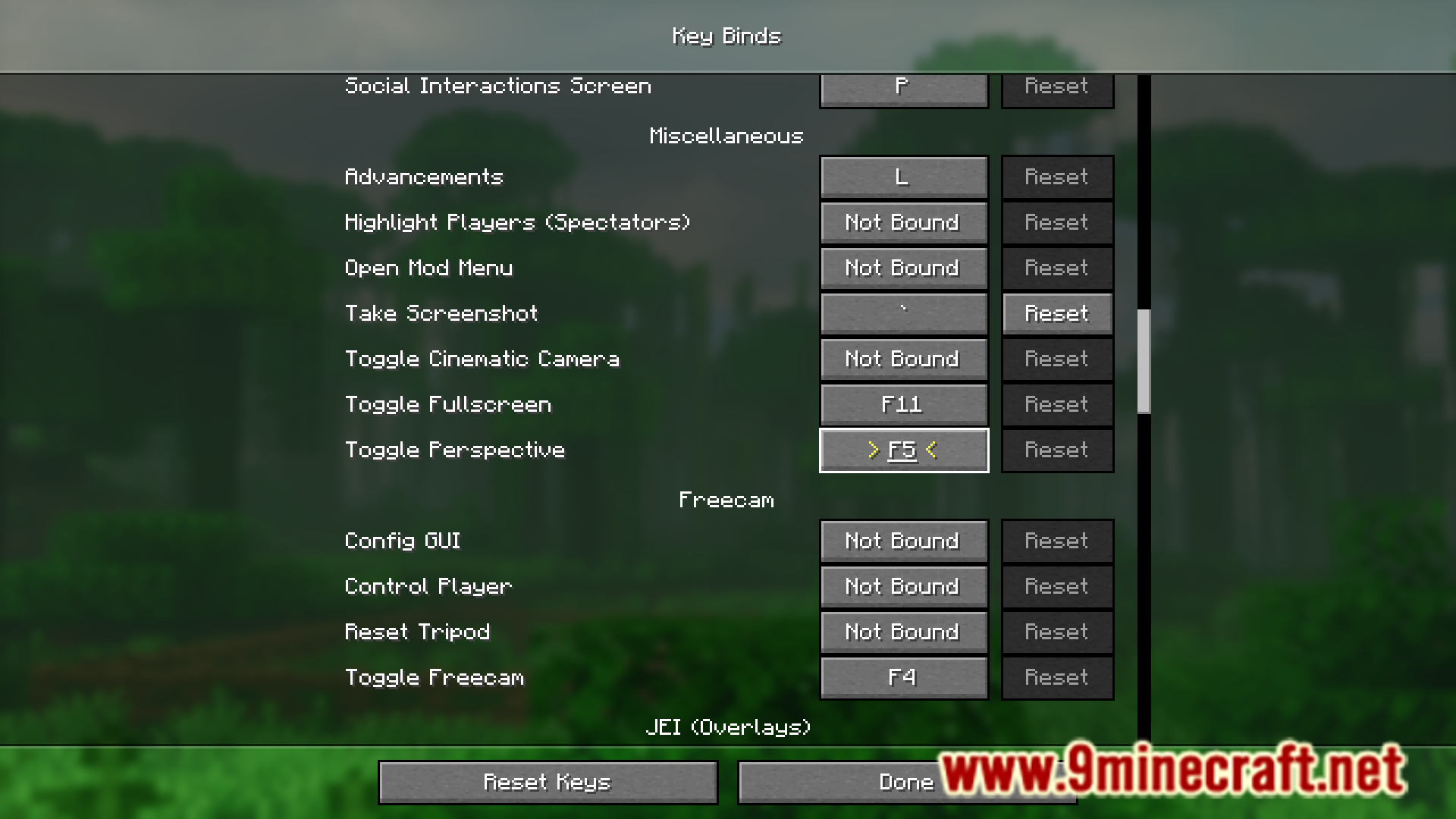
- Open the game menu and go to Options, then Controls.
- Open the settings page for the camera configuration.
- Adjust the hold threshold or disable specific unwanted camera views.
- Press and hold your perspective key during gameplay to temporarily switch views, then release it to return.
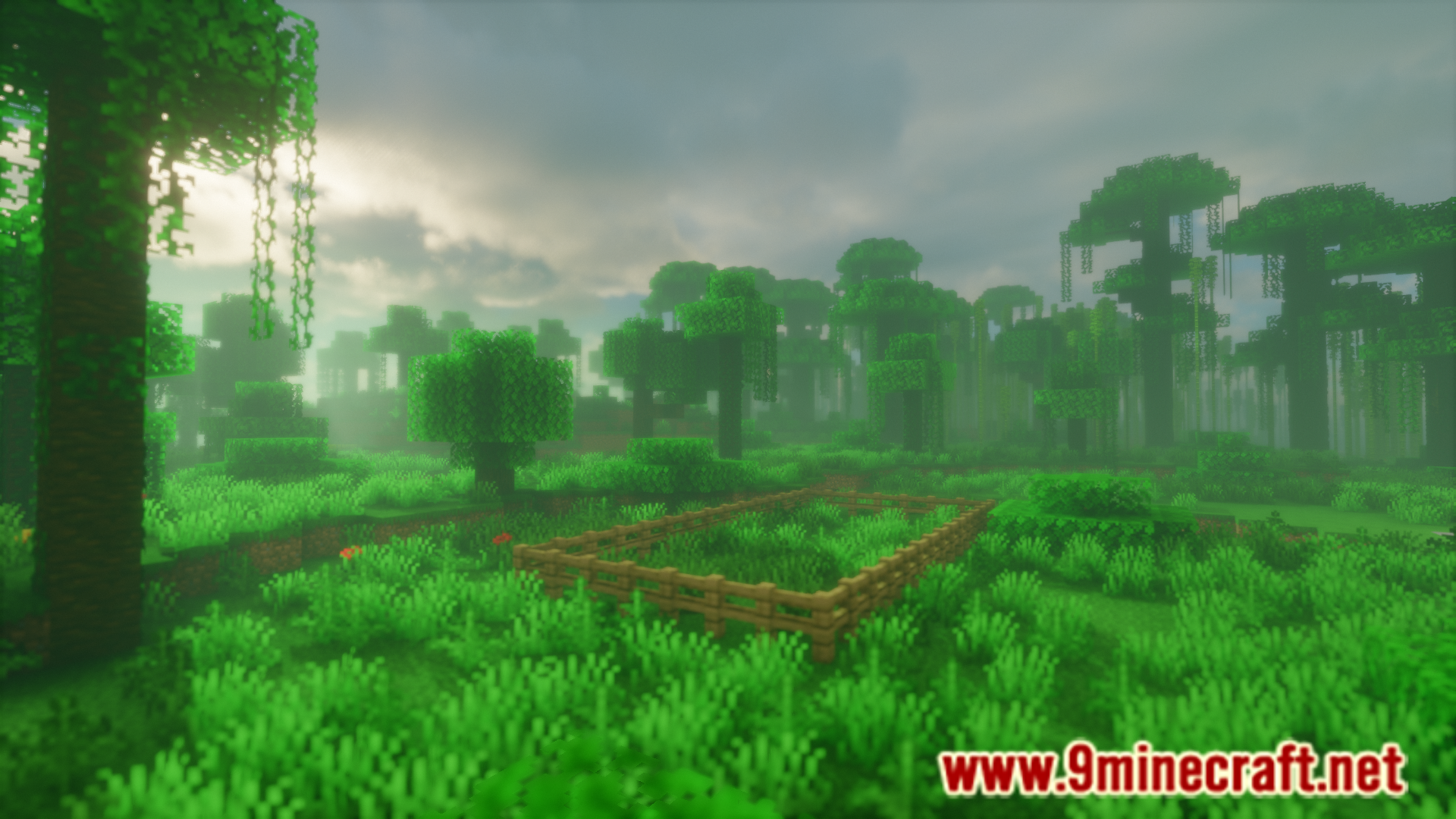
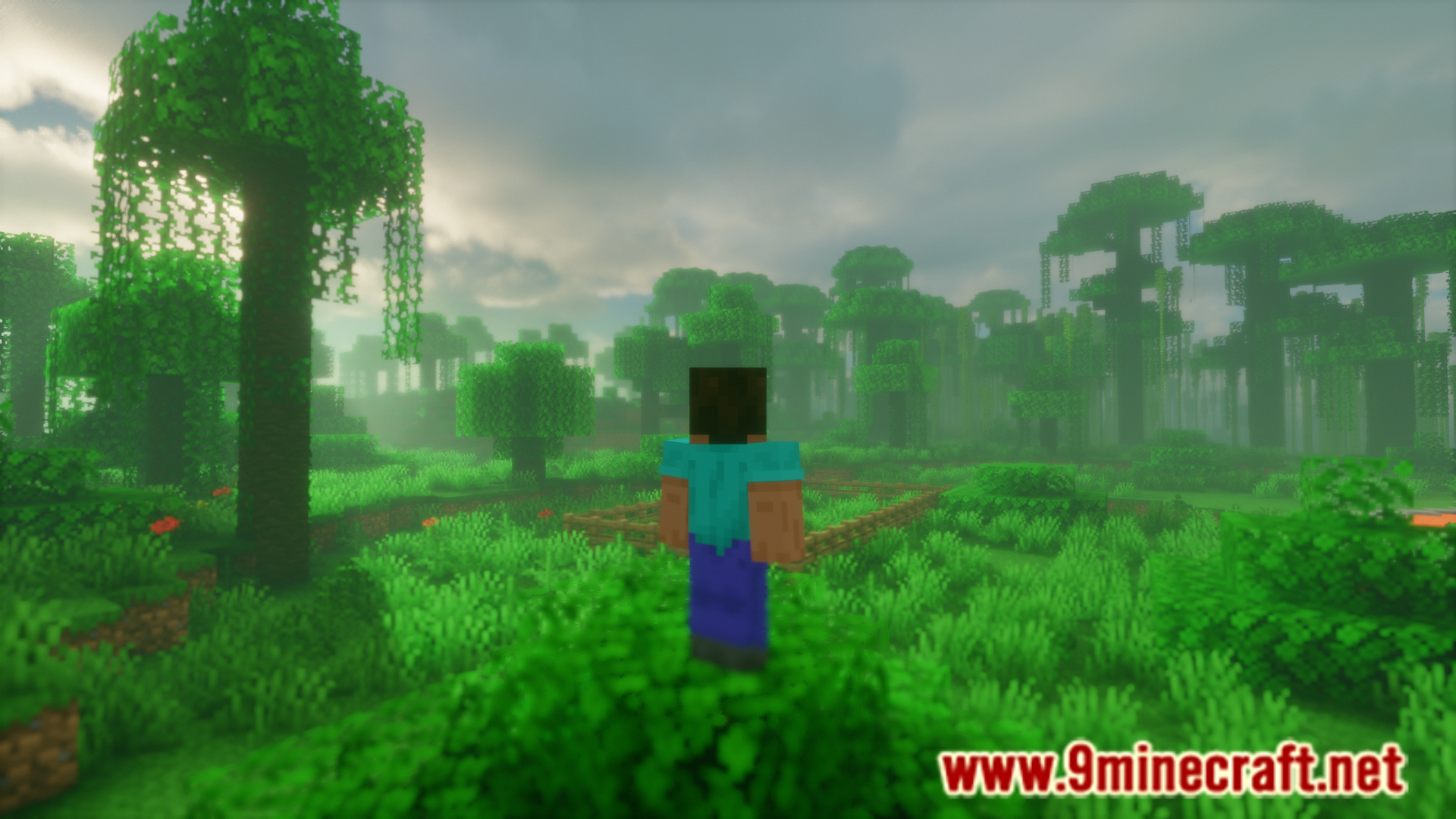
Screenshots:
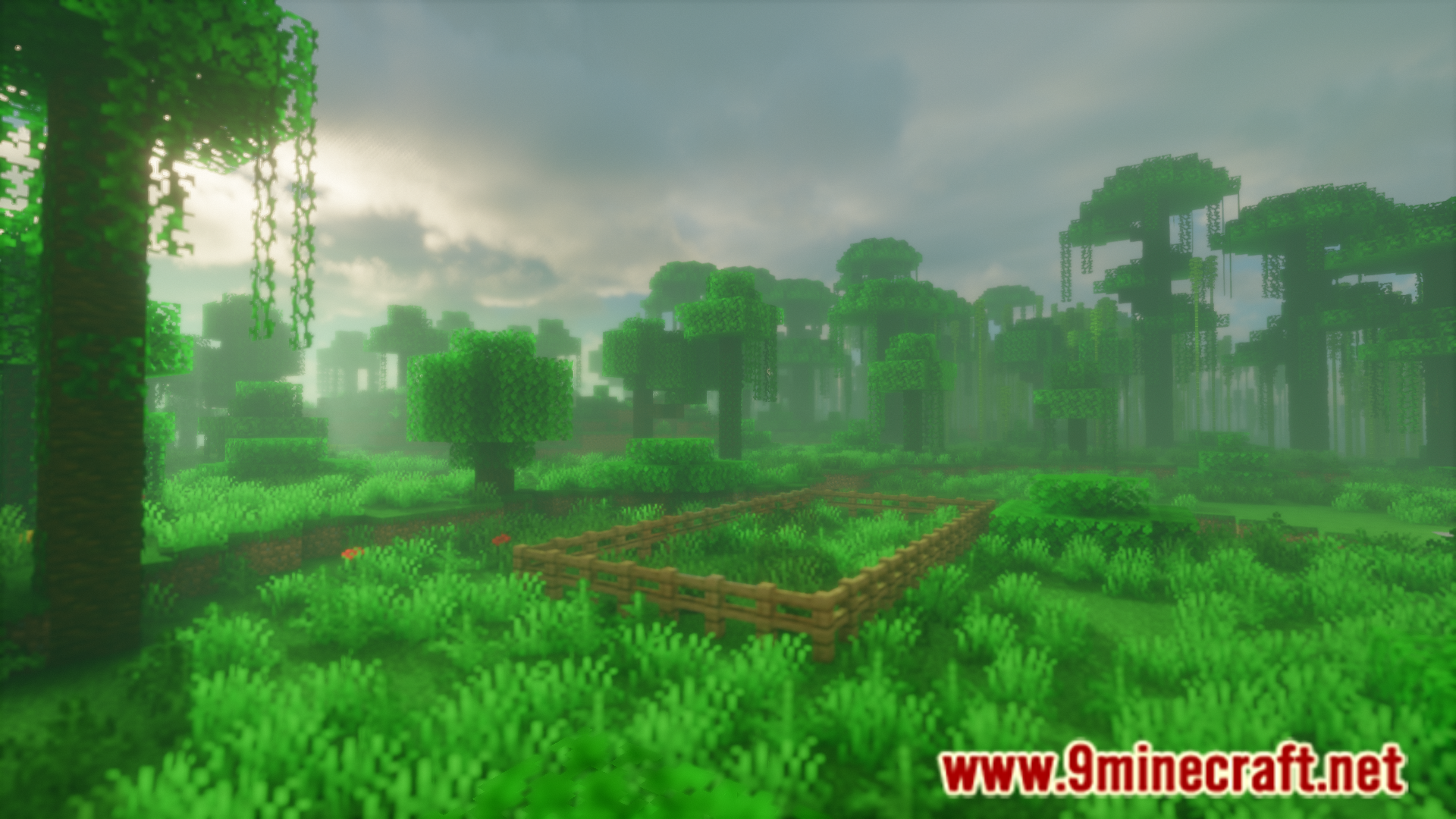
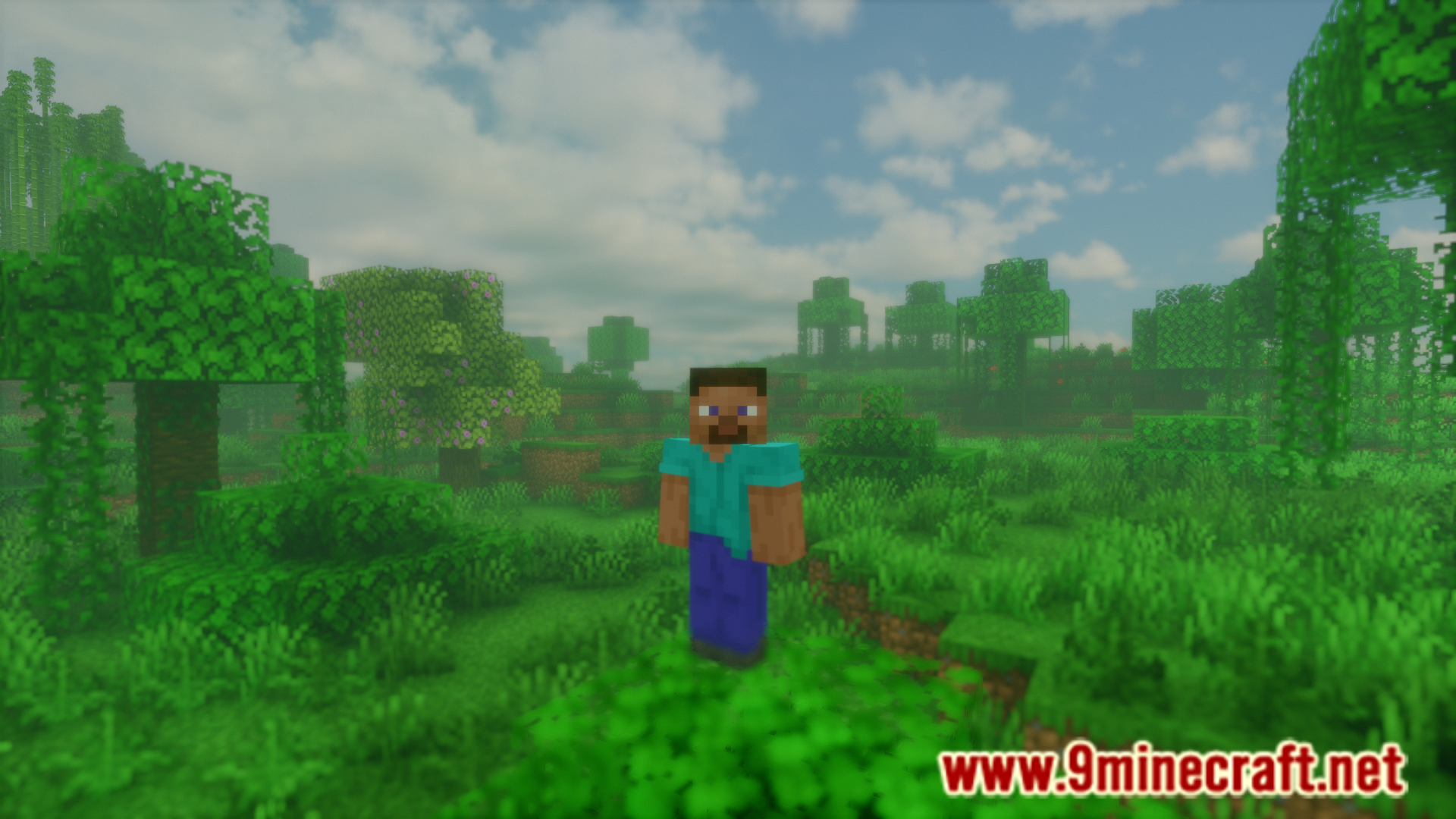
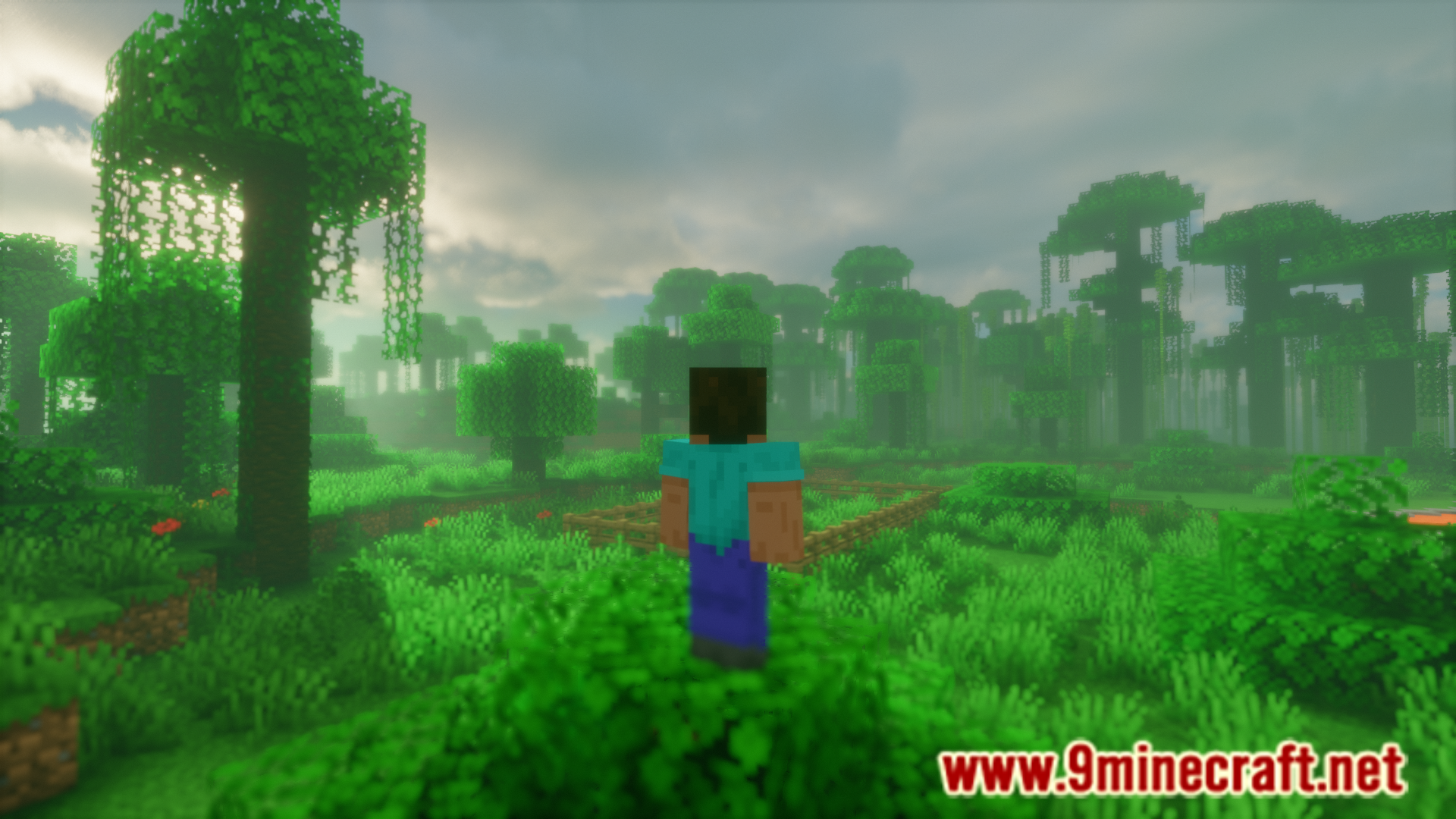
How to Install:
New to Minecraft? Follow our step-by-step guide to install Mods on your PC.View Guide


Perspective Enhancements Mod Download Links
For Minecraft 26.3, 26.2
For Minecraft 26.2
For Minecraft 26.1.2, 26.1.1, 26.1
For Minecraft 1.21.11
For Minecraft
1.21.10,
1.21.9,
1.21.5
All Versions Covered
1.21.10
1.21.9
1.21.5
1.21.4
1.21.3
1.21.2
1.21.1
1.21
All Versions Covered
1.21.10
1.21.9
1.21.5
1.21.4
1.21.3
1.21.2
1.21.1
1.21
For Minecraft
1.21.8,
1.21.7,
1.21.6
All Versions Covered
1.21.8
1.21.7
1.21.6
1.21.5
1.21.4
All Versions Covered
1.21.8
1.21.7
1.21.6
1.21.5
1.21.4
For Minecraft 1.21.5, 1.21.4
For Minecraft 1.20.6
For Minecraft
1.20.4,
1.20.3,
1.20.2
All Versions Covered
1.20.4
1.20.3
1.20.2
1.20.1
1.20
All Versions Covered
1.20.4
1.20.3
1.20.2
1.20.1
1.20
Click to rate this post!
[Total: 0 Average: 0]
QUICK MINECRAFT SURVEY · ONE TAP
Mods & Modpacks
Do you use mods that completely overhaul Minecraft's combat system (like Better Combat or Epic Fight)?
1 responses · See the full results →
You May Also Like
Picked for this page
 Customizable Elytra Mod (26.2, 1.20.1) – Make Elytra Dyeable Like Leather Armor
 Realistic Bees Mod (26.3, 1.20.1) – Adding Realism to the Bees
 Simple Voice Chat Radio Mod (26.1.2, 1.20.1) – Radio Devices for Long-distance Talk
 Simple Health Bar Mod (1.21.11, 1.20.1) – Replaces Default Health Display
 Modular Force Field System Mod (1.21.11, 1.20.1) – Defend Your Base From Any Threat
 Mica Mod (26.2, 1.20.1) – Enable Mica, Acrylic on Windows 11
 Cobble Gen Haters Mod (26.2, 1.20.1) – No Cobble/Stone Generation
 MacOS Input Fixes Mod (26.3, 1.20.1) – Fixes Keybinds Not Being Detected on MacOS
 No Portals Mod (26.3, 1.20.1) – Take Control Of Dimensional Access
 Reply Mod (26.3, 1.20.1) – Easier Replying In Chat
 Shearable Vines Mod (26.3, 1.20.1) – Keep Your Builds Tidy
 Reach Enchantment Mod (26.3, 1.21.1) – Extended Block Interaction Range
Most viewed in Mods over the last 7 days
 Ala Industrial Mod (26.3) – Run Electric Power Grids and Automated Factories
 PleasureCraft Mod (26.3, 1.21.1) – Jenny Mod Remake for Fabric
 Jennycraft Mod (26.3, 1.20.1) – Virtual Girlfriend in Minecraft
 Fapcraft Mod (26.3, 1.12.2) – Comprehensive and Detailed Content
 Jenny Mod (Fapcraft) Official Complete Guide – How to use, Tutorial
 BangCraft Mod (1.20.1) – Jenny, Ellie and Elliot
 Fabric Loader (26.3, 1.20.1) – Fabric Installer for All Minecraft Versions
 Meteor Client Mod (26.3, 1.20.1) – Xray, HUD, Fly
 The Shooting Star Demo Mod (26.3, 1.20.1) – Vaporize Terrain From Orbit
 OptiFine HD (26.3, 1.20.1) – Run Faster, FPS Boost, Shaders Support
 Aristois Client Mod (1.21.4, 1.20.1) – World Class Minecraft Utility
 Prestige Client Mod (1.21.11, 1.21.4) – Powerful Ghost Features for Crystal & Sword PvP
More from Mods
 Freelook Perspective Mod (26.3, 1.21.1) – Watch Your Back While Sprinting
 FAUNA Engine Mod (1.21.1, 1.20.1) – Powering Legendary Dragons
 Avali Nexus Mod (26.3) – Settle Frozen Frontiers with High-Tech Bird Tribes
 Orient’s Hotpot Chronicles Mod (1.20.1) – Boil Fresh Hotpot Meals Over Open Flames
 Far Lands Traveler Mod (26.1.2) – Survive the Long Trek to the Edge of the World
 Beli’s SkyLyrics Mod (1.21.11) – Sing Along to Desktop Tracks Projected in the Night Sky
 Explainstone and Songmelyn Mod (1.21.1) – Broadcast Custom Music Across Your Base
 Rockstar Shaders Mod (26.3) – Cast Ray-Traced Light Across Vast Distant Horizons
 ERYDON Mod (1.20.1) – Design Grand Courtyards with Carved Marble Pillars
 Infinity Bound Mod (1.21.1) – Snap Away Enemies with Legendary Superhero Gear
 Legacy Gecko Lib Fabric Mod (1.16.5) – Power Animated Creatures in Modpacks
 The Man from the Shadow Horror Mod (1.20.1) – Fight Hallucinations to Survive

This post has no comments yet. Be the first — your comment will appear here.