
Polydex Mod (26.3, 1.20.1) – Check Recipes Without Installing Client Mods

 0


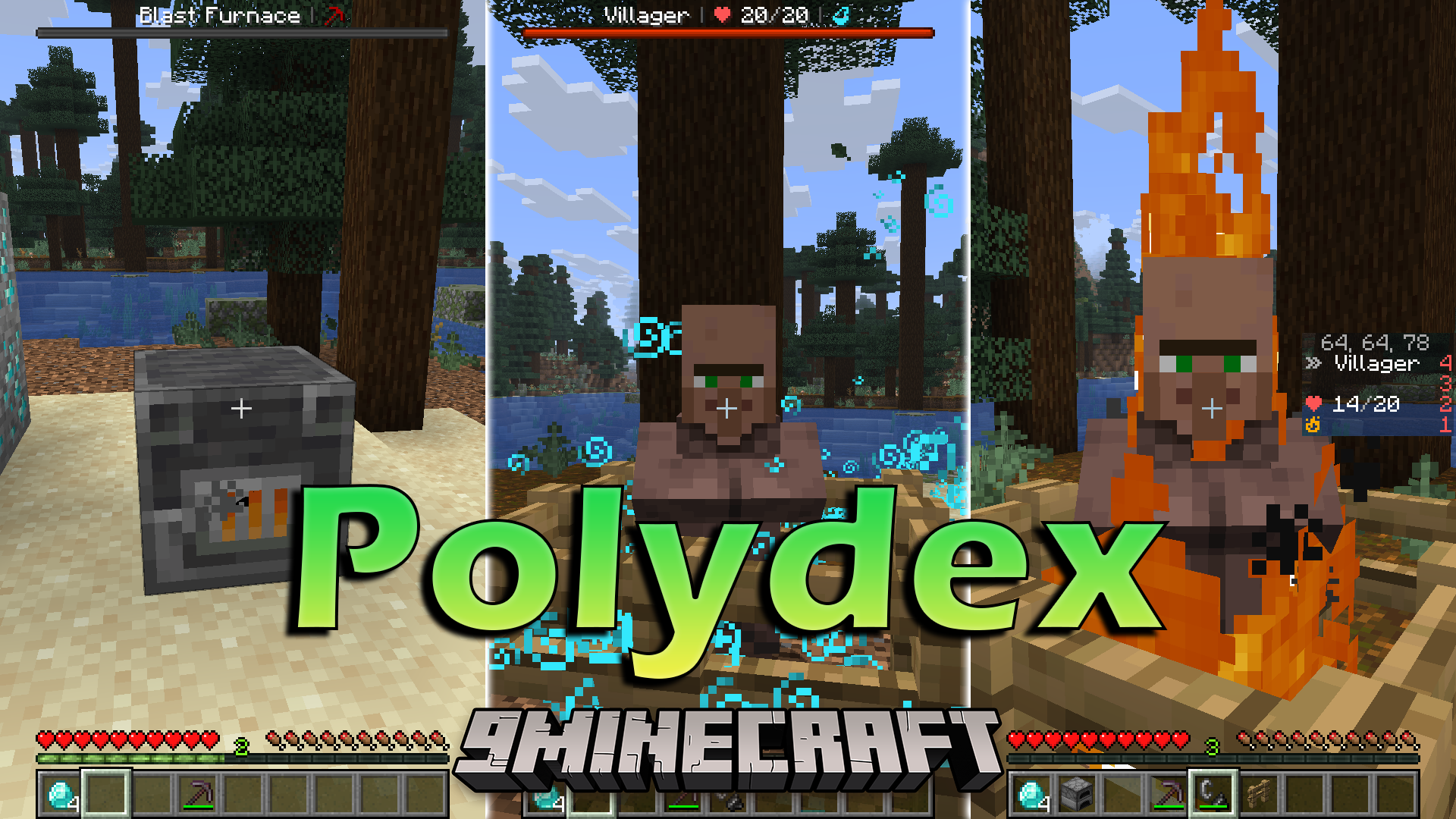
Polydex Mod brings recipe and tooltip viewing features to multiplayer servers without needing heavy client-side modpacks. It works on vanilla-compatible servers using Polymer or PolyMC setups. Players see helpful block and entity information directly on screen while exploring multiplayer worlds.
Features:
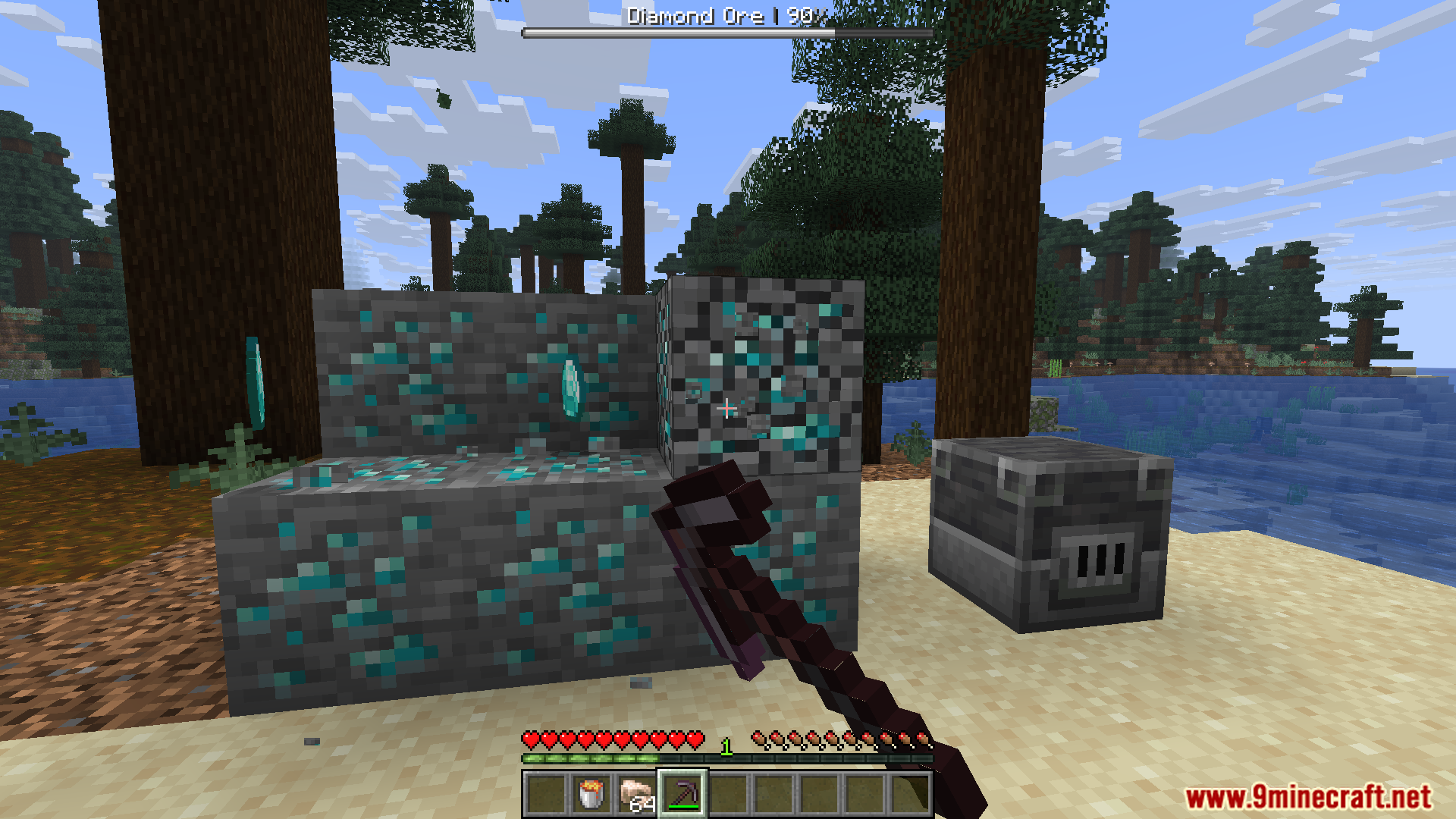
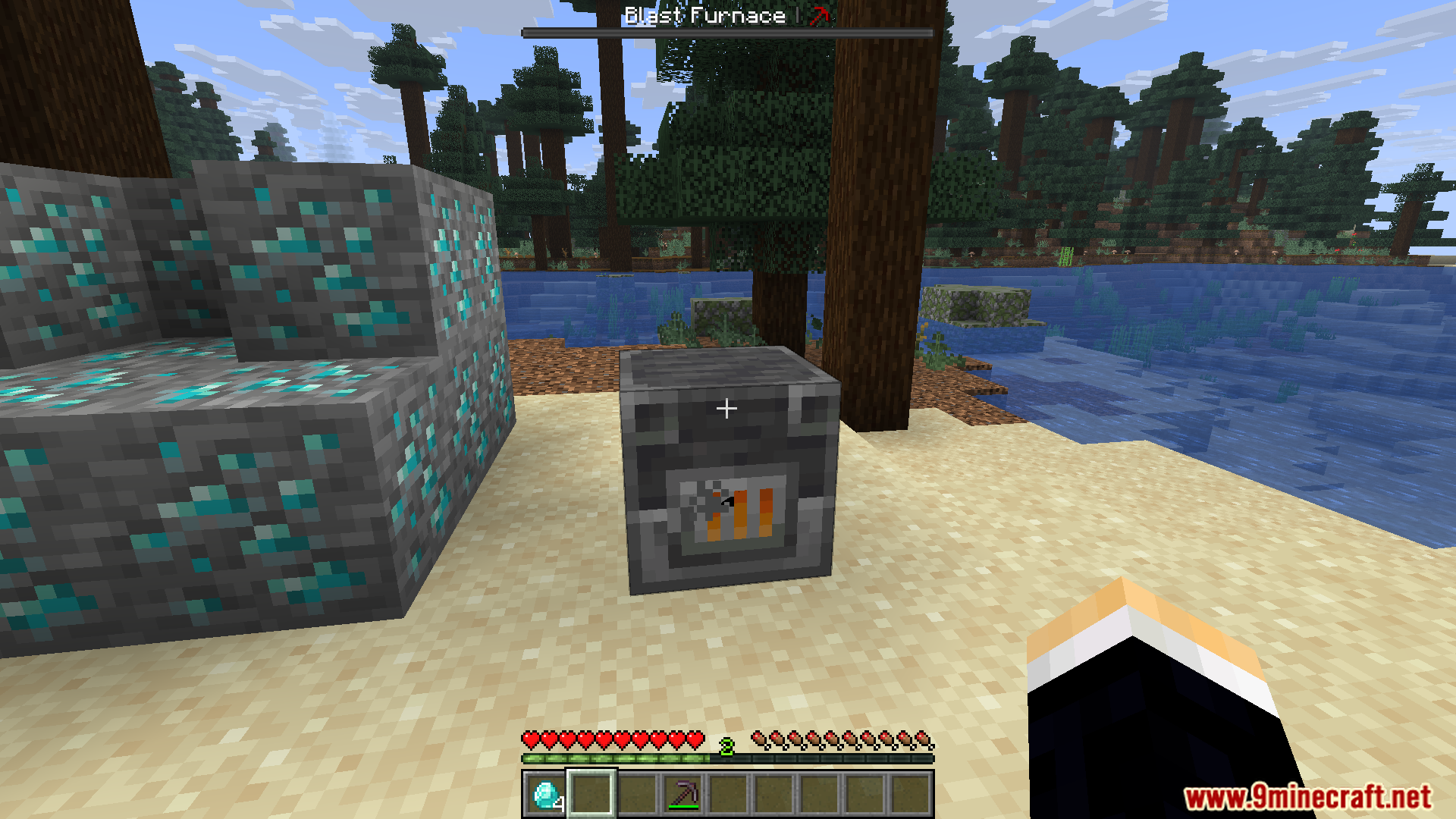
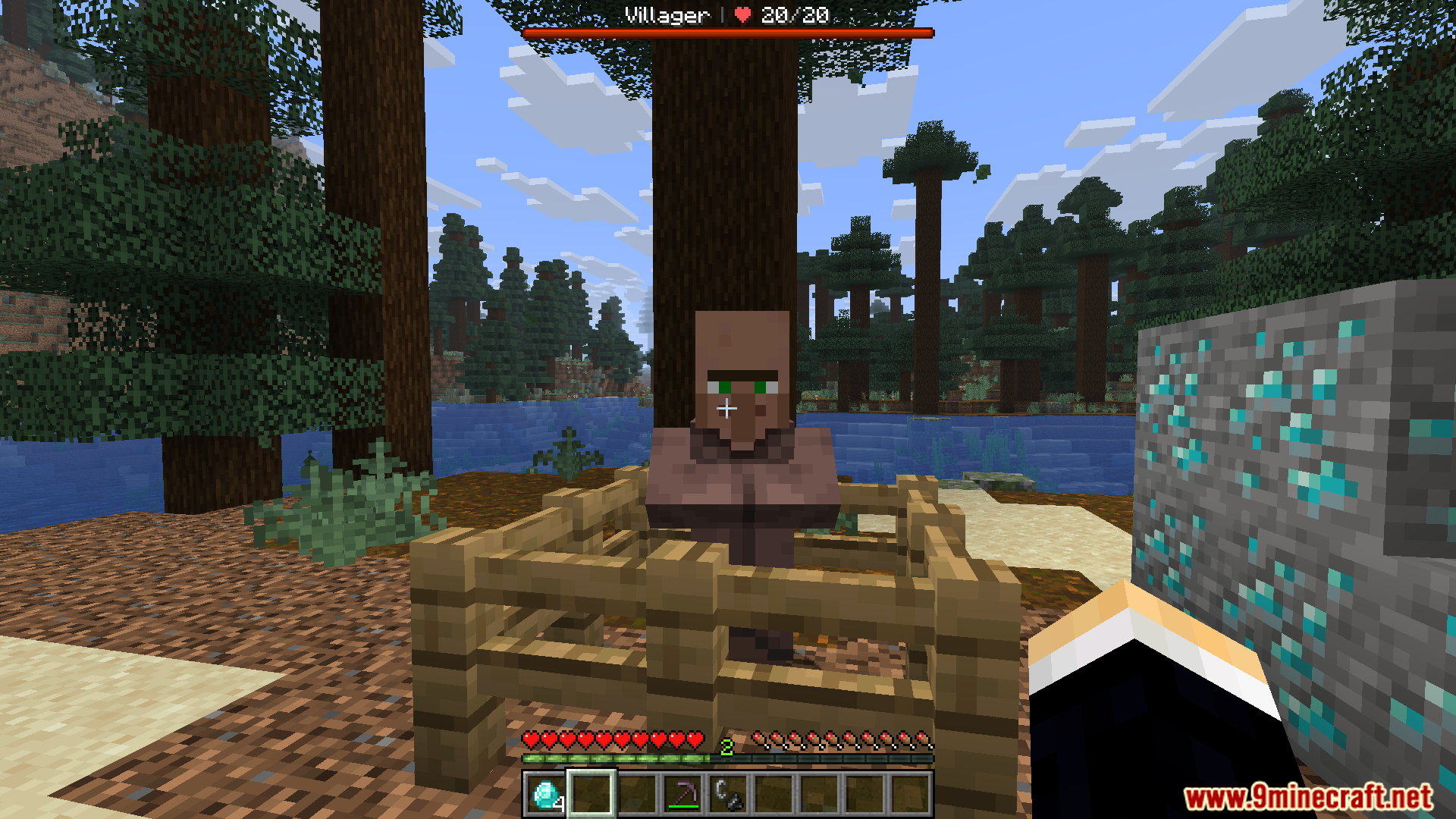
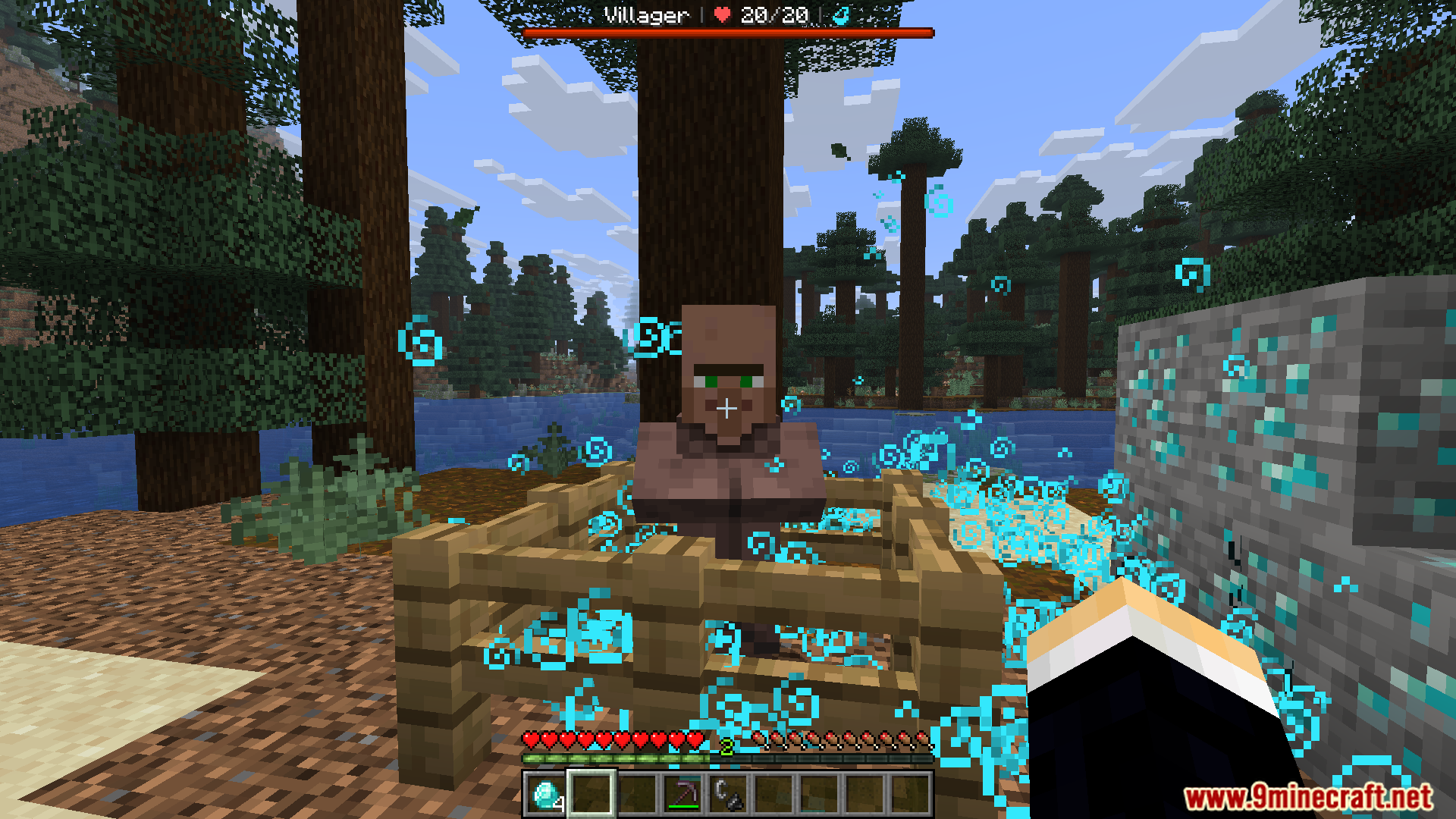
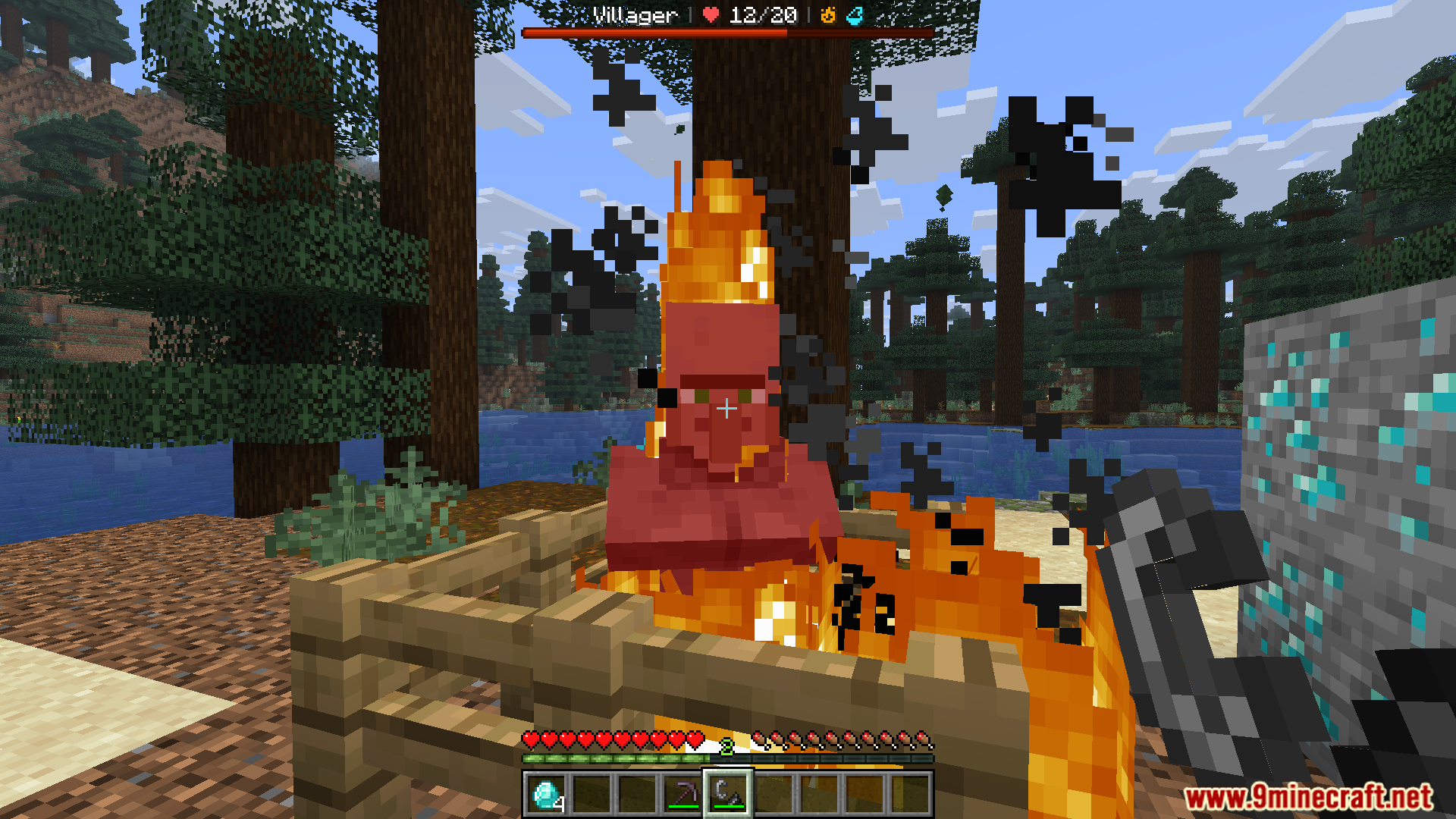
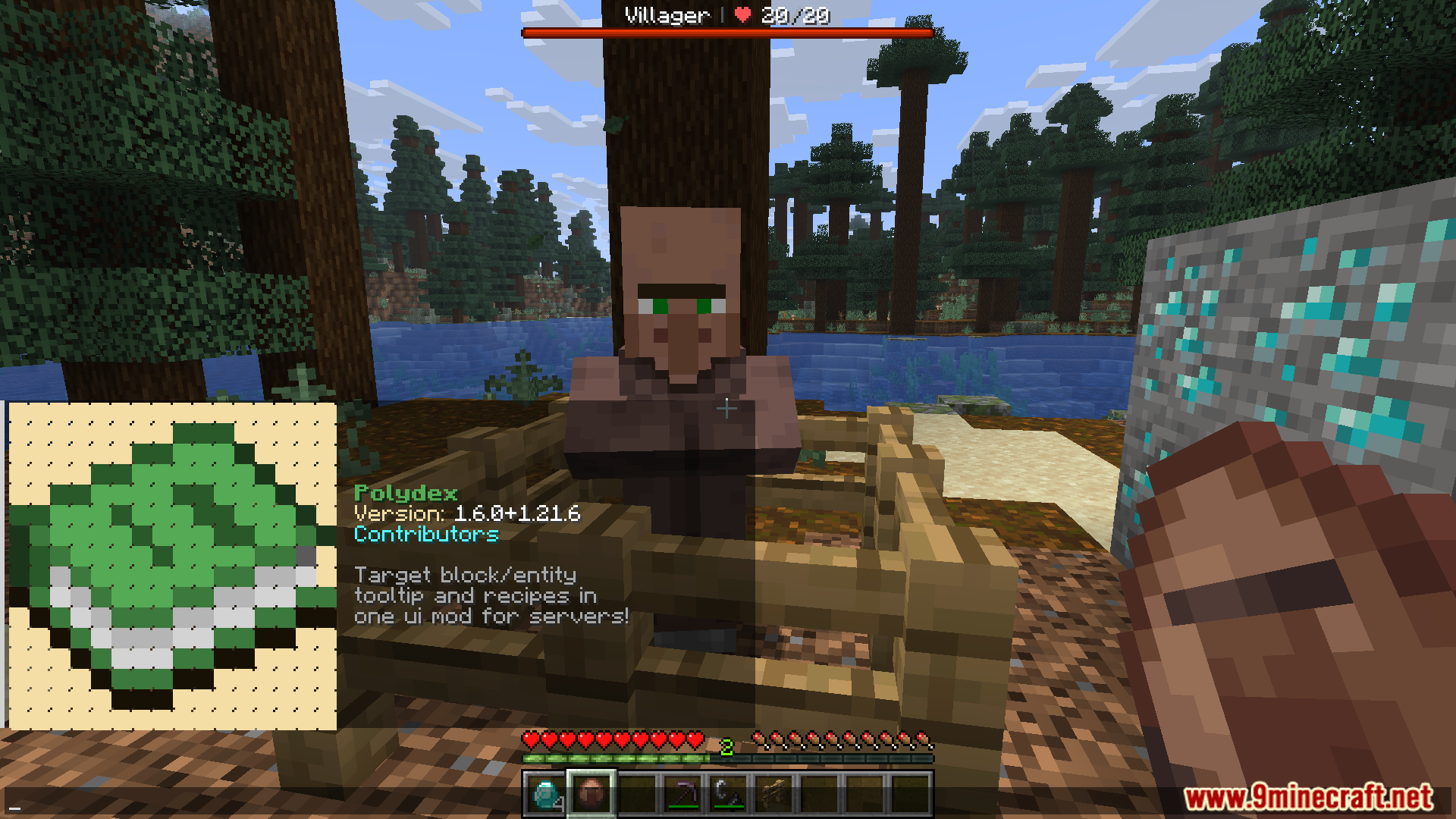
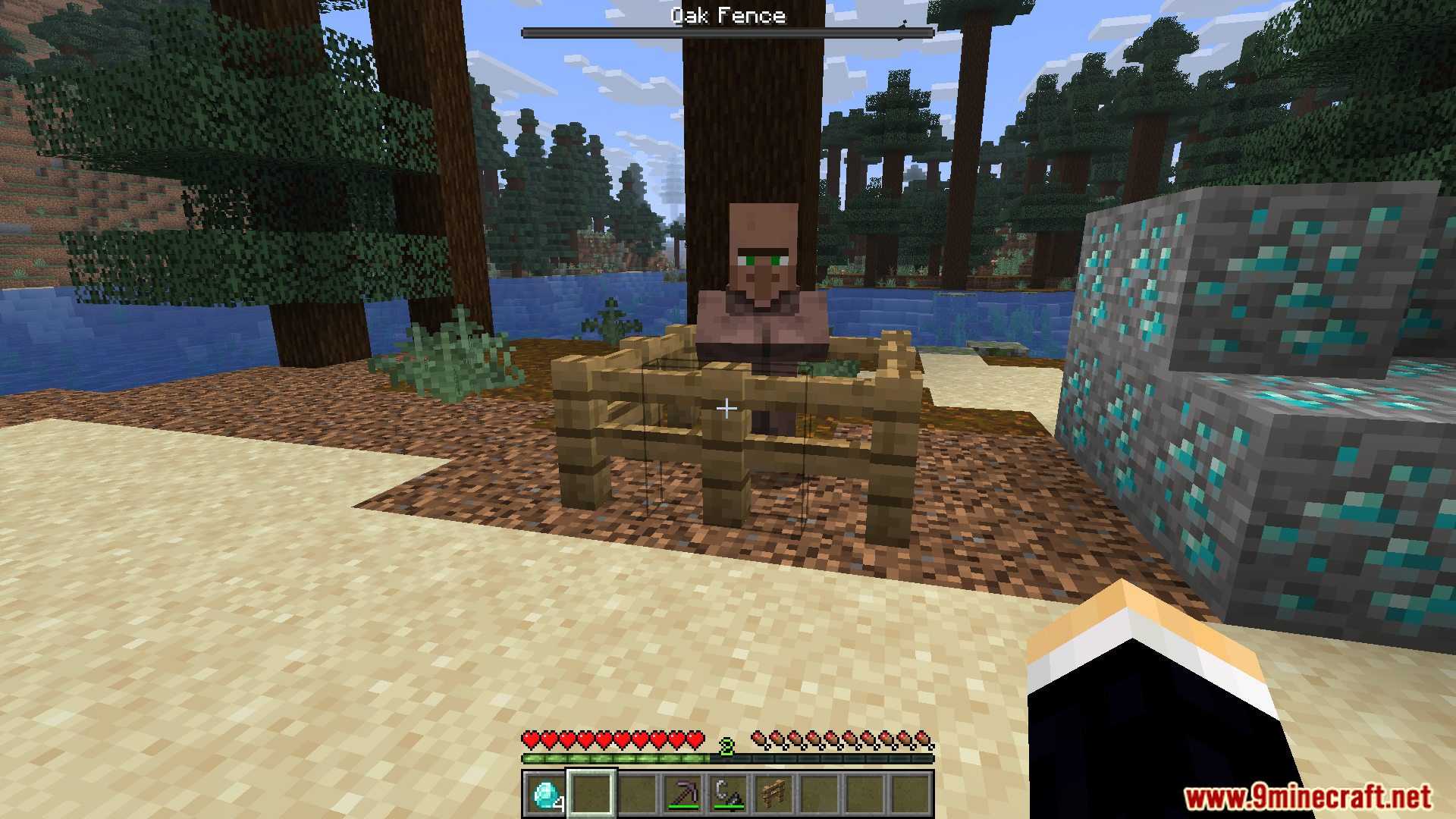
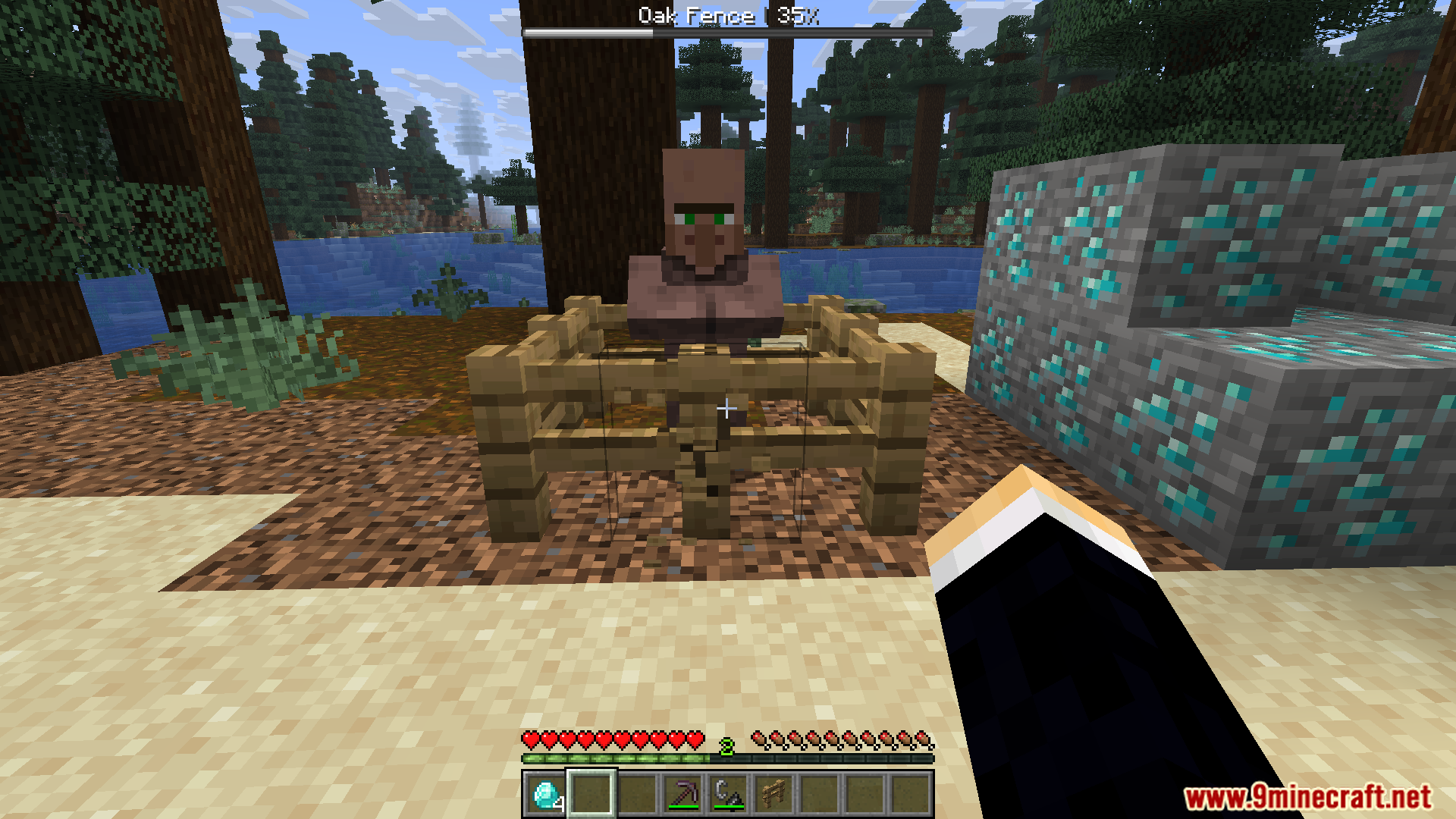
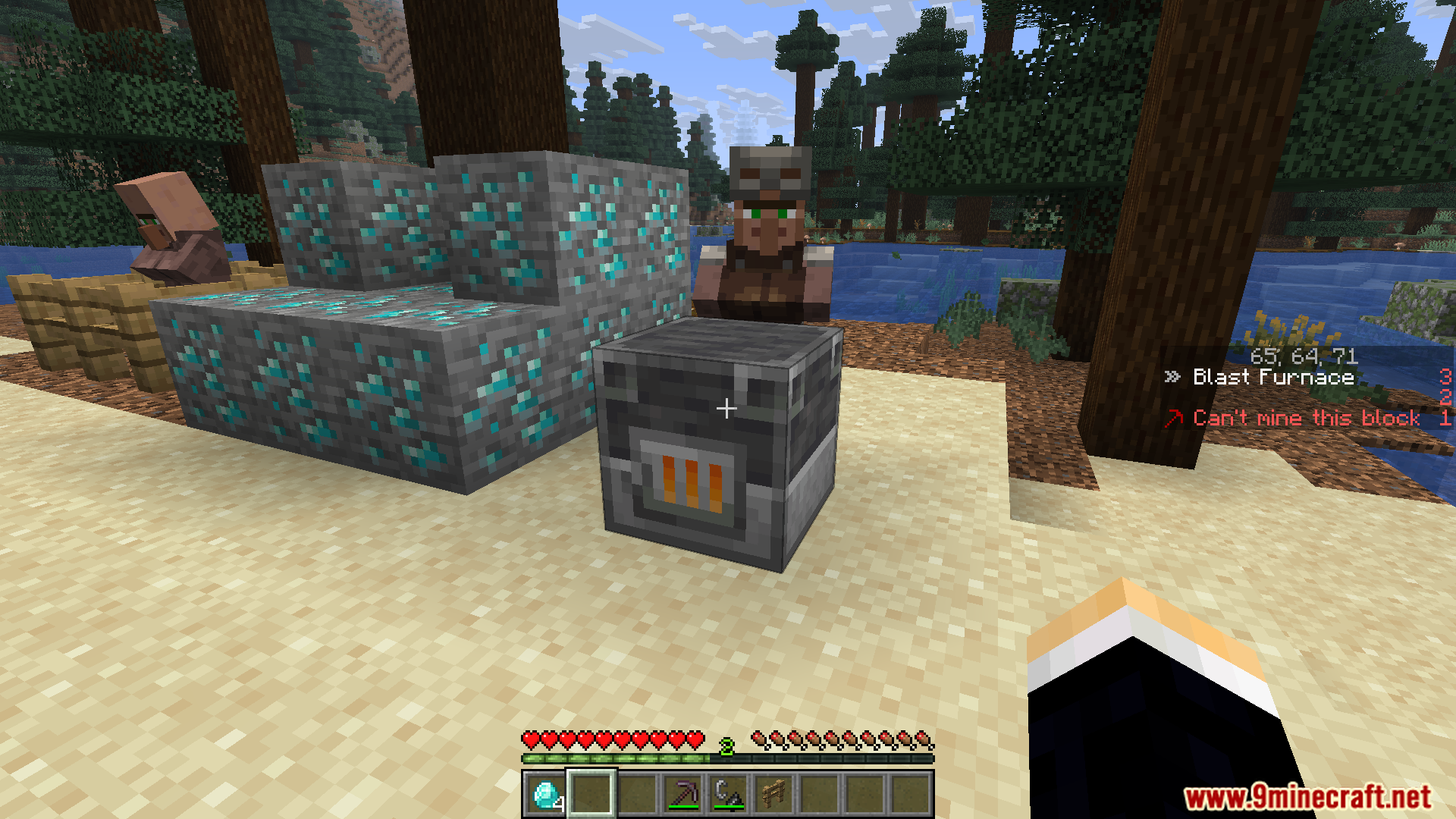
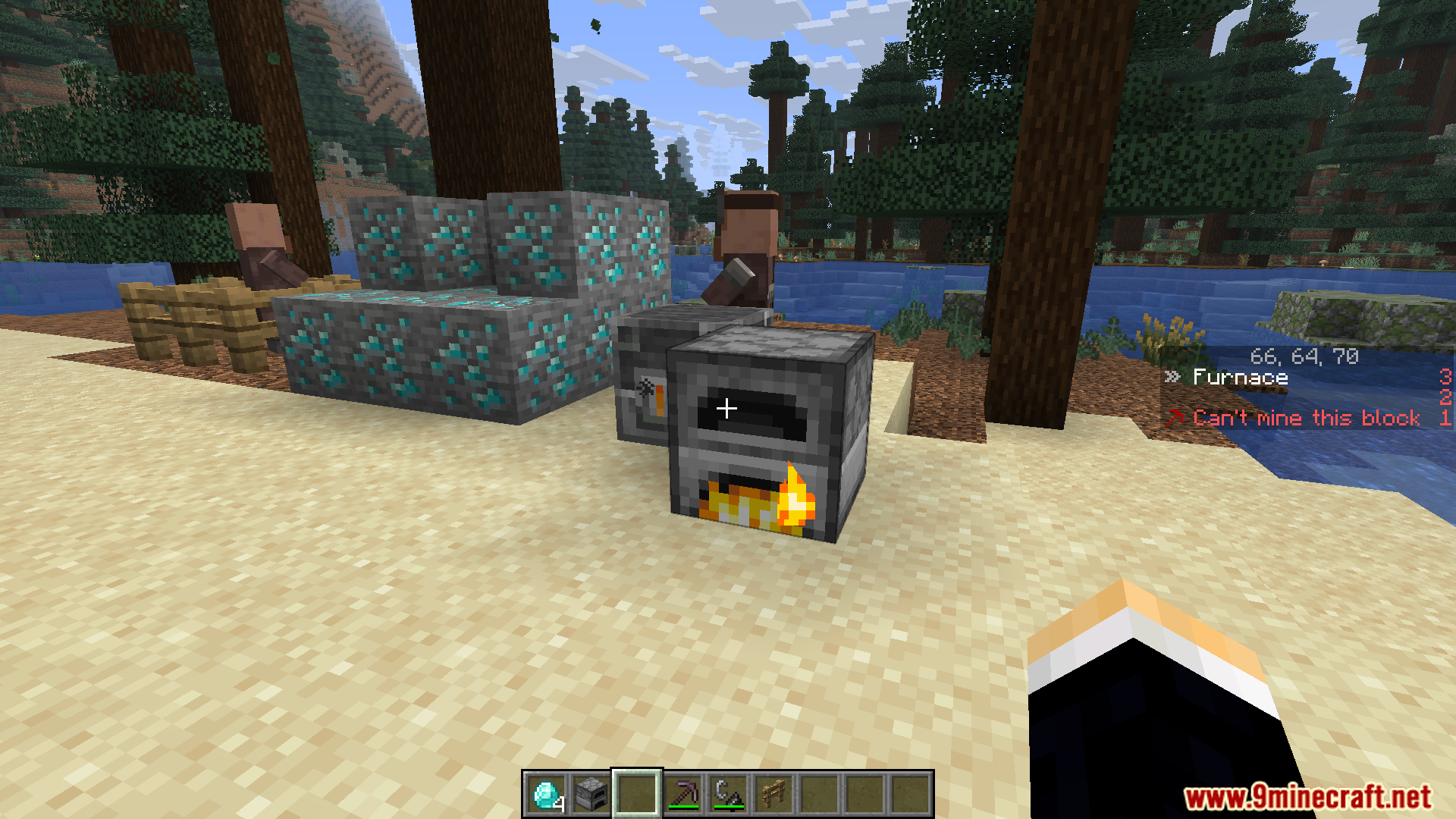
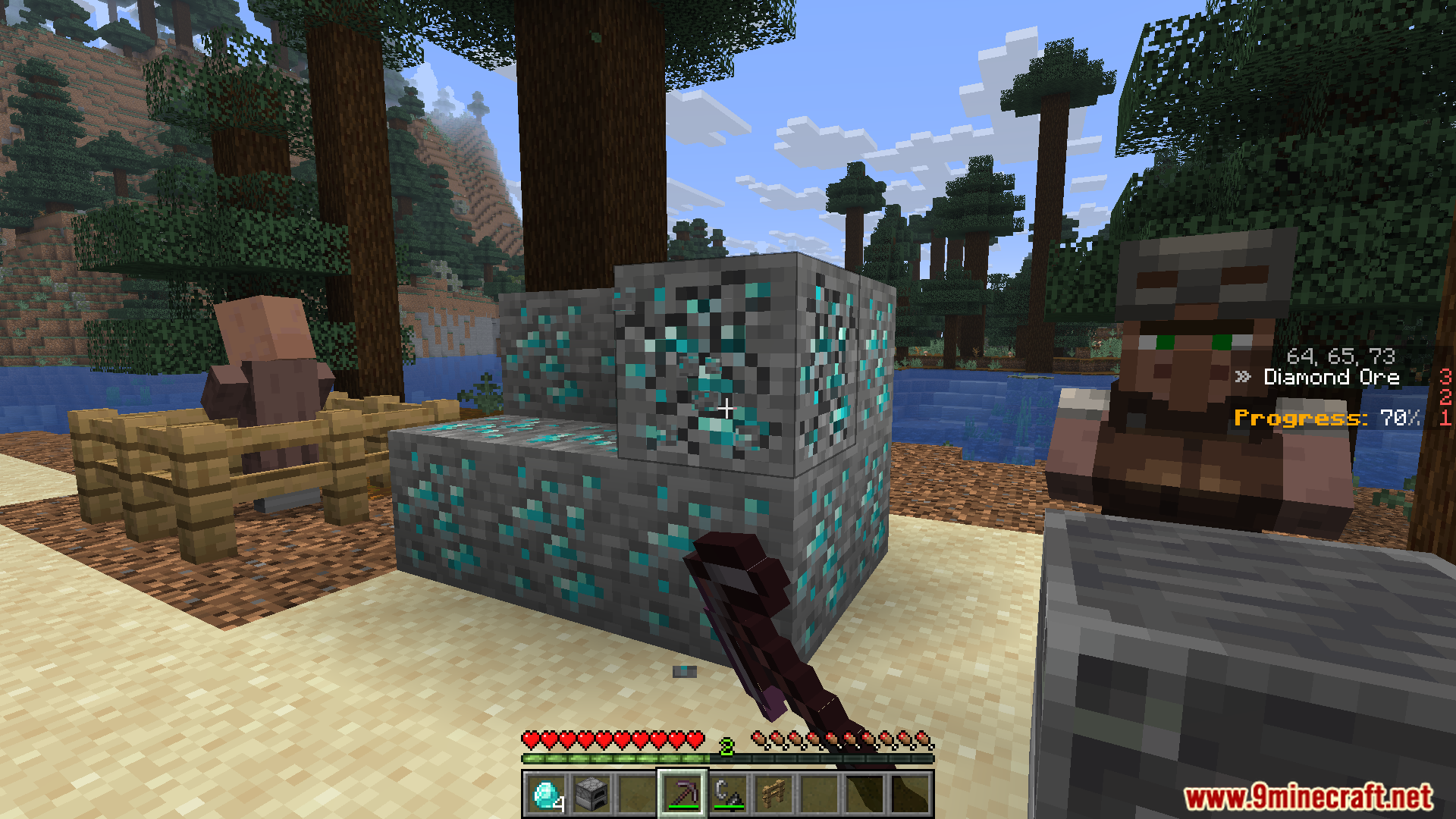
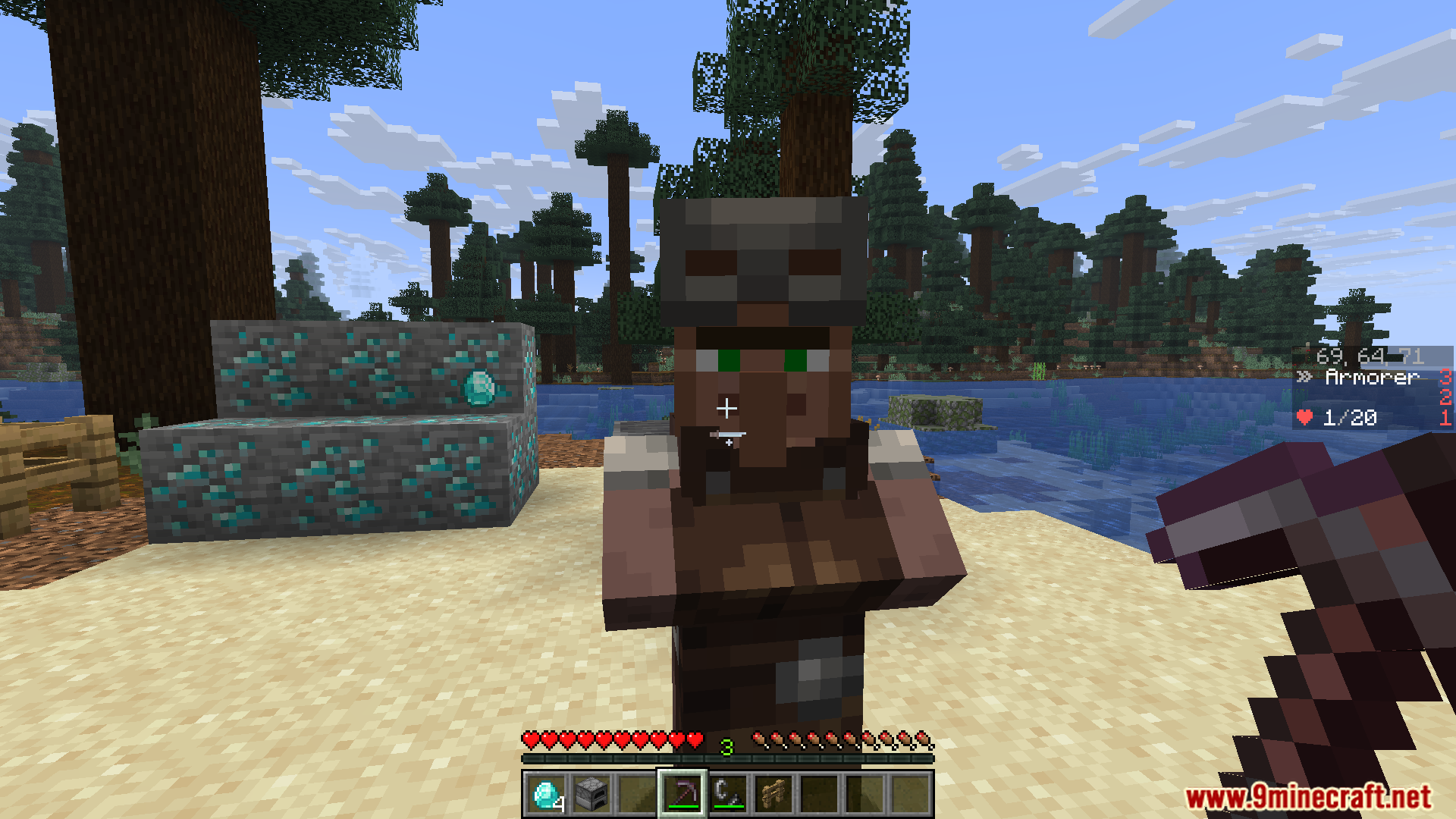
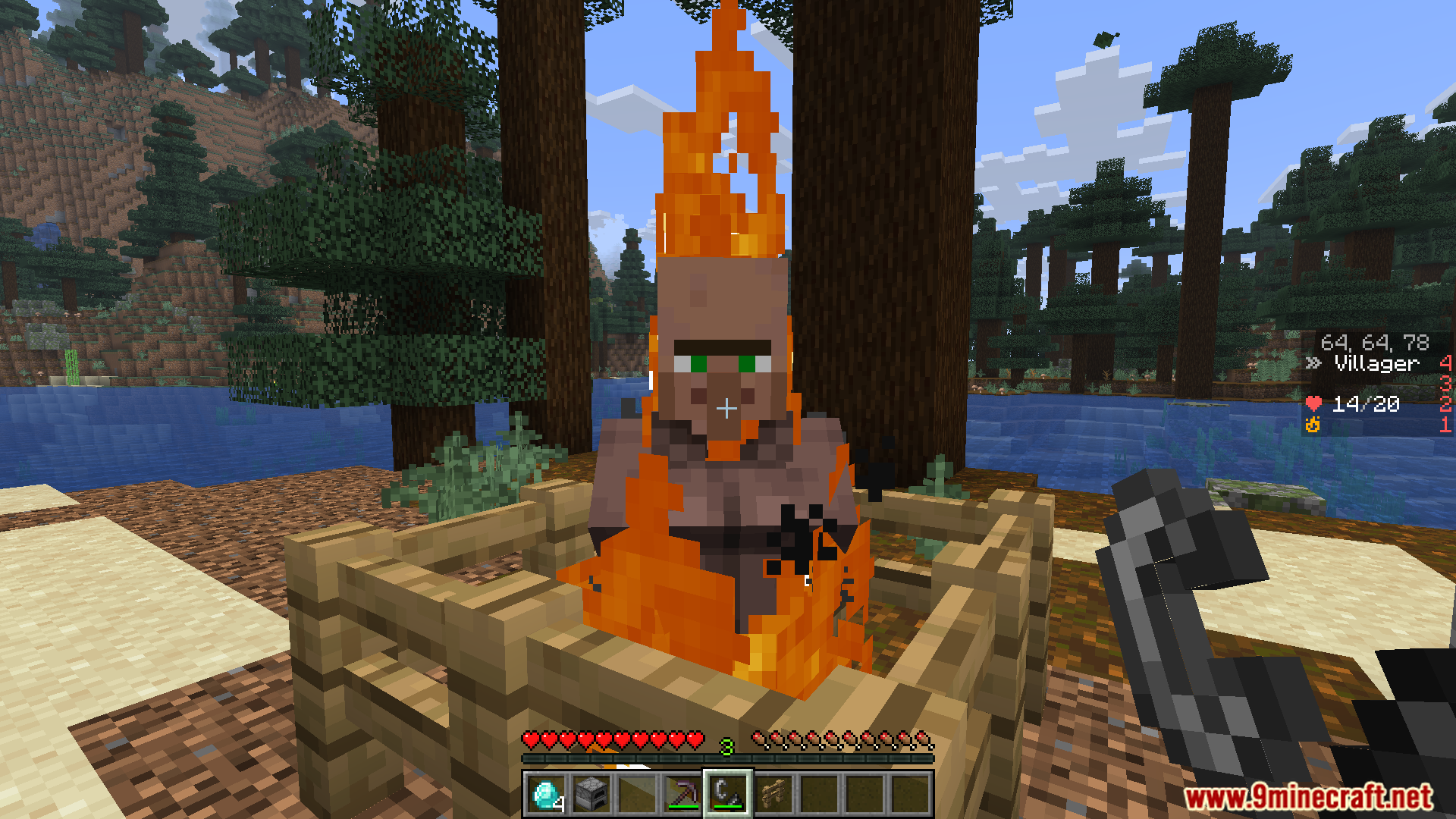
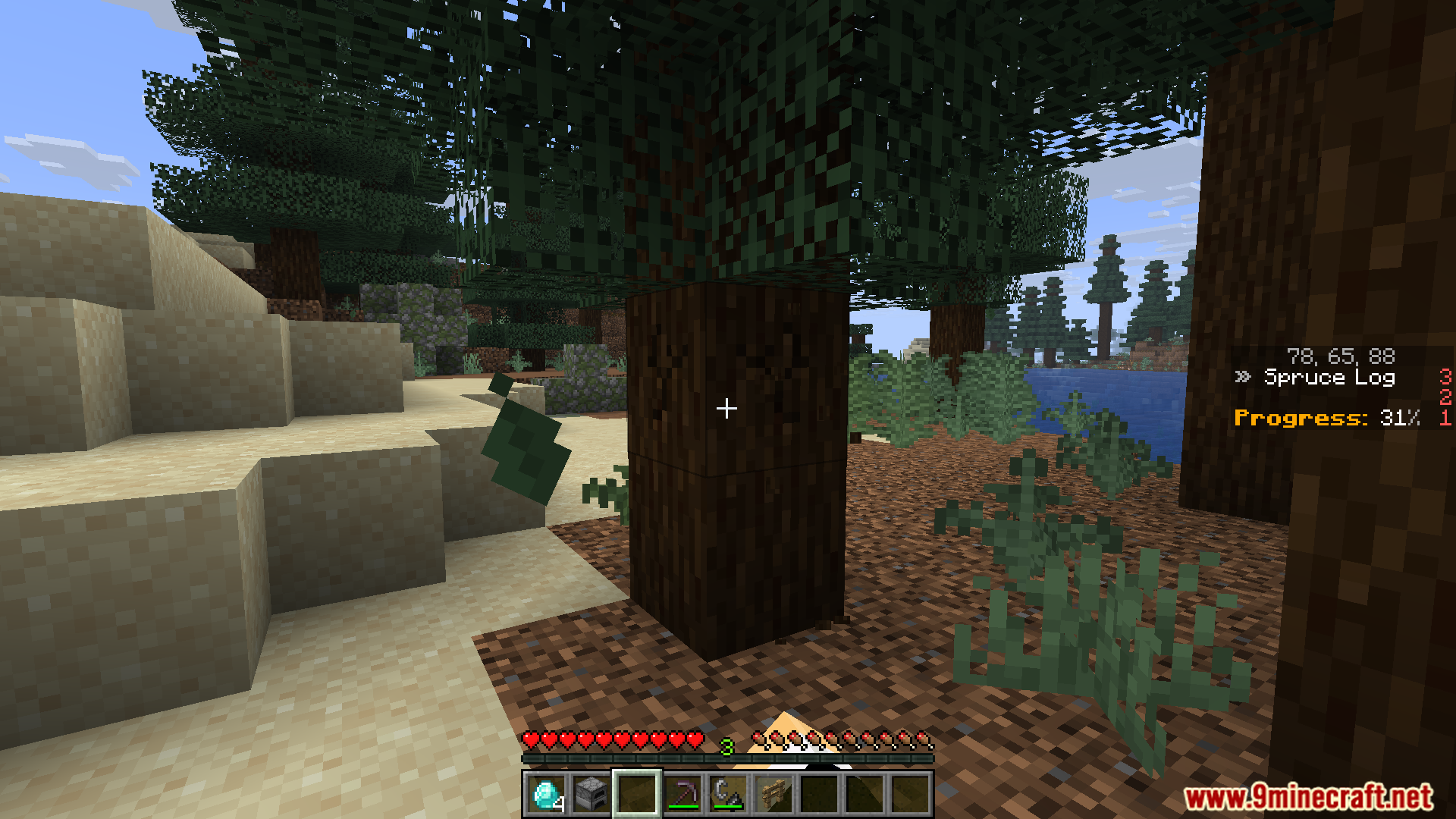
- Displays hover tooltips for blocks and entities in a bossbar or sidebar style.
- Lets you view crafting recipes using a simple chest-style graphical user interface.
- Works smoothly with Polymer-based servers and vanilla-friendly setups.
- Provides full configuration options for style, visibility, and data preferences.
- Includes compatibility with EMI, JEI, and other recipe-viewing mods through an addon called Polydex Bridge.
- Bundles an application programming interface so other mods can integrate easily.
Commands:
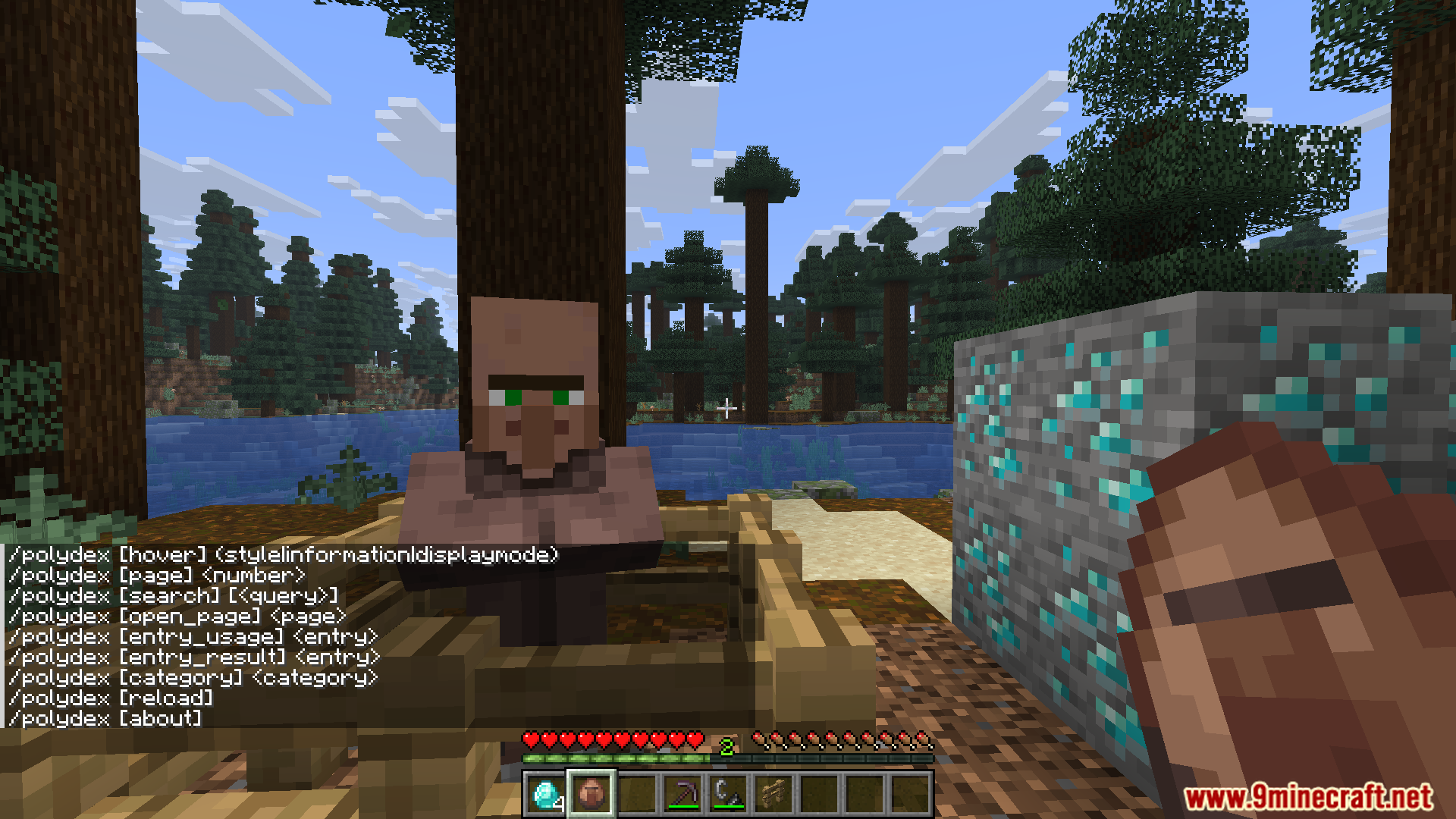
/polydex: adjusts style, visibility, and data settings in the game.
How to Use:
- Join a vanilla-compatible multiplayer server running Polymer or PolyMC.
- Look directly at any block or mob in the world to see its tooltip information appear as a sidebar or bossbar.
- Open the chest-style interface to check crafting recipes for items.
- Install Polydex Bridge if you want to connect recipe viewing with EMI or similar mods.
Screenshots:
How to Install:
New to Minecraft? Follow our step-by-step guide to install Mods on your PC.View Guide


Polydex Mod Download Links
For Minecraft 26.3
For Minecraft 26.2
For Minecraft 26.1.2, 26.1.1, 26.1
For Minecraft 1.21.11
For Minecraft 1.21.10, 1.21.9
For Minecraft 1.21.8, 1.21.7, 1.21.6
For Minecraft 1.21.5
For Minecraft 1.21.4
For Minecraft 1.21.3, 1.21.2
For Minecraft 1.21.1, 1.21
For Minecraft 1.20.4, 1.20.3
For Minecraft 1.20.2
For Minecraft 1.20.1
For Minecraft 1.19.4
For Minecraft 1.19.3
For Minecraft 1.19.2, 1.19.1, 1.19
For Minecraft 1.18.2
Click to rate this post!
[Total: 2 Average: 5]
QUICK MINECRAFT SURVEY · ONE TAP
Mods & Modpacks
How do you handle updating your mods when a new Minecraft version drops?
9 responses · See the full results →
You May Also Like
Picked for this page
 Elytra Chestplate Swapper Mod (26.3, 1.20.1) – Functionality to Keystroke
 Additional Lanterns Mod (26.3, 1.20.1) – Lamps Made from New Materials
 Very Many Players Mod (26.3, 1.20.1) – Improve Server Performance
 Eldritch Mobs Mod (1.21.11, 1.20.1) – Mobs More Dangerous, Exciting
 Ping Mod (26.1.2, 1.20.1) – Notifying Other Players
 Searchables Mod (26.3, 1.20.1) – Find Any Item in Modpacks
 MineMenu Mod (26.1.2, 1.20.1) – Make Your Life Easier
 Respackopts Mod (26.3, 1.20.1) – Config Menus for Resource Packs
 Client Maps Mod (26.3, 1.20.1) – Stores Map Data On Client Side
 Improved Grindstone Mod (26.1.2, 1.20.1) – Enhanced Enchantment Management
 Sheep Squeak Mod (26.1.2, 1.20.1) – A Playful Sheep Interaction
 Tactical Shield Overhaul Mod (26.3, 1.20.1) – Unique Shield Stats
Most viewed in Mods over the last 7 days
 Ala Industrial Mod (26.3) – Run Electric Power Grids and Automated Factories
 PleasureCraft Mod (26.3, 1.21.1) – Jenny Mod Remake for Fabric
 Jennycraft Mod (26.3, 1.20.1) – Virtual Girlfriend in Minecraft
 Fapcraft Mod (26.3, 1.12.2) – Comprehensive and Detailed Content
 Jenny Mod (Fapcraft) Official Complete Guide – How to use, Tutorial
 BangCraft Mod (1.20.1) – Jenny, Ellie and Elliot
 Fabric Loader (26.3, 1.20.1) – Fabric Installer for All Minecraft Versions
 Meteor Client Mod (26.3, 1.20.1) – Xray, HUD, Fly
 The Shooting Star Demo Mod (26.3, 1.20.1) – Vaporize Terrain From Orbit
 OptiFine HD (26.3, 1.20.1) – Run Faster, FPS Boost, Shaders Support
 Aristois Client Mod (1.21.4, 1.20.1) – World Class Minecraft Utility
 SchnurriTV Mod (1.12.2) – Characters and Features
More from Mods
 Legacy Wavey Capes Mod (1.8.9) – Watch Your Cape Flow Naturally While Sprinting
 Warrior Cats Events Mod (1.21.1, 1.20.1) – Live As a Wild Clan Cat
 Apex Enchantment Freedom Mod (26.3) – Stack Conflicting Enchantments
 Tensura GUI Mod (1.21.1) – Track Your Fantasy Skills and Race Evolutions
 Remnants Roguelite Dungeons Mod (26.3, 1.20.1) – Risk It All in Procedural
 Lib Lib Lib Mod (26.3, 1.20.1) – Keep Your Favorite Modpacks Running Smooth
 Cinematic Interactions Mod (26.3, 1.20.1) – Watch Your Hands Work
 Macro Keybinds Mod (26.3, 1.20.1) – Macro Creation, Keybind Execution
 Better Enchantment Bookshelf Placement Mod (26.3, 1.20.1)
 RFTools Builder Mod (26.3, 1.20.1) – The Builder, Powerful Machine
 Block & Board Mod (26.3, 1.20.1) – Play Classic Tabletop Games with Friends
 Hammers 3×3 Mod (1.21.8, 1.20.1) – Carve Caves with One Swing

This post has no comments yet. Be the first — your comment will appear here.