
Timer Mod (1.21.8, 1.20.1) – Track Speedruns Accurately
 1,701
 0


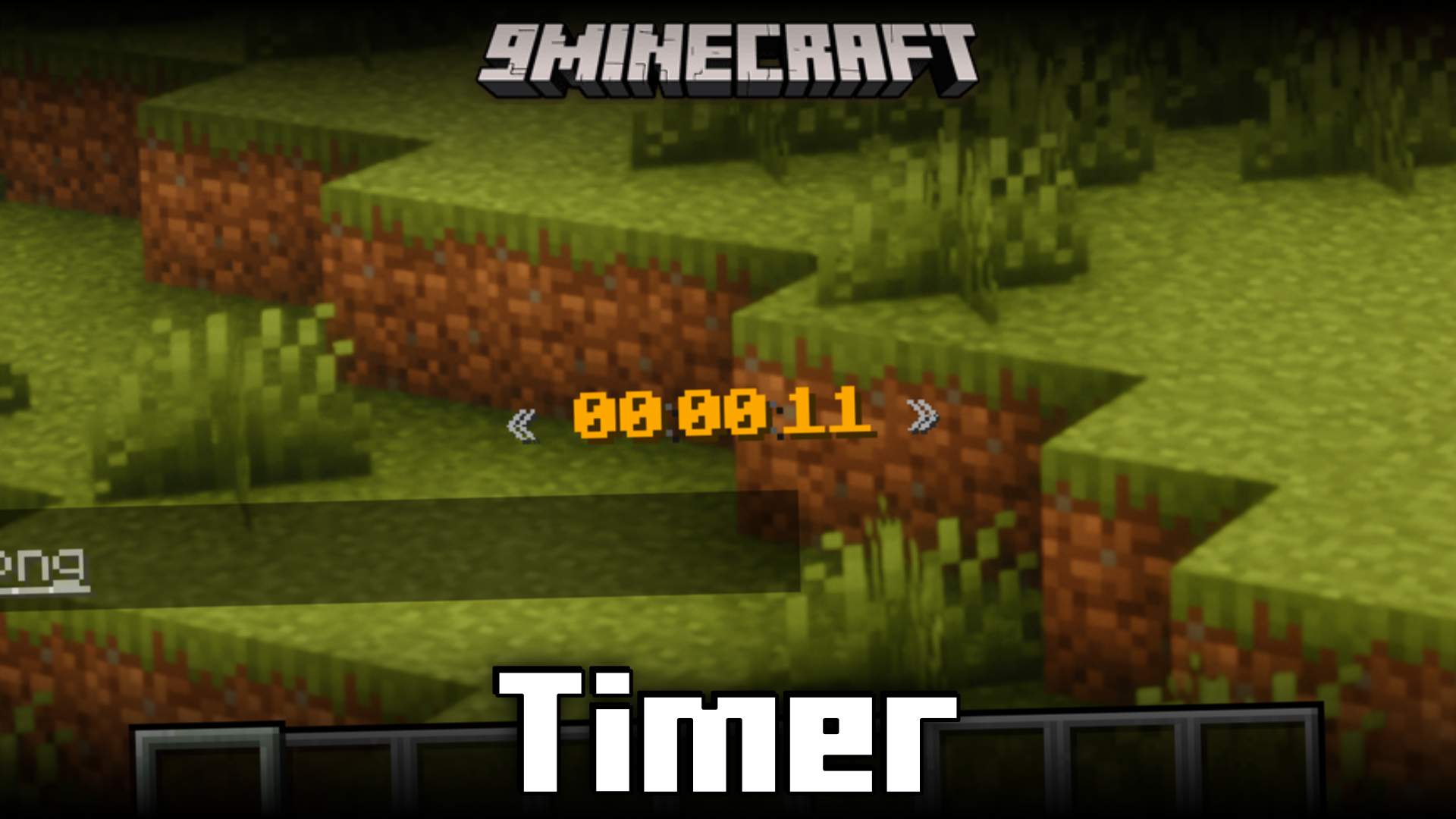
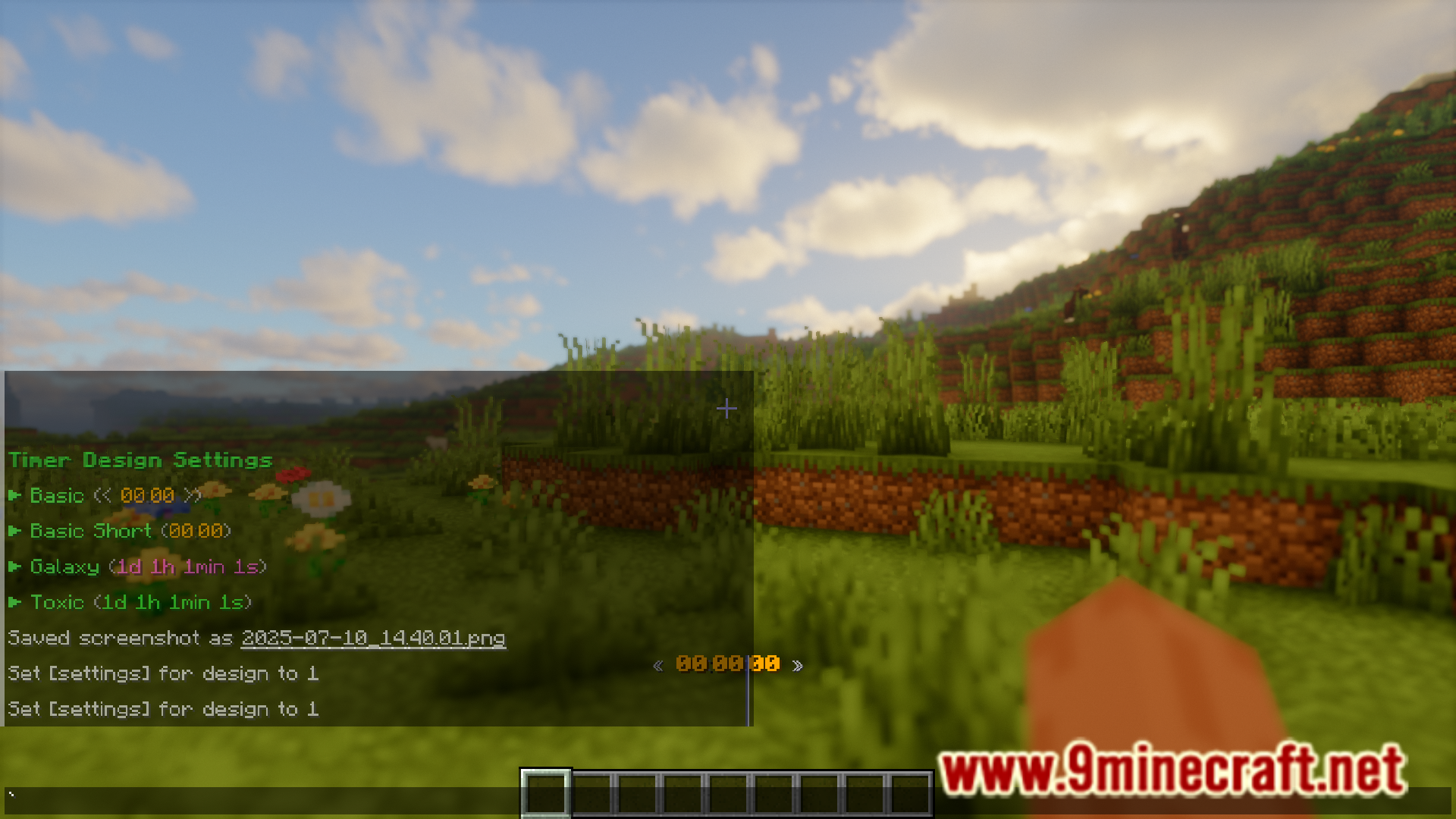
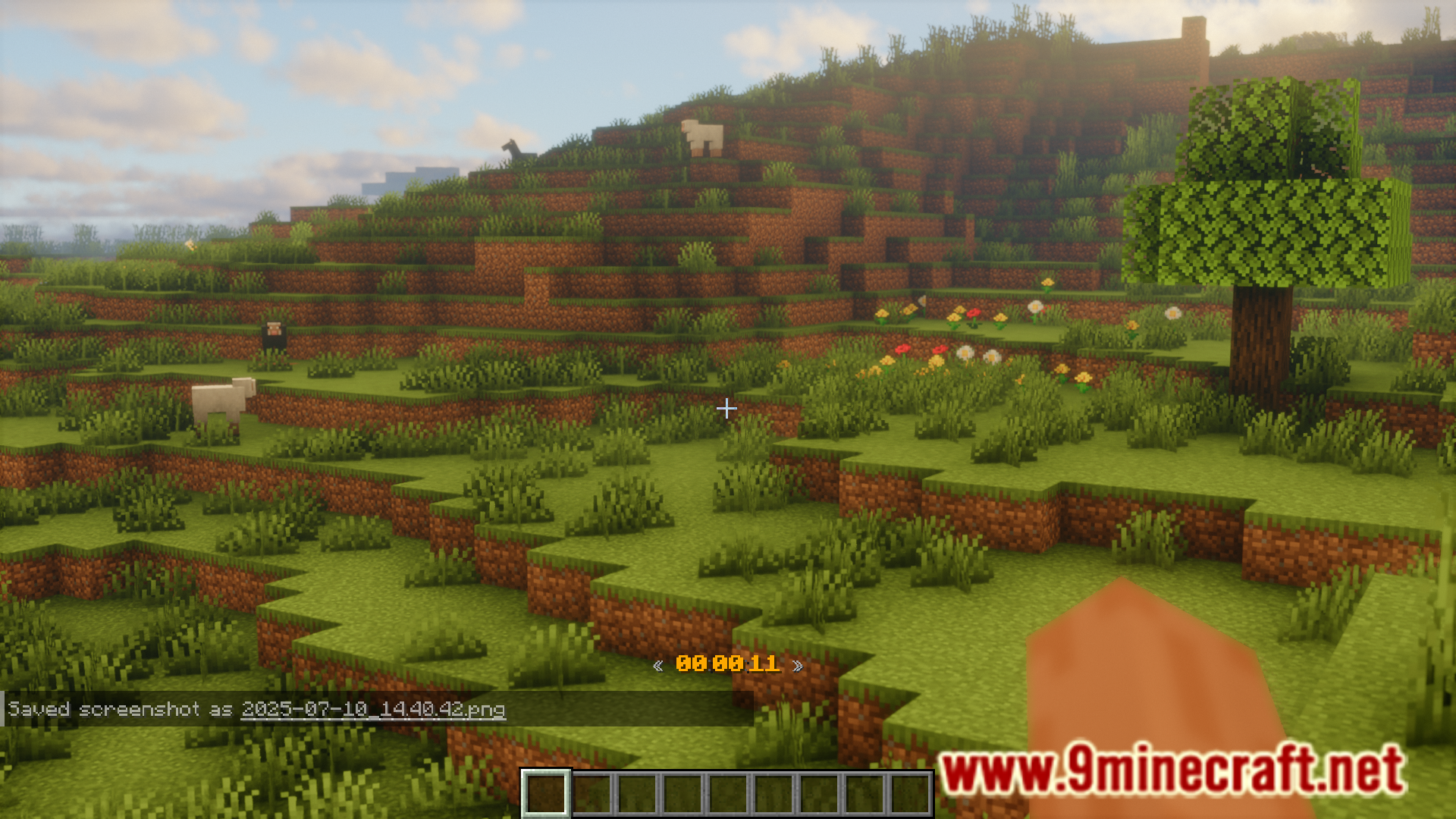
Timer Mod adds a customizable timer overlay to your game screen just above the hotbar. It lets you track time or pause gameplay completely for single player worlds. You can pick different timer designs and change rules like freezing movement or adding blindness when the timer stops.
Features:
- Adds a clear timer overlay directly above the hotbar on your HUD.
- Includes multiple visual designs for the timer display.
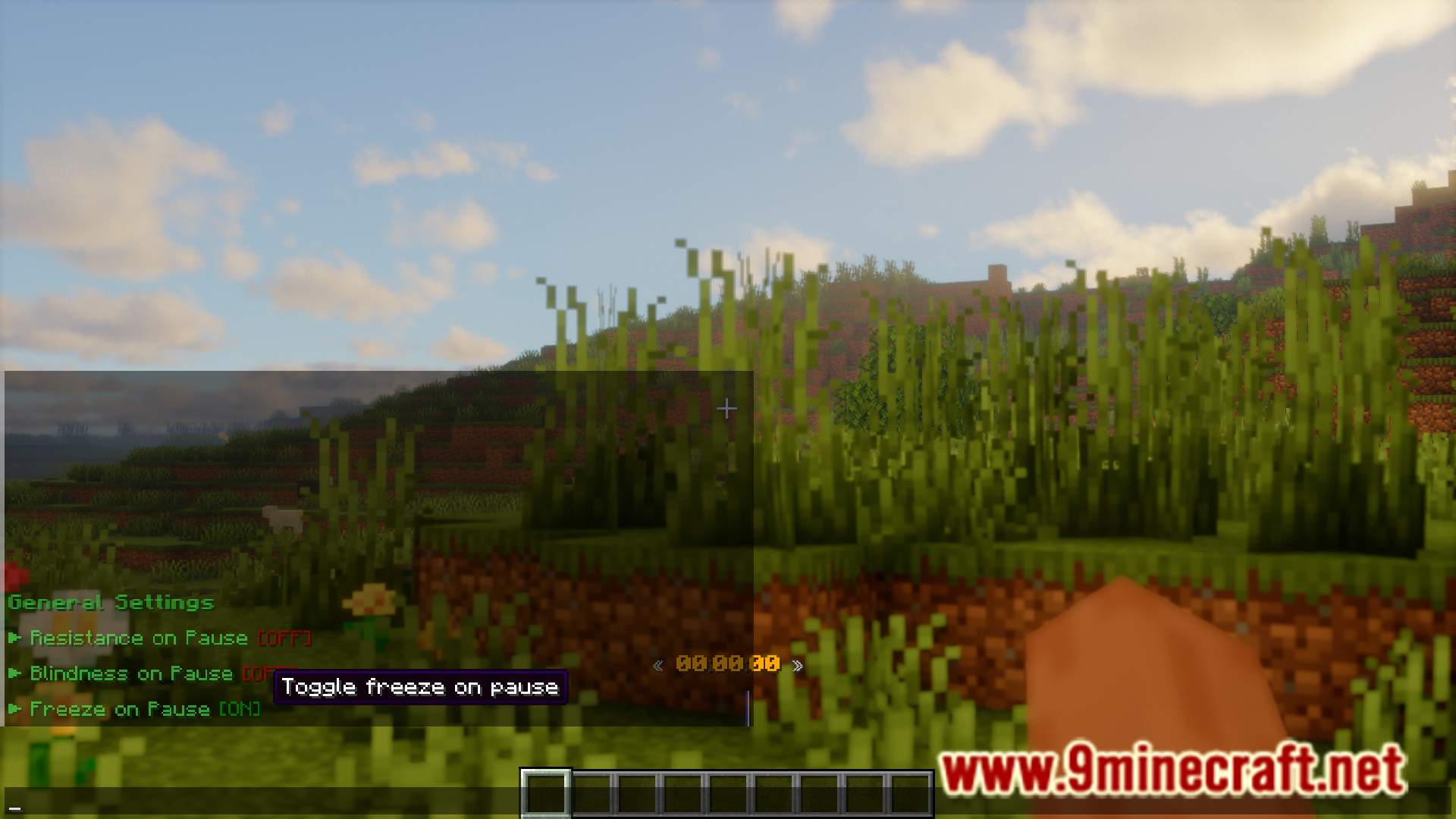
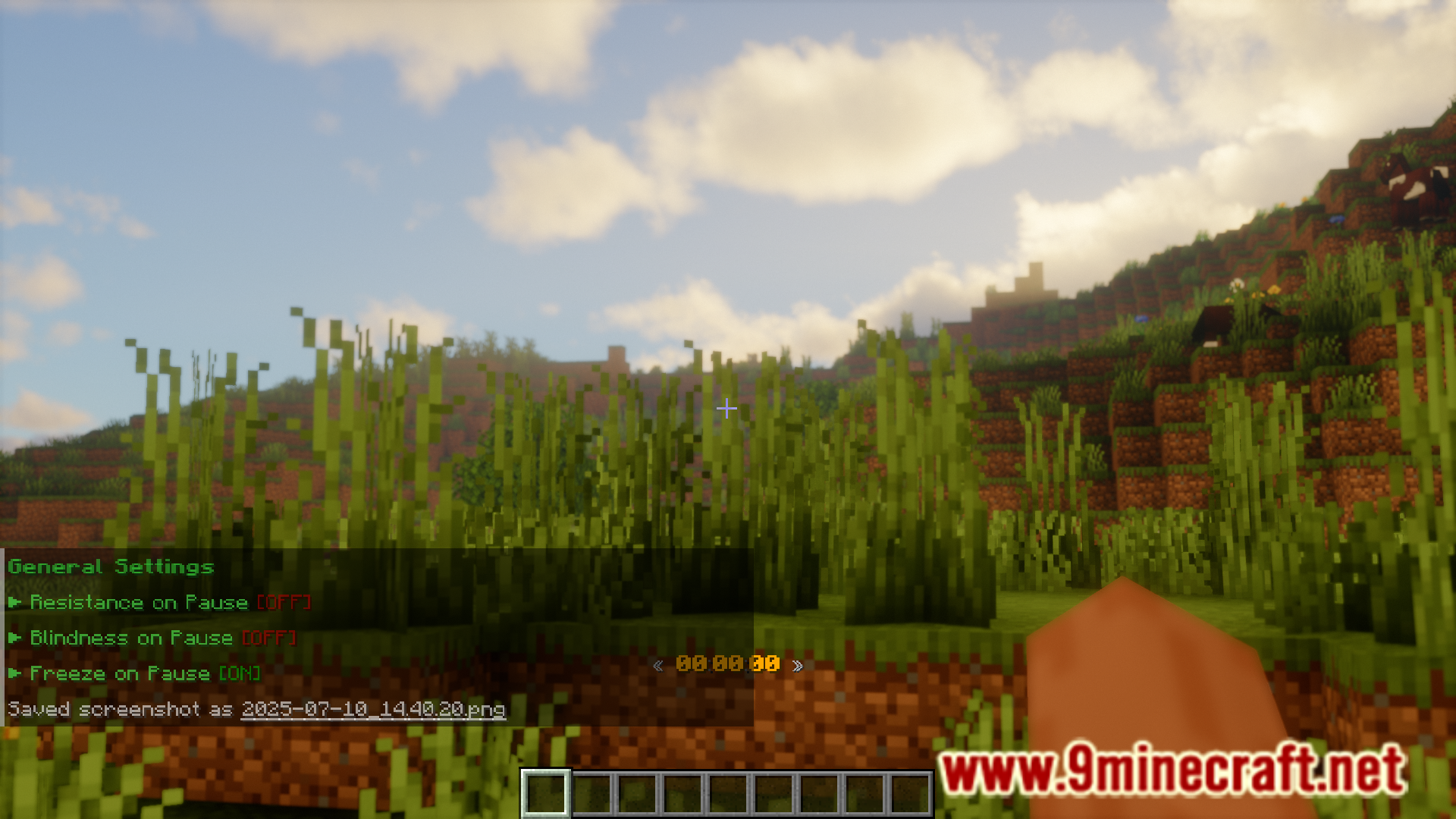
- Toggles player invulnerability automatically when you pause the timer.
- Applies blindness effects to players when the timer is paused.
- Freezes player movement completely while the timer is on pause.
Commands:
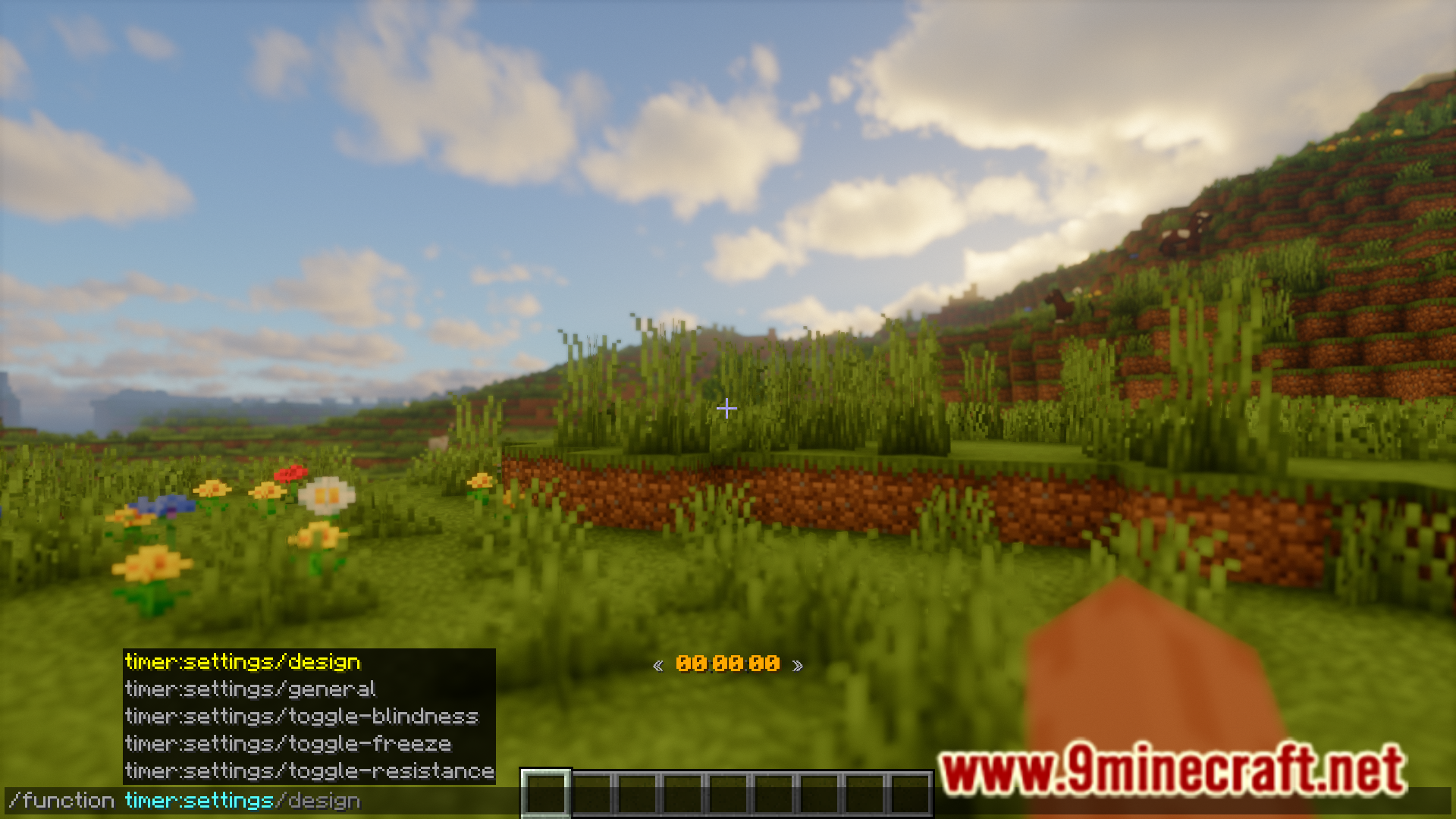
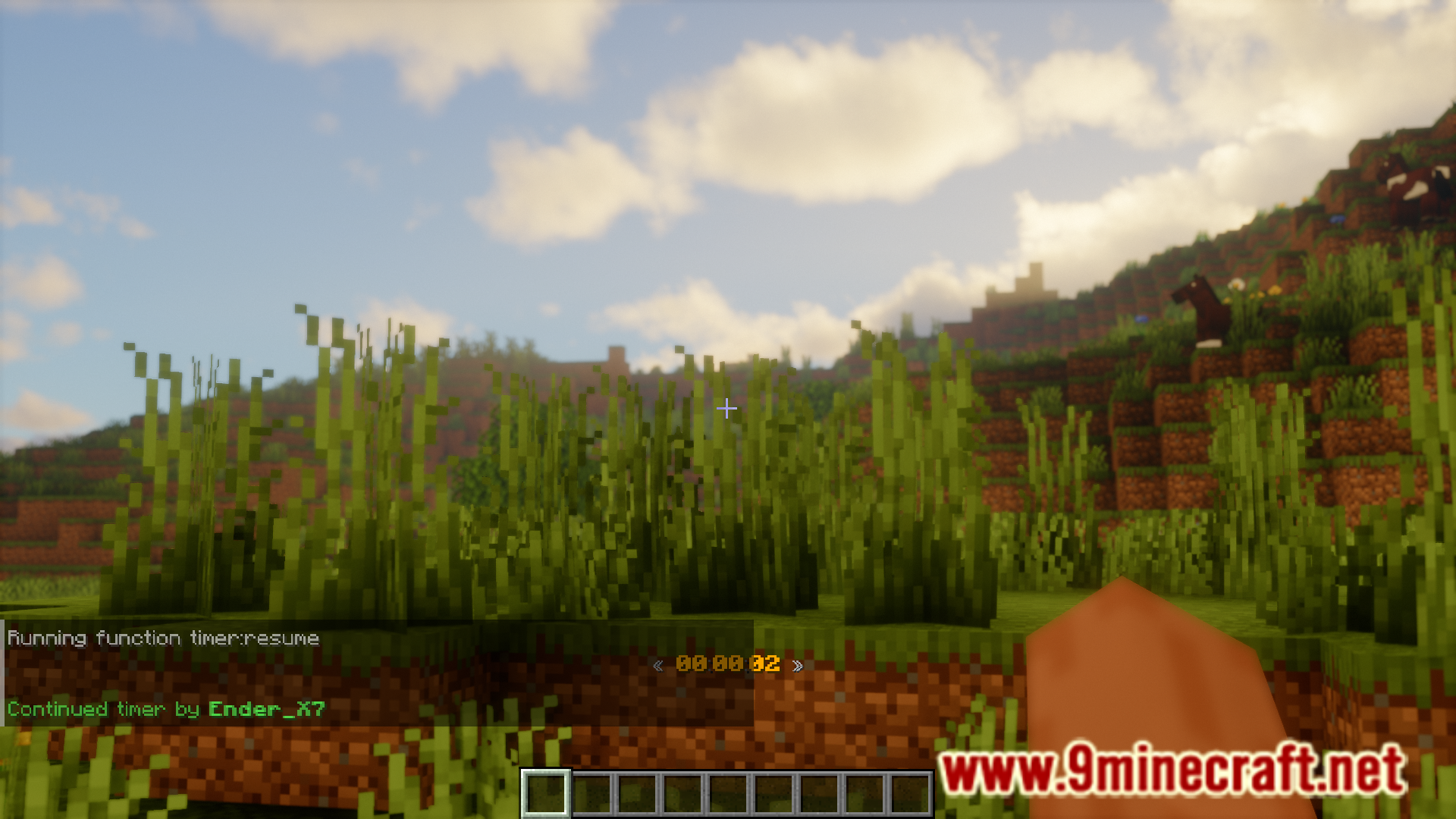
/function timer:resume: Resumes your timer./trigger resume: Resumes your timer without needing cheats enabled./function timer:pause: Pauses your timer./trigger pause: Pauses your timer without needing cheats enabled./function timer:reset: Resets the current time./function timer:help: Displays a list of all available commands./trigger help: Displays the command list without needing cheats enabled./function timer:settings: Customize your timer design and rules.
How to Use:
- Install the data pack into your single player world.
- Look at the HUD above your hotbar to see the timer overlay.
- Type the command in chat to pause, resume, or reset the timer.
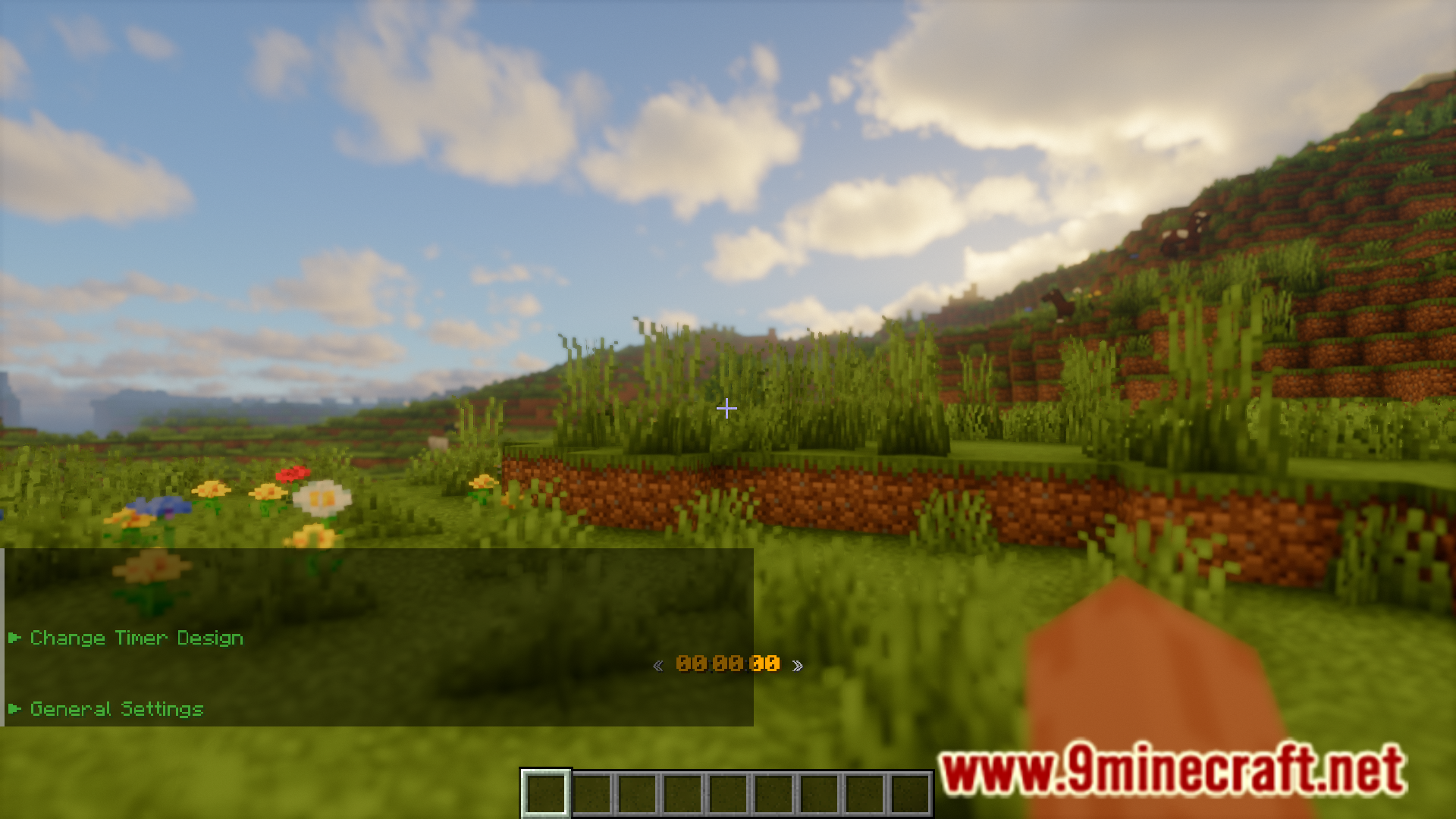
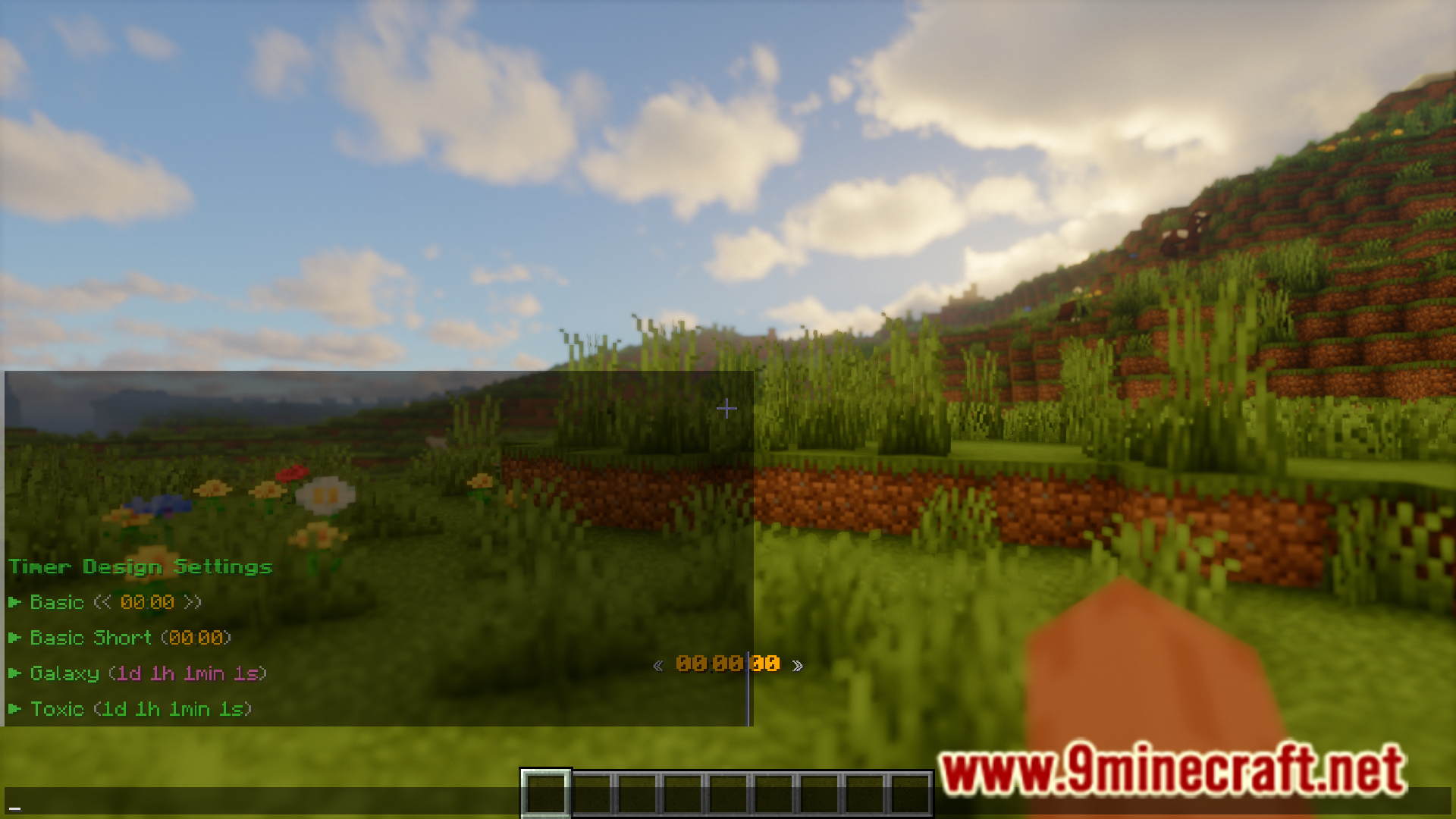
- Open the settings menu to change timer designs or toggle pause rules.
Screenshots:
How to Install:
New to Minecraft? Follow our step-by-step guide to install Mods on your PC.View Guide
Timer Mod Download Links
For Minecraft 1.21.8, 1.21.7, 1.21.6, 1.21.5
Forge/NeoForge/Fabric/Quilt version: Download from Server 1 – Download from Server 2
For Minecraft 1.21.4
Forge/NeoForge/Fabric/Quilt version: Download from Server 1 – Download from Server 2
For Minecraft 1.21.3, 1.21.2, 1.21.1
Forge/Fabric/Quilt version: Download from Server 1 – Download from Server 2
For All Versions from Minecraft 1.16.5 to Minecraft 1.20.6
Forge/Fabric/Quilt version: Download from Server 1 – Download from Server 2
You May Also Like
Picked for this page
 Eyes in the Darkness Mod (26.2, 1.20.1) – A Spooky Mod
 Name Tag Tweaks Mod (26.3, 1.20.1) – Craftable & Retrievable NameTag
 Sit Mod (26.3, 1.20.1) – Make Your Base Feel Lived-In
 Health Levels Mod (26.2, 1.20.1) – Maximizing Experience Gains
 Advanced Shulkerboxes Mod (26.2, 1.20.1) – Improved Function of Shulker Box
 Entangled Mod (26.3, 1.20.1) – Link Blocks Across Worlds
 Crosshair Tweaks Mod (26.3, 1.20.1) – Tweak Crosshair Properties
 Mixin Conflict Helper Mod (26.2, 1.20.1) – User-friendly Errors for Mixin Conflicts
 Item Transform Helper Mod (26.3, 1.20.1) – Set Size & Location Of Items
 Snowmancy Mod (1.21.11, 1.20.1) – Your Snow Golem Companion
 Items Timer Mod (26.3, 1.20.1) – Displays Despawn Countdown Over Dropped Items
 Thorough Keybindings Mod (26.3, 1.20.1) – Full Control Customization
Most viewed in Mods over the last 7 days
 Ala Industrial Mod (26.3) – Run Electric Power Grids and Automated Factories
 PleasureCraft Mod (26.3, 1.21.1) – Jenny Mod Remake for Fabric
 Jennycraft Mod (26.3, 1.20.1) – Virtual Girlfriend in Minecraft
 Fapcraft Mod (26.3, 1.12.2) – Comprehensive and Detailed Content
 Jenny Mod (Fapcraft) Official Complete Guide – How to use, Tutorial
 BangCraft Mod (1.20.1) – Jenny, Ellie and Elliot
 Fabric Loader (26.3, 1.20.1) – Fabric Installer for All Minecraft Versions
 Meteor Client Mod (26.3, 1.20.1) – Xray, HUD, Fly
 The Shooting Star Demo Mod (26.3, 1.20.1) – Vaporize Terrain From Orbit
 OptiFine HD (26.3, 1.20.1) – Run Faster, FPS Boost, Shaders Support
 Aristois Client Mod (1.21.4, 1.20.1) – World Class Minecraft Utility
 Prestige Client Mod (1.21.11, 1.21.4) – Powerful Ghost Features for Crystal & Sword PvP
More from Mods
 Enhanced Overlay Mod (26.3, 1.21.11) – Remove Screen Clutter
 Flint Mod (1.21.11) – Run DiamondFire Community Addons Without Crashing
 Not Just Sandwich Mod (26.3, 1.20.1) – Edibles, Sandwiches
 Waddles Mod (26.3, 1.20.1) – Make Icy Biomes Feel Alive
 Artemis’ Thin Logs Mod (26.3, 1.20.1) – Build Custom Trees and Detailed Wood
 Asterion Mod (26.3, 1.20.1) – Survive Ancient Mazes and Slay the Legendary Minotaur
 Passthrough Signs Mod (26.3, 1.20.1) – Right-Click Through Wall Signs
 Packing Tape Mod (26.3, 1.20.1) – Move Chests, Machines
 No XP Anvils Mod (26.3, 1.20.1) – Repair And Enchant Without XP
 Naruto Shippuden Mod (26.3, 1.16.5) – Immerse Yourself in The World of Ninja
 Araxer’s Bestiary Mod (26.3, 1.20.1) – Build an In-Game Encyclopedia of Every Mob
 Villagers Plus Mod (26.3, 1.20.1) – Expanded Villager Types and Villages

This post has no comments yet. Be the first — your comment will appear here.