
Scroll Tweaks Mod (26.3, 1.20.1) – Never Overshoot Your Hotbar Items Again
 154
 0


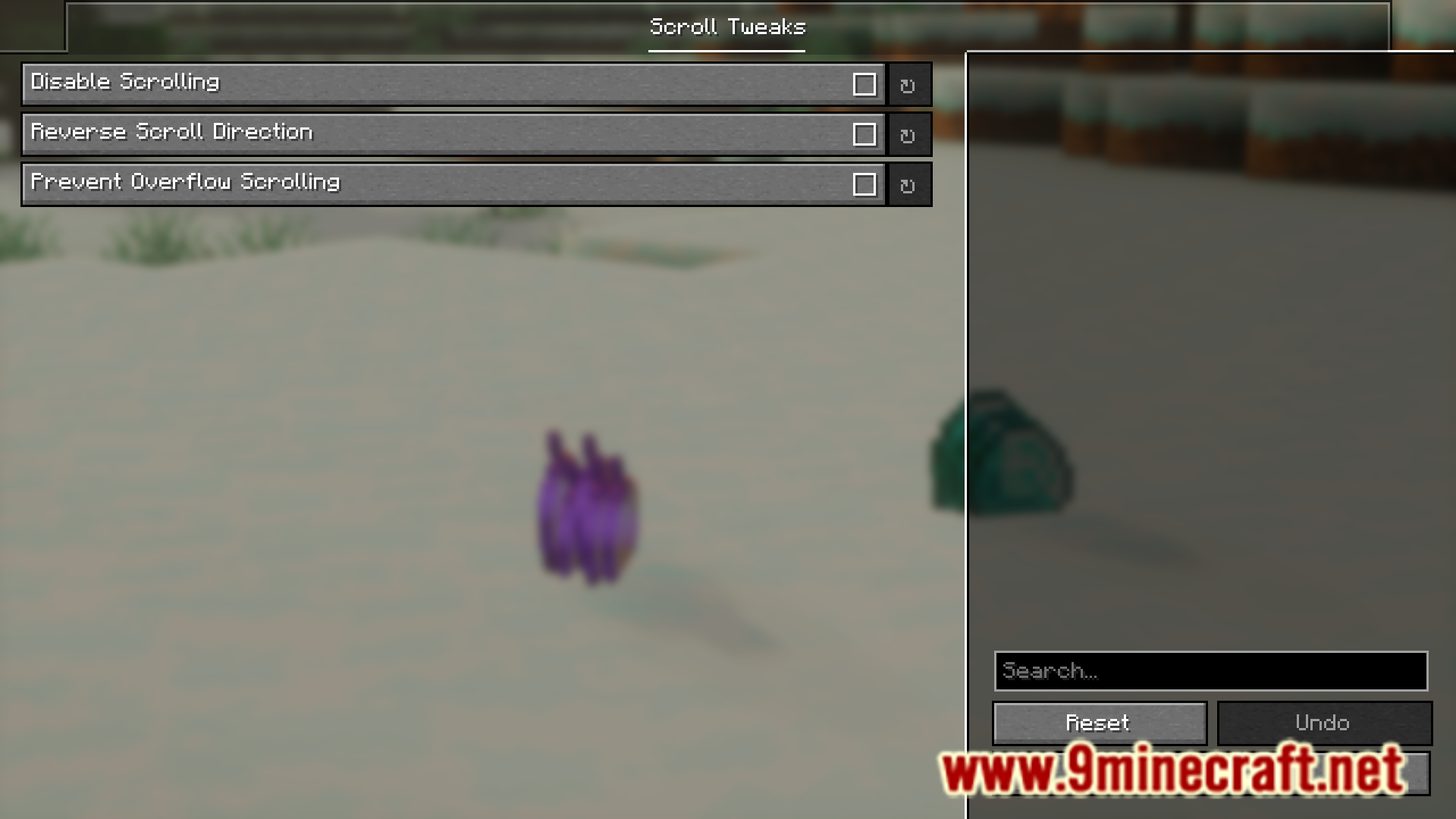
Scroll Tweaks Mod lets you change how the mouse scroll wheel works on your hotbar. You can reverse the scroll direction, stop overflow scrolling between the first and ninth slots, or turn off scrolling completely. All settings are easy to reach through Mod Menu, and the mod also works with Sinytra Connector.
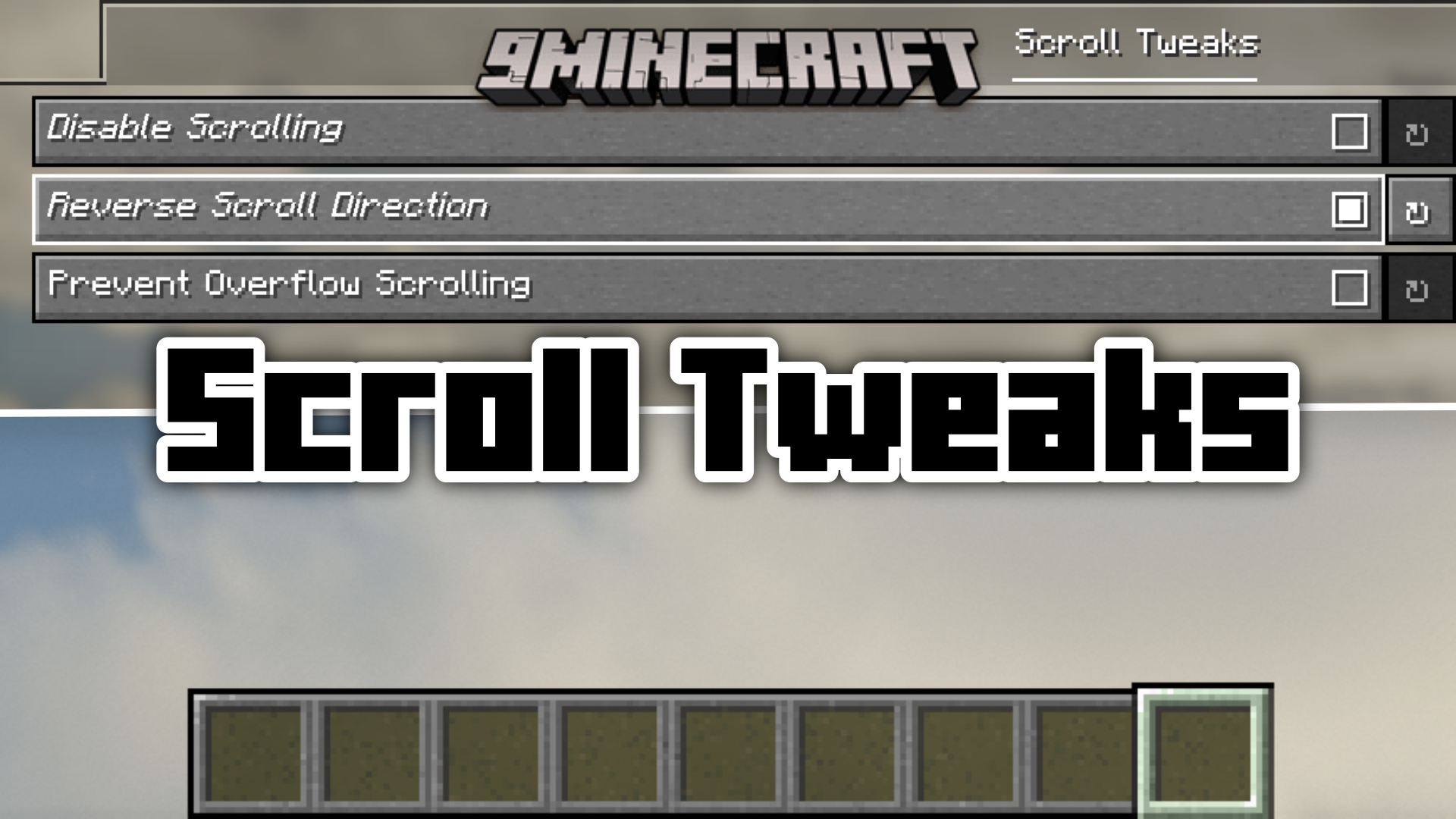
Features:
- Turns off hotbar scrolling completely so your mouse wheel no longer switches items.
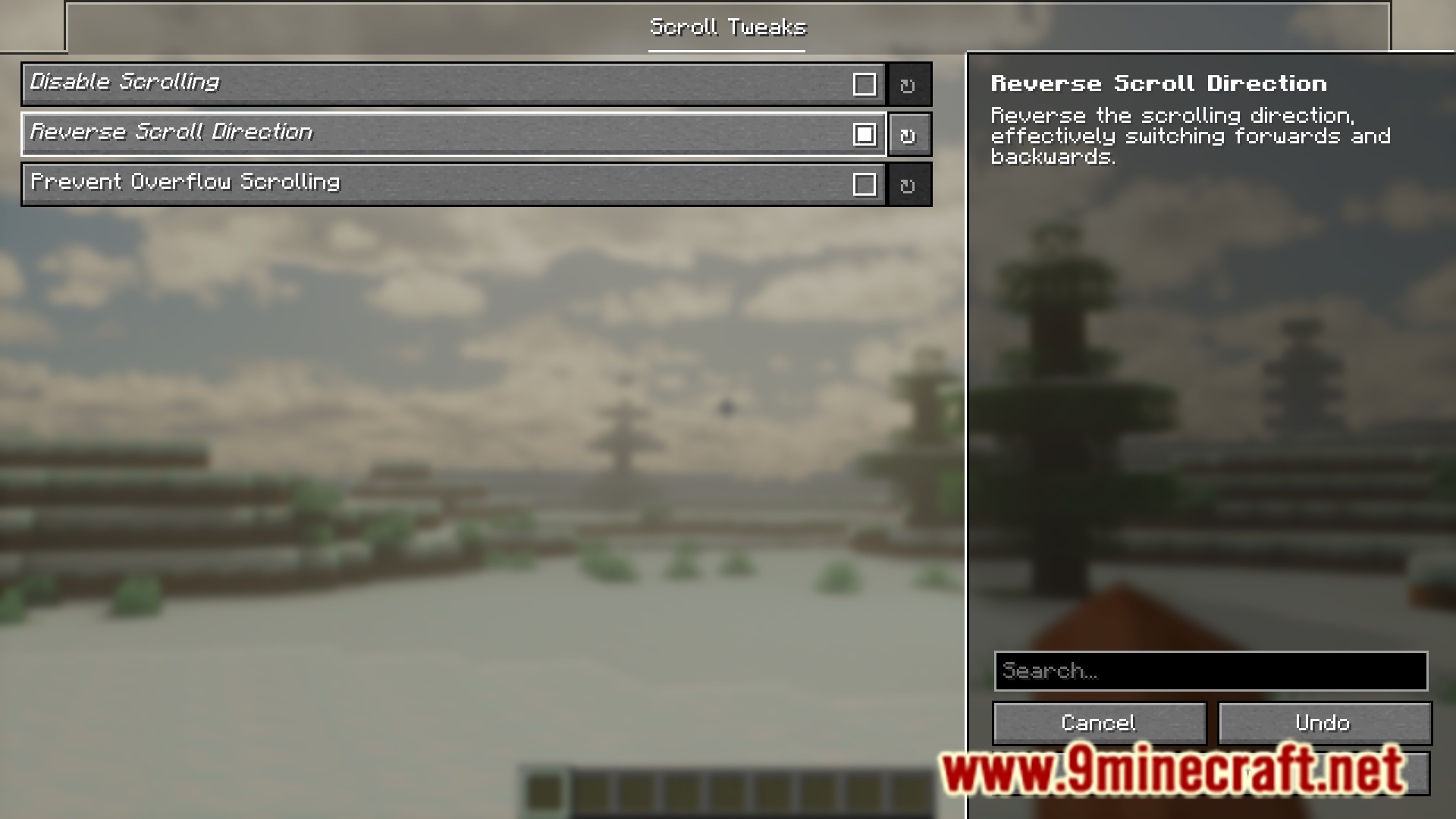
- Reverses the scroll direction to move through your hotbar slots the opposite way.
- Prevents overflow scrolling so your selection stops at the first and ninth slots instead of looping directly between them.
- Lets you change every scroll option inside the game settings using Mod Menu.
- Works with Sinytra Connector.
How to Use:
- Open Mod Menu in Minecraft and open the settings screen for this mod.
- Pick the scroll options you want, such as disabling scrolling, reversing the scroll direction, or preventing overflow scrolling.
- Go back to your game and use the mouse scroll wheel so your hotbar follows the new settings.
Screenshots:
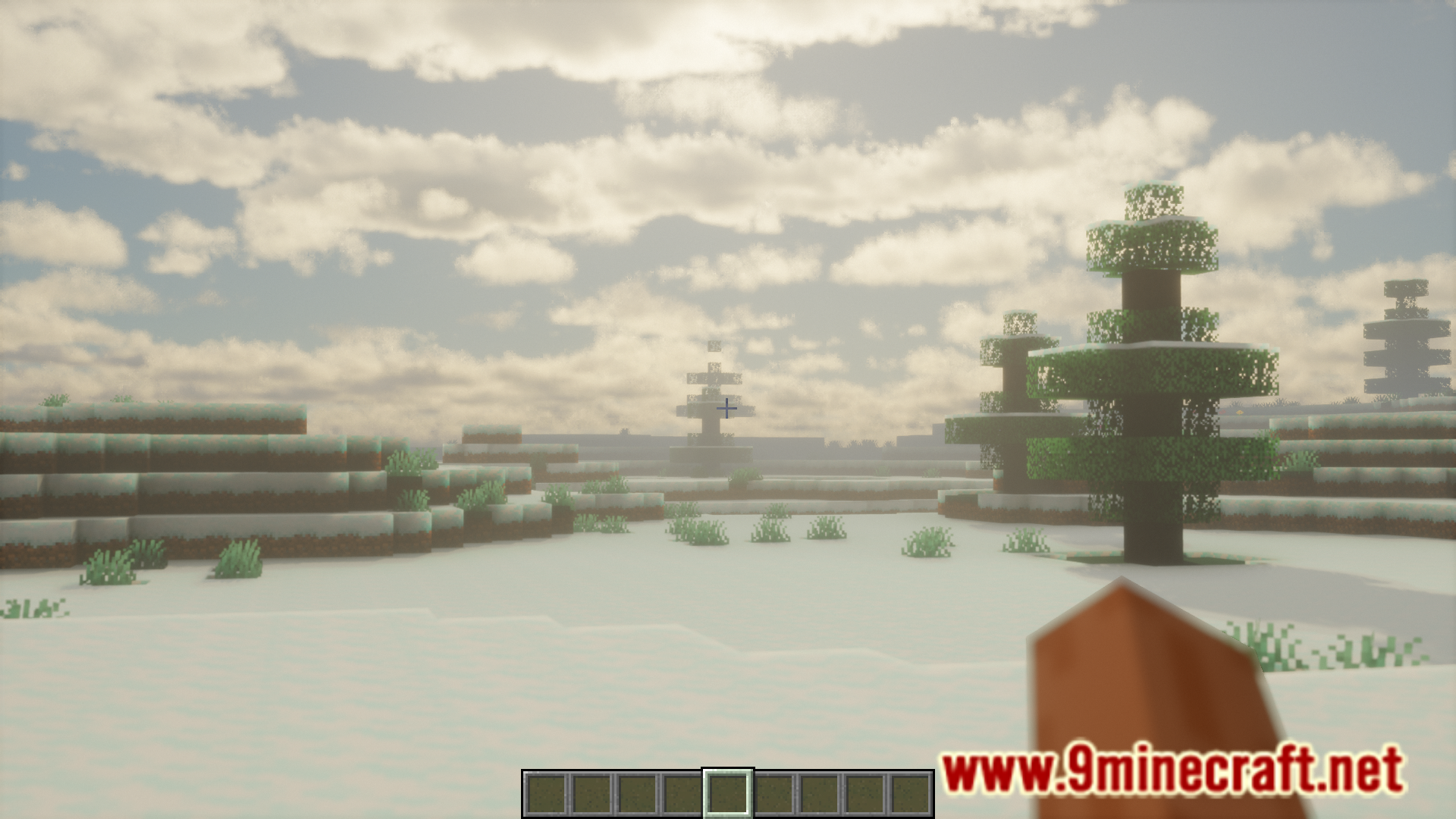
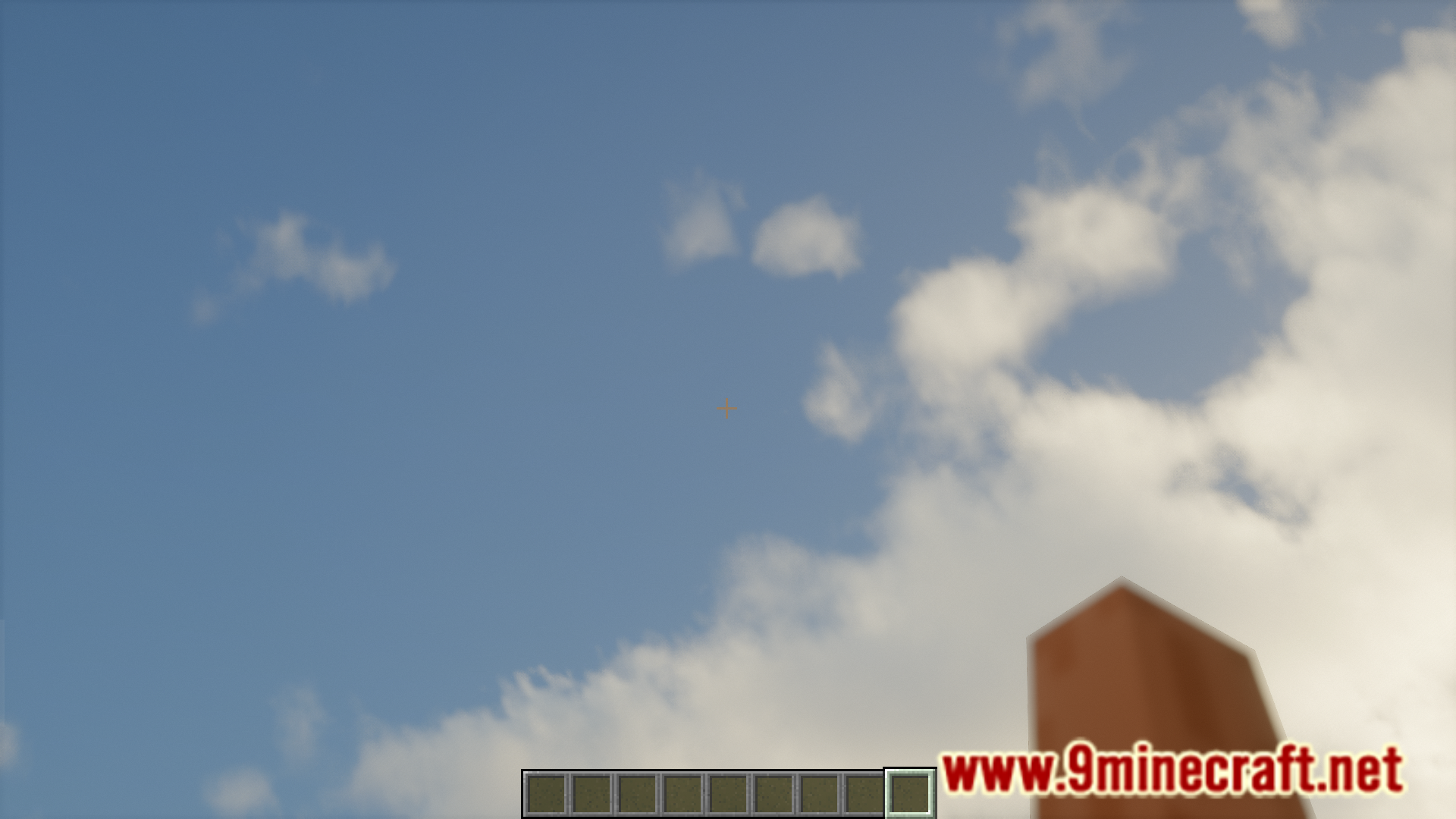
How to Install:
New to Minecraft? Follow our step-by-step guide to install Mods on your PC.View Guide
Requirements:
 Fabric Loader Required
 Fabric API Required
 Quilt Installer Required
 NeoForge Required
 Mod Menu Mod Required
YetAnotherConfigLib (YACL) Required
Scroll Tweaks Mod Download Links
For Minecraft
26.3,
26.2,
26.1.2
All Versions Covered
26.3
26.2
26.1.2
26.1.1
26.1
All Versions Covered
26.3
26.2
26.1.2
26.1.1
26.1
For Minecraft 26.2
For Minecraft 26.1.2, 26.1.1, 26.1
For Minecraft
1.21.11,
1.21.10,
1.21.9
All Versions Covered
1.21.11
1.21.10
1.21.9
1.21.8
1.21.7
1.21.6
1.21.5
1.21.4
1.21.1
1.21
All Versions Covered
1.21.11
1.21.10
1.21.9
1.21.8
1.21.7
1.21.6
1.21.5
1.21.4
1.21.1
1.21
For Minecraft
1.21.10,
1.21.9,
1.21.8
All Versions Covered
1.21.10
1.21.9
1.21.8
1.21.7
1.21.6
1.21.5
All Versions Covered
1.21.10
1.21.9
1.21.8
1.21.7
1.21.6
1.21.5
For Minecraft 1.21.4, 1.21.3, 1.21.2
For Minecraft
1.21.1,
1.21,
1.20.6
All Versions Covered
1.21.1
1.21
1.20.6
1.20.5
1.20.4
1.20.3
1.20.2
1.20.1
1.20
All Versions Covered
1.21.1
1.21
1.20.6
1.20.5
1.20.4
1.20.3
1.20.2
1.20.1
1.20
Click to rate this post!
[Total: 1 Average: 5]
You May Also Like
Picked for this page
 Eyes in the Darkness Mod (26.2, 1.20.1) – A Spooky Mod
 Name Tag Tweaks Mod (26.3, 1.20.1) – Craftable & Retrievable NameTag
 Sit Mod (26.3, 1.20.1) – Make Your Base Feel Lived-In
 Cascades Mod (26.3, 1.20.1) – Better Terrain Generation & New Biomes
 Cherry Grove Villages Mod (1.21.8, 1.20.1) – Vanilla Structure Designed Village
 Advanced Shulkerboxes Mod (26.2, 1.20.1) – Improved Function of Shulker Box
 Improved Vanilla Mod (1.21.10, 1.20.1) – Refining The Vanilla Experience
 NoNarrator Mod (1.21.11, 1.20.1) – Disable Narrator Shortcut
 Item Transform Helper Mod (26.3, 1.20.1) – Set Size & Location Of Items
 Expansion Of Border Mod (26.3, 1.21.1) – Limited World Access
 Faewulf’s Lib Mod (26.3, 1.20.1) – Provides Core Functions and Tools
 Bonemeal Sugarcane Mod (26.3, 1.21.1) – Grow Sugarcane Faster
Most viewed in Mods over the last 7 days
 Ala Industrial Mod (26.3) – Run Electric Power Grids and Automated Factories
 PleasureCraft Mod (26.3, 1.21.1) – Jenny Mod Remake for Fabric
 Jennycraft Mod (26.3, 1.20.1) – Virtual Girlfriend in Minecraft
 Fapcraft Mod (26.3, 1.12.2) – Comprehensive and Detailed Content
 Jenny Mod (Fapcraft) Official Complete Guide – How to use, Tutorial
 BangCraft Mod (1.20.1) – Jenny, Ellie and Elliot
- Fabric Loader (26.3, 1.20.1) – Fabric Installer for All Minecraft Versions
 The Shooting Star Demo Mod (26.3, 1.20.1) – Vaporize Terrain From Orbit
 Meteor Client Mod (26.3, 1.20.1) – Xray, HUD, Fly
 OptiFine HD (26.3, 1.20.1) – Run Faster, FPS Boost, Shaders Support
 Aristois Client Mod (1.21.4, 1.20.1) – World Class Minecraft Utility
 Prestige Client Mod (1.21.11, 1.21.4) – Powerful Ghost Features for Crystal & Sword PvP
More from Mods
 ForgedLoaderAPI Mod (1.19.2, 1.18.2) – Bring Ported Fabric Creations
 Shield System Mod (1.21.1) – Tank Heavy Monster Hits Without Losing Hearts
 Shin’s Tensura Race Models Mod (1.19.2) – Play As Unique 3D Anime Race
 Offgrid Mod (26.3, 1.20.1) – Furnish Compact Interiors Without Strict Grid
 Tempest Almanac Iron’s Spells ‘n Spellbooks Mod (1.21.1, 1.20.1)
 Chat Guides Mod (26.3, 1.21.11) – Never Memorize Complex Server Commands Again
 TRMT Reimagined the Roads More Travelled Mod (26.3, 1.20.1)
 Morrowless Mod (1.21.1) – Defend Your Shelter From Nightmare Creatures
 THE SLOPSTROSITY Mod (1.21.1) – Battle a Ridiculous Slime Boss
 Decoween Mod (1.21.1, 1.20.1) – Transform Ordinary Survival Bases
 Simply Light 9minecraft Mod (26.3) – Decorate Builds Without Torches
 Alex’s Caves Continued Mod (26.3, 1.20.1) – Conquer Six Massive Underground

This post has no comments yet. Be the first — your comment will appear here.