
Kits Mod (26.3, 1.20.1) – Gear Up for Battle Faster

 0


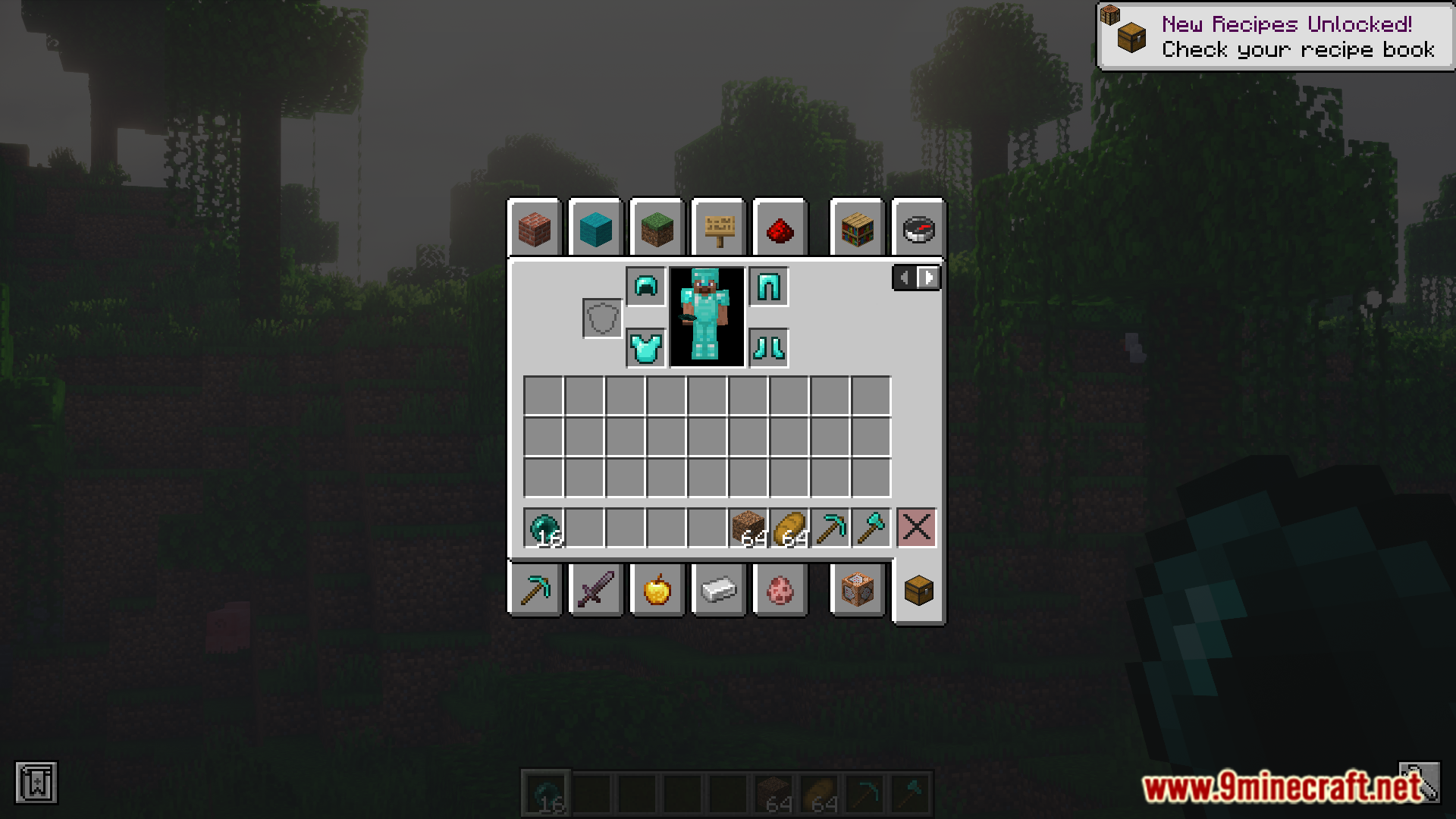
Kits Mod adds custom, permission-based item sets for Fabric servers. Server owners save batches of items from their inventory so players can claim them based on their rank. Each set uses a custom wait time, and multiple sets can share one cooldown through a ring system. Players only see chat suggestions for the sets they have access to, and extra items drop on the ground when an inventory is full. This mod runs on Fabric servers, works with LuckPerms, and stores its data in NBT files for manual editing.
Features:
- Permission-Based Kits: Turns any items in your inventory into saved kits that players can claim based on their rank and permissions.
- Custom Cooldowns: Sets wait times in milliseconds, seconds (
s), minutes (m), hours (h), days (d), or years (y) so players cannot claim the same kit again without waiting. - Kit Rings: Links multiple kits into one group that shares a single cooldown, putting every kit in the ring on cooldown as soon as a player claims any one of them.
- Works with LuckPerms on Fabric servers to handle player access and admin permissions easily.
- Uses Brigadier chat suggestions so players only see kits they have permission to use.
- Drops claimed items onto the ground automatically when a player’s inventory is full.
- Lets moderators reset one kit cooldown or all cooldowns for a chosen player, or permanently delete a kit for everyone on the server.
- Saves kit settings in Minecraft’s NBT format inside the
config/kitsfolder so admins can edit items, change cooldowns, or create new kits manually with a tool like NBTExplorer. - Records each player’s claim times (in milliseconds since Epoch) inside
<player_uuid>.nbtfiles in theworld/kits_user_datafolder, letting admins change wait times or delete a player’s file to reset all of their cooldowns.
Commands:
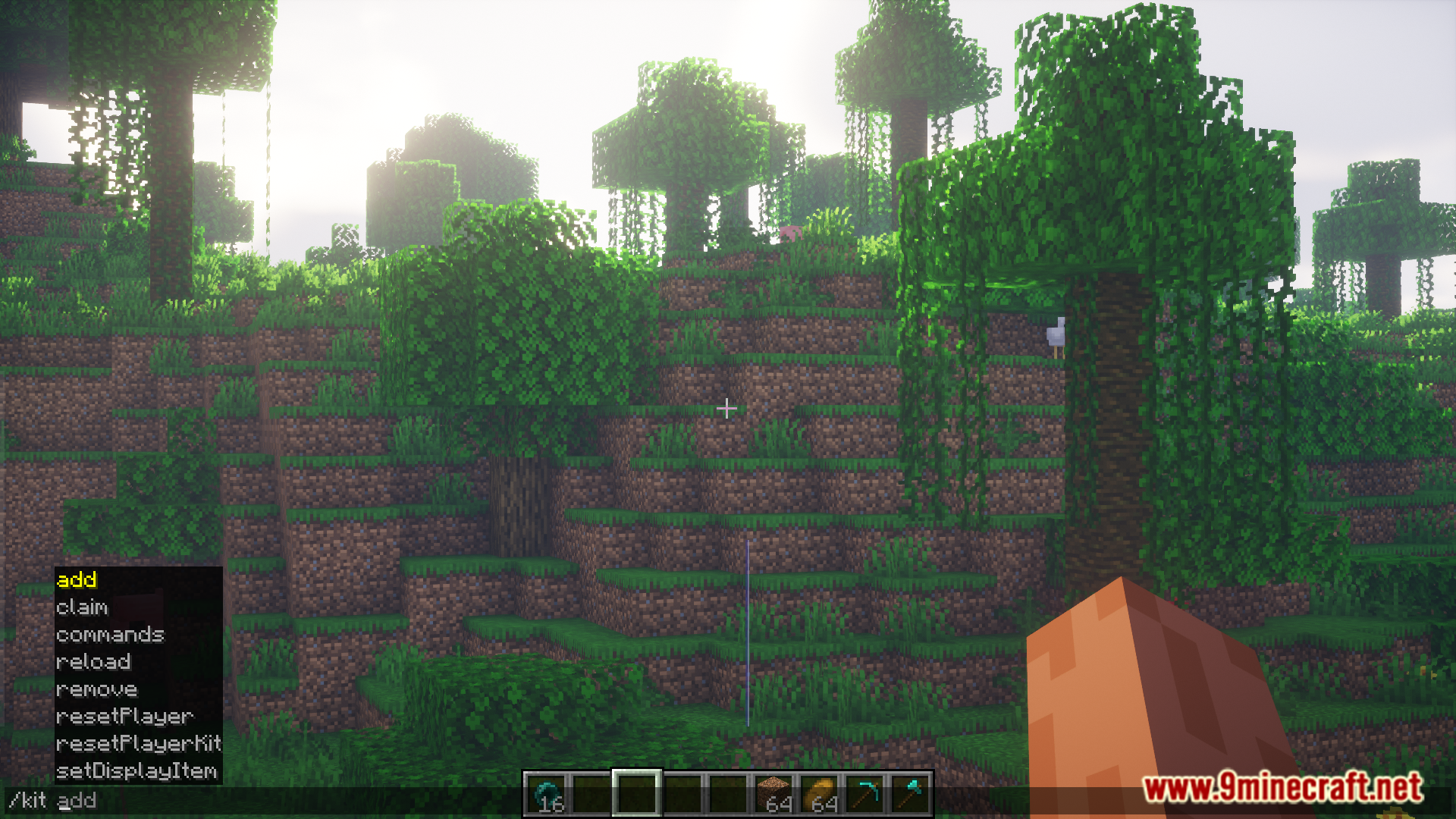
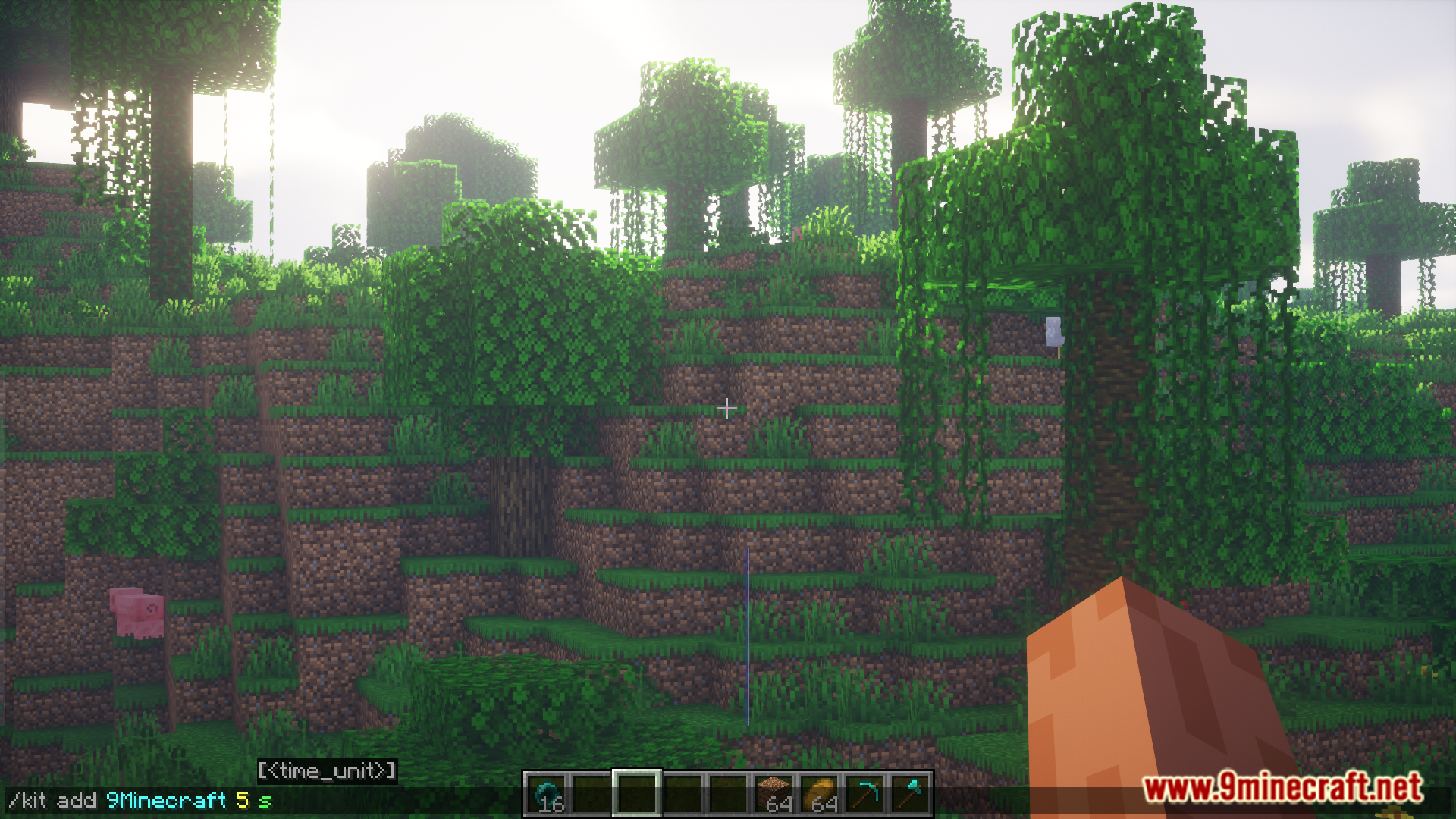
/kit add <kit_name> <cooldown> [time_unit]: Saves the items in your inventory as a new kit. Set the time unit toy(year),d(day),h(hour),m(minute), ors(second), or leave it blank to use milliseconds./kit claim <kit_name>: Claims the chosen kit if you have permission and the cooldown is over./kit remove <kit_name>: Permanently and completely deletes the chosen kit from the server for all players./kit resetPlayerKit <player> <kit_name>: Resets the cooldown of one chosen kit for a specific player./kit resetPlayer <player>: Resets all kit cooldowns for a specific player.
Permissions:
kits.manage: Required to add kits, remove kits, and reset player cooldowns.kits.claim.<kit_name>: Required for a player to claim that specific kit.
How to Use:
- Make sure you have the
kits.managepermission before you create or manage kits. - Put all the items you want in the kit anywhere inside your player inventory.
- Type
/kit add <kit_name> <cooldown> [time_unit]in chat to save your current inventory as a new kit with your chosen wait time; usey,d,h,m, orsfor the time unit, or leave it blank for milliseconds. - Give players the
kits.claim.<kit_name>permission (for example, through LuckPerms) so the kit shows up in their chat suggestions and they can claim it. - Type
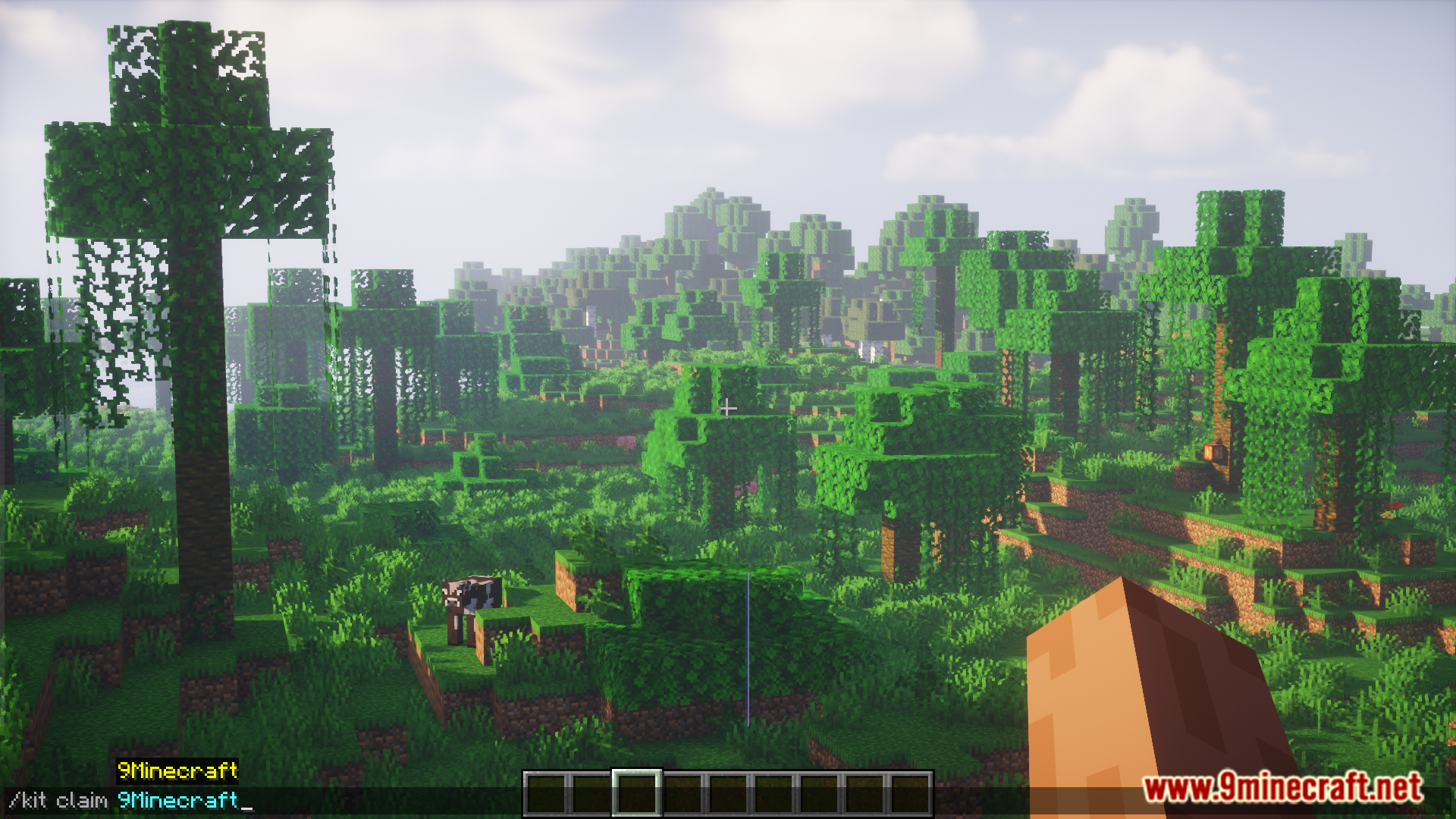
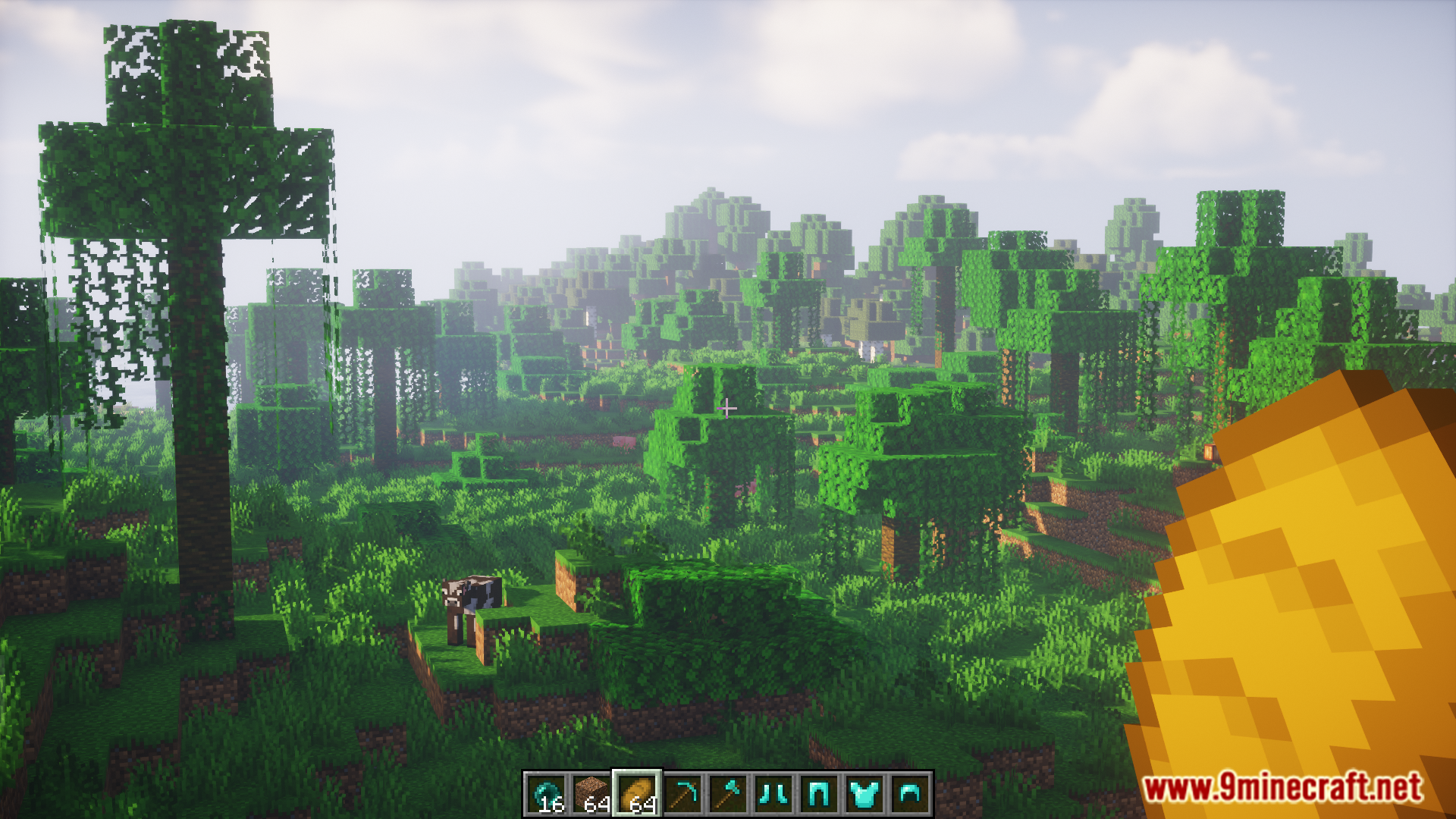
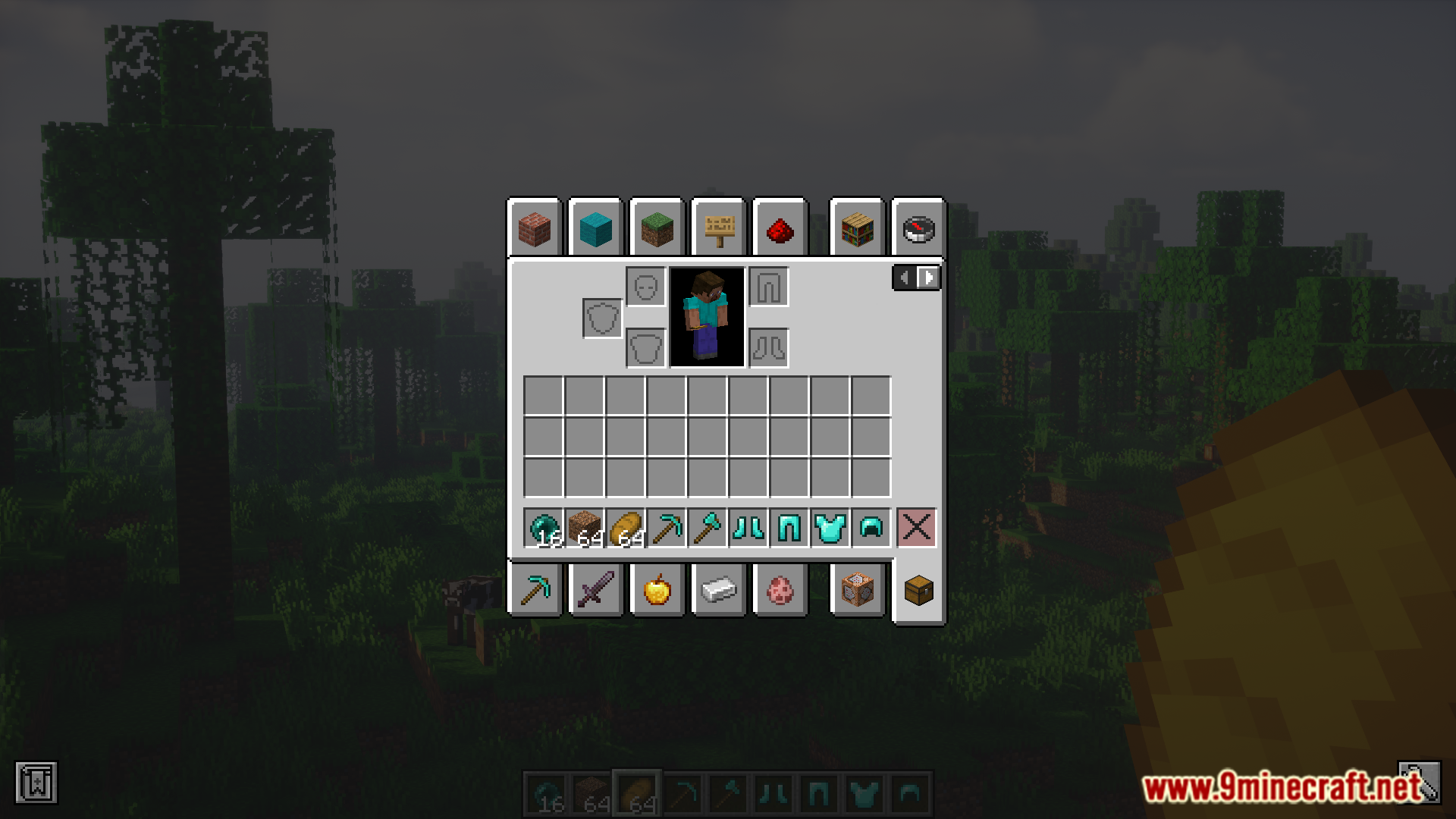
/kit claim <kit_name>in chat to get the kit; the items go straight into your inventory, or drop on the ground if your inventory is full. - Run
/kit resetPlayerKit <player> <kit_name>to reset one kit cooldown for a player, run/kit resetPlayer <player>to reset all of their cooldowns, or run/kit remove <kit_name>to delete a kit permanently for everyone. - Open the NBT files inside
config/kitswith a tool like NBTExplorer if you want to edit kit items, change cooldowns, or create new kits manually. - Open
<player_uuid>.nbtinsideworld/kits_user_datato edit a player’s saved claim times (in milliseconds since Epoch), or delete that file to reset all of their kit cooldowns at once.
Screenshots:
How to Install:
New to Minecraft? Follow our step-by-step guide to install Mods on your PC.View Guide
Requirements:

Kits Mod Download Links
For Minecraft 26.3
For Minecraft 26.1.2, 26.1.1, 26.1
For Minecraft 1.21.11
For Minecraft 1.21.8, 1.21.7, 1.21.6
For Minecraft 1.21.5
For Minecraft 1.21.1, 1.21
For Minecraft 1.20.6
For Minecraft 1.20.4
For Minecraft 1.20.1, 1.20
For Minecraft 1.19.3
For Minecraft 1.19.2
For Minecraft 1.18.2, 1.18
For Minecraft 1.17.1
Where do you primarily download your mods and modpacks from?
59 responses · See the full results →
You May Also Like
Picked for this page
 Eyes in the Darkness Mod (26.2, 1.20.1) – A Spooky Mod
 Right-Click Harvest Mod (26.3, 1.20.1) – Harvest Crops Quickly and Easily
 Name Tag Tweaks Mod (26.3, 1.20.1) – Craftable & Retrievable NameTag
 Crystals Overhauled Mod (26.3, 1.20.1) – A Minecraft Mod Revolution
 Sit Mod (26.3, 1.20.1) – Make Your Base Feel Lived-In
 Break Free Mod (26.3, 1.20.1) – Keep Breaking Blocks When Switch Items
 Syncmatica Mod (26.3, 1.20.1) – Server-Wide Shared Litematics
 Advanced Shulkerboxes Mod (26.2, 1.20.1) – Improved Function of Shulker Box
 No Death Animation Mod (26.3, 1.20.1) – Removes The Death Animation Tilt
 Entangled Mod (26.3, 1.20.1) – Link Blocks Across Worlds
 TP Utils Mod (26.3, 1.20.1) – Simple Teleport Commands For Ease Of Travel
 Thorough Keybindings Mod (26.3, 1.20.1) – Full Control Customization
Most viewed in Mods over the last 7 days
 Ala Industrial Mod (26.3) – Run Electric Power Grids and Automated Factories
 PleasureCraft Mod (26.3, 1.21.1) – Jenny Mod Remake for Fabric
 Jennycraft Mod (26.3, 1.20.1) – Virtual Girlfriend in Minecraft
 Fapcraft Mod (26.3, 1.12.2) – Comprehensive and Detailed Content
 Jenny Mod (Fapcraft) Official Complete Guide – How to use, Tutorial
 BangCraft Mod (1.20.1) – Jenny, Ellie and Elliot
 Fabric Loader (26.3, 1.20.1) – Fabric Installer for All Minecraft Versions
 The Shooting Star Demo Mod (26.3, 1.20.1) – Vaporize Terrain From Orbit
 Meteor Client Mod (26.3, 1.20.1) – Xray, HUD, Fly
 OptiFine HD (26.3, 1.20.1) – Run Faster, FPS Boost, Shaders Support
 Aristois Client Mod (1.21.4, 1.20.1) – World Class Minecraft Utility
 Prestige Client Mod (1.21.11, 1.21.4) – Powerful Ghost Features for Crystal & Sword PvP
More from Mods
 SimpleRPGCore Mod (1.21.4, 1.21.1) – Fight with Classic RPG Stats
 Bard RPG Series Plus by Fichte Mod (1.21.1, 1.20.1) – Buff Allies in Combat
 Fabric Gui ImGui Mod (26.3, 1.21.11) – Clean Custom Menus and In-Game Control
 Multi Item Lib Mod (1.20.1) – Wield Custom Gear with Flawless Hand Animations
 Universe3090 Mod (1.20.1) – Survive Corrupted Dimensions Filled
 Wireless Automate Mod (1.21.1) – Automate Base Logistics Without Messy Pipes
 Vaskars Opus Faction War Quests & Bosses Mod (1.21.11, 1.20.1)
 Multitools and More Mod (26.3, 1.20.1) – Clear Your Hotbar and Travel
 Luxium Let There Be Light Mod (1.20.1) – Stunning Lighting on Low-End Computers
 Soulscraft Tarnished Legacy Mod (1.21.1) – Hunt Relics to Forge Dark Fantasy
 Fetzi’s Displays Mod (26.1.2, 1.20.1) – Turn Rare Gear and Weapons
 Primal Plushies Paleo Pals Mod (1.21.1, 1.20.1) – Decorate Your Base

This post has no comments yet. Be the first — your comment will appear here.