


Additional Attributes Mod (1.21.1, 1.20.1) – Create Your Ultimate RPG Build

 0
0 

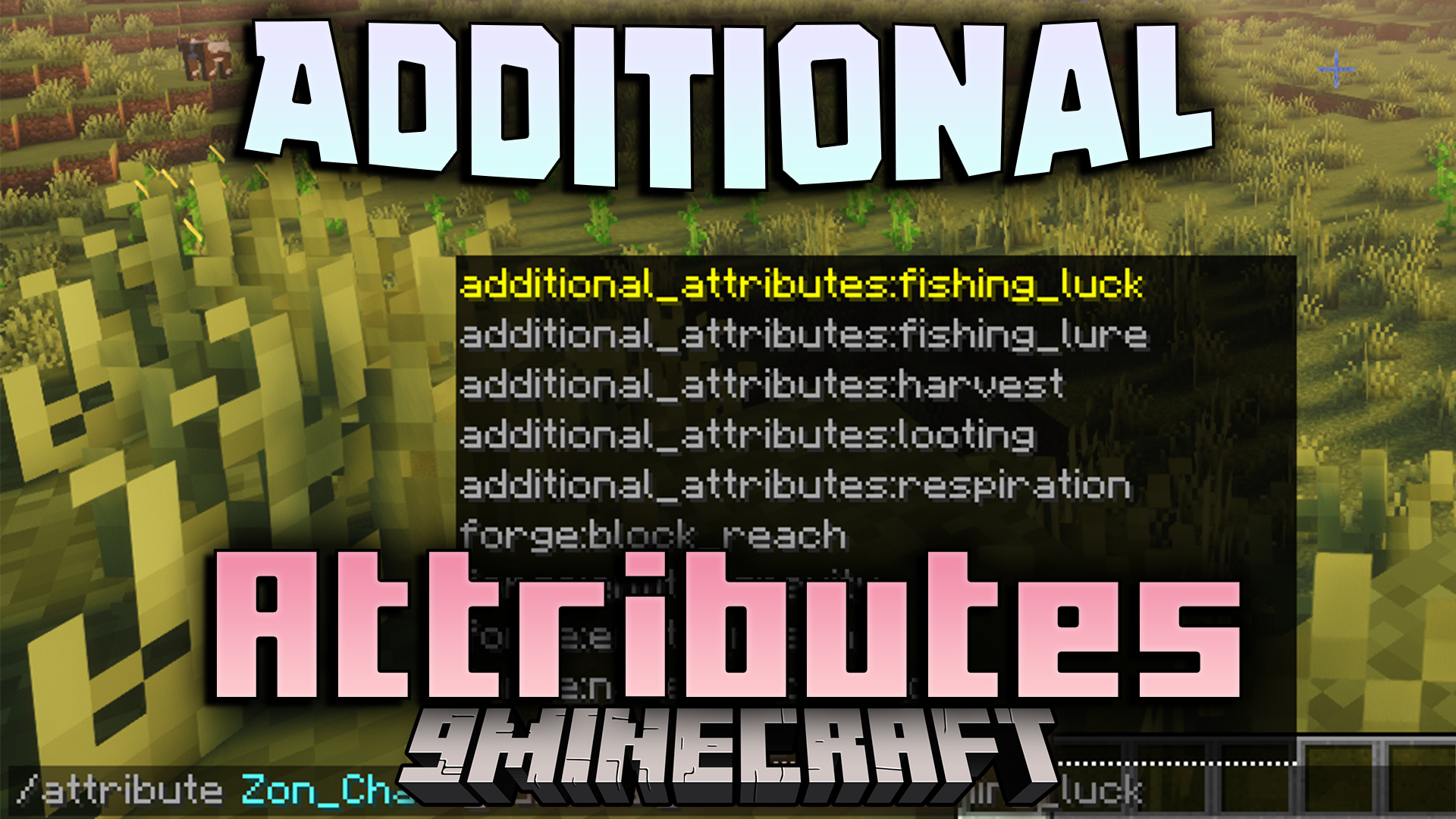
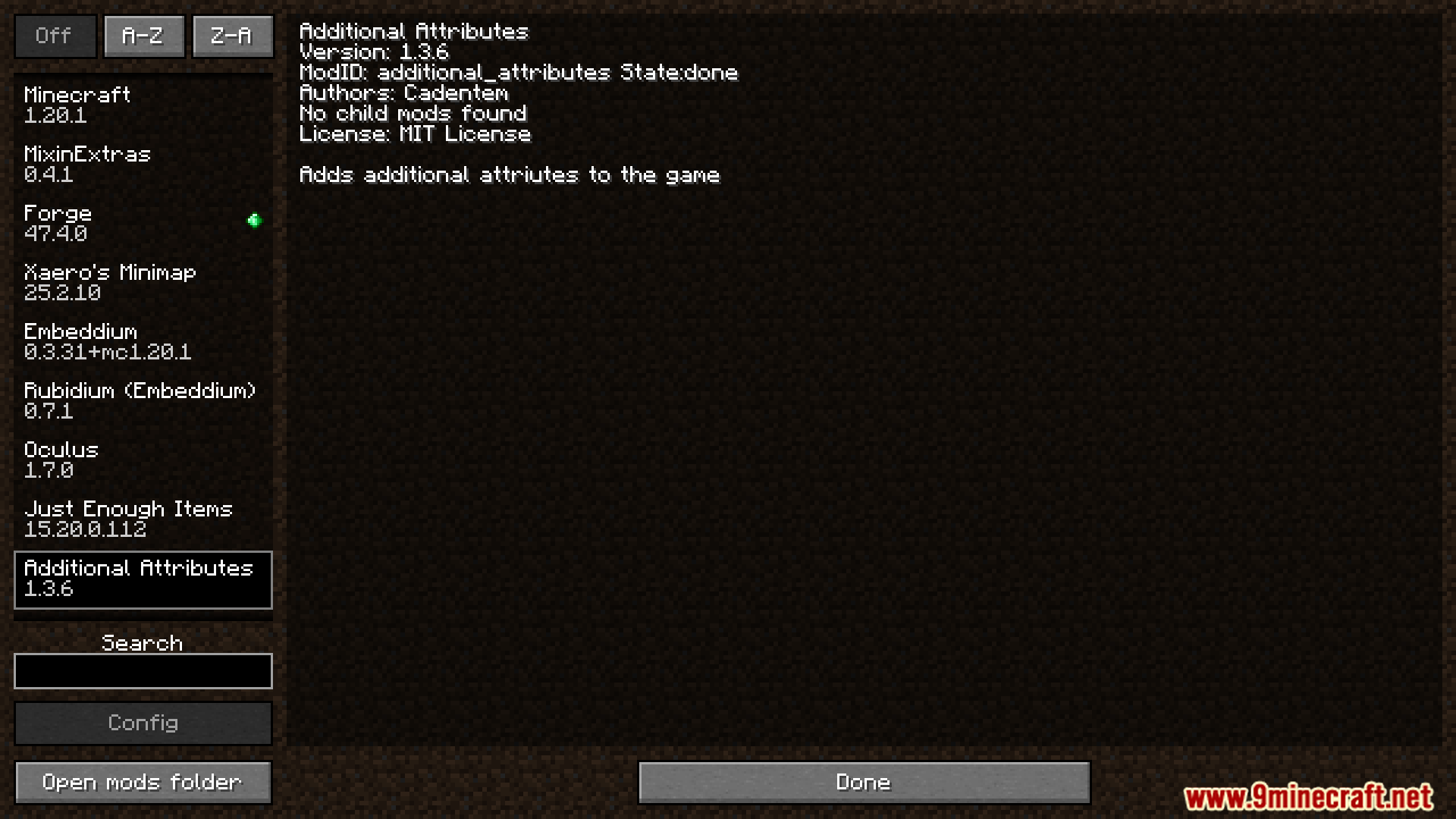
Additional Attributes Mod adds a lot of new stats that you can control in Minecraft. These attributes let you change how much loot you get, your luck with fishing, and even how many extra crops you harvest. This mod also works with other popular mods, like adding a chance to craft rare items with Apotheosis or changing spell levels for Iron’s Spells ‘n Spellbooks.
Features:
Core Game Attributes
- Adds new attributes for existing enchantments like Looting and Fishing Luck.
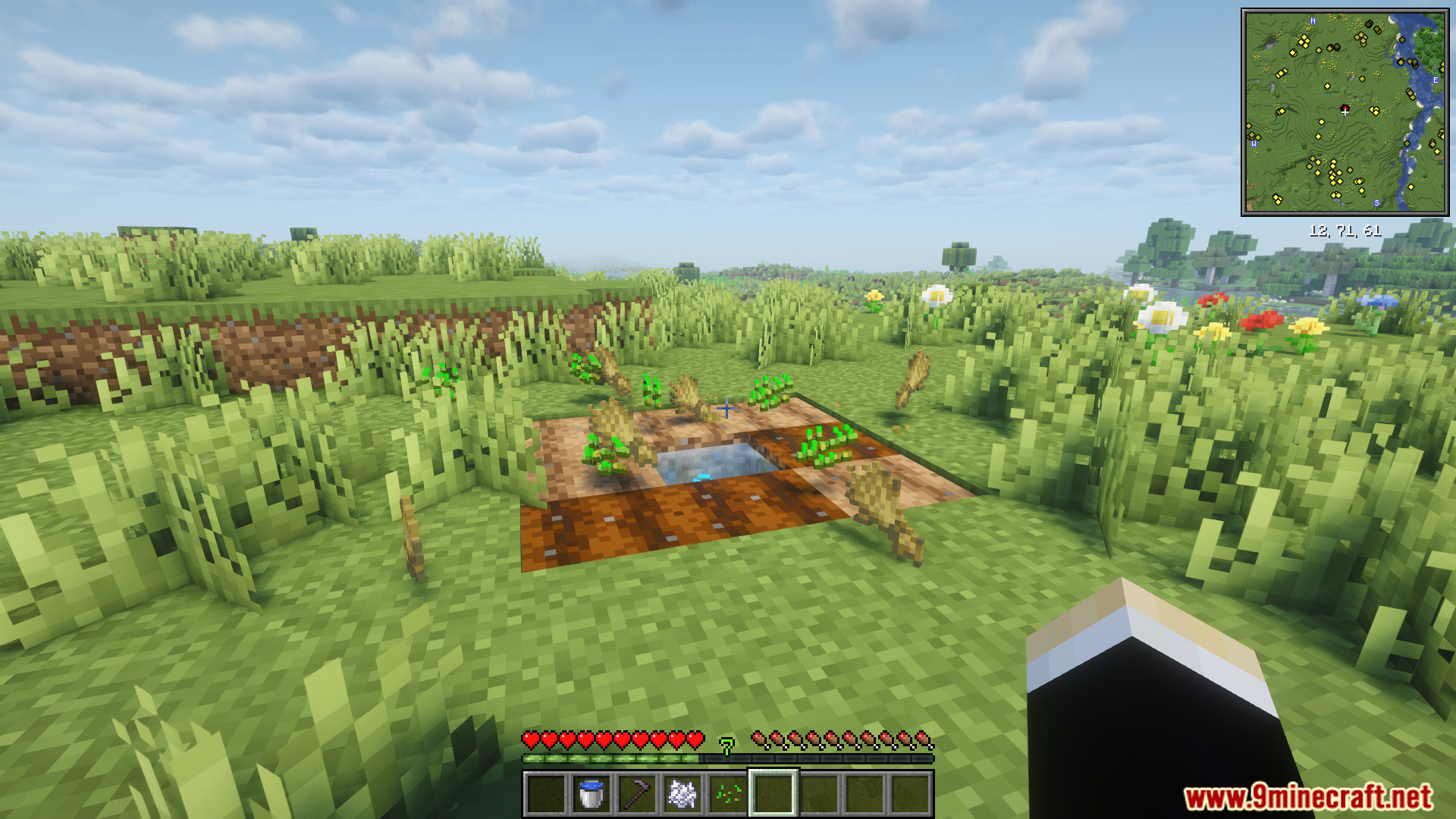
- Introduces a Harvest attribute that lets you get more crops from each plant.
Apotheosis Integration
- Gives newly crafted items a chance to have a rarity, like Common or Mythic.
- The higher your attribute score, the better the chance for a high-tier rarity.
- Server owners can set a server-wide limit on the highest possible rarity for crafted gear.
- Use datapacks to define custom rarity rules for specific items, like making wooden tools always low-rarity.
Iron’s Spells ‘n Spellbooks Features
- Lets you increase or decrease spell levels through new attributes.
- You can apply these changes to all spells, just one school of magic, or even a single spell.
- Gives any mob innate spells they can cast without holding a spellbook.
- Adds a “Keep Scroll” attribute that gives you a chance not to consume a scroll on use.
Commands:
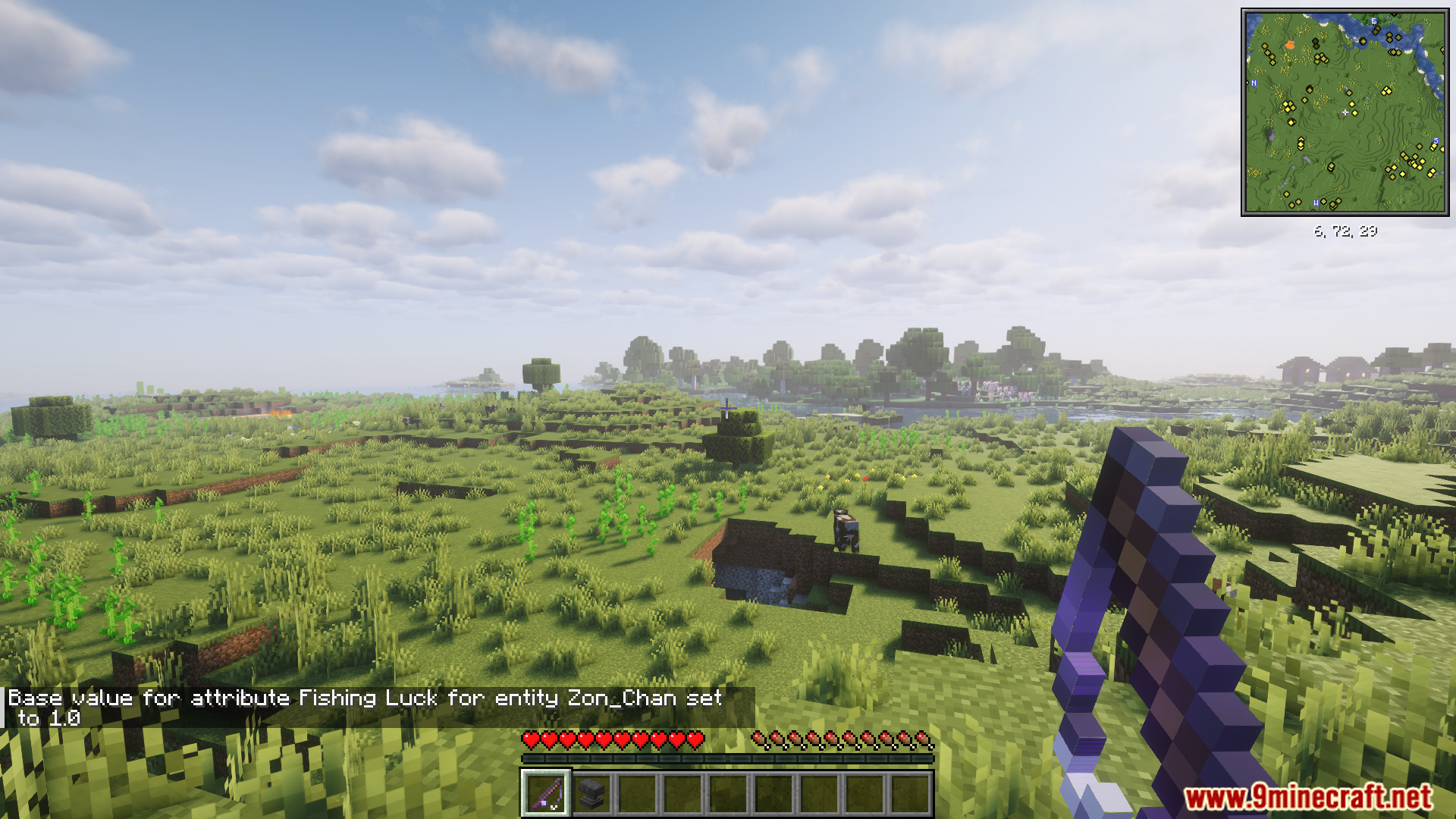
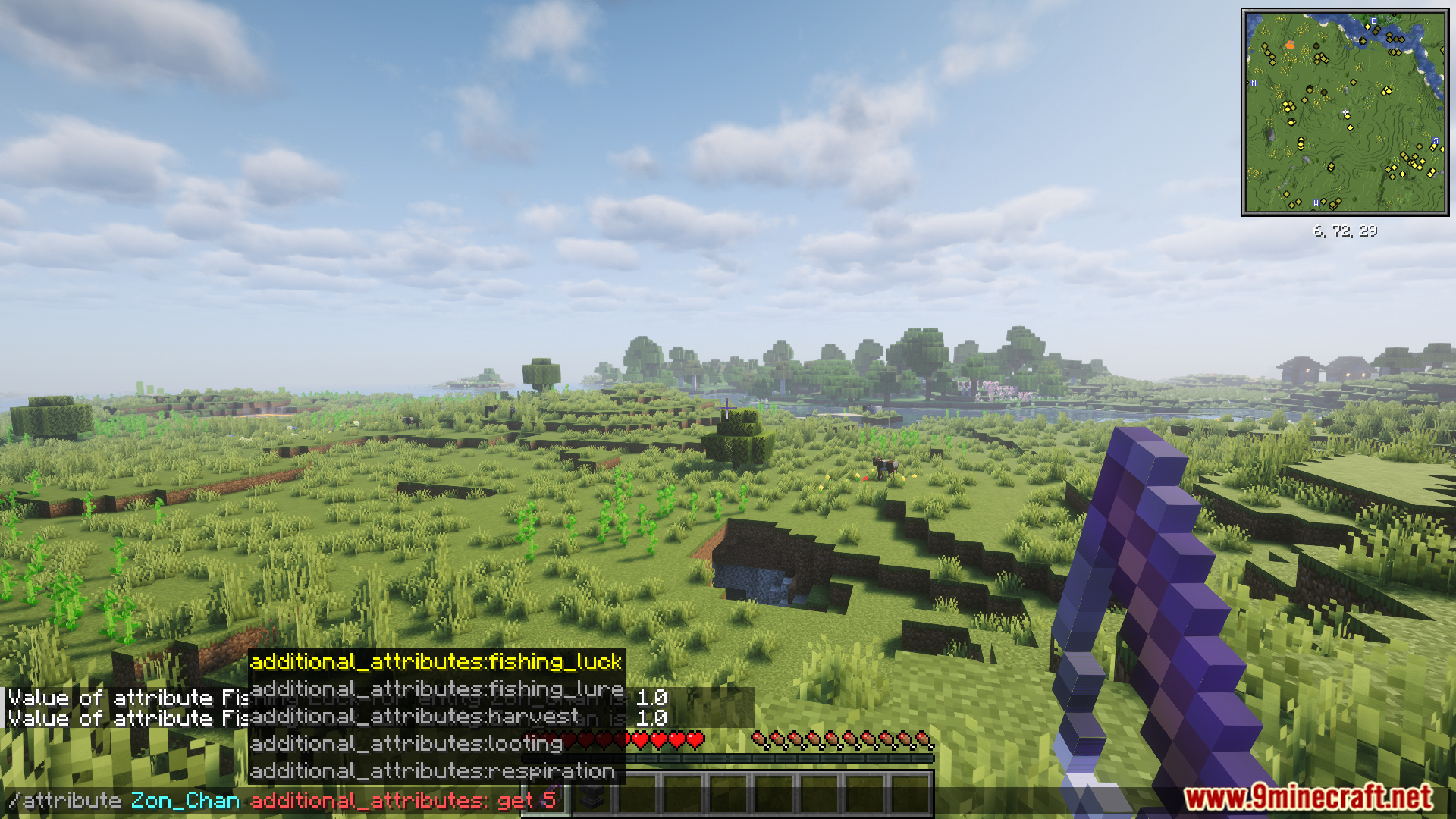
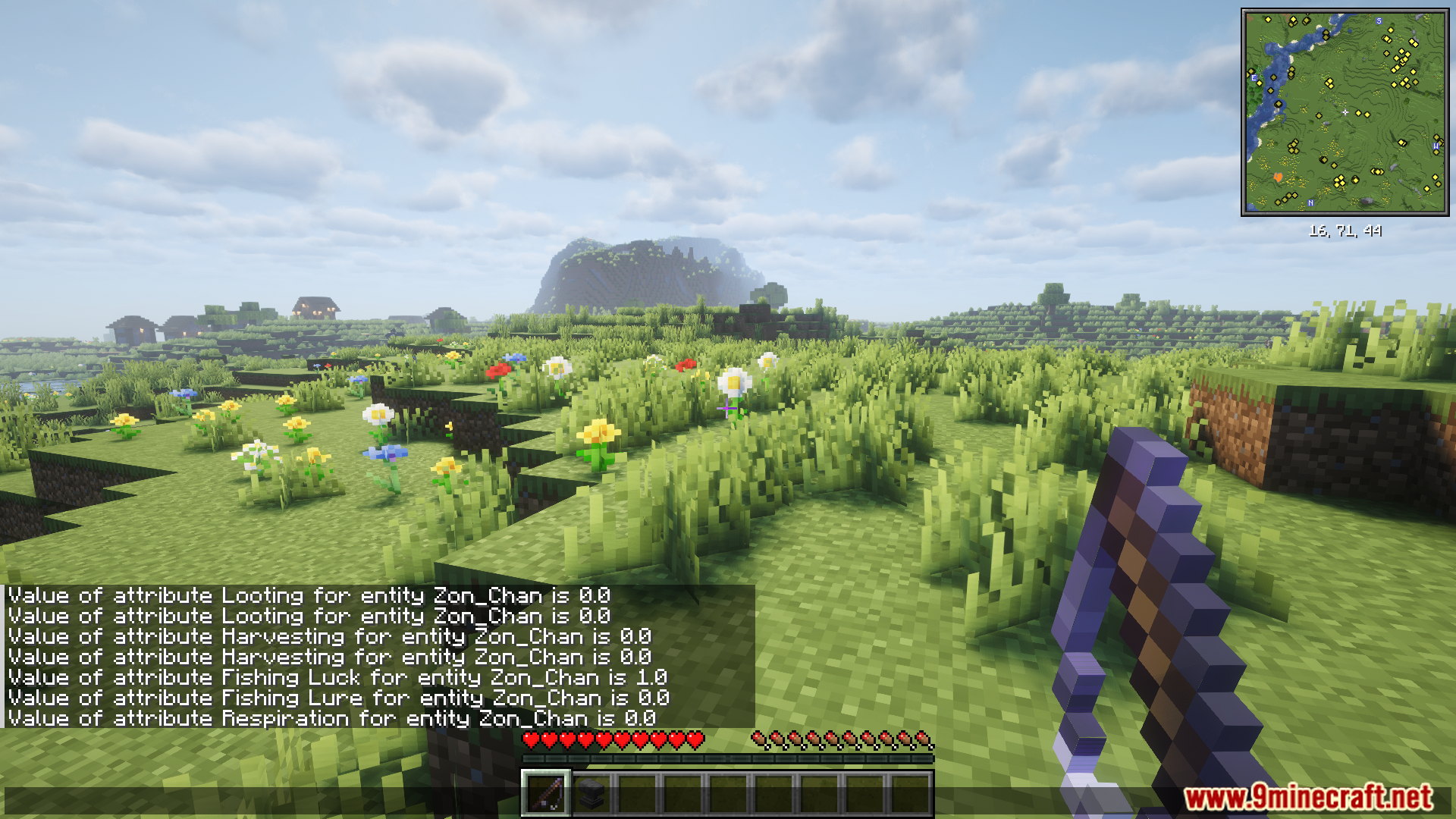
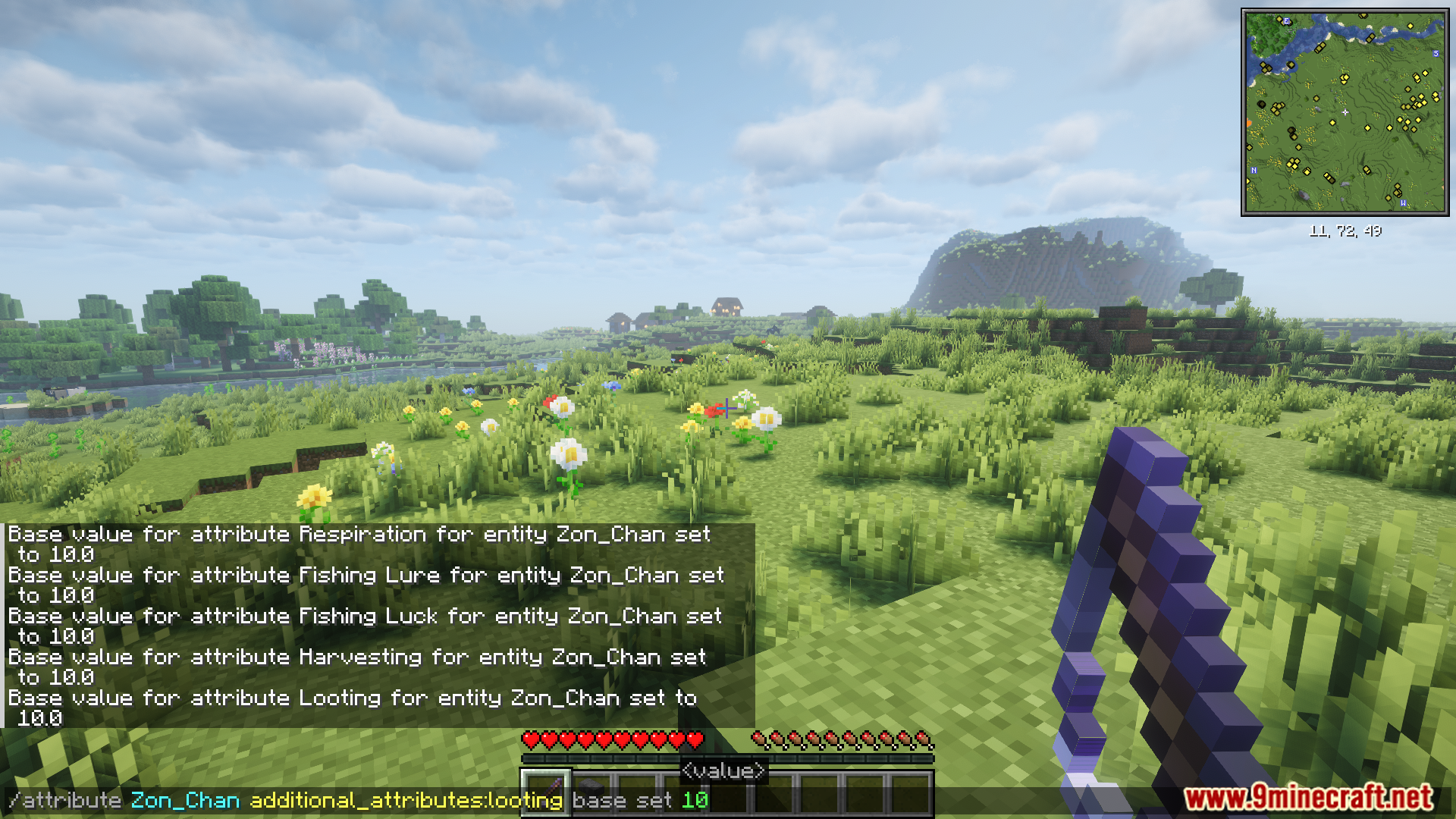
You can change the new attributes using the standard Minecraft /attribute command. This lets you give players or mobs specific bonuses.
For example, to set a player’s Fishing Luck attribute:
/attribute @s additional_attributes:fishing_luck base set 5.0
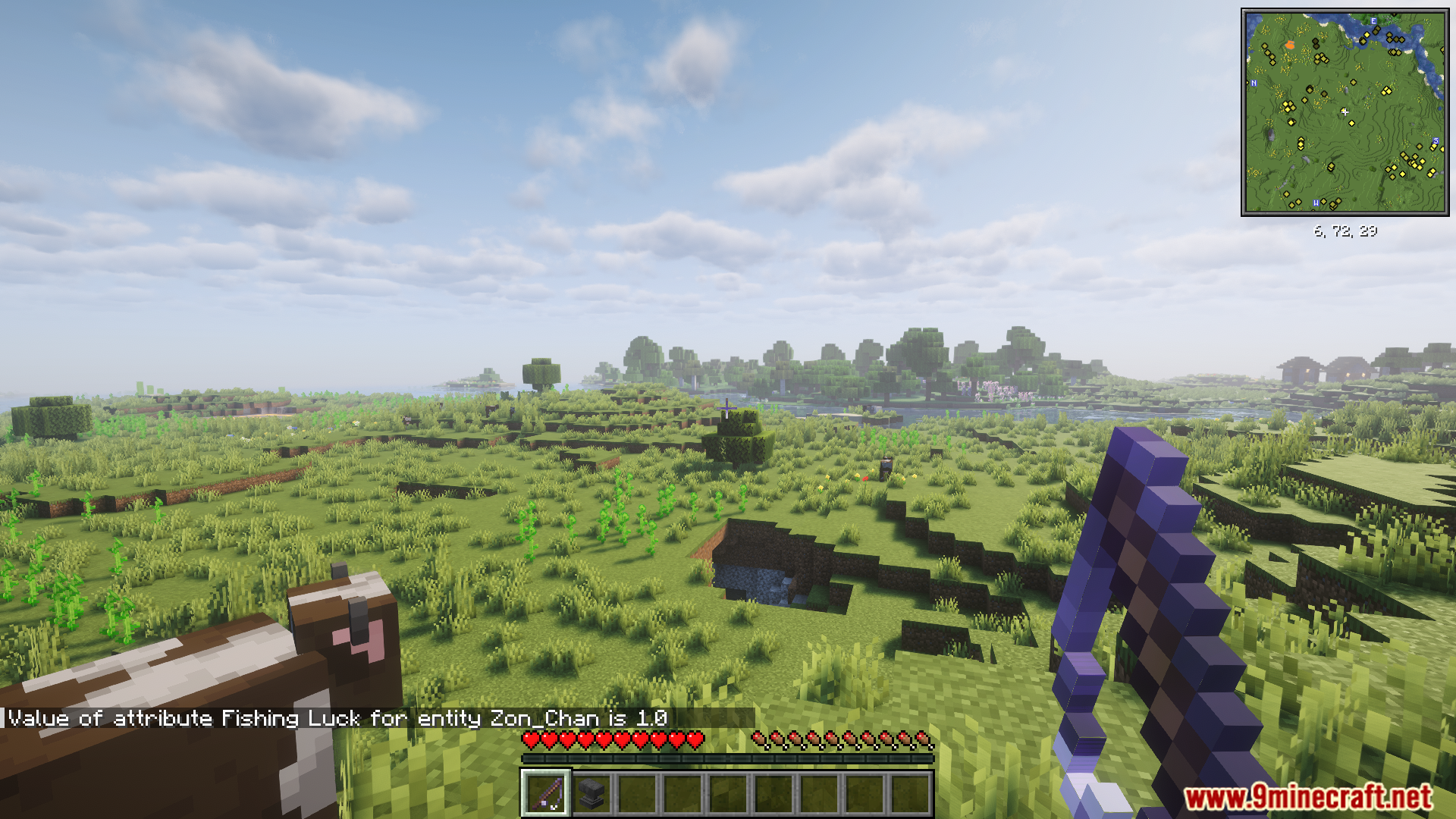
To check the current value of an attribute:
/attribute @s additional_attributes:fishing_luck get
Configuration:
This mod has a few options to change how it works, especially for the Apotheosis crafting feature.
- Server Config: There is a server config file where you can set a limit on the maximum rarity an item can have when crafted.
- Item Blacklist: You can stop certain items from getting any rarity bonus. Just add them to the
additional_attributes:apothic_crafting_blacklistitem tag. - Datapacks: For more detailed control, you can use a datapack to define minimum and maximum rarity levels for specific items. These files go into the
additional_attributes/rarity_definitionsfolder.
Here is an example of a rarity definition for a wooden sword:
{
  "items": "minecraft:wooden_sword",
  "min_rarity": "uncommon",
  "max_rarity": "rare"
}
Screenshots:

How to Install:
New to Minecraft? Follow our step-by-step guide to install Mods on your PC.View Guide
Additional Attributes Mod Download Links
For Minecraft 1.21.1, 1.21
NeoForge version: Download from Server 1 – Download from Server 2
For Minecraft 1.20.1, 1.20
Forge version: Download from Server 1 – Download from Server 2
For Minecraft 1.20.1, 1.20
Forge version: Download from Server 1 – Download from Server 2
You May Also Like













This post has no comments yet. Be the first — your comment will appear here.