
Better Block Entities Mod (26.3, 1.21.1) – View Chests From Far Away

 0


Better Block Entities Mod boosts your FPS and changes how Minecraft draws block entities. It uses normal rendering when a block animates and turns the block into a static terrain mesh when it stays still. This gives you at least a 3x FPS boost while all original animations stay intact. The mod optimizes eight block entity types, including chests, shulker boxes, signs, decorated pots, beds, bells, banners, and copper golem statues. It also lets you see these blocks from much further away and adds smooth lighting. This client-side mod requires Sodium and works with shaders, resource packs, and popular performance mods.
Features:
- Switches between normal Minecraft rendering when a block entity moves and static terrain meshes when it sits still, which cuts down CPU and GPU load.
- Boosts your FPS by at least 3x based on how many block entities are in your world, with tests around 29,000 chests jumping from 33 FPS to 402 FPS.
- Keeps all original block entity animations instead of removing them like similar mods, and lets you turn animations off if you want.
- Lets you turn optimizations on or off for each supported block type one by one in the in-game config screen.
- Increases the view distance for supported block entities so you can see them from much further away, just like normal blocks.
- Adds smooth lighting and ambient occlusion to supported block entities so your builds look nicer and run with less lag.
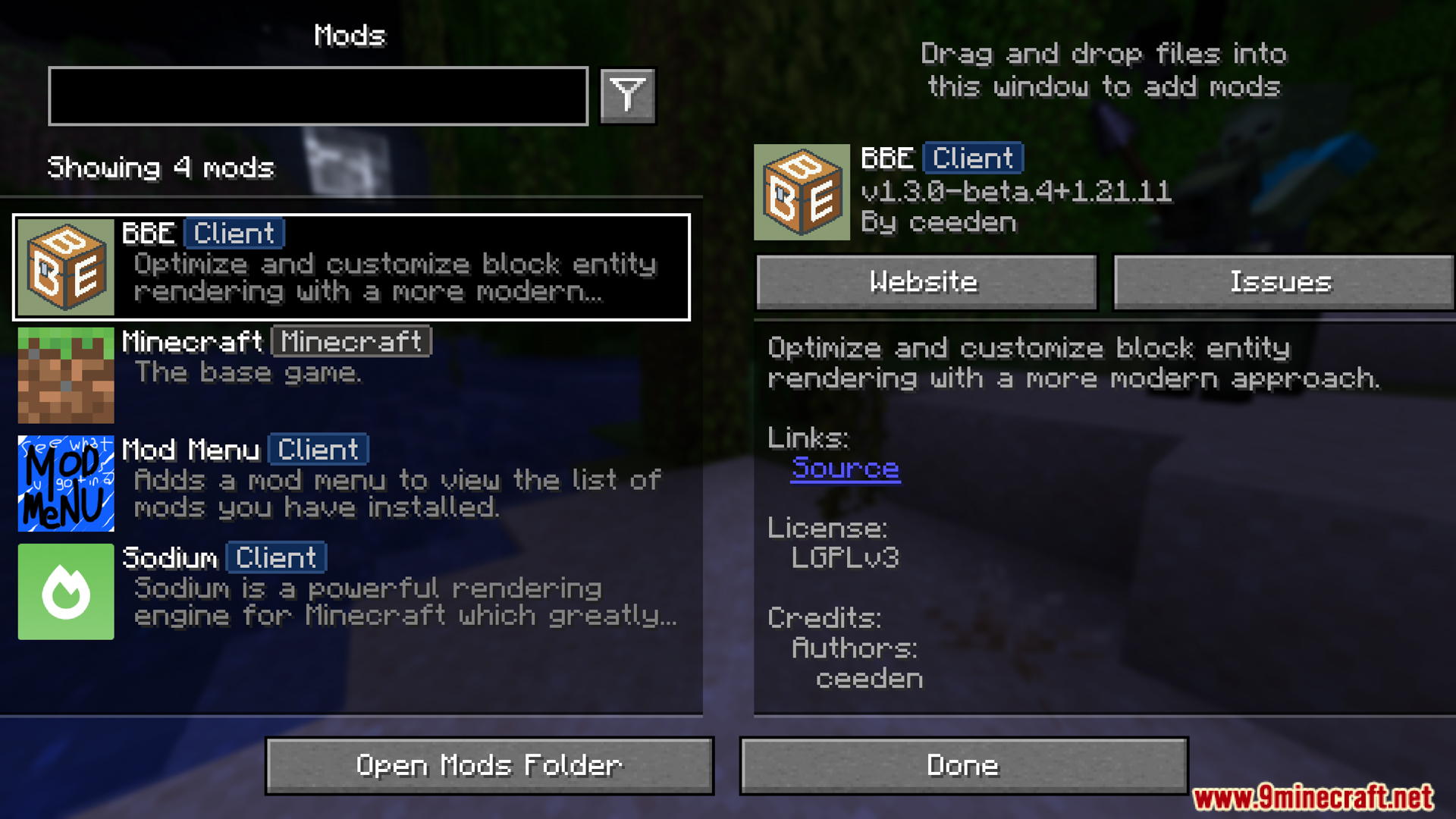
- Runs on the client side with Sodium and works right out of the box with Lithium, Nvidium, ImmediatelyFast, and C2ME.
- Supports shaders and resource packs, including packs that change block entity models with block model files like Redstone Tweaks and (Bee’s) Cozier Beds, so you keep custom 3D models and animations alongside the FPS boost.
- Works with EMF and ETF, though some EMF resource packs may not work by default or may show models slightly out of place or rotated strangely.
Supported Block Entities:
- Chests (regular, ender, trapped, and all copper variants).
- Shulker Boxes.
- Signs.
- Decorated Pots.
- Beds.
- Bells.
- Banners.
- Copper Golem Statues.
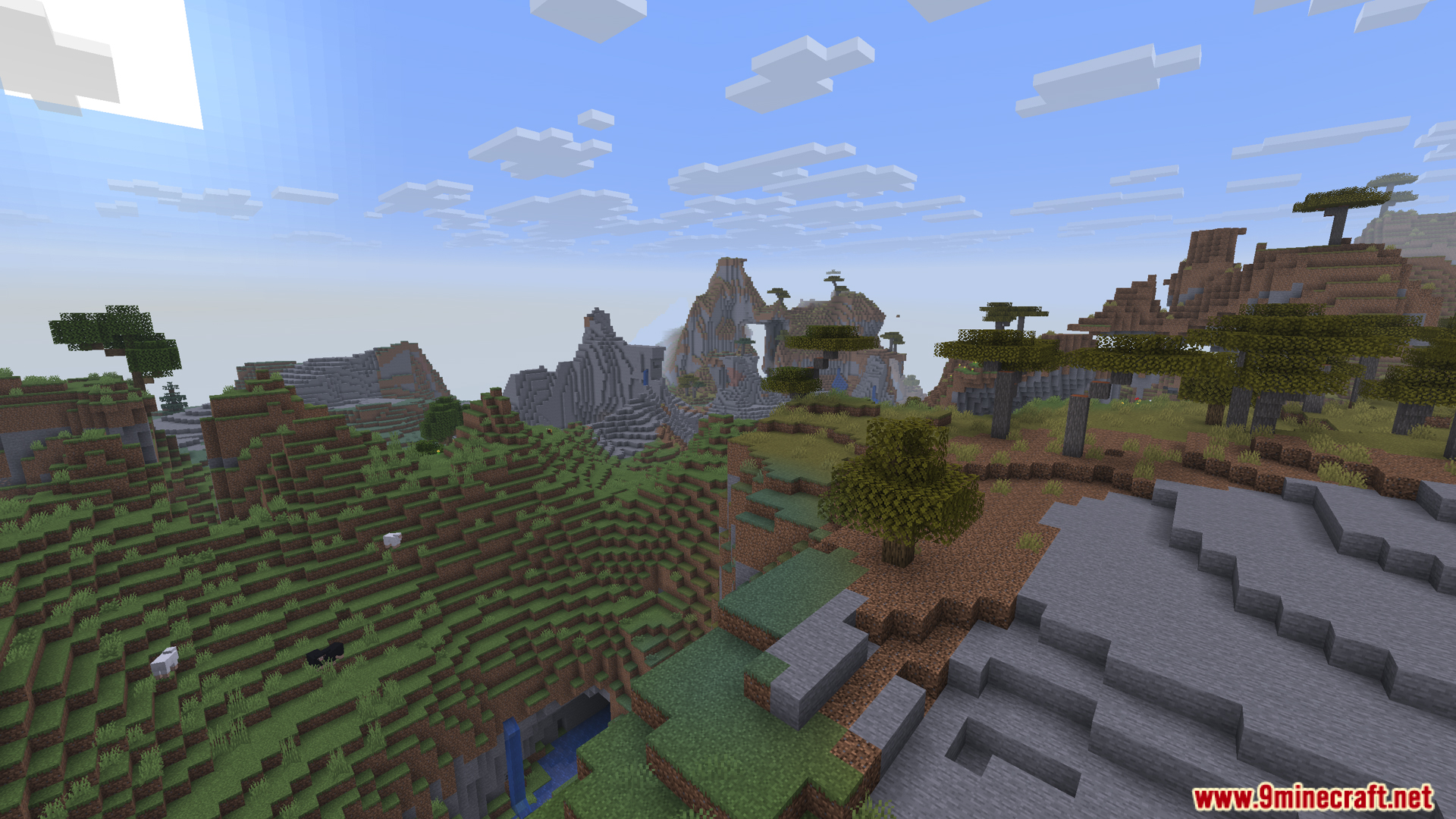
Screenshots:
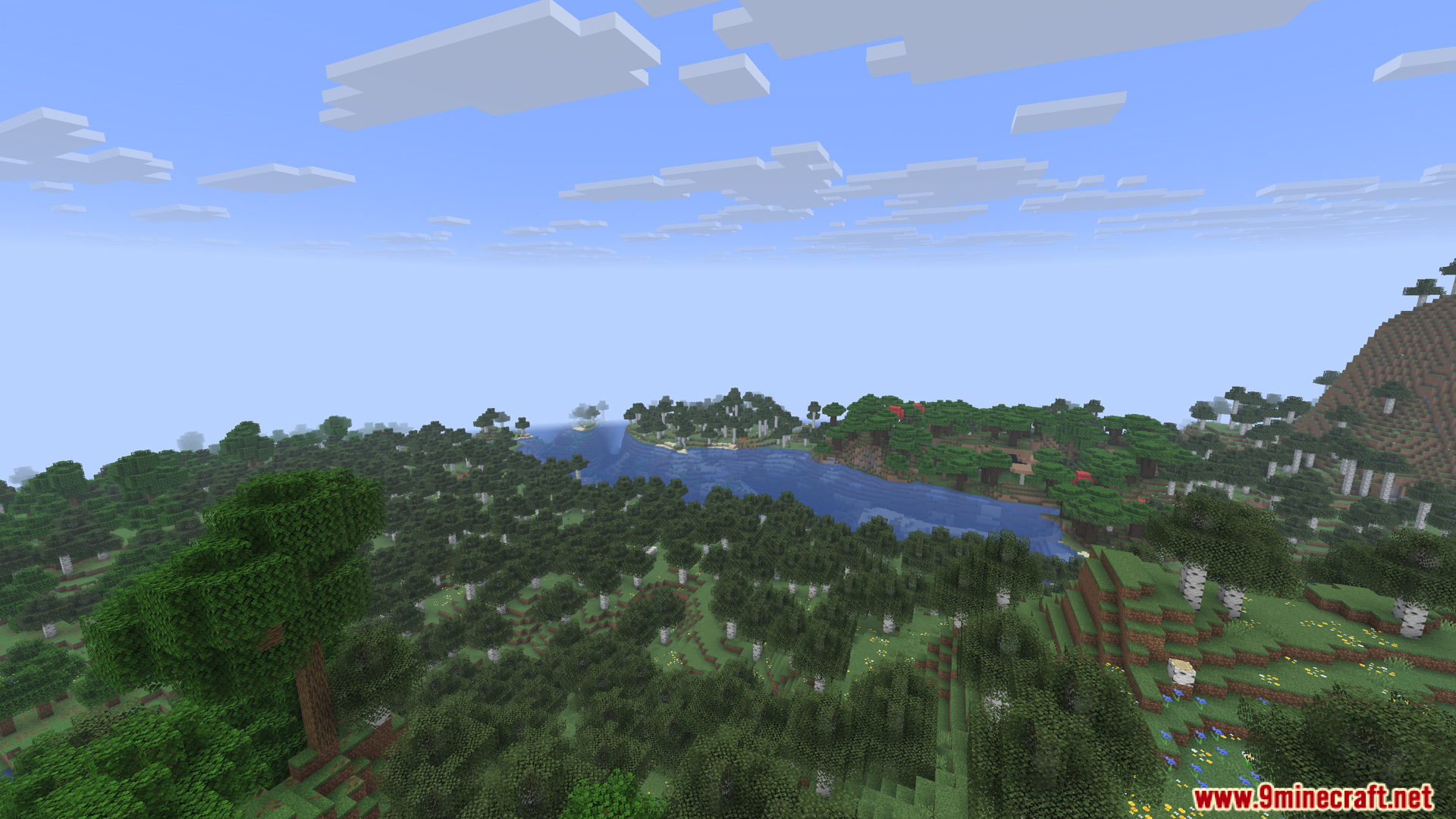
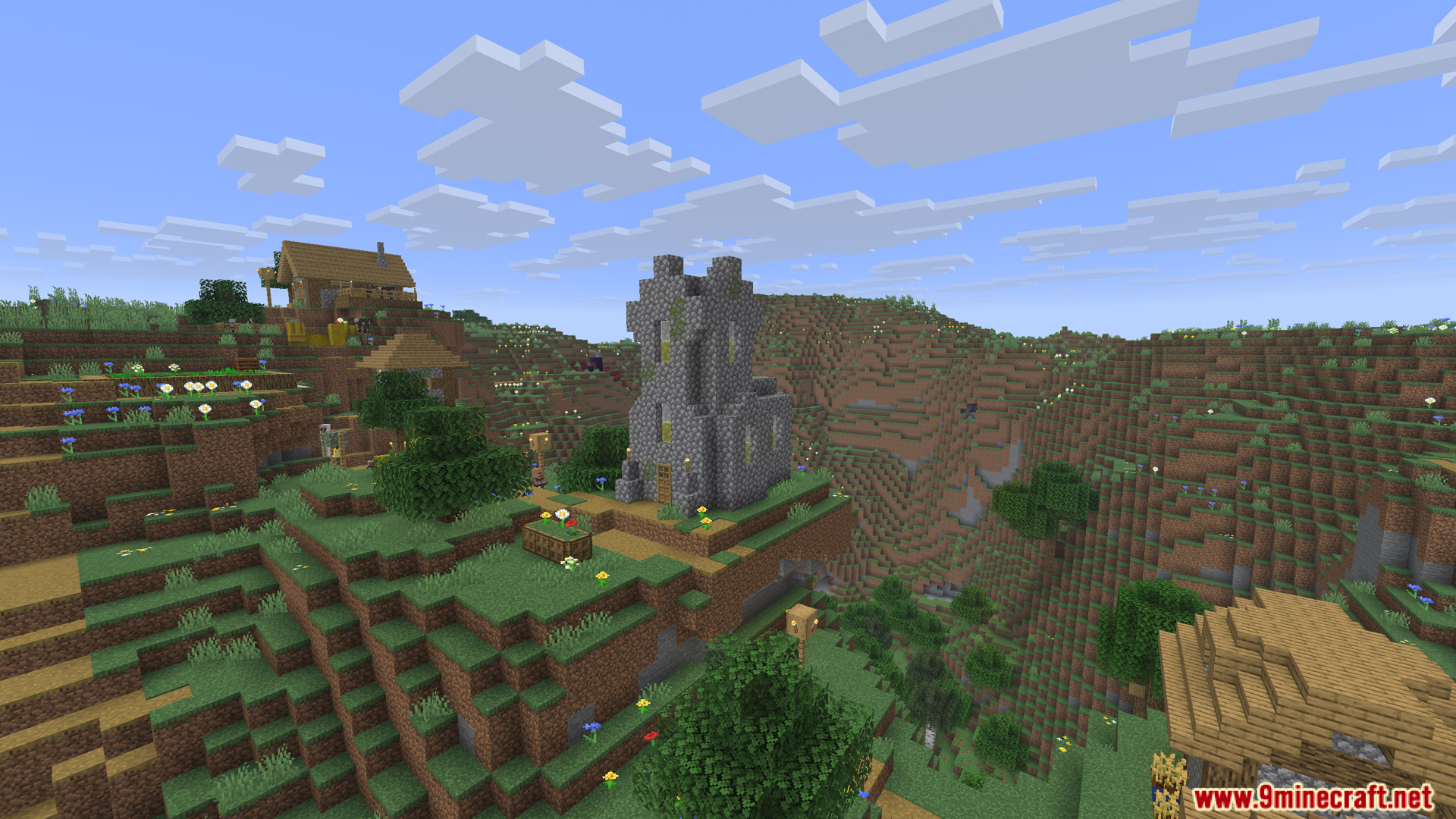
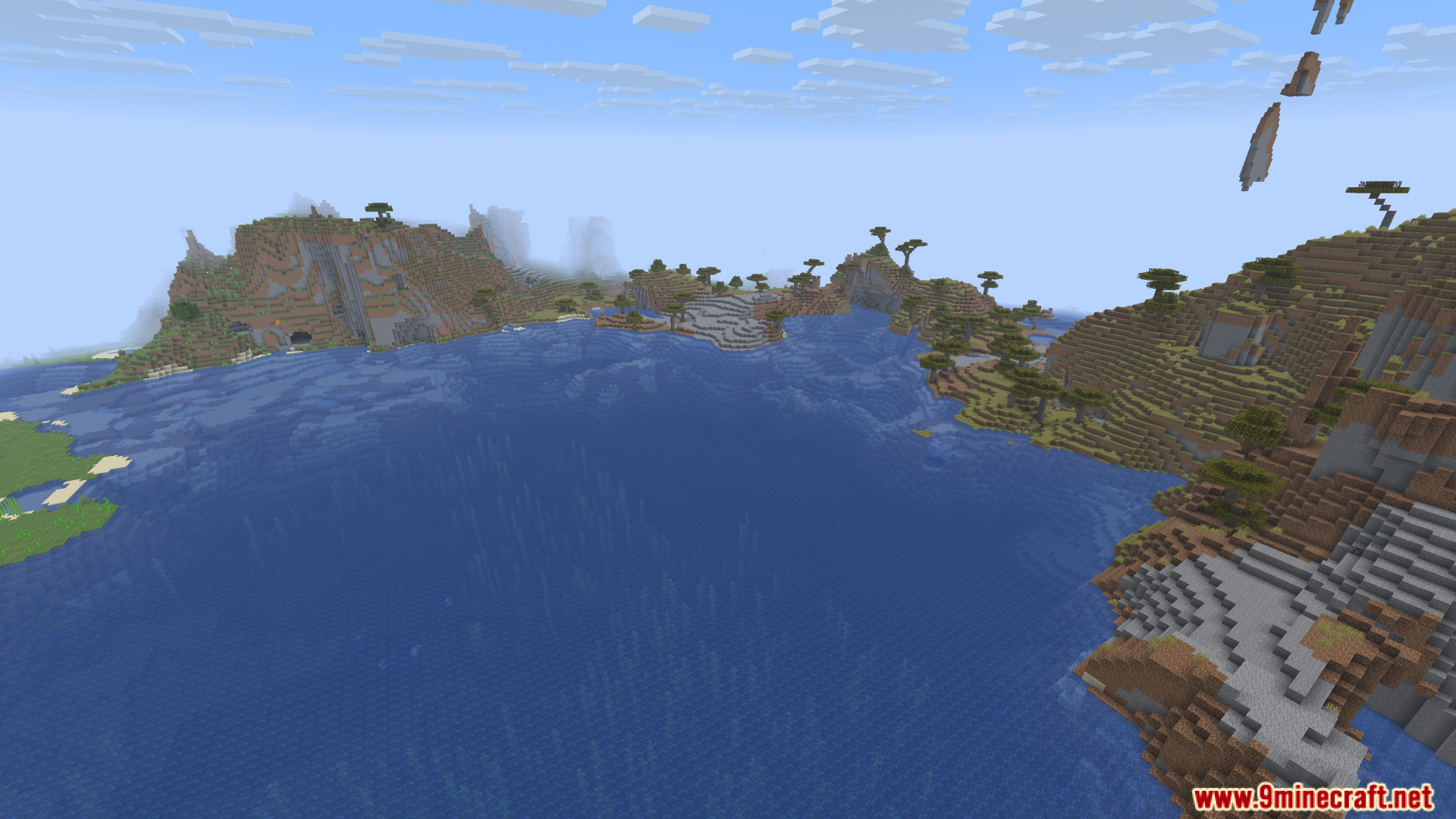
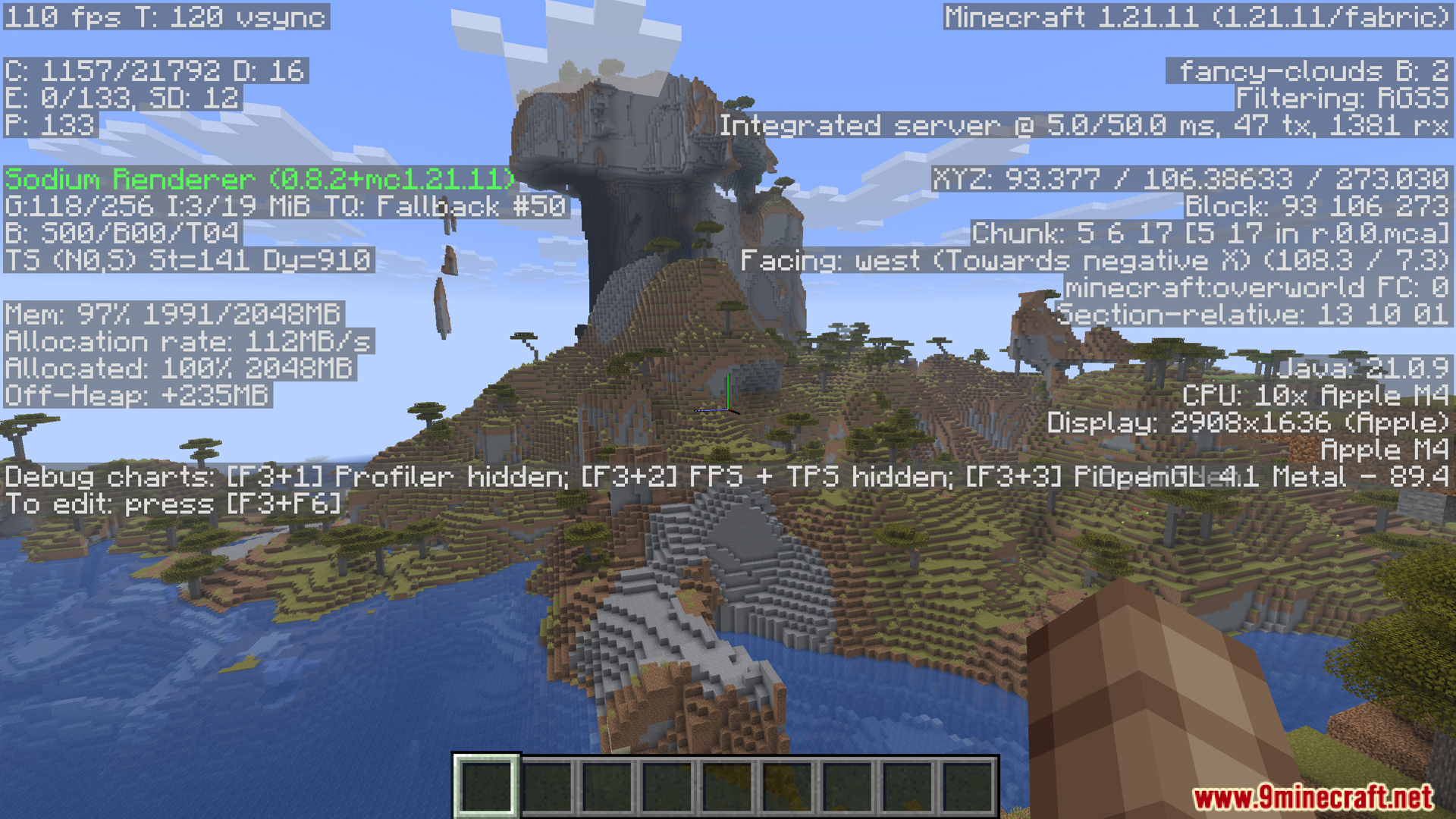
How to Install:
New to Minecraft? Follow our step-by-step guide to install Mods on your PC.View Guide


Better Block Entities Mod Download Links
For Minecraft 26.3
For Minecraft 26.2
For Minecraft 26.1.2, 26.1.1, 26.1
For Minecraft
1.21.11,
1.21.10,
1.21.9
All Versions Covered
1.21.11
1.21.10
1.21.9
1.21.8
1.21.7
1.21.6
1.21.5
1.21.4
1.21.1
1.21
For Minecraft 1.21.8, 1.21.7, 1.21.6
You May Also Like
Picked for this page
 Modular Golems Mod (26.1.2, 1.20.1) – Tinker Style Modularized Metal Golems
 Universal Graves Mod (26.3, 1.20.1) – Death Chests for Deceased Players
 PolyDecorations Mod (26.3, 1.21.1) – Wooden Benches, Shelves, Signposts and Braziers
 GPU Tape Mod (26.2, 1.20.1) – Boosts Game Rendering Performance
 Mooshroom Tweaks Mod (26.3, 1.20.1) – Natural Brown Mooshroom Spawns
 Ceramic Bucket Mod (26.3, 1.20.1) – Early-Game Bucket Crafting
 First Join Message Mod (26.3, 1.20.1) – Custom Welcome Messages
 Wood Plus Mod (26.3, 1.20.1) – Wood Variations For Wooden Items
 Survival Debug Stick Mod (26.2, 1.20.1) – Adds A Crafting Recipe For The Debug Stick
 Special Nametags Mod (26.3, 1.21.1) – Nametags With Special Effects
 Litematica Server Paster Mod (26.3, 1.20.1) – Paste Tile Entity with Litematica
 Ghastly Wail Mod (26.3, 1.20.1) – New Ghast Dying Mechanic
Most viewed in Mods over the last 7 days
 Ala Industrial Mod (26.3) – Run Electric Power Grids and Automated Factories
 PleasureCraft Mod (26.3, 1.21.1) – Jenny Mod Remake for Fabric
 Jennycraft Mod (26.3, 1.20.1) – Virtual Girlfriend in Minecraft
 Fapcraft Mod (26.3, 1.12.2) – Comprehensive and Detailed Content
 Jenny Mod (Fapcraft) Official Complete Guide – How to use, Tutorial
 BangCraft Mod (1.20.1) – Jenny, Ellie and Elliot
 Fabric Loader (26.3, 1.20.1) – Fabric Installer for All Minecraft Versions
 The Shooting Star Demo Mod (26.3, 1.20.1) – Vaporize Terrain From Orbit
 Meteor Client Mod (26.3, 1.20.1) – Xray, HUD, Fly
 OptiFine HD (26.3, 1.20.1) – Run Faster, FPS Boost, Shaders Support
 Aristois Client Mod (1.21.4, 1.20.1) – World Class Minecraft Utility
 Prestige Client Mod (1.21.11, 1.21.4) – Powerful Ghost Features for Crystal & Sword PvP
More from Mods
 Orient’s Hotpot Chronicles Mod (1.20.1) – Boil Fresh Hotpot Meals Over Open Flames
 Far Lands Traveler Mod (26.1.2) – Survive the Long Trek to the Edge of the World
 Beli’s SkyLyrics Mod (1.21.11) – Sing Along to Desktop Tracks Projected in the Night Sky
 Explainstone and Songmelyn Mod (1.21.1) – Broadcast Custom Music Across Your Base
 Rockstar Shaders Mod (26.3) – Cast Ray-Traced Light Across Vast Distant Horizons
 ERYDON Mod (1.20.1) – Design Grand Courtyards with Carved Marble Pillars
 Infinity Bound Mod (1.21.1) – Snap Away Enemies with Legendary Superhero Gear
 Legacy Gecko Lib Fabric Mod (1.16.5) – Power Animated Creatures in Modpacks
 The Man from the Shadow Horror Mod (1.20.1) – Fight Hallucinations to Survive
 Shade & Saturation Slider Mod (26.2, 1.21.11) – Make Every Biome Vibrant
 Cataclysm X Yung’s Better Nether Fortresses Compat Mod (1.21.1, 1.20.1)
 Patchouli 9minecraft Mod (26.3) – Read Mod Guides Without Leaving Minecraft

This post has no comments yet. Be the first — your comment will appear here.