
YAML Config Mod (26.3, 1.21.1) – Edit Mod Settings in Game
 132
 0


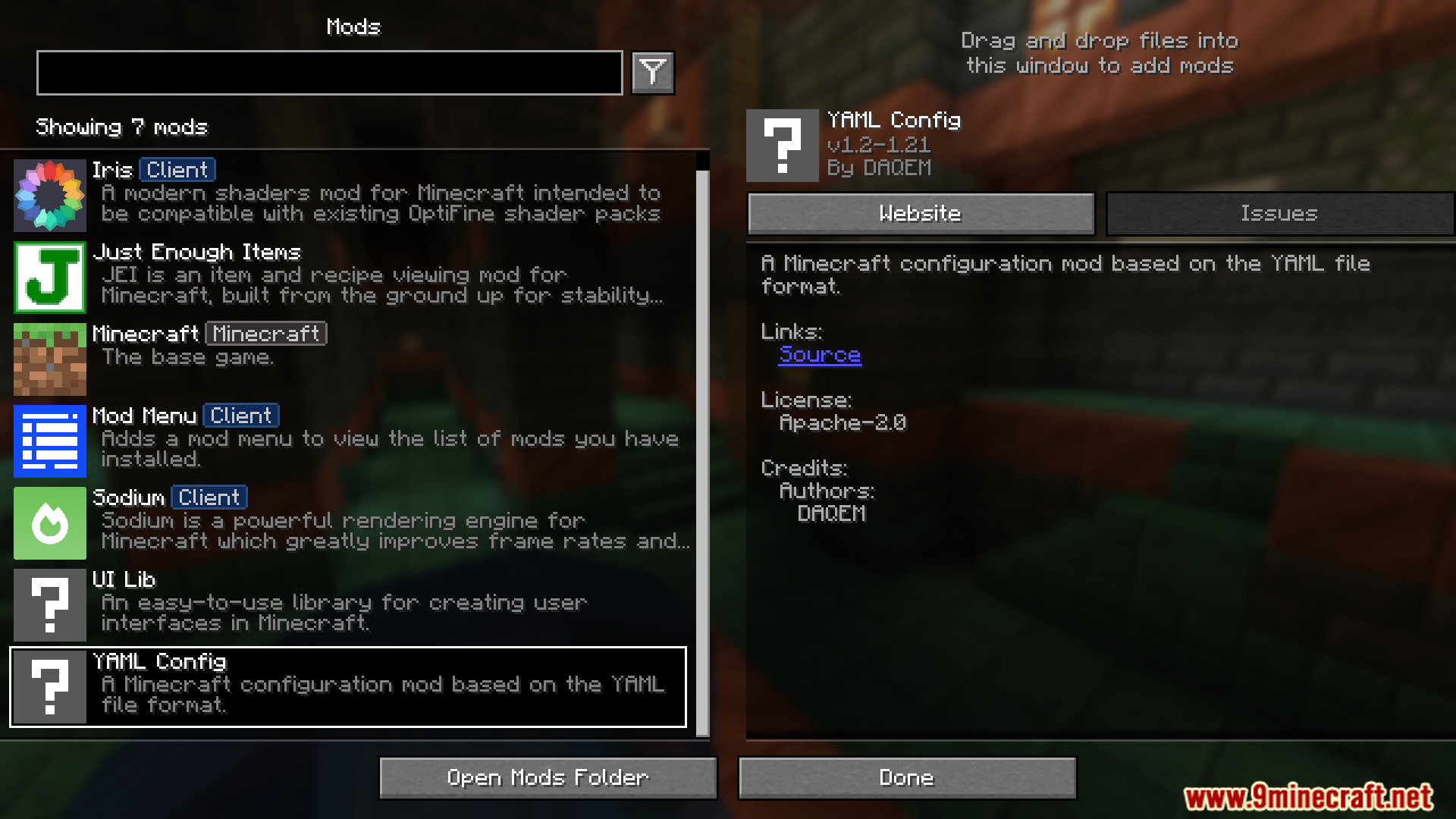
YAML Config Mod brings a configuration system that lets developers build and manage settings using the YAML file format. It provides a user-friendly GUI, support for multiple data types, and client-server synchronization for standalone mods and modpacks. Built-in validation and error handling keep configurations consistent, reliable, and easy to maintain.

Features:
- Utilizes the YAML file format for high readability and easy configuration management.
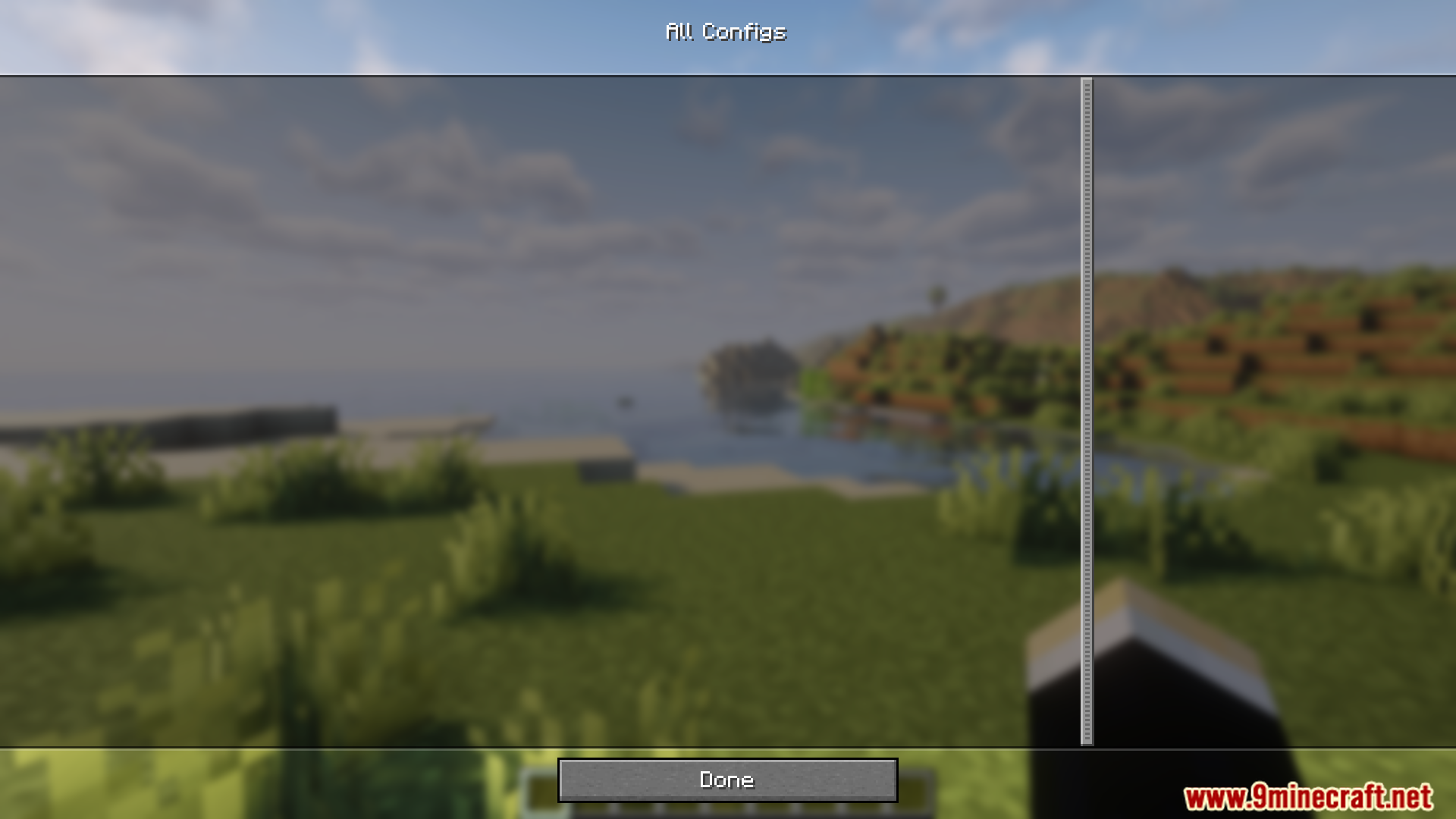
- Provides a clean, intuitive GUI screen that lets you easily navigate and edit settings in-game.
- Supports a wide range of data types including primitive types, collections, and date-time values.
- Automatically synchronizes configuration changes from the server to clients to keep gameplay consistent.
- Works seamlessly with existing modpacks and offers a flexible configuration system.
- Includes robust validation and error handling to meet expected configuration requirements.
How to Use:
- Press “F12” on your keyboard to open the Configs screen in-game.
- Select the mod whose configuration you want to modify from the list of available configurations.
- Edit the available settings using the input fields, or click the reset button to restore default values.
- Click the “Save Changes” button to save your modifications and sync them with the server.
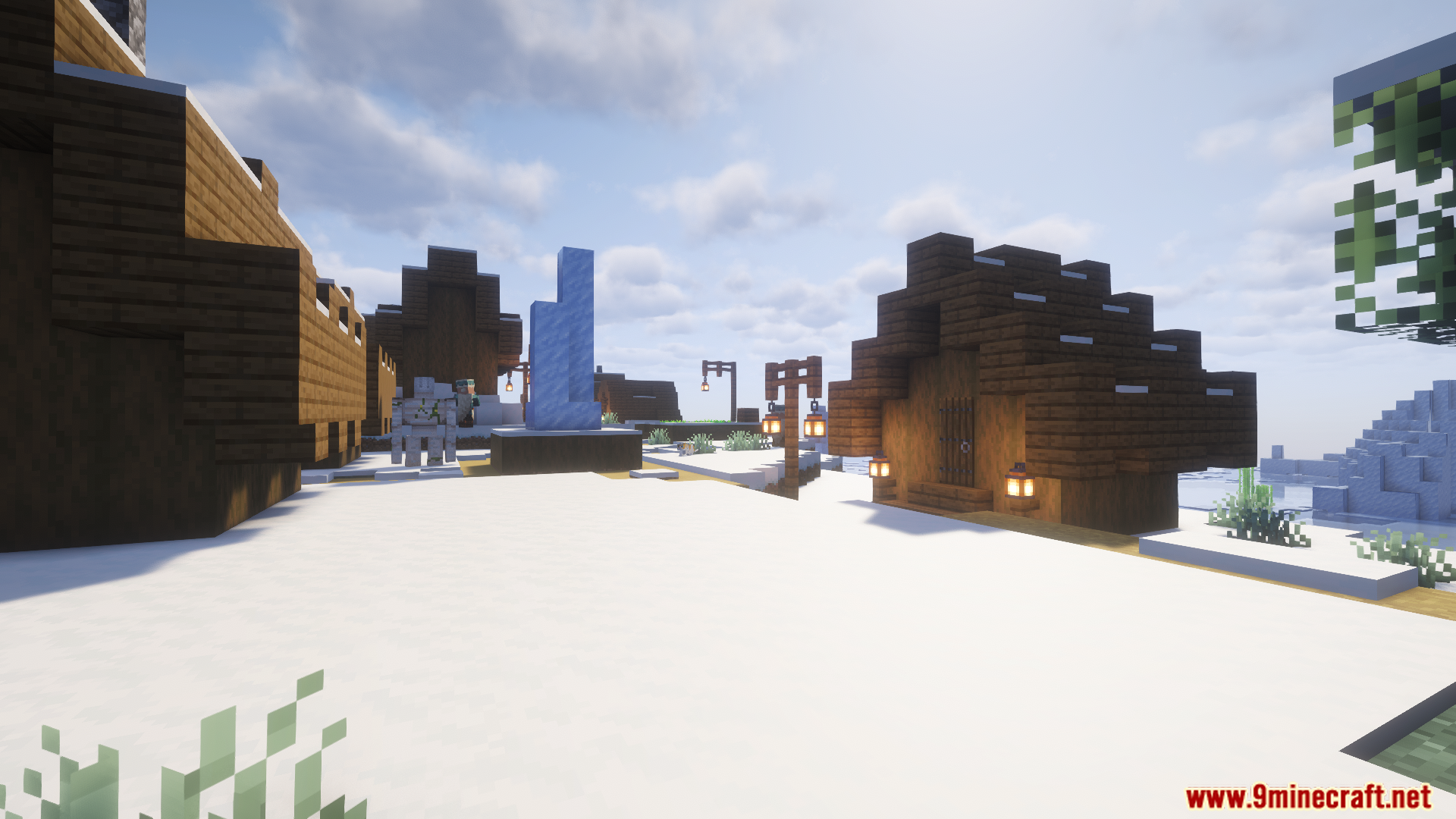
Screenshots:


How to Install:
New to Minecraft? Follow our step-by-step guide to install Mods on your PC.View Guide
Requirements:




YAML Config Mod Download Links
For Minecraft 26.3
For Minecraft 26.2
For Minecraft 26.1.2, 26.1.1, 26.1
For Minecraft 1.21.11
For Minecraft 1.21.10, 1.21.9
For Minecraft 1.21.8, 1.21.7, 1.21.6
For Minecraft 1.21.5
For Minecraft 1.21.1, 1.21
Click to rate this post!
[Total: 2 Average: 5]
QUICK MINECRAFT SURVEY · ONE TAP
Mods & Modpacks
How often do you play pre-made modpacks instead of making your own?
4 responses · See the full results →
You May Also Like
Picked for this page
 NoFog Mod (26.2, 1.20.1) – Increased Render Distance
 Click Manaita Mod (26.3, 1.20.1) – Item Multiplication
 Showcase Item Mod (26.1.2, 1.20.1) – Show Your Item in Chat
 Huge Structure Blocks Mod (26.2, 1.20.1) – Pushing Limits With Huge Structure Blocks Mod
 Health Indicator Mod (26.3, 1.20.1) – Shows A Warning on Your Hud
 Fast Item Frames Mod (26.3, 1.20.1) – More Colors, Less Lag
 The Copper Rail Mod (26.2, 1.20.1) – Directional Rails Crafted Using Copper
 Integrated Scripting Mod (26.3, 1.20.1) – Advanced Automation Made Simple
 Easy NPC Core Mod (26.3, 1.20.1) – Core Functionallity for Easy NPC Mod
 Reliquary Reincarnations Mod (26.3, 1.20.1) – Magical Tools And Artifacts
 Panorandom Mod (26.3, 1.21.11) – Picks Panorama From All Resource Packs
 Iceball Mod (26.3, 1.20.1) – Throwable Ball Weapons
Most viewed in Mods over the last 7 days
 Ala Industrial Mod (26.3) – Run Electric Power Grids and Automated Factories
 PleasureCraft Mod (26.3, 1.21.1) – Jenny Mod Remake for Fabric
 Jennycraft Mod (26.3, 1.20.1) – Virtual Girlfriend in Minecraft
 Fapcraft Mod (26.3, 1.12.2) – Comprehensive and Detailed Content
 Jenny Mod (Fapcraft) Official Complete Guide – How to use, Tutorial
 BangCraft Mod (1.20.1) – Jenny, Ellie and Elliot
 Fabric Loader (26.3, 1.20.1) – Fabric Installer for All Minecraft Versions
 The Shooting Star Demo Mod (26.3, 1.20.1) – Vaporize Terrain From Orbit
 Meteor Client Mod (26.3, 1.20.1) – Xray, HUD, Fly
 OptiFine HD (26.3, 1.20.1) – Run Faster, FPS Boost, Shaders Support
 Aristois Client Mod (1.21.4, 1.20.1) – World Class Minecraft Utility
 Prestige Client Mod (1.21.11, 1.21.4) – Powerful Ghost Features for Crystal & Sword PvP
More from Mods
 Shin’s Tensura Race Models Mod (1.19.2) – Play As Unique 3D Anime Race
 Offgrid Mod (26.3, 1.20.1) – Furnish Compact Interiors Without Strict Grid
 Tempest Almanac Iron’s Spells ‘n Spellbooks Mod (1.21.1, 1.20.1)
 Chat Guides Mod (26.3, 1.21.11) – Never Memorize Complex Server Commands Again
 TRMT Reimagined the Roads More Travelled Mod (26.3, 1.20.1)
 Morrowless Mod (1.21.1) – Defend Your Shelter From Nightmare Creatures
 THE SLOPSTROSITY Mod (1.21.1) – Battle a Ridiculous Slime Boss
 Decoween Mod (1.21.1, 1.20.1) – Transform Ordinary Survival Bases
 Simply Light 9minecraft Mod (26.3) – Decorate Builds Without Torches
 Alex’s Caves Continued Mod (26.3, 1.20.1) – Conquer Six Massive Underground
 Anvil Uses Mod (26.3, 1.20.1) – Track Item Anvil Usage
 Animal Info Mod (26.3, 1.21.11) – Quick Stats For Your Animals

This post has no comments yet. Be the first — your comment will appear here.