
Accelerated Rendering Mod (1.21.1, 1.20.1) – Smooth FPS in Crowded Mob Farms

 0


Accelerated Rendering Mod boosts your FPS and moves entity vertex transformations from the CPU to the GPU with compute shaders. This mod makes crowded areas and complex models render faster for smoother gameplay. It works with shader packs like Iris Shaders and offers config options to keep other mods compatible. The mod runs on the client side only, so servers do not need it.
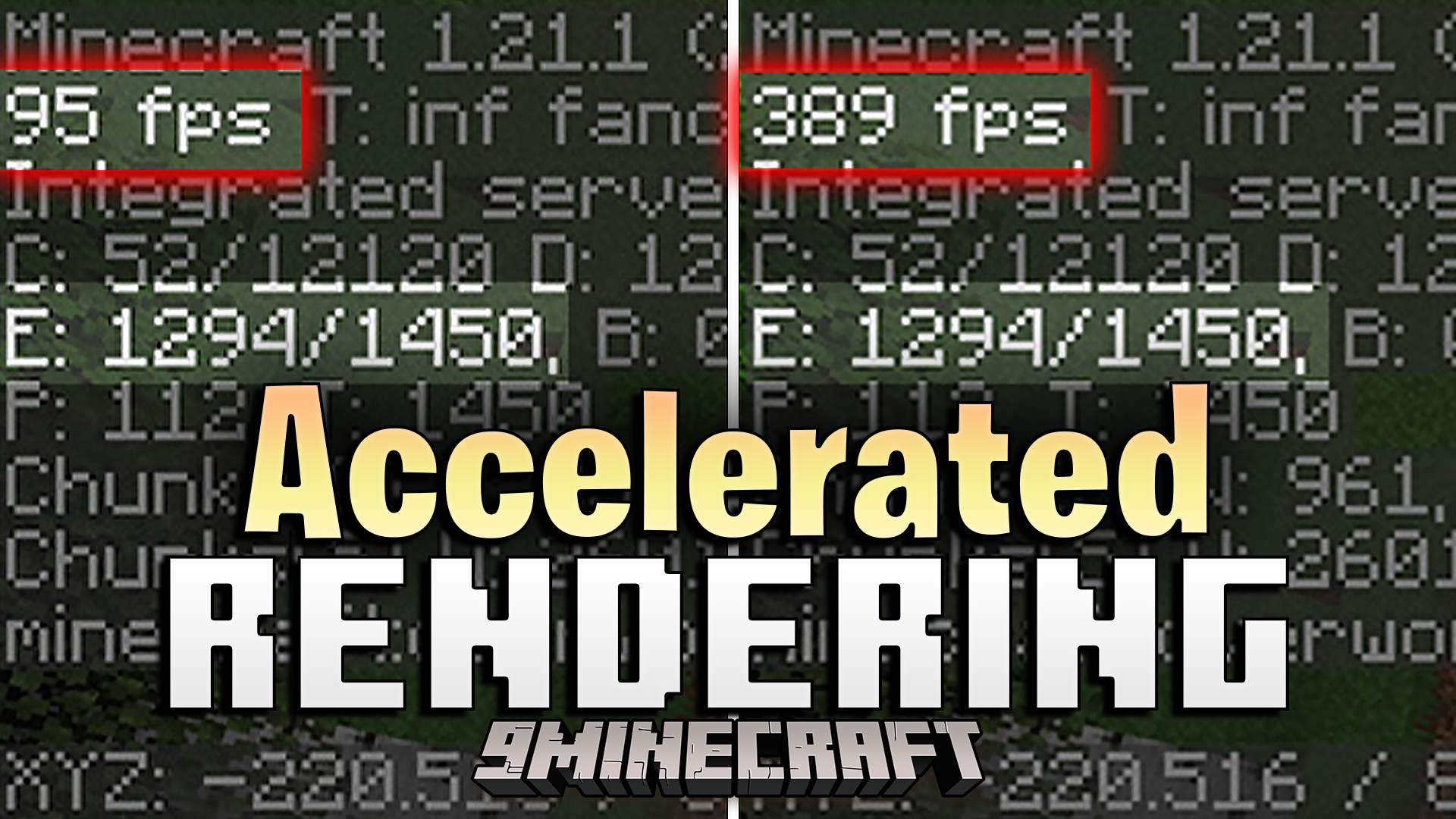
Features:
- Uses GPU compute shaders to optimize how entities render in the game.
- Speeds up vertex transformations and uses caching for complex models.
- Works with shader packs, including Iris Shaders.
- Lets you adjust acceleration features for better compatibility with other mods.
- Runs as a lightweight client-side mod, so it is not needed on the server.
- Lets you change settings through the client TOML config file or an in-game editor.
- Includes a Force Translucent Acceleration option for proper item rendering.
Configuration:
acceleratedrendering-client.toml: Edit this client config file, or use the in-game editor, to change acceleration features for mod compatibility.Force Translucent Acceleration: Enable this option for proper item rendering.
Screenshots:
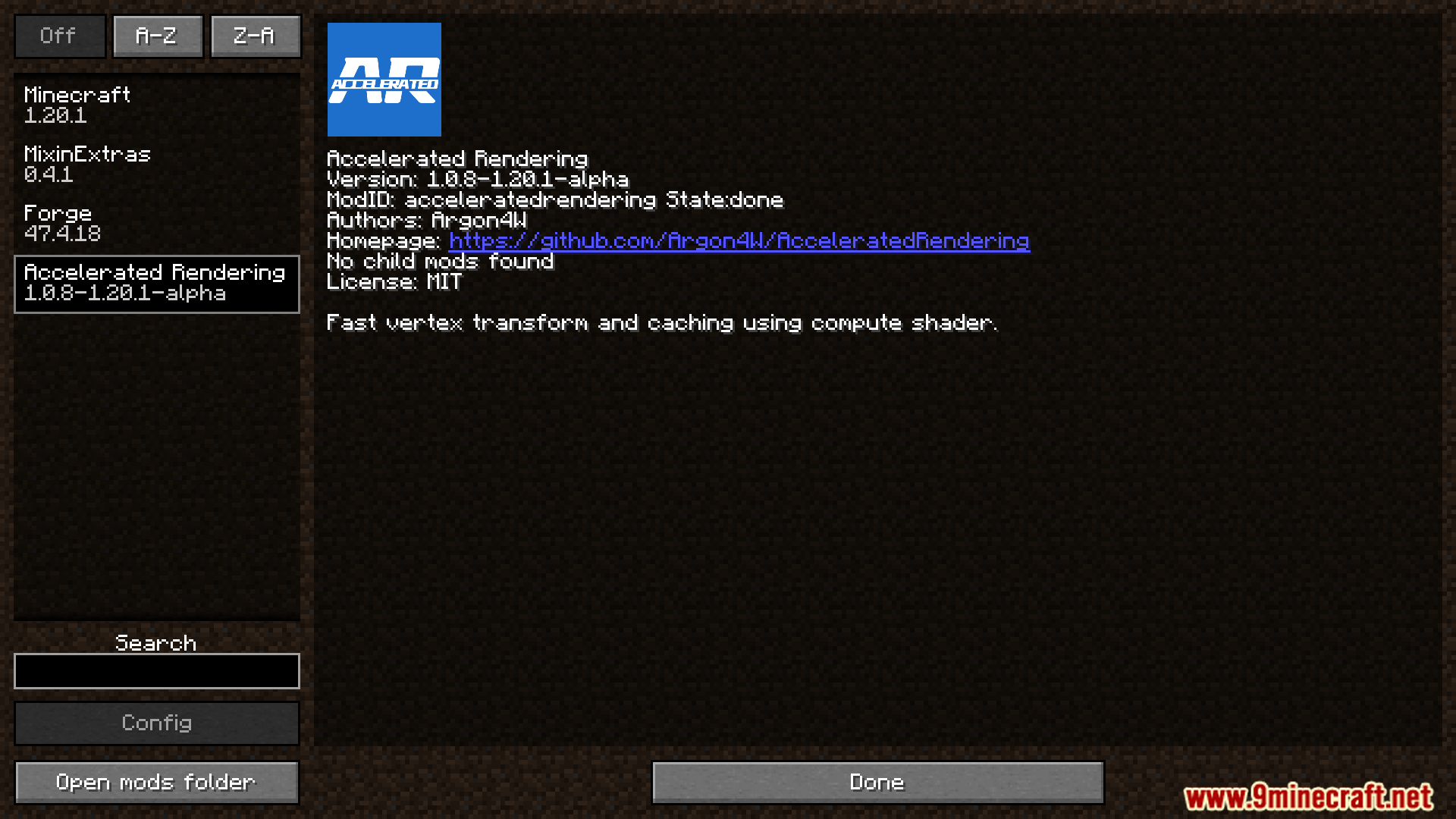
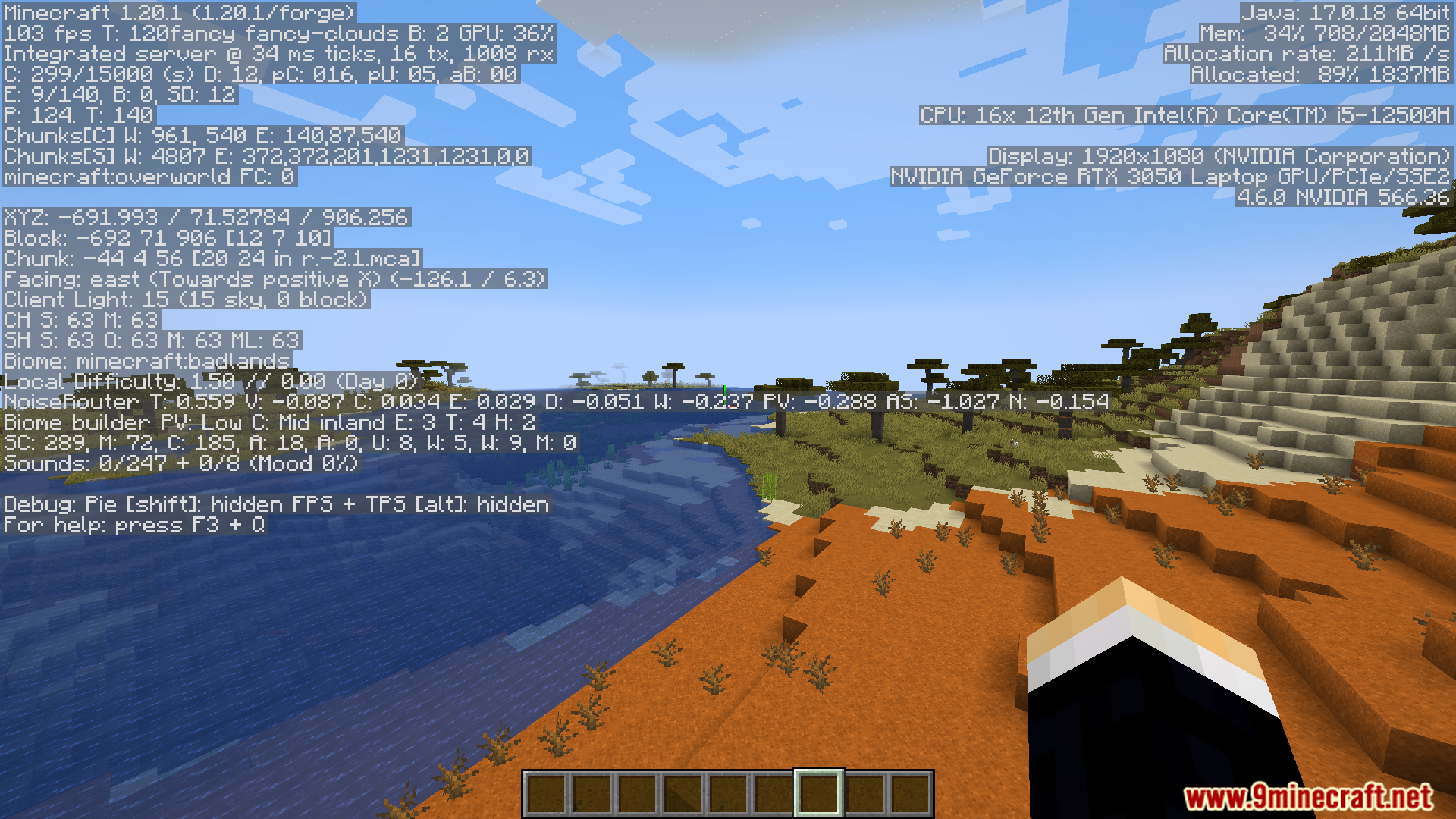
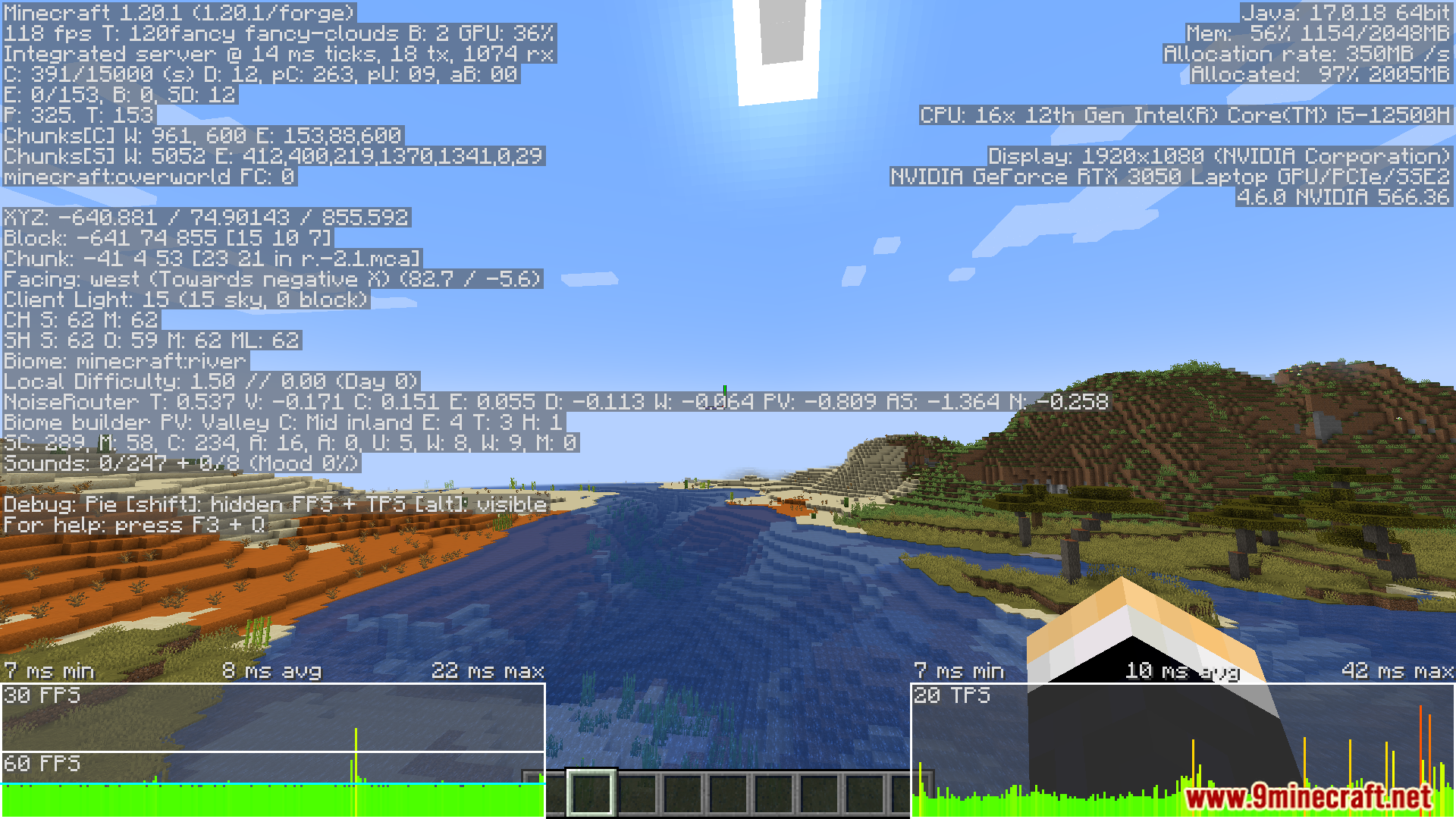
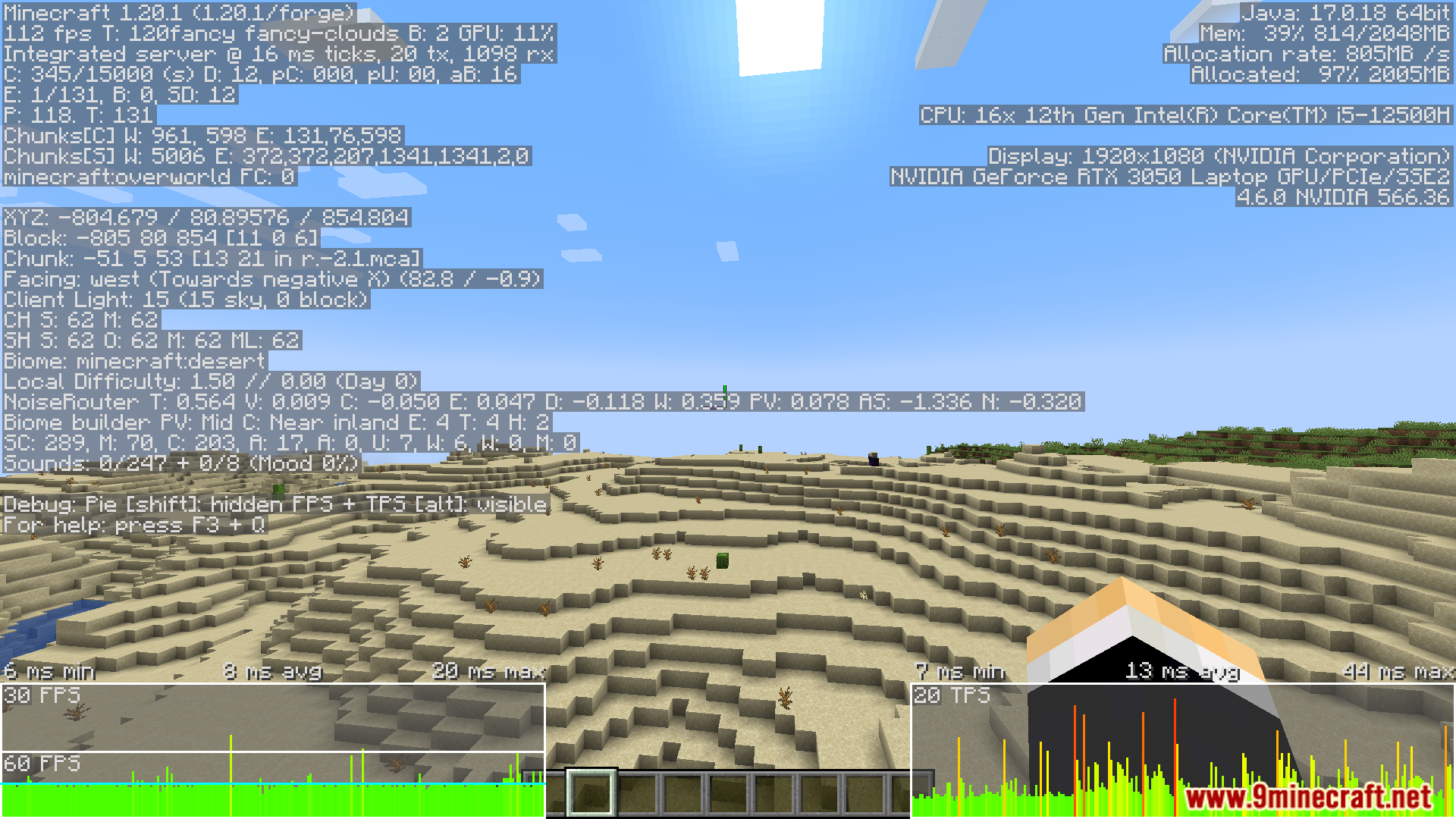
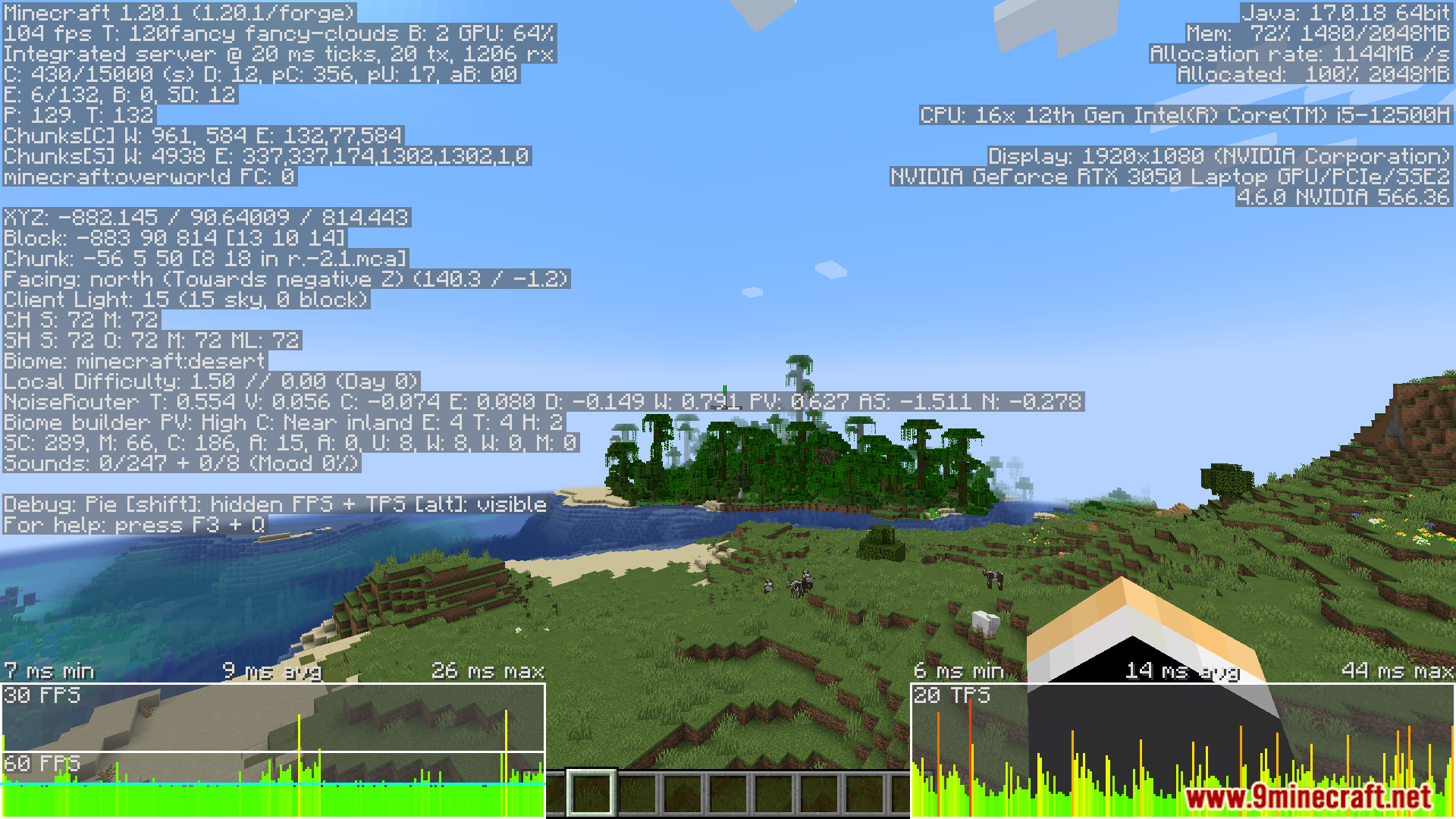
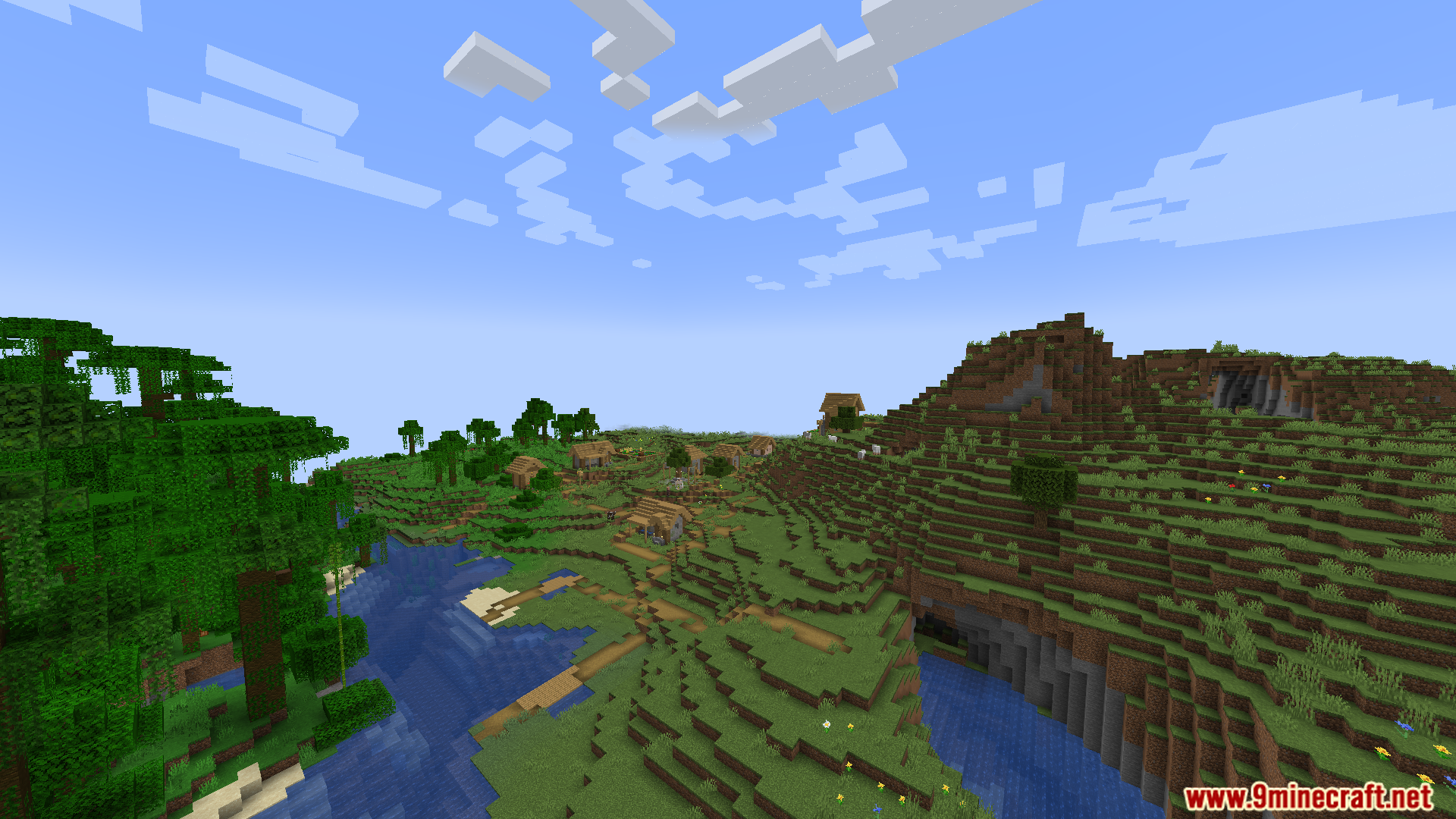
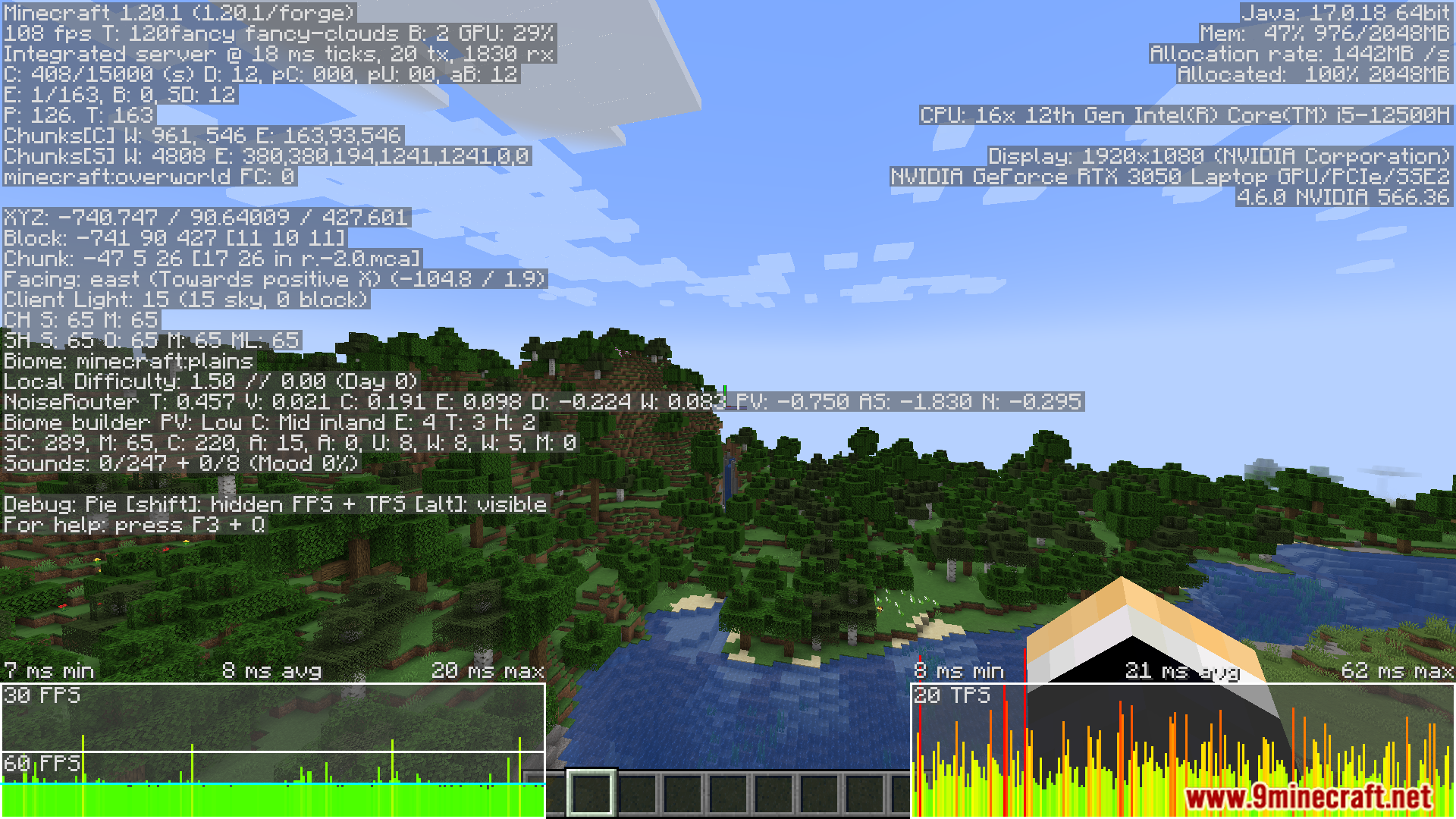
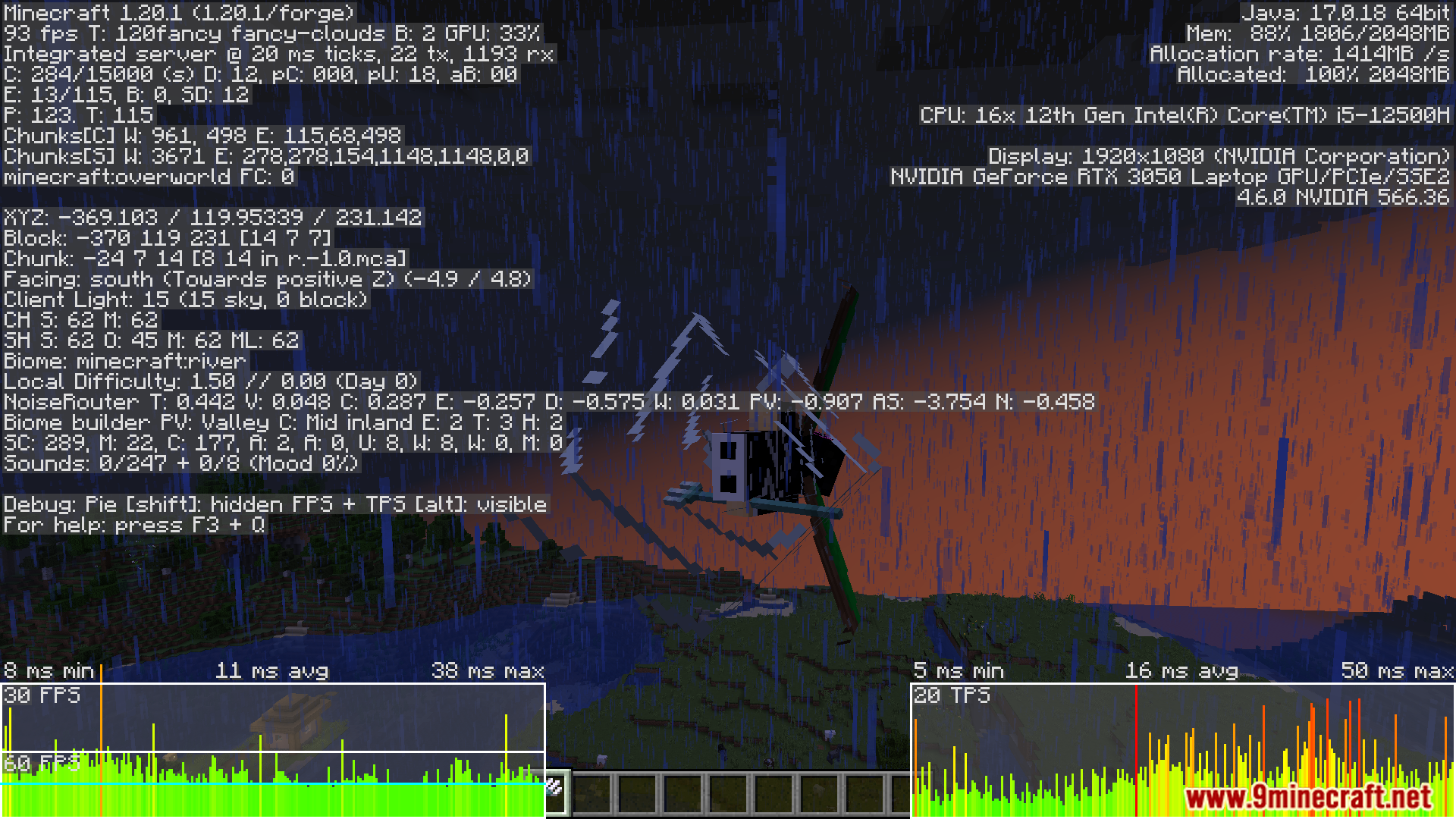
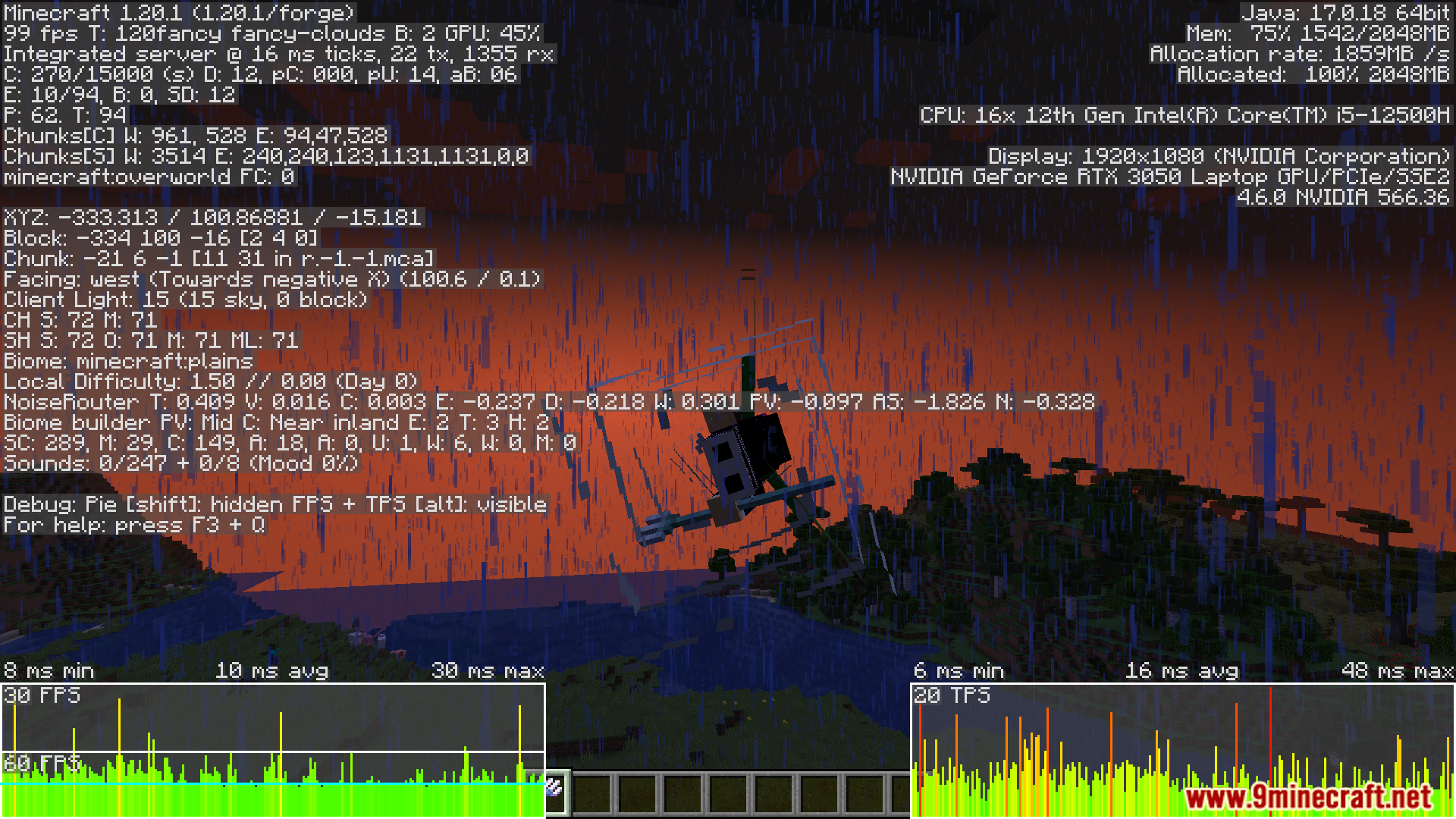
How to Install:
New to Minecraft? Follow our step-by-step guide to install Mods on your PC.View Guide
Requirements:


Accelerated Rendering Mod Download Links
For Minecraft 1.21.1, 1.21
For Minecraft 1.20.1
Click to rate this post!
[Total: 2 Average: 5]
QUICK MINECRAFT SURVEY · ONE TAP
Mods & Modpacks
What is your favorite type of Minecraft mod?
26 responses · See the full results →
You May Also Like
Picked for this page
 Minecraft Transit Railway Mod (1.21.4, 1.20.1) – Fully Functional Railway System
 Pl3xMap Plugin (26.3, 1.20.1) – Spigot
 Warrior Rage Mod (1.21.11, 1.20.1) – Kill Streak Mechanic
 Connected Doors Mod (26.1, 1.20.1) – Open and Close Double Doors Together
 Wooden Bucket Mod (26.3, 1.20.1) – A Wooden Bucket
 Infinity And Mending Mod (26.3, 1.20.1) – Combine Mending + Infinity on One Bow
 Ceramic Bucket Mod (26.3, 1.20.1) – Early-Game Bucket Crafting
 Configurable Mod (1.21.11, 1.20.1) – Decentralised Settings in a Mod
 Campfire Resting Mod (1.21.11, 1.20.1) – Change The Time Of Day
 Beyond Dimensions Mod (26.3, 1.20.1) – Stores Billions Of Different Items
 Extra Quests Mod (1.21.1, 1.20.1) – Quest Expansion
 Simple Datapacks Mod (26.3, 1.20.1) – Easy Ingame Datapack Management
Most viewed in Mods over the last 7 days
 Ala Industrial Mod (26.3) – Run Electric Power Grids and Automated Factories
 PleasureCraft Mod (26.3, 1.21.1) – Jenny Mod Remake for Fabric
 Jennycraft Mod (26.3, 1.20.1) – Virtual Girlfriend in Minecraft
 Fapcraft Mod (26.3, 1.12.2) – Comprehensive and Detailed Content
 Jenny Mod (Fapcraft) Official Complete Guide – How to use, Tutorial
 BangCraft Mod (1.20.1) – Jenny, Ellie and Elliot
 Fabric Loader (26.3, 1.20.1) – Fabric Installer for All Minecraft Versions
 The Shooting Star Demo Mod (26.3, 1.20.1) – Vaporize Terrain From Orbit
 Meteor Client Mod (26.3, 1.20.1) – Xray, HUD, Fly
 OptiFine HD (26.3, 1.20.1) – Run Faster, FPS Boost, Shaders Support
 Aristois Client Mod (1.21.4, 1.20.1) – World Class Minecraft Utility
 Prestige Client Mod (1.21.11, 1.21.4) – Powerful Ghost Features for Crystal & Sword PvP
More from Mods
 Packing Tape Mod (26.3, 1.20.1) – Move Chests, Machines
 No XP Anvils Mod (26.3, 1.20.1) – Repair And Enchant Without XP
 Naruto Shippuden Mod (26.3, 1.16.5) – Immerse Yourself in The World of Ninja
 Araxer’s Bestiary Mod (26.3, 1.20.1) – Build an In-Game Encyclopedia of Every Mob
 Villagers Plus Mod (26.3, 1.20.1) – Expanded Villager Types and Villages
 Ore Excavation 9minecraft Mod (26.3) – Mine Ores and Chop Trees in a Single Swing
 Dirigo Mod (26.1.2, 1.21.1) – Walk Across Nether Lava Seas and Automate Animal
 HandLib Mod (26.3, 1.21.1) – Keep Your Multiplayer World Stable
 Happy Ghasts Boost Mod (26.1.2, 1.20.1) – Fly Across Vast Distances at Top Speed
 LiquidBounce Client Mod (26.3, 1.20.1) – LiquidLauncher, A Free Client
 Create Hand Made Mod (1.21.1) – Craft Create Recipes By Hand in Your Workshop
 Seed Map for Xaero Mod (26.1) – See Rare Biomes and Dungeons Before You Travel

This post has no comments yet. Be the first — your comment will appear here.