


Beyond Dimensions Mod (26.2, 1.20.1) – Stores Billions Of Different Items
 160
160
 0
0


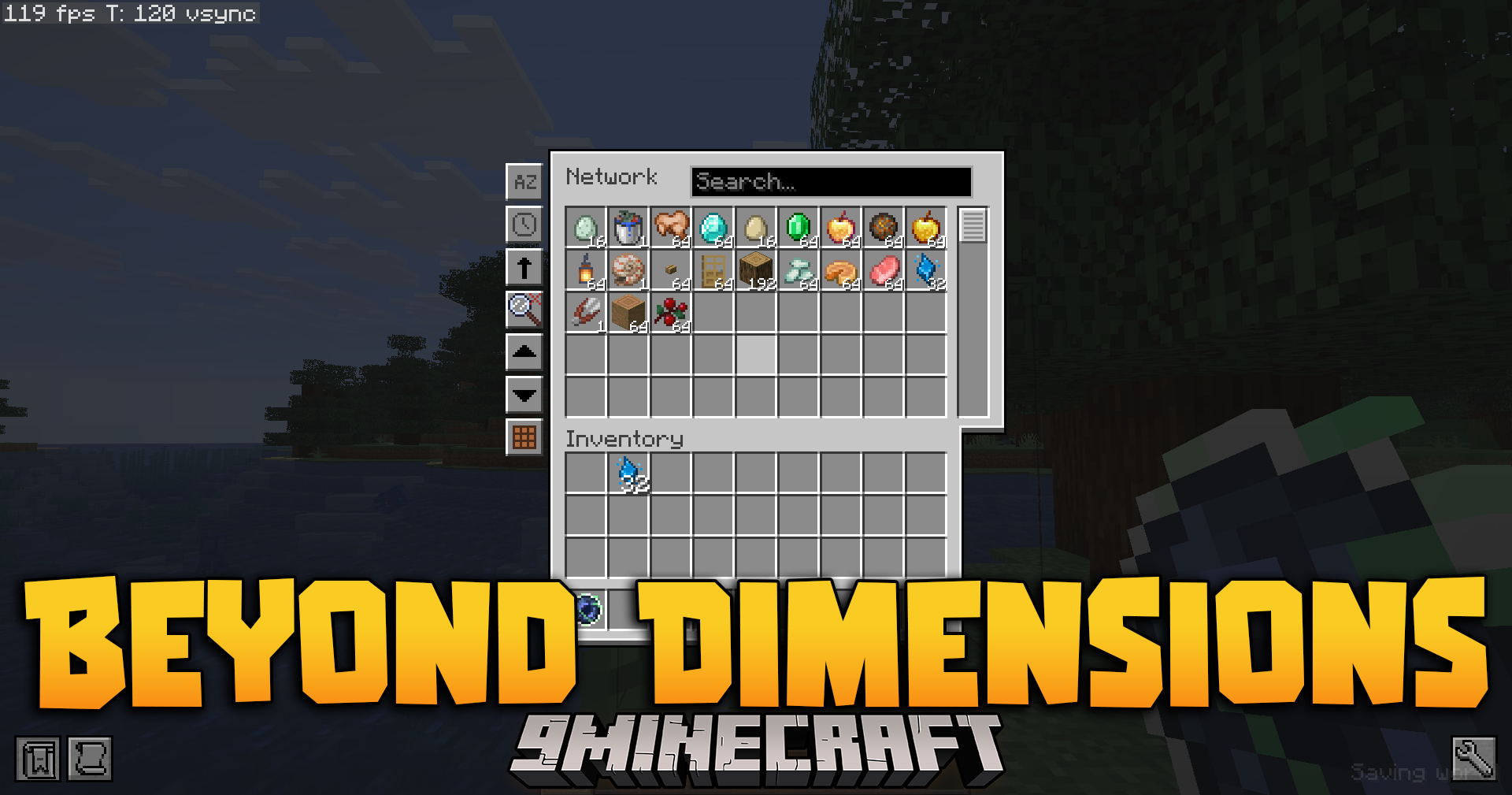
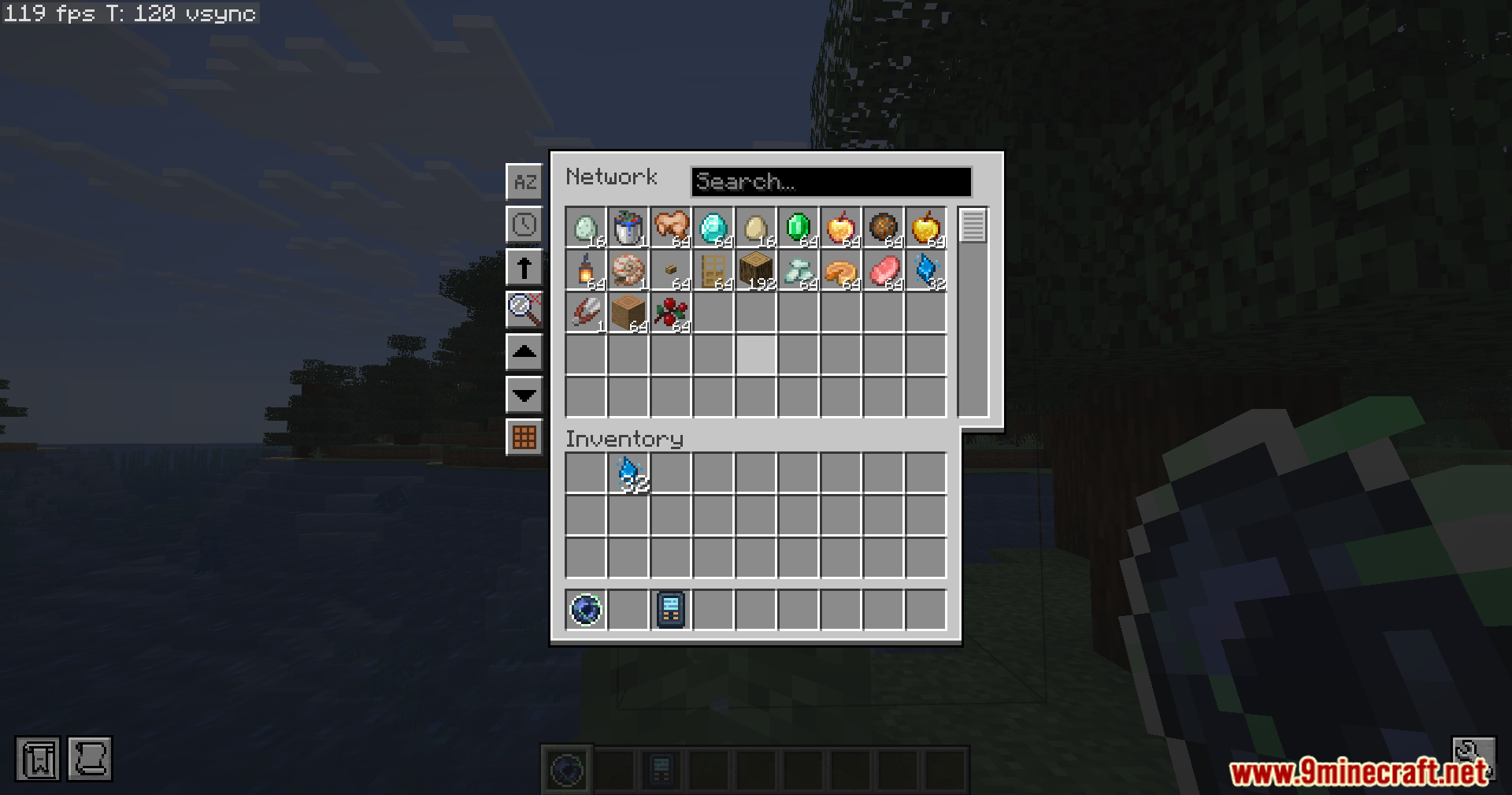
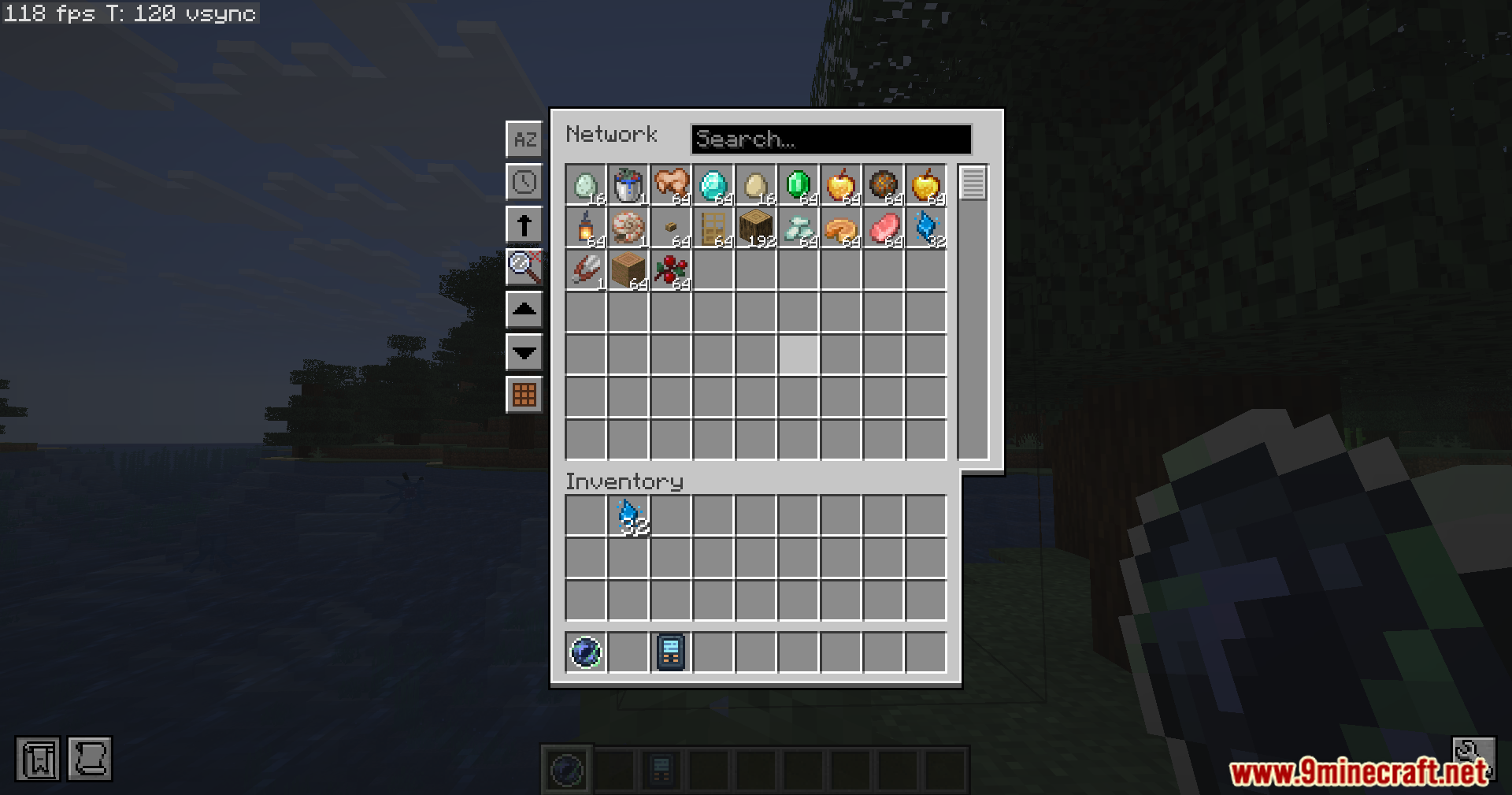
Beyond Dimensions Mod gives you a giant virtual storage system for your late-game world. It lets you keep items, liquids, energy and magic stuff all in one place. You can open this massive storage screen from anywhere just by pressing a button. It holds billions of blocks so you never run out of room. You can also let other players use your storage network.
Features:
- Massive Storage Capacity:
- The default network can hold 2.1 billion different types of things.
- Each type can have an almost endless amount of items.
- Universal Storage: You can store normal blocks, liquids, FE energy, XP, and magic stuff from other mods all in the same system.
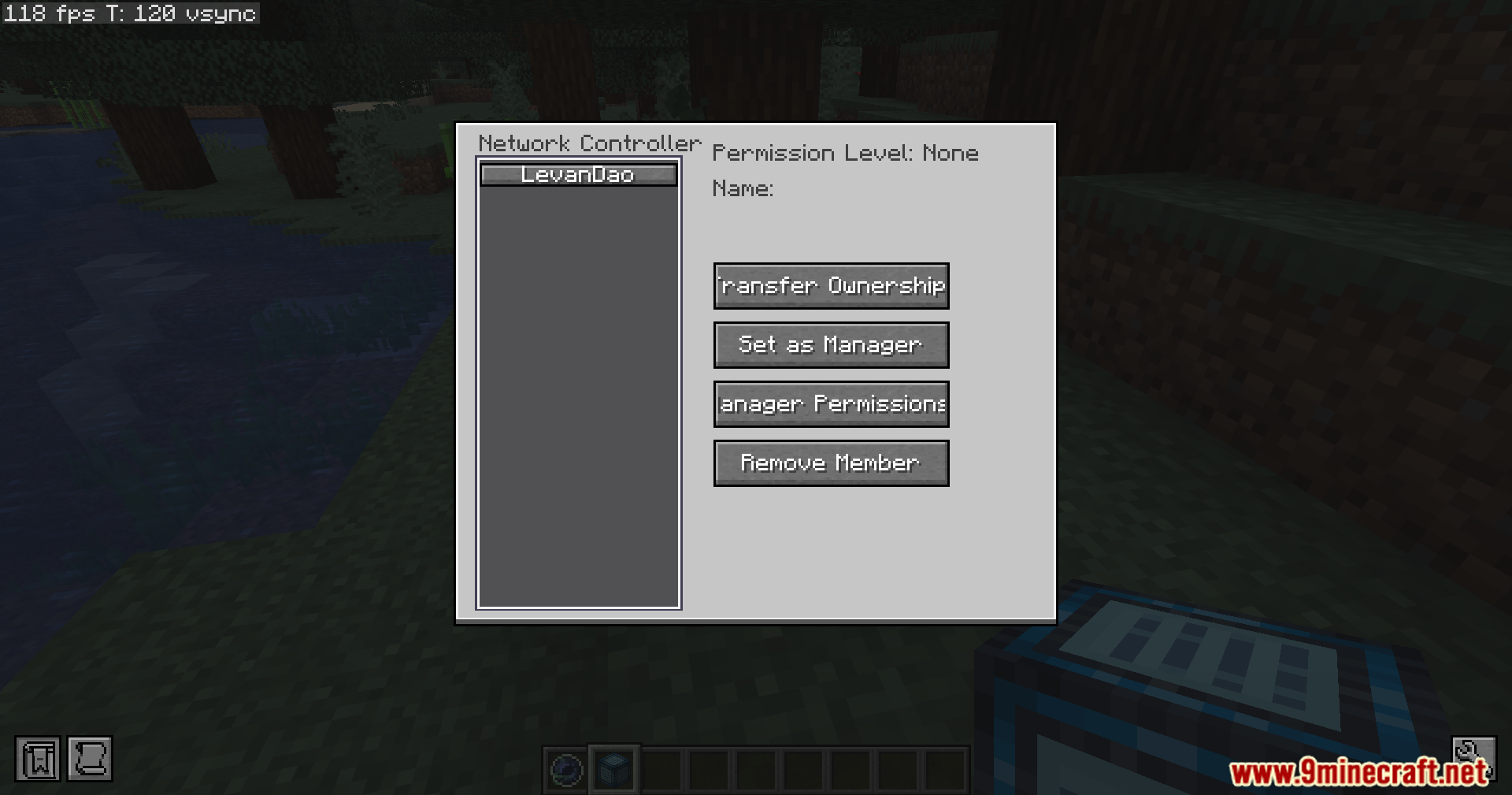
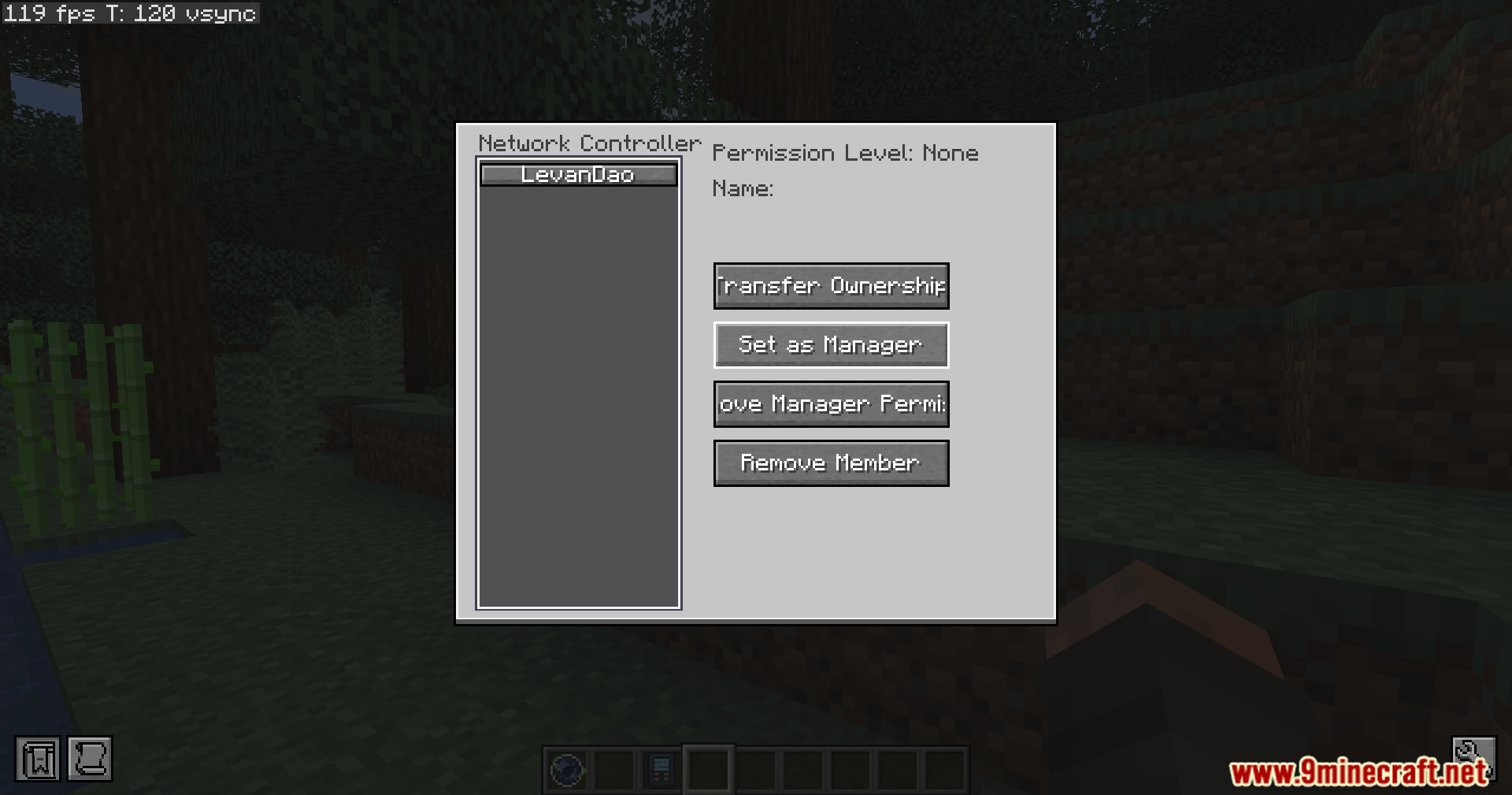
- Multiplayer Sharing: You can let your friends use your storage network.
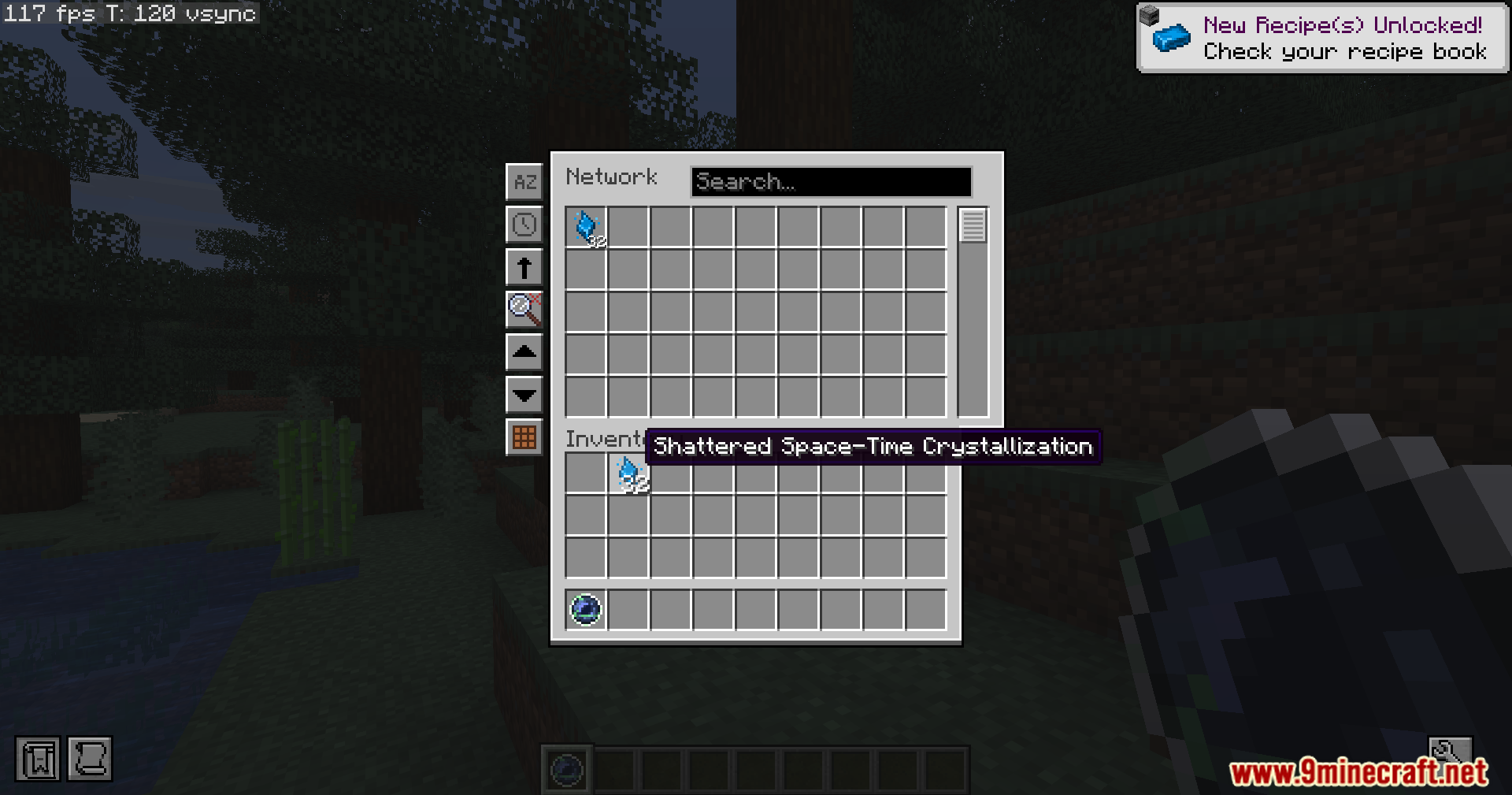
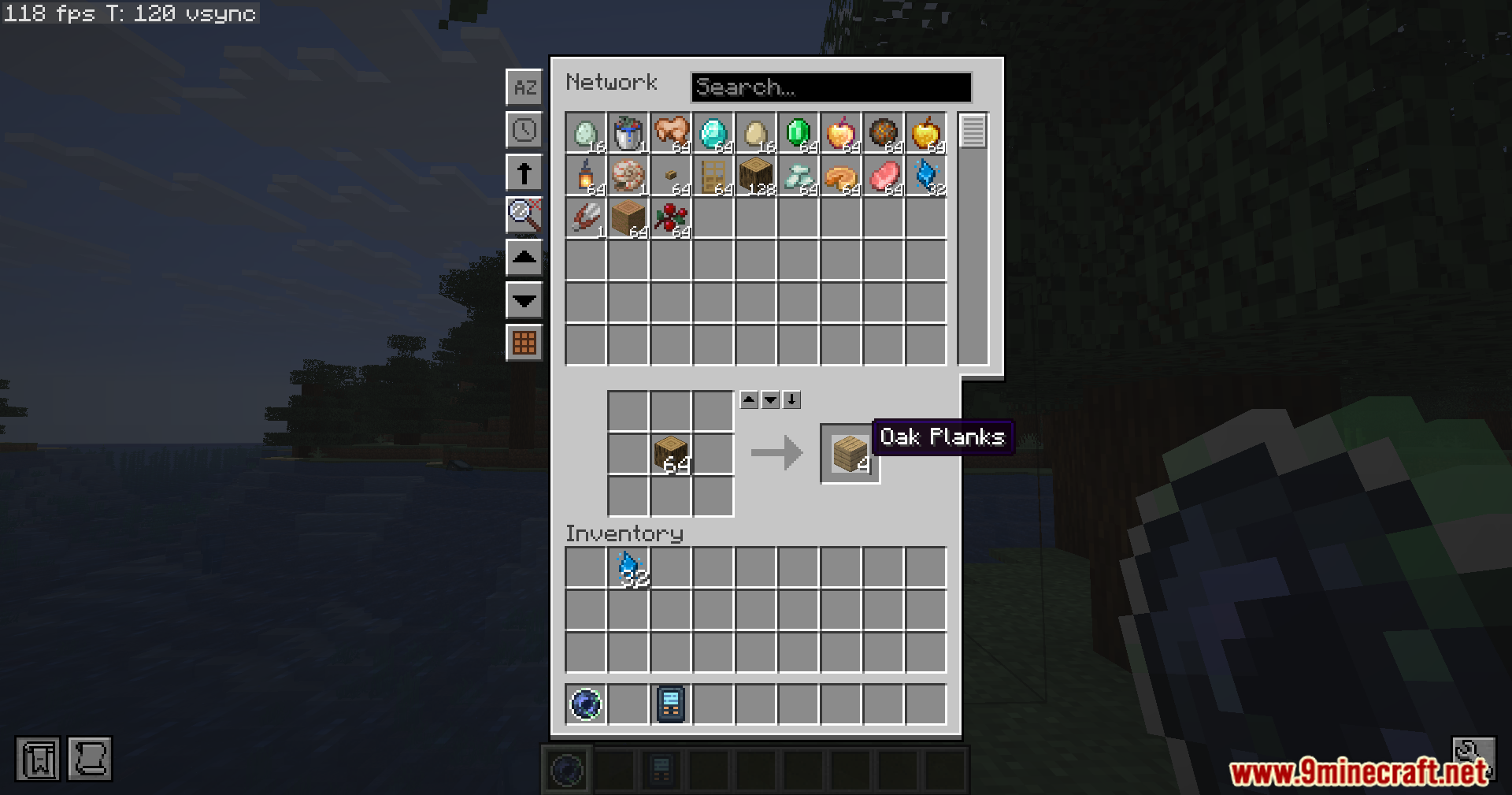
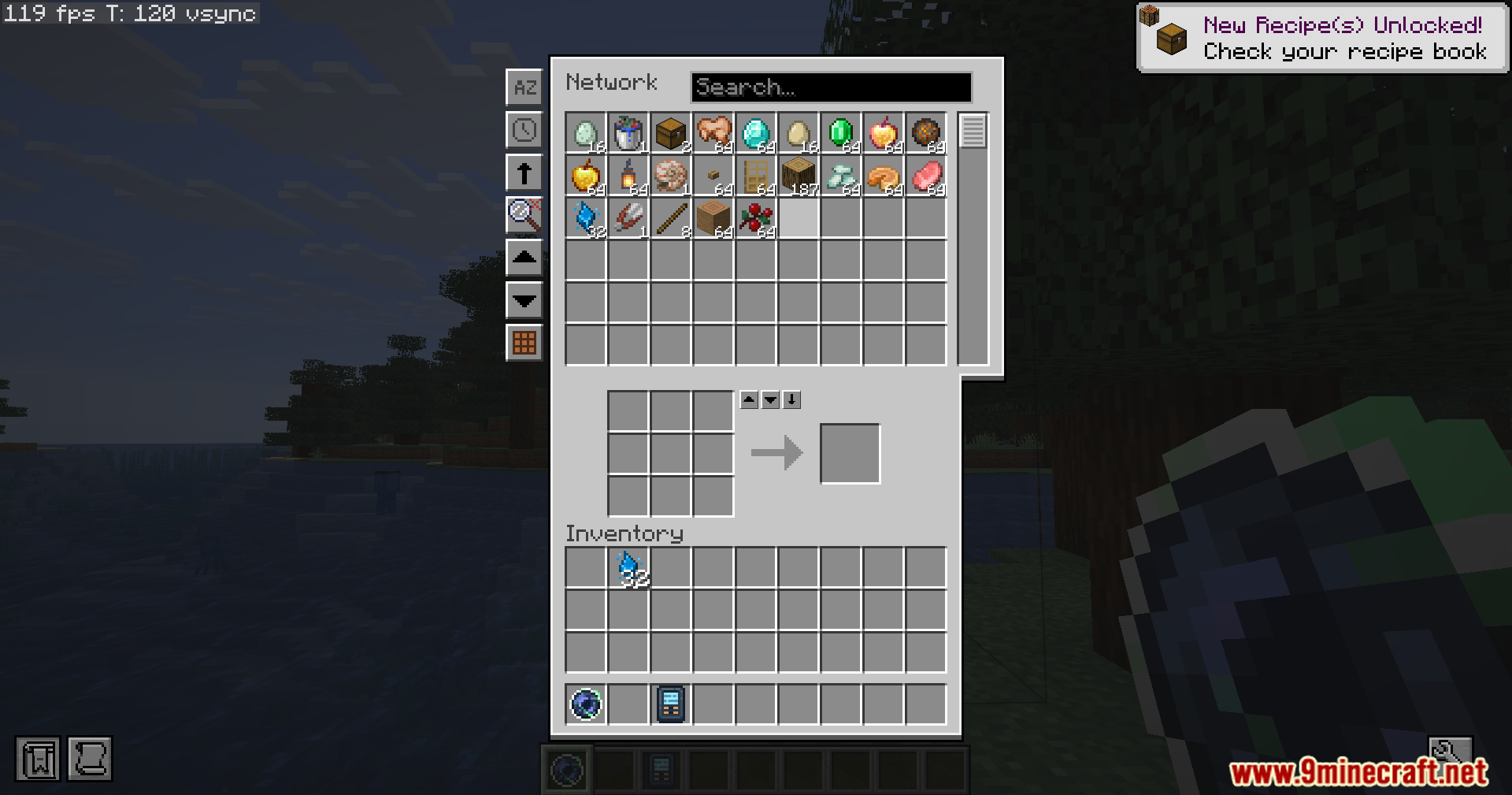
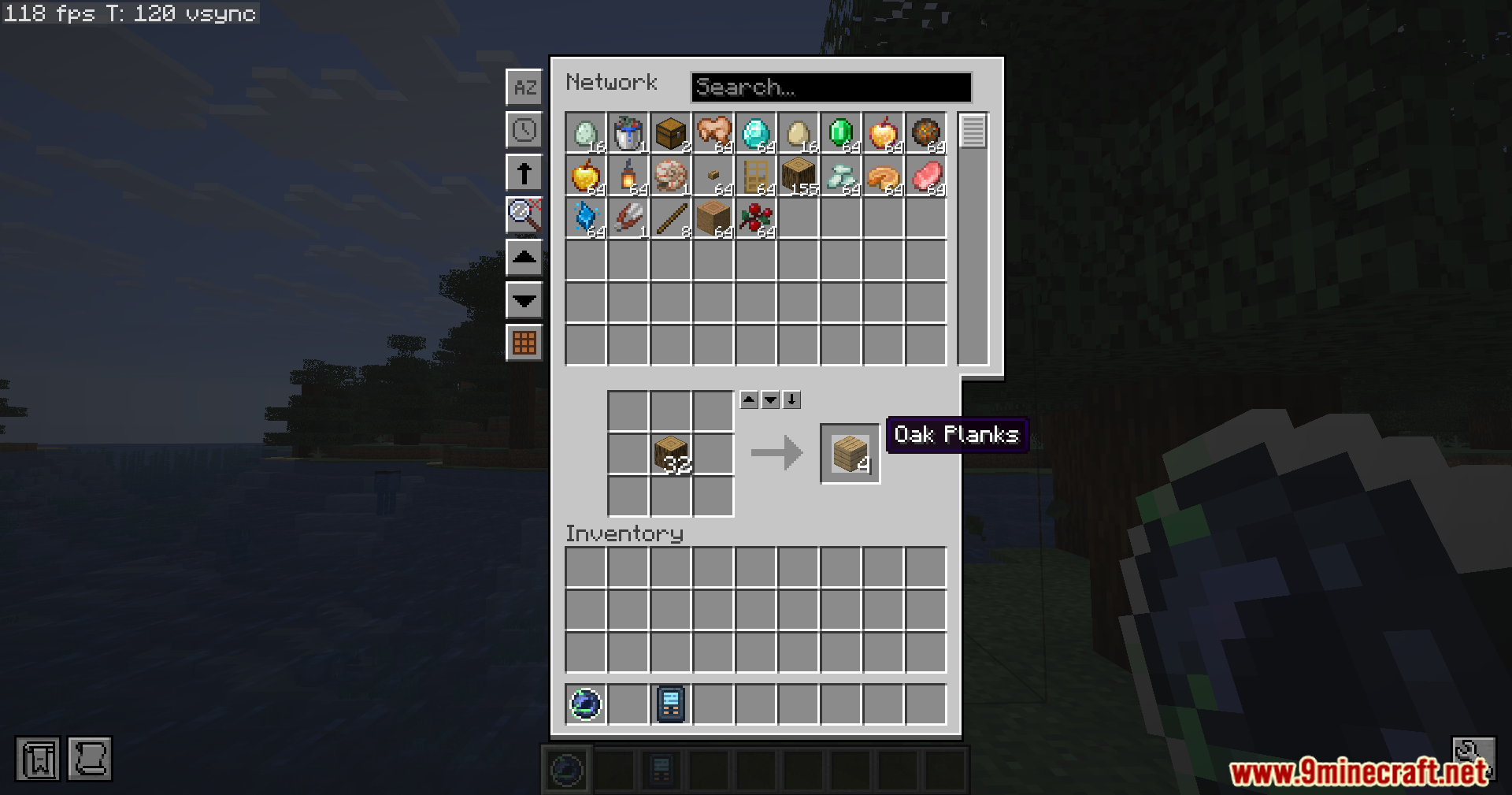
- Built-in Crafting: The storage screen has a crafting grid so you can make things directly.
- Search and Sort: You can find items by typing their name or sort them by amount and time.
- Quick Container Action: Right-click a slot with a backpack or shulker box to put items in or take them out fast.
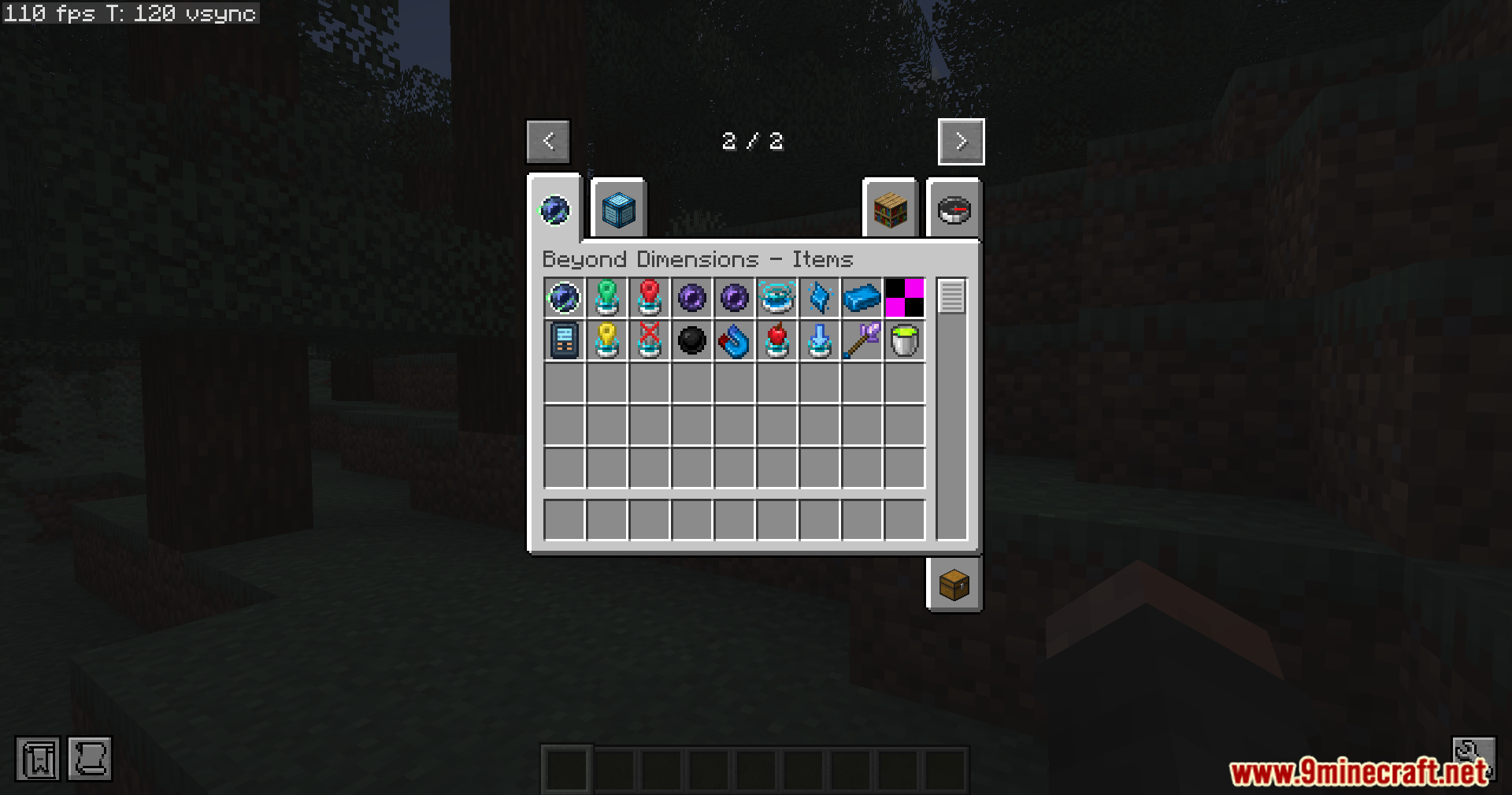
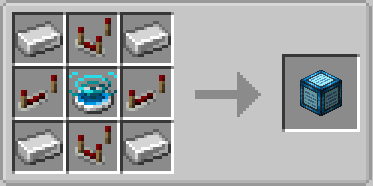
- Dimensional Network Pathway: Connects pipes and hoppers to your whole storage system to move items in and out.
- Energy Pathway: Moves FE energy in and out of your storage to power other machines.
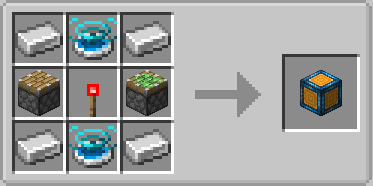
- Net Pump: Pulls items out of chests next to it and puts them into your network.
- Net Hopper: Sucks up dropped items and liquids from the ground and sends them to storage.
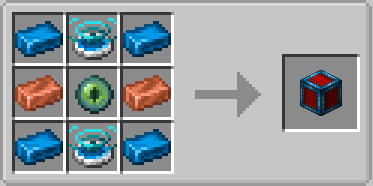
- Net Furnace: Takes items from your storage, cooks them, and puts them back or in a chest.
- Net Feeder: Automatically feeds you food from your network when you get hungry.
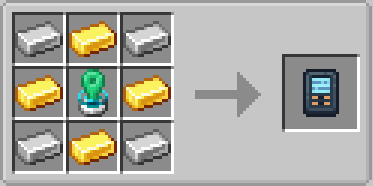
- Net Magnet: A portable item that pulls dropped blocks straight into your storage.
- Fast Hand Transfer: Middle-click a block to take a stack of it from your network, or crouch and middle-click to put it away.
- Works With Other Mods: It links with JEI and EMI to help you find recipes fast.
How to Use:
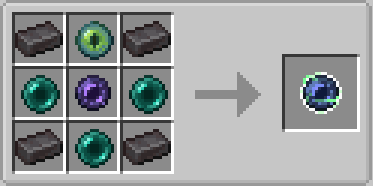
- Defeat the Wither to get a Nether Star.
- Craft the star into an Unstable Space-Time Fragment.
- Keep the fragment in your inventory for one hour until it becomes stable.
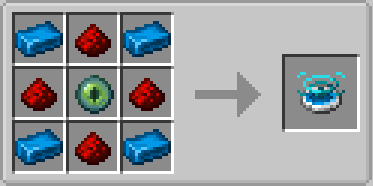
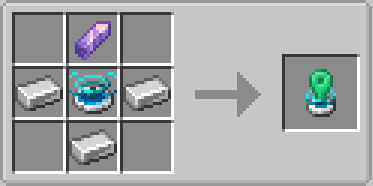
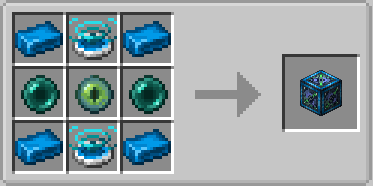
- Use the stable fragment to craft a Dimensional Network Generator.
- Activate the generator to make your network.
- Press the
Okey to open your storage screen.
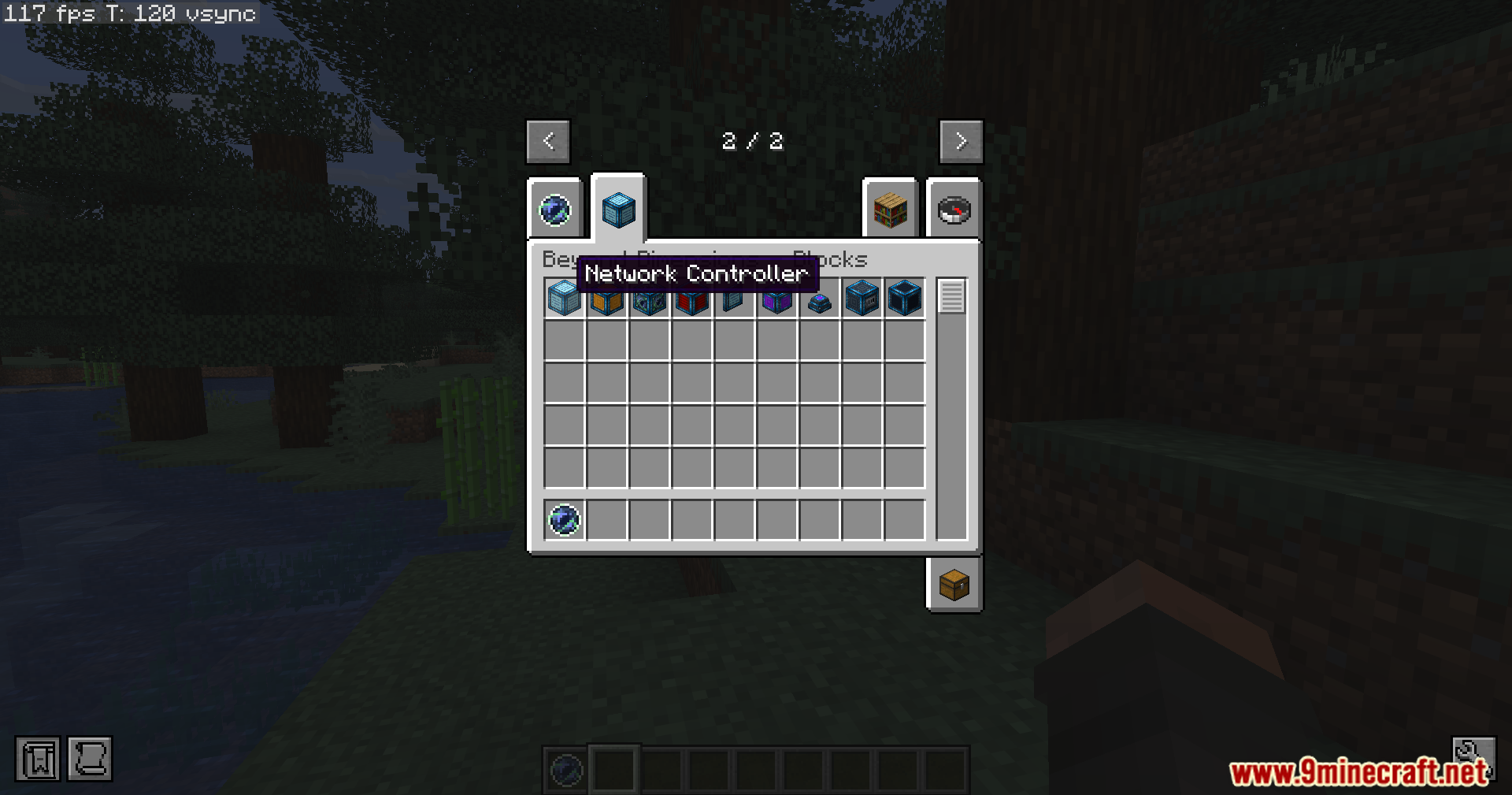
Screenshots:
How to Install:
New to Minecraft? Follow our step-by-step guide to install Mods on your PC.View Guide
Requirements:


Beyond Dimensions Mod Download Links
For Minecraft 26.2
For Minecraft 26.1.2, 26.1.1, 26.1
For Minecraft 1.21.11
For Minecraft 1.21.1, 1.21
For Minecraft 1.20.1, 1.20
For Minecraft 1.12.2
Click to rate this post!
[Total: 1 Average: 5]
You May Also Like

This post has no comments yet. Be the first — your comment will appear here.