


Ponderer Mod (1.21.1, 1.20.1) – Build Visual Tutorials Without Scripts
 66
66
 0
0


🌐 Good news — we've translated this article into other languages!
Or pick the one you like:
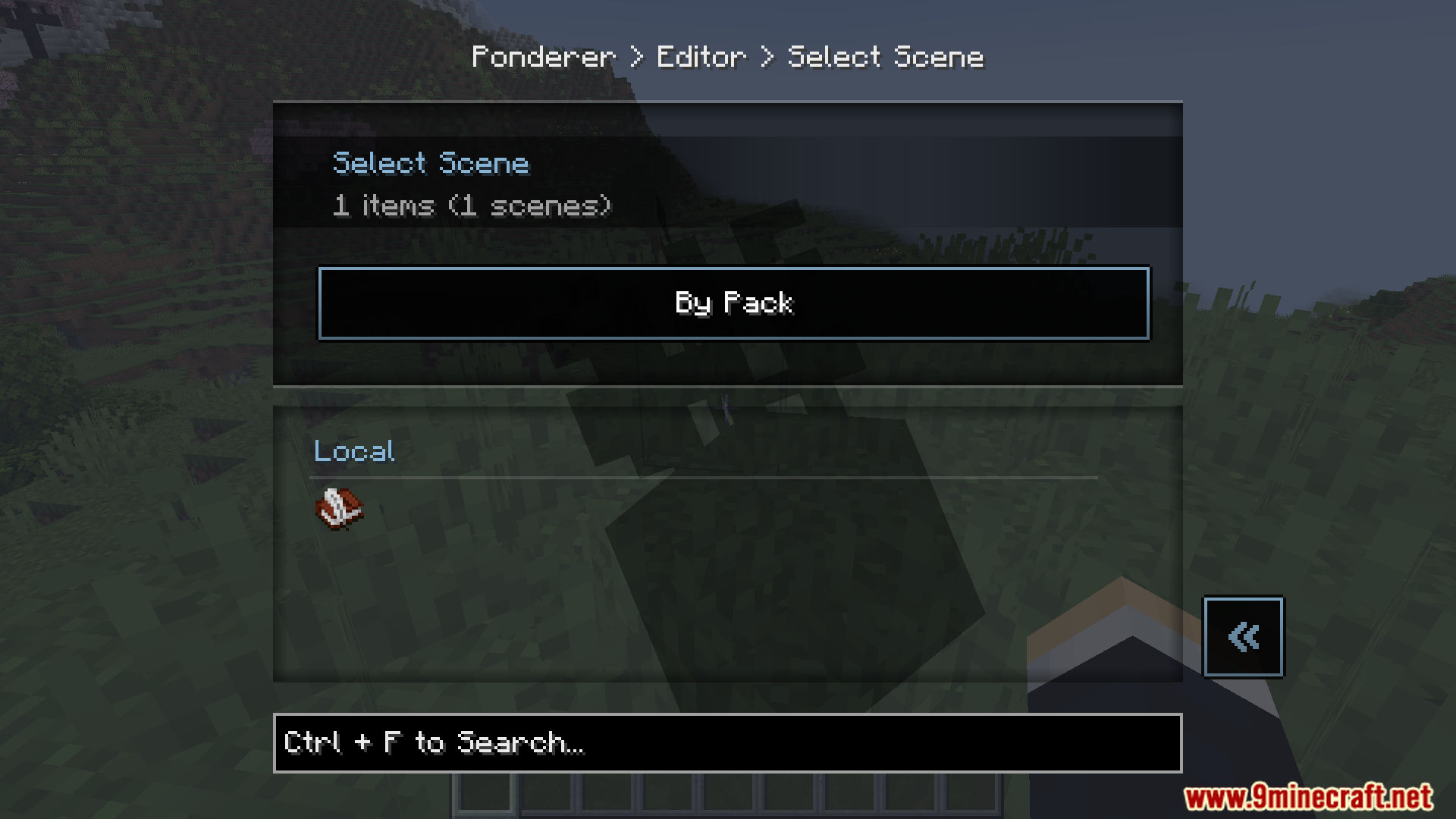
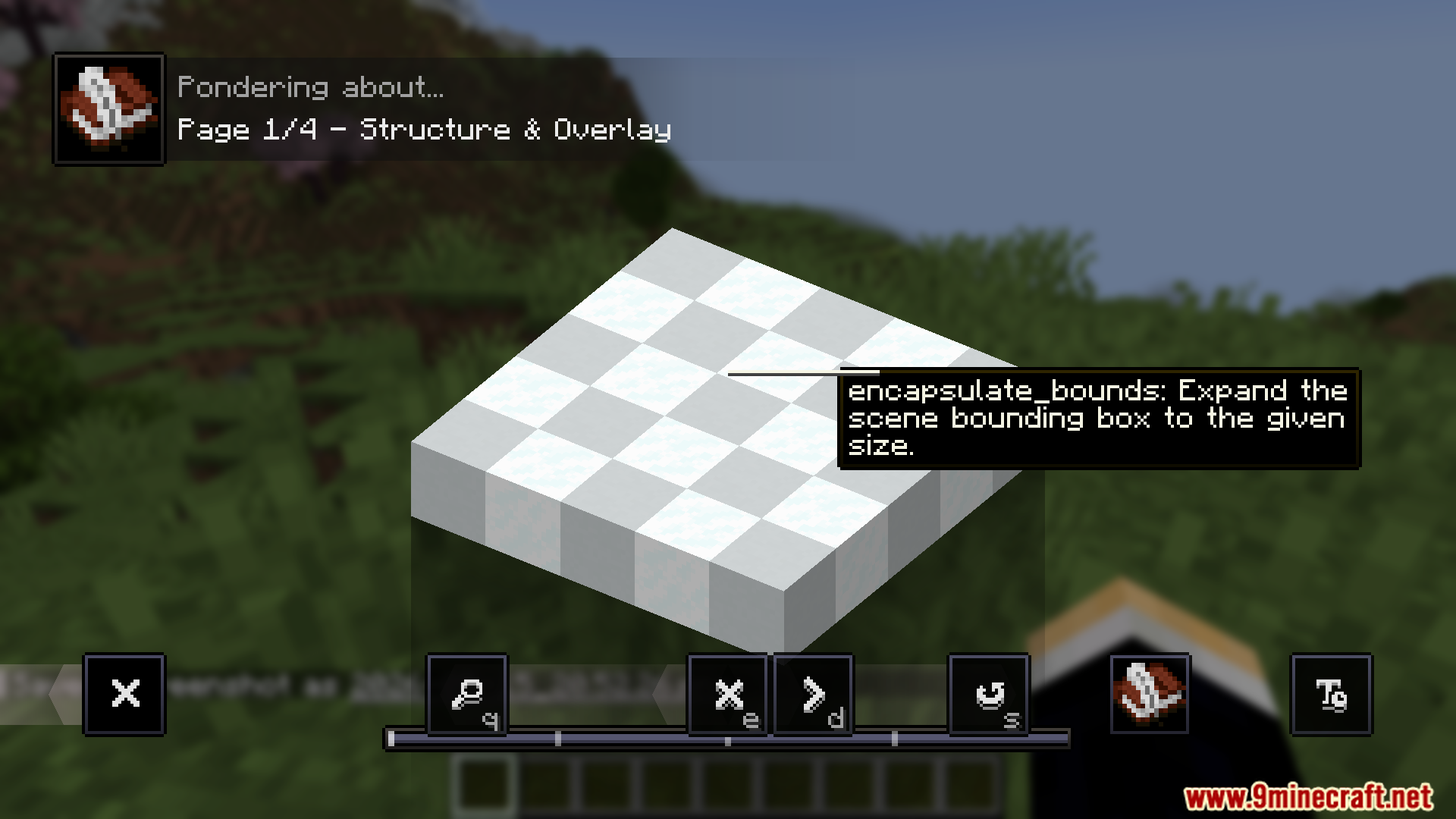
Ponderer Mod lets you build, edit, and test visual tutorial scenes directly inside Minecraft. You can create step-by-step guides for items and blocks without needing to write any complicated scripts first. It gives you a visual menu to change camera angles, spawn mobs, place blocks, and add text to your scenes. You can even work together with friends on a server to build these guides. This tool saves your work as blueprints so you can quickly share your custom tutorials with other players.
Features:
- Visual Editor: Open a menu to adjust the camera, change blocks, spawn mobs, and add sounds just by clicking around your screen.
- Instant Updates: Reload your changes right away to see how your tutorial looks without restarting your game.
- Team Editing: Pull and push tutorial data on a server so you and your friends can build guides together.
- You can copy, paste, undo, and redo your steps while building a scene.
- Use a blueprint tool to select areas of your world and save them as structures for your guides.
- Drag and drop items, blocks, or mobs directly from the Just Enough Items (JEI) list into your tutorial menu.
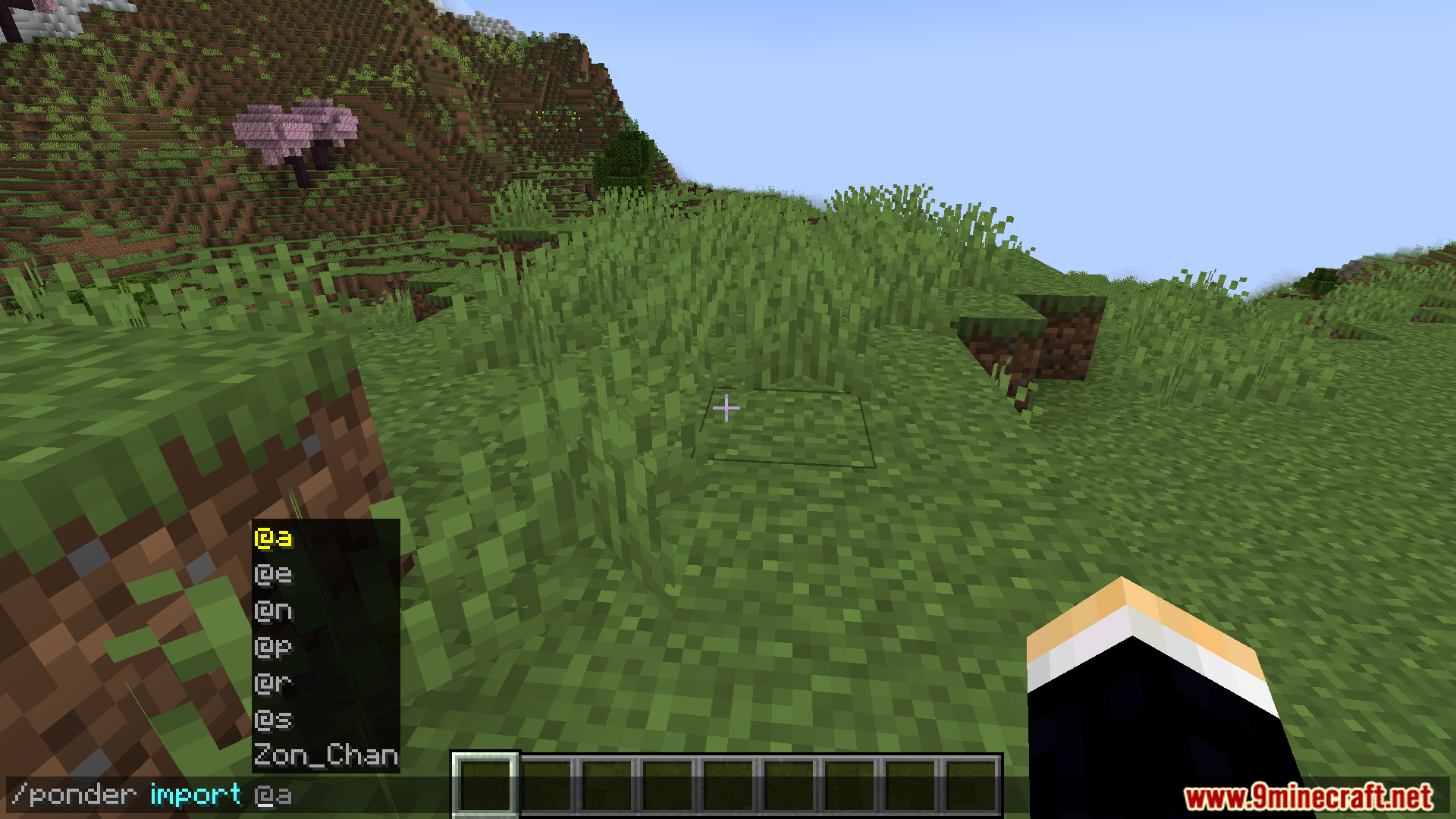
- Export all your finished scenes and structures into a ZIP file to share them with the community.
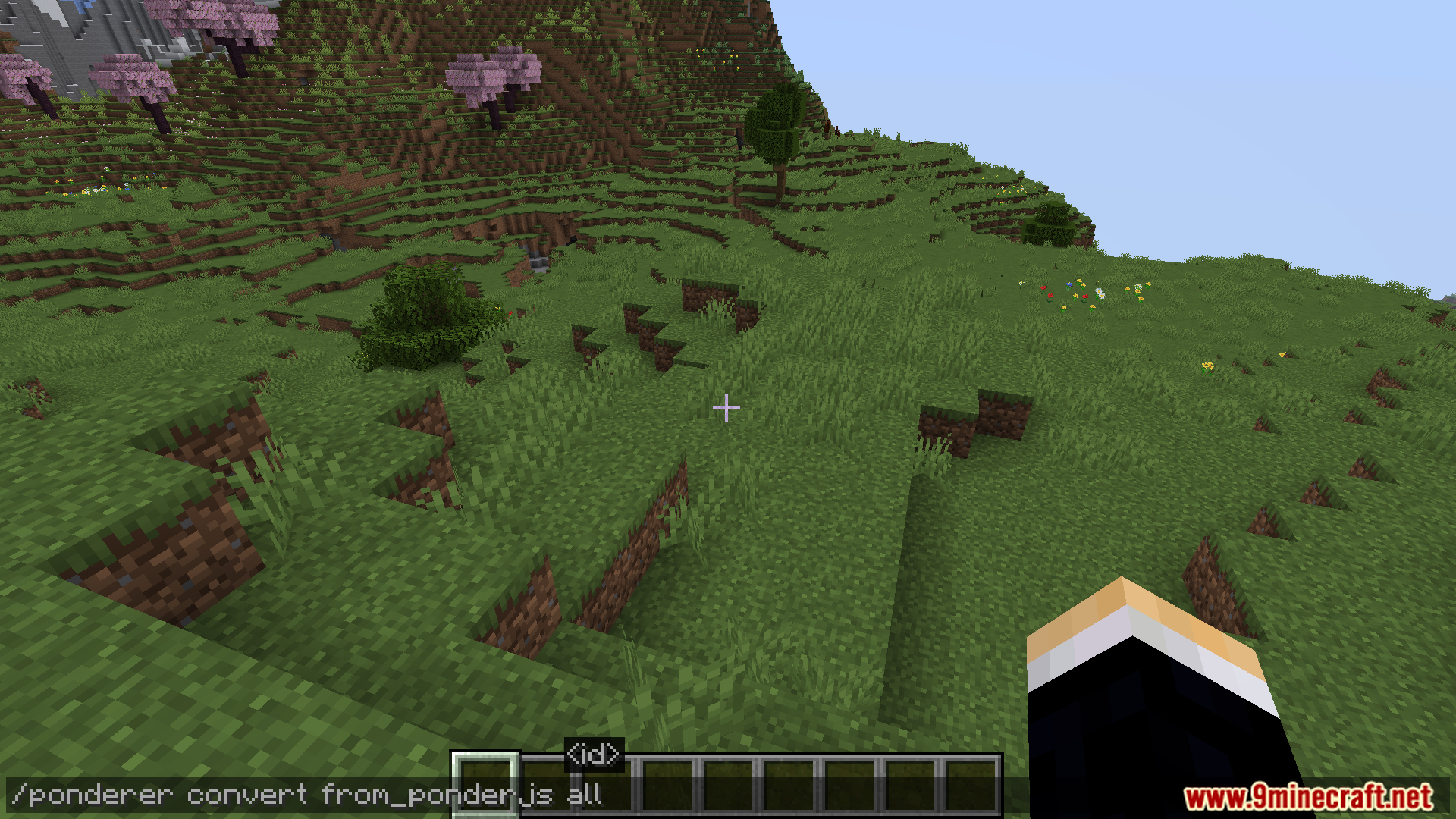
- Convert your visual scenes into PonderJS format if you want to use them in different ways.
Commands:
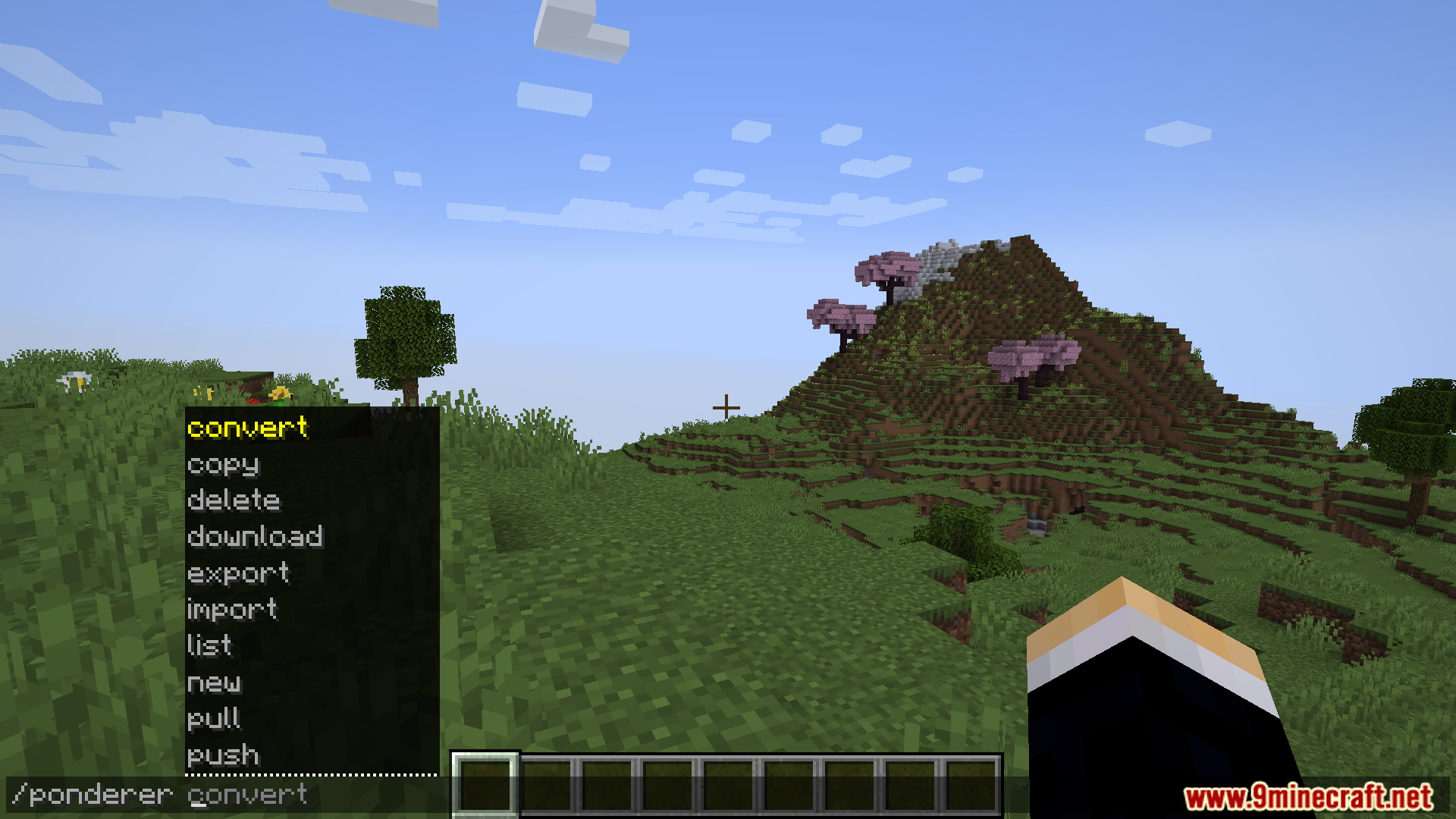
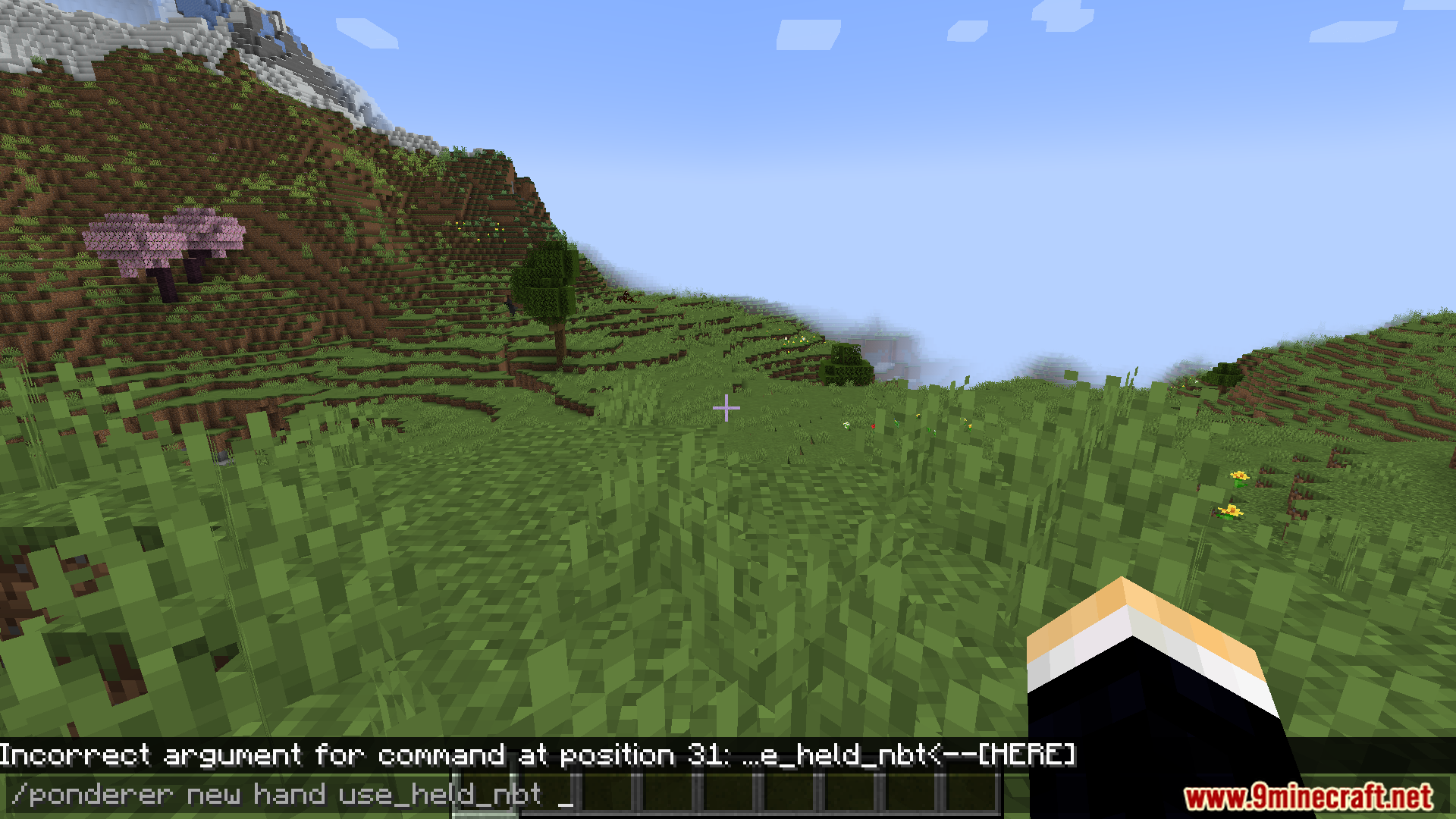
/ponderer new hand– Creates a new tutorial scene using the item you are currently holding./ponderer reload– Reloads your local files to show your newest changes on the screen./ponderer push– Sends your local tutorial scenes to the server./ponderer pull– Grabs tutorial updates from the server./ponderer export– Saves all your scripts and structures into a ZIP file./ponderer list– Opens a menu showing all your tutorial items.
How to Use:
- Hold a Writable Book in your hand to view a built-in demo scene that shows you how things work.
- Hold an item you want to make a guide for and type the starting command to create a new scene.
- Click the edit icon in the bottom-left corner of the scene to open the visual menu.
- Hold a piece of Paper to use the blueprint tool, which lets you select and save areas of your world.
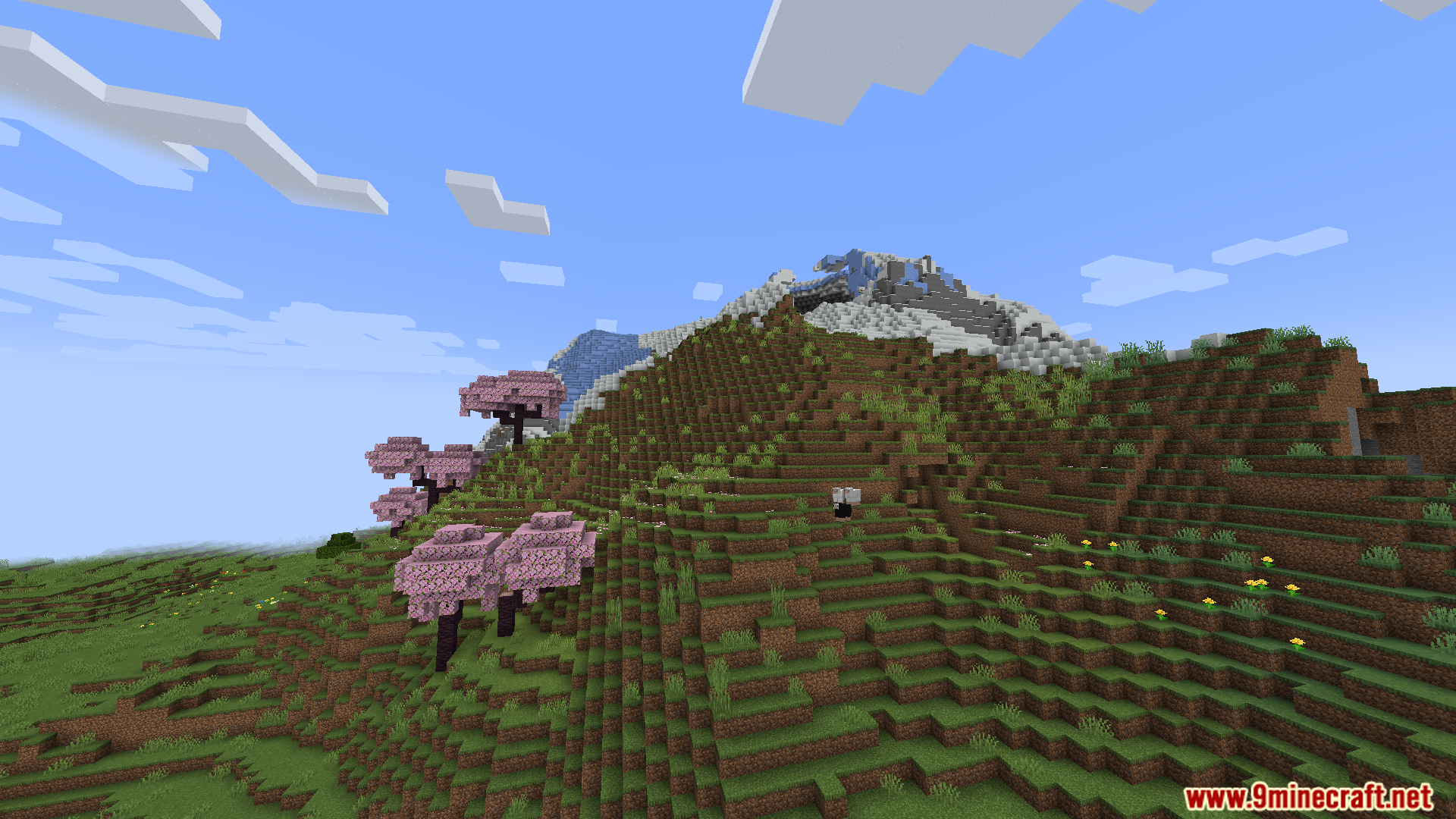
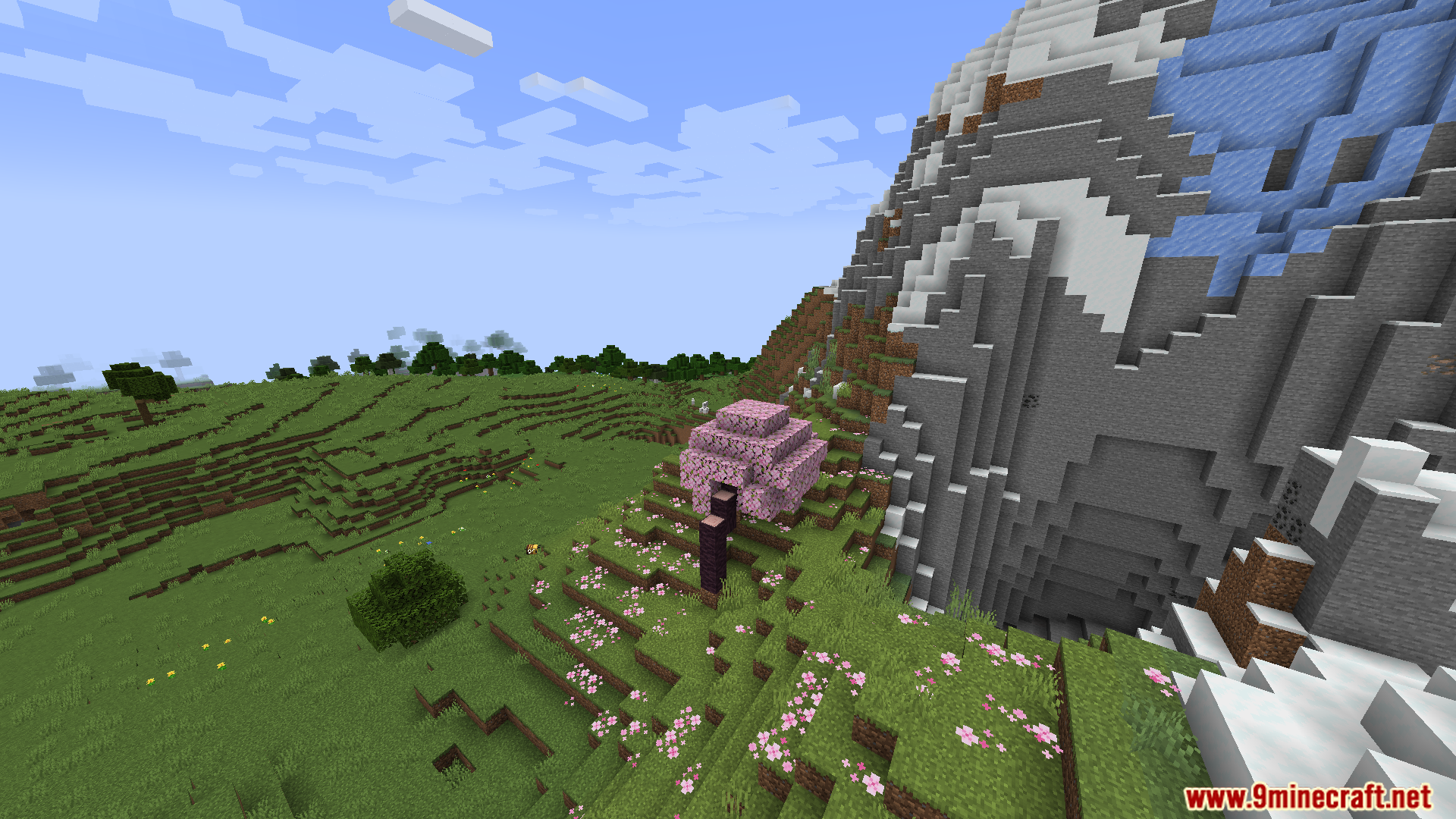
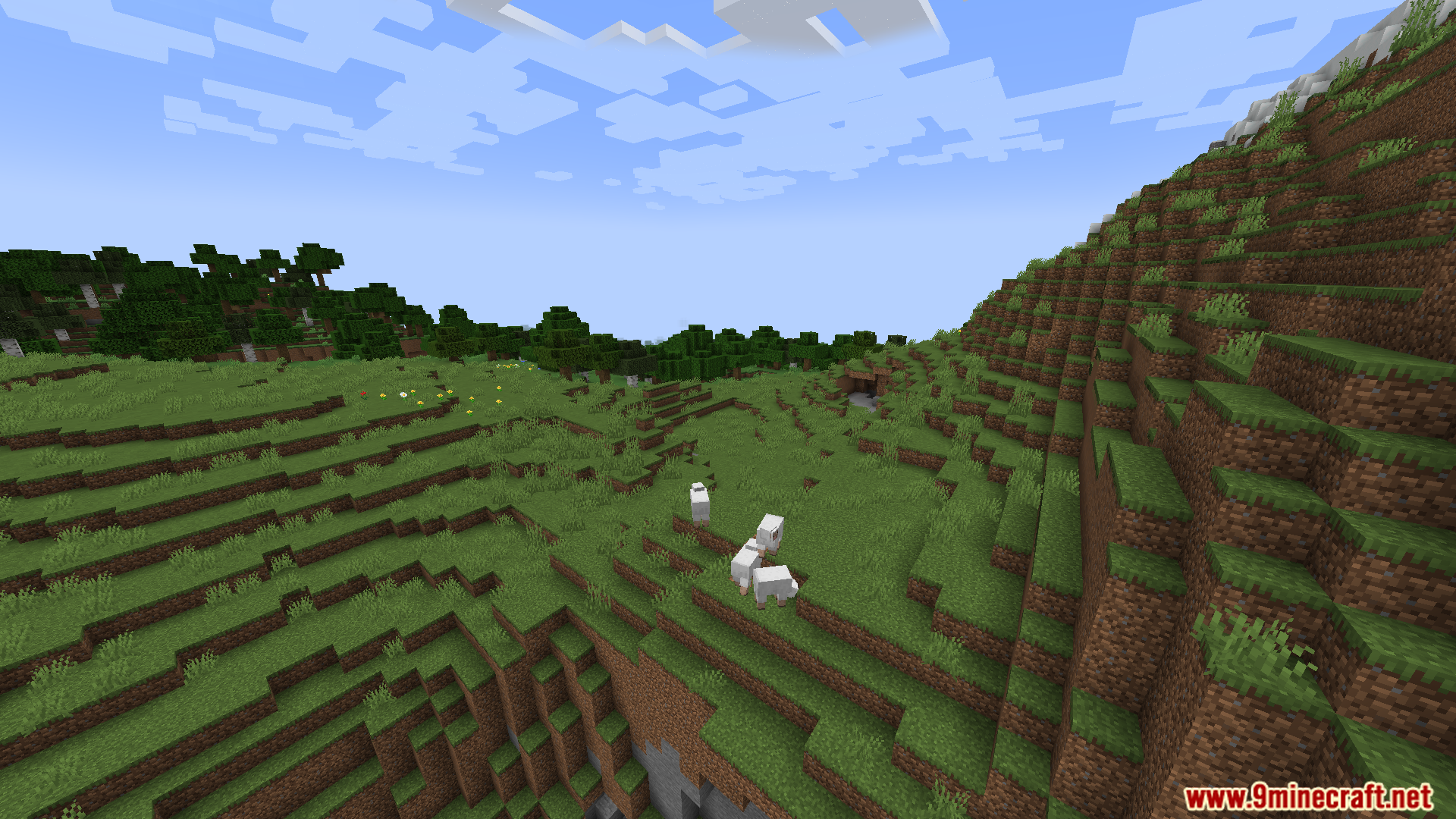
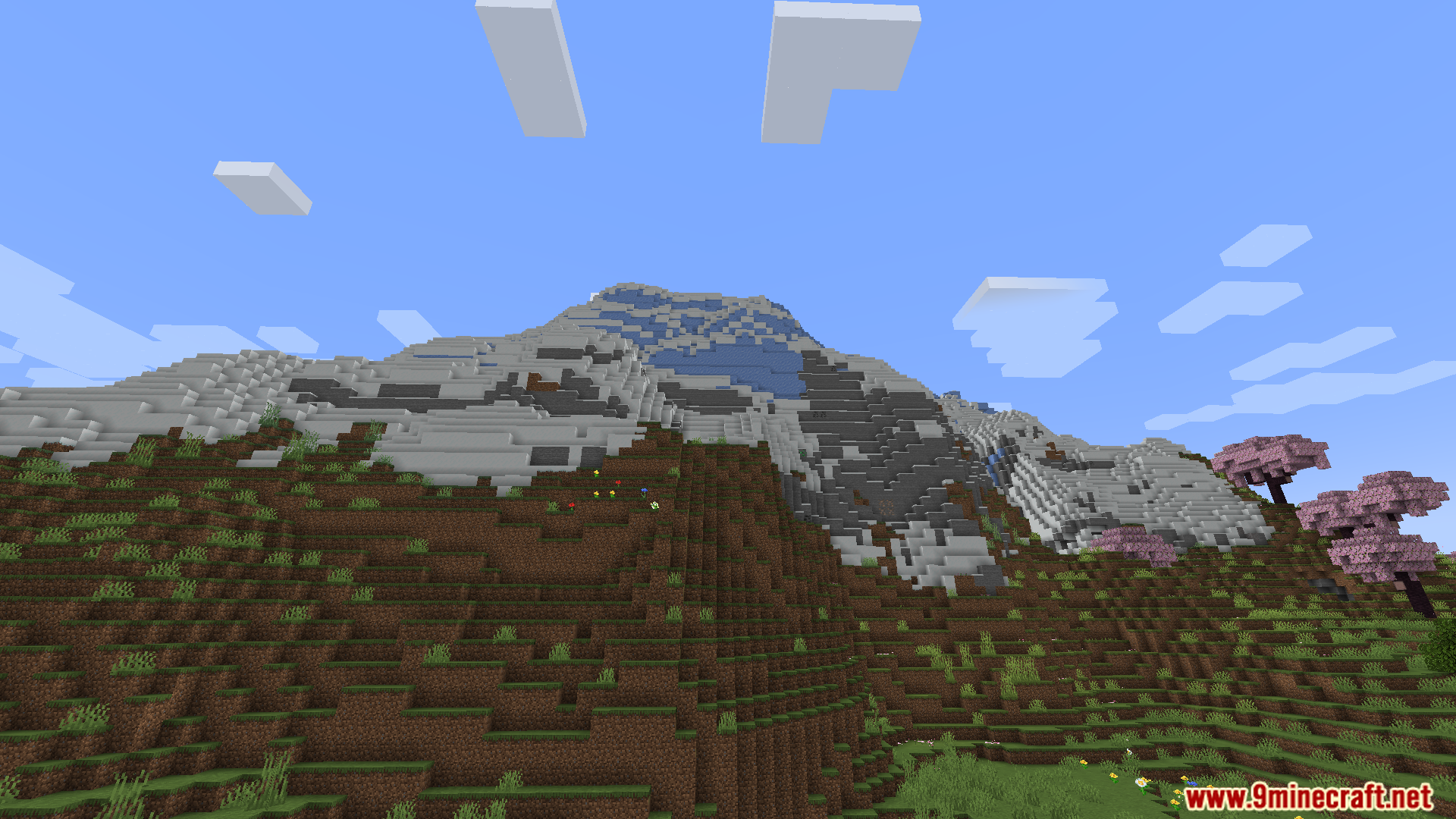
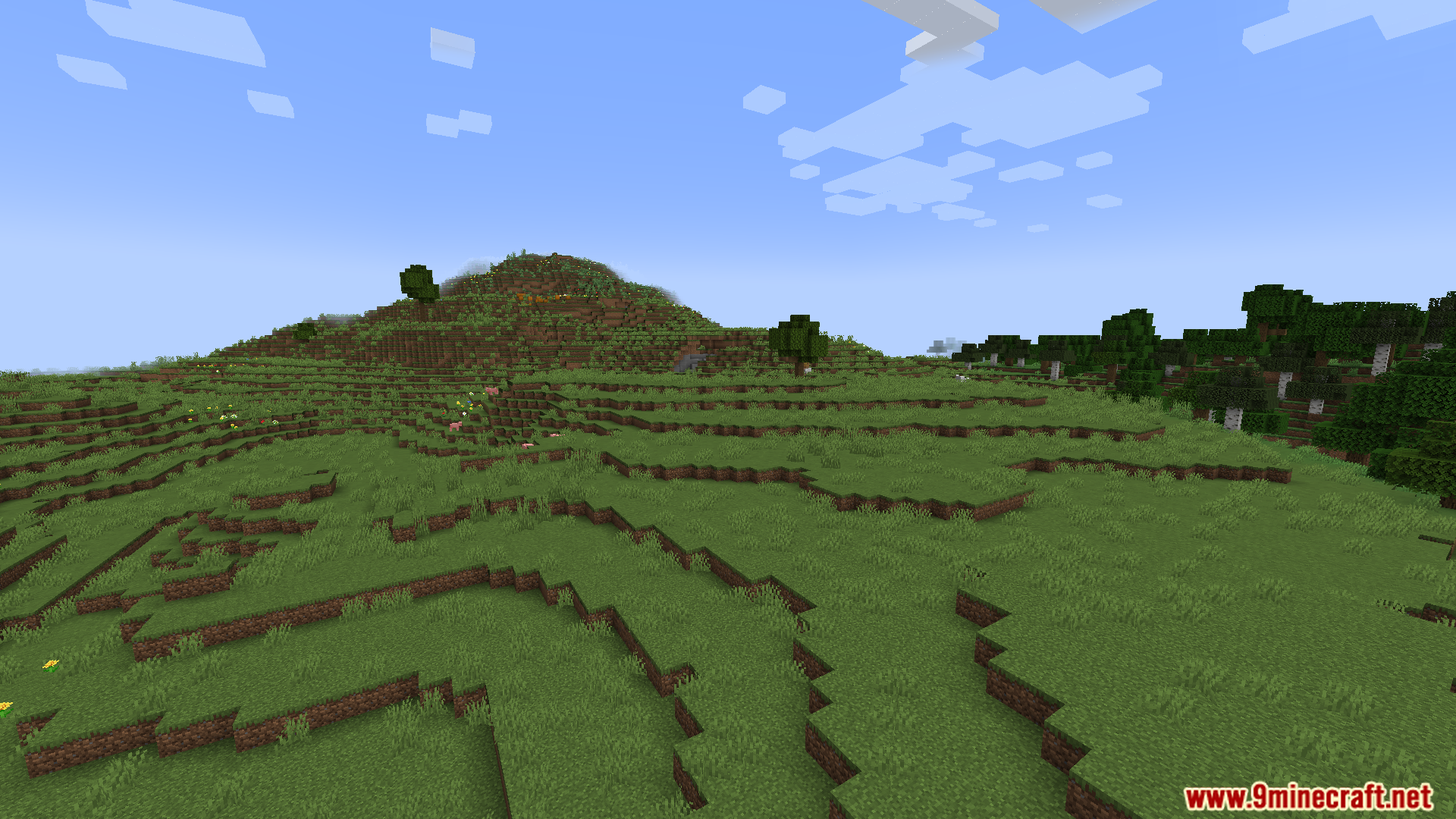
Screenshots:
How to Install:
New to Minecraft? Follow our step-by-step guide to install Mods on your PC.View Guide
Requirements:
 Fabric Loader Required
 Fabric API Required
 Minecraft Forge Required
 NeoForge Required
Ponderer – 思索者 Required
Just Enough Items (JEI) Required
Ponderer Mod Download Links
For Minecraft 1.21.1, 1.21
For Minecraft 1.20.1, 1.20
Click to rate this post!
[Total: 0 Average: 0]
You May Also Like



This post has no comments yet. Be the first — your comment will appear here.