Health Bar Indicator Texture Pack adds a colorful health bar above every mob in your game. This pack lets you see exact hit points update in real time during fights. It allows you to check the health of tamed pets easily without any guessing.
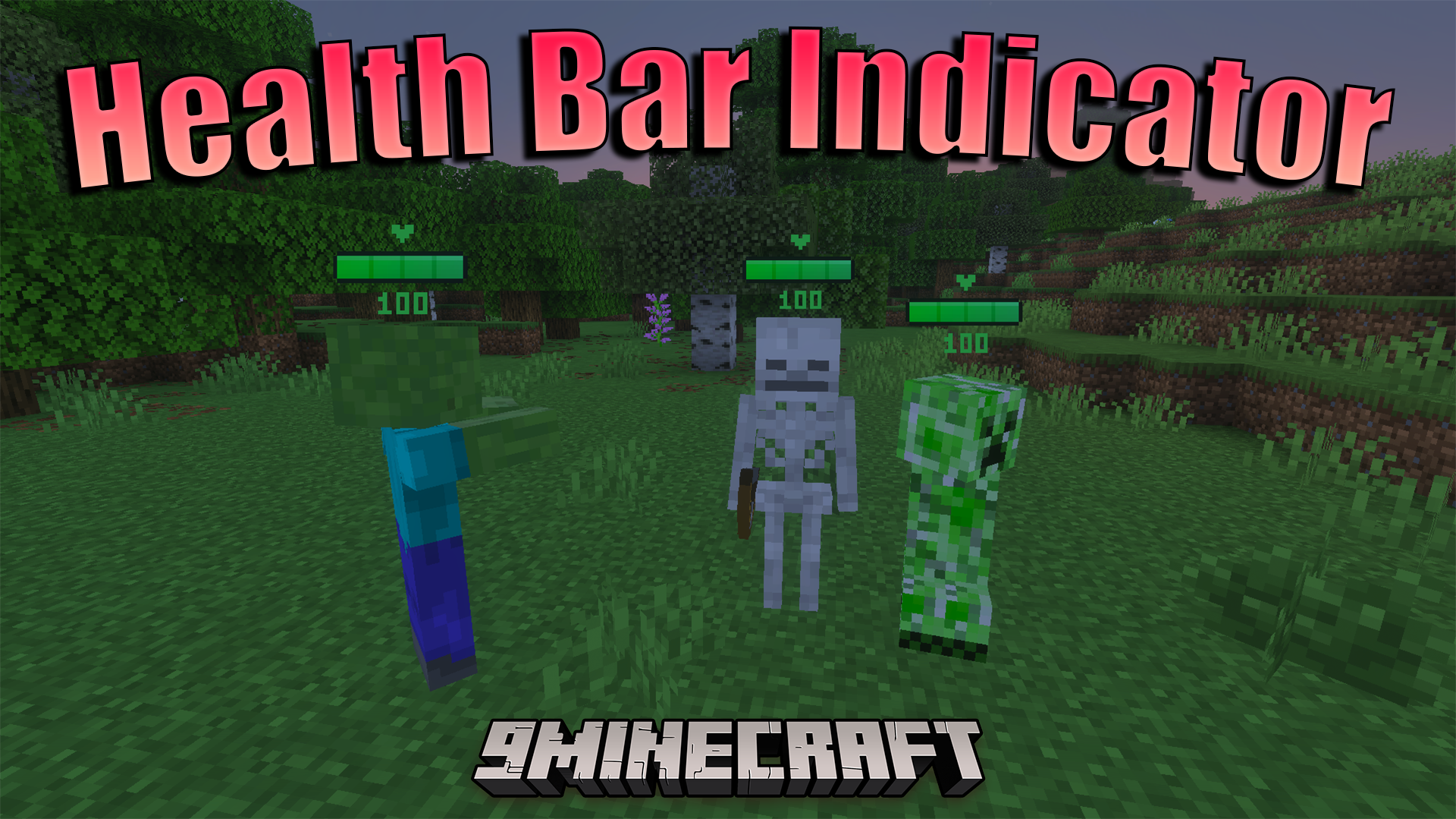
Health Bar Indicator Texture Pack

Features:

  • Adds real-time health bars above mobs.
  • Supports over eighty five vanilla entities.
  • Rotates bars to always face your camera.
  • Scales perfectly for all baby mob sizes.
  • Hides health bars in your inventory screens.

Configuration:

You can choose between two display modes using the subpack slider. The default mode shows health bars only on mobs. The second mode displays health bars on both mobs and other players.

Screenshots:
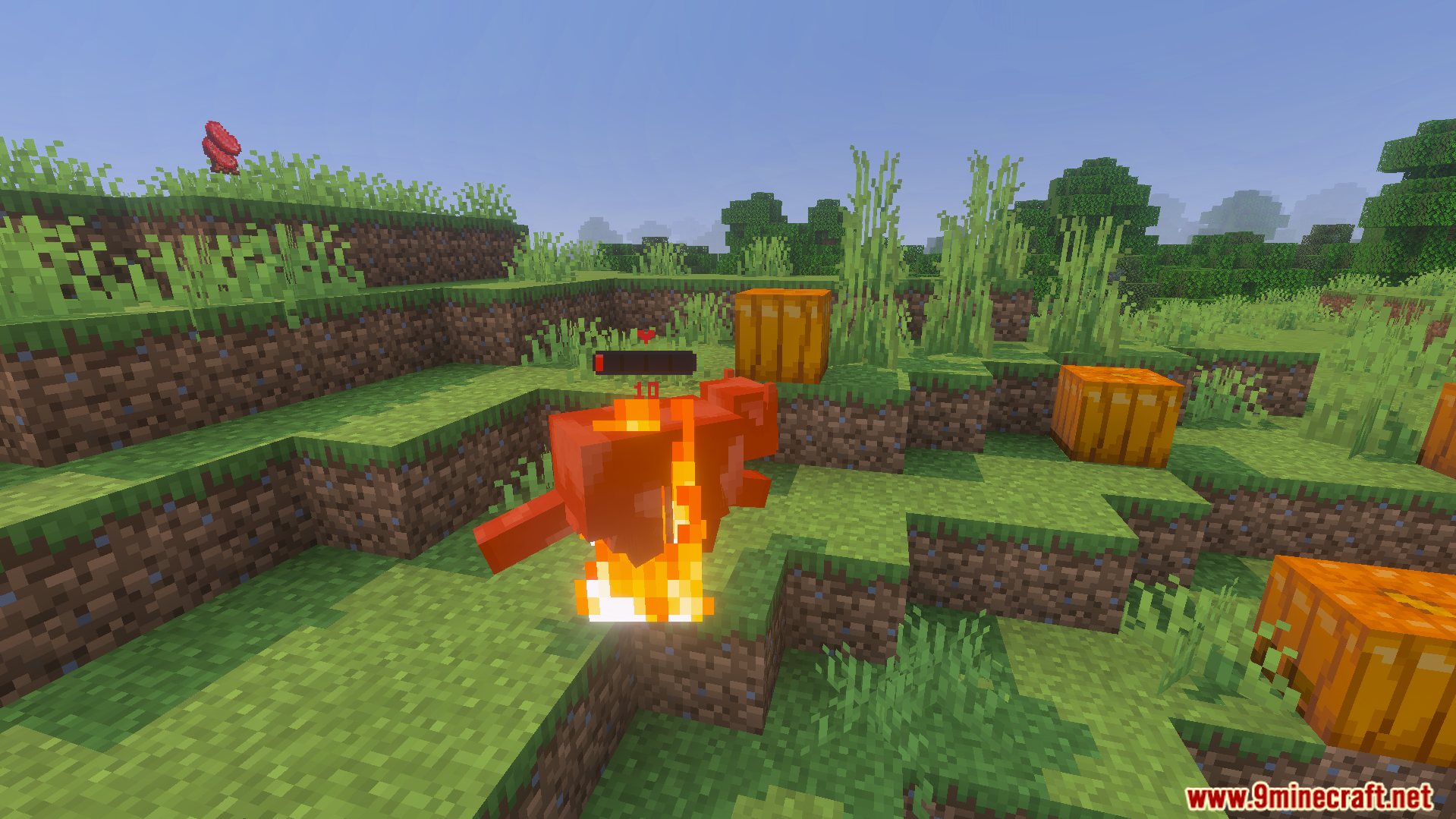
Health Bar Indicator Texture Pack showing a red bar above a burning fox
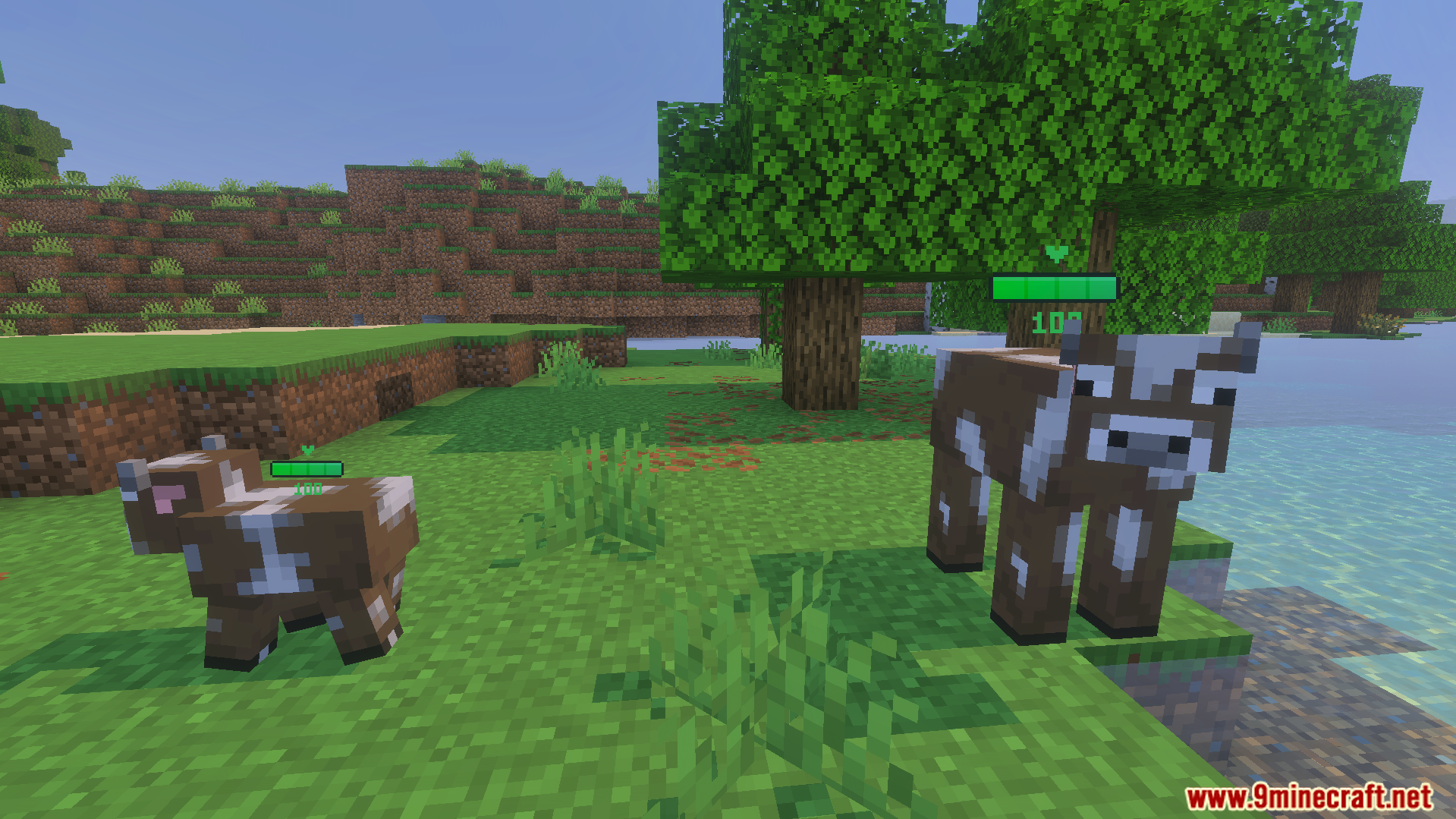
Green health bars displayed above an adult cow and a baby cow
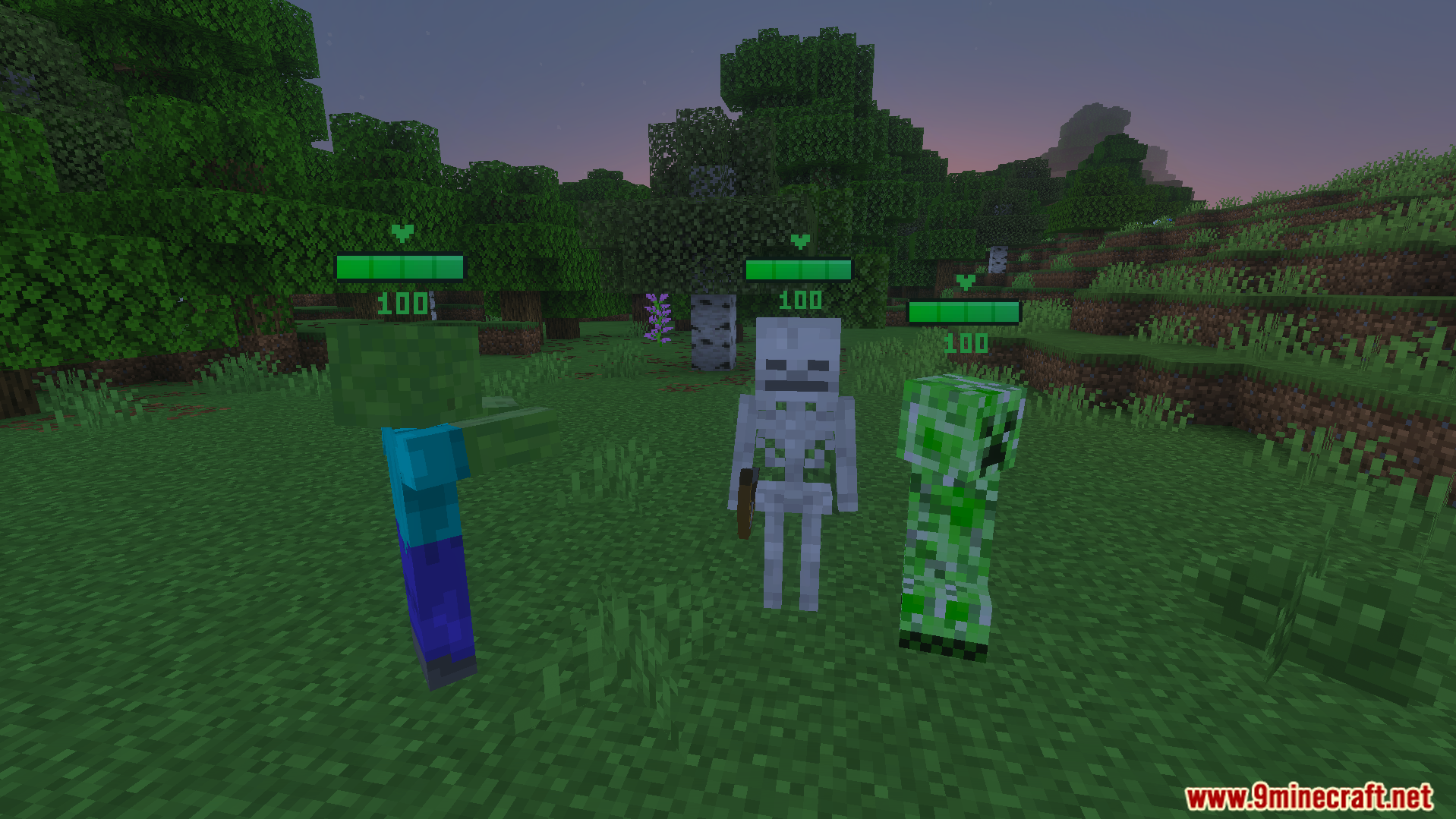
Health Bar Indicator Texture Pack showing health bars above hostile Minecraft mobs in forest
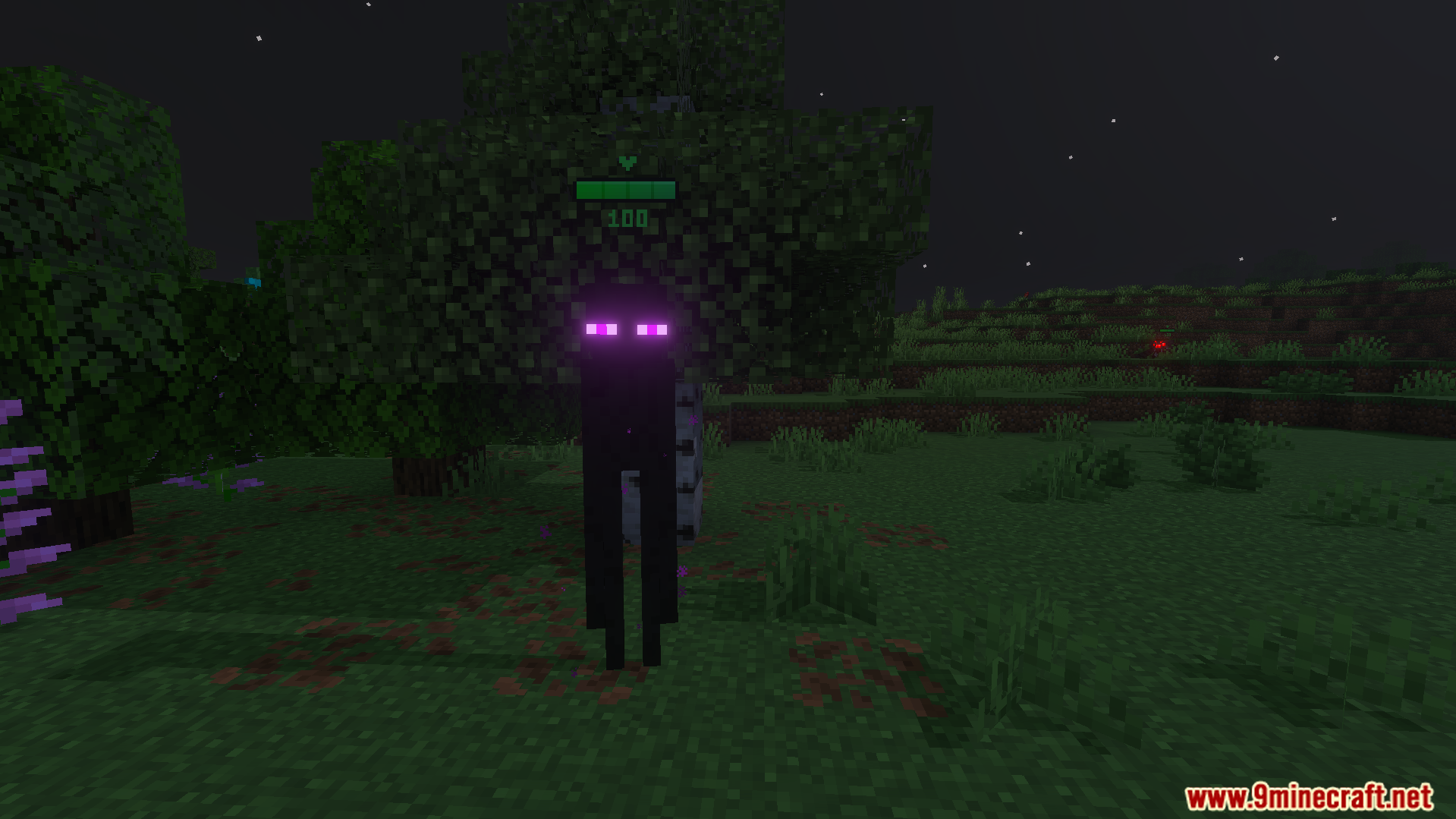
An enderman with a green health bar above its head in a dark forest
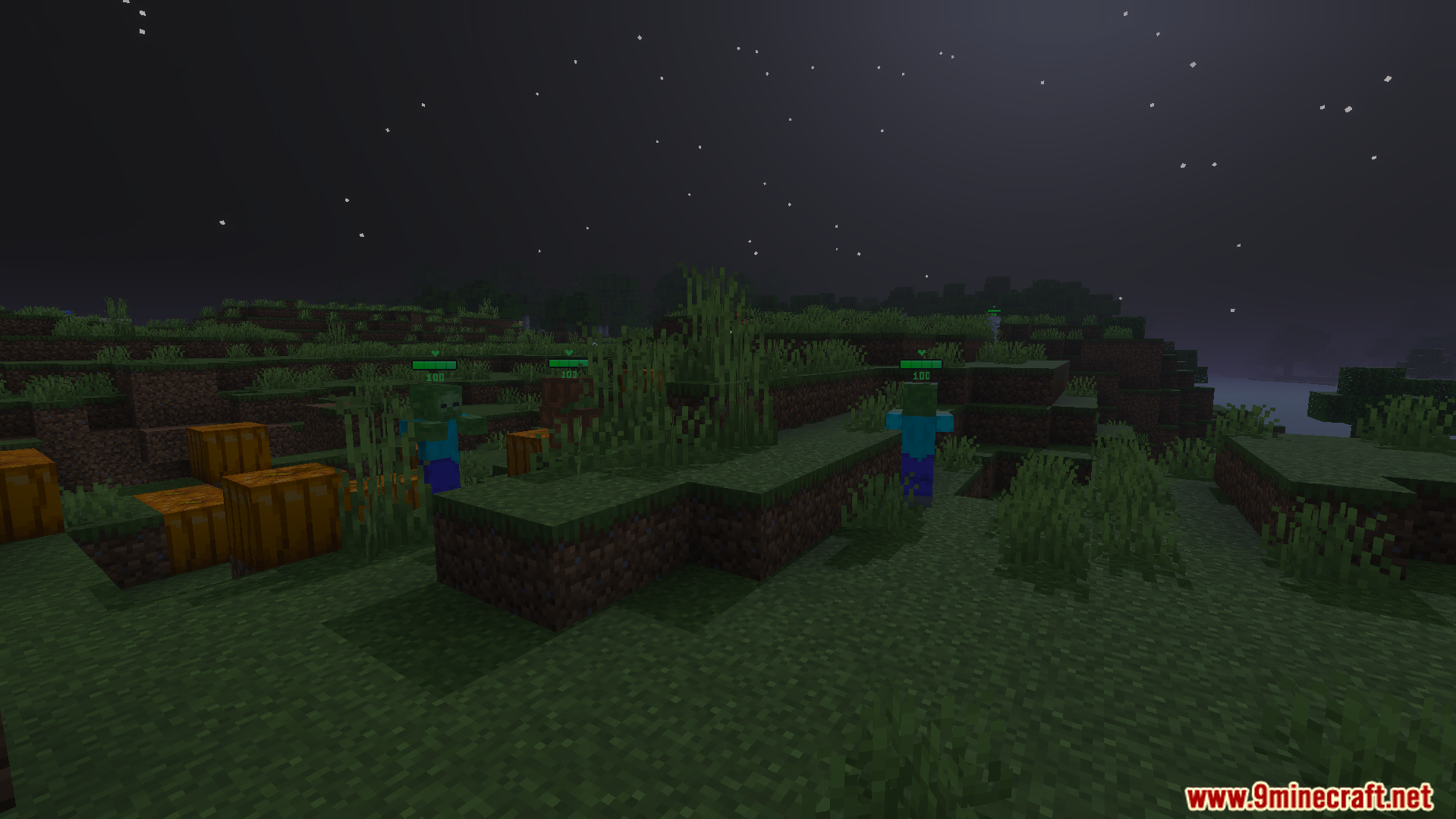
Health Bar Indicator Texture Pack showing green health bars above zombies at night
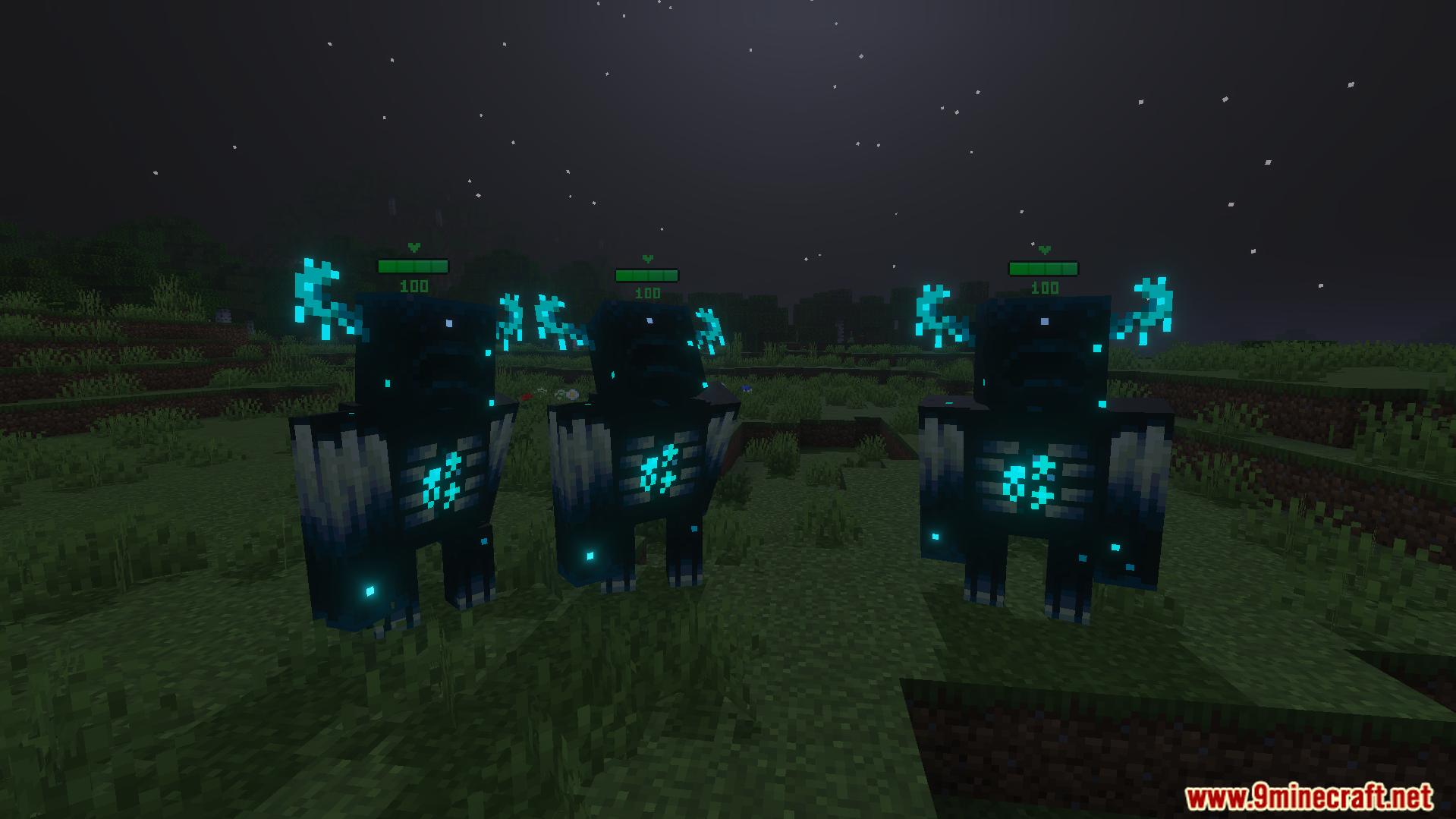
Three Wardens standing in a field at night with green health bars visible
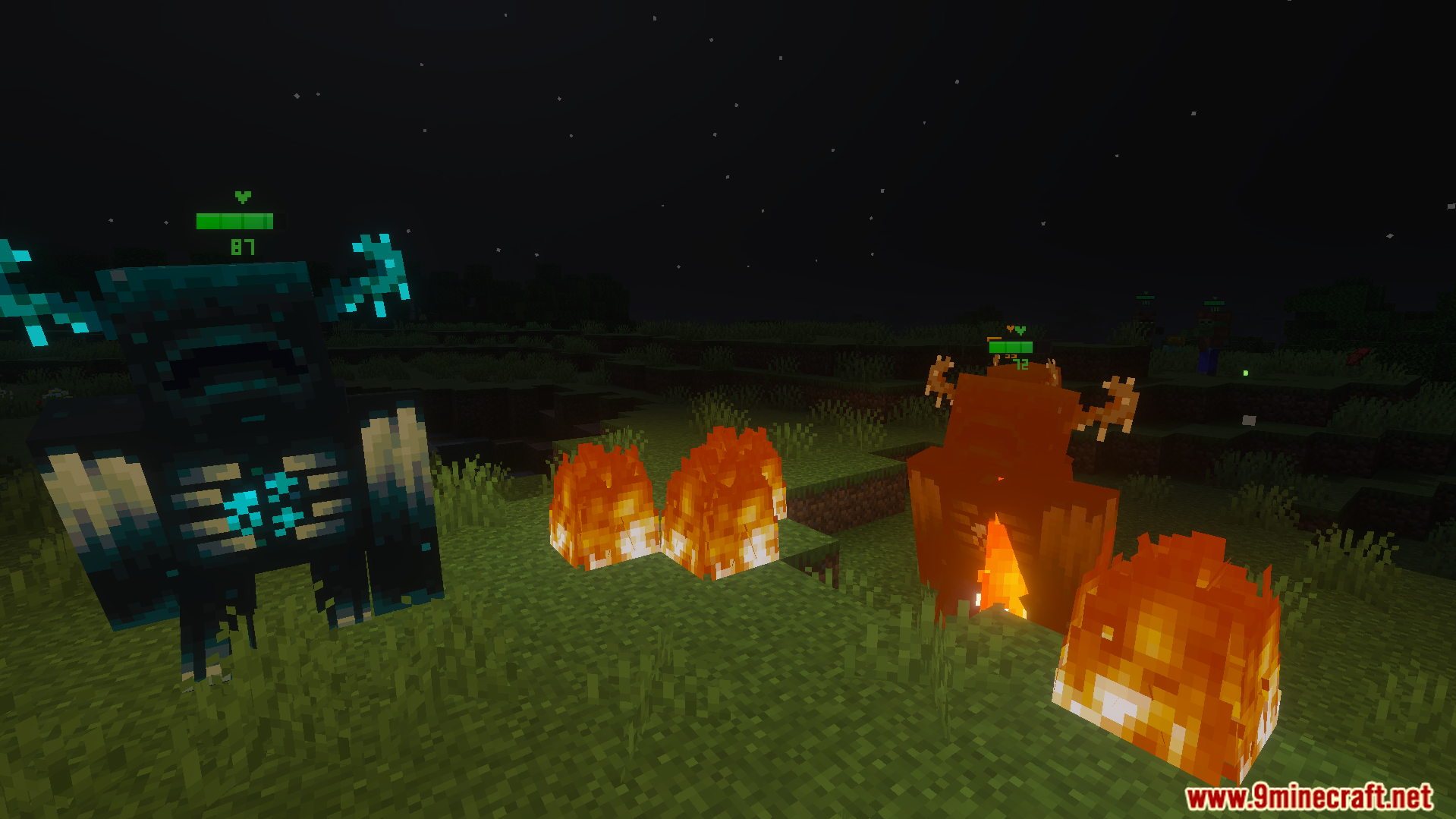
Health Bar Indicator Texture Pack showing health bars above a Warden mob
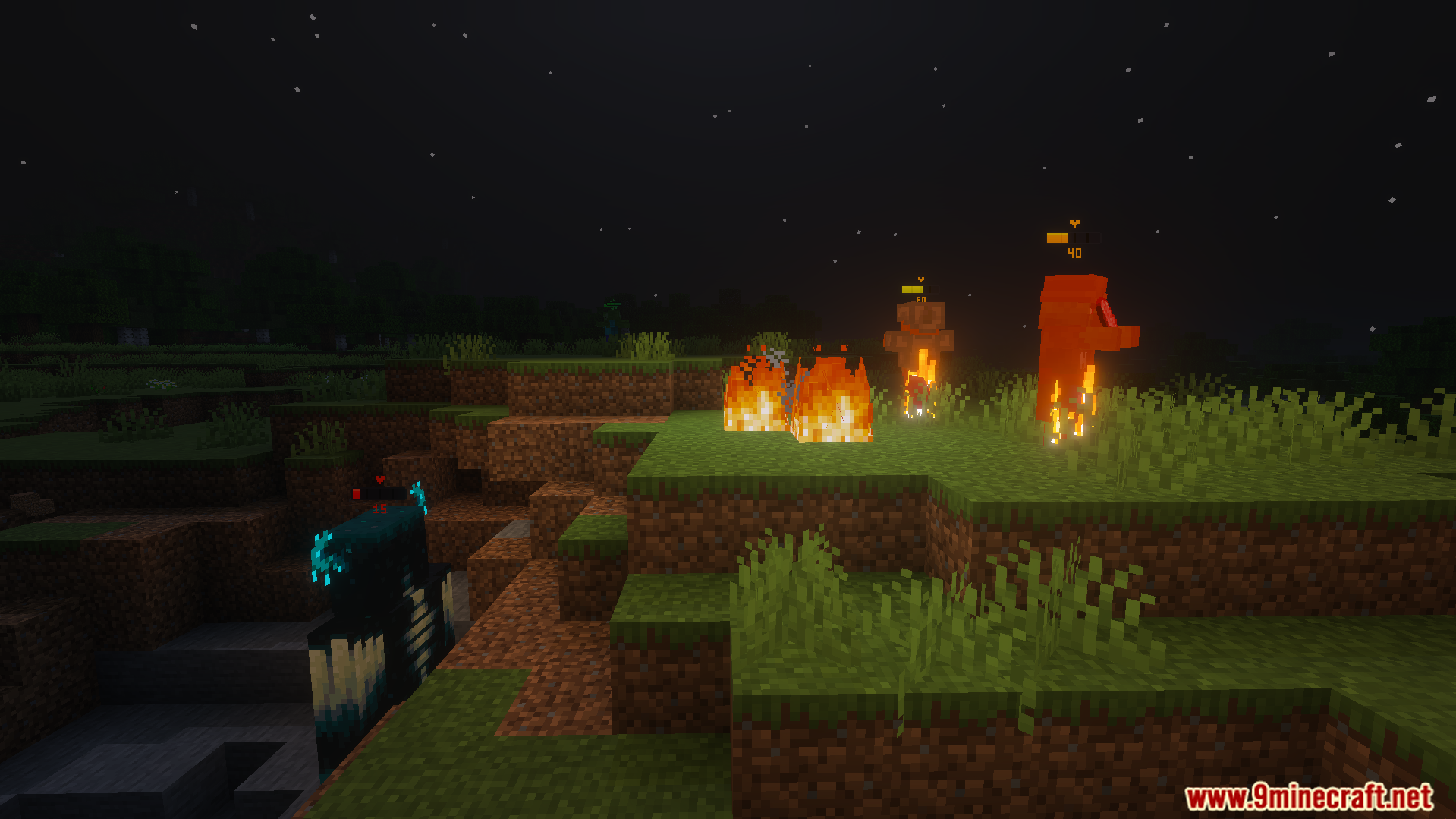
Warden in a ravine and burning mobs on a hill with health bars

Health Bar Indicator Texture Pack Download Links

Filter by

For MCPE/Bedrock 26.x

Includes: 26.23 26.21 26.20 26.13
16X ZIP mcpack 1 MB Jun 2, 2026

Click to rate this post!
[Total: 0 Average: 0]