


Apocalypse GUI Resource Pack (1.20.1) – Gritty Survival Menus for a Ruined World

 0
0 

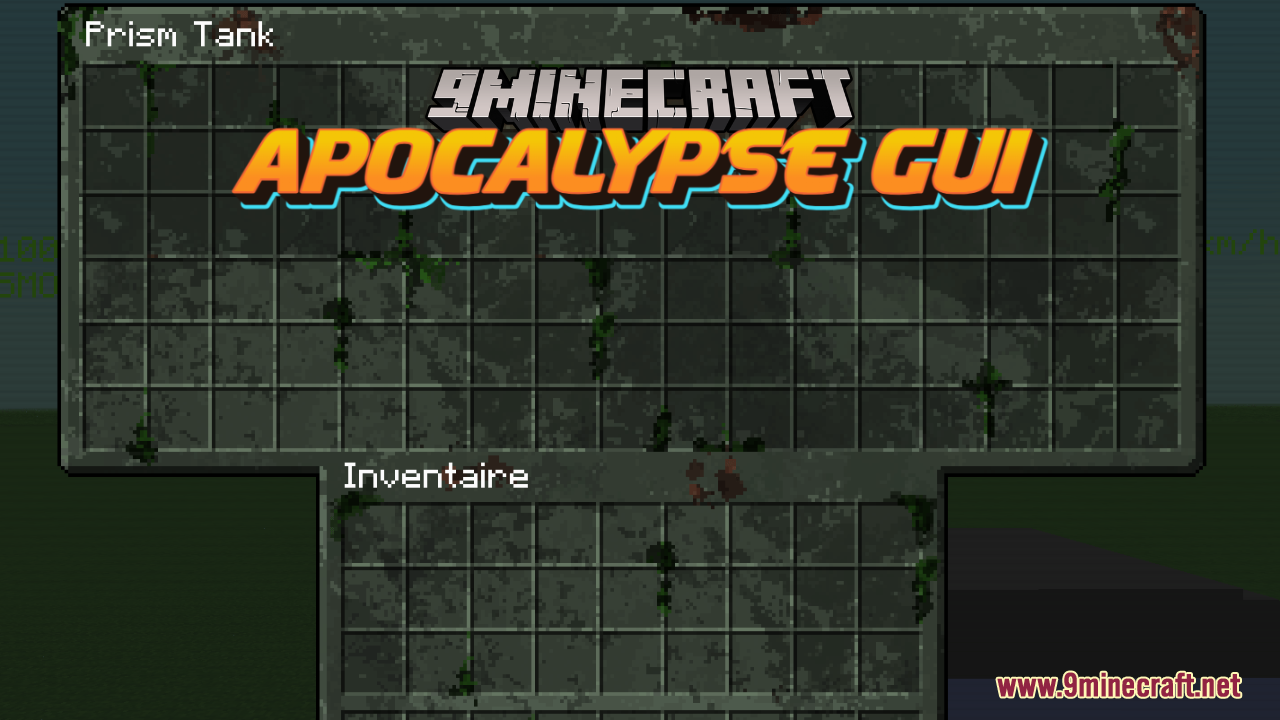
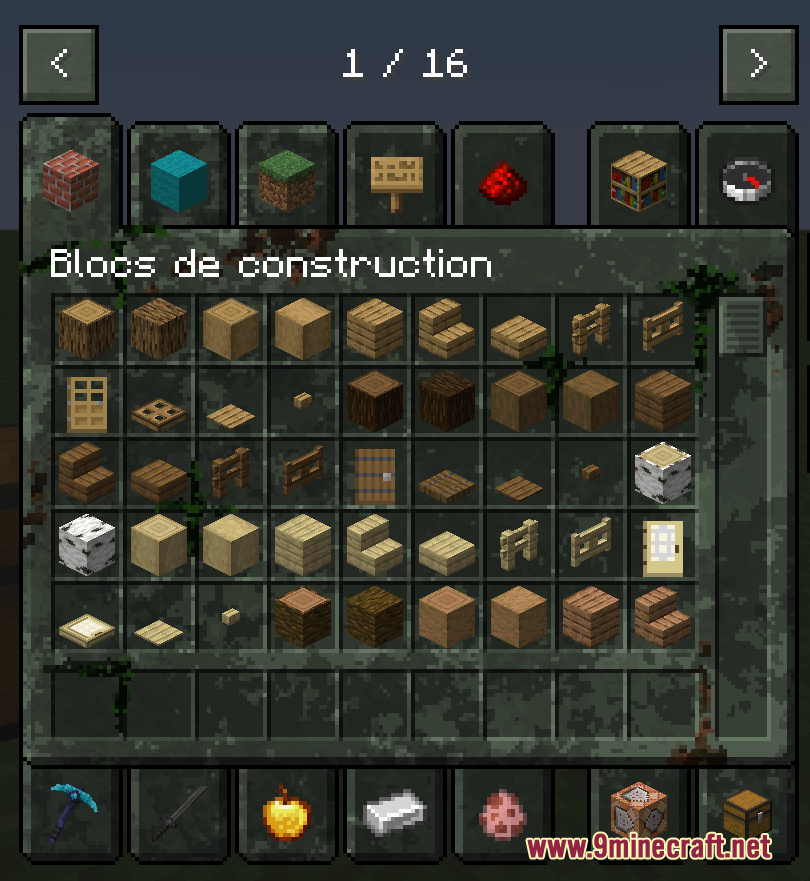
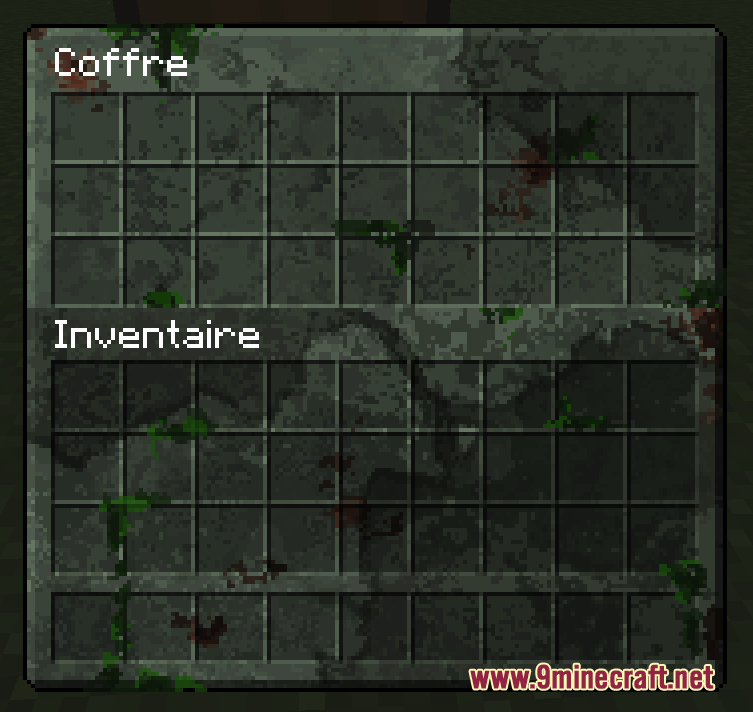
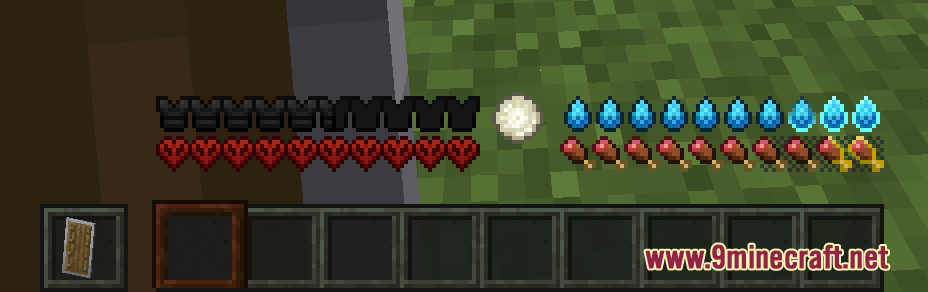
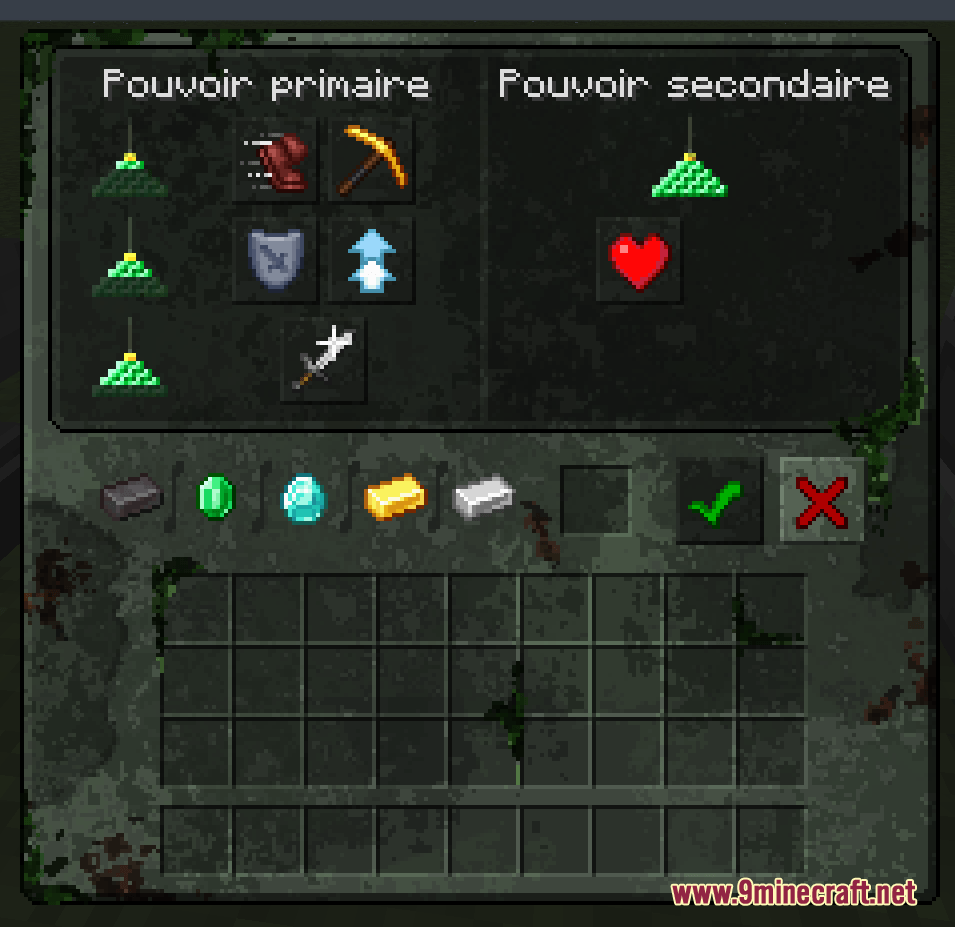
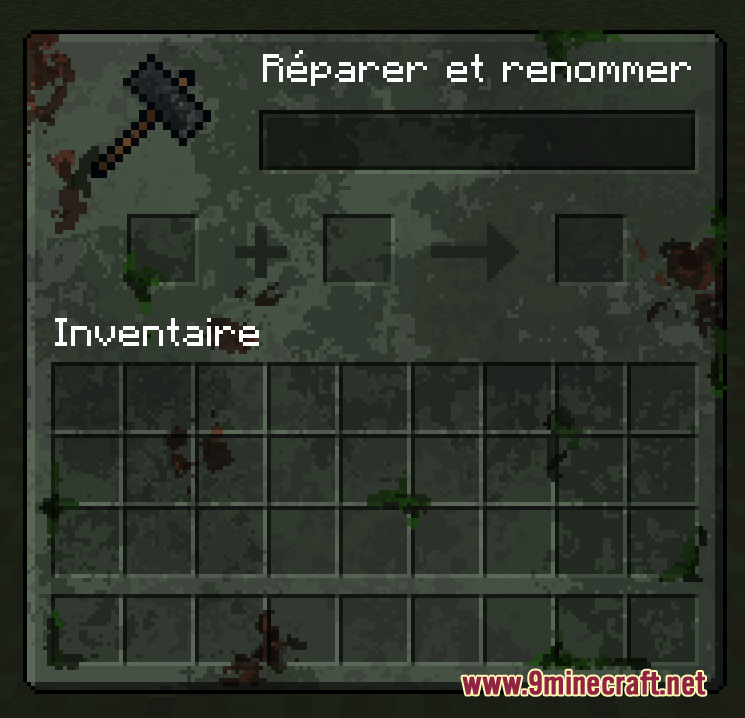
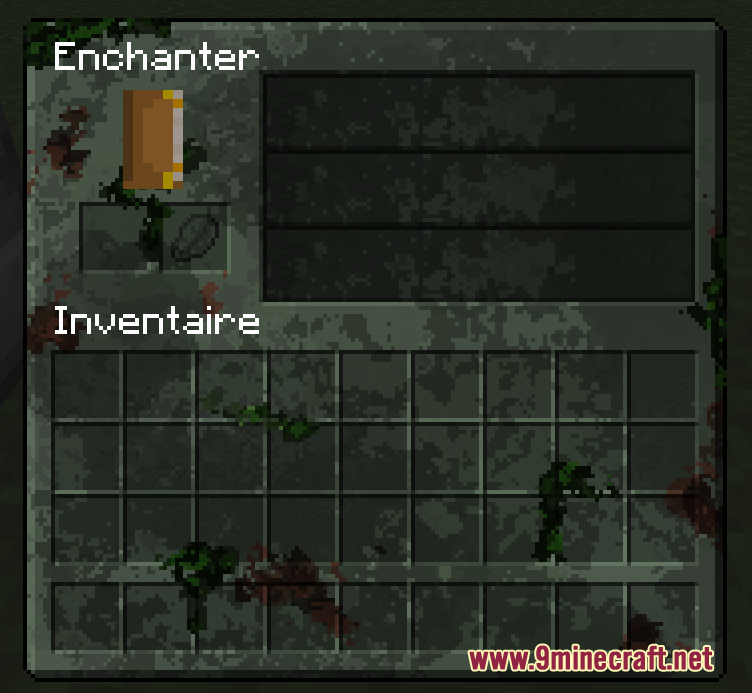
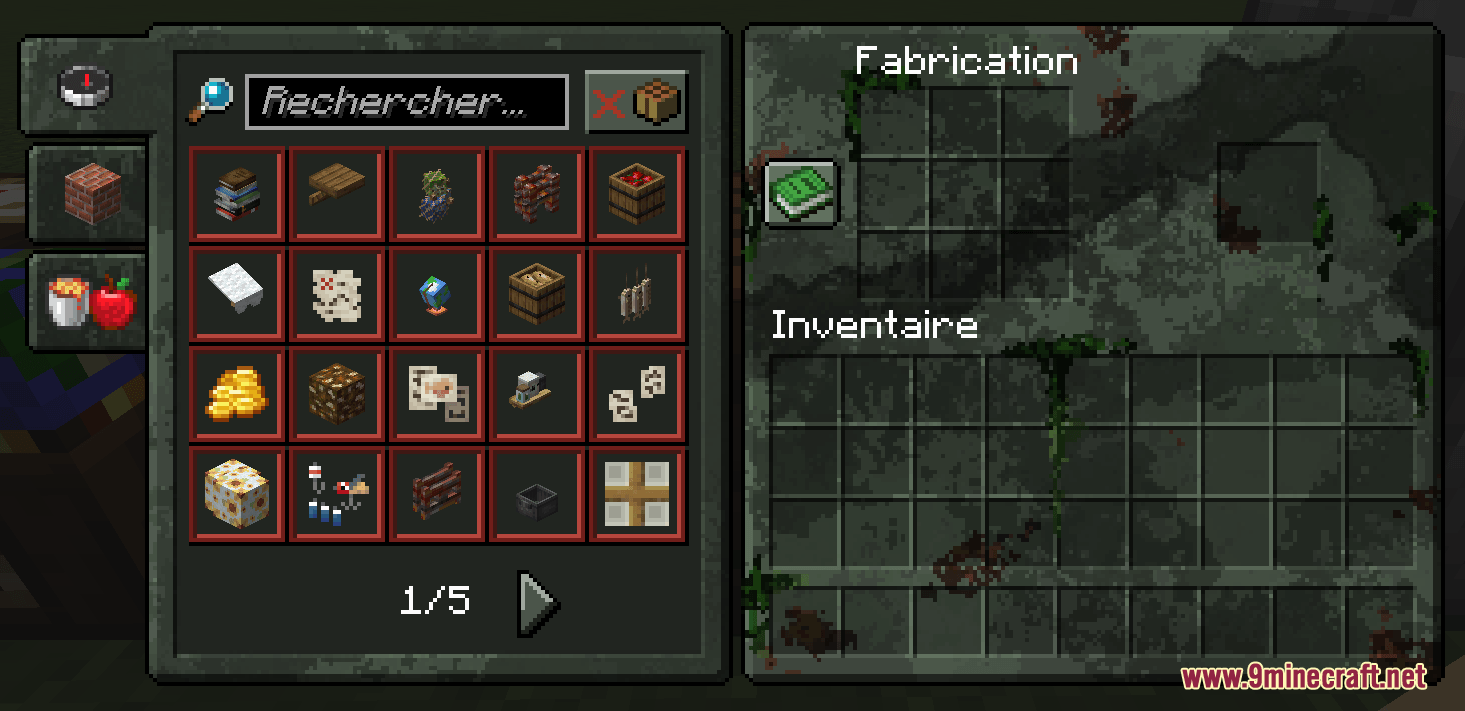
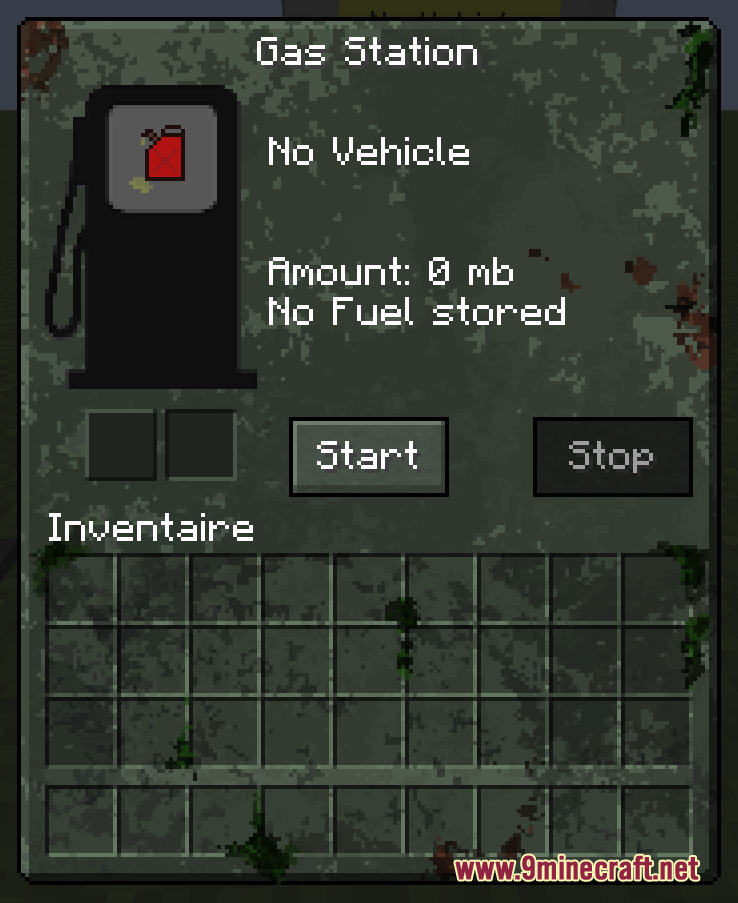
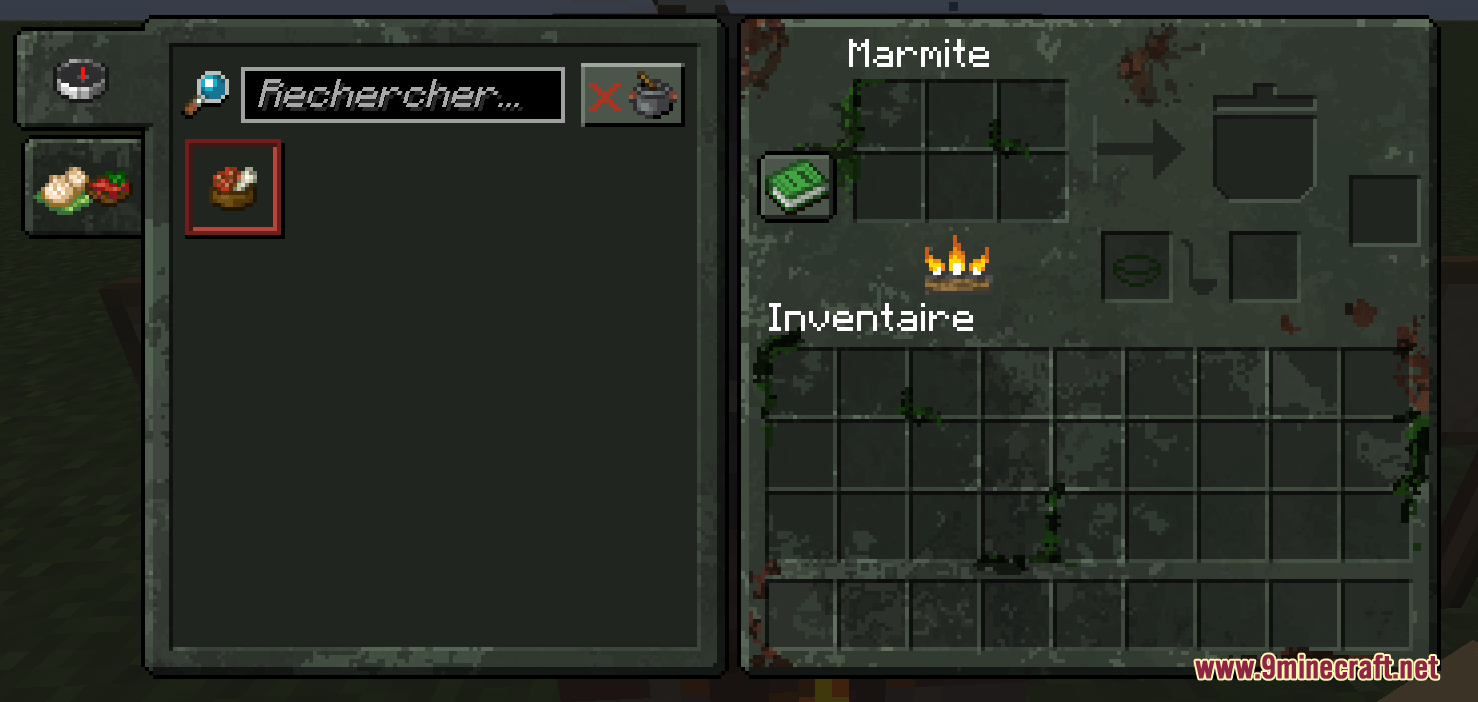
Apocalypse GUI Resource Pack transforms the look of your menus, inventory, and hotbar to fit a ruined world. It replaces the clean vanilla screens with a rough, survival-themed design. This pack changes the base game and also updates the custom menus for dozens of popular survival mods so everything matches perfectly.
Features:
- Changes the default menus to look like a gritty survival game.
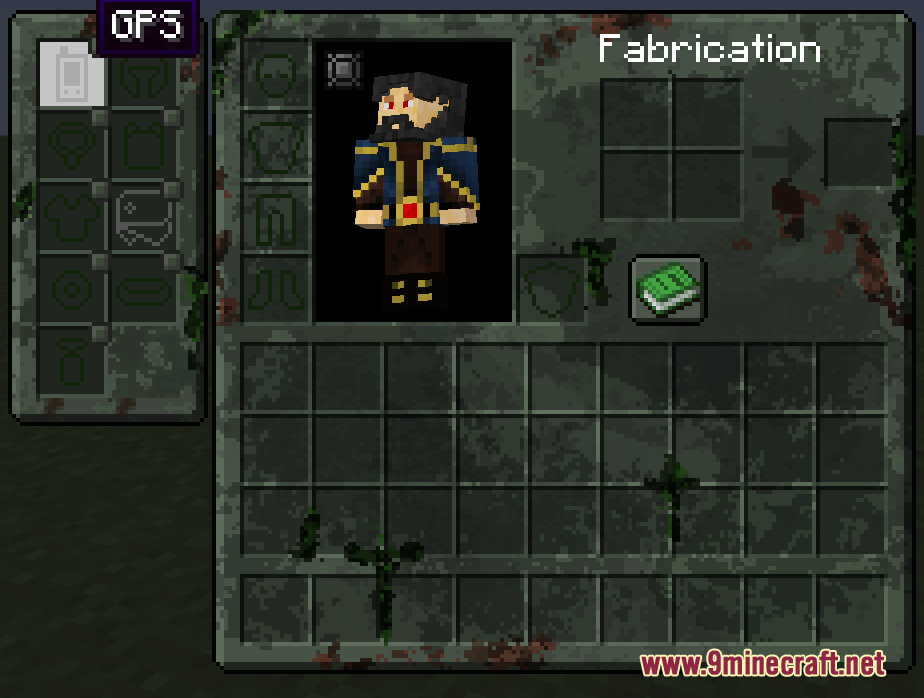
- Updates the player inventory, pause screen, and hotbar with a dark, worn-out style.
- Applies the new style to custom screens from other popular mods.
- Keeps the text easy to read while changing the background textures.
Survival and Zombie Mods:
- Adds matching screens for Extinction Z and Zombie Extreme.
- Updates the menus for Zombie Survival Kit and Legendary Survival Overhaul.
Weapons and Gear:
- Skins the weapon menus in Timeless and Classics Zero (TACZ) and Superb Warfare.
- Changes the storage screens for Sophisticated Backpacks and Traveler’s Backpack.
- Updates the extra equipment slots added by Curios.
Vehicles and Technology:
- Modifies the vehicle interfaces in Ultimate Car Mod and Simple Planes.
- Applies the new look to the Pocket GPS screen.
Food and Furniture:
- Works with the cooking stations from Farmer’s Delight and Solar Cooker.
- Updates the custom menus in Furnish, Paladin’s Furniture, and the Moa Decor series.
Screenshots:
How to Install:
New to Minecraft? Follow our step-by-step guide to install Resource Packs on your PC.View Guide
Apocalypse GUI Resource Pack Download Links
For Minecraft
1.20.x
All Versions Covered
1.20.1
1.20
All Versions Covered
1.20.1
1.20
Click to rate this post!
[Total: 0 Average: 0]
You May Also Like



This post has no comments yet. Be the first — your comment will appear here.