


Tips 9minecraft Mod (26.2) – Master Hidden Mechanics While Your World Loads
 33
33
 0
0


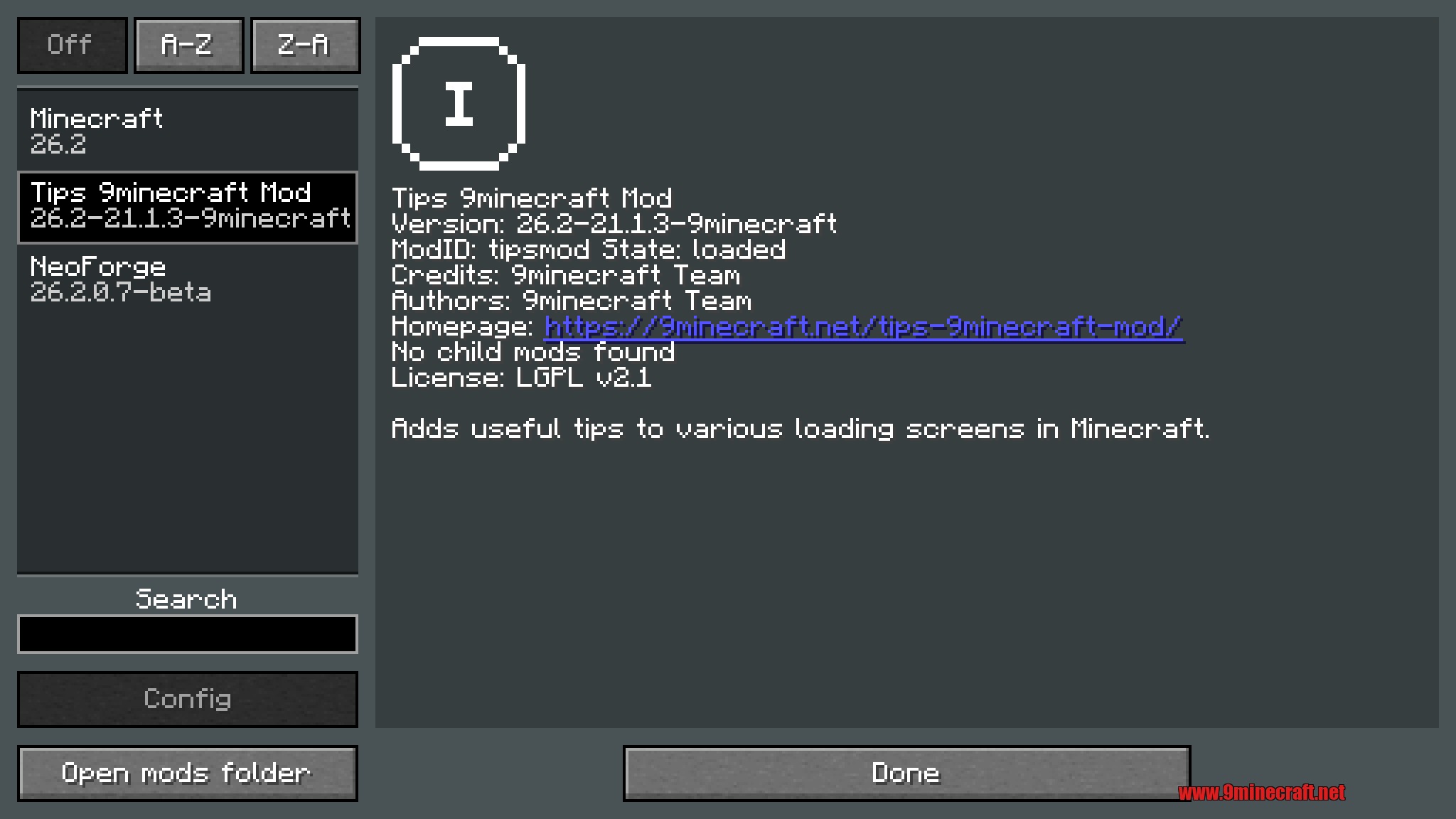
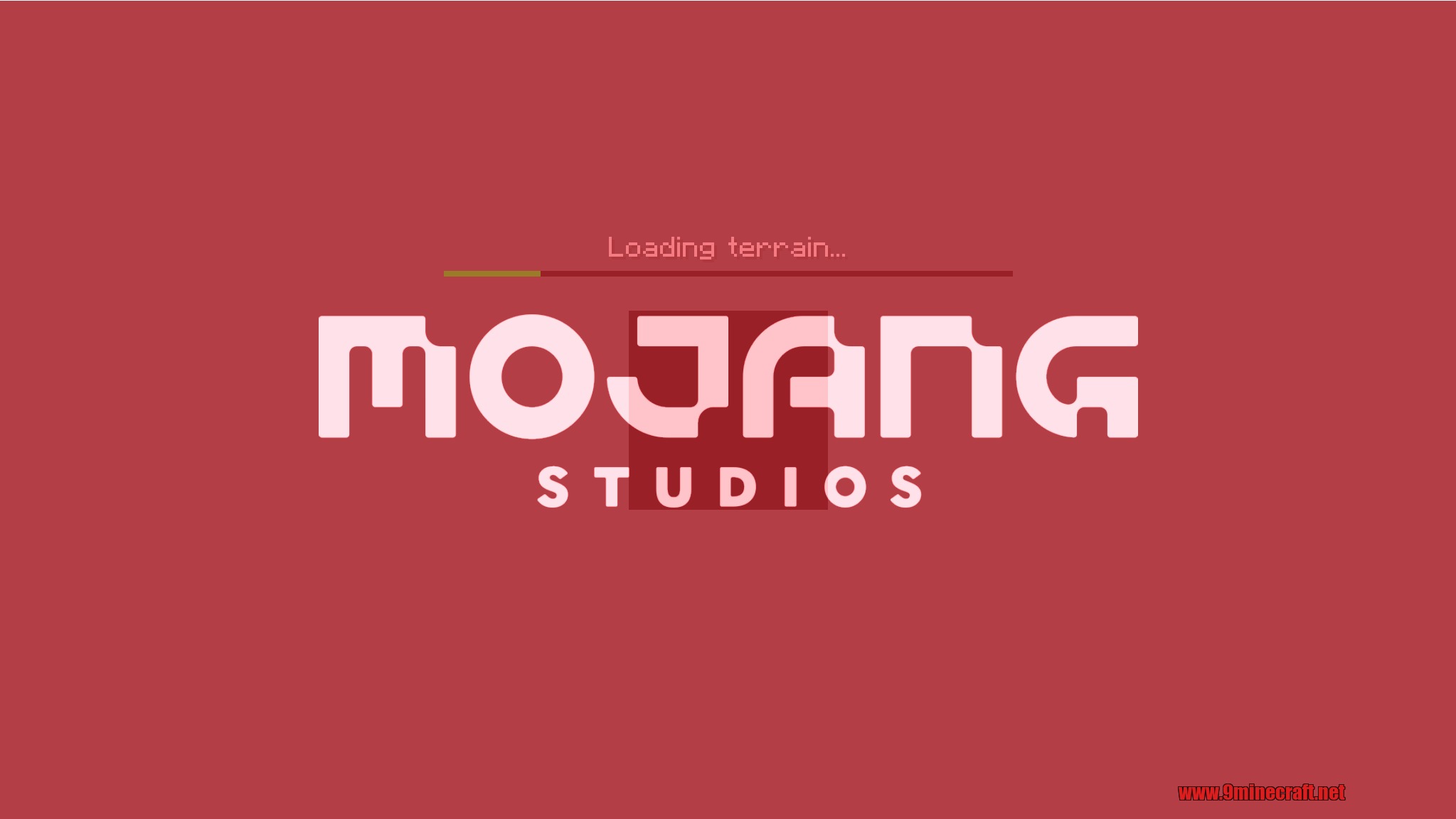
Tips 9minecraft Mod adds a rotating set of gameplay hints that appear at the bottom of the loading screen each time you load into a world – a simple way to surface mechanics, shortcuts, and tricks that players often miss.
Every world load shows a different tip drawn from a large curated pool. The hints cover everything from crafting recipes and enchanting tricks to exploration strategies and combat advice. The mod is entirely informational – it adds no new blocks or items, just a knowledge layer for players who want to learn the game faster or be reminded of things they forgot. It is lightweight, requires no configuration, and works in both singleplayer and multiplayer.
Features:
- A helpful tip appears at the bottom of the loading screen every time you load a world.
- A large pool of tips covers crafting, combat, exploration, and hidden game mechanics.
- Tips rotate so you see something different on nearly every load.
- Works in singleplayer and on servers – no server-side installation needed for clients.
- No new blocks, items, or configuration – install and go.
- Lightweight and compatible with any modpack.
How to Use:
- Install the mod and launch Minecraft – no additional setup required.
- A tip will appear at the bottom of the loading screen when you enter a world.
- Close and reopen the world to see the next tip in the rotation.
- The tips work automatically in both singleplayer worlds and multiplayer servers.
Configuration:
Tips works with zero configuration, but a config file is generated in .minecraft/config/ for fine-tuning. Common options include:
- showTips (default true) – master toggle for showing tips on loading screens.
- tipDisplay (default random) – how the next tip is chosen (for example random or ordered).
- includeModTips (default true) – whether the built-in default tips are part of the pool.
You can also add your own tips: create a resource pack with a language file at assets/<namespace>/lang/en_us.json and add entries whose keys start with tip. – every matching key is registered as a tip and joins the rotation on the next loading screen.
Screenshots:
How to Install:
New to Minecraft? Follow our step-by-step guide to install Mods on your PC.View Guide



Tips 9minecraft Mod Download Links
For Minecraft 26.2
You May Also Like


This post has no comments yet. Be the first — your comment will appear here.