
Better F1 Reborn Mod (26.3, 1.20.1) – Hide Your Interface While Keeping Items

 0


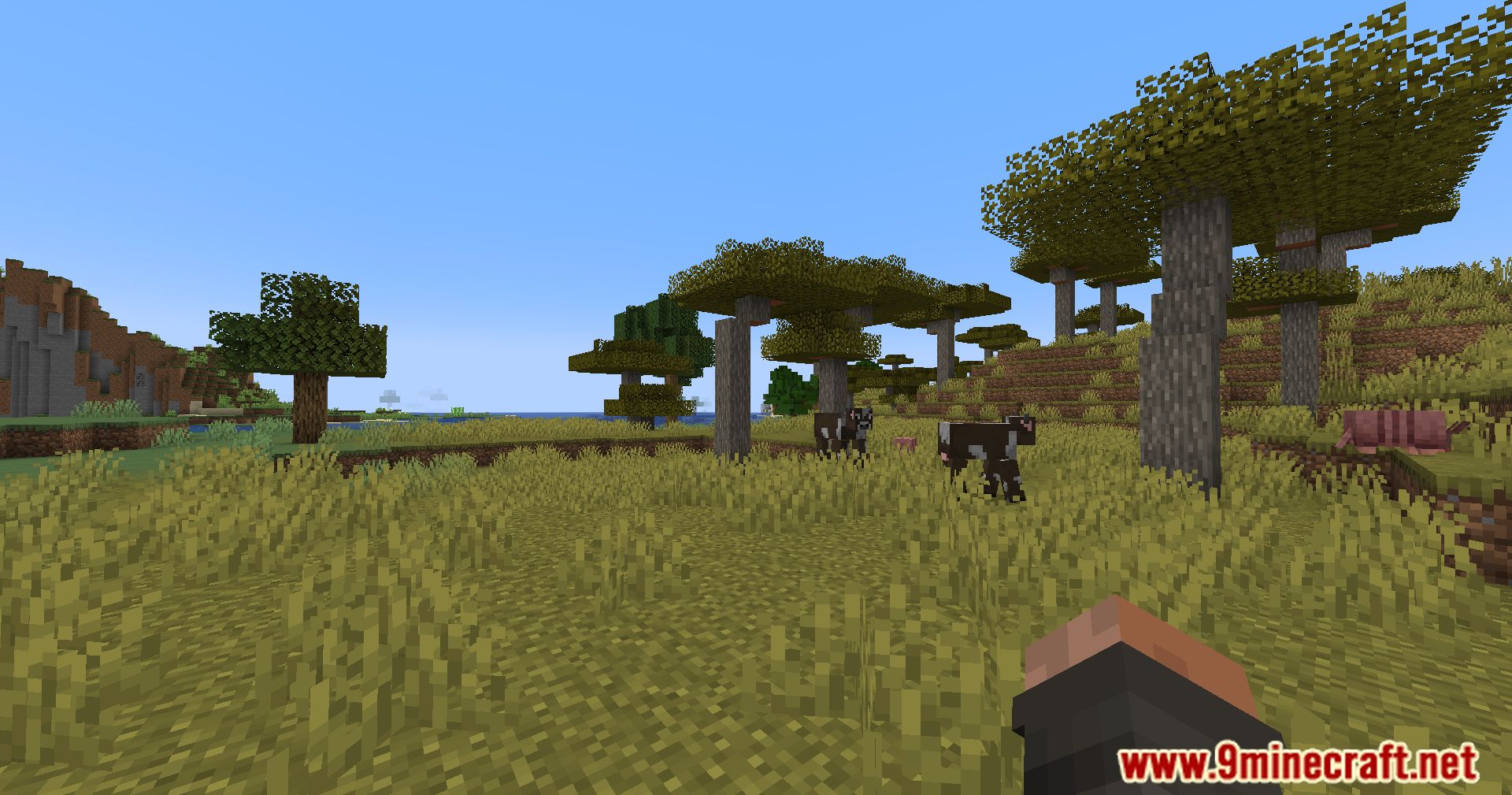
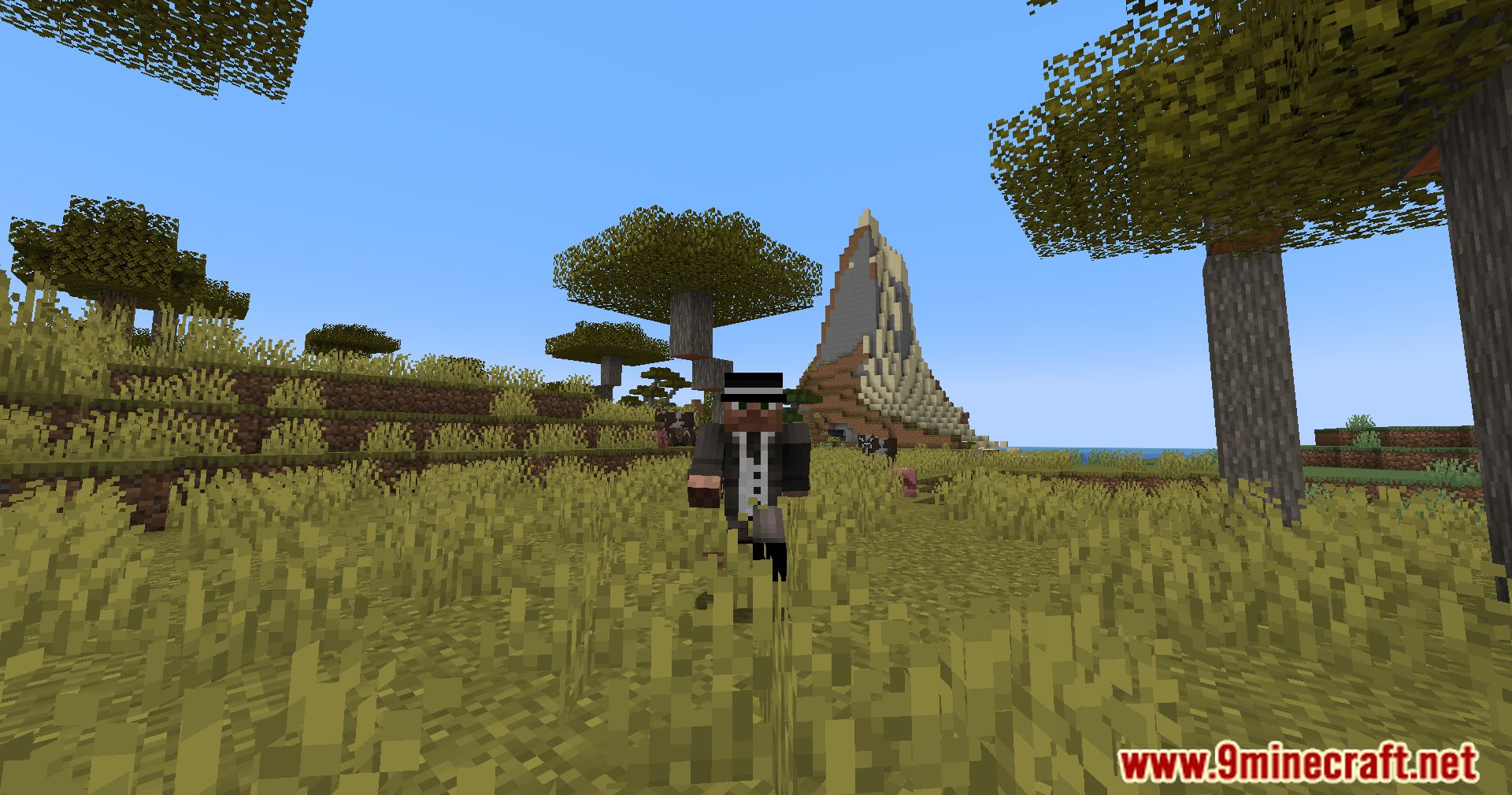
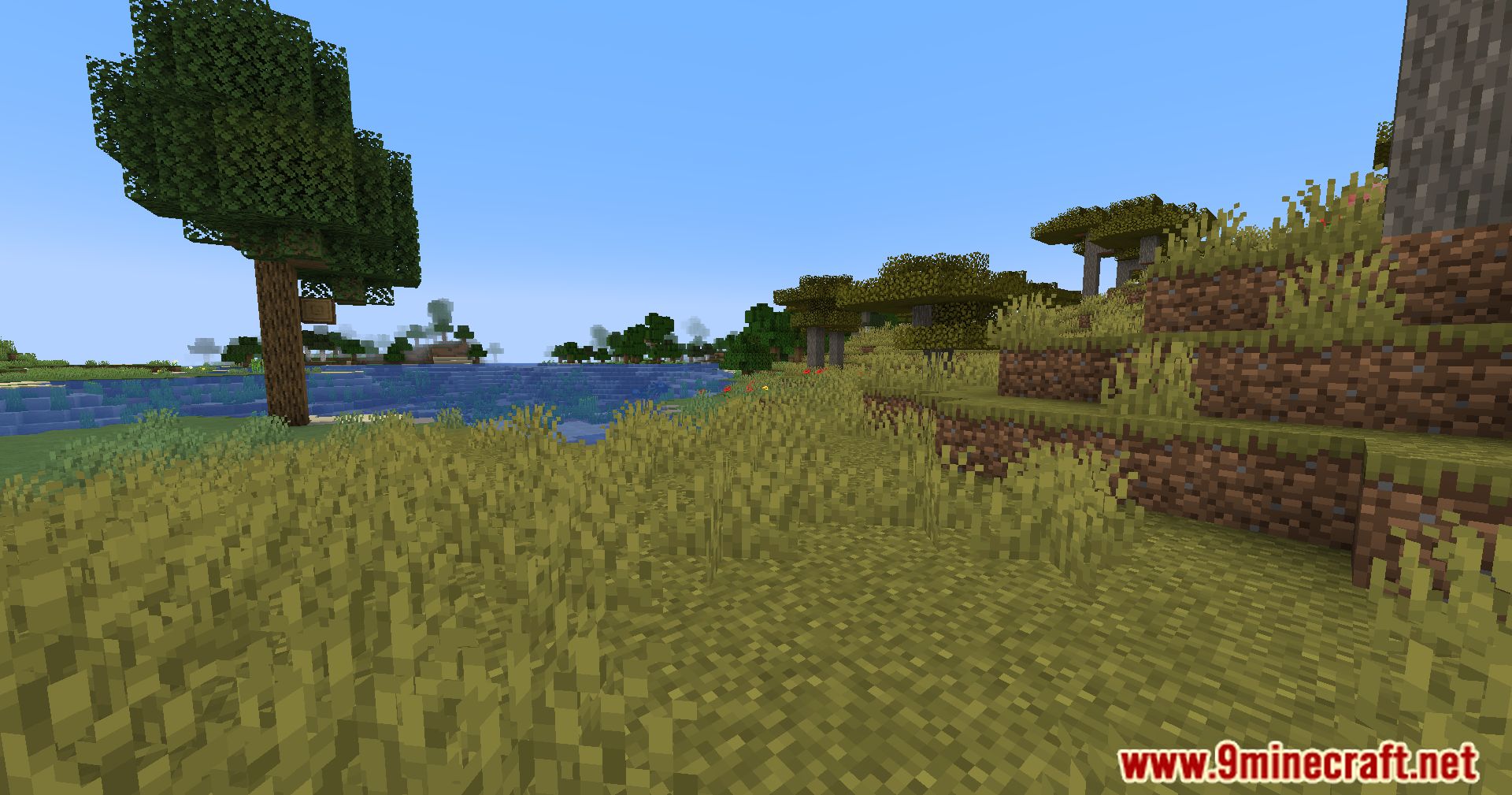
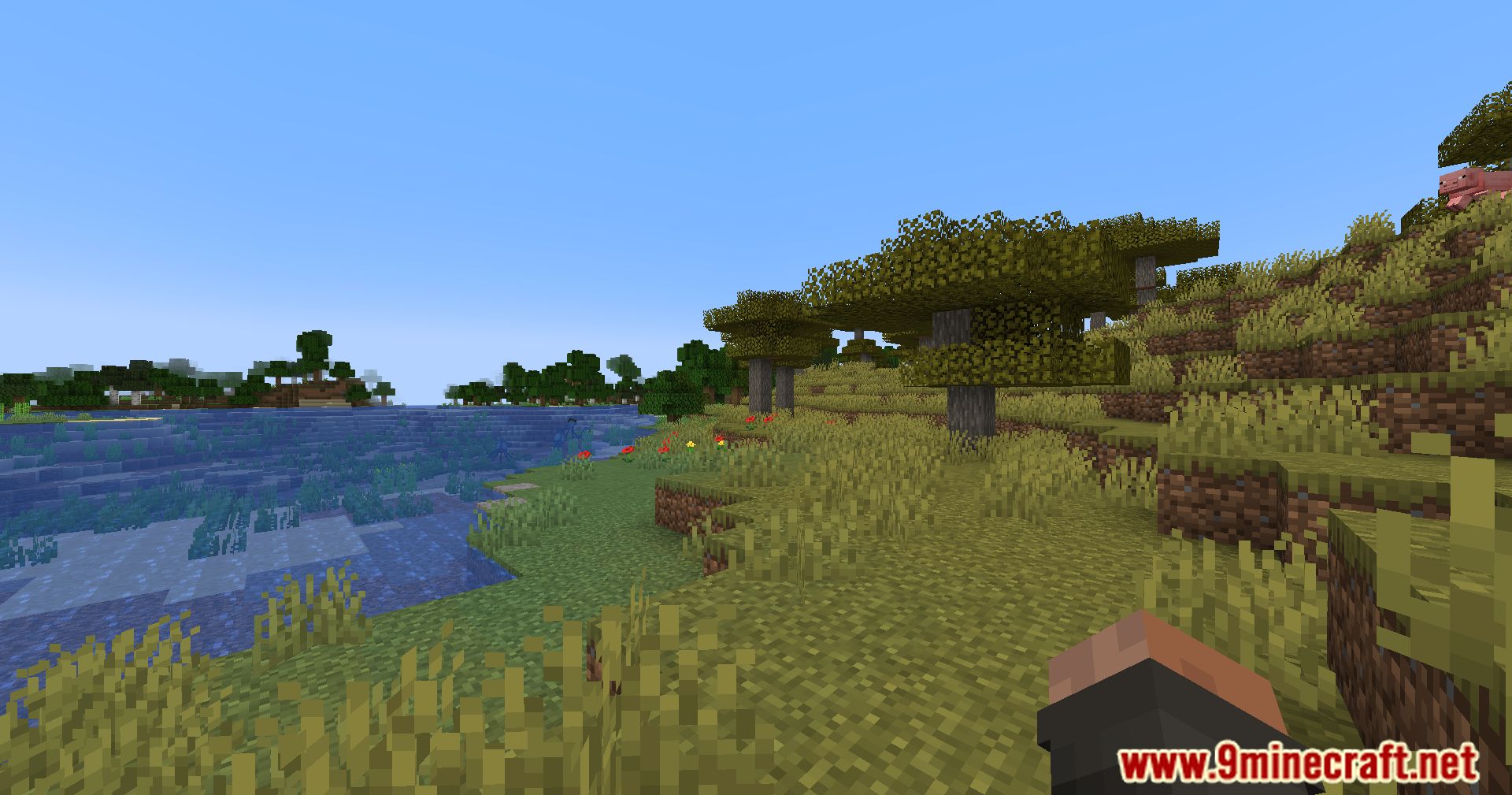
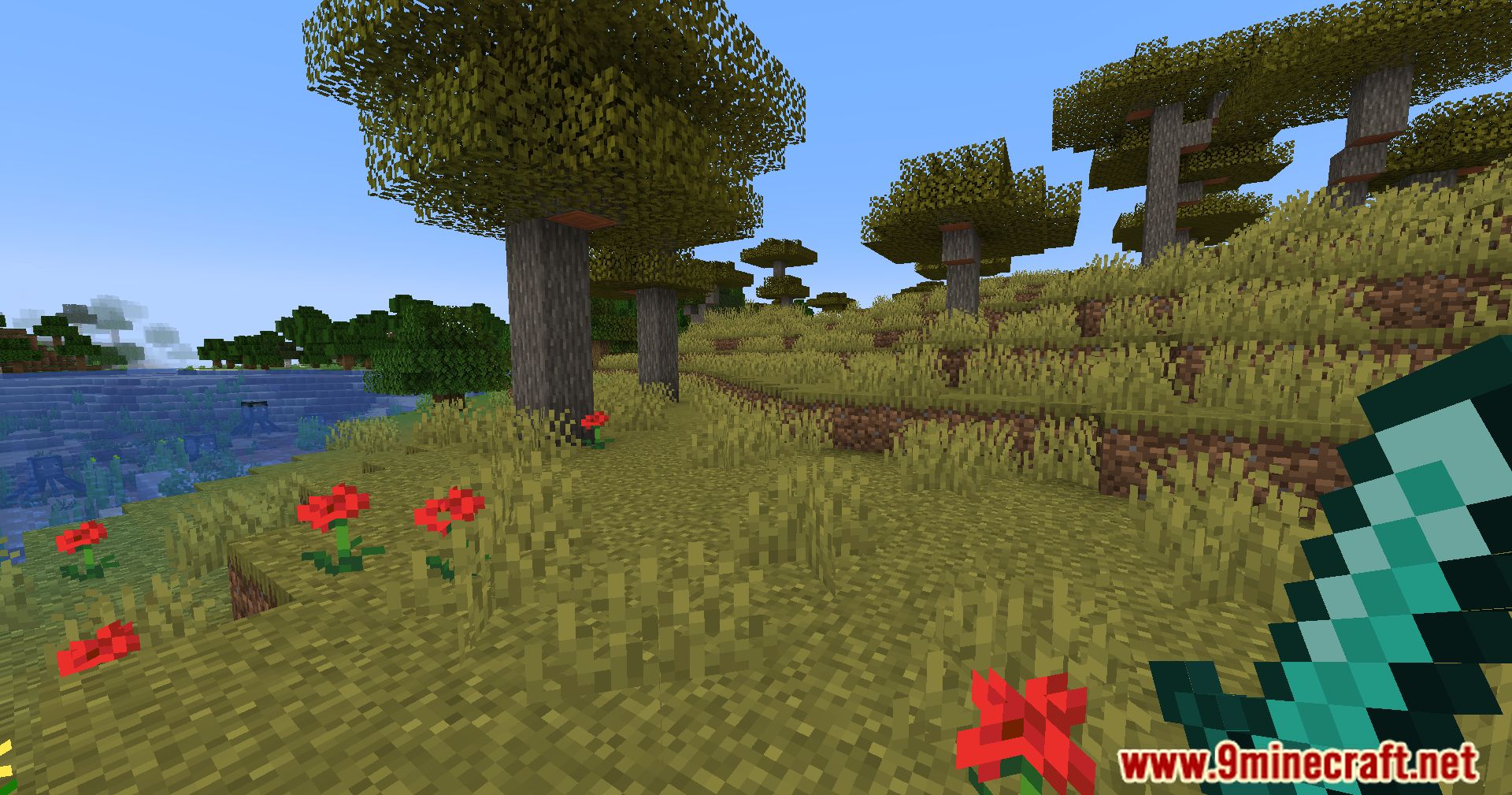
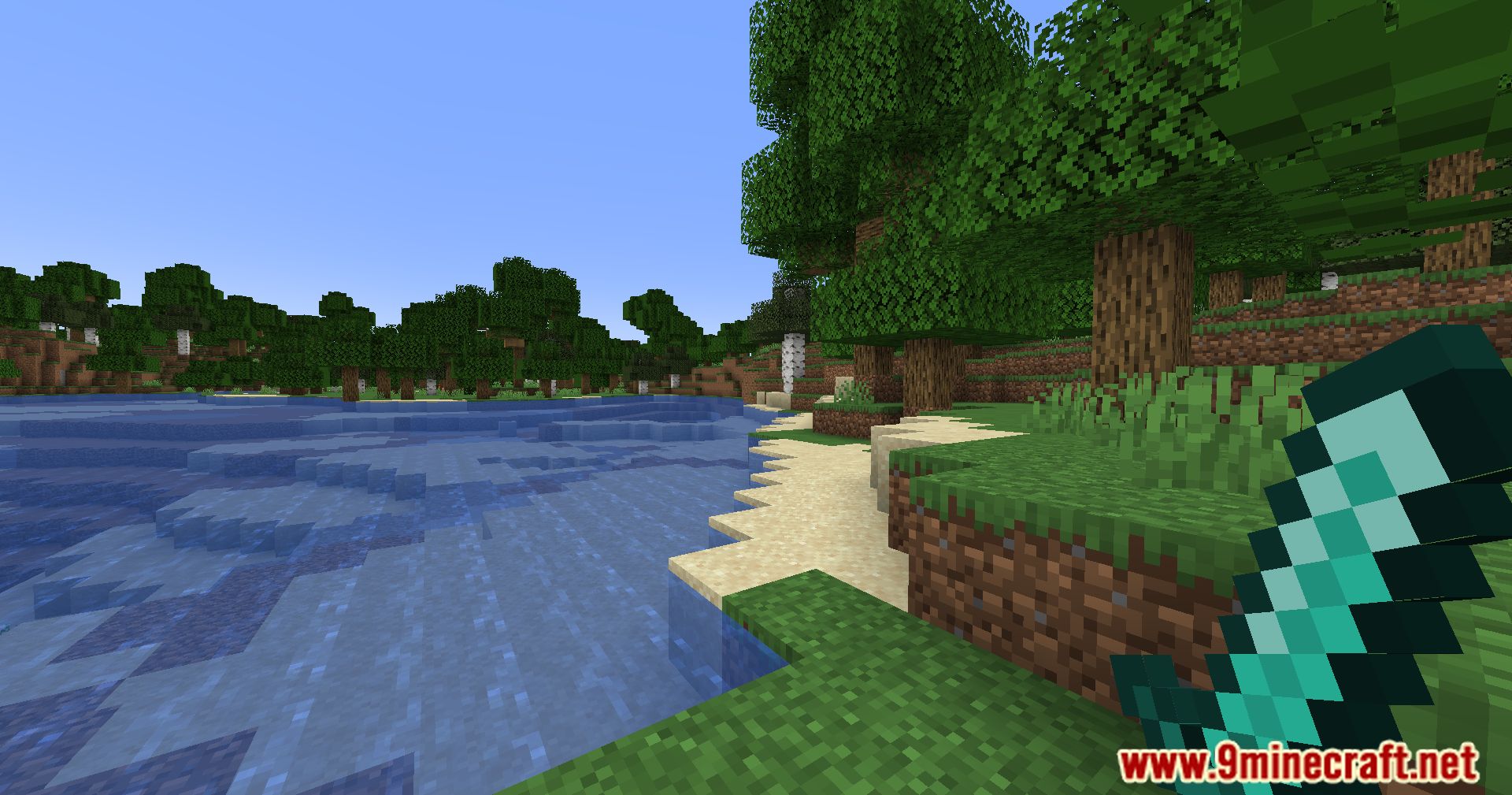
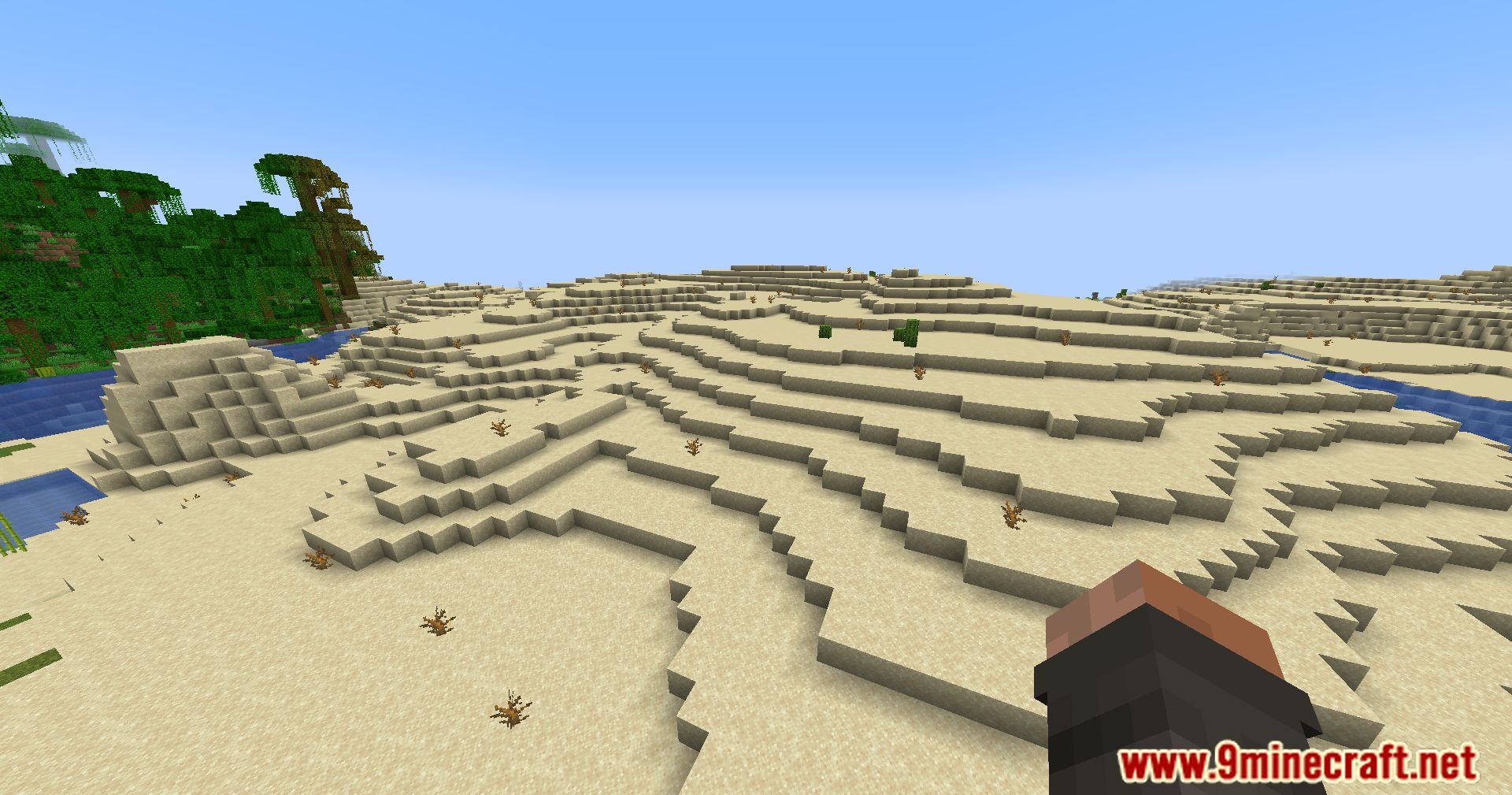
Better F1 Reborn Mod adds a new intermediate F1 state that hides interface elements while keeping your held items visible on screen. It gives you better control over your display by letting you switch easily between different UI viewing modes.
Features:
- Adds an intermediate F1 state to hide HUD elements while keeping held items visible on screen
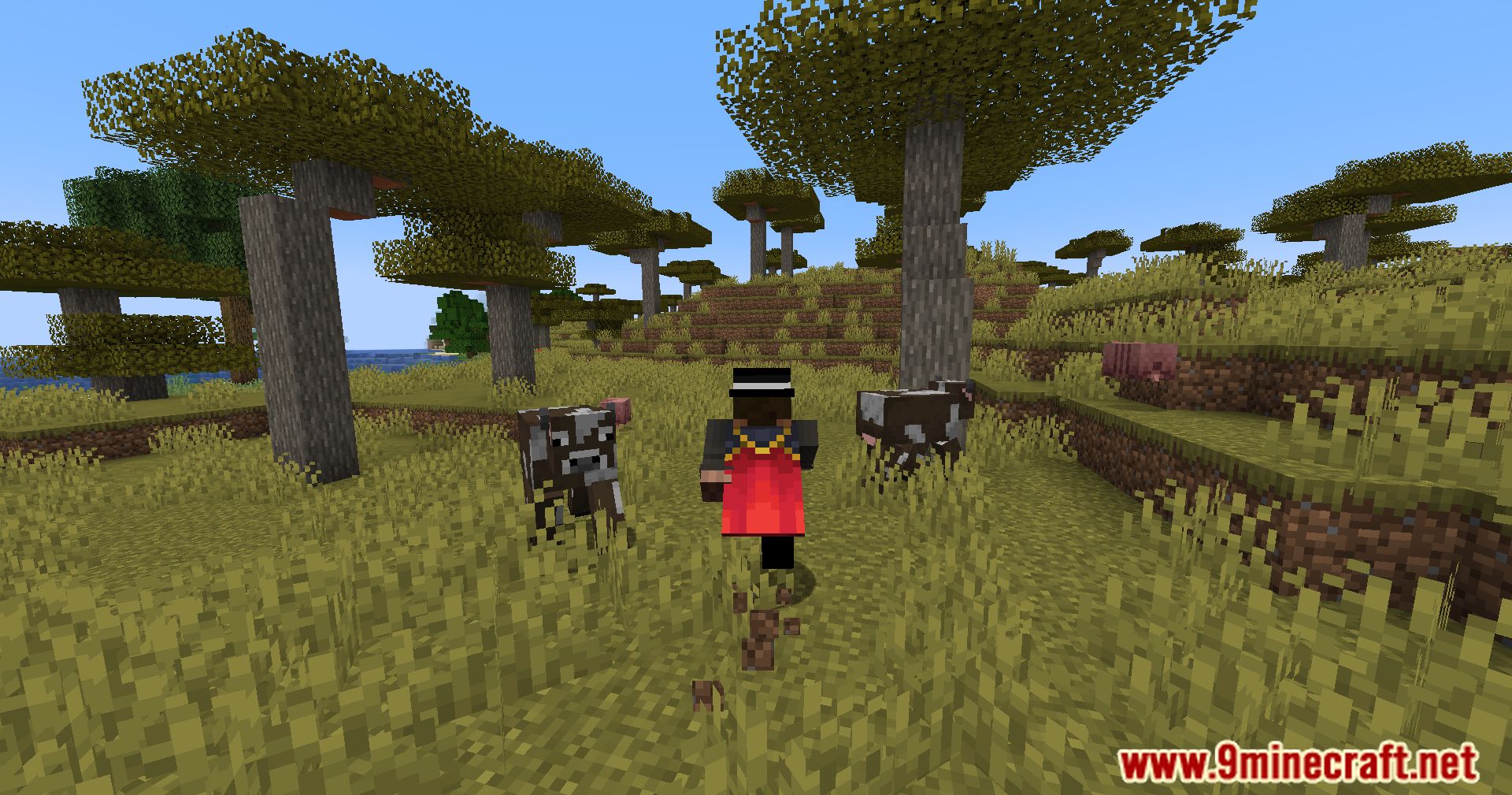
- Cycles between three display modes including normal UI, hidden HUD with visible items, and fully hidden UI
- Improves screen visibility for screenshots and gameplay without losing track of held tools or weapons
How to Use:
- Press the F1 key on your keyboard while playing the game.
- Cycle through the display modes by pressing the key multiple times until you reach the desired UI state.
Screenshots:
How to Install:
New to Minecraft? Follow our step-by-step guide to install Mods on your PC.View Guide


Better F1 Reborn Mod Download Links
For Minecraft 26.3
For Minecraft 26.2
For Minecraft 26.1.2, 26.1.1, 26.1
For Minecraft 1.21.11
For Minecraft 1.21.10, 1.21.9
For Minecraft 1.21.8, 1.21.7, 1.21.6
For Minecraft
1.21.5,
1.21.4,
1.21.3
All Versions Covered
1.21.5
1.21.4
1.21.3
1.21.2
All Versions Covered
1.21.5
1.21.4
1.21.3
1.21.2
For Minecraft 1.21.1, 1.21
For Minecraft 1.20.6
For Minecraft 1.17.1 –> 1.20.4
For Minecraft
1.20.4,
1.20.3,
1.20.2
All Versions Covered
1.20.4
1.20.3
1.20.2
1.20.1
1.20
1.19.4
1.19.3
1.19.2
1.19.1
1.19
1.18.2
1.18.1
1.18
1.17.1
1.17
All Versions Covered
1.20.4
1.20.3
1.20.2
1.20.1
1.20
1.19.4
1.19.3
1.19.2
1.19.1
1.19
1.18.2
1.18.1
1.18
1.17.1
1.17
Click to rate this post!
[Total: 2 Average: 1.5]
You May Also Like
Picked for this page
 Item Scroller Mod (26.3, 1.20.1) – Moving Items in Inventory GUIs
 Visuality Mod (26.3, 1.20.1) – A Bunch of New Particles
 Auto Plant Crops Mod (1.21.10, 1.20.1) – Multiple Planting Options
 Tschipcraft’s More Mobs Mod (26.3, 1.20.1) – Humanoid Mobs
 My Server Is Compatible Mod (26.1, 1.20.1) – Remove Annoying Message
 Text Placeholder API Mod (26.3, 1.20.1) – Simplify Text and Placeholder Handling
 Fuji Mod (26.3, 1.20.1) – Powerful Features of EssentialsX and CMI
 Dye All The Things Mod (26.3, 1.20.1) – Ultimate Armor Dyeing Mod
 Craftable Bedrock Mod (26.1.2, 1.20.1) – The Craftables Series
 Crafting Enchanted Golden Apples Mod (26.2, 1.20.1) – Old-School Power Returns
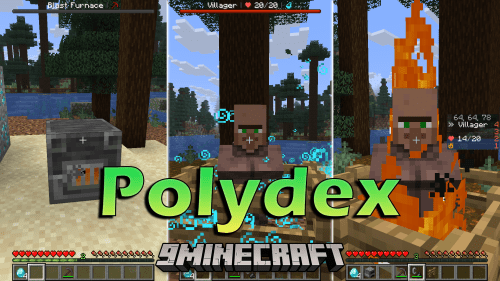 Polydex Mod (26.3, 1.20.1) – Recipes And Tooltips Vanilla Style
 Shut Up Dead Entities Mod (26.2, 1.20.1) – Cancels Mob Sounds
Most viewed in Mods over the last 7 days
 Ala Industrial Mod (26.3) – Run Electric Power Grids and Automated Factories
 PleasureCraft Mod (26.3, 1.21.1) – Jenny Mod Remake for Fabric
 Jennycraft Mod (26.3, 1.20.1) – Virtual Girlfriend in Minecraft
 Fapcraft Mod (26.3, 1.12.2) – Comprehensive and Detailed Content
 Jenny Mod (Fapcraft) Official Complete Guide – How to use, Tutorial
 BangCraft Mod (1.20.1) – Jenny, Ellie and Elliot
 Fabric Loader (26.3, 1.20.1) – Fabric Installer for All Minecraft Versions
 The Shooting Star Demo Mod (26.3, 1.20.1) – Vaporize Terrain From Orbit
 Meteor Client Mod (26.3, 1.20.1) – Xray, HUD, Fly
 OptiFine HD (26.3, 1.20.1) – Run Faster, FPS Boost, Shaders Support
 Aristois Client Mod (1.21.4, 1.20.1) – World Class Minecraft Utility
 Prestige Client Mod (1.21.11, 1.21.4) – Powerful Ghost Features for Crystal & Sword PvP
More from Mods
 Simply Light 9minecraft Mod (26.3) – Decorate Builds Without Torches
 Alex’s Caves Continued Mod (26.3, 1.20.1) – Conquer Six Massive Underground
 Anvil Uses Mod (26.3, 1.20.1) – Track Item Anvil Usage
 Animal Info Mod (26.3, 1.21.11) – Quick Stats For Your Animals
 Timber Tales Dynamic Tree System Mod (26.3, 1.20.1) – Watch Entire Trees Topple
 Gabou’s Libs Mod (26.3, 1.20.1) – Keep Custom Weather and Survival Mods Stable
 /Sit Mod (26.3, 1.21.1) – Make The Player Sit Down
 Arcane Redstone Dial Mod (26.3, 1.20.1) – Trigger Commands and Shortcuts
 The Graveyard Mod (26.3, 1.20.1) – Cemeteries in Minecraft
 Enhanced Overlay Mod (26.3, 1.21.11) – Remove Screen Clutter
 Flint Mod (1.21.11) – Run DiamondFire Community Addons Without Crashing
 Not Just Sandwich Mod (26.3, 1.20.1) – Edibles, Sandwiches

This post has no comments yet. Be the first — your comment will appear here.