


Light Overlay Mod (26.2, 1.20.1) – Visualizes The Light Level on The Blocks
 13,686
 0
0

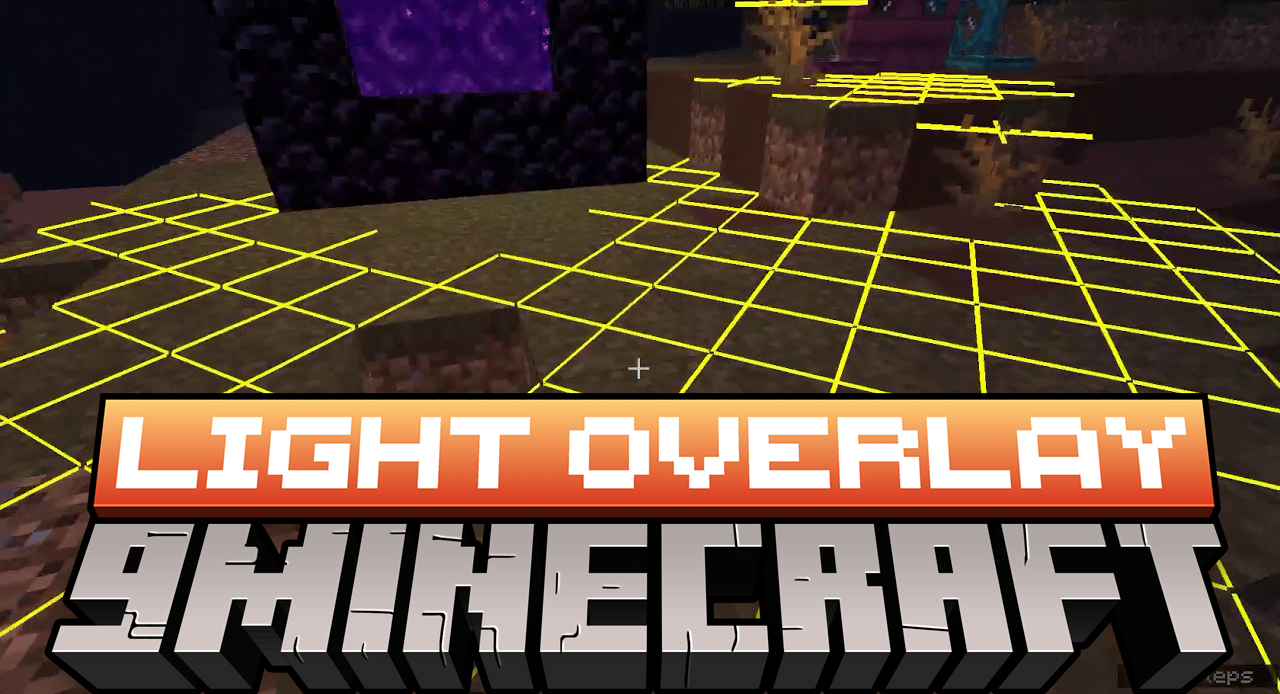
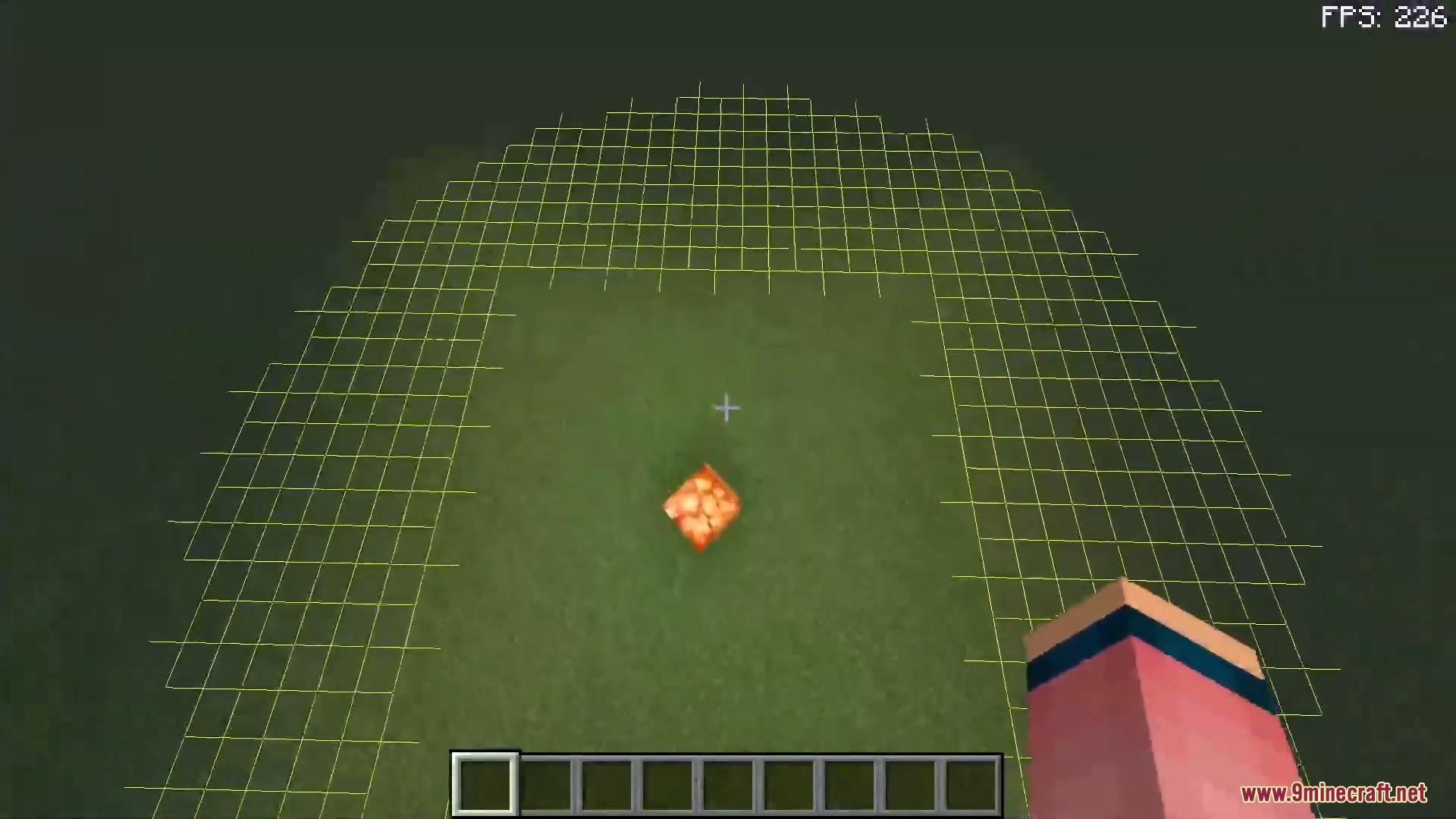
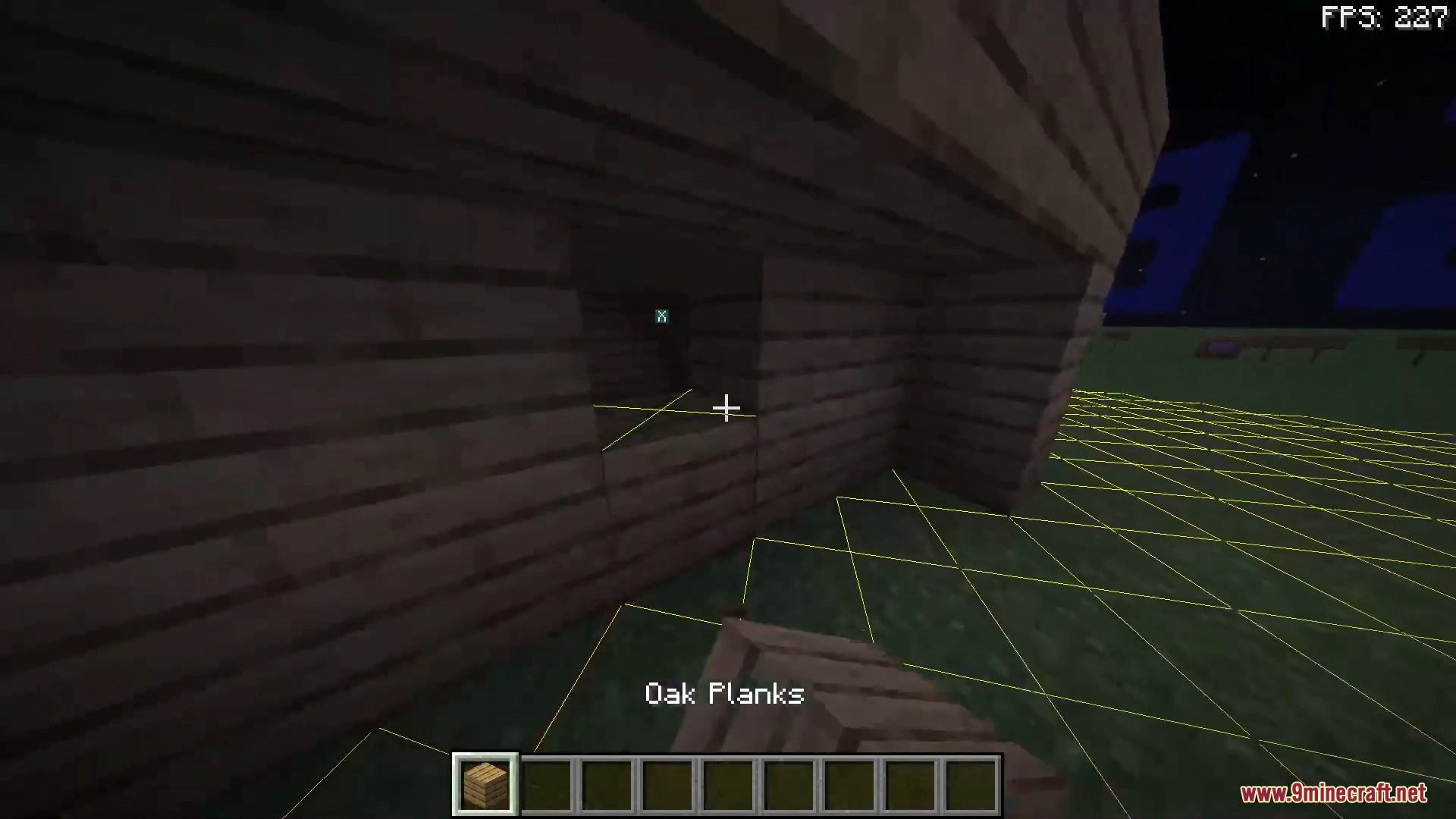
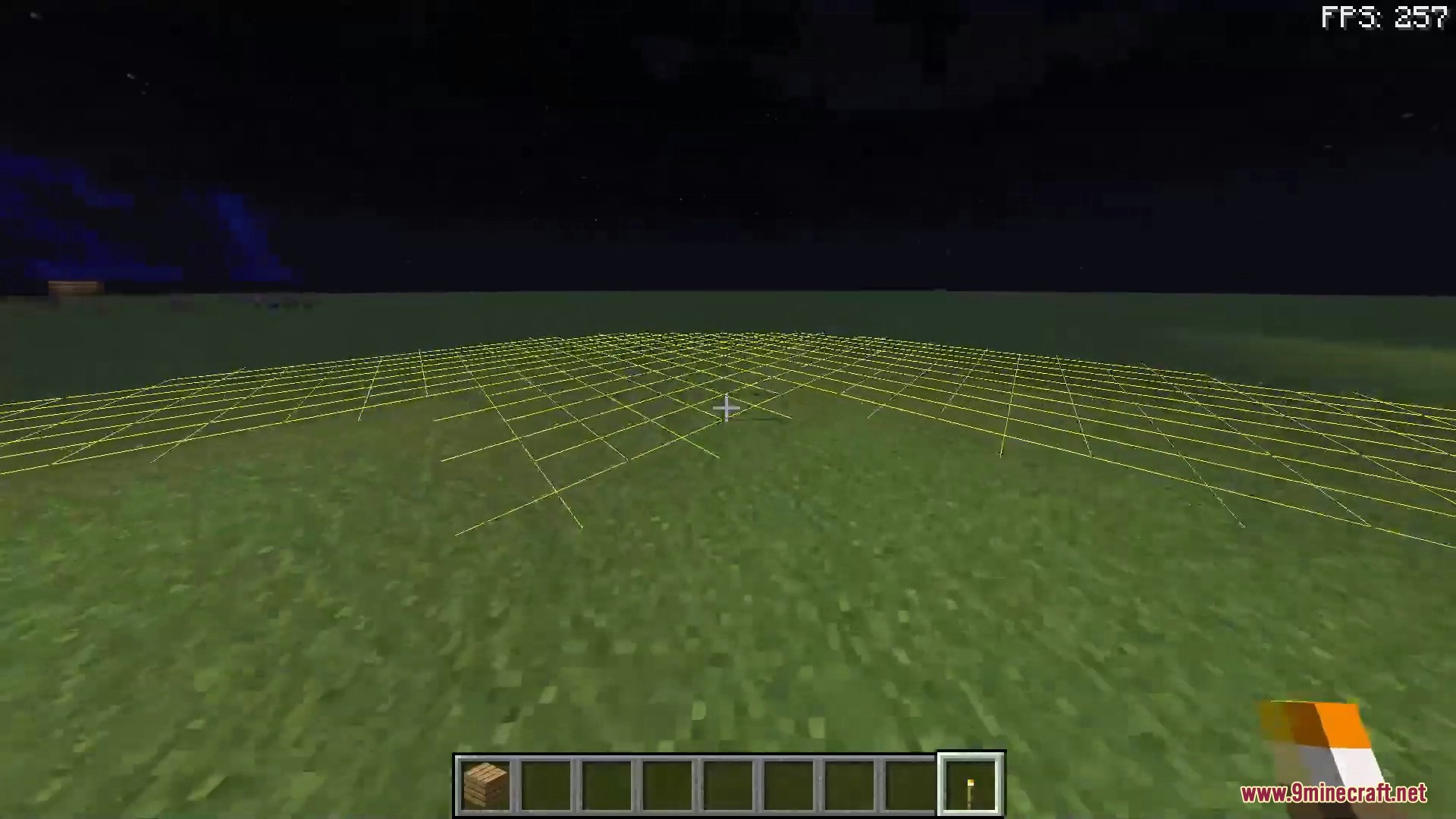
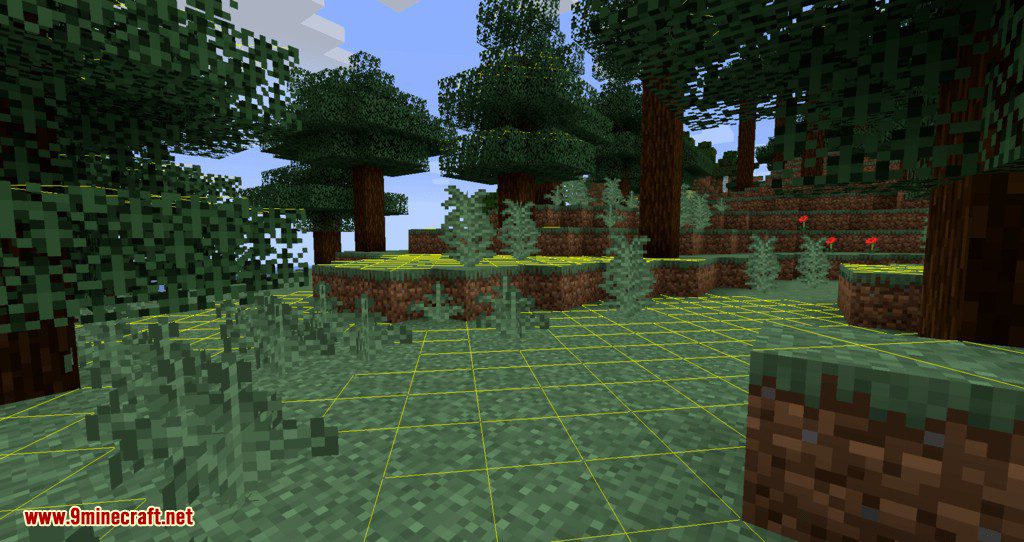
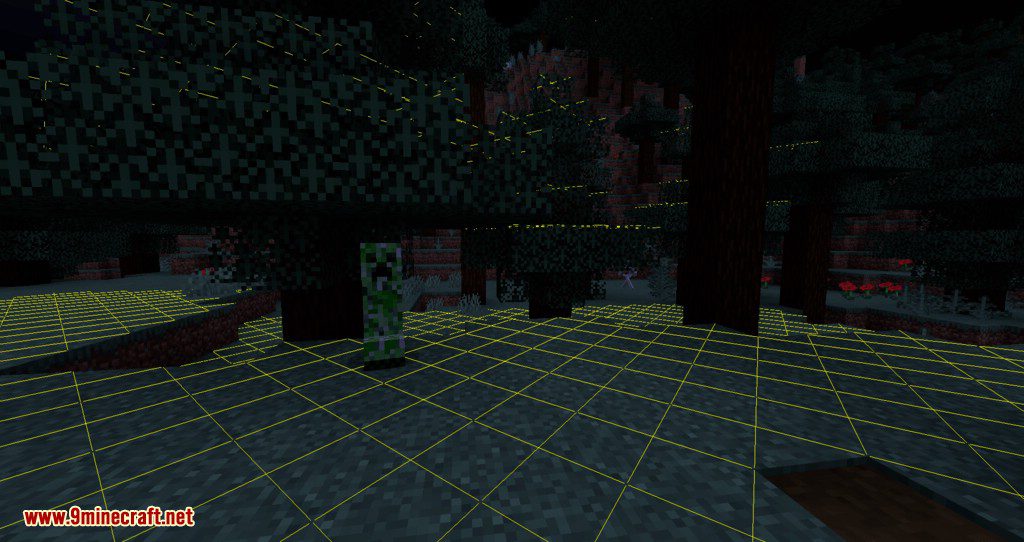
Light Overlay Mod allows with the default F7 key, to display the light level of a block without having to use F3 and check one block after another. This helps you control the spawn of monsters when you mine, build, or explore by making areas safer. Very practical when you want to continue playing vanilla using mods that simplify your life and save time.
Features:
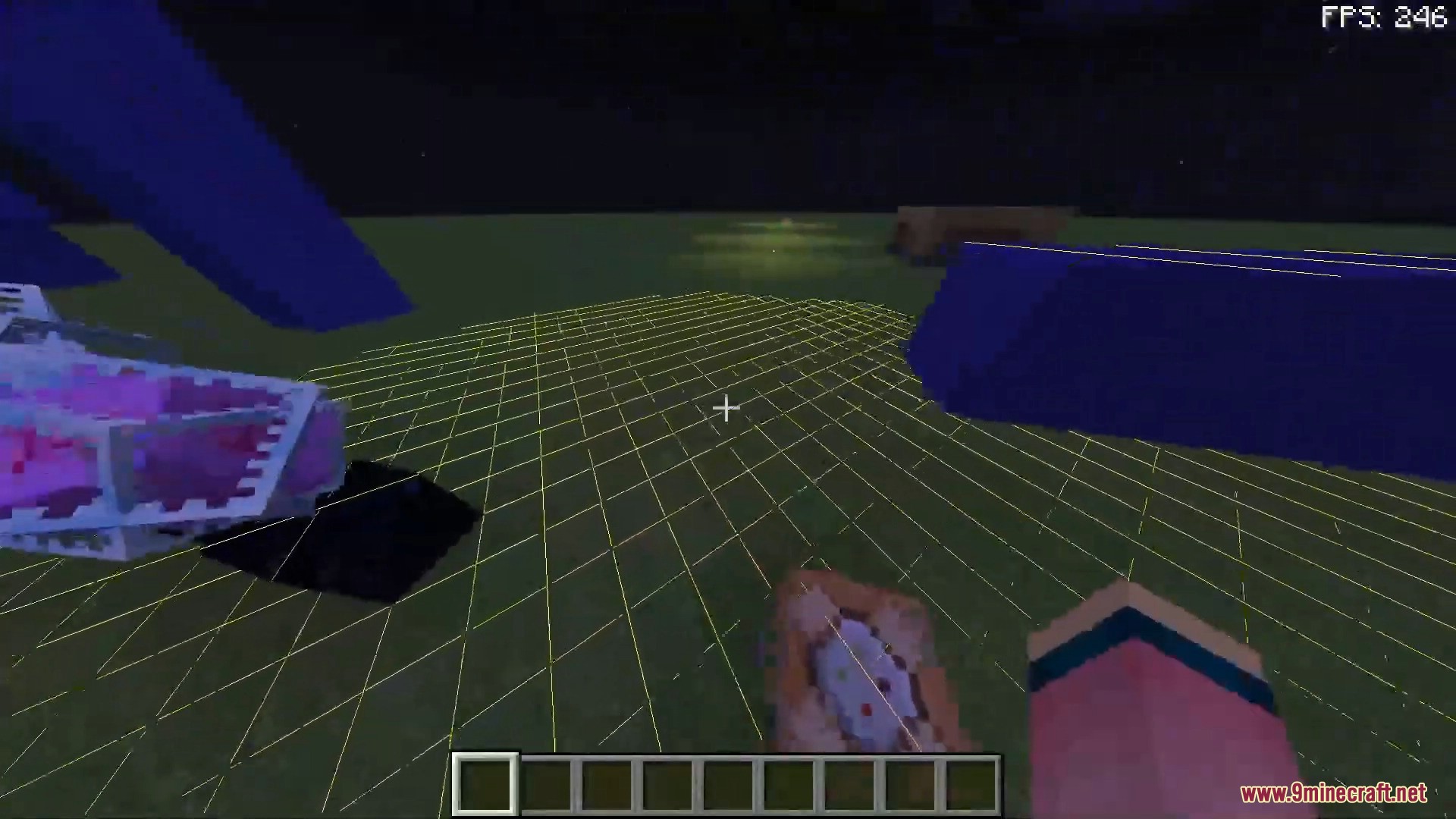
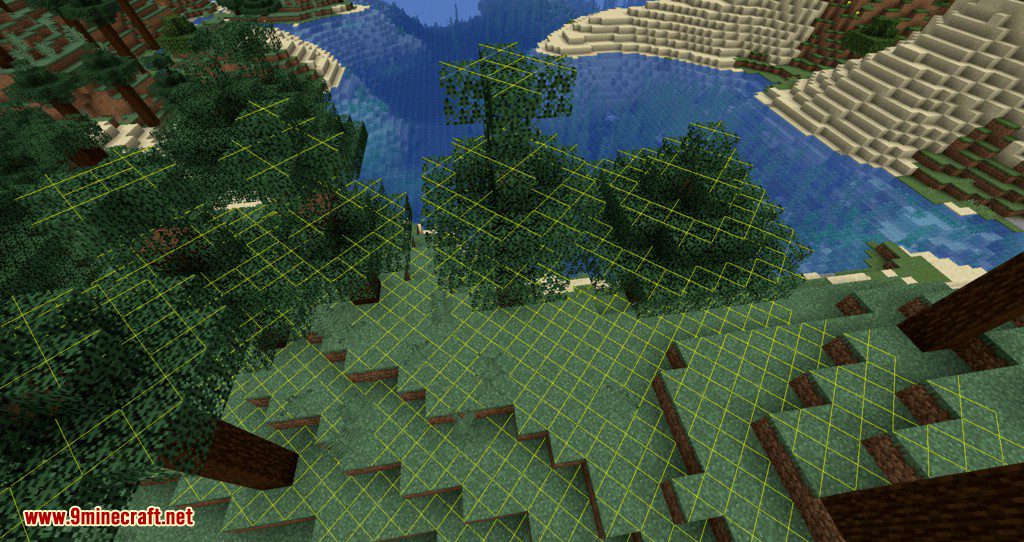
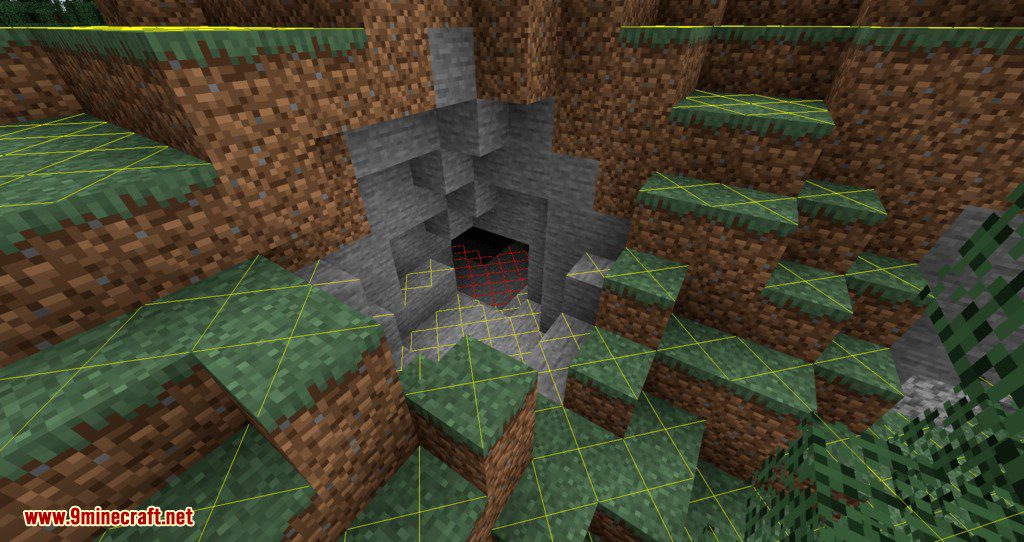
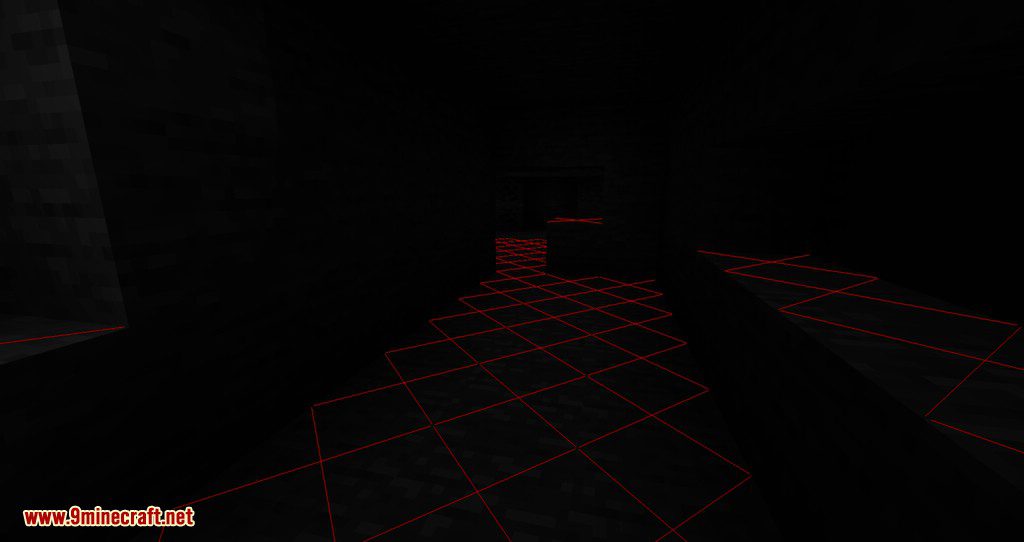
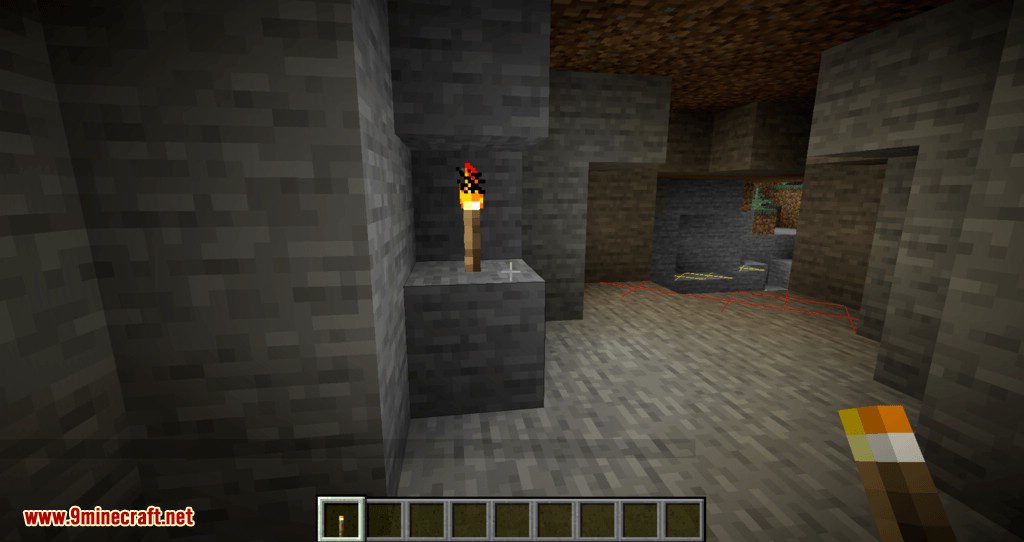
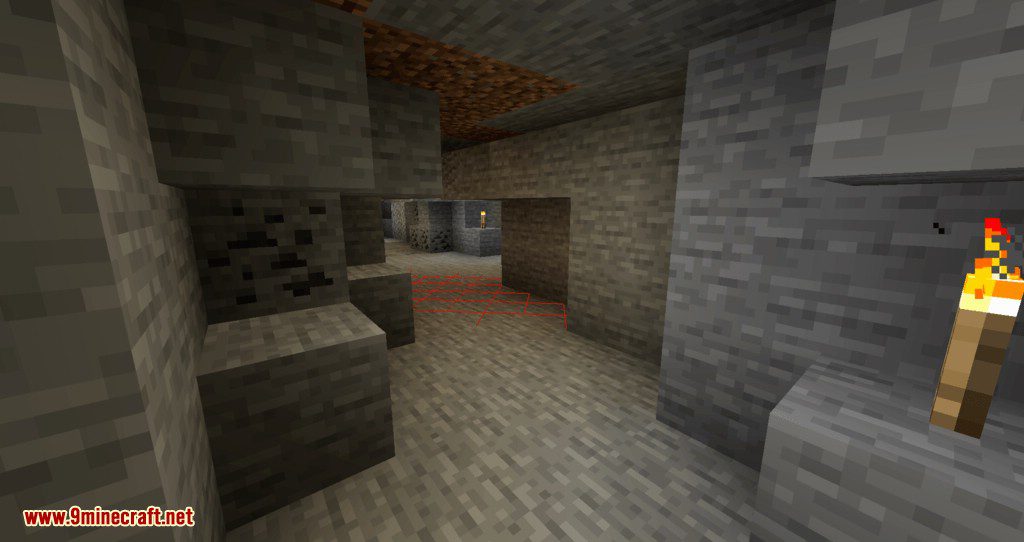
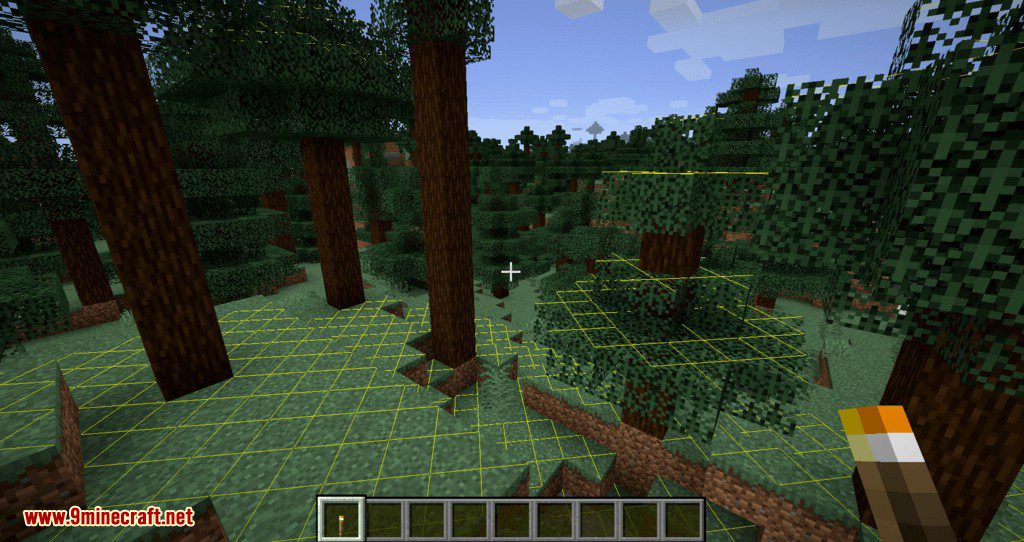
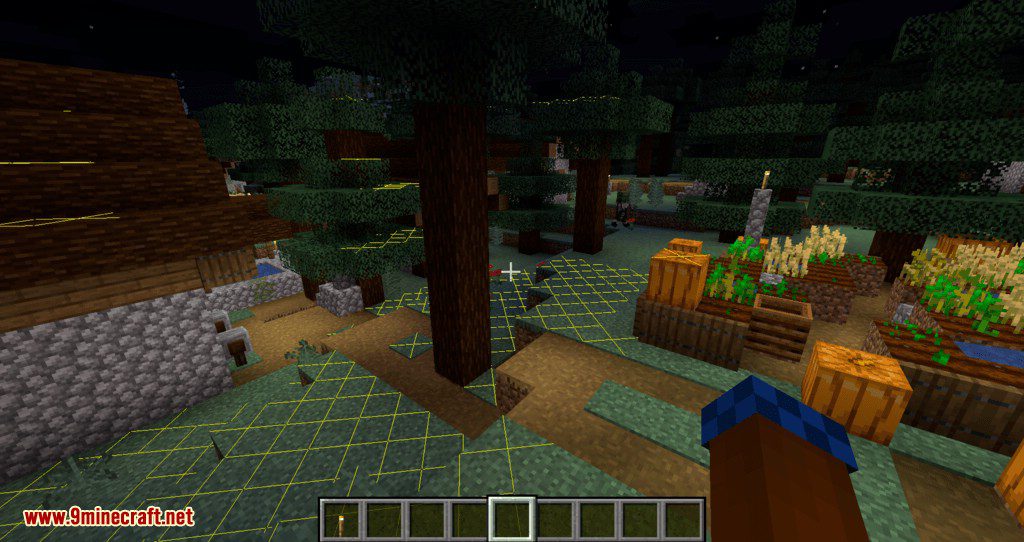
This is a client-only mod, usable in both single-player and on servers (without needing to install it on the server). The display works in all base dimensions and those added by other mods. This function is already present in some mods such as Quark or Torch Optimizer. By default, the mod displays yellow or red crosses from a light level of 7 or less. Yellow crosses indicate that creatures can only spawn at night (on the surface), red crosses indicate that creatures can spawn at any time.
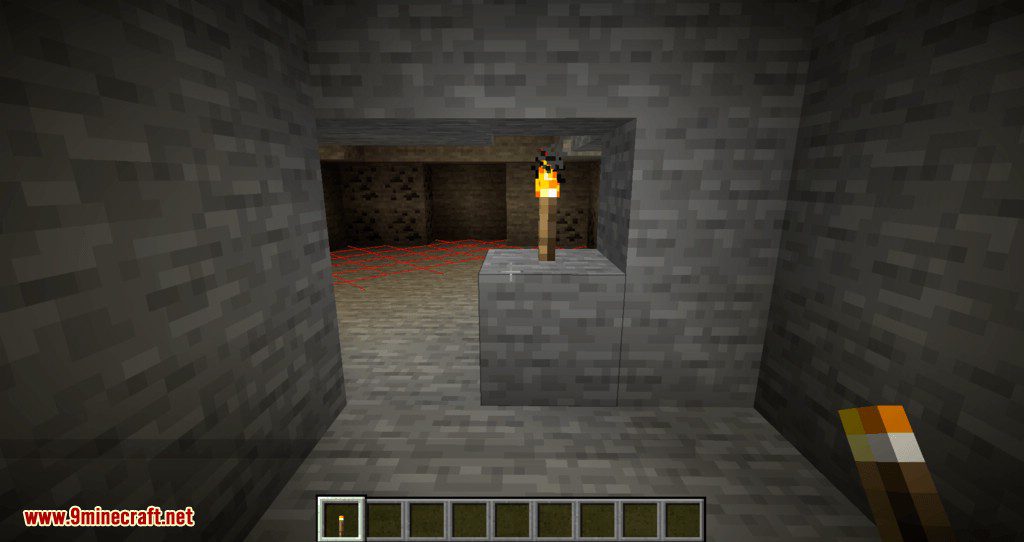
When you place a light source (torch, beacon, end rod, etc.), the display updates and gives you an idea of the range of this source. This makes it easier to optimize the lighting of a large area. It can also be noted that the mod does not display crosses for non-spawnable blocks like stairs or glass.
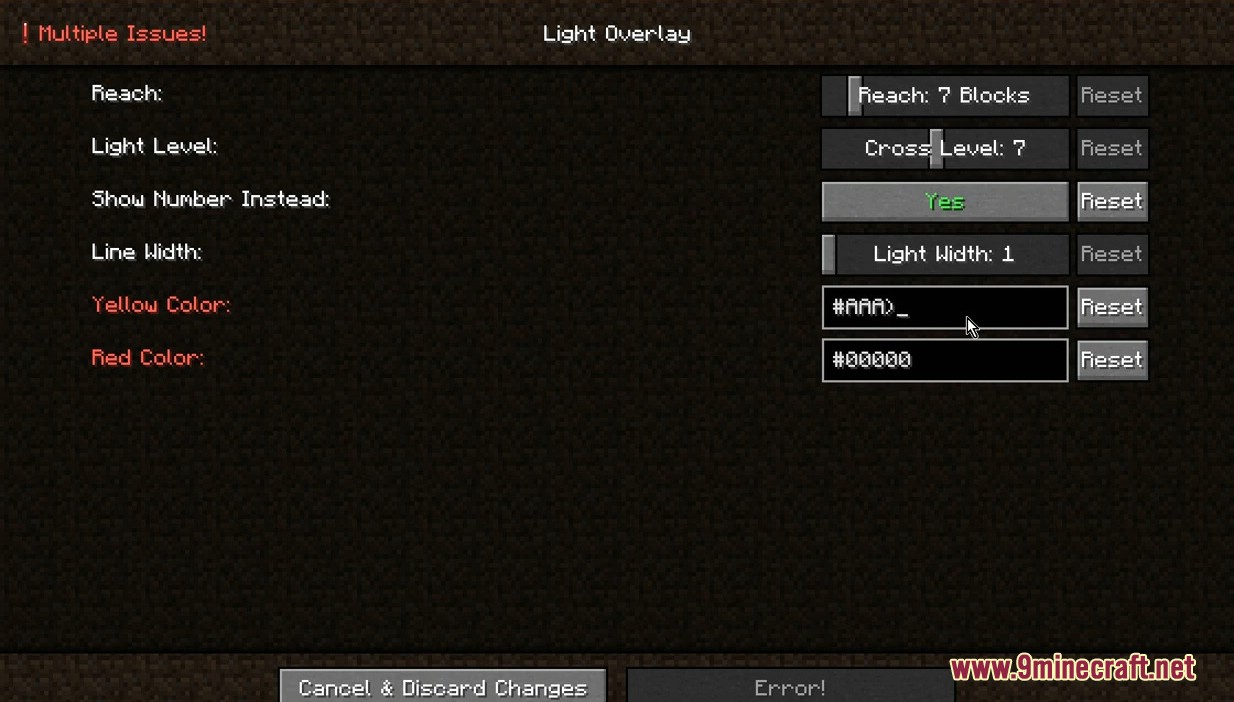
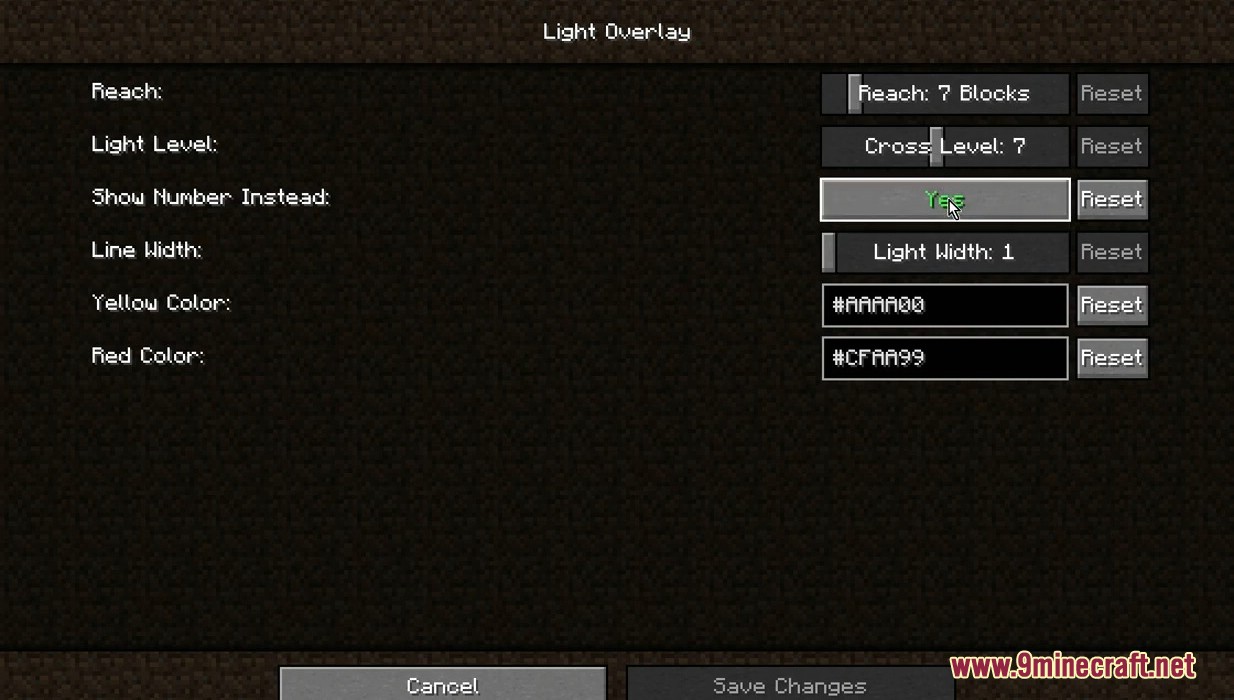
Finally, Light Overlay is configurable under Forge, via the configuration menu in the mod list, and under Fabric, using the Mod Menu and its Mods button. The configuration allows you to set the display radius around you (be careful as increasing it on a small machine may slow down the game), the light level from which a cross appears, the underwater display, etc. The “Show Number Instead” option allows displaying the number representing the block’s light level instead of a cross on all blocks, including those well-lit enough to prevent monster spawns.
It should be noted that the mod works well with Optifine’s dynamic lighting display. Walking around with a torch in hand does not change the actual light level of the blocks and thus does not influence the Light Overlay display. The classic display is less visible with shaders, and the author advises switching to the number display for better visibility using the Show Number Instead option.
Screenshots:
How to Install:
New to Minecraft? Follow our step-by-step guide to install Mods on your PC.View Guide
Requirements:






Light Overlay Mod Download Links
For Minecraft 26.2
For Minecraft 26.1.2, 26.1.1, 26.1
For Minecraft 1.21.11
For Minecraft 1.21.10, 1.21.9
For Minecraft 1.21.8, 1.21.7, 1.21.6
For Minecraft 1.21.1, 1.21
For Minecraft 1.20.6
For Minecraft 1.20.4
For Minecraft 1.20.2
For Minecraft 1.20.1, 1.20
For Minecraft 1.19.4
For Minecraft 1.19.3
For Minecraft 1.19.2, 1.19.1, 1.19
For Minecraft 1.18.2
For Minecraft 1.17.1
For Minecraft 1.16.5, 1.16
For Minecraft 1.15.2
For Minecraft 1.14.4
You May Also Like










This post has no comments yet. Be the first — your comment will appear here.