


Gradient Clouds Resource Pack (26.1.2, 1.21.11) – Story Mode Style Fading Clouds

 0
0 

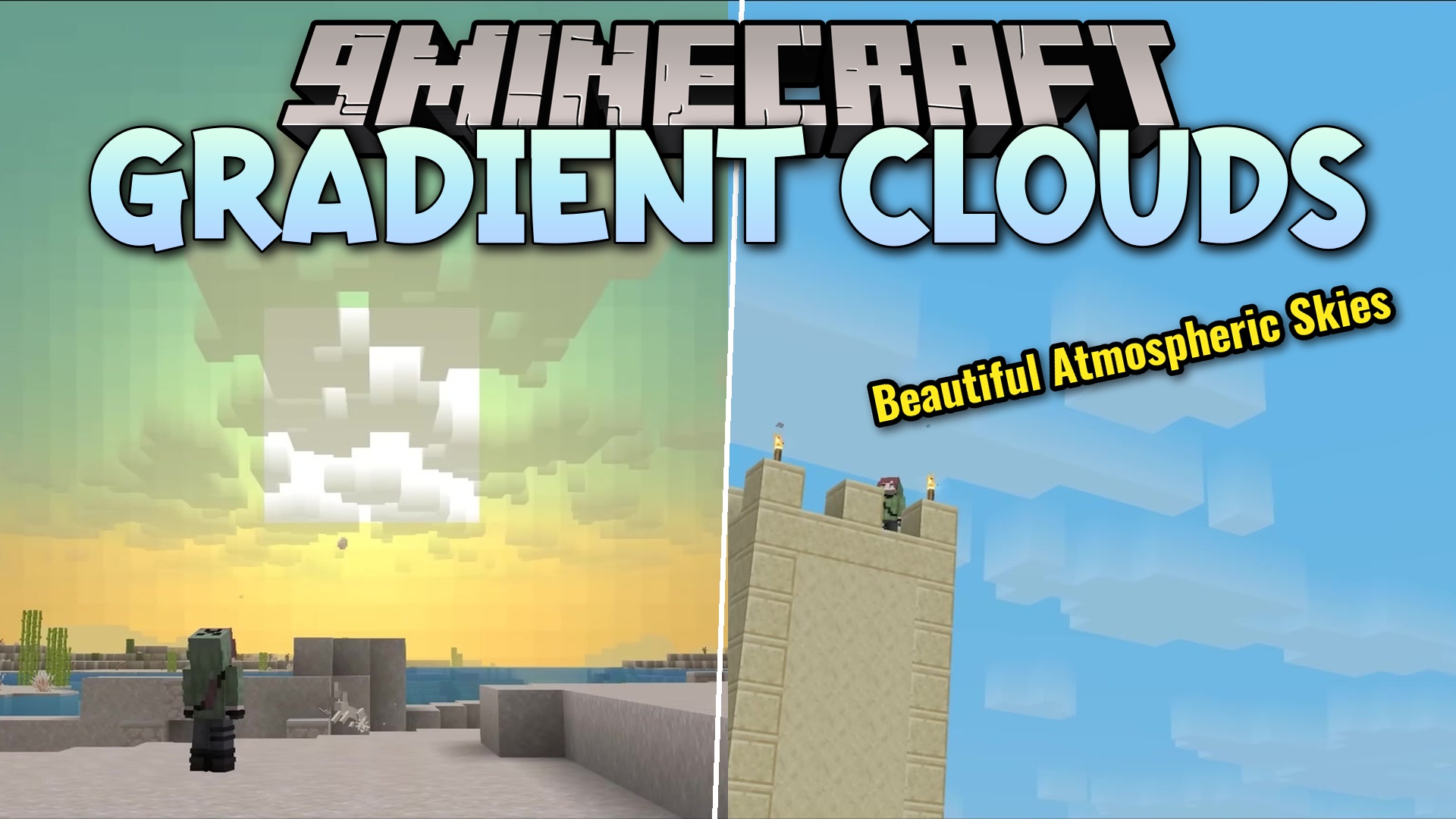
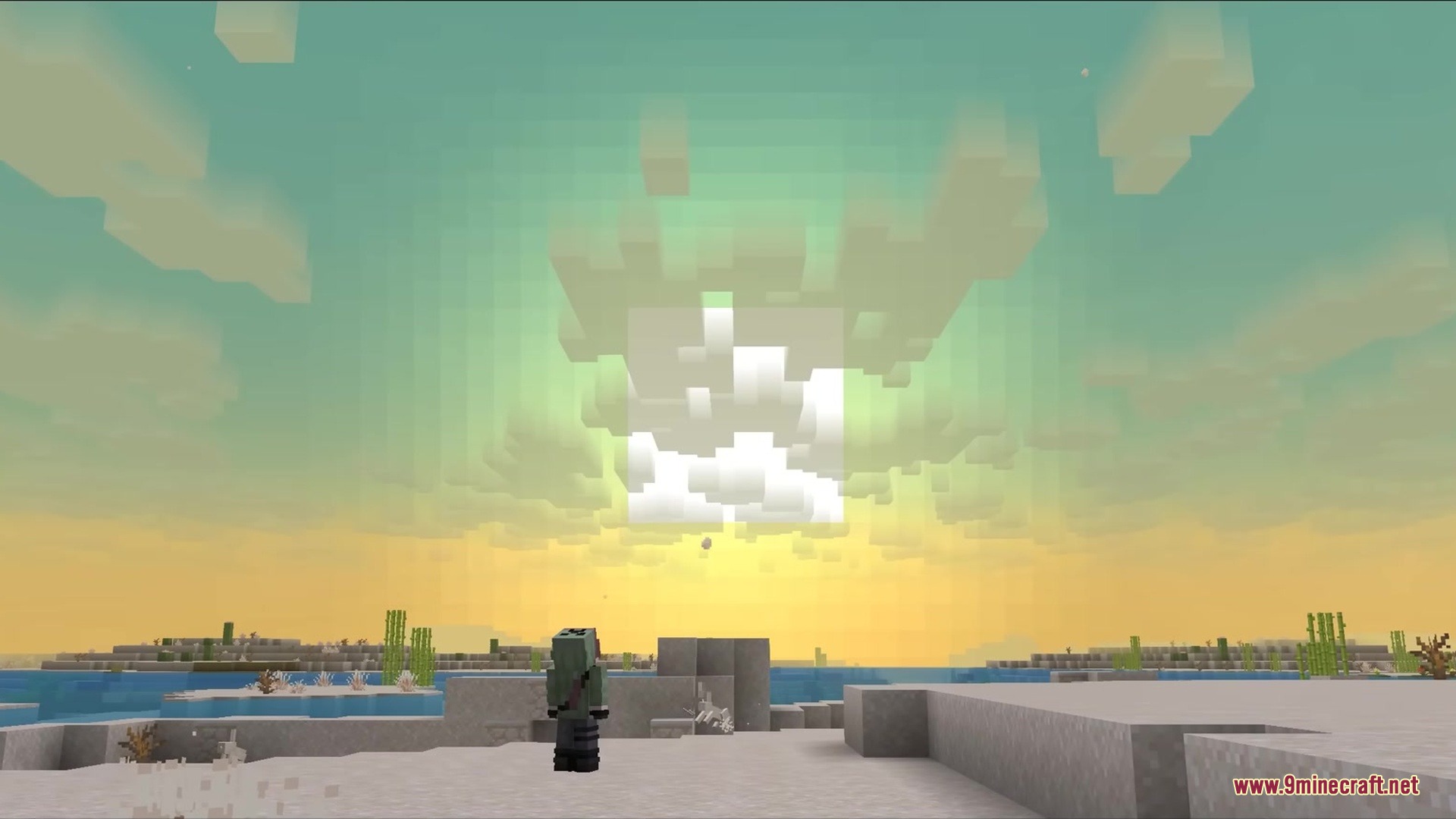
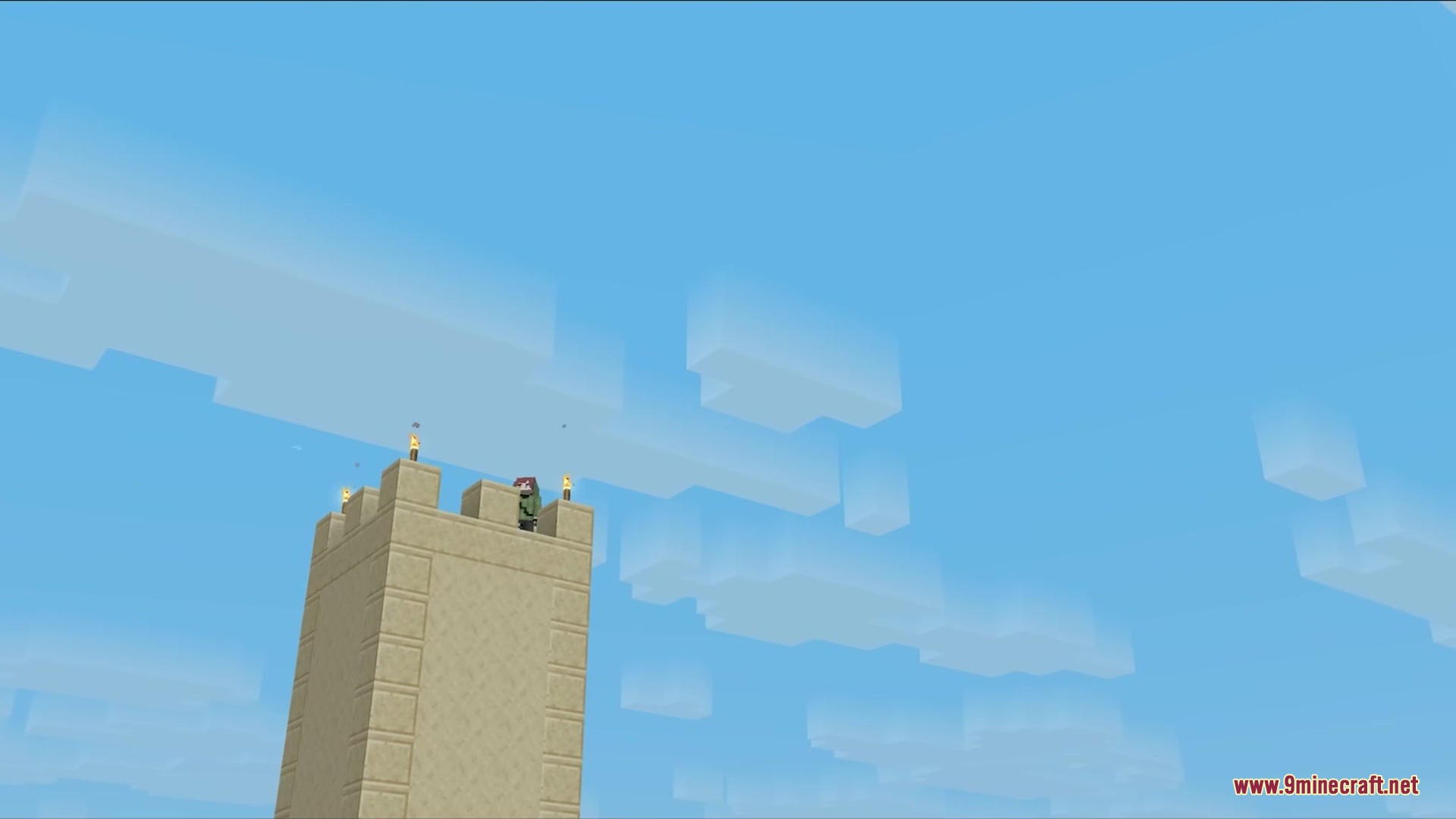
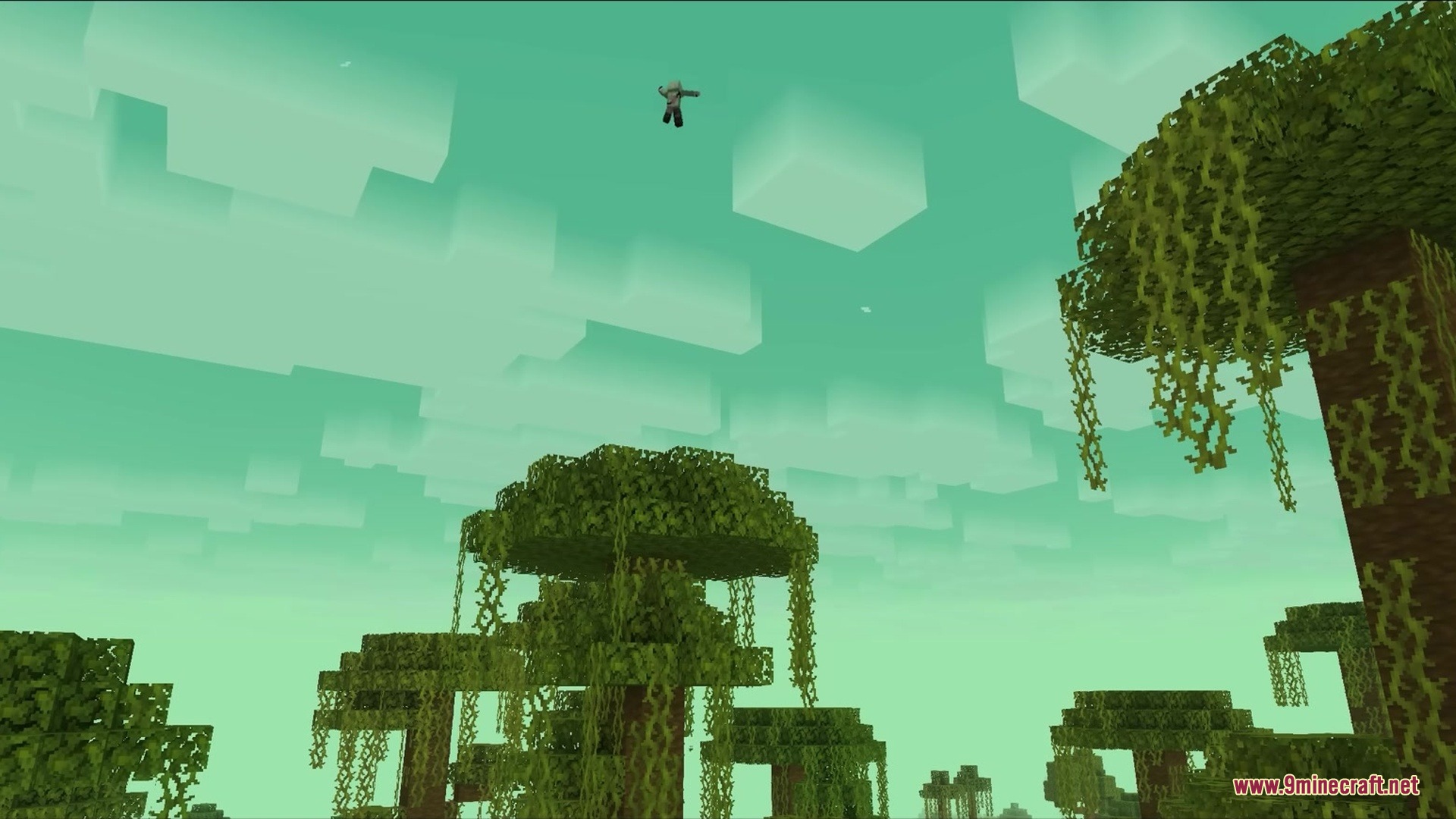
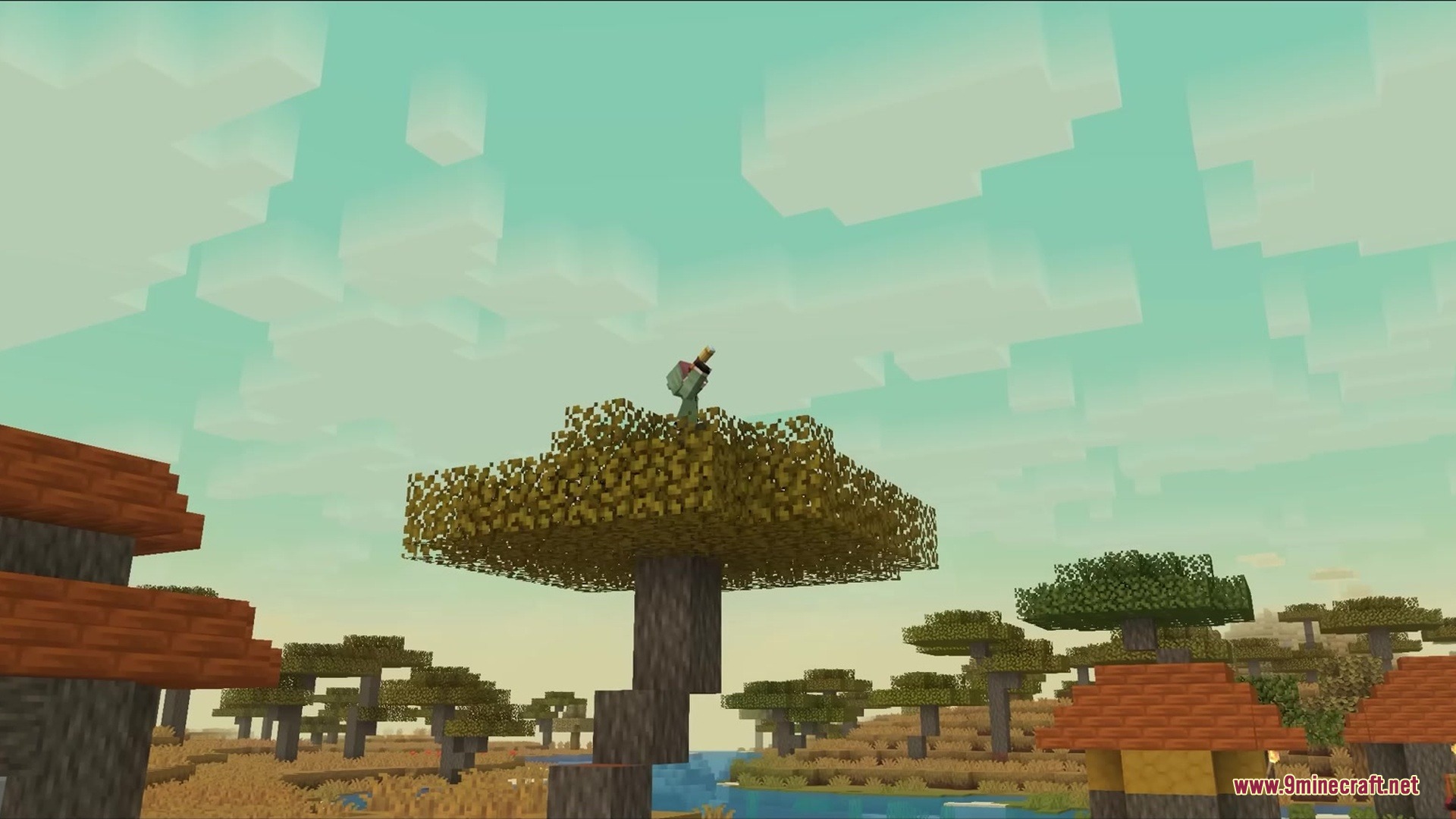
Gradient Clouds Resource Pack transforms the look of the sky by giving clouds a smooth, see-through fade. This pack changes the standard solid clouds to look exactly like the ones from Minecraft: Story Mode. It uses core shaders to make the clouds fade out softly instead of looking like hard blocks. You get a cleaner and softer sky while keeping the classic square shape of the clouds.
Features:
- Adds a vertical fade effect to all the clouds in the sky.
- Changes the fade direction depending on where your player stands.
- Makes the bottom of the clouds solid and the top clear when you look up from the ground.
- Flips the fade effect when you fly above the clouds, keeping the top solid and the bottom clear.
- Blends the textures softly when you fly right through the middle of a cloud layer.
- Requires the cloud setting in your video options to be on “Fancy” to show up.
- Skips working with Sodium because the pack relies on vanilla core shaders.
Screenshots:
How to Install:
New to Minecraft? Follow our step-by-step guide to install Resource Packs on your PC.View Guide
Gradient Clouds Resource Pack Download Links
For Minecraft
26.1.x
All Versions Covered
26.1.2
26.1.1
26.1
1.21.11
All Versions Covered
26.1.2
26.1.1
26.1
1.21.11
For Minecraft
1.21.x
All Versions Covered
1.21.8
1.21.7
1.21.6
All Versions Covered
1.21.8
1.21.7
1.21.6
Click to rate this post!
[Total: 0 Average: 0]
You May Also Like



This post has no comments yet. Be the first — your comment will appear here.