


Crosshair CUBE Resource Pack (1.20.1) – Clean Square Crosshairs for Blocky

 0
0 

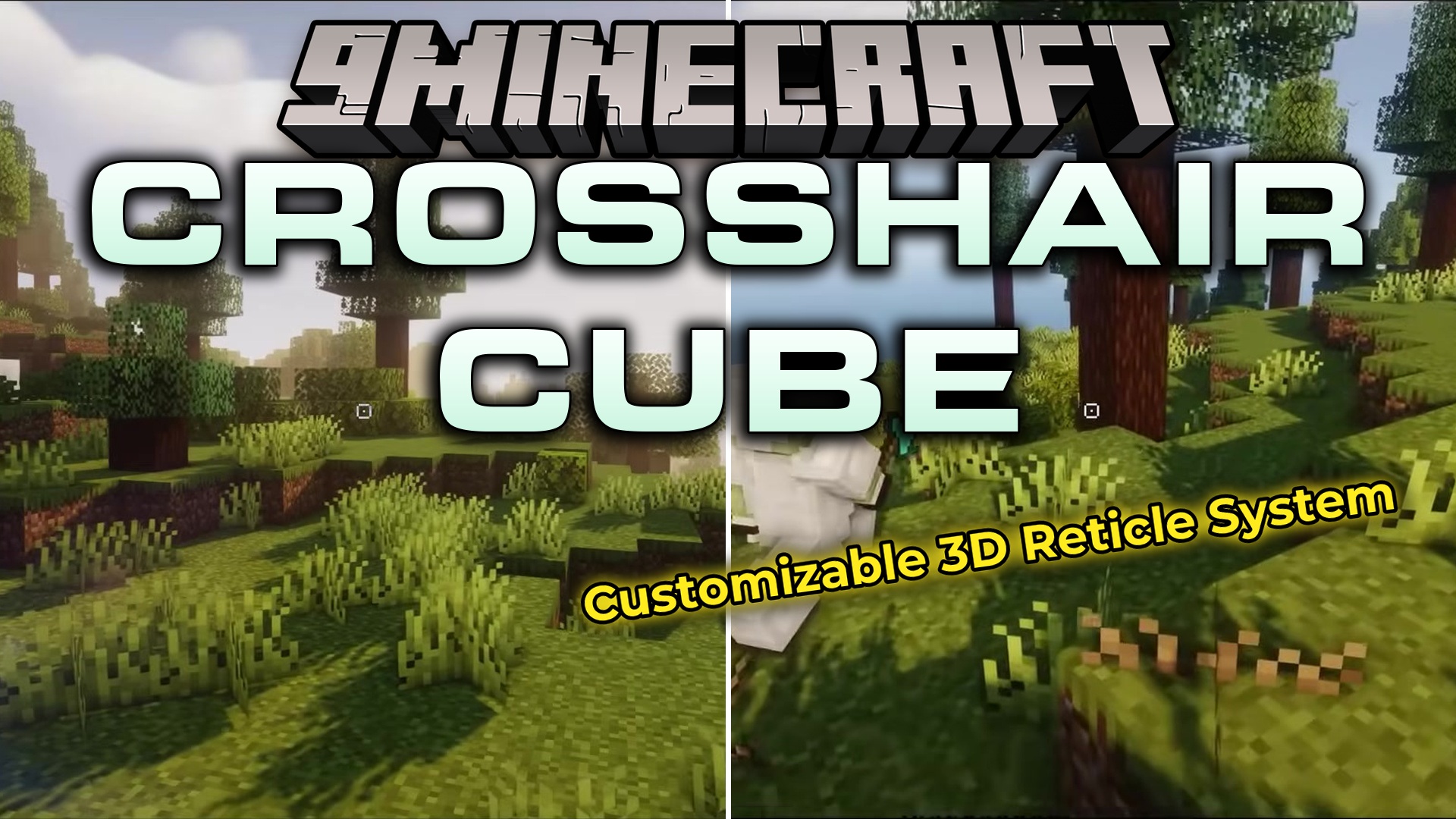
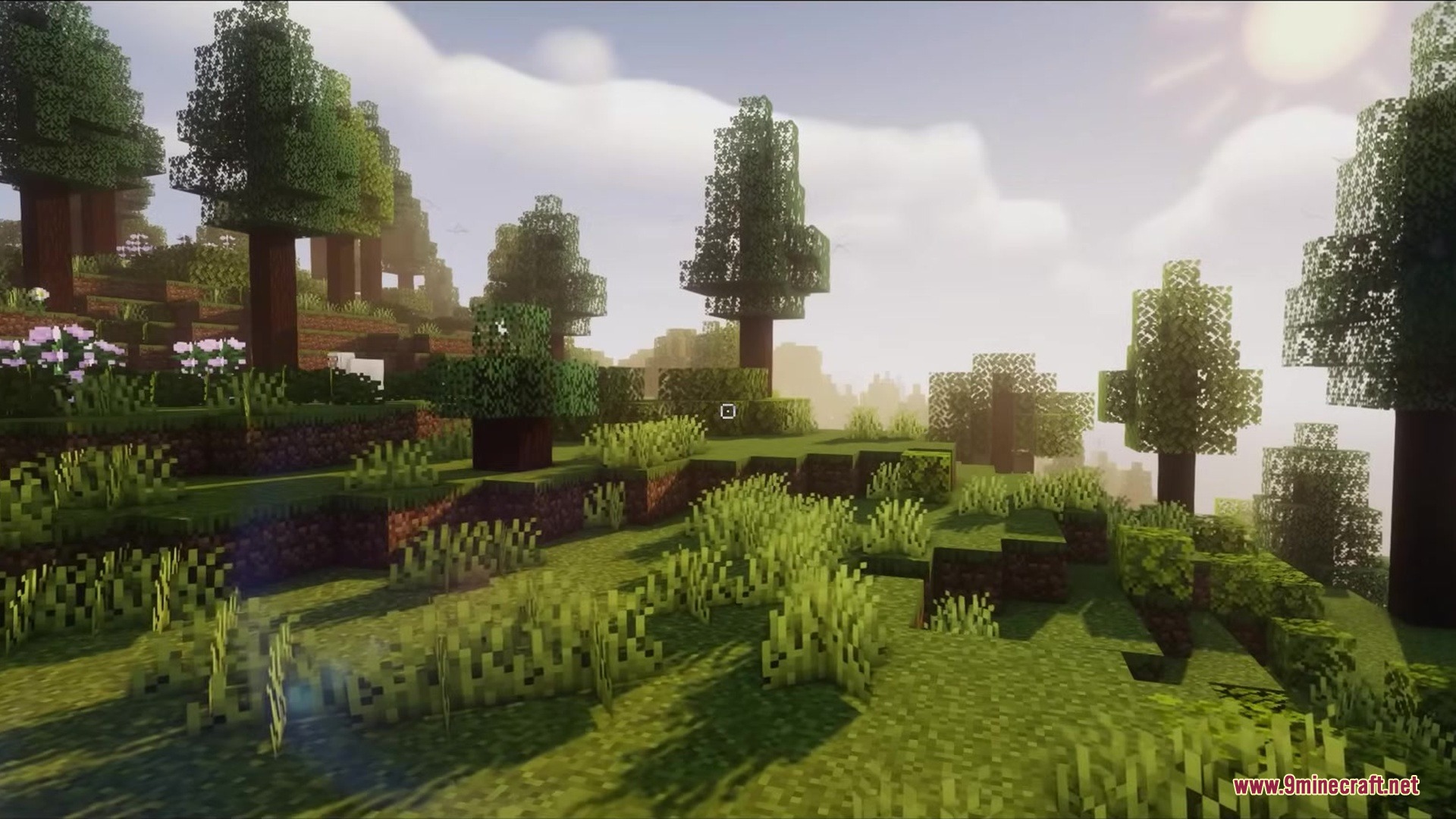
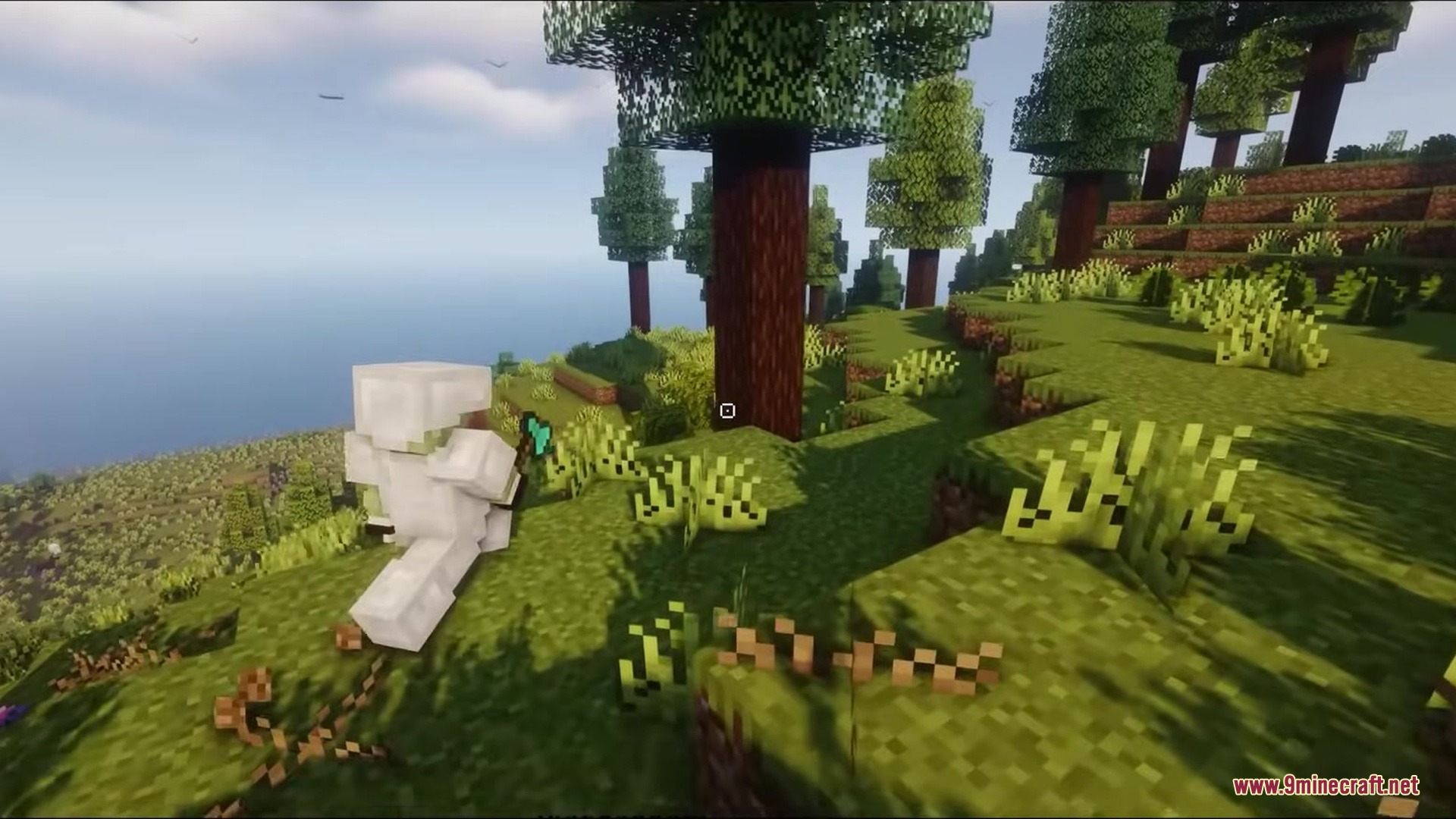
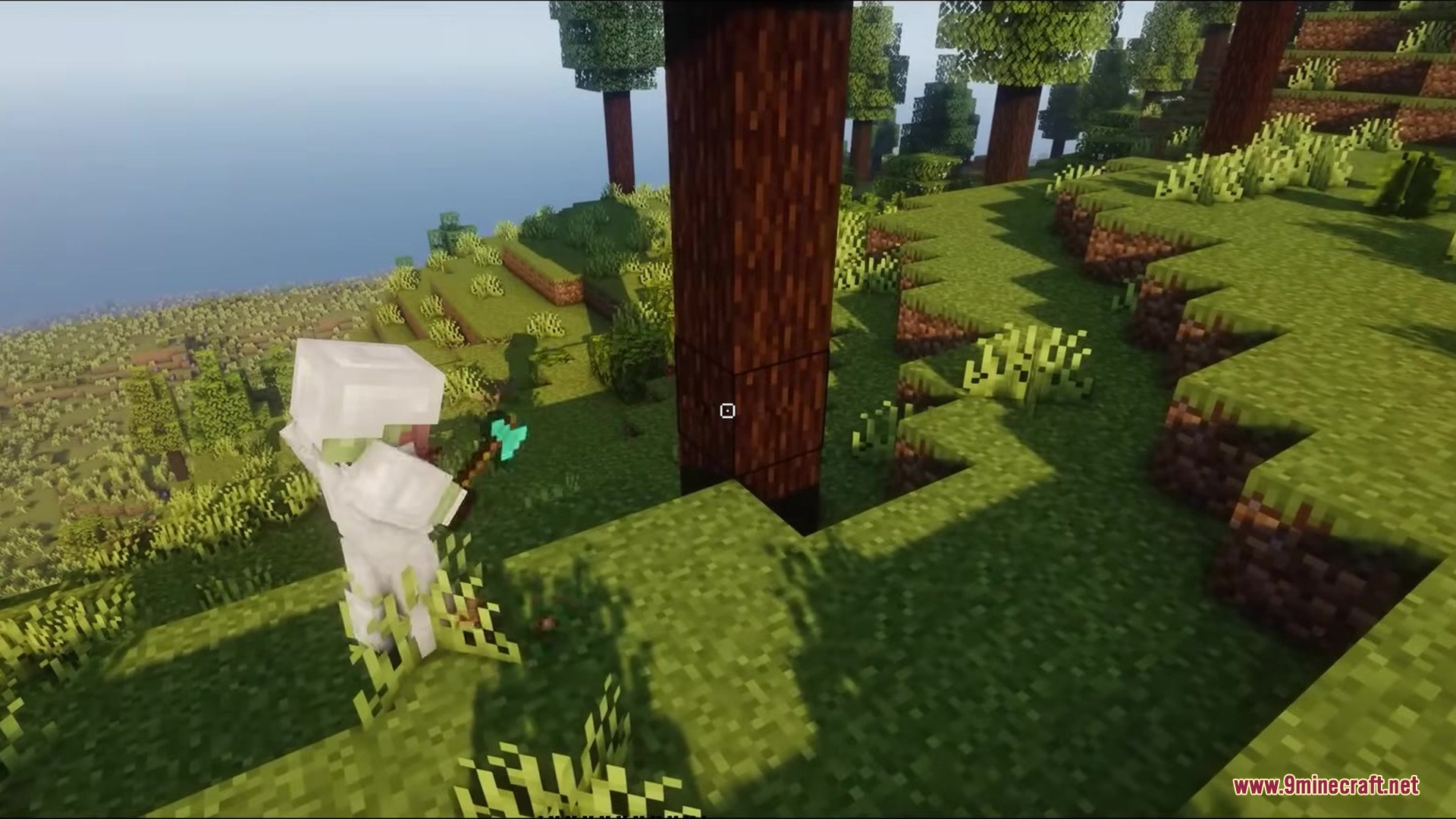
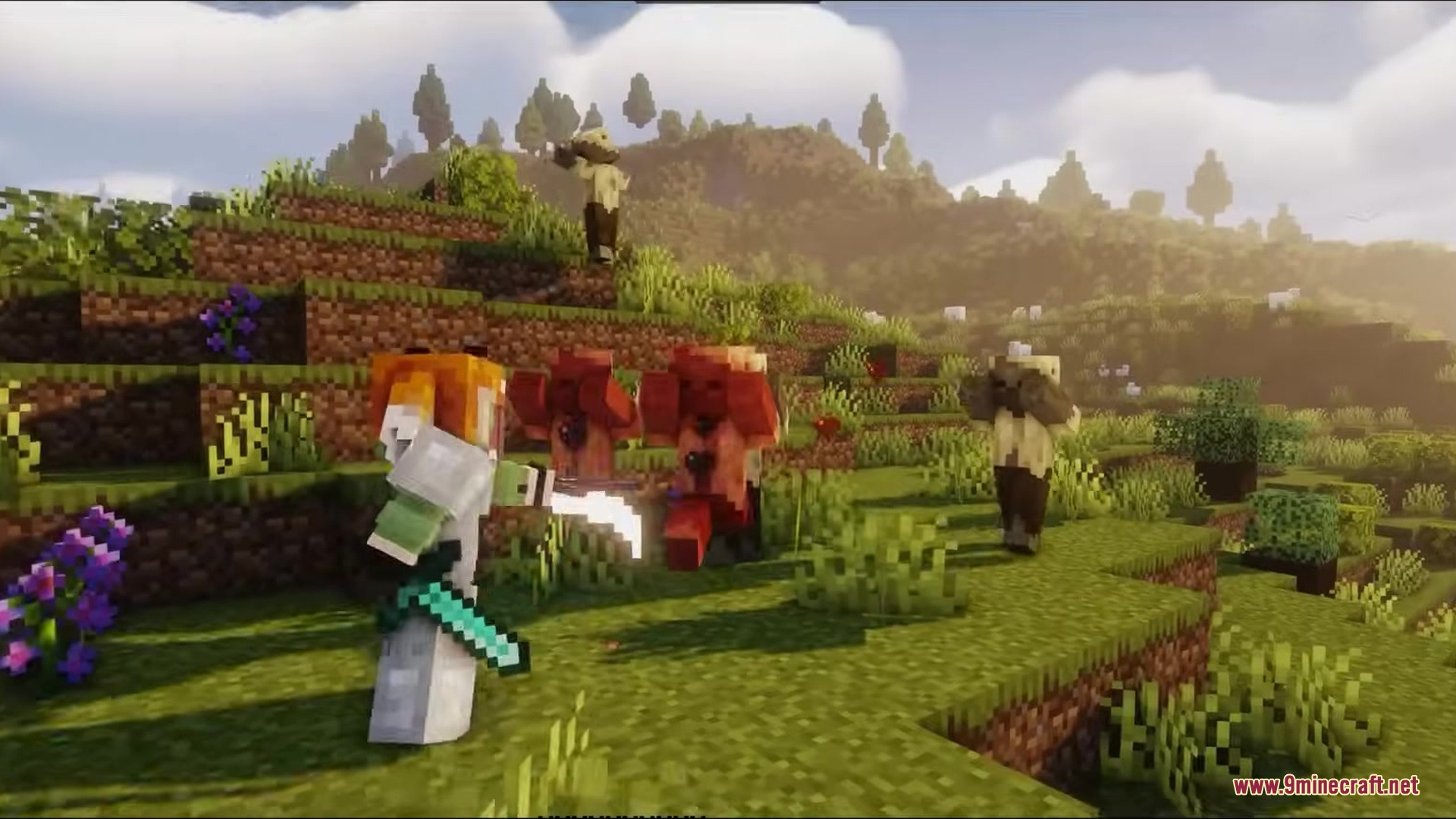
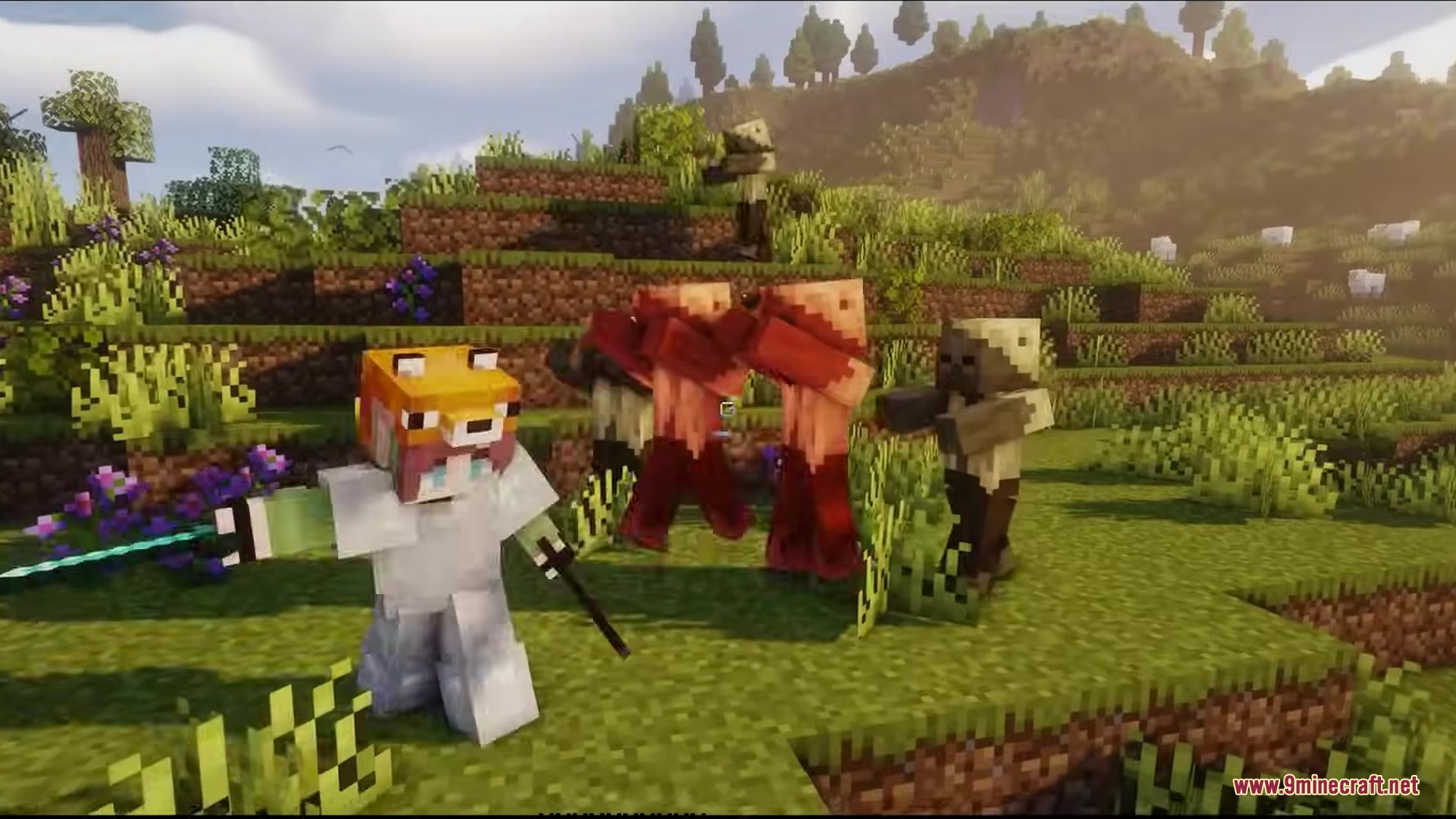
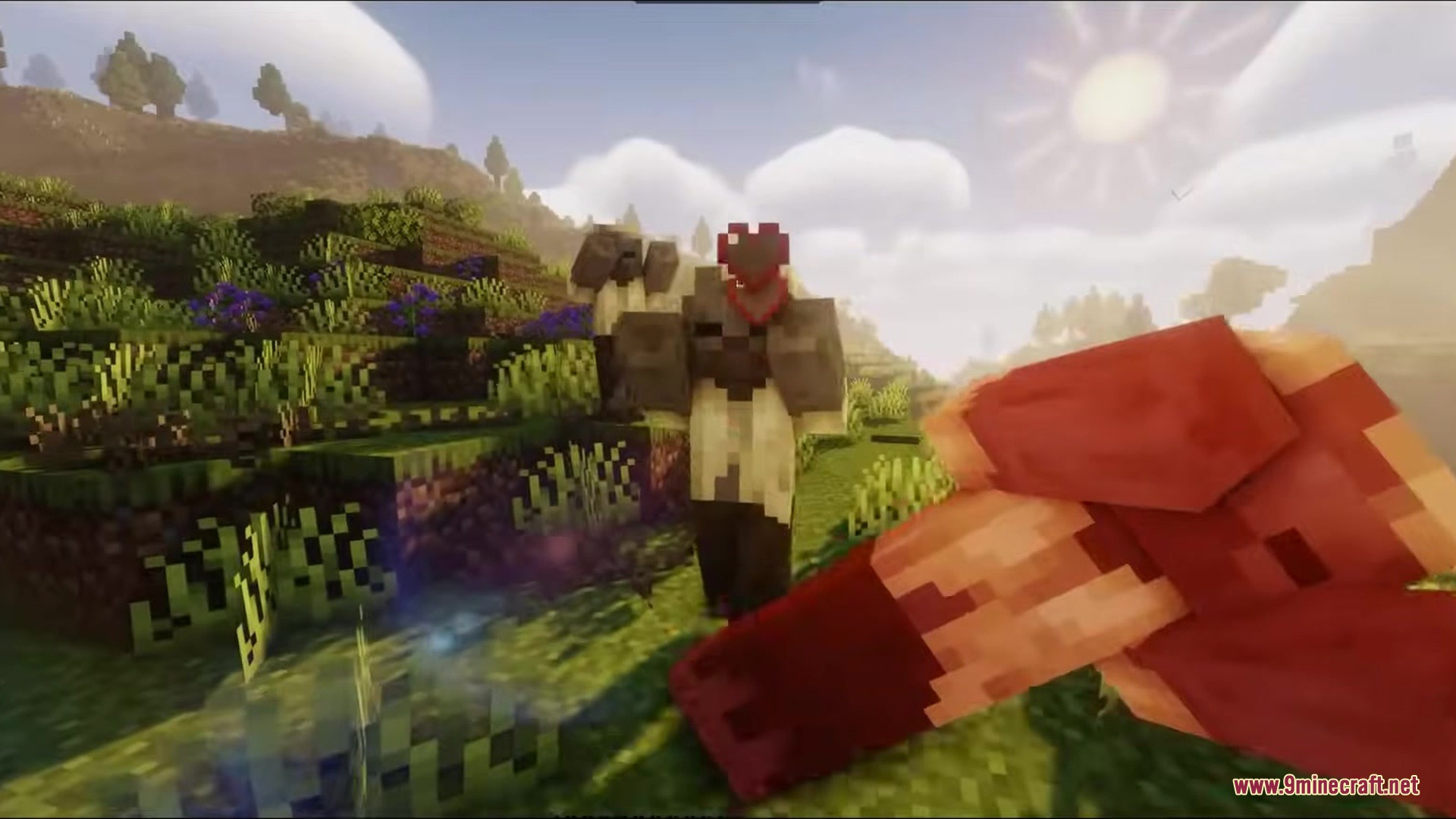
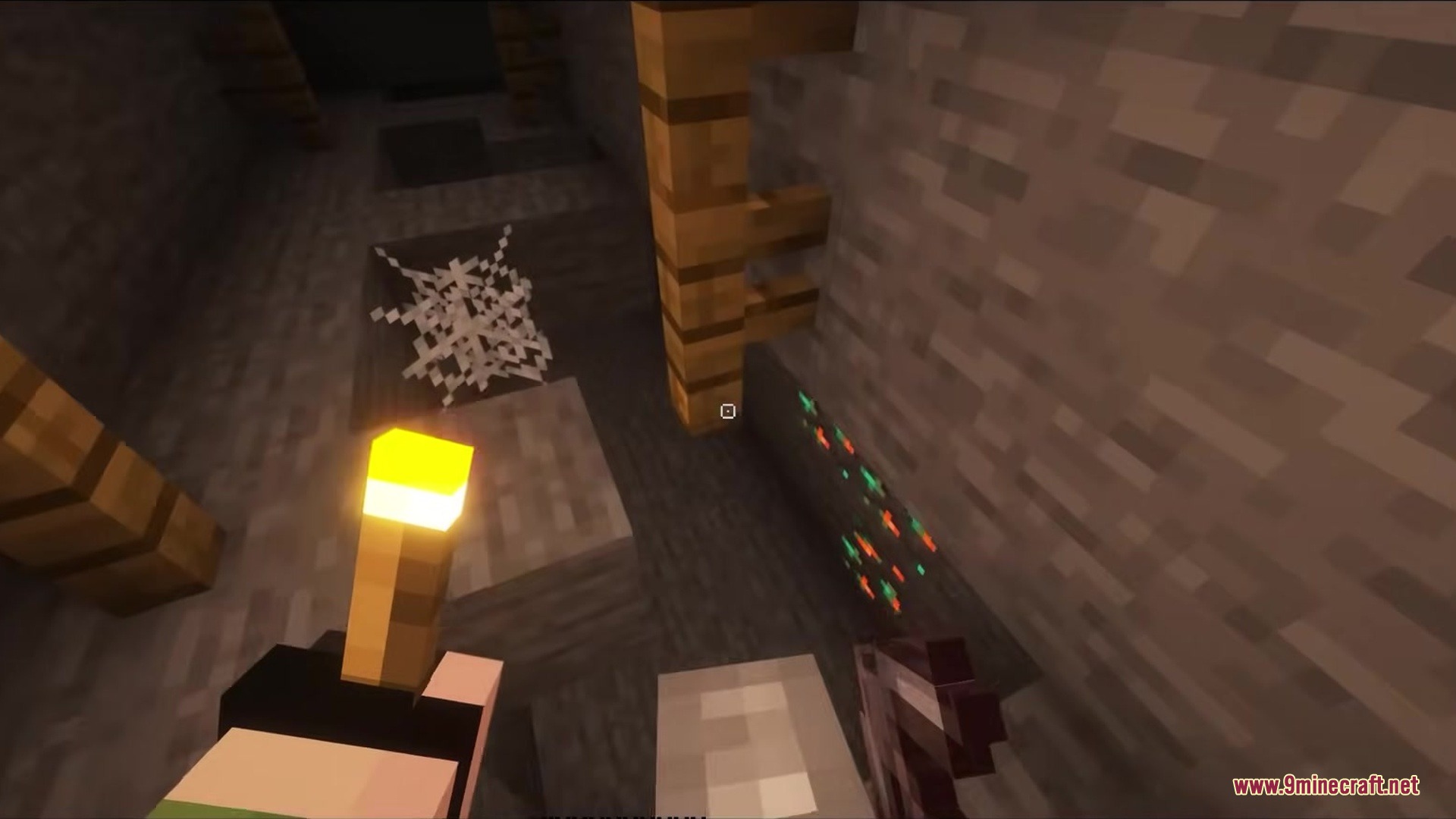
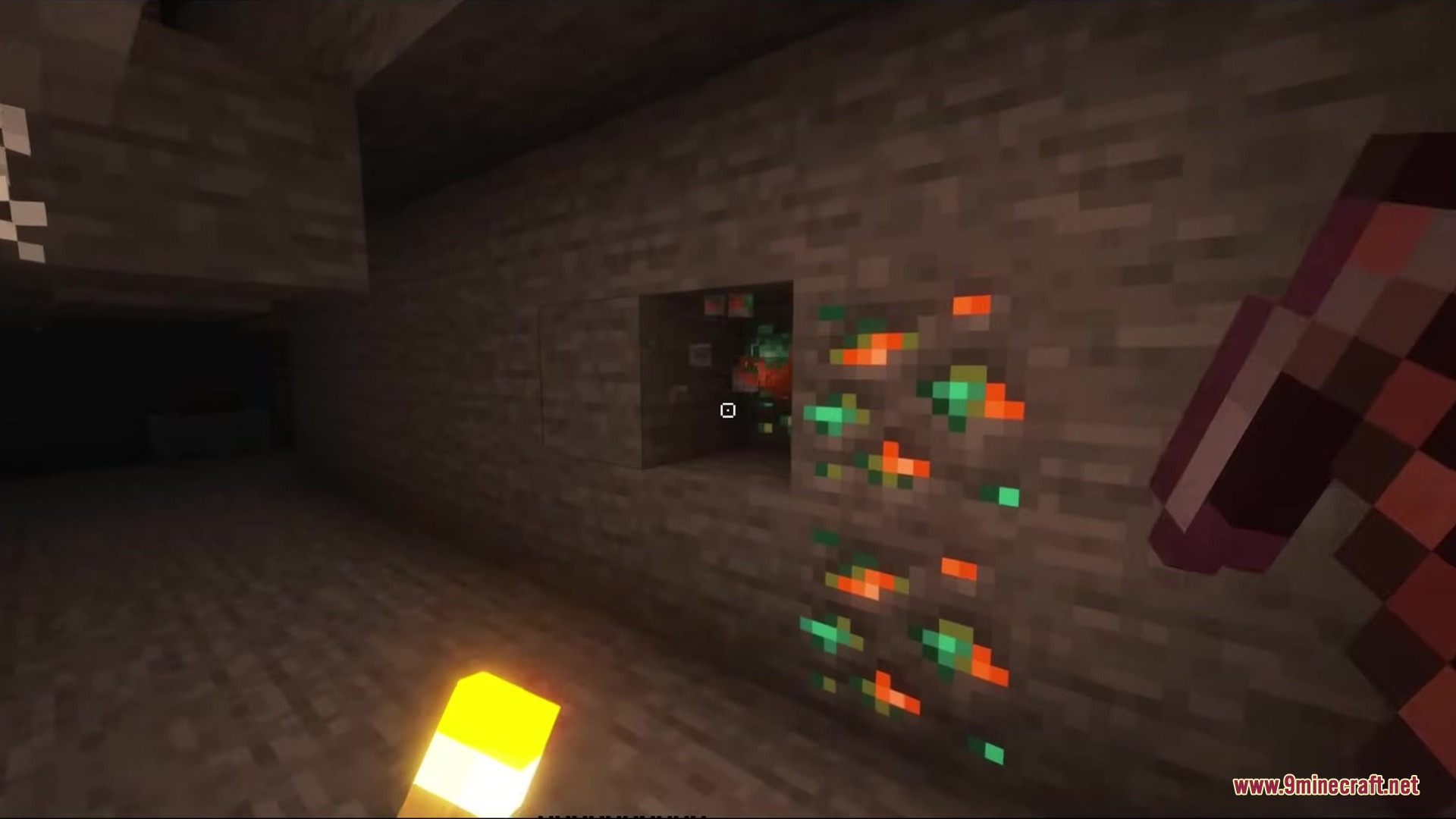
Crosshair CUBE Resource Pack replaces vanilla crosshairs with a clean, square shape. This pack changes the small plus sign in the middle of your screen into a blocky design. It gives your aiming tool a fresh look that fits the blocky world of Minecraft. The new shape sits right in the center of your view and helps you point at blocks or mobs.
Features:
- Square Shape: Replaces the old cross pattern with a new hollow box design.
- Keeps the center of your screen clear so you can see exactly what you point at.
- Matches the overall blocky art style of the game better than the old plus sign.
- Works right away without needing any extra game settings changed.
Screenshots:
How to Install:
New to Minecraft? Follow our step-by-step guide to install Resource Packs on your PC.View Guide
Crosshair CUBE Resource Pack Download Links
For Minecraft
1.20.x
All Versions Covered
1.20.6
1.20.5
1.20.4
1.20.3
1.20.2
1.20.1
1.20
All Versions Covered
1.20.6
1.20.5
1.20.4
1.20.3
1.20.2
1.20.1
1.20
For Minecraft
1.19.x
All Versions Covered
1.19.4
1.19.3
1.19.2
1.19.1
1.19
All Versions Covered
1.19.4
1.19.3
1.19.2
1.19.1
1.19
For Minecraft
1.18.x
All Versions Covered
1.18.2
1.18.1
1.18
All Versions Covered
1.18.2
1.18.1
1.18
For Minecraft
1.16.x
All Versions Covered
1.16.5
1.16.4
1.16.3
1.16.2
1.16.1
1.16
All Versions Covered
1.16.5
1.16.4
1.16.3
1.16.2
1.16.1
1.16
For Minecraft
1.12.x
All Versions Covered
1.12.2
1.12.1
1.12
1.11.2
1.11.1
1.11
All Versions Covered
1.12.2
1.12.1
1.12
1.11.2
1.11.1
1.11
Click to rate this post!
[Total: 0 Average: 0]
You May Also Like


This post has no comments yet. Be the first — your comment will appear here.