


Low Fire Texture Pack (26.x, 1.21) – Adjustable Fire Height Sliders
 22
22
 0
0

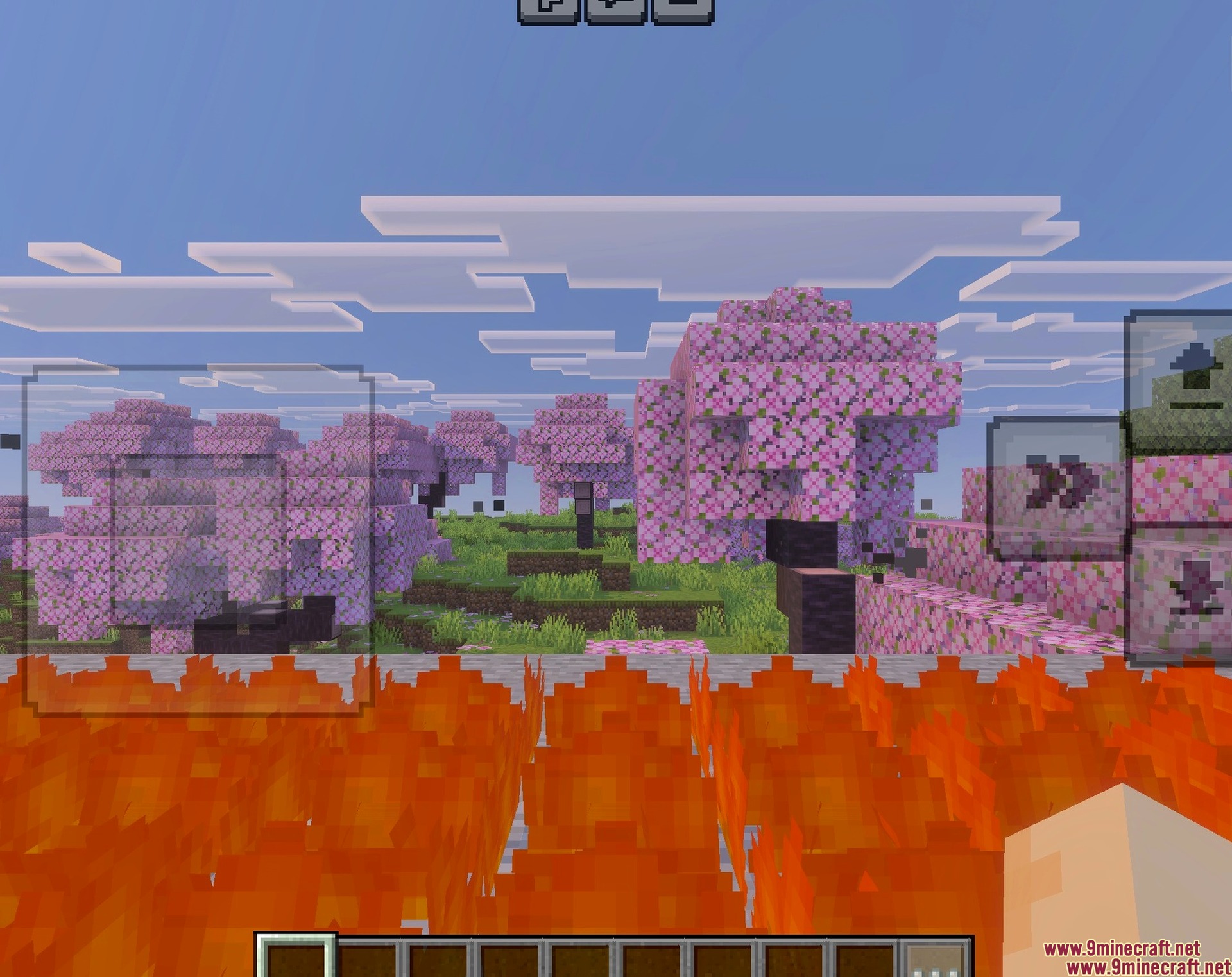
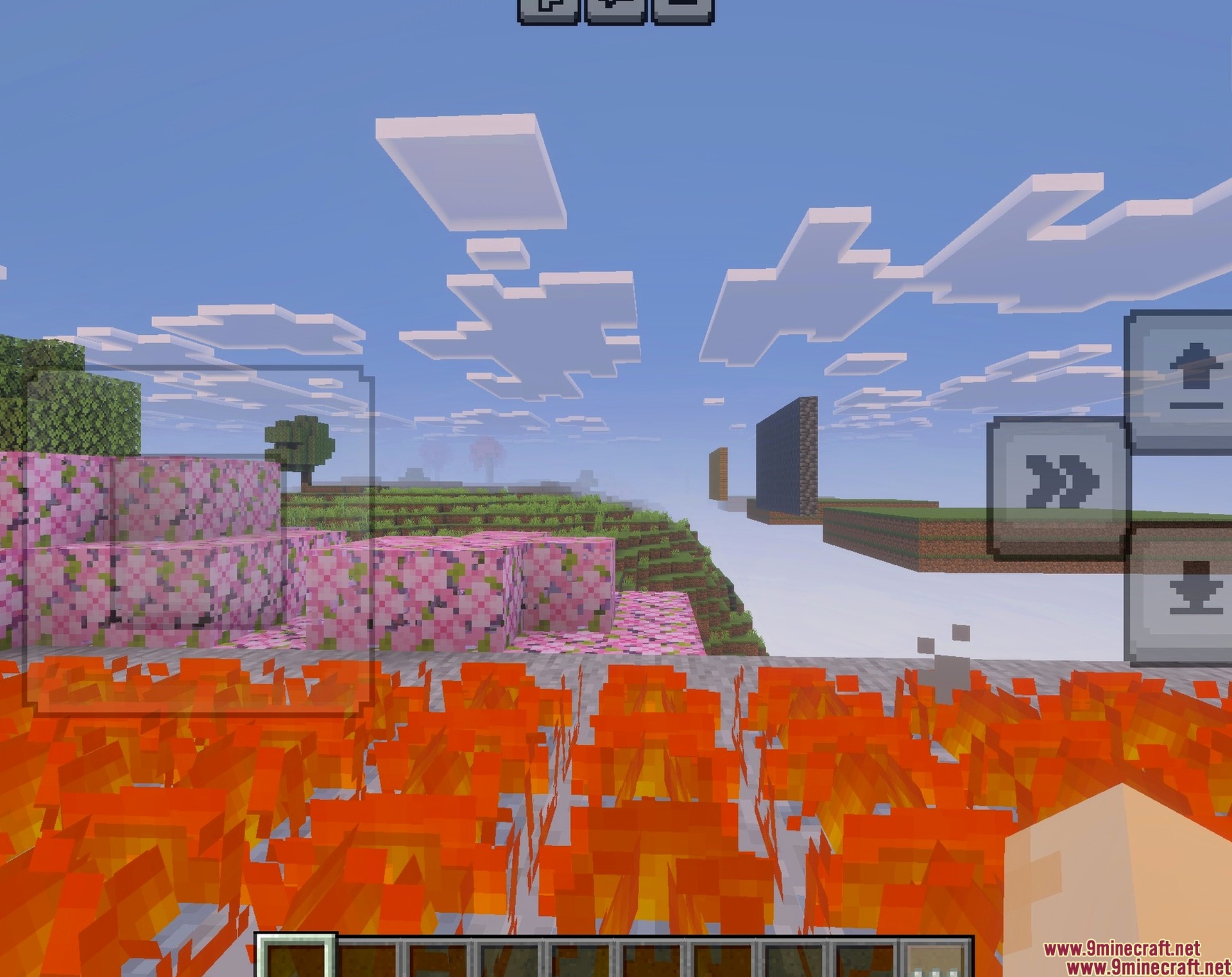
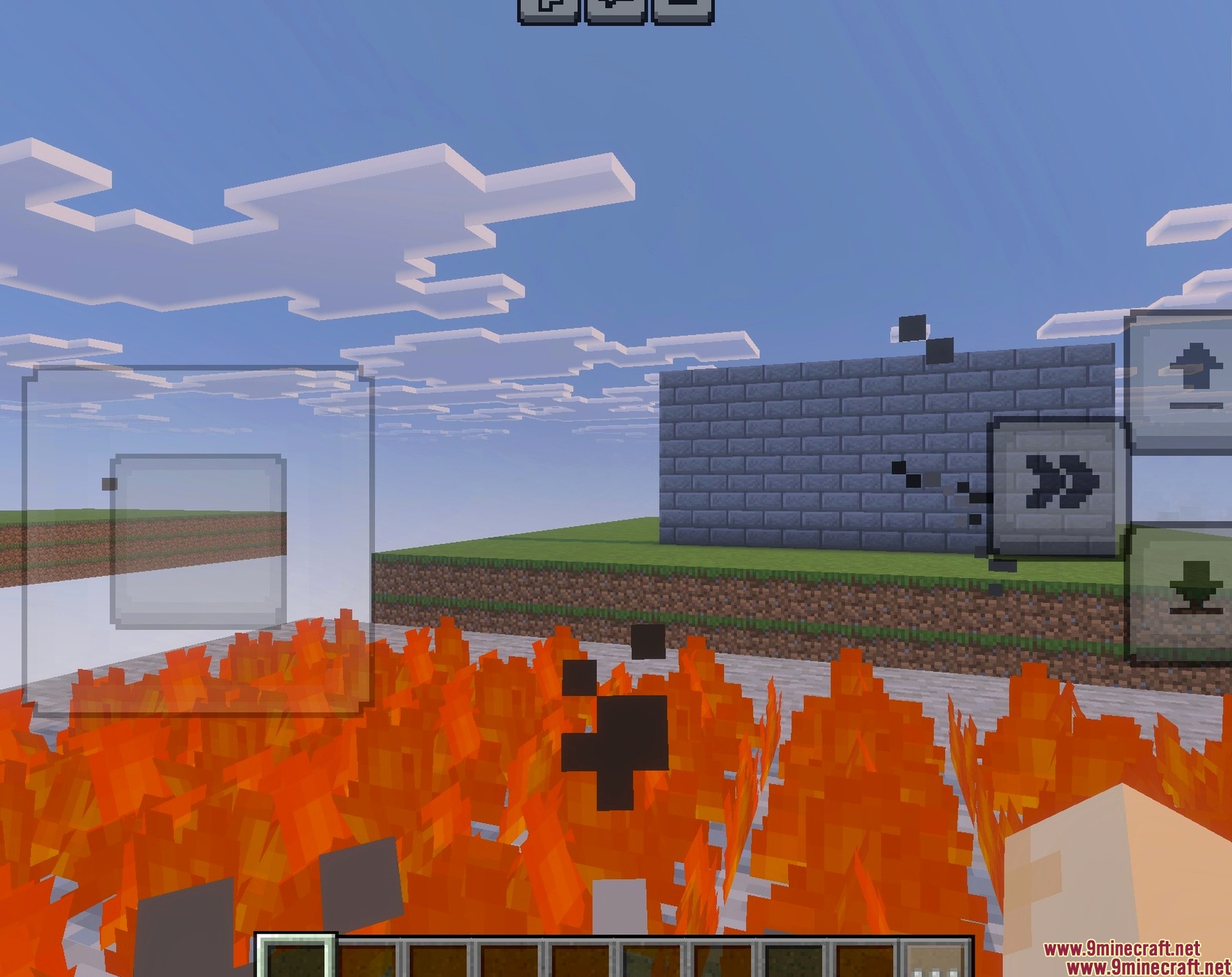
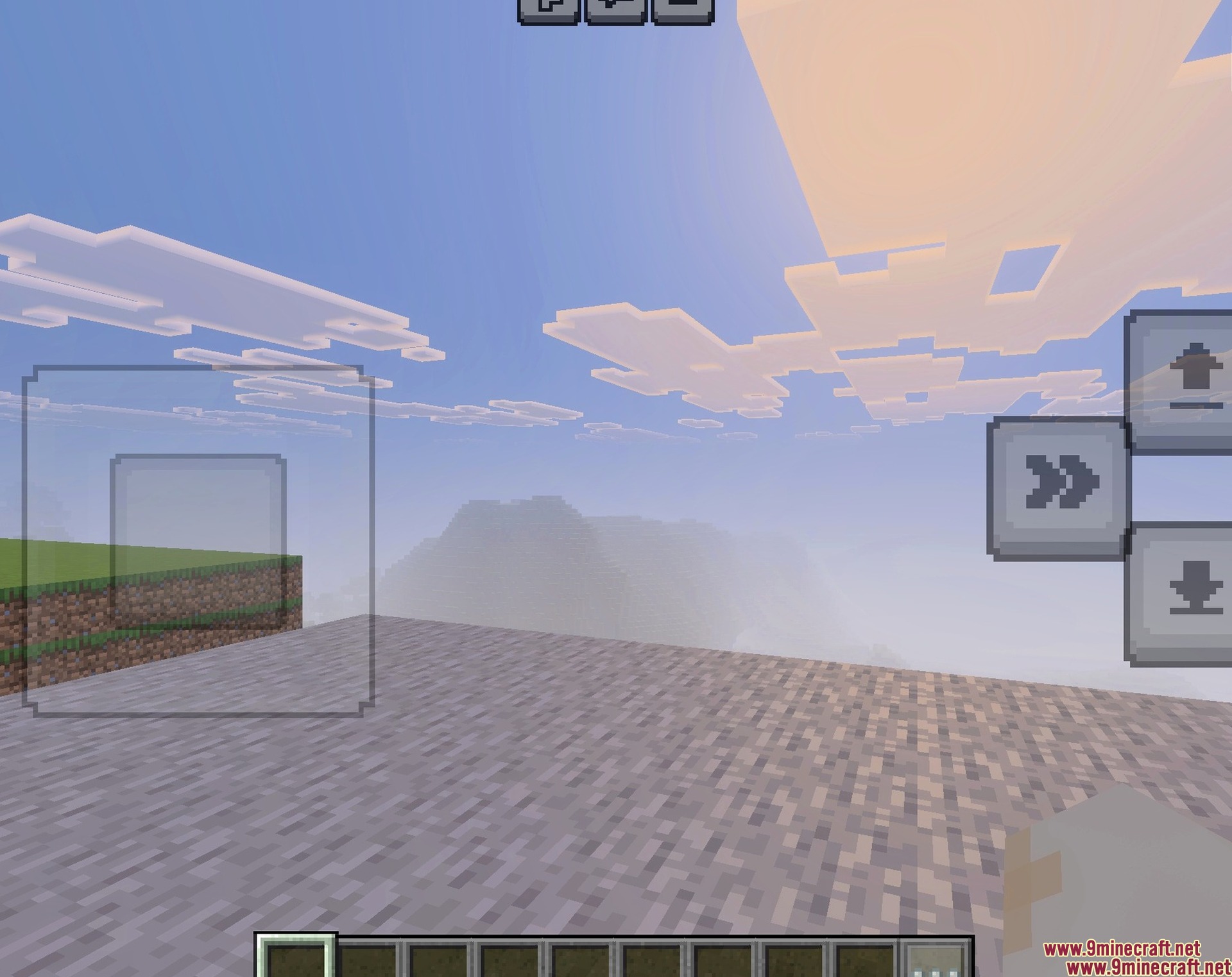
Low Fire Texture Pack lowers the flames on your screen to give you better visibility while playing. This pack lets you see clearly during combat and survival situations when your character catches on fire. It also allows you to adjust the exact height of the flames to match your personal preference.
Features:
- Reduces the height of fire on your screen.
- Improves your vision during combat and survival gameplay.
- Works perfectly with vibrant visual settings.
- Includes a new pixelated fire icon for fuel indicators.
- Adjusts easily from the resource pack menu.
Configuration:
You can change the fire height by clicking the settings gear icon next to the resource pack. A slider bar lets you adjust the fire resolution up to level nine.
Screenshots:
How to Install:
Low Fire Texture Pack Download Links
For MCPE/Bedrock 26.x
Click to rate this post!
[Total: 1 Average: 5]
You May Also Like

This post has no comments yet. Be the first — your comment will appear here.