


Pv P Time Plugin (26.2, 1.21.11) – Keep Players Safe By Day and Start Wars

 0
0 

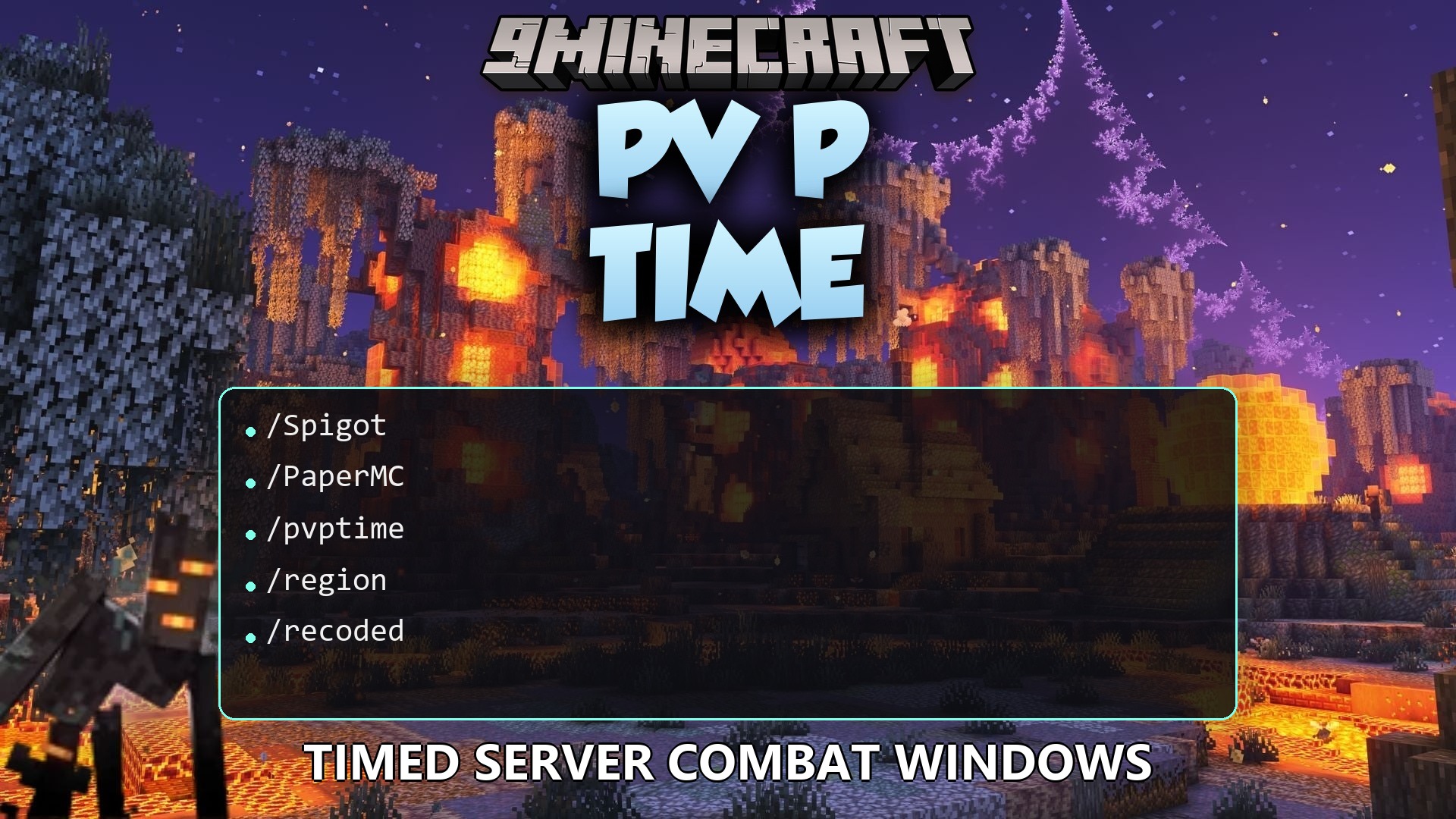
Pv P Time Plugin lets you choose exactly which in-game hours players can fight each other. It gives everyone a reason to stay indoors when the sun goes down. The plugin manages combat rules across different worlds on your server. It works with town and region protection tools to keep safe zones secure while still keeping scheduled battles active.
Features:
- Custom Schedules: You set the exact in-game hours for combat to start and stop.
- The plugin sends a chat message to everyone when the combat status changes.
- It applies different combat rules to different worlds on your server.
- Players stay safe in WorldGuard regions if the region denies combat.
- It turns on fighting automatically during active Towny wars.
Commands:
/pvptime reload: Reloads the plugin settings files./pvptime info: Shows the current combat status for the world.
Configuration:
pvptime.override: Gives a player permission to attack others during safe hours.pvptime.nopvp: Protects a player from attacks even during combat hours.
How to Use:
- Open your Server.properties file.
- Set the combat rule to
pvp=onso the plugin can take control. - Restart your server to apply the changes.
How to Install:
New to Minecraft? Follow our step-by-step guide to install Plugins on your PC.View Guide
Pv P Time Plugin Download Links
For Minecraft
26.2,
1.21.11,
1.20.6
All Versions Covered
26.2
1.21.11
1.20.6
1.19.4
1.18.2
1.17
1.16
1.15
1.14
1.13
1.12
1.11
1.10
1.9
1.8.3
1.8.1
1.8
1.7.4
1.6.4
1.5.2
All Versions Covered
26.2
1.21.11
1.20.6
1.19.4
1.18.2
1.17
1.16
1.15
1.14
1.13
1.12
1.11
1.10
1.9
1.8.3
1.8.1
1.8
1.7.4
1.6.4
1.5.2
For Minecraft 1.12.2, 1.12
For Minecraft 1.8.9, 1.8
Click to rate this post!
[Total: 0 Average: 0]
You May Also Like















This post has no comments yet. Be the first — your comment will appear here.