


Sign Shop Plugin (1.21.11, 1.20.1) – Create Player Markets Without Typing Long

 0
0 

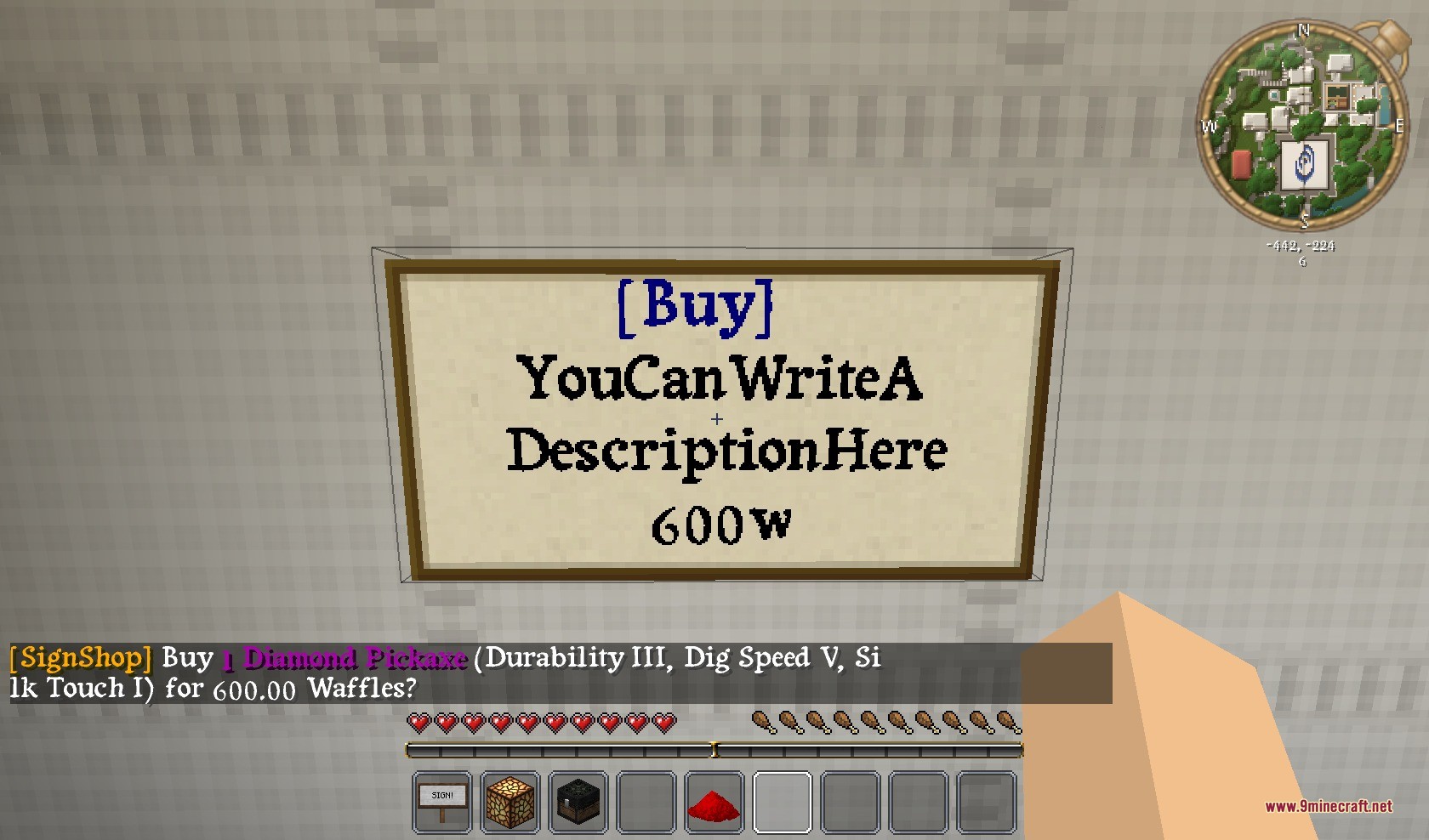
Sign Shop Plugin lets you build physical stores using chests and signs. It removes the need to type long commands to set up a market on your server. You simply punch a chest containing your items, then punch a sign with redstone dust to link them together. This system gives players an easy way to buy, sell, and trade items with each other.
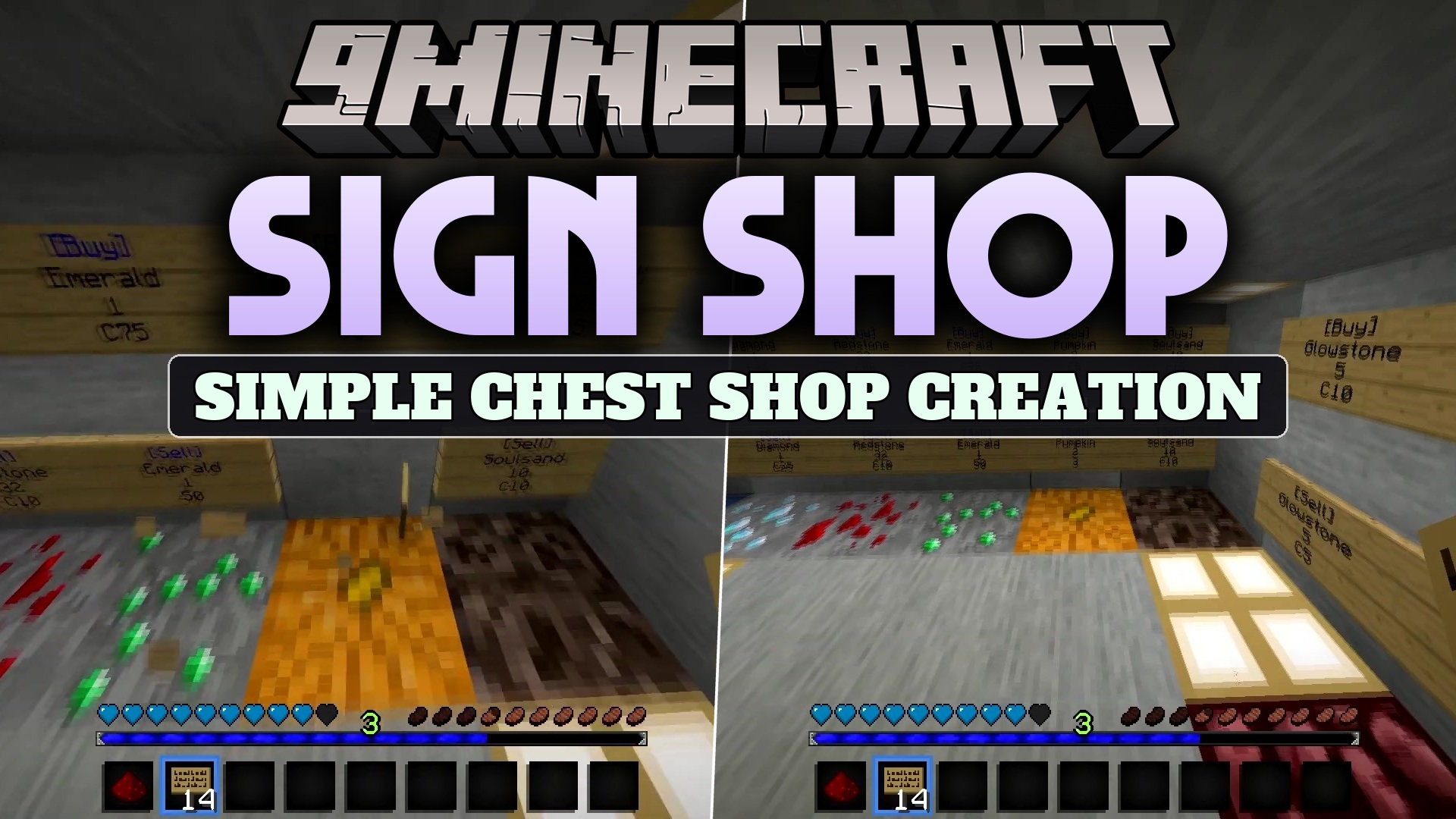
Features:
- Commandless Setup: Links chests and signs together using just redstone dust and left-clicks.
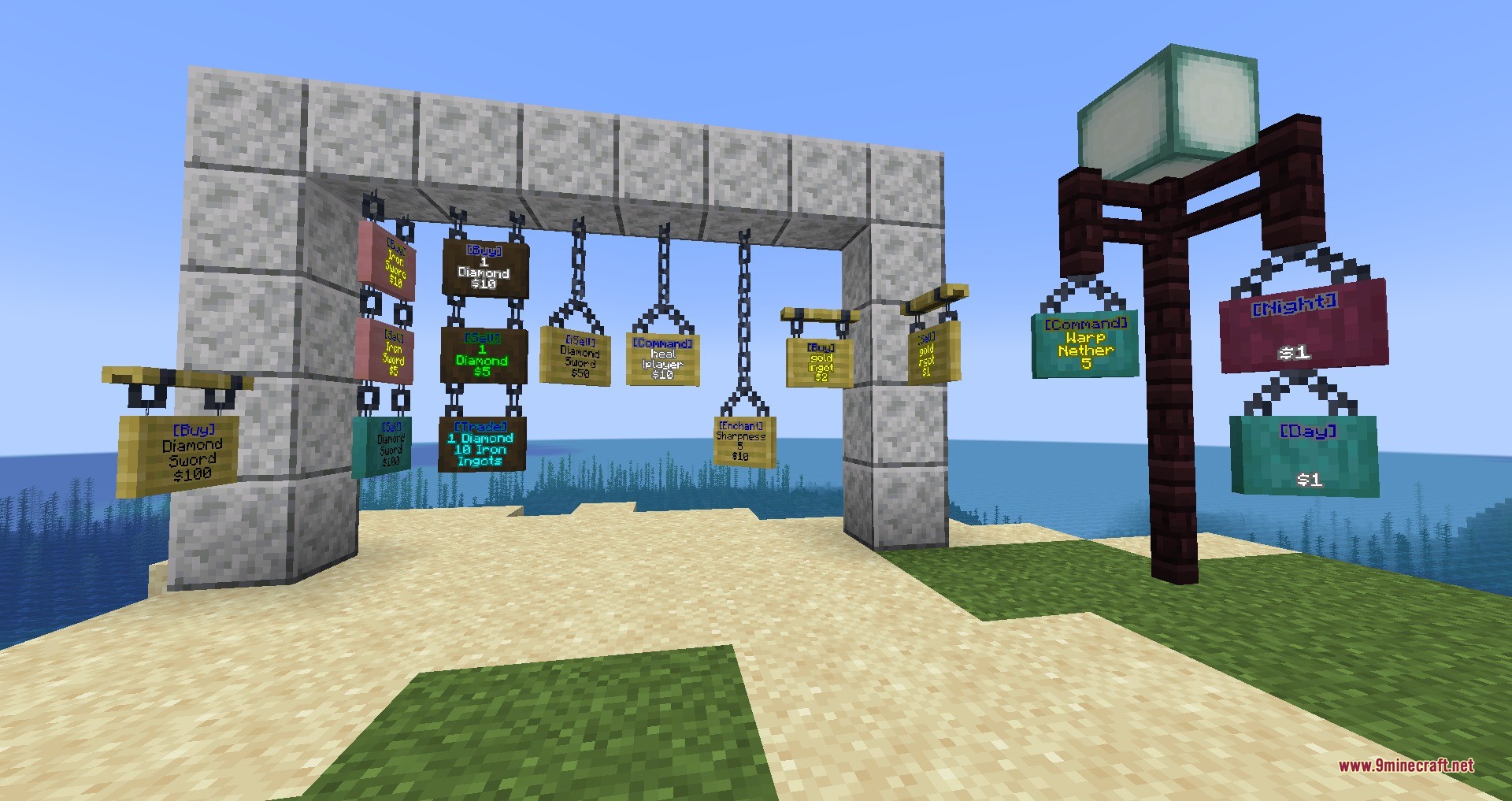
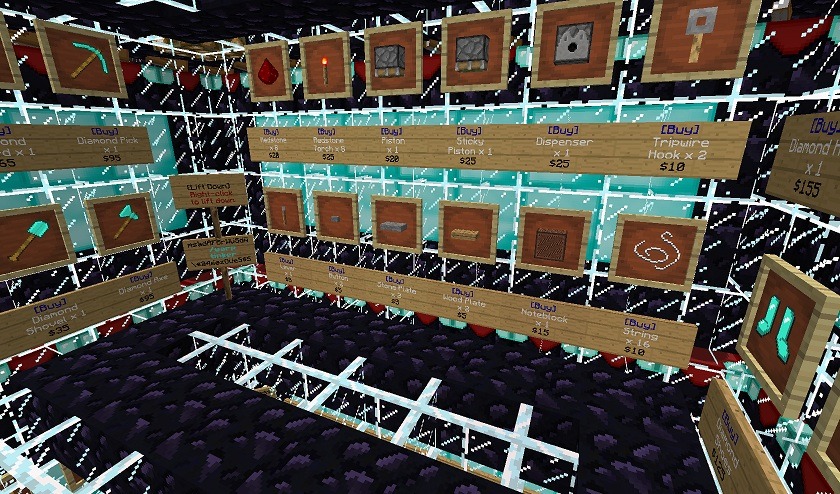
- Multiple Shop Types: Includes signs for buying, selling, and trading items between players.
- Admin Shops: Offers infinite buy, sell, and trade signs for server markets that never run out of stock.
- Supports shulker boxes so players can sell bulk items easily.
- Displays correct potion names on the signs for clear shopping.
- Protects shops from explosions so creepers do not destroy player markets.
- Works with different wood types like warped and crimson signs.
- Allows players to destroy other shops if they have the right permissions.
How to Use:
- Place a chest and put the items you want to sell inside it.
- Place a sign near the chest and write your shop details on it (like [Buy] on the first line).
- Hold redstone dust in your hand.
- Left-click the chest with the redstone dust.
- Left-click the sign with the redstone dust to link them together.
Screenshots:
How to Install:
New to Minecraft? Follow our step-by-step guide to install Plugins on your PC.View Guide
Requirements:

Sign Shop Plugin Download Links
For Minecraft 1.21.11, 1.21.10, 1.21.9
For Minecraft 1.20.1, 1.20
For Minecraft
1.19.3,
1.19.2,
1.19.1
All Versions Covered
1.19.3
1.19.2
1.19.1
1.19
1.18.2
1.18.1
1.18
1.17
1.16
1.15
1.14
1.13
All Versions Covered
1.19.3
1.19.2
1.19.1
1.19
1.18.2
1.18.1
1.18
1.17
1.16
1.15
1.14
1.13
For Minecraft 1.16.5, 1.16
For Minecraft 1.12.2, 1.12
For Minecraft 1.8.9, 1.8
Click to rate this post!
[Total: 0 Average: 0]
You May Also Like

















This post has no comments yet. Be the first — your comment will appear here.