


Nekorelay Plugin (26.2, 26.1.2) – Play with Friends Instantly Without Router
 3
3
 0
0

Nekorelay Plugin lets you host a Minecraft server for your friends without changing any router settings. It gives your server a public address automatically so anyone can join from the internet. This plugin removes the need to open ports or mess with firewalls. It works perfectly even on strict home networks. You just drop it into your server folder, and players connect right away.
Features:
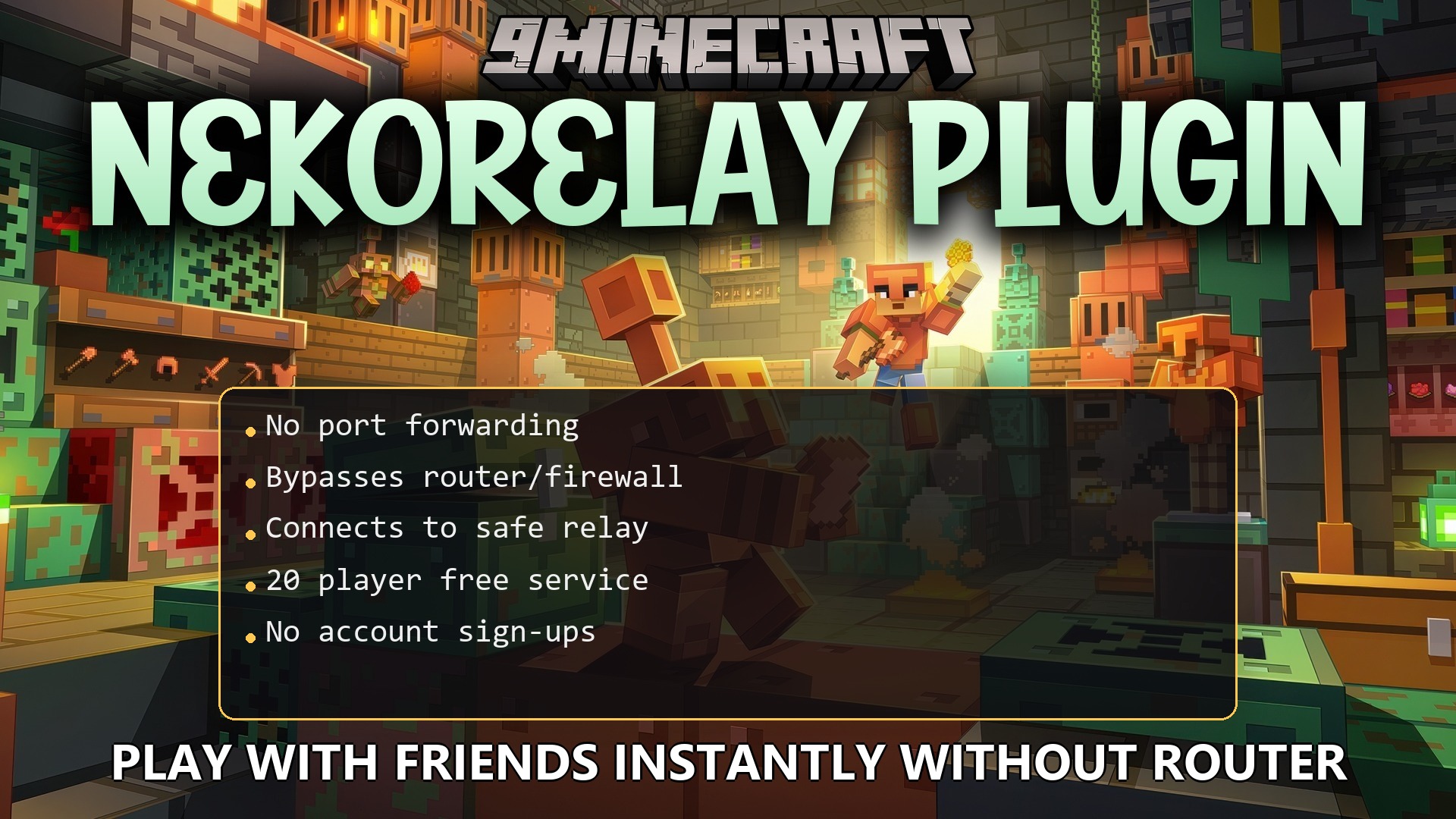
- Instant Public Access: Gives your server a public address instantly without port forwarding.
- Lets friends join your world from anywhere on the internet.
- Bypasses router settings and firewalls by connecting out to a safe relay.
- Supports up to 20 players at the same time on the free public service.
- Requires no account sign-ups or special tokens to start working.
- Keeps your home network safe by only passing Minecraft traffic.
- Runs completely on the server side so your friends play with a normal game.
- Reminds you to use a whitelist to keep random strangers out of your world.
Configuration:
config.yml: edit this file to use a custom relay or see real player IP addresses.
How to Use:
- Put the plugin file into your server’s plugins folder.
- Start your server to automatically connect to the free public relay.
- Share the generated public address with your friends so they can join.
- Turn on a whitelist in your server settings to protect your world from uninvited guests.
How to Install:
New to Minecraft? Follow our step-by-step guide to install Plugins on your PC.View Guide
Nekorelay Plugin Download Links
For Minecraft
26.2,
26.1.2,
26.1.1
All Versions Covered
26.2
26.1.2
26.1.1
26.1
All Versions Covered
26.2
26.1.2
26.1.1
26.1
Click to rate this post!
[Total: 0 Average: 0]
You May Also Like










This post has no comments yet. Be the first — your comment will appear here.