


World Guard Plugin (26.2, 1.21.1) – Protect Player Builds From Grief

 0
0 

World Guard Plugin helps you protect areas of land from players who want to break things. It lets you change how the game works in specific places or across the whole map. You can stop fire from spreading, block TNT explosions, and keep crops safe from being trampled. The plugin gives you control over what players can and cannot do, making the server a safer place for everyone to build and play. Everything is turned off when you first add it, so you only use the features you actually want.
Features:
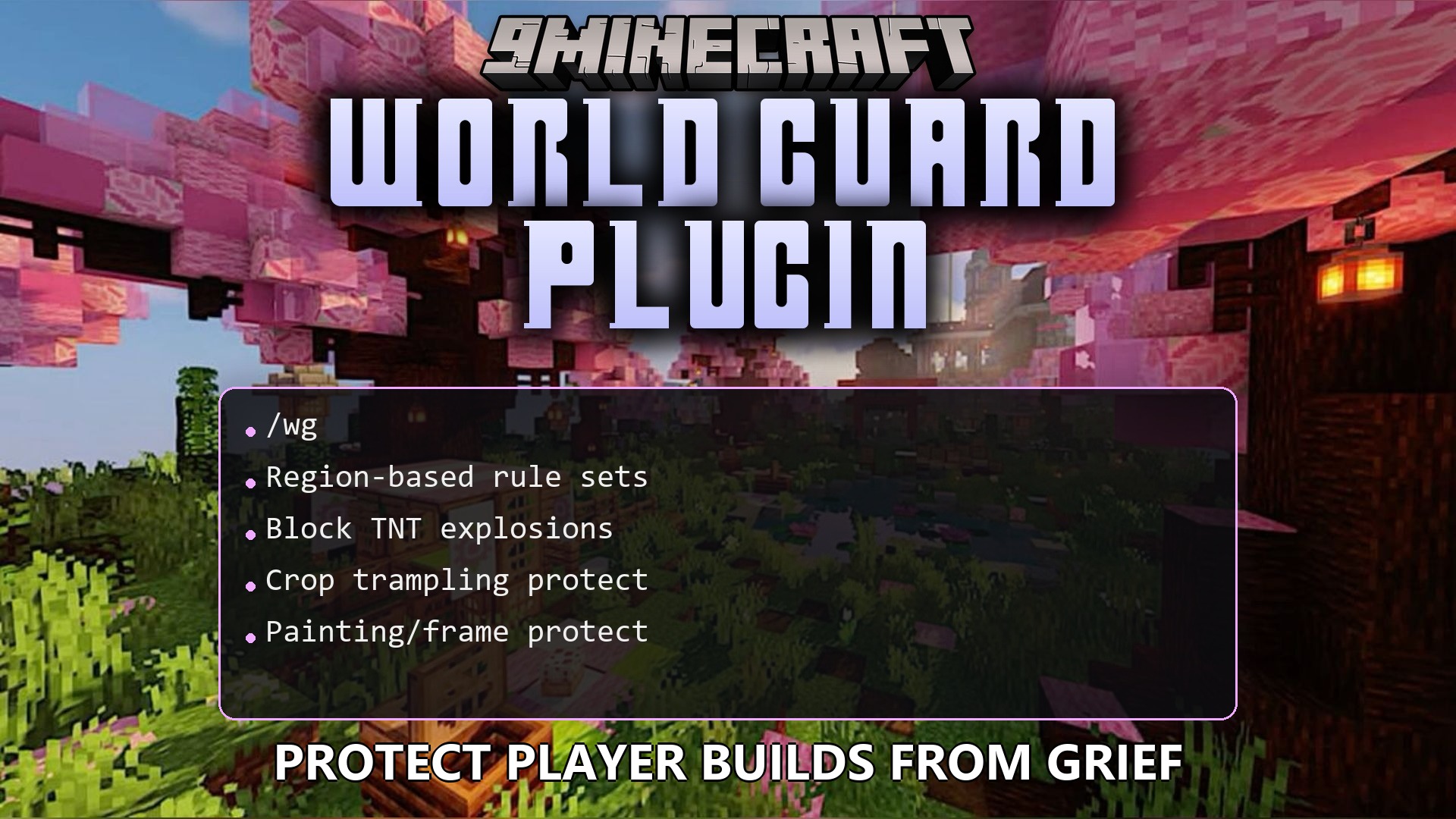
- Lets you create safe zones where only certain players can place or break blocks.
- Stops annoying things from happening, like taking fall damage or getting blown up by Withers.
- Changes the rules in specific areas to turn off player fighting, heal players, or stop monster damage.
- Blocks specific items and blocks so nobody on the server can use them.
- Stops fire from spreading, trees from growing where they shouldn’t, and TNT cannons from working.
- Keeps your farms safe by stopping players from jumping on and breaking your crops.
- Protects your decorations like paintings and item frames from being knocked off walls.
- Leaves all settings turned off at the start so you only turn on exactly what you need.
Commands:
/wg report -p: Shows useful information and statistics about how the server is running./wg profile -p: Checks how much computer power the server is using.
How to Install:
New to Minecraft? Follow our step-by-step guide to install Plugins on your PC.View Guide
Requirements:
World Guard Plugin Download Links
For Minecraft
26.2,
26.1.2,
26.1.1
All Versions Covered
26.2
26.1.2
26.1.1
26.1
1.21.11
All Versions Covered
26.2
26.1.2
26.1.1
26.1
1.21.11
For Minecraft 1.21.11
For Minecraft
1.21.8,
1.21.7,
1.21.6
All Versions Covered
1.21.8
1.21.7
1.21.6
1.21.5
All Versions Covered
1.21.8
1.21.7
1.21.6
1.21.5
For Minecraft 1.21.4
For Minecraft 1.21.1, 1.21
Click to rate this post!
[Total: 0 Average: 0]
You May Also Like














This post has no comments yet. Be the first — your comment will appear here.