


Effect Lib Plugin (1.21.11, 1.20.1) – Fill Your Server with Flashy Visual

 0
0 

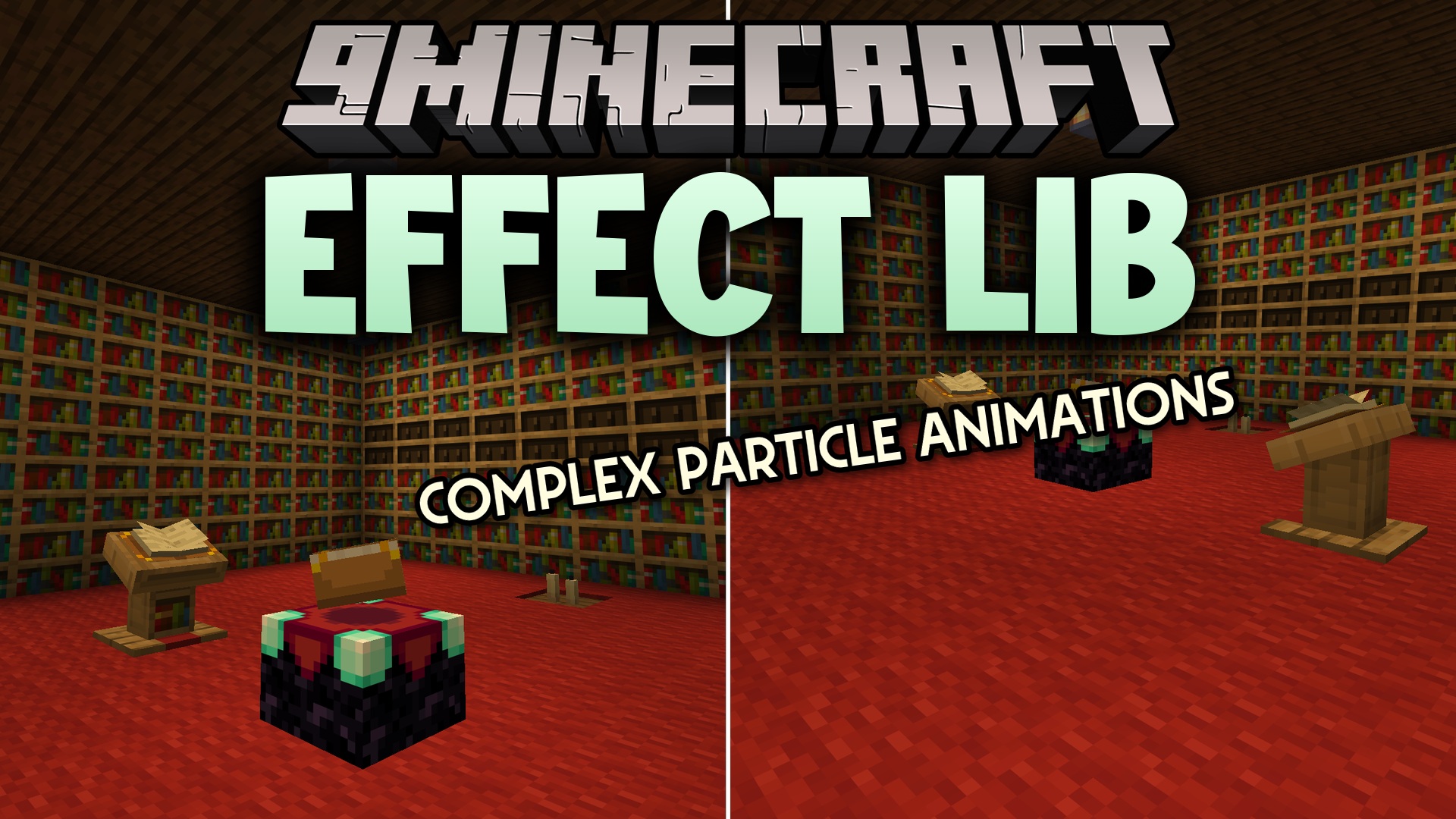
Effect Lib Plugin gives other tools the power to show cool visual animations in the game. It works behind the scenes to handle particles, flying colors, and special events. The package packs a big collection of ready-to-use visuals that other server additions can borrow. You only need to put this on your server if another tool asks for it.
Features:
- Provides a large collection of built-in visual animations for the game.
- Lets other tools attach special visuals directly to players or monsters.
- Places animations at specific spots in the world using map coordinates.
- Draws lines of particles between two different points to connect them.
- Stops all running animations at once to keep the game running smoothly.
- Works as a background building block for other server additions.
How to Use:
- Link the library to your coding project.
- Create an
EffectManagerin the code to handle the animations. - Pick an animation, set its target, and call the start command.
- Close the manager when the task finishes to clean up.
EffectManager em = new EffectManager(plugin);
Effect effect = new BleedEffect(em);
effect.setEntity(target);
effect.start();
em.dispose();
How to Install:
New to Minecraft? Follow our step-by-step guide to install Plugins on your PC.View Guide
Effect Lib Plugin Download Links
For Minecraft
1.21.11,
1.21.10,
1.21.9
All Versions Covered
1.21.11
1.21.10
1.21.9
1.21.8
1.21.7
1.21.6
1.21.5
1.21.4
1.21.3
1.21.2
1.21.1
1.21
1.20.6
1.20.5
1.20.4
1.20.3
1.20.2
1.20.1
1.20
1.19.4
All Versions Covered
1.21.11
1.21.10
1.21.9
1.21.8
1.21.7
1.21.6
1.21.5
1.21.4
1.21.3
1.21.2
1.21.1
1.21
1.20.6
1.20.5
1.20.4
1.20.3
1.20.2
1.20.1
1.20
1.19.4
For Minecraft 1.16.5, 1.16
For Minecraft 1.12.2, 1.12
For Minecraft 1.8.9, 1.8
Click to rate this post!
[Total: 0 Average: 0]
You May Also Like









This post has no comments yet. Be the first — your comment will appear here.