


Custom Damage Overlay Color Shaders (26.2, 1.20.1) – Adjustable Hit Flash Tints
 0
0
 0
0

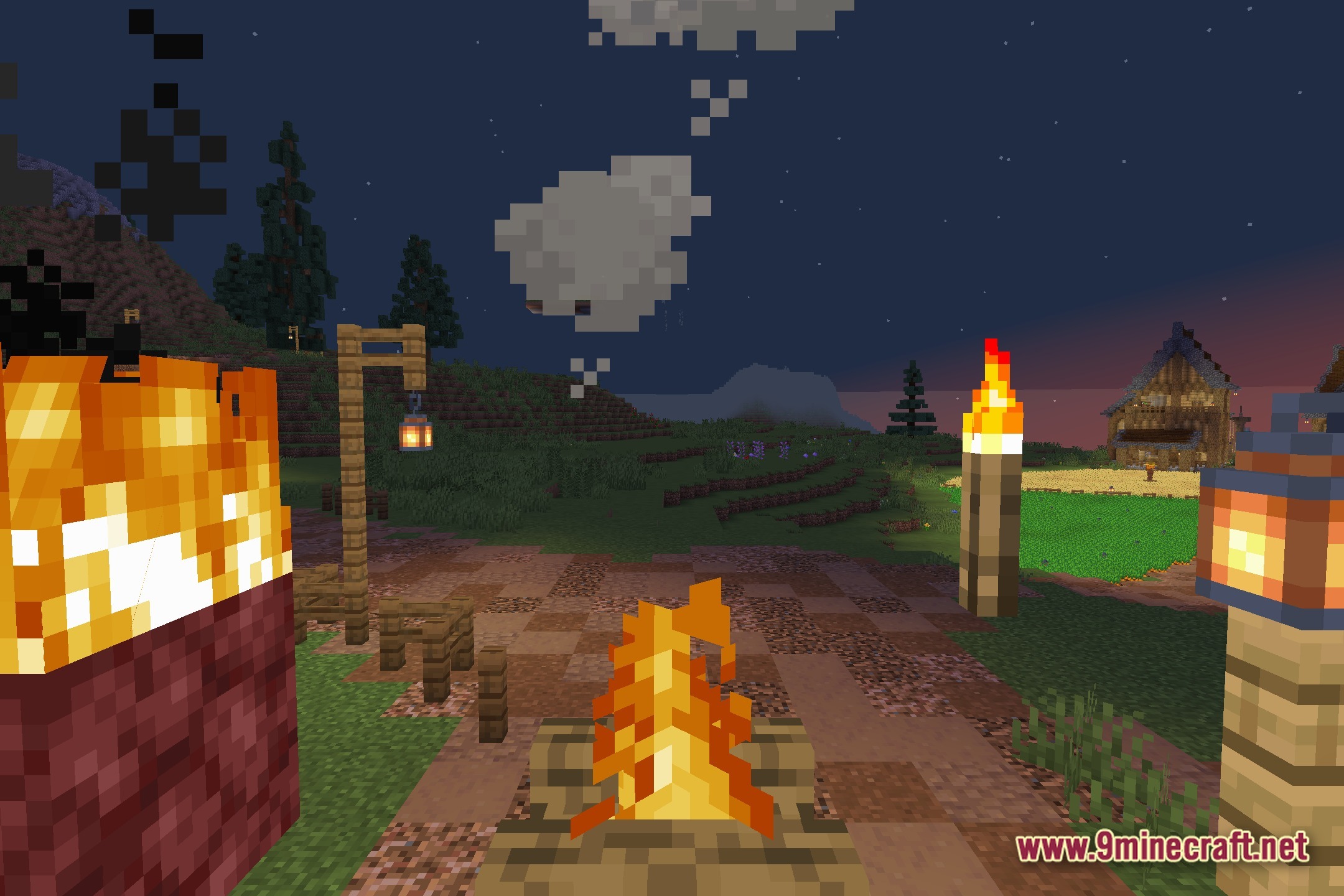
Custom Damage Overlay Color changes the way mobs look when they take damage. It replaces the standard red flash with any color you want, giving you full control over hit effects in combat.
Using this shader pack is a simple way to adjust combat visuals. Custom Damage Overlay Color works well if you want a fresh look for your battles or need a color that is easier to see.
Features:
- Custom Tint: Pick any color for the damage flash when you hit a mob.
- Applies the new hit color to every creature, monster, and animal in the game.
- Helps players who have trouble seeing the normal red damage flash during fights.
- Uses core shaders to change the visual effect without slowing down your game.
- Lets you match the combat effects to your personal style or current resource pack.
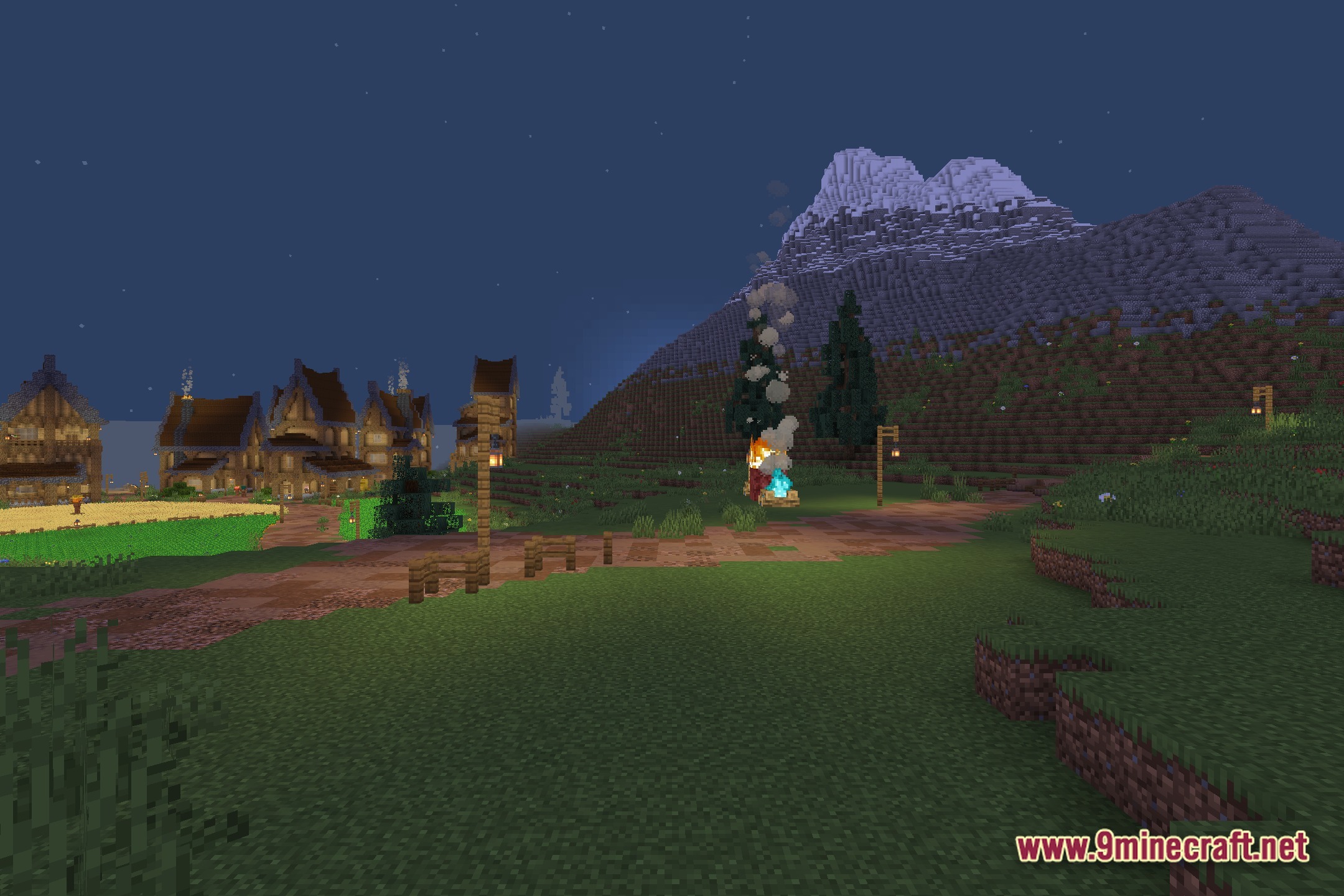
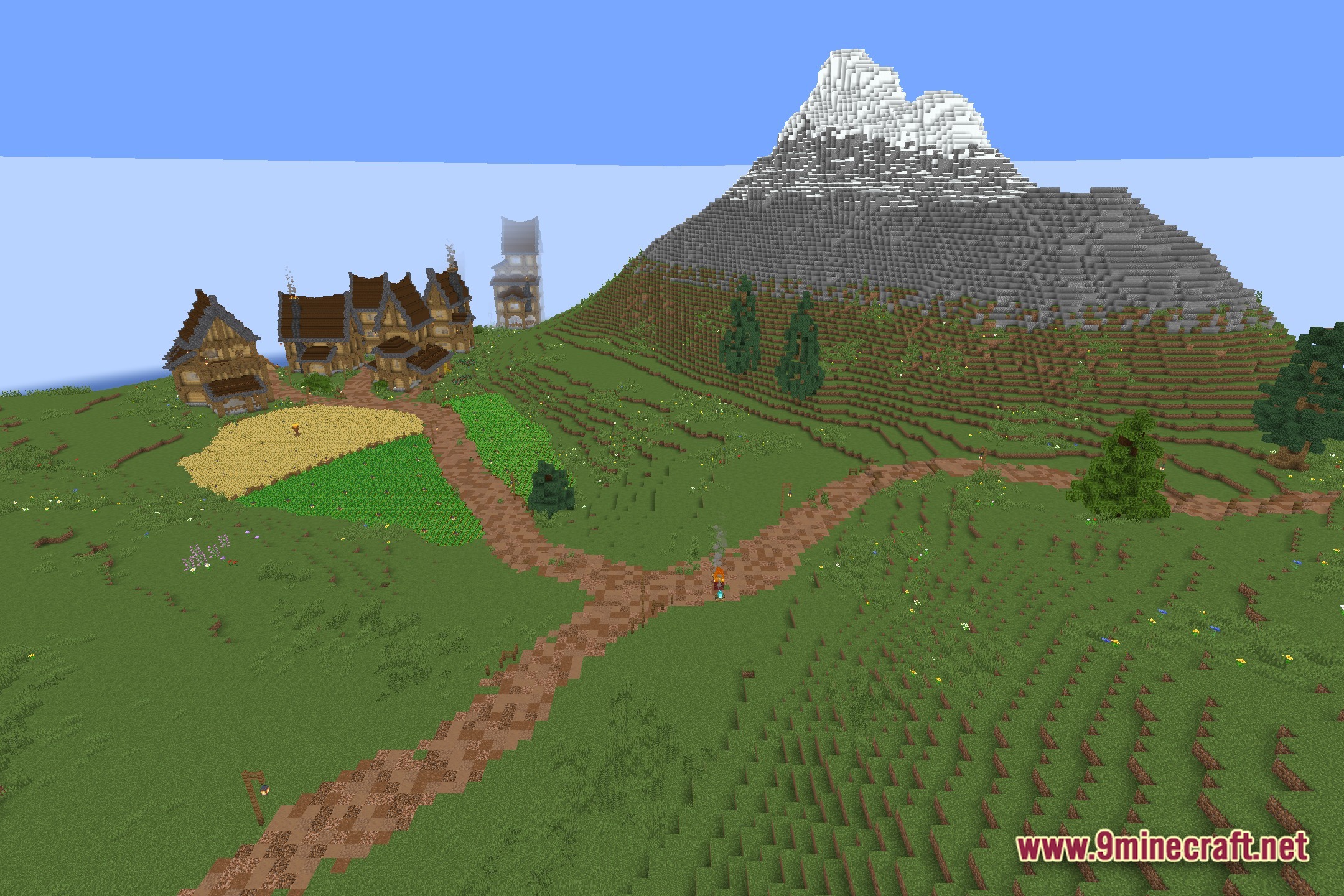
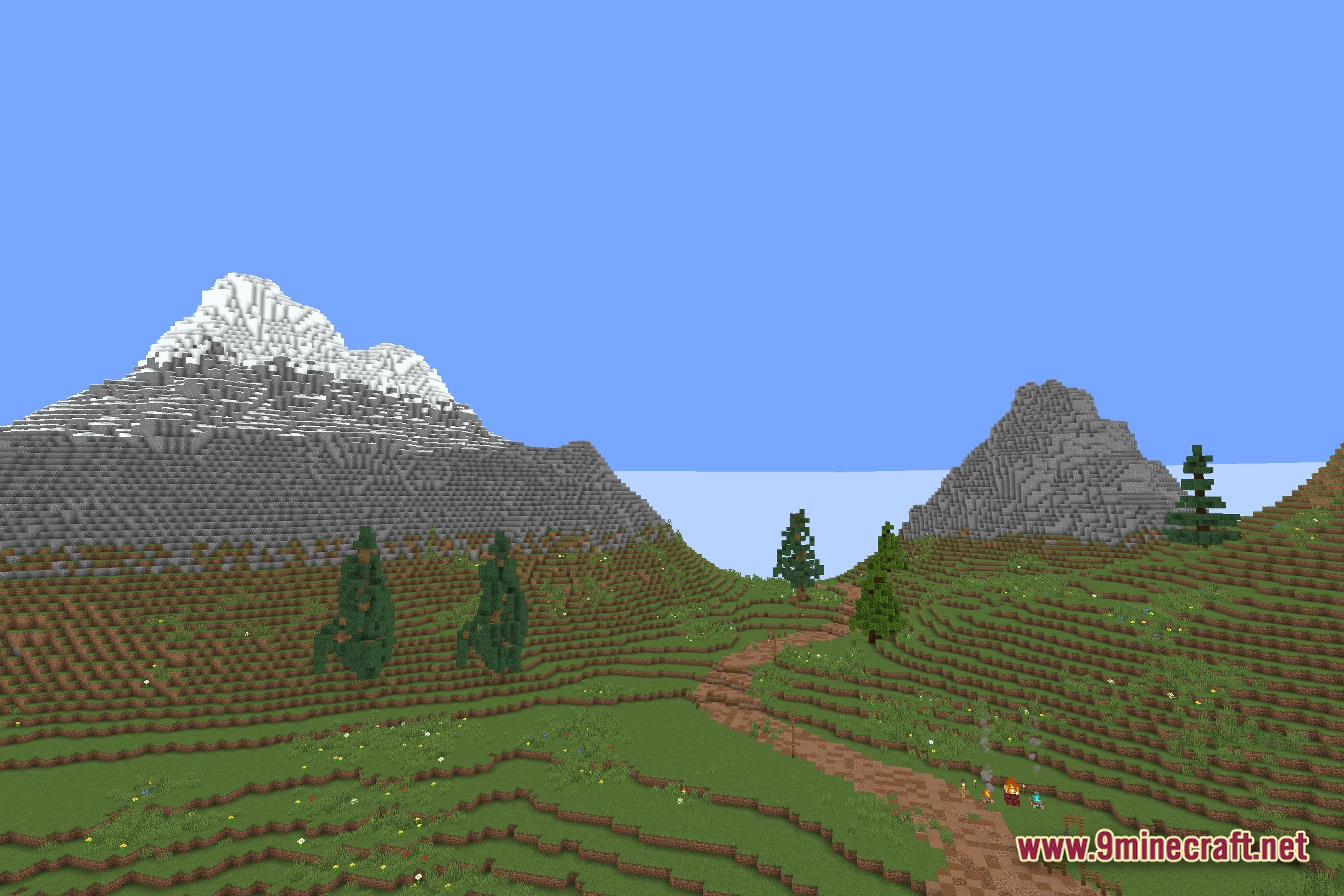
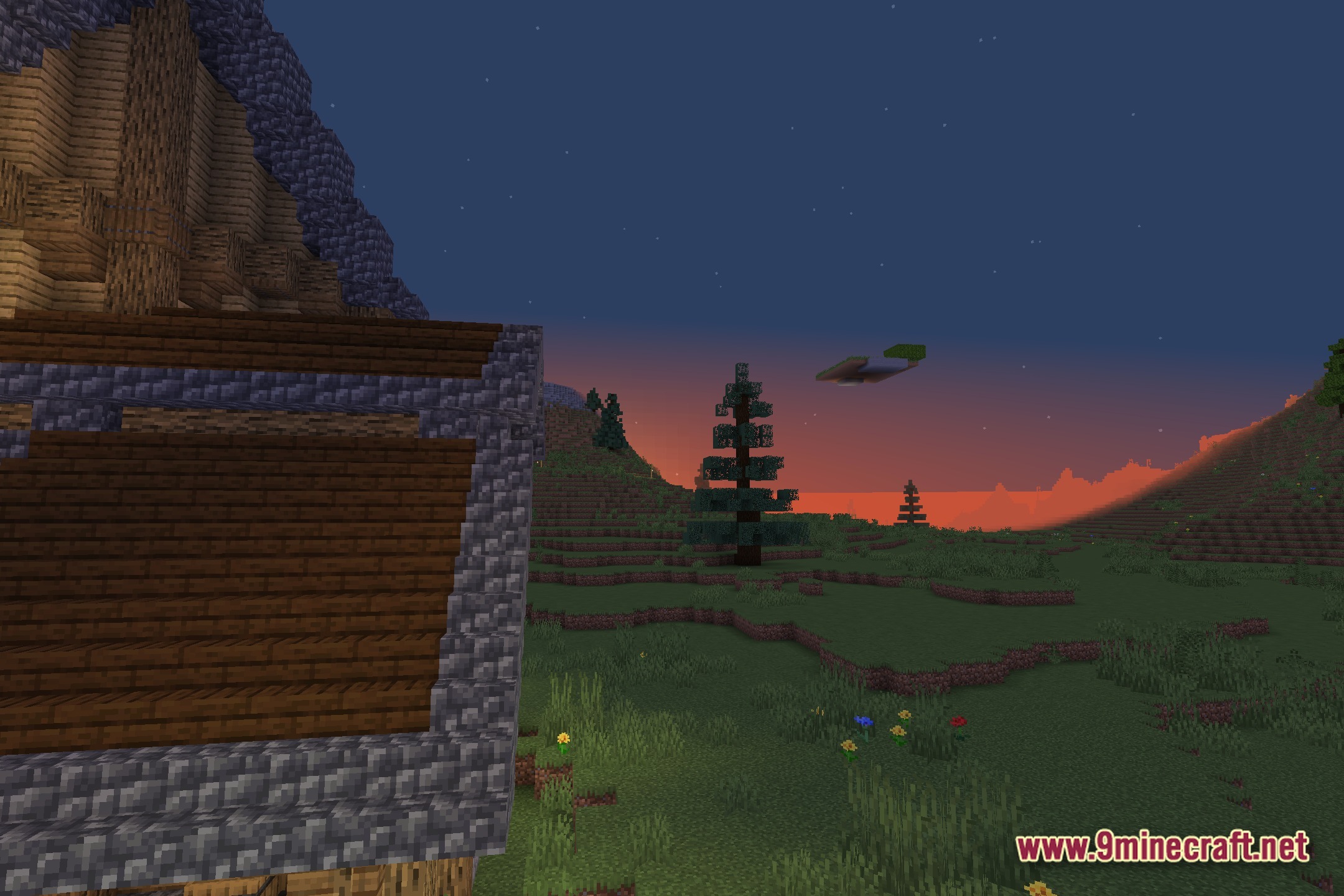
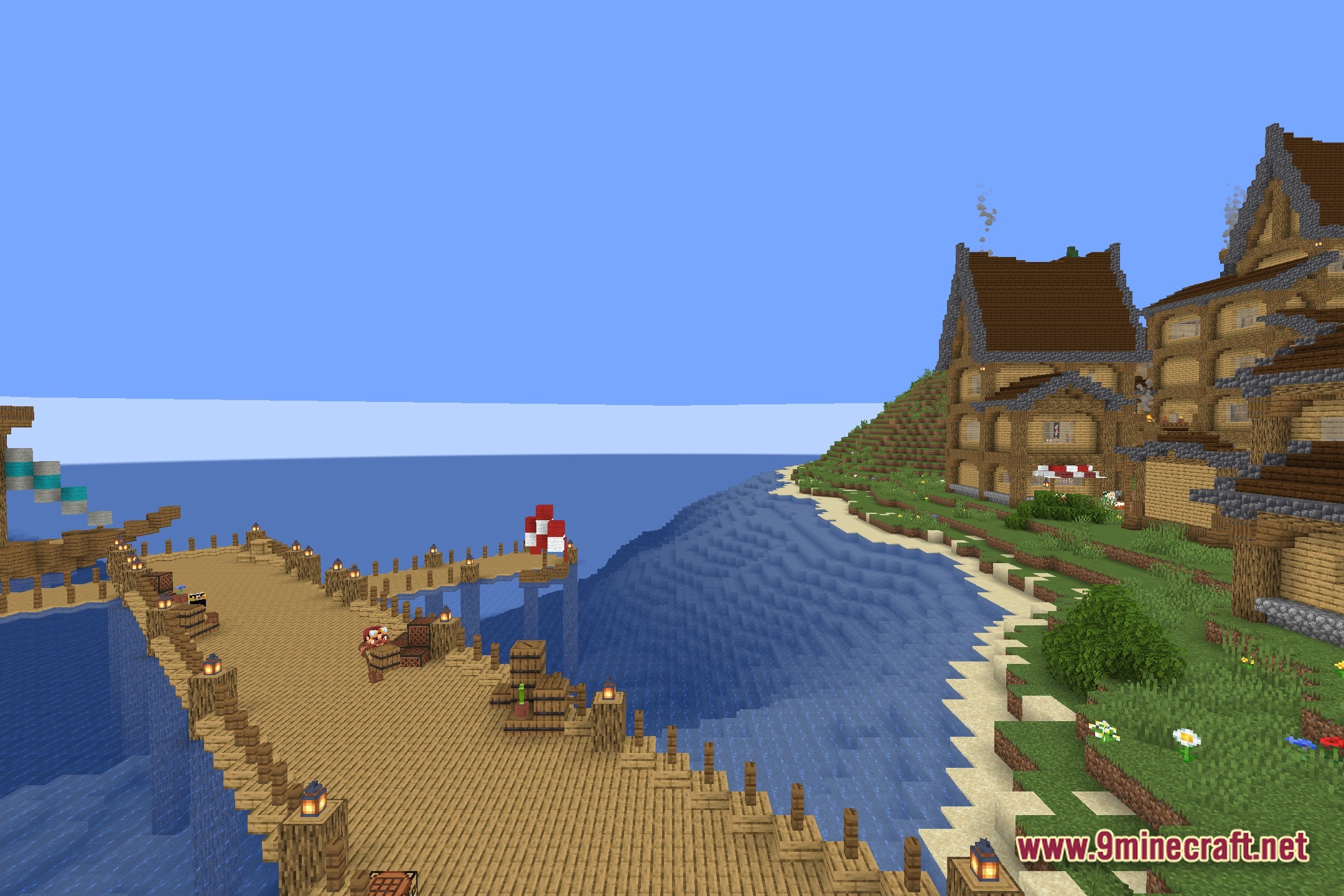
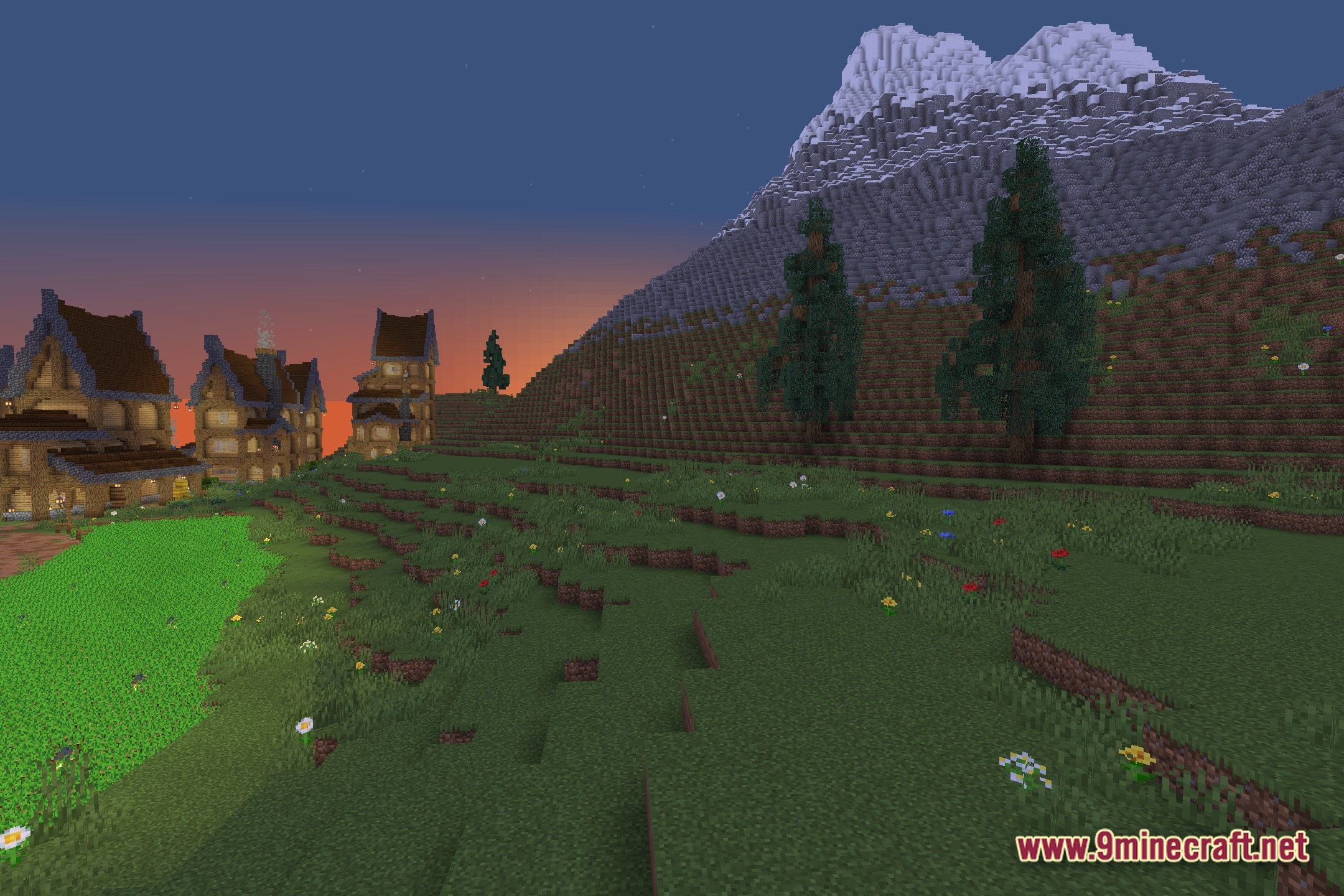
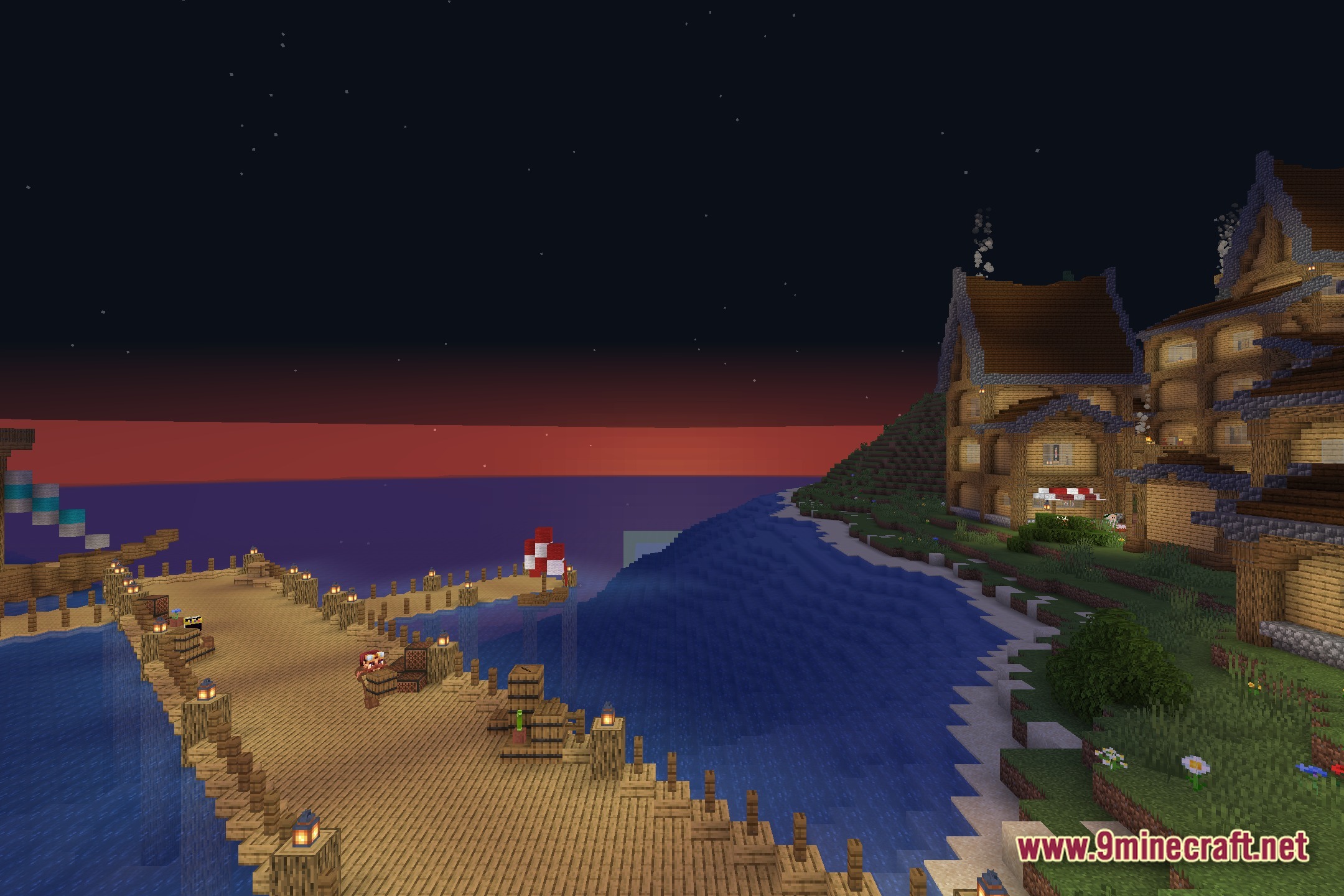
Screenshots:

How to Install:
New to Minecraft? Follow our step-by-step guide to install Shaders on your PC.View Guide
Custom Damage Overlay Color Shaders Download Links
Click to rate this post!
[Total: 0 Average: 0]
You May Also Like





This post has no comments yet. Be the first — your comment will appear here.