


FreeVibrant Shaders (26.2, 1.20.1) – Clean Shadows for Low-End PCs
 1
1
 0
0

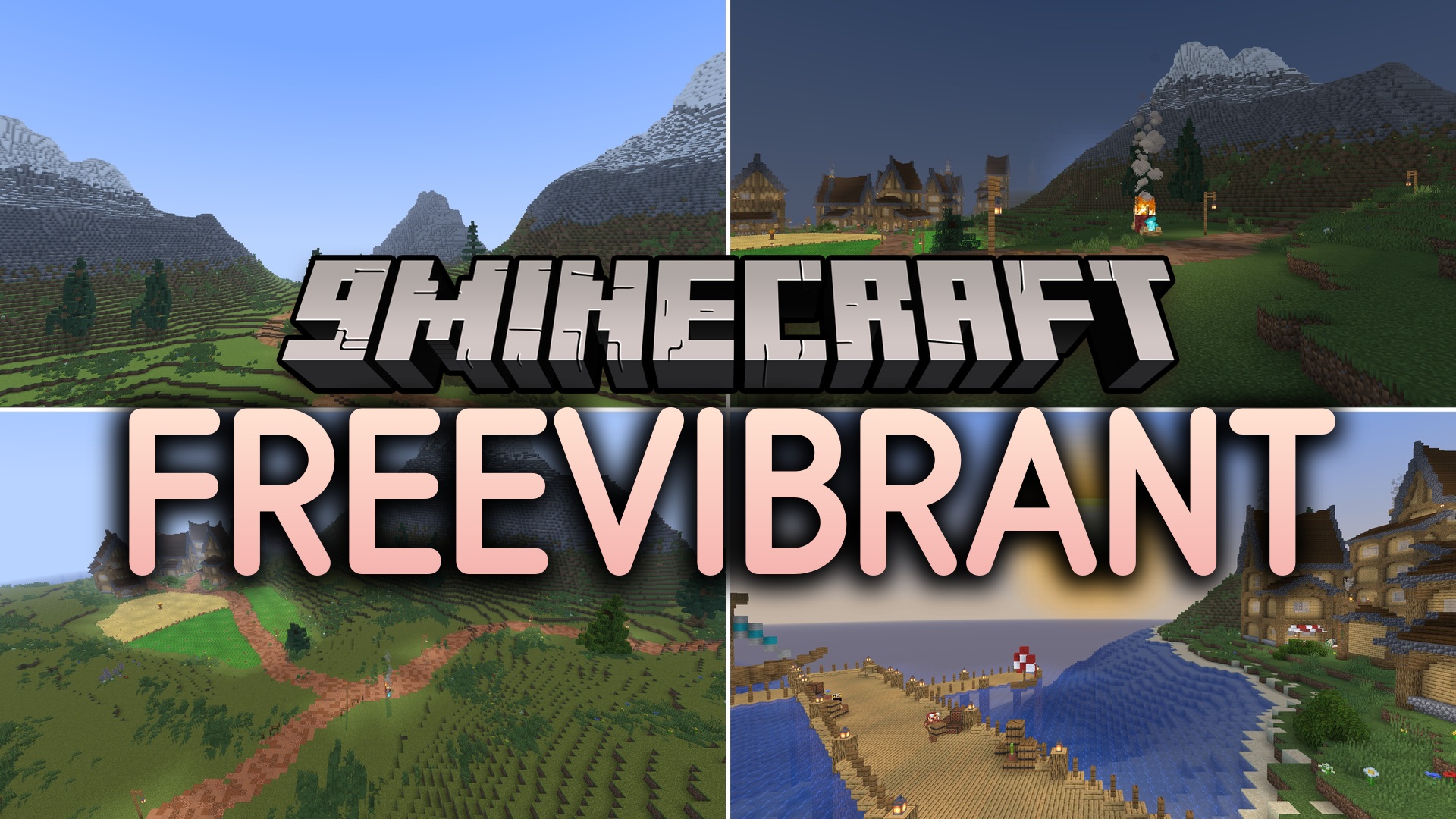
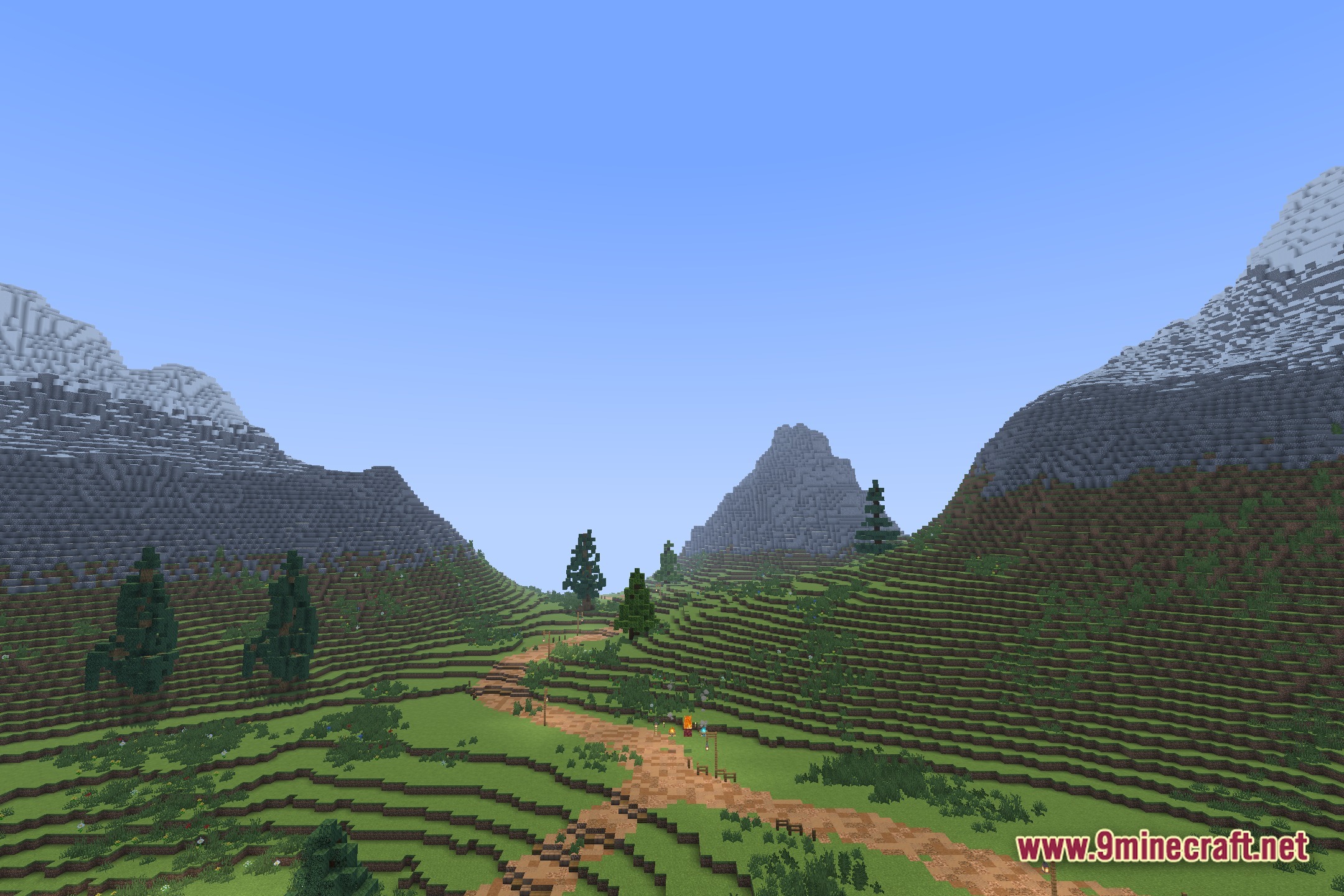
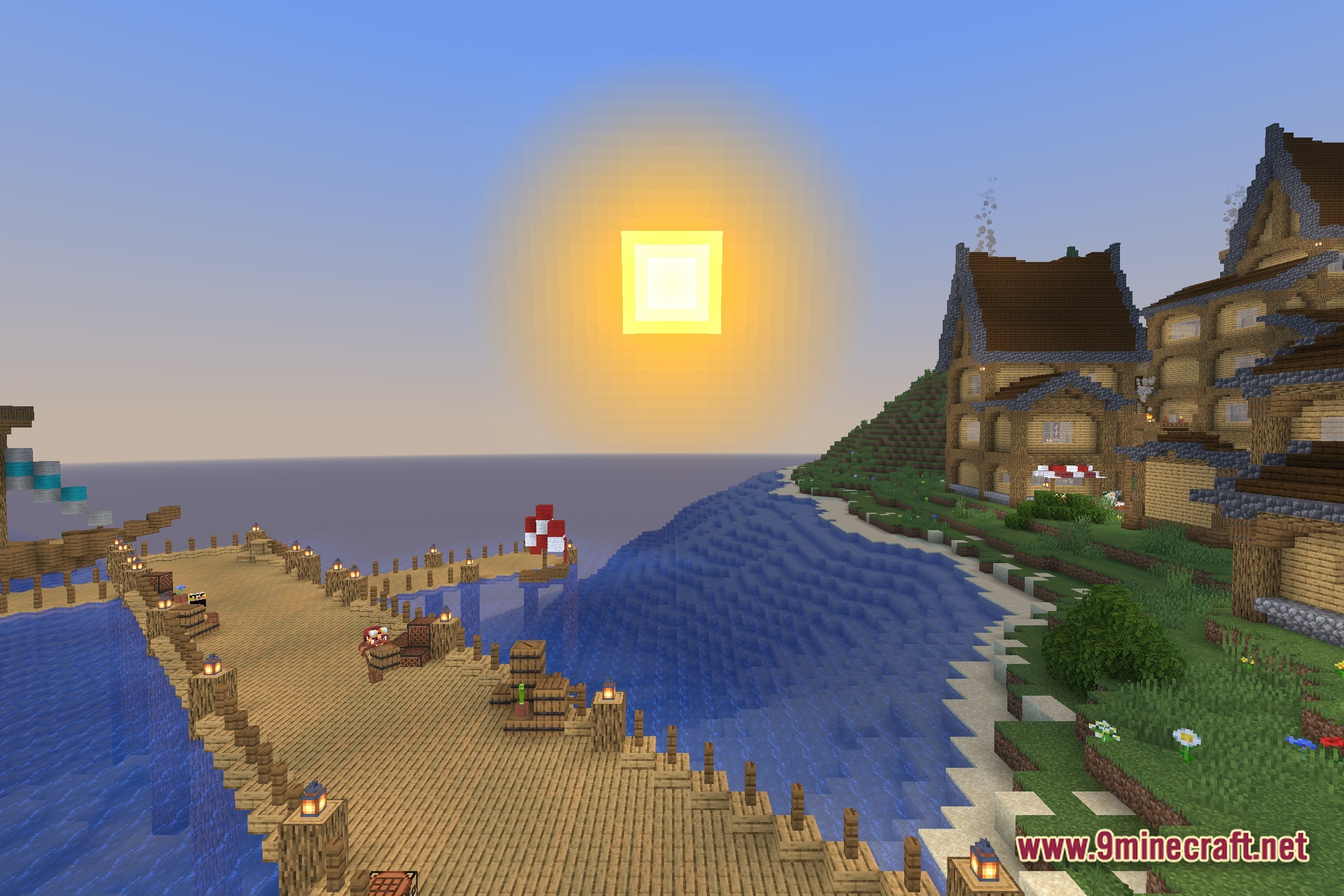
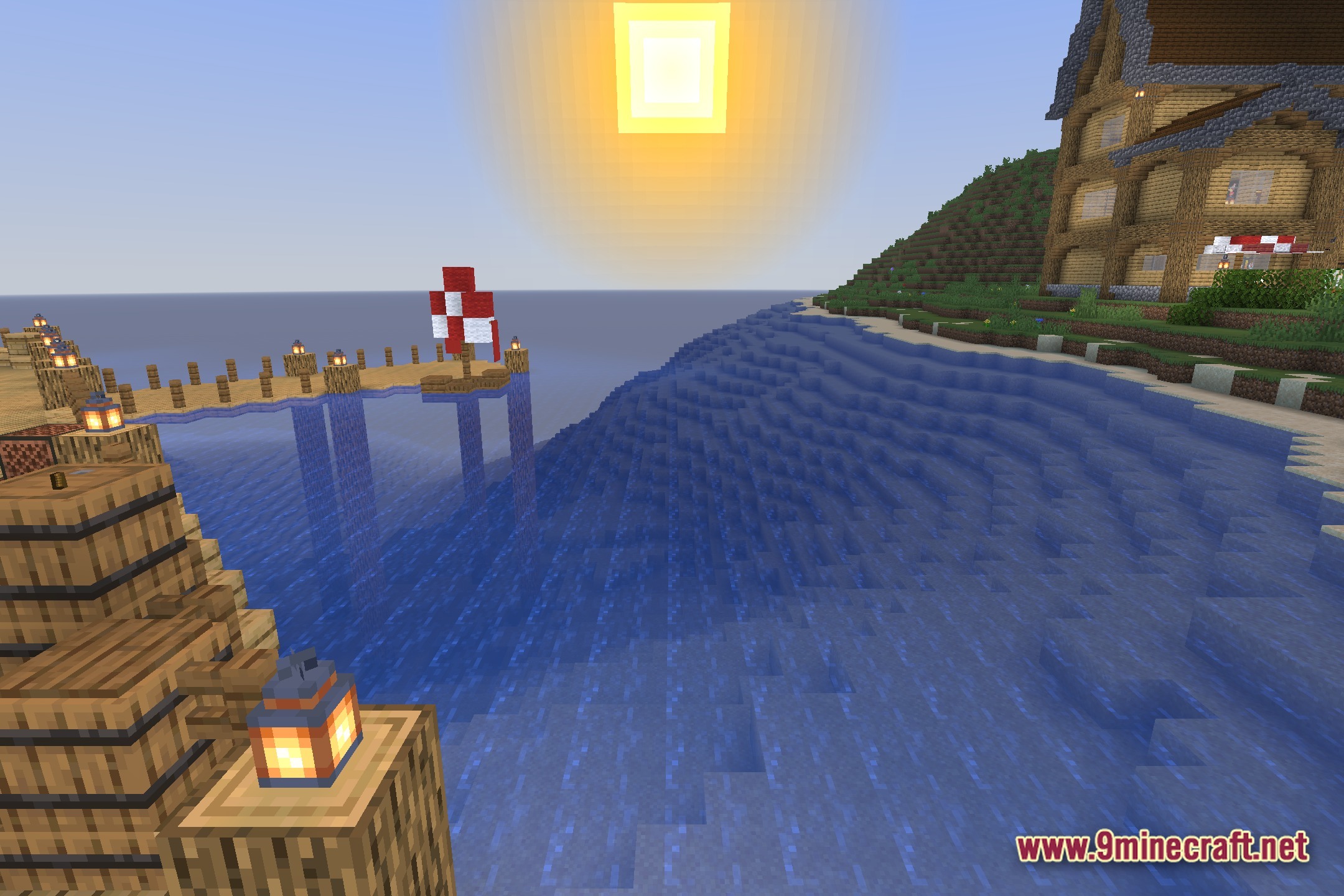
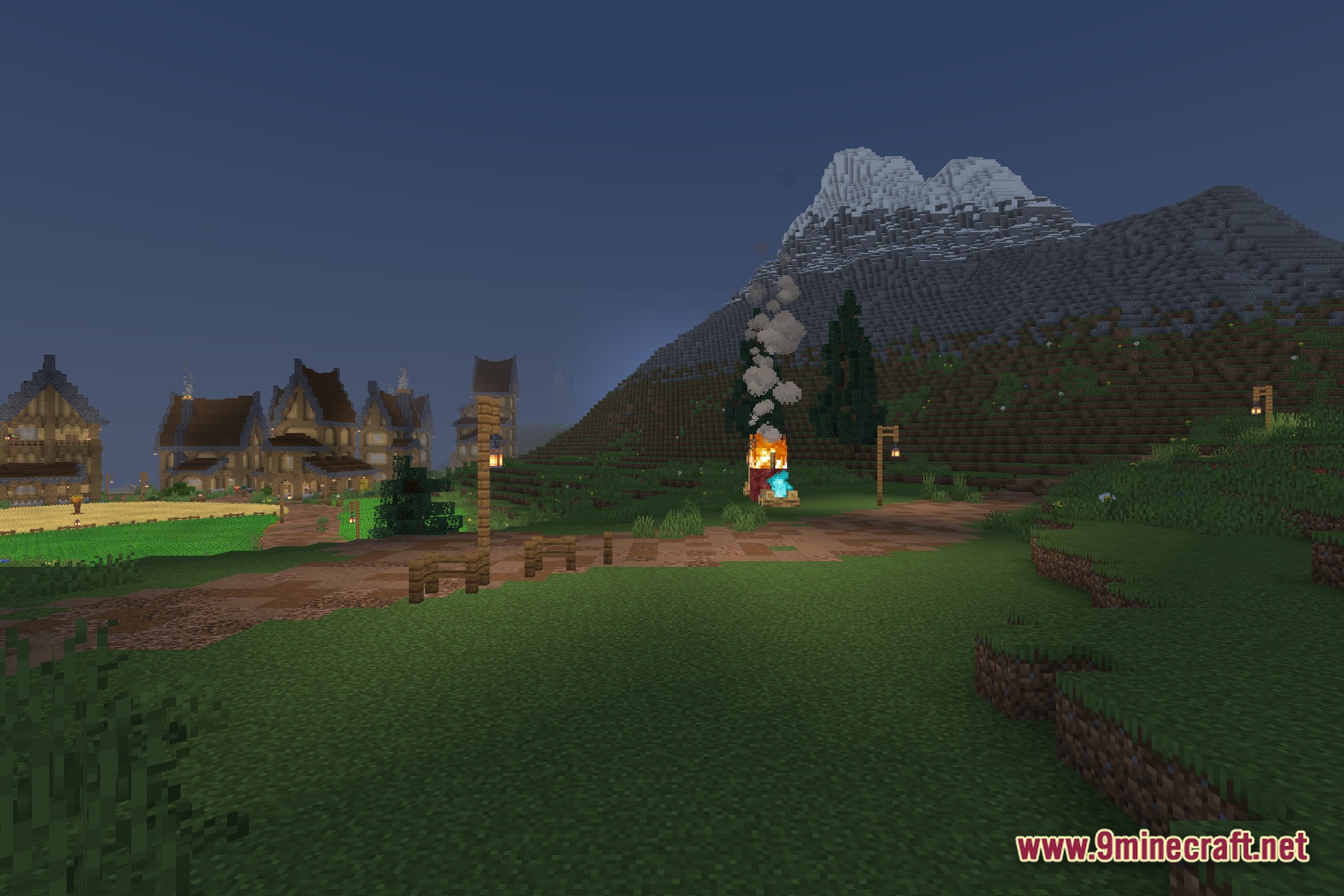
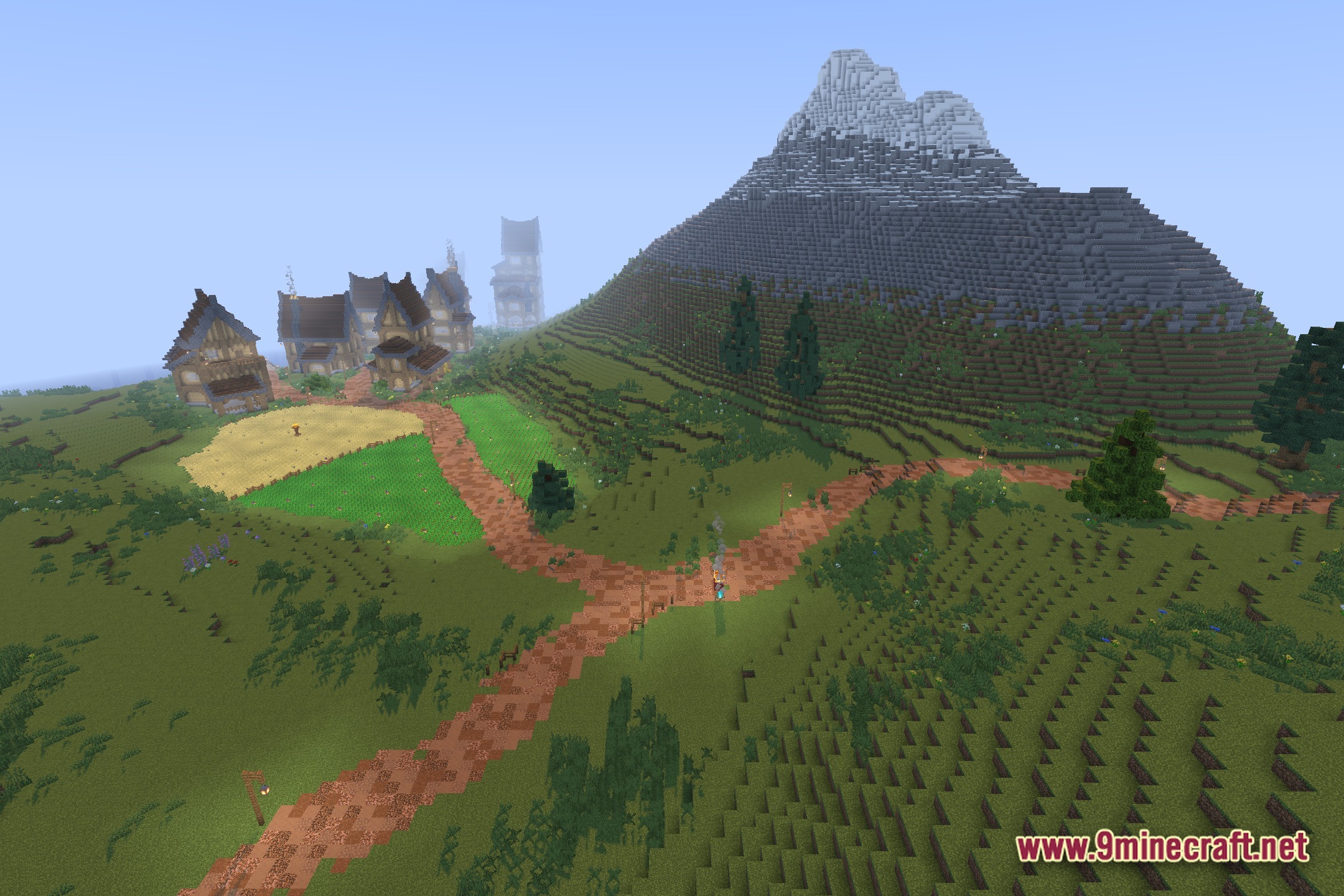
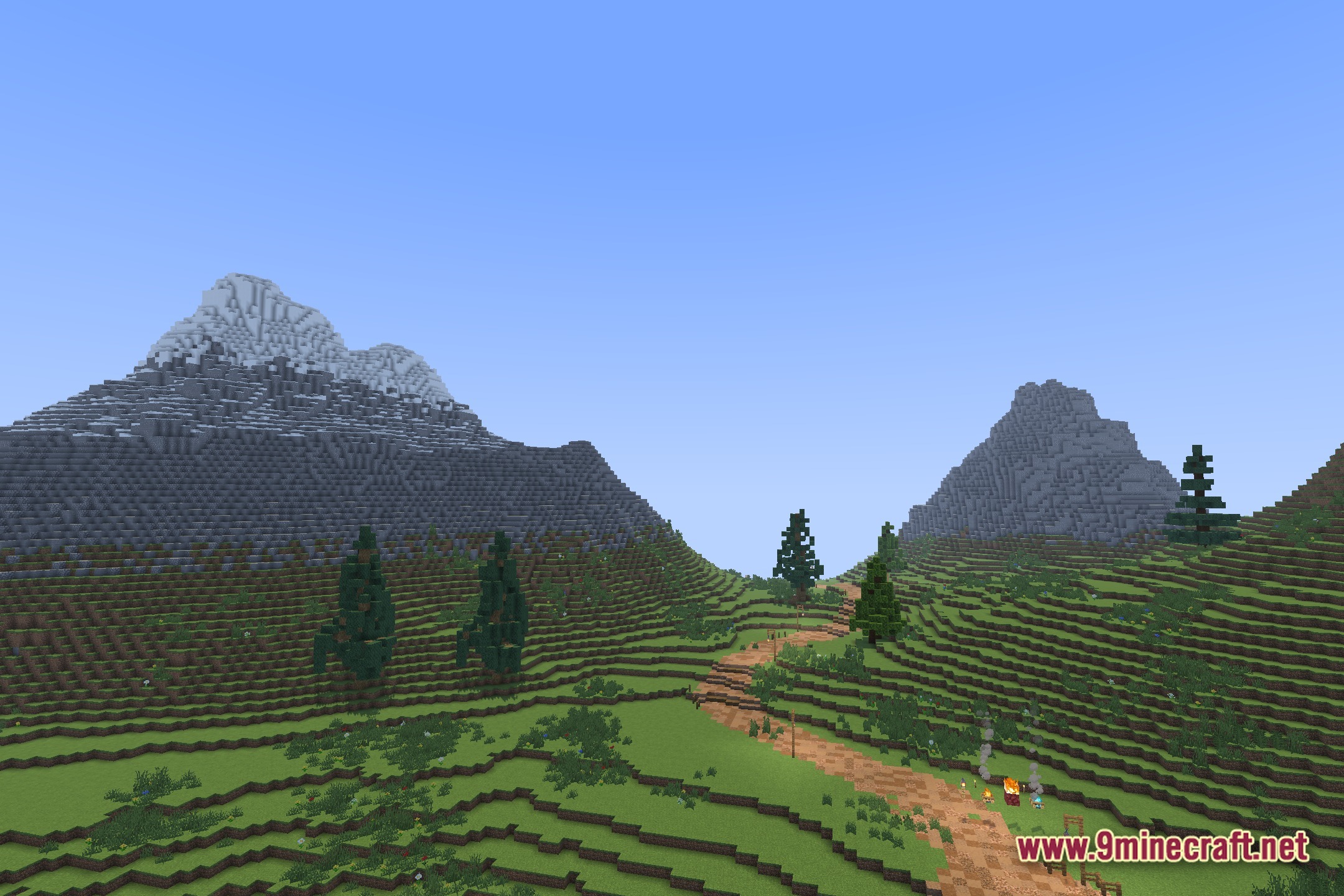
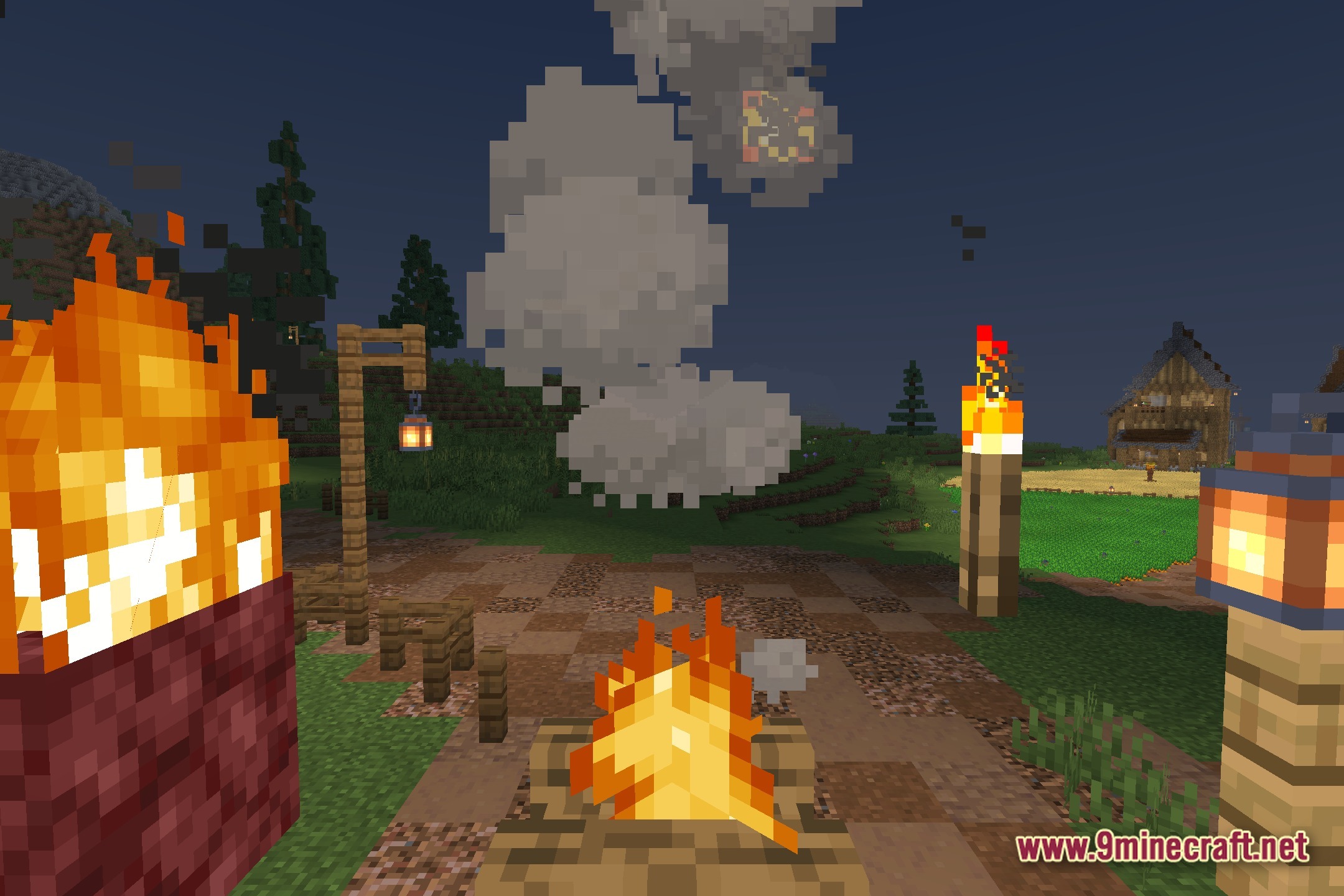
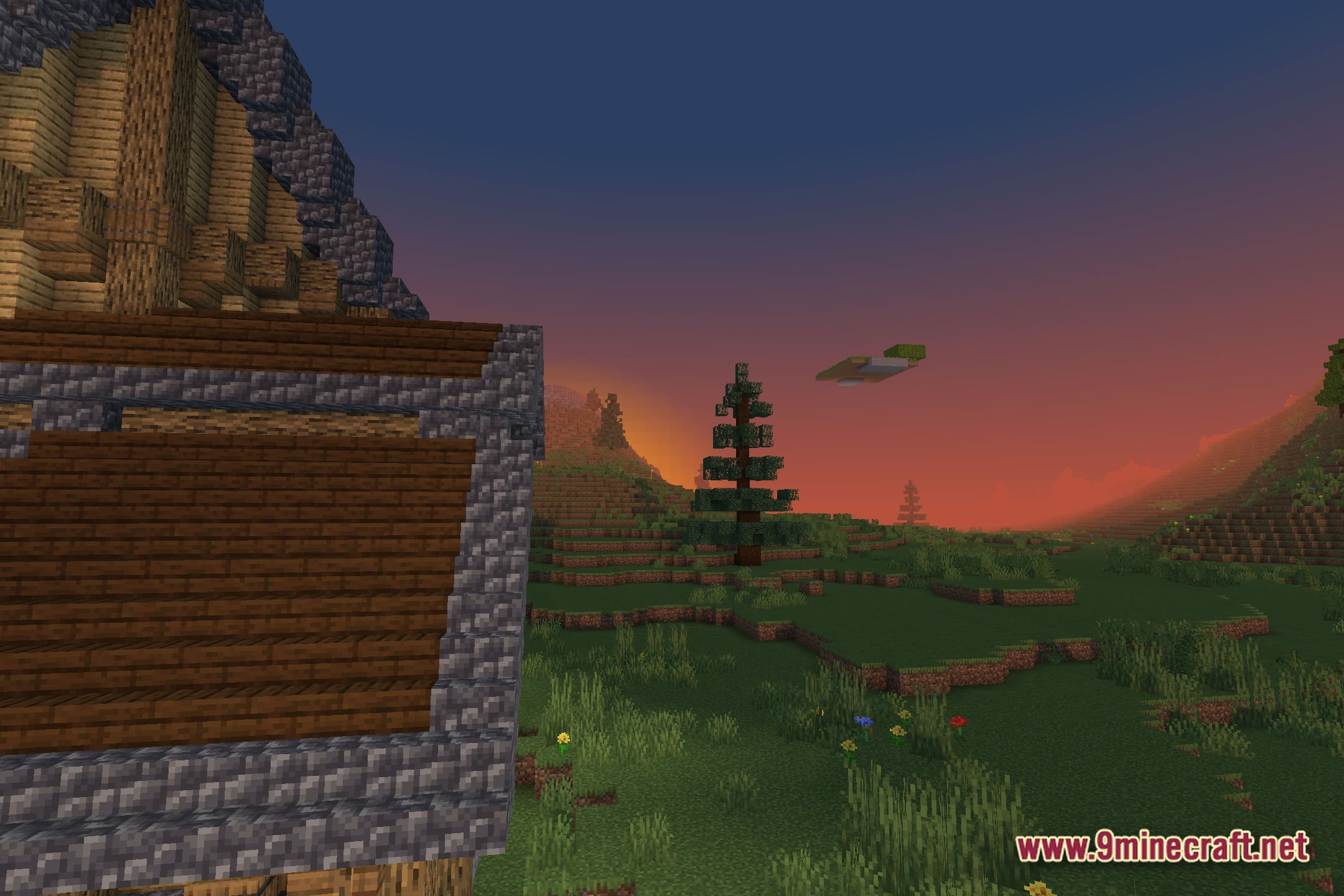
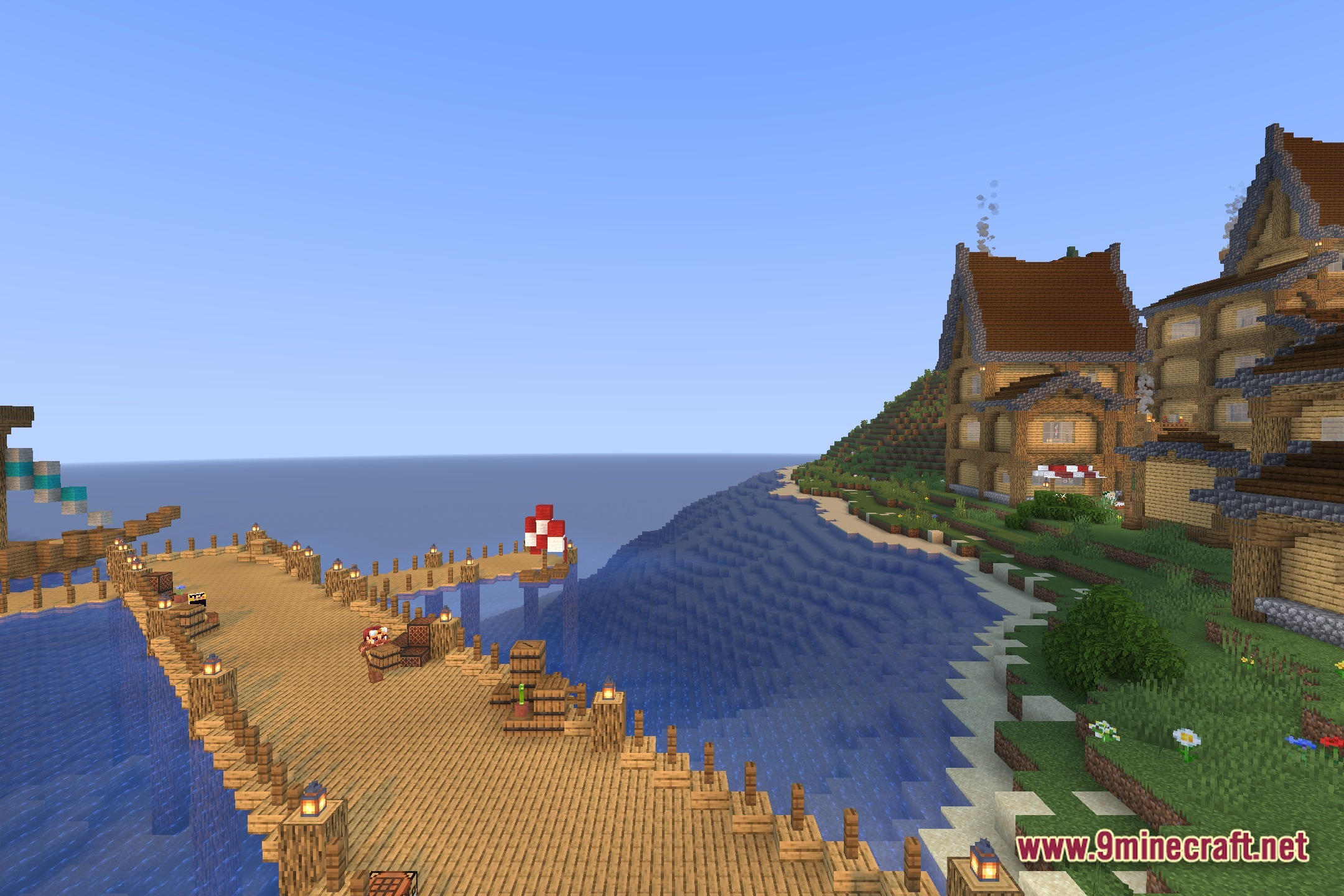
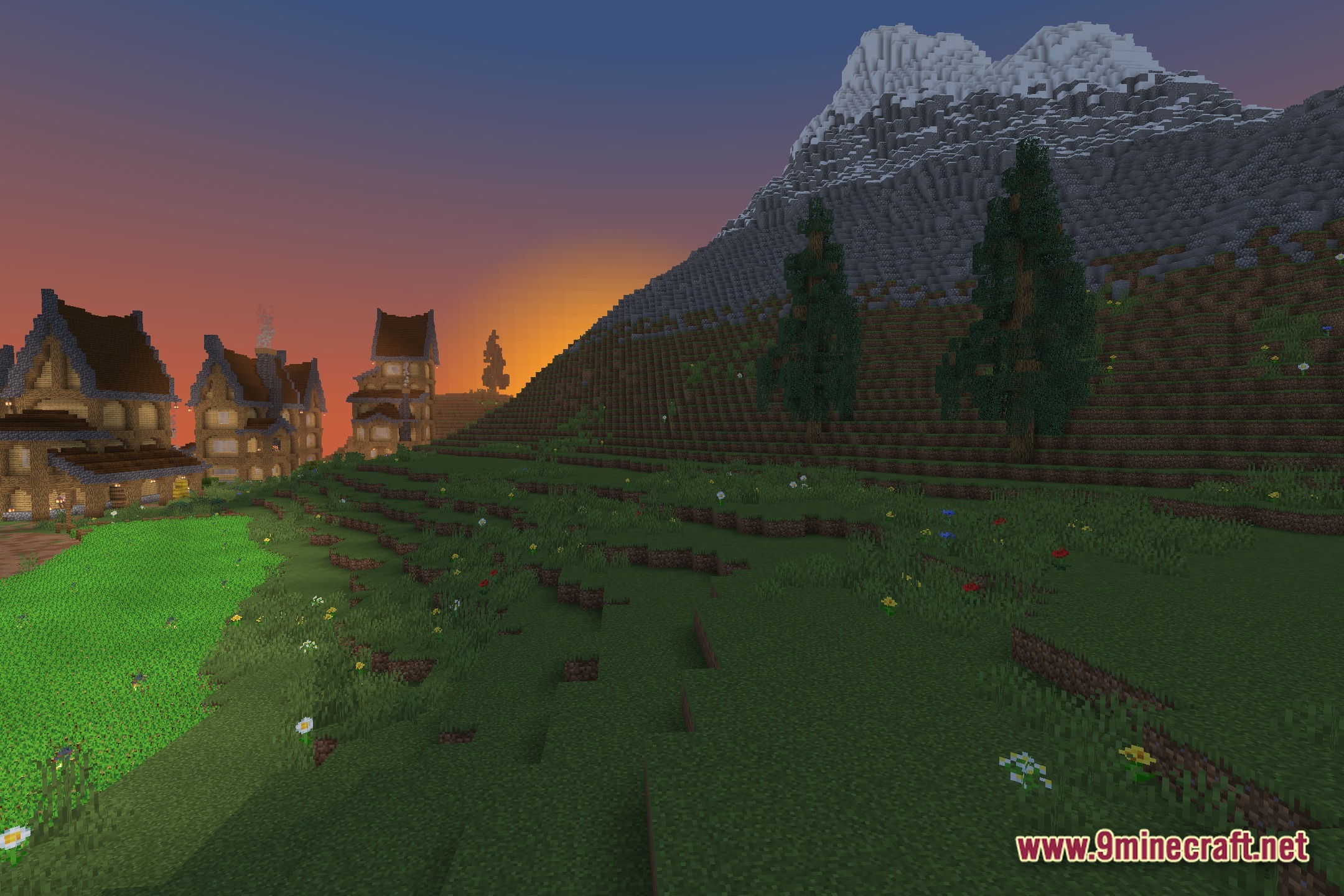
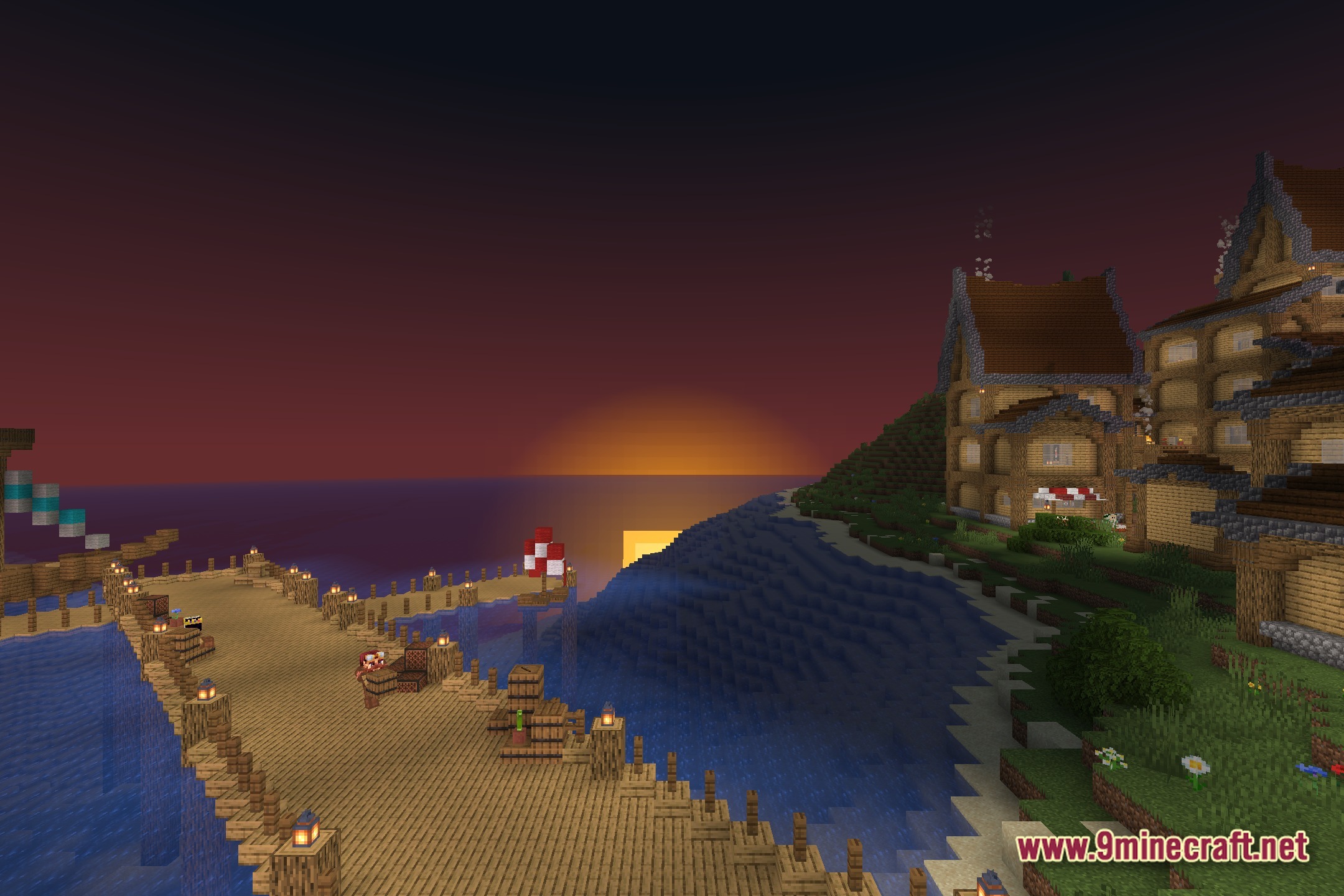
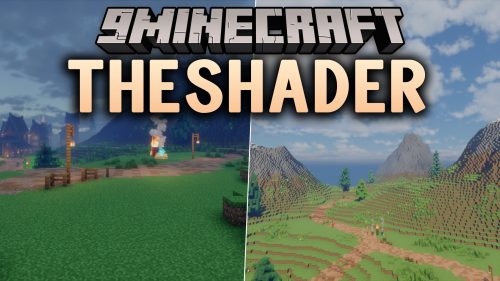
FreeVibrant transforms lighting in your game while keeping the classic look you know. It adds clean shadows and better colors without slowing down older computers. The pack runs perfectly on potato PCs, so you get a beautiful world even on low-end hardware. The colors take inspiration from popular bright styles, giving your blocks a fresh and cheerful appearance.
Features:
- Potato PC Friendly: Runs smoothly on older laptops and low-end computers.
- Vanilla Style: Keeps the familiar visual style so the game still feels like classic Minecraft.
- Adds clean, sharp shadows to blocks, mobs, and items across the world.
- Paints the environment with bright, cheerful colors.
- Lights up caves and dark areas naturally so you can still see where you walk.
If you want a fresh look without buying a new computer, FreeVibrant Shaders gives you exactly that.
🎛️ Compare 40+ Minecraft Shaders Side by Side →
Drag the slider across 16 real in-game scenes — find YOUR perfect shader.
Screenshots:

How to Install:
New to Minecraft? Follow our step-by-step guide to install Shaders on your PC.View Guide
FreeVibrant Shaders Download Links
Click to rate this post!
[Total: 0 Average: 0]
You May Also Like


This post has no comments yet. Be the first — your comment will appear here.