


For Advanced Rocketry Shaders (26.2, 1.20.1) – Auto-Disables in Space Dimensions
 6
6
 0
0

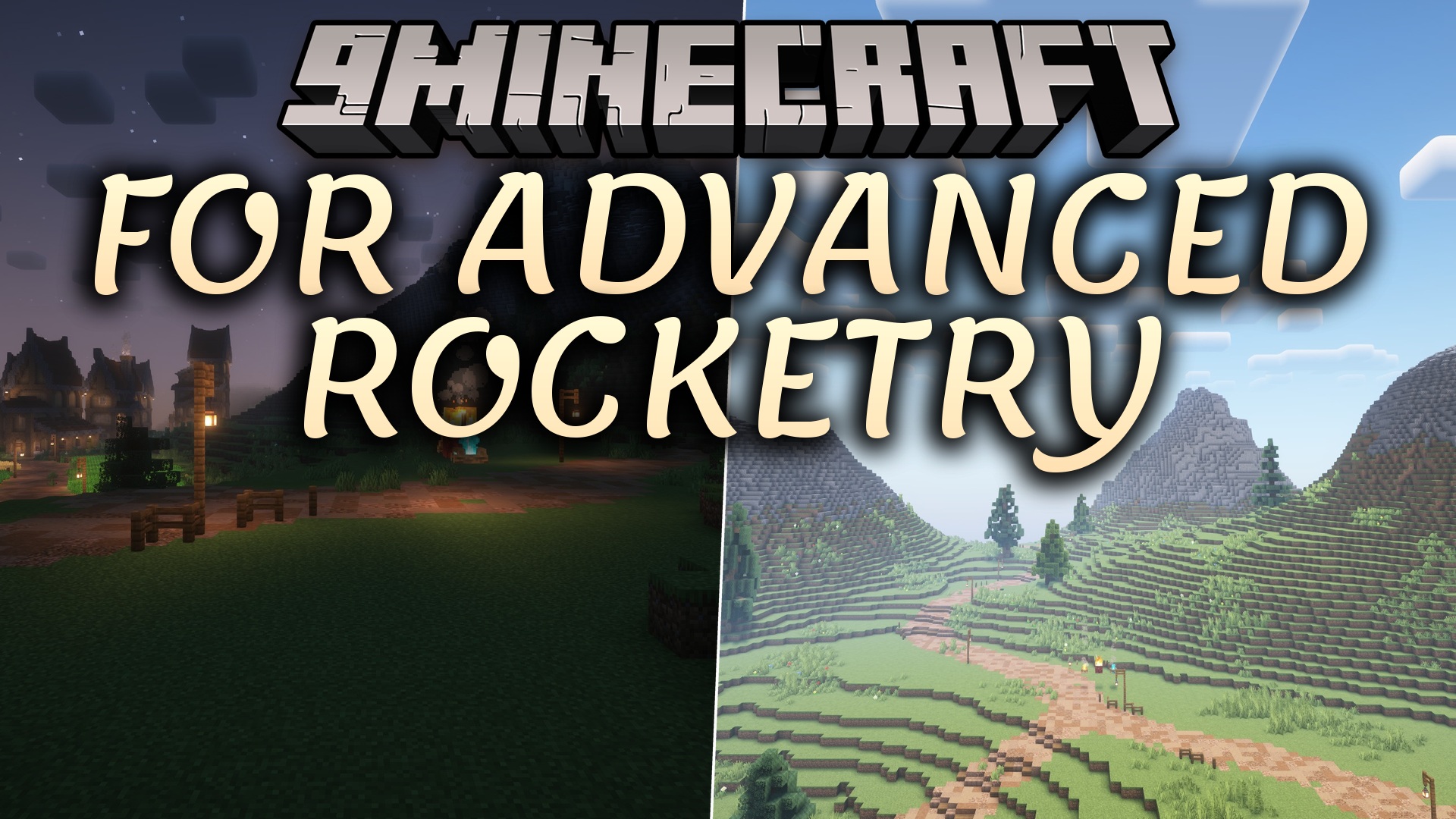
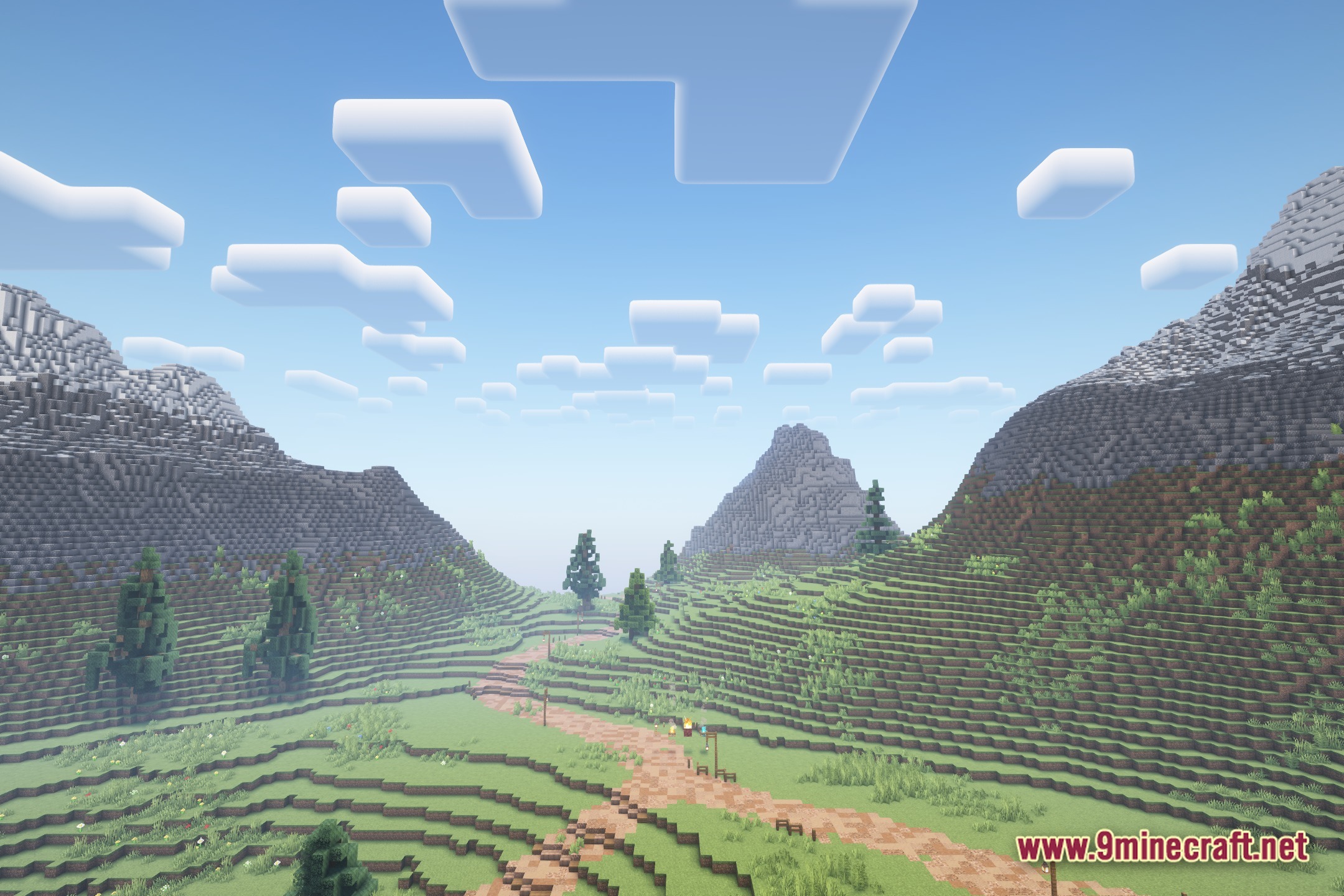
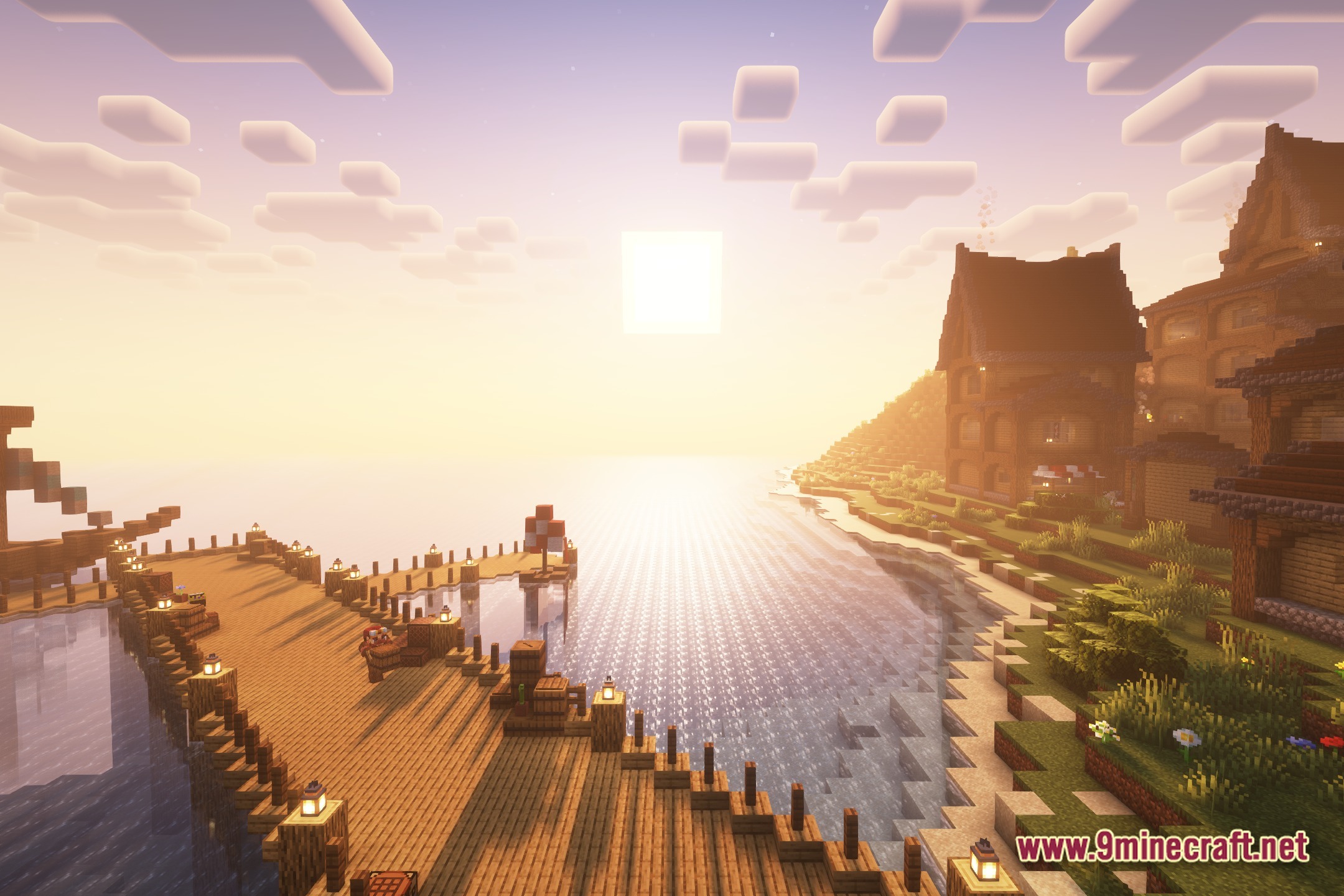
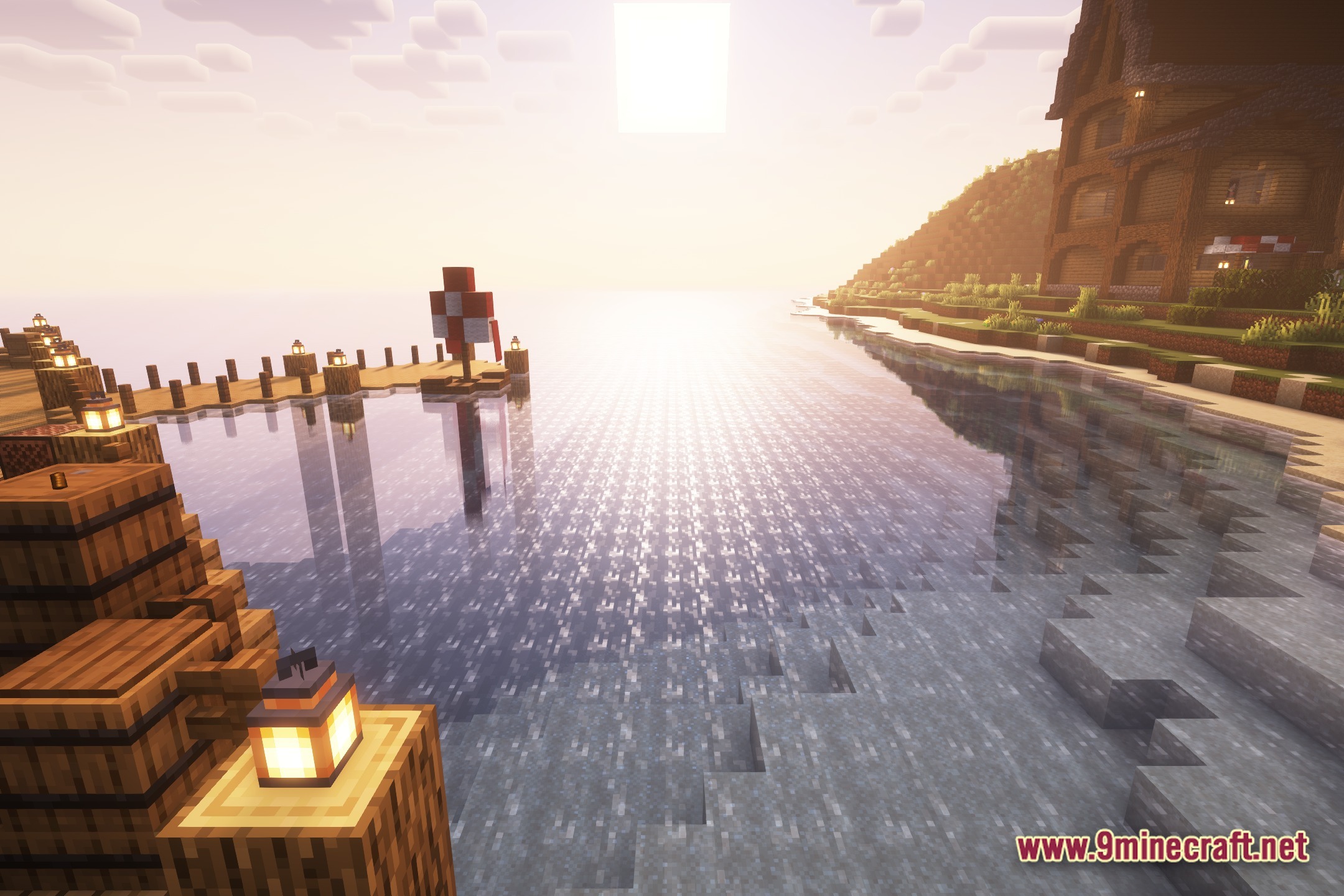
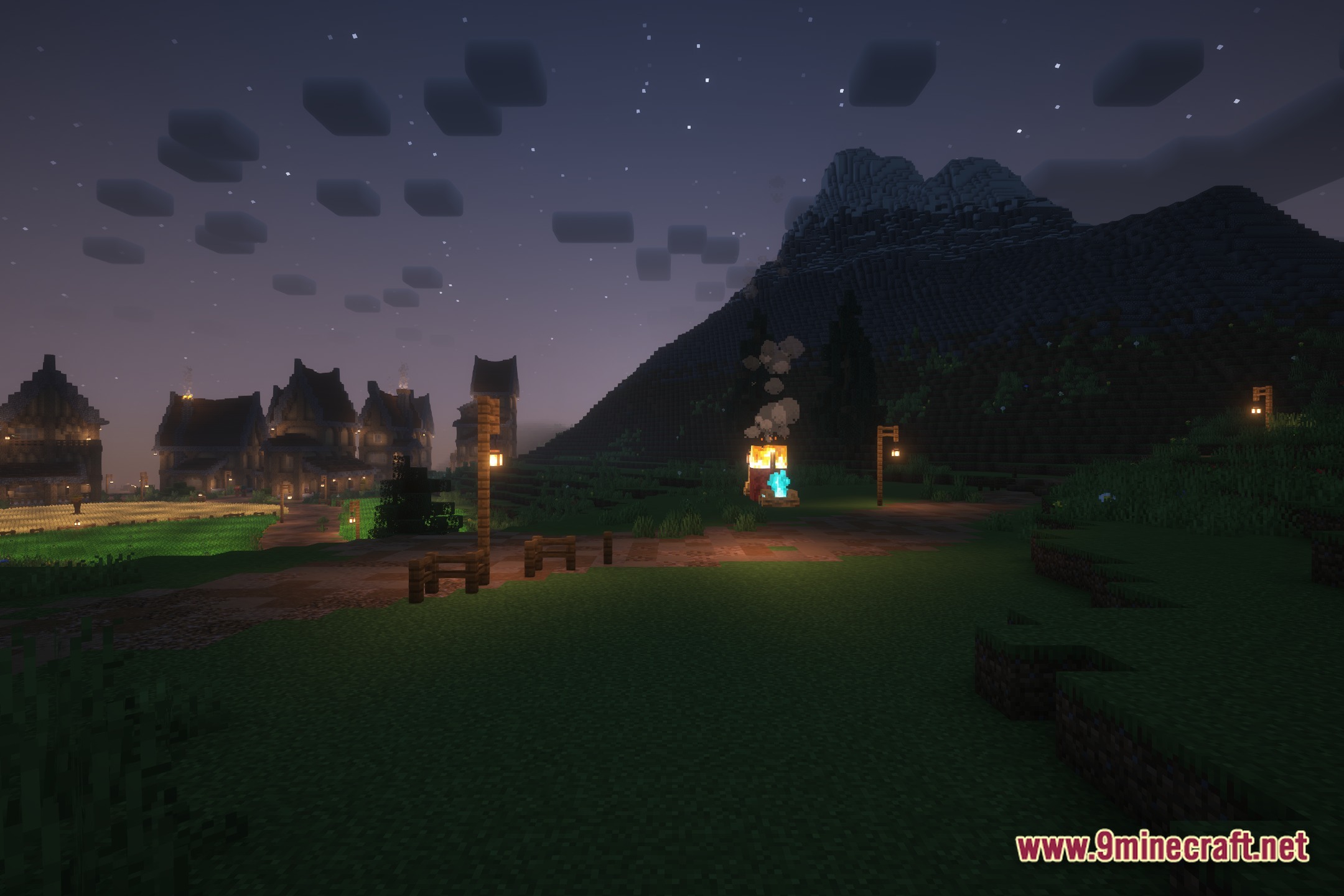
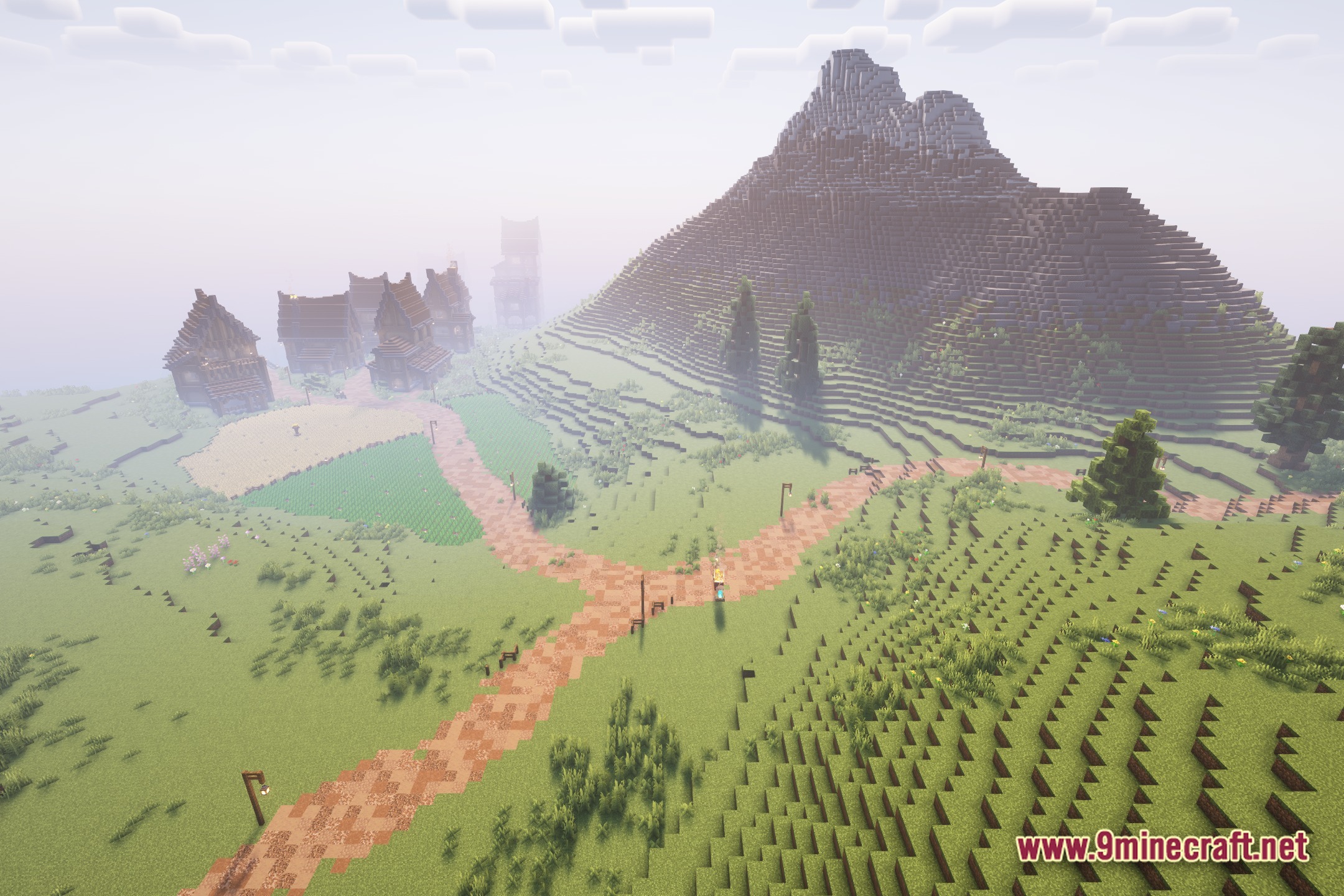
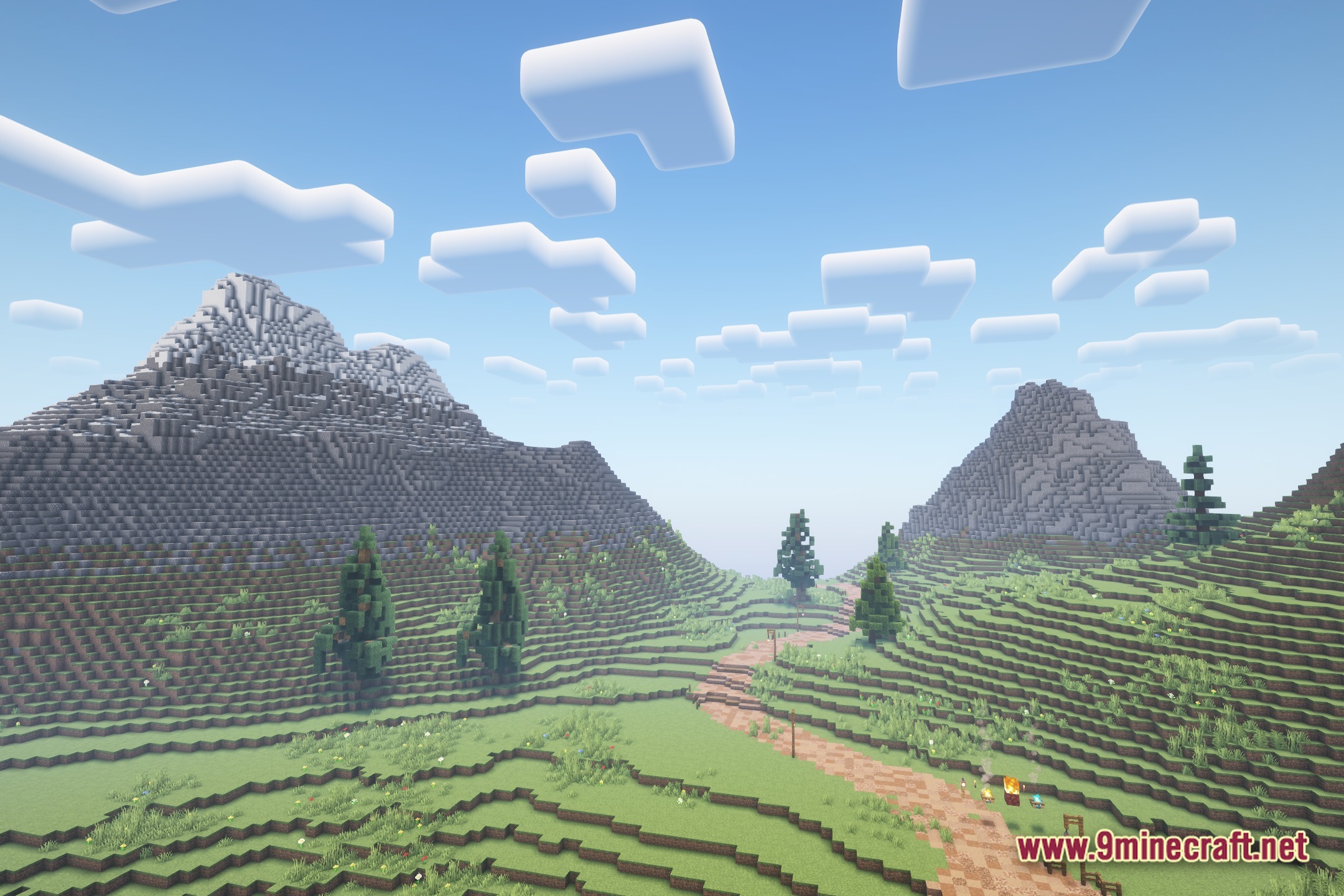
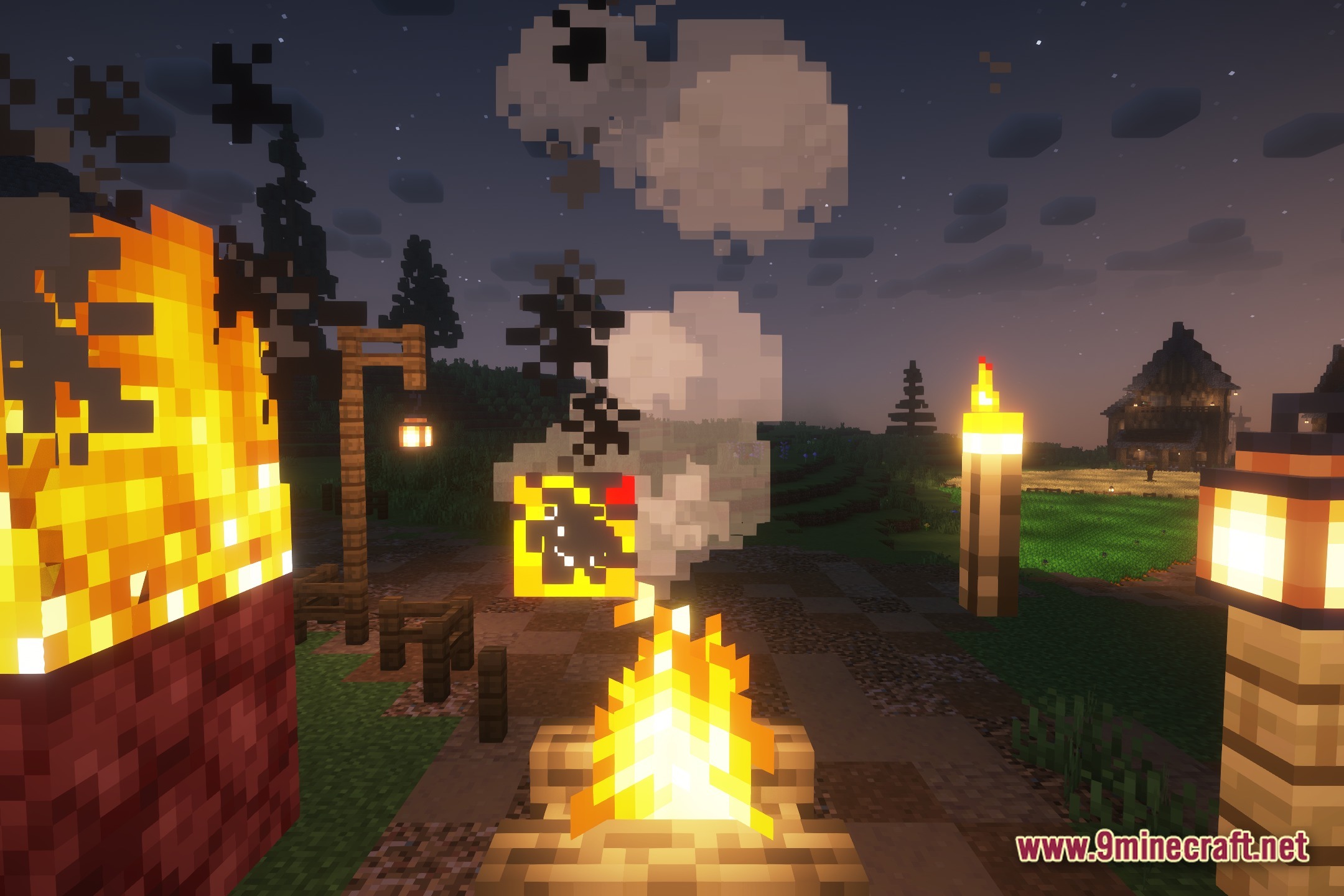
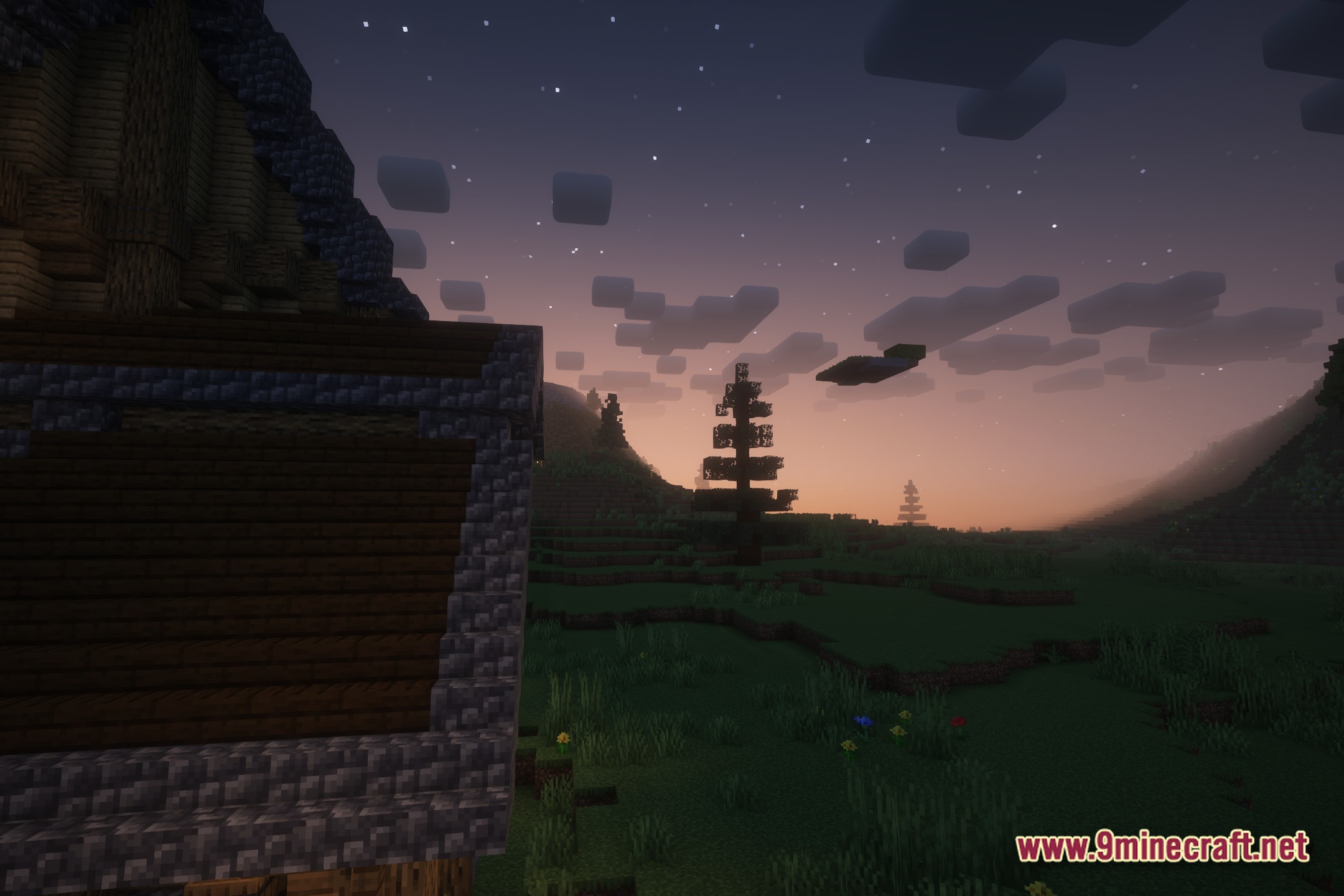
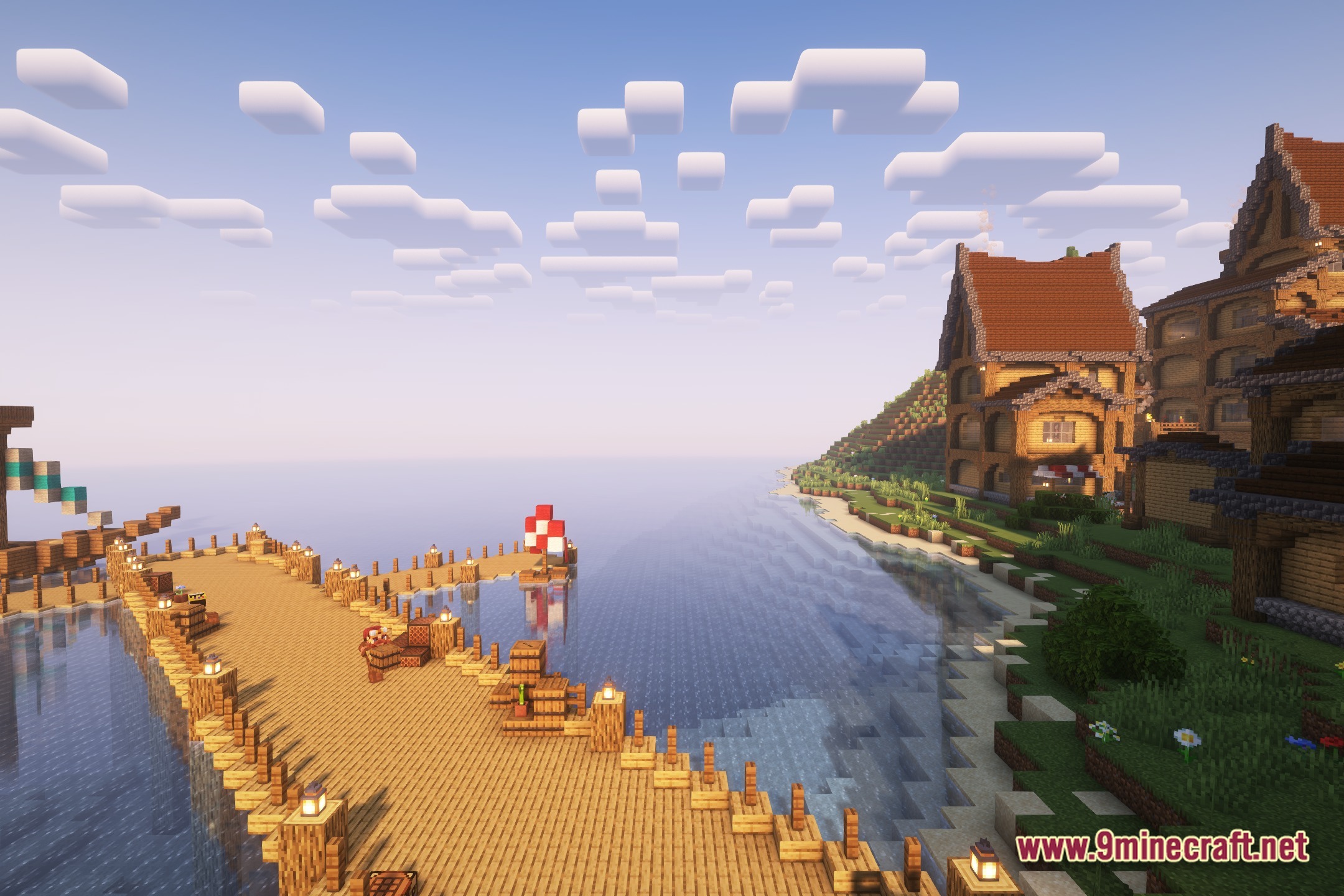
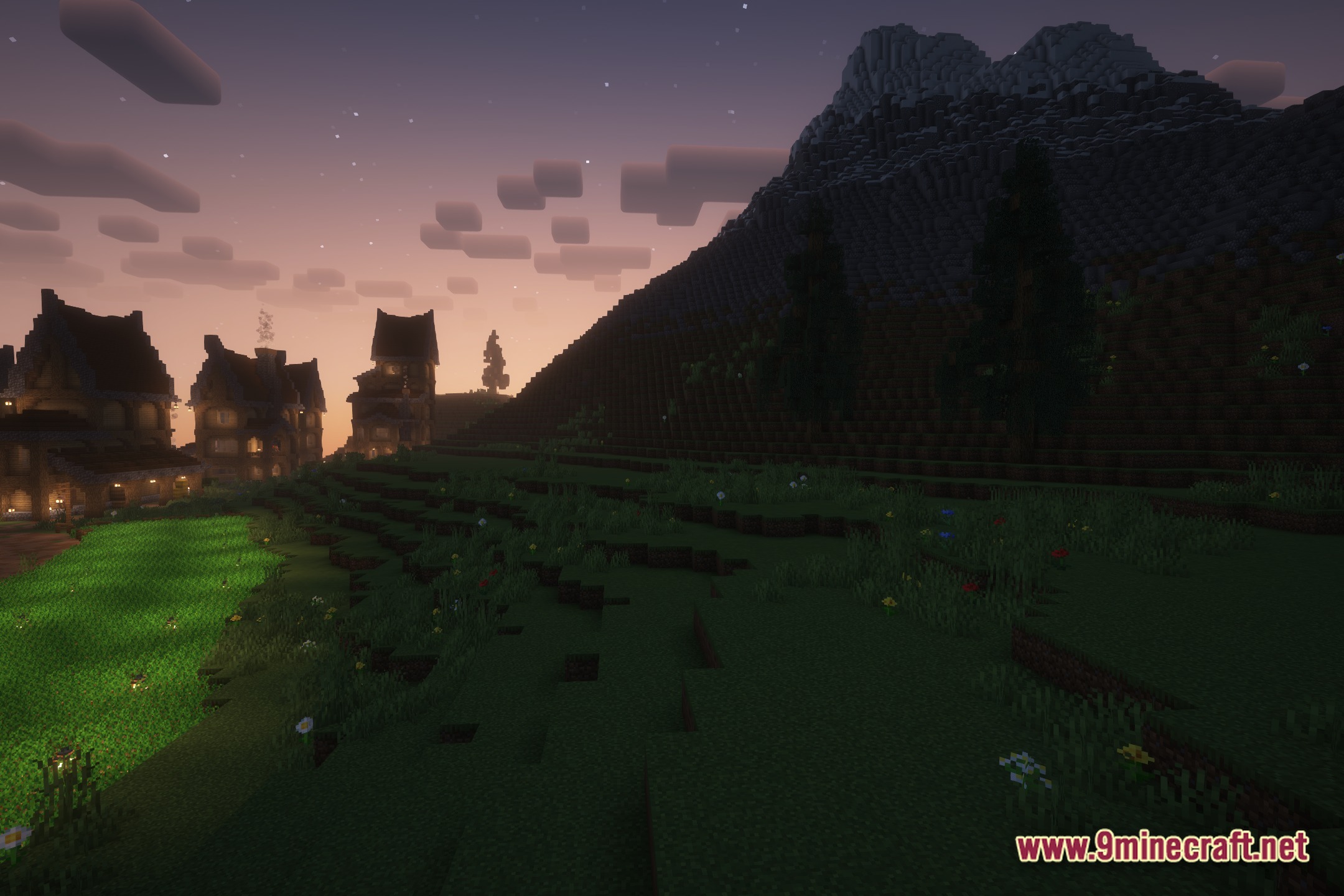
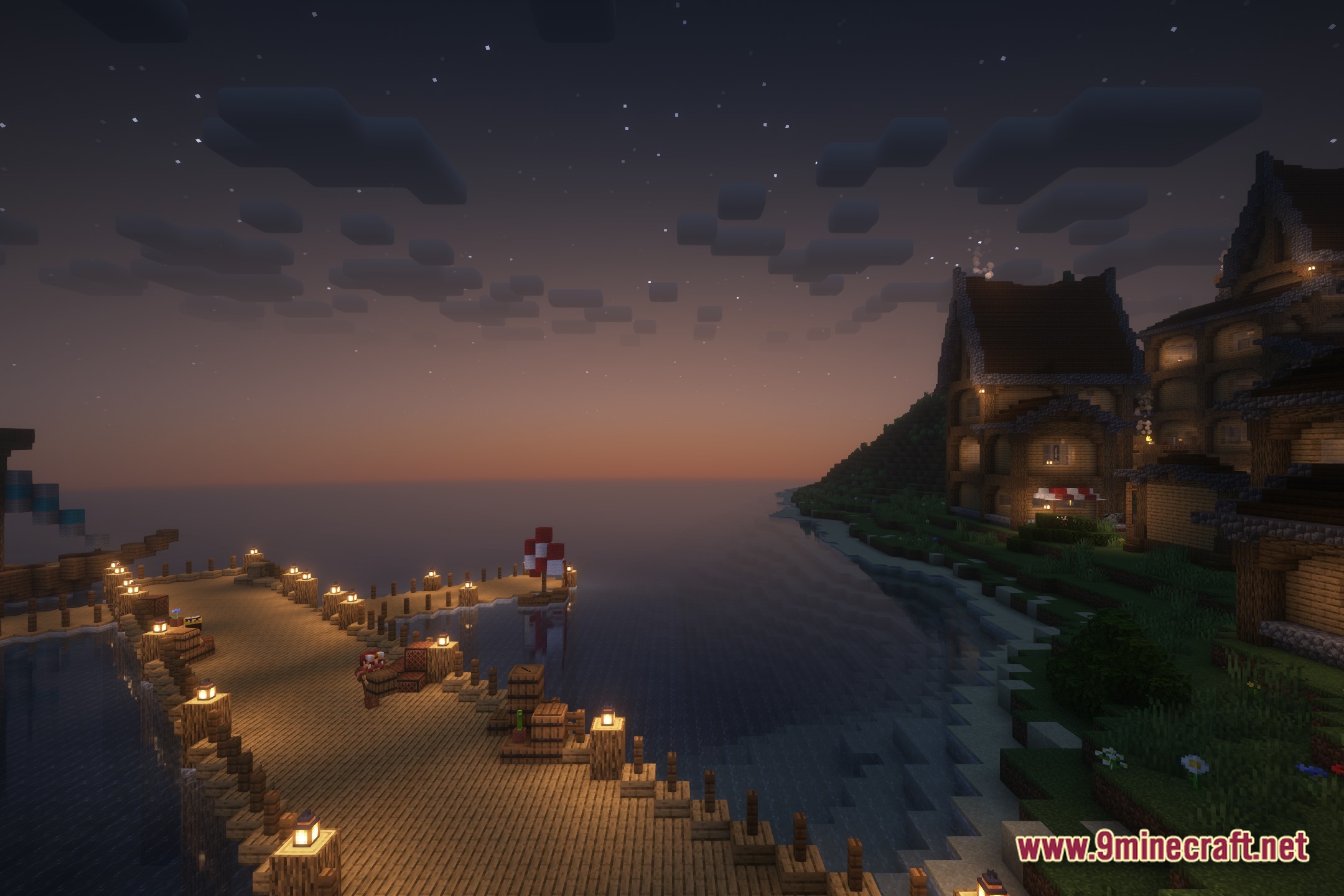
For Advanced Rocketry Shaders brings a realistic look to your game based on the popular Complementary Shaders. It changes how light works in your world but adds a special rule for space travel. When you fly into space dimensions, this shader turns itself off so you can see the stars and planets normally.
Features:
- Gives your normal Minecraft world a clean and realistic lighting upgrade.
- Turns off automatically the moment you enter any space dimension.
- Keeps the sky clear in space so you can build your rockets without lighting glitches.
- Fixes visual problems when you play with space exploration mods.
Screenshots:

How to Install:
New to Minecraft? Follow our step-by-step guide to install Shaders on your PC.View Guide
For Advanced Rocketry Shaders Download Links
Click to rate this post!
[Total: 0 Average: 0]
You May Also Like









This post has no comments yet. Be the first — your comment will appear here.