


Paintings ++ 9minecraft Mod (26.2) – Pick the Exact Painting You Want

 0
0 

🌐 Good news — we've translated this article into other languages!
Or pick the one you like:
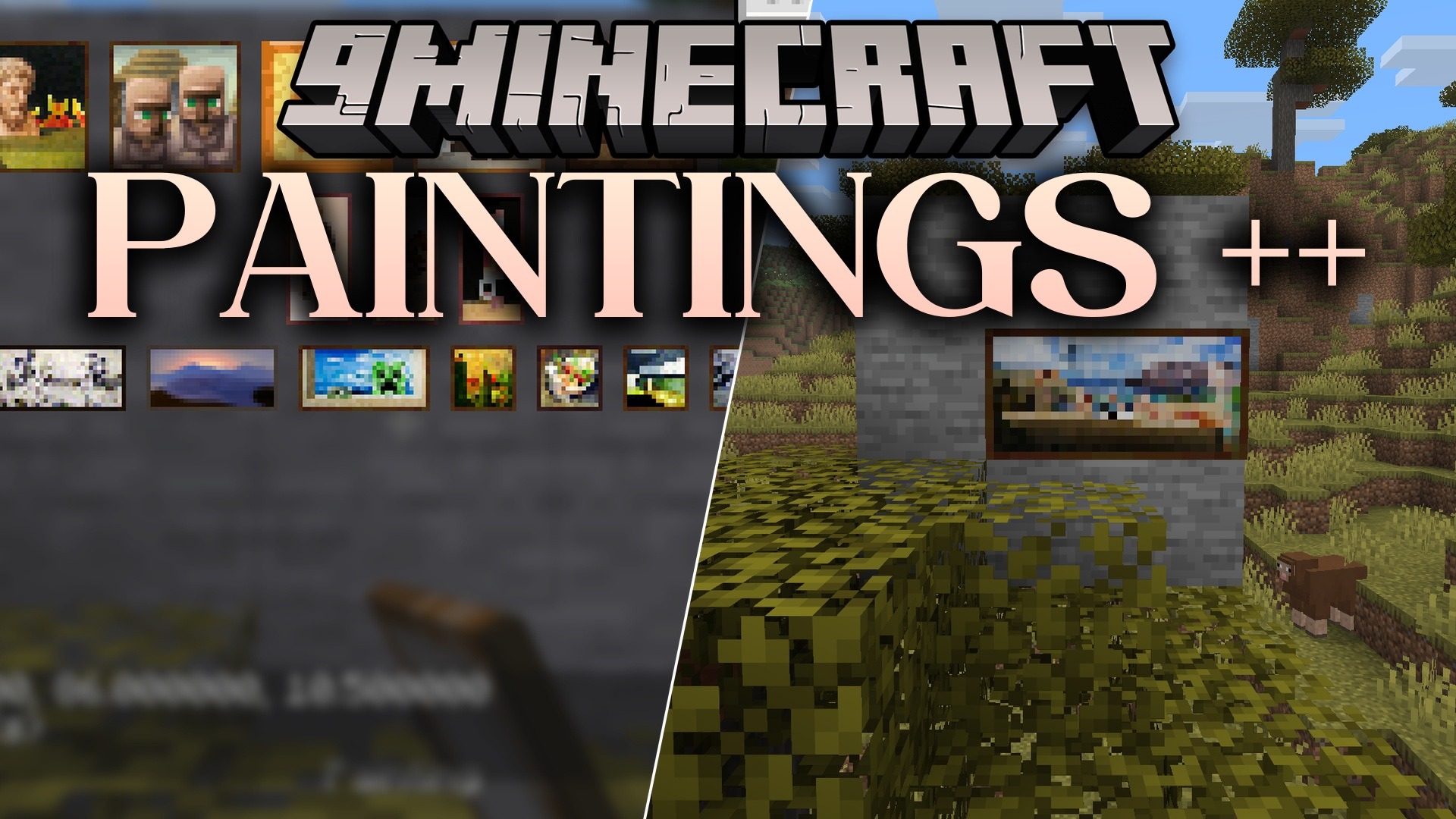
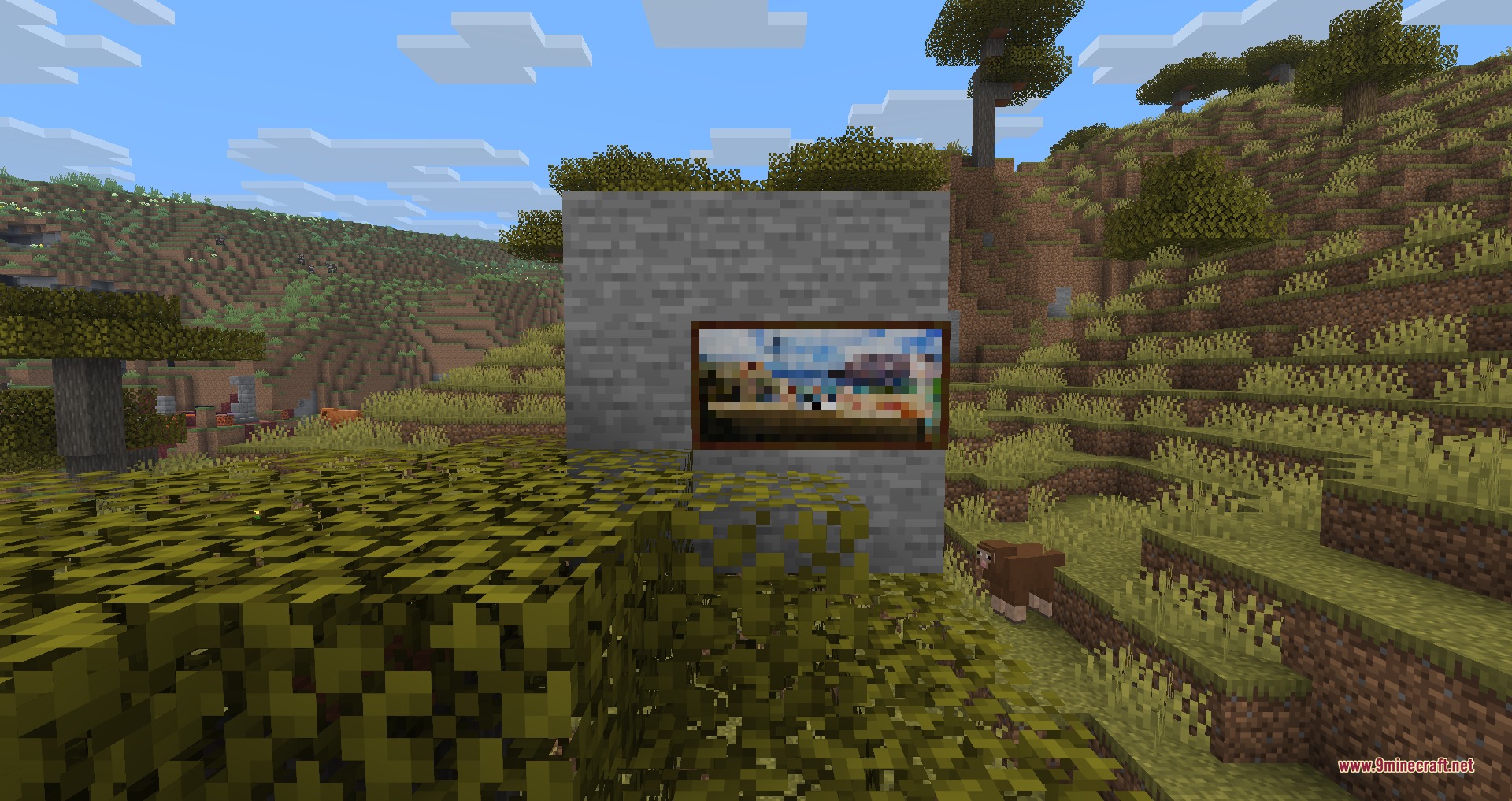
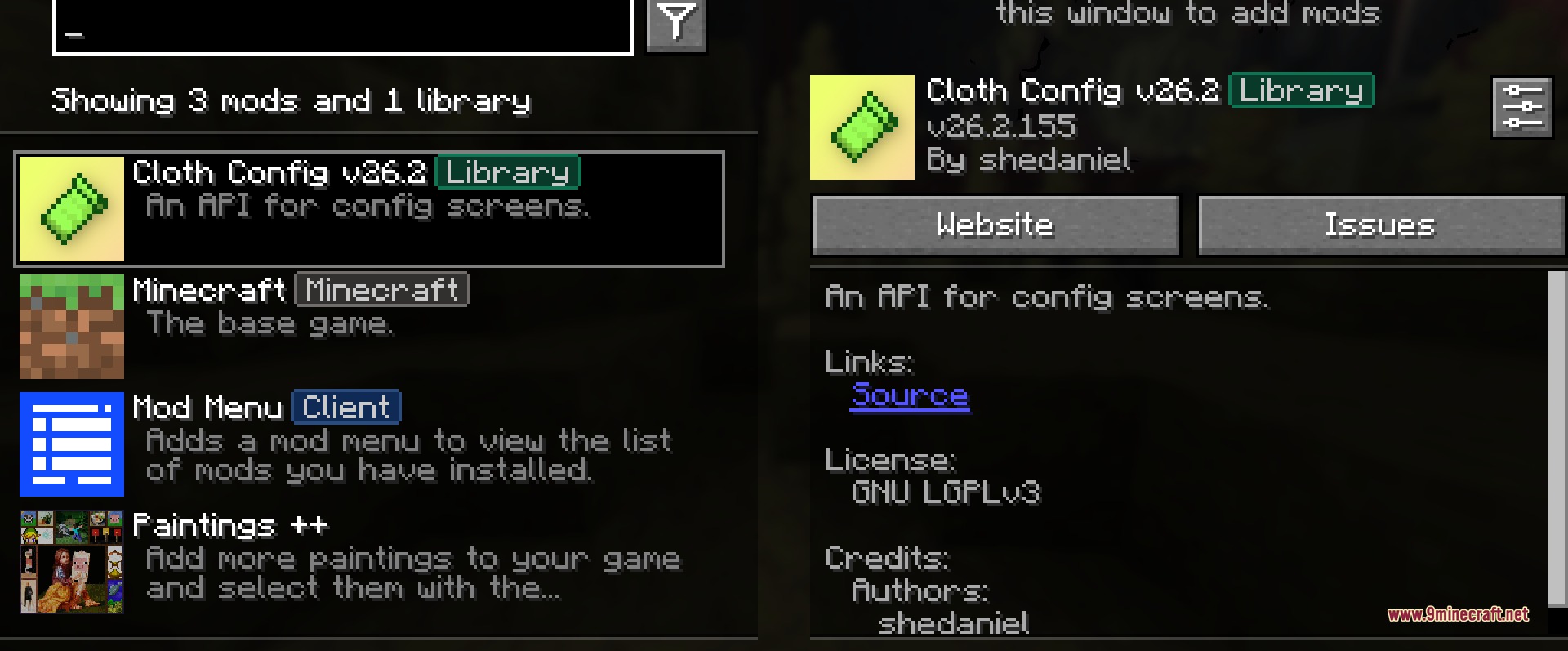
Paintings ++ 9minecraft Mod gives you full control over which artwork goes on your walls. Instead of breaking and placing a painting over and over until you get the right picture, this mod opens a simple menu where you can pick exactly what you want. It is perfect for decorating houses, building museums, or setting up a custom art gallery.
Features:
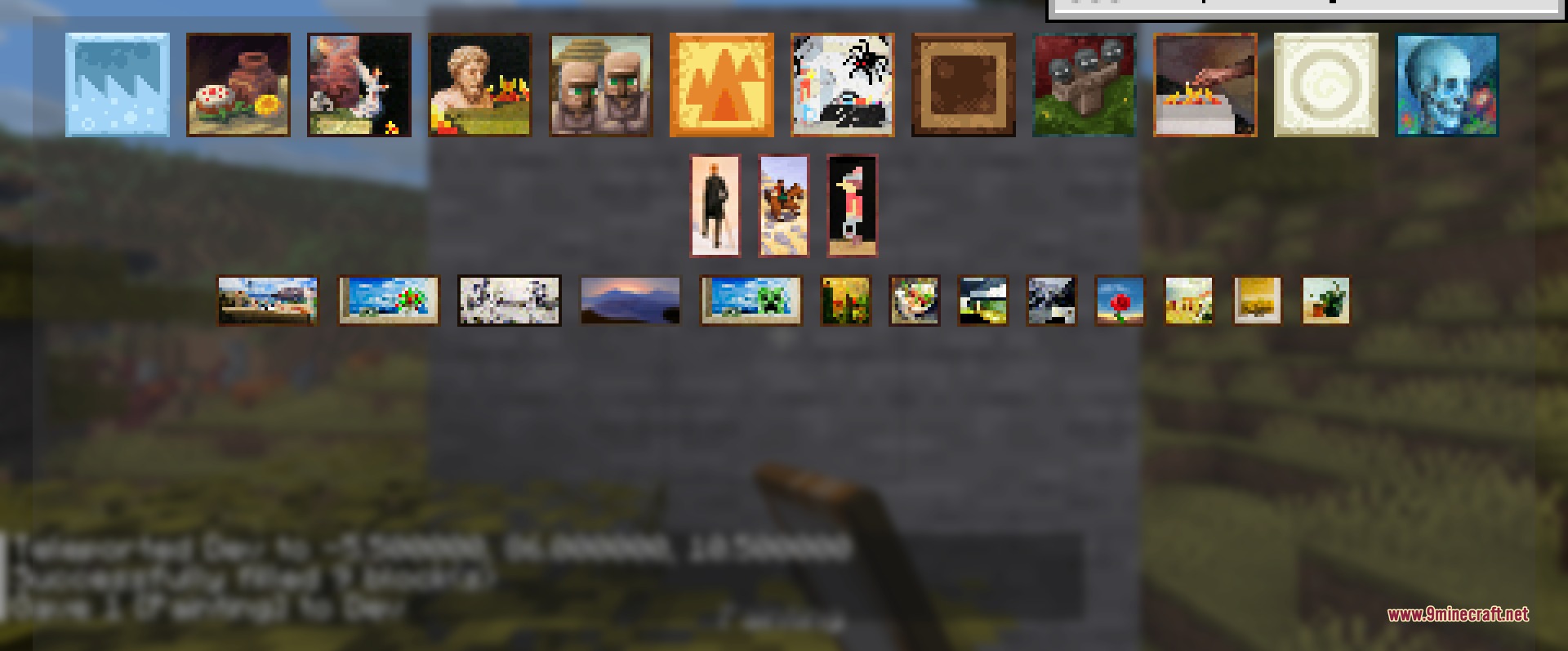
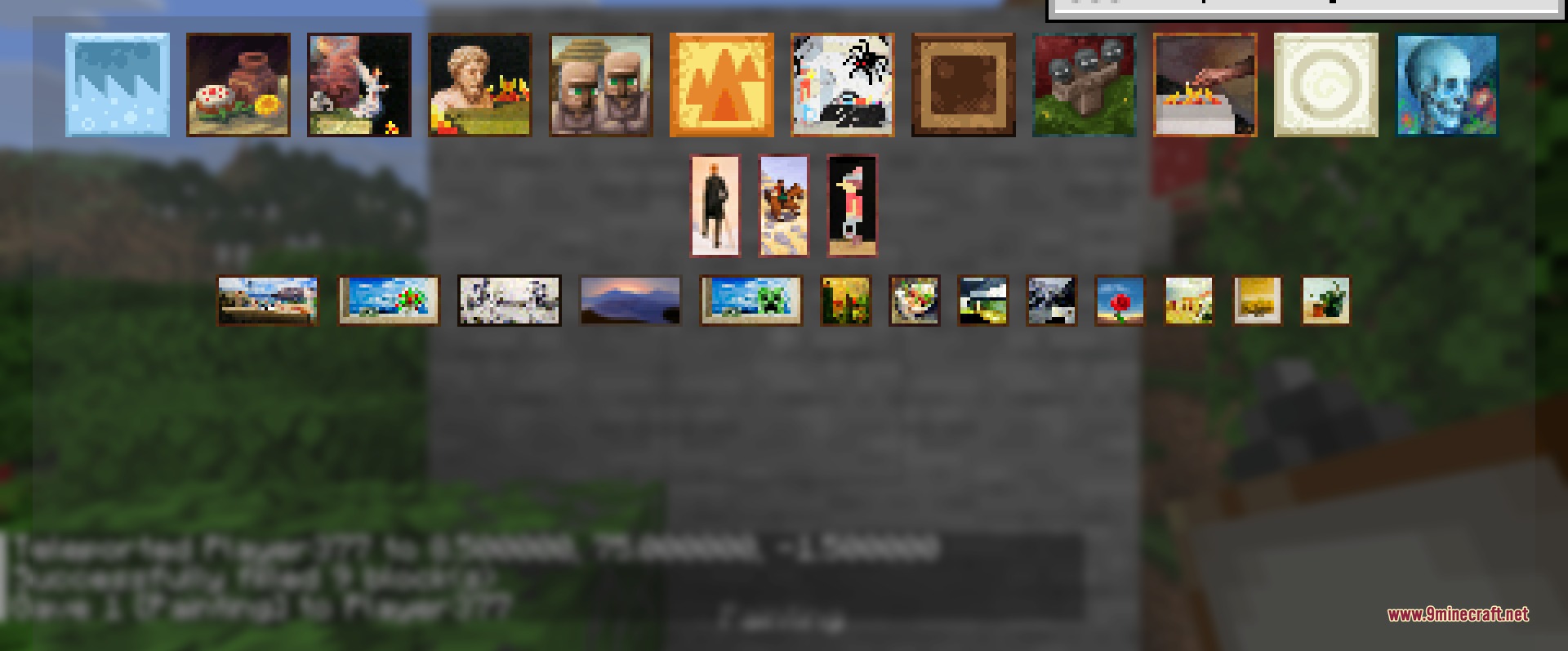
- Painting Menu: Opens a special screen when you place a painting so you can pick the exact picture you want.
- Size Sorting: Groups all artworks by their size and shows their dimensions so you know what fits your wall space.
- Lets you cycle through different artworks by right-clicking with a painting item in your hand.
- Reads custom resource packs and adds any new pictures directly to the selection menu.
- Includes a settings menu where you can turn off the selection screen, hide sizes, or stick to just vanilla artworks.
How to Use:
- Hold a painting item in your hand.
- Place the painting on a wall to open the selection screen.
- Click on the thumbnail of the picture you want to place it instantly.
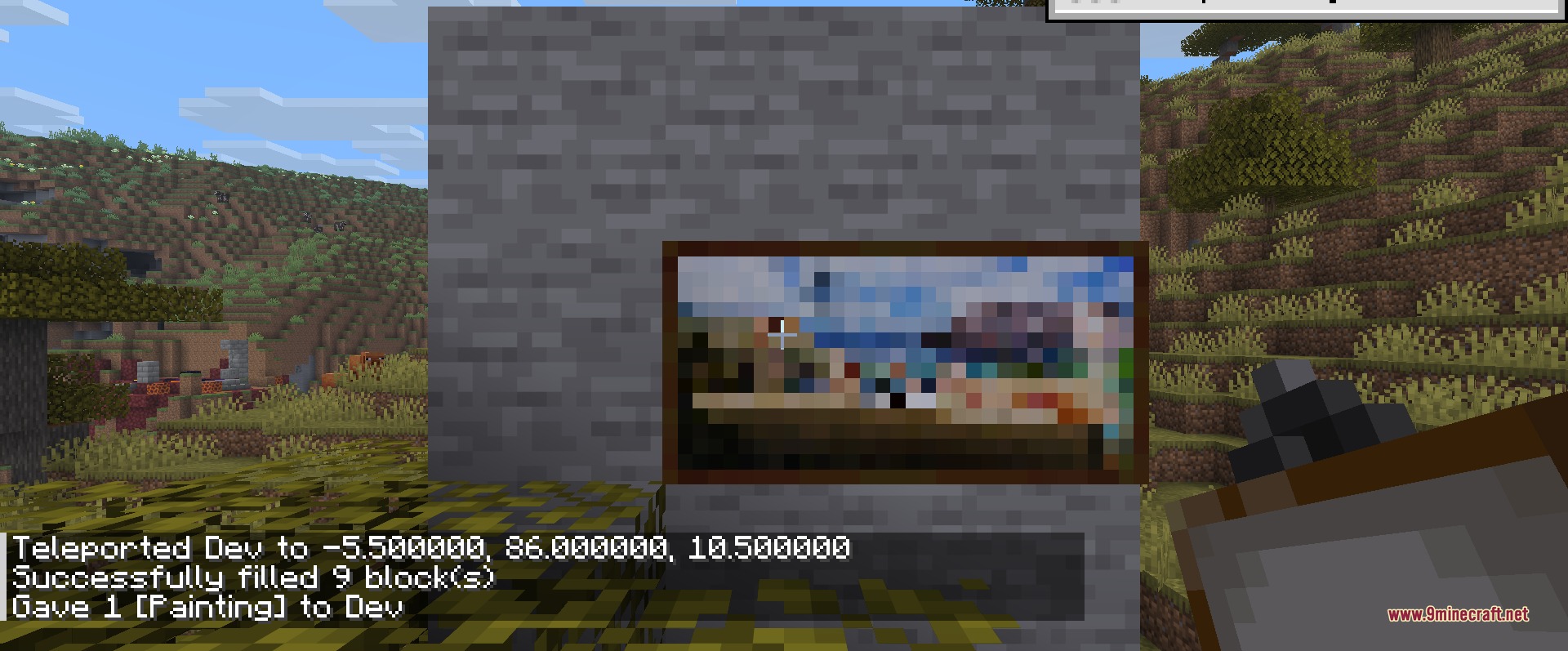
- Right-click on a wall with a painting item to cycle through options without opening the menu.
Screenshots:
How to Install:
New to Minecraft? Follow our step-by-step guide to install Mods on your PC.View Guide



Paintings ++ 9minecraft Mod Download Links
For Minecraft 26.2
Click to rate this post!
[Total: 0 Average: 0]
You May Also Like



This post has no comments yet. Be the first — your comment will appear here.