


Color Palette Switcher Shaders (26.2, 1.20.1) – Custom World Color Themes
 1
1
 0
0

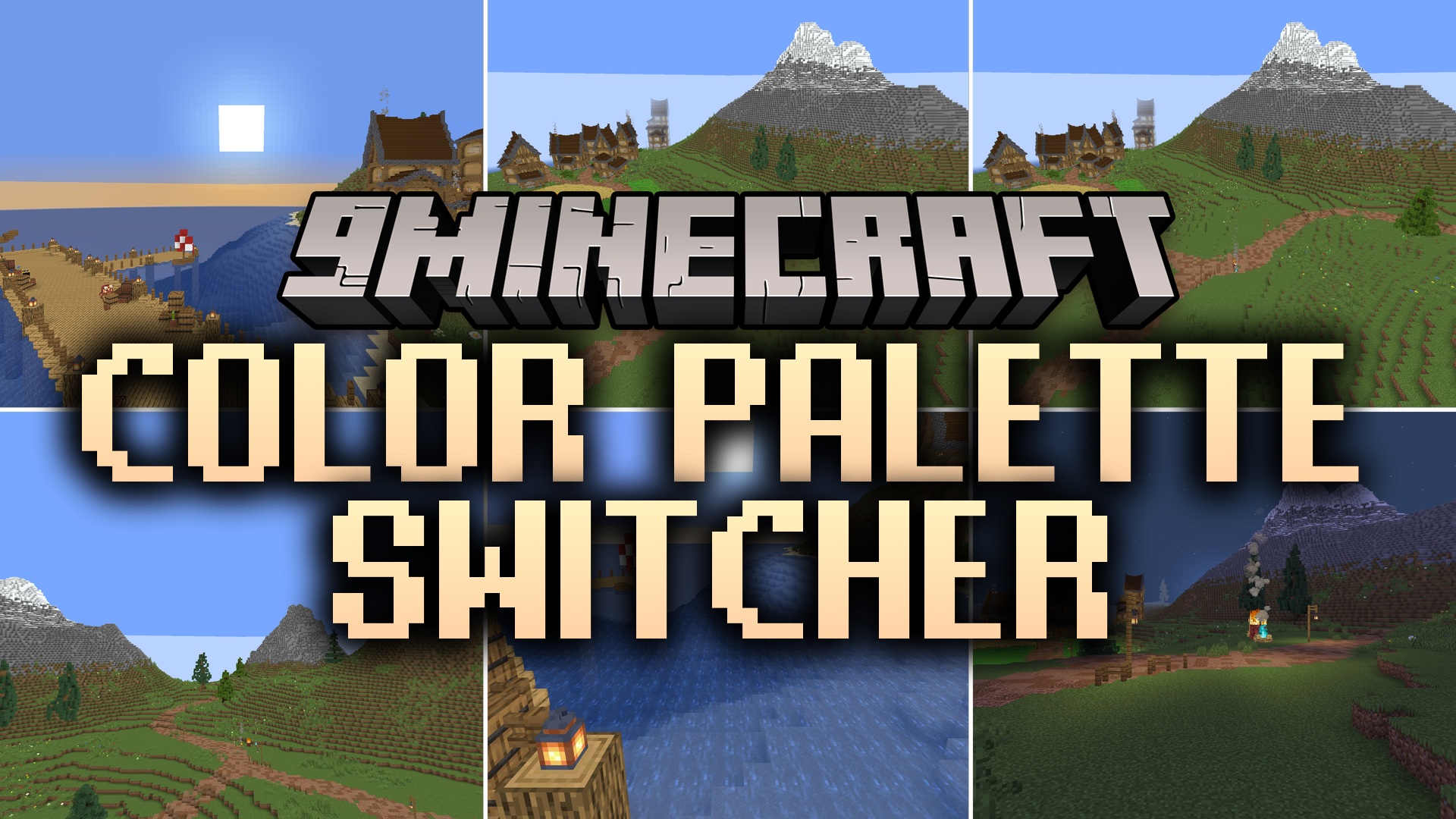
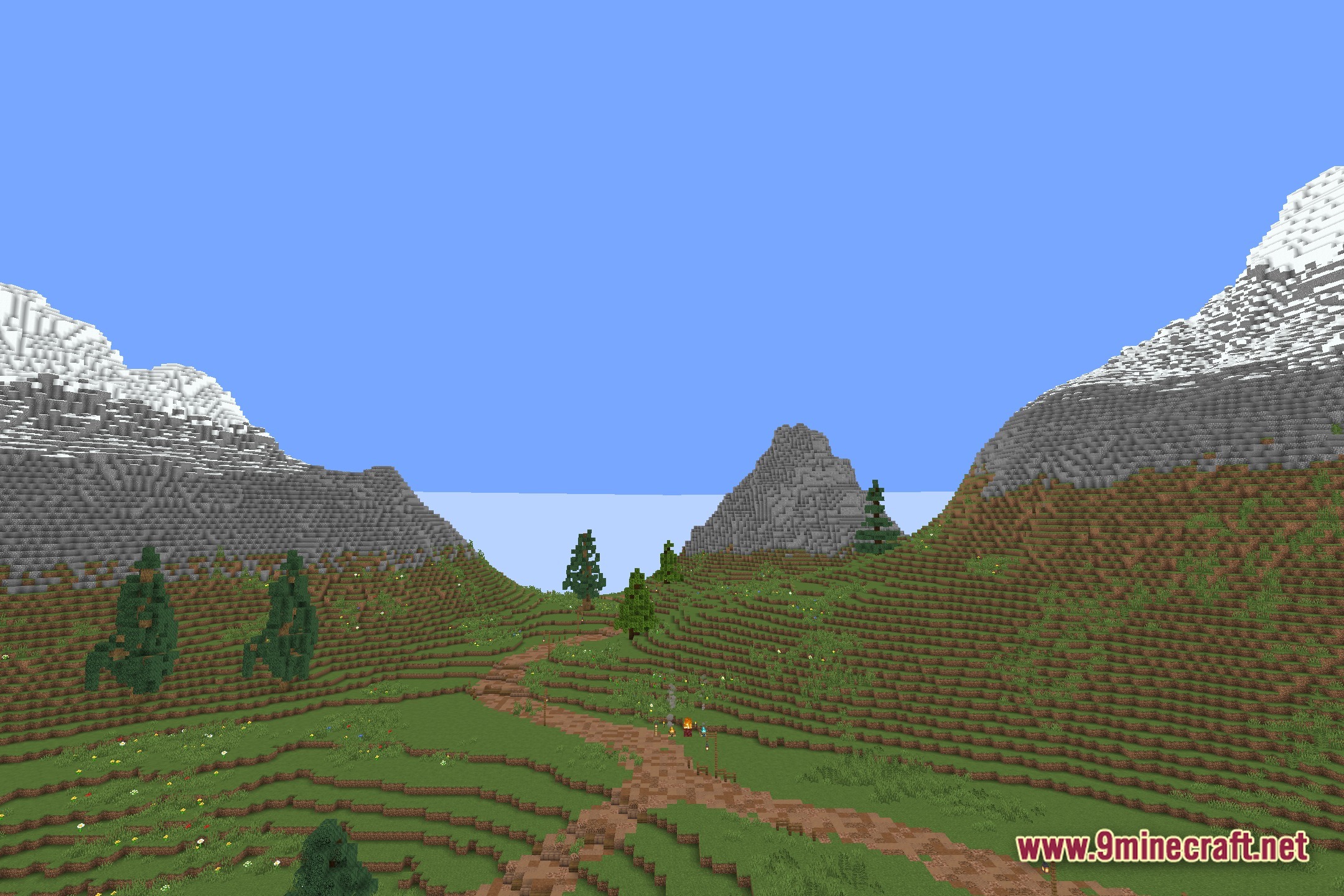
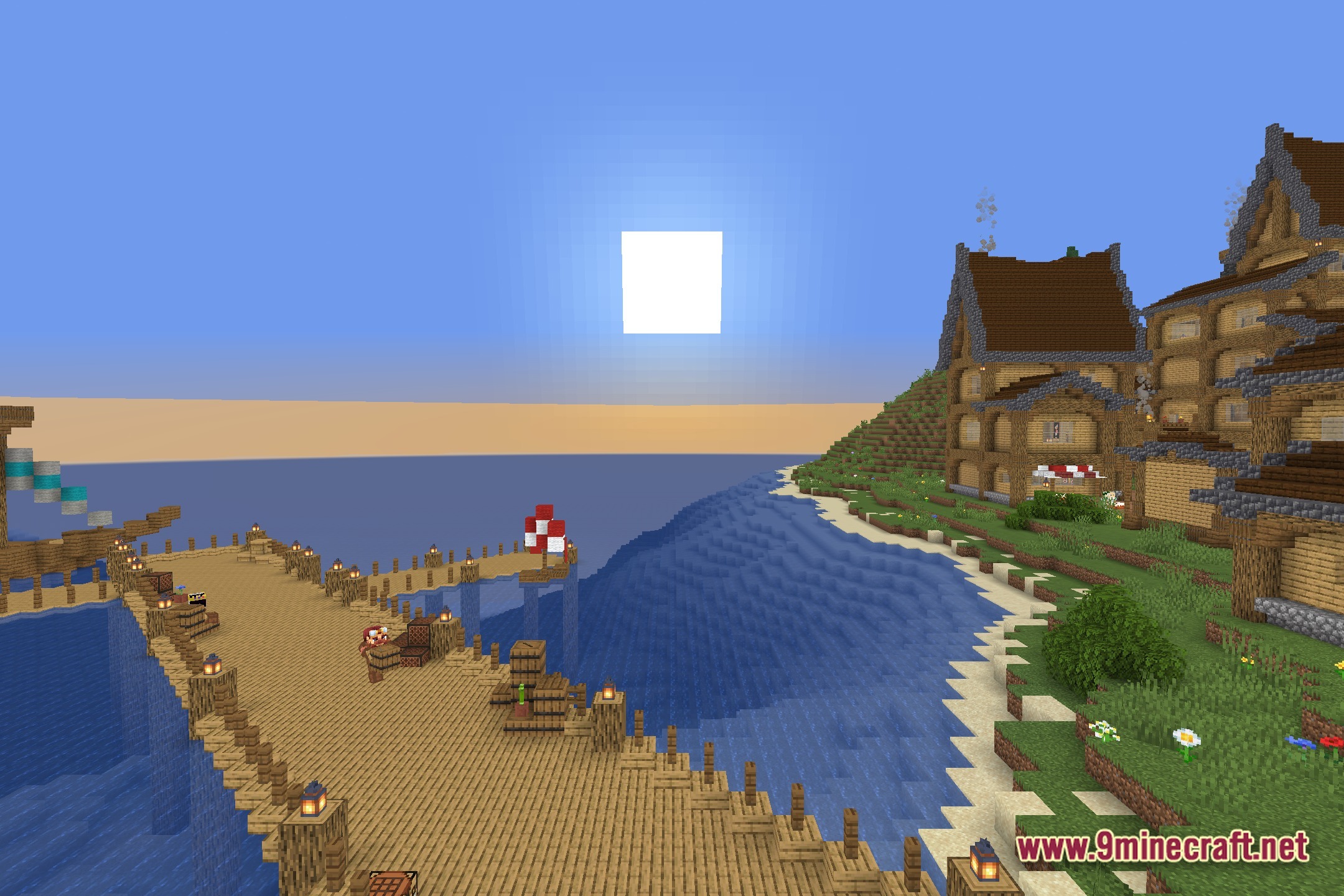
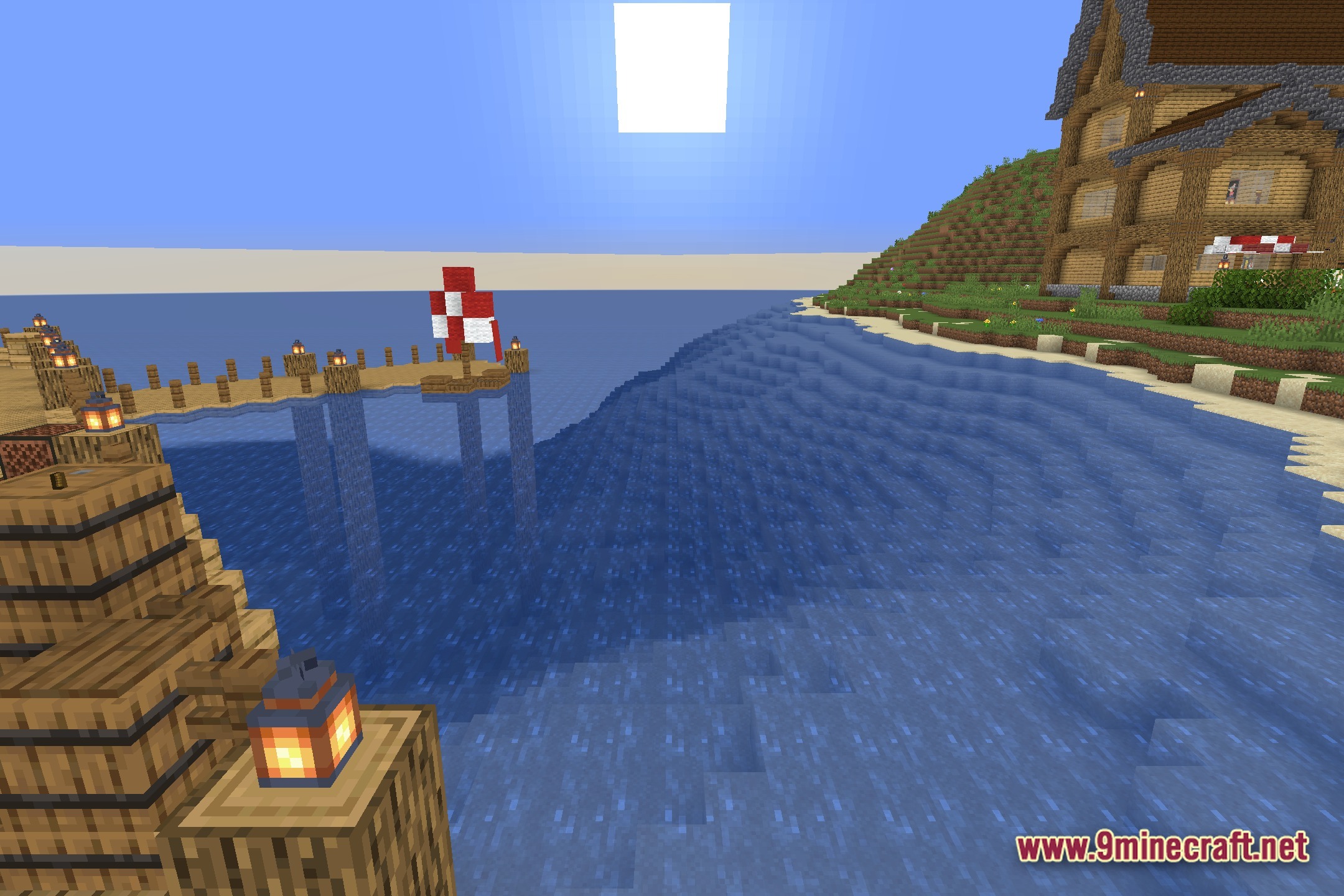
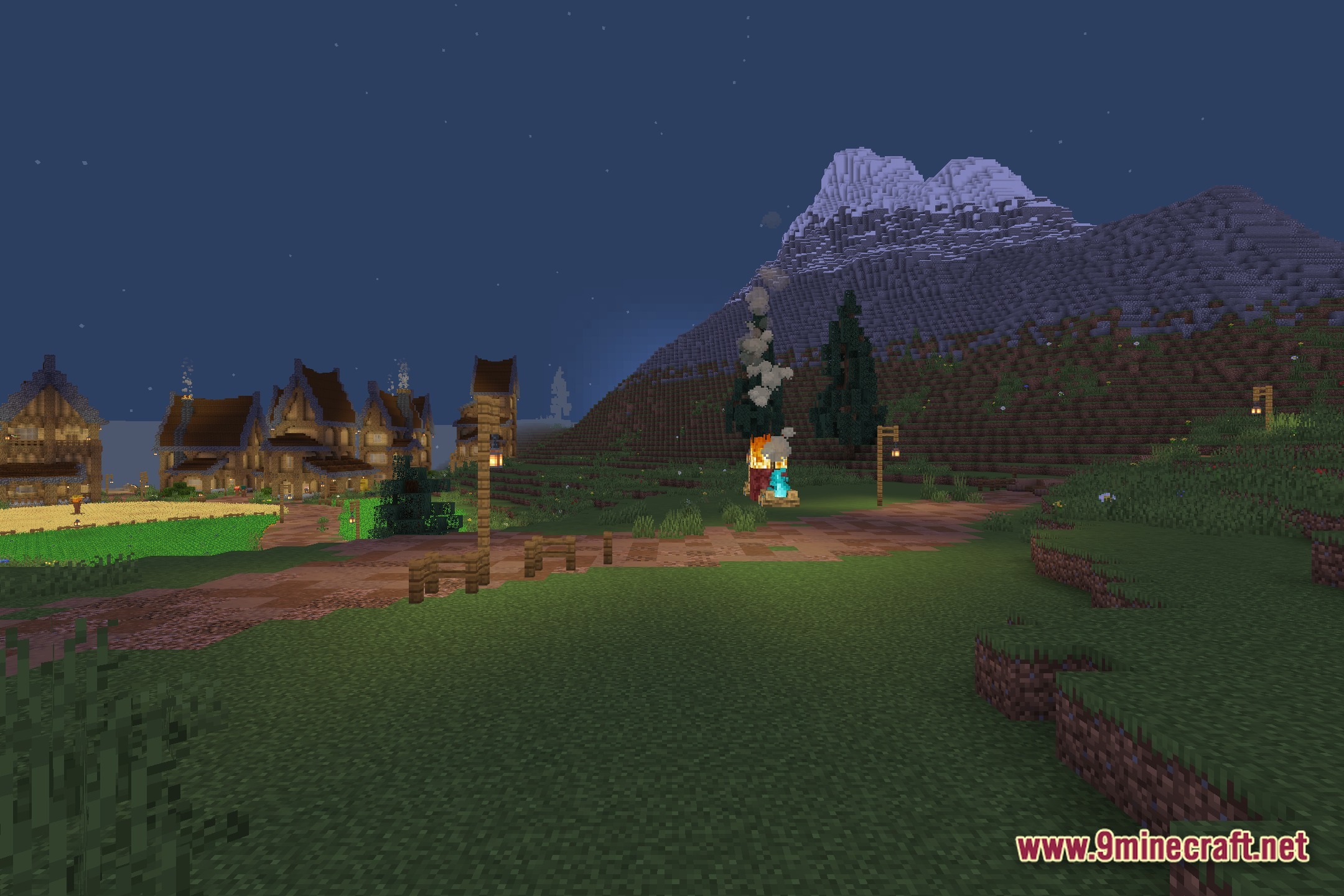
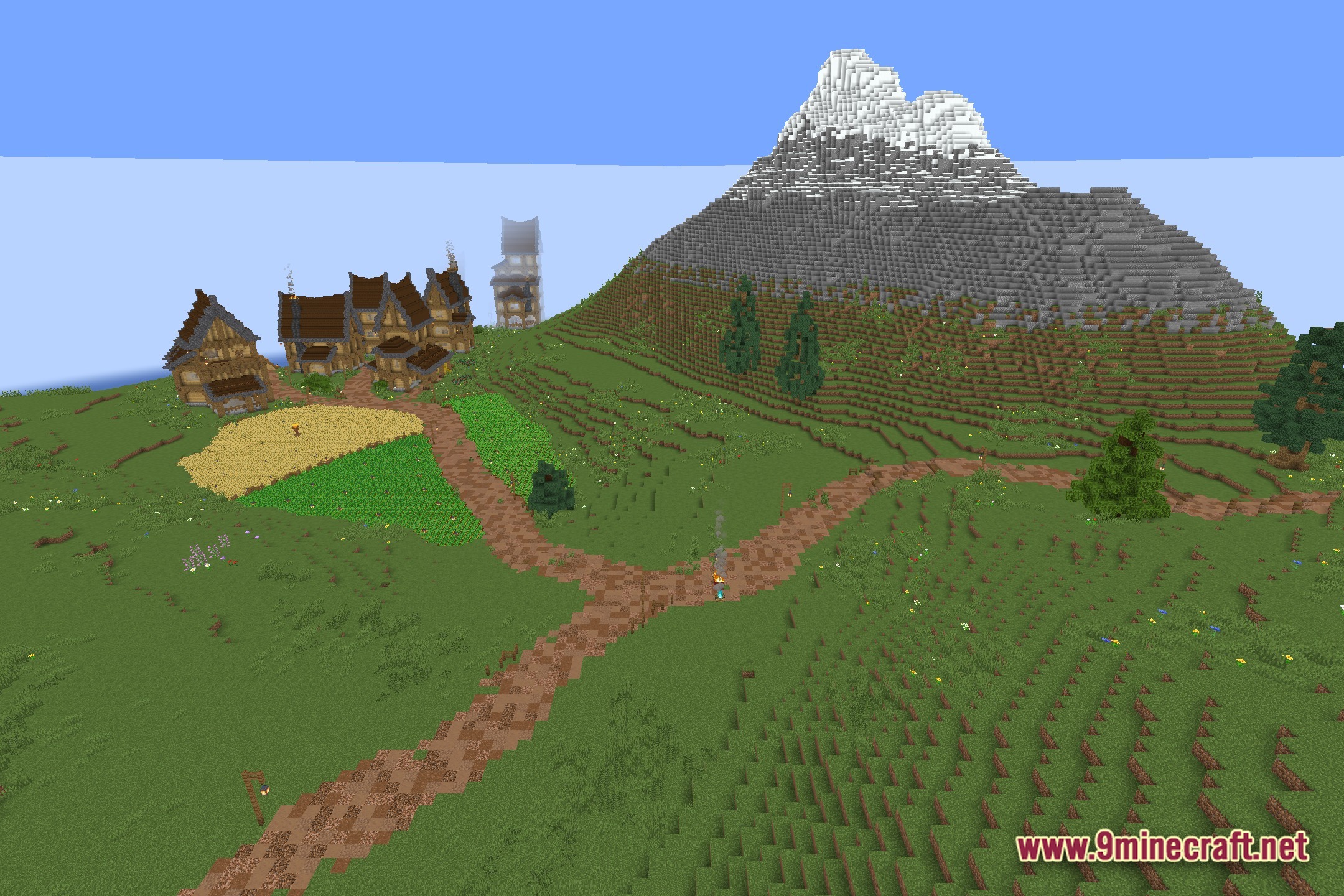
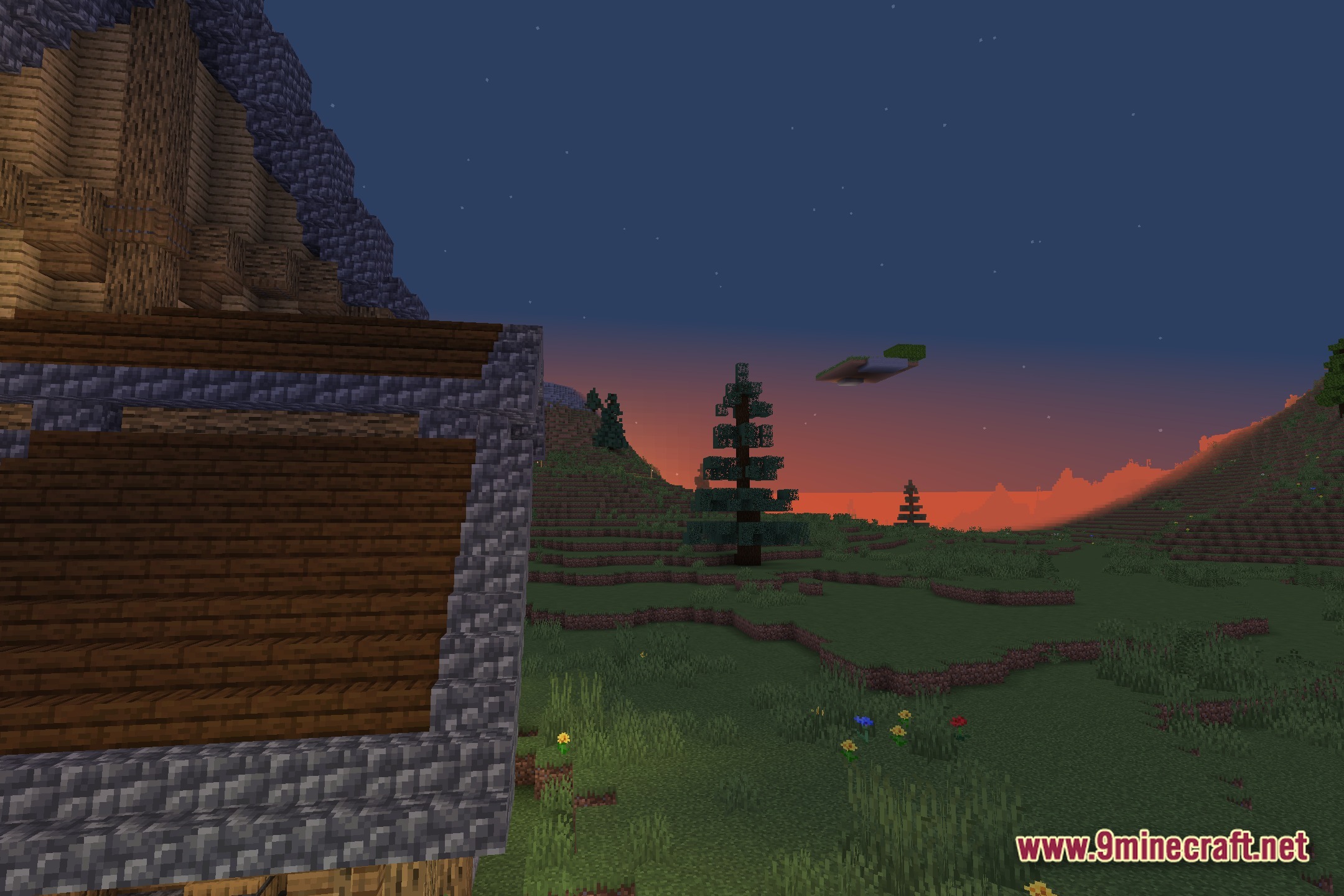
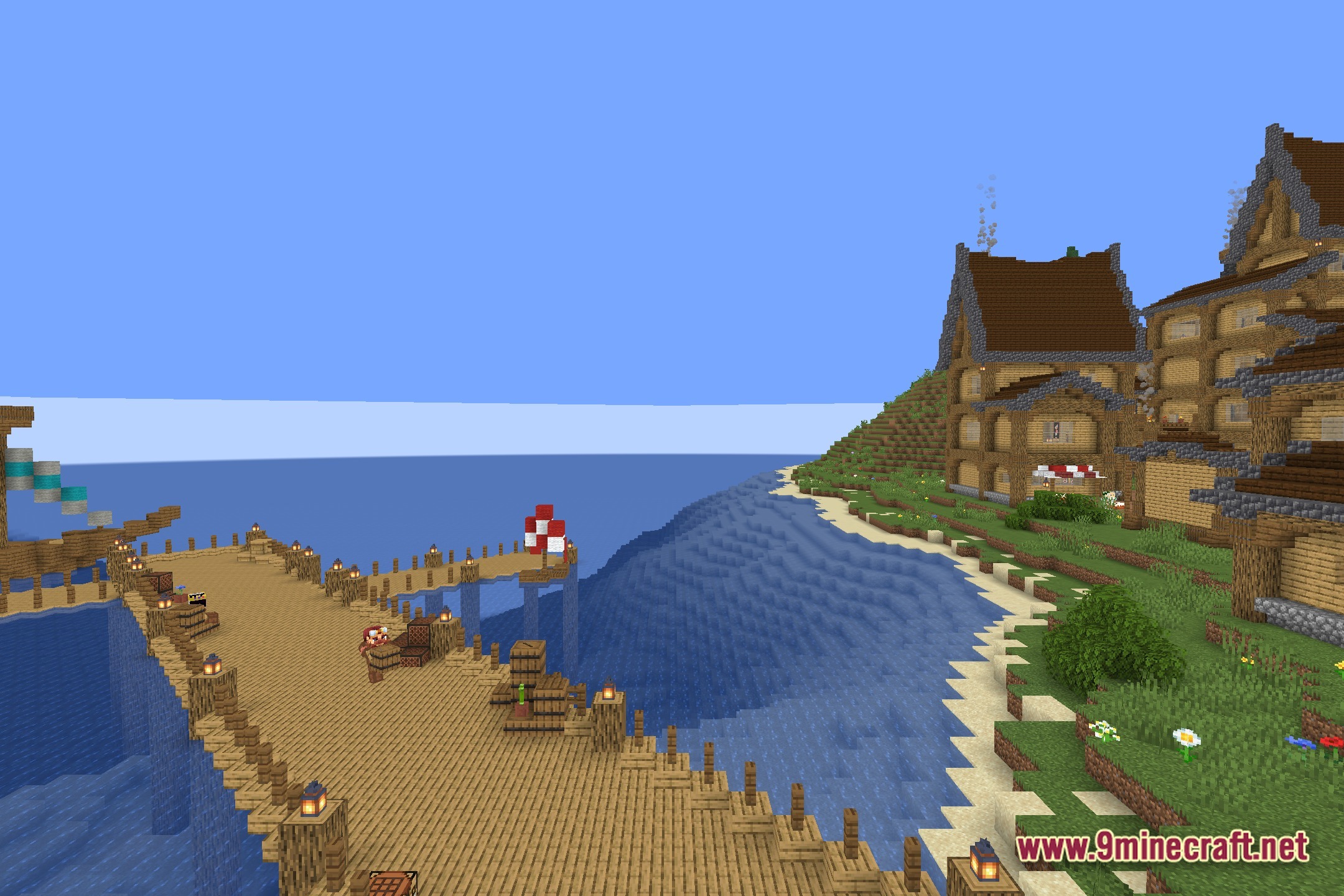
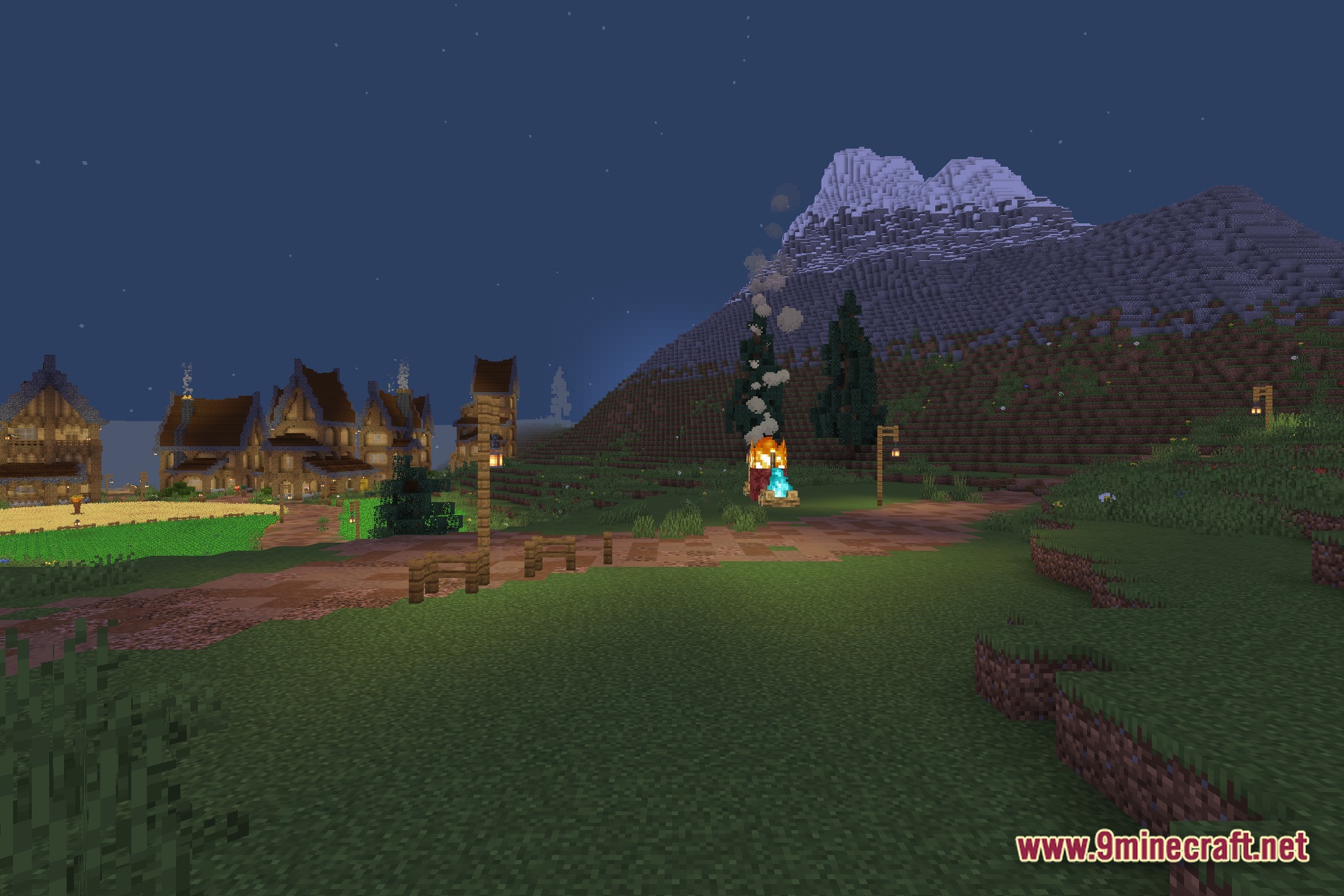
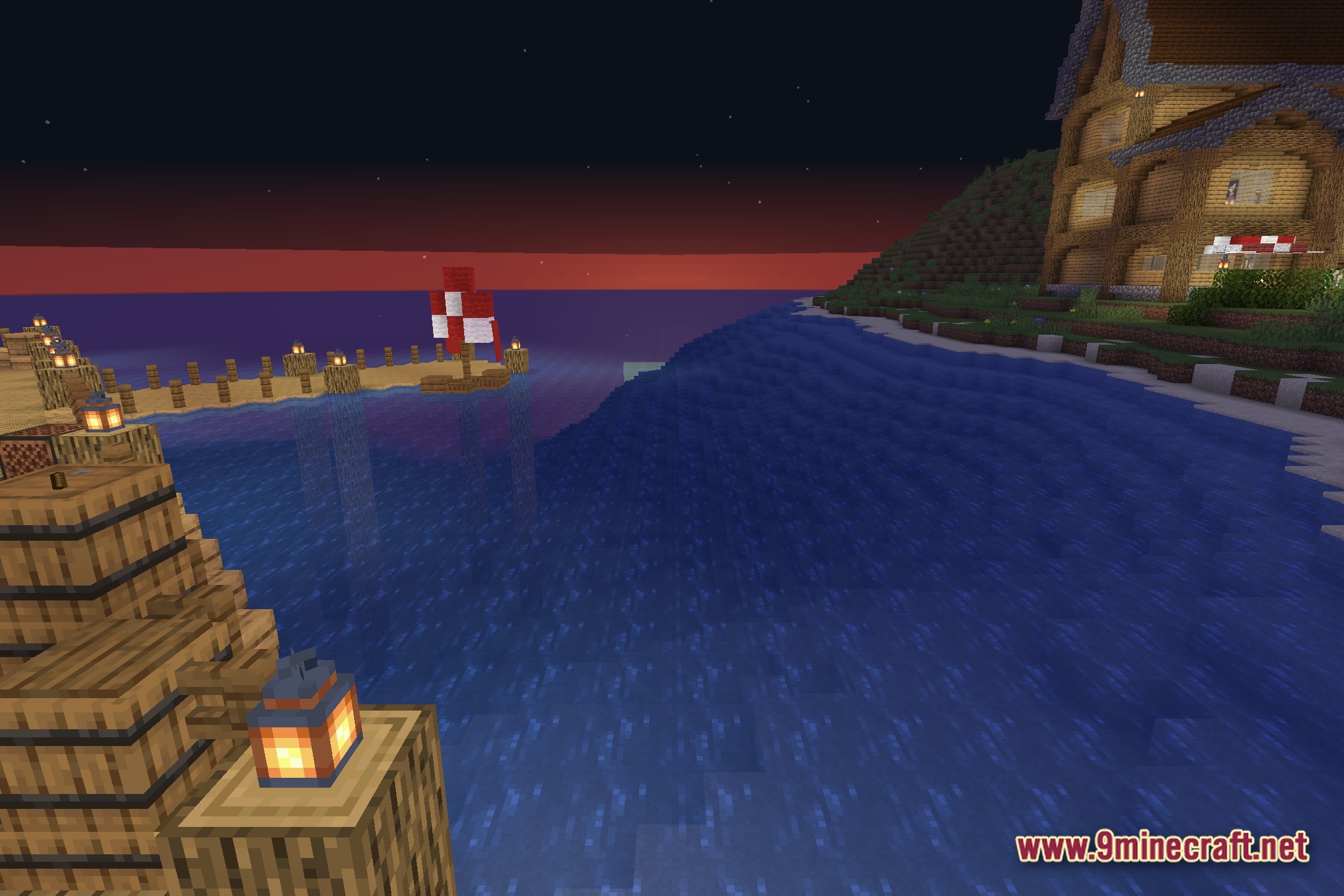
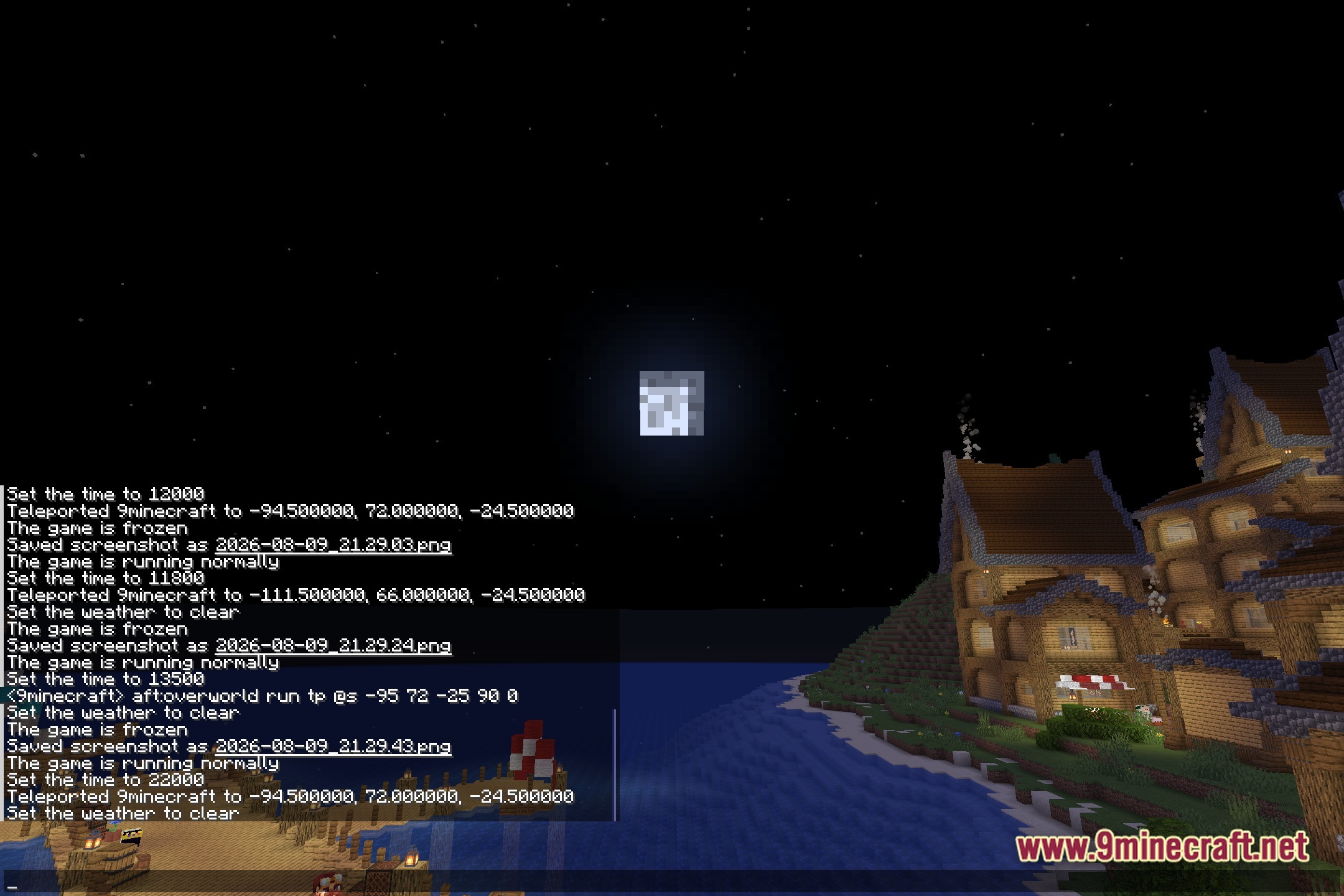
Color Palette Switcher lets you pick your own custom colors for the entire game. This shader changes the normal look of your world into a specific theme. You can pick the exact colors you want to see on your screen. It helps you take great screenshots with fun art styles.
Features:
- Custom Colors: Lets you pick a specific color palette for the whole game.
- Changes the normal look of blocks and items to match your chosen theme.
- Works well for taking cool and unique screenshots of your builds.
- Keeps a simple and vanilla-like style but with totally new colors.
- Runs as a core shader to apply the color changes directly to your screen.
Screenshots:
How to Install:
New to Minecraft? Follow our step-by-step guide to install Shaders on your PC.View Guide
Color Palette Switcher Shaders Download Links
Click to rate this post!
[Total: 0 Average: 0]
You May Also Like







This post has no comments yet. Be the first — your comment will appear here.