


New Custom Music Client Side Player Mod (26.2, 26.1.2)

 0
0 

🌐 Good news — we've translated this article into other languages!
Or pick the one you like:
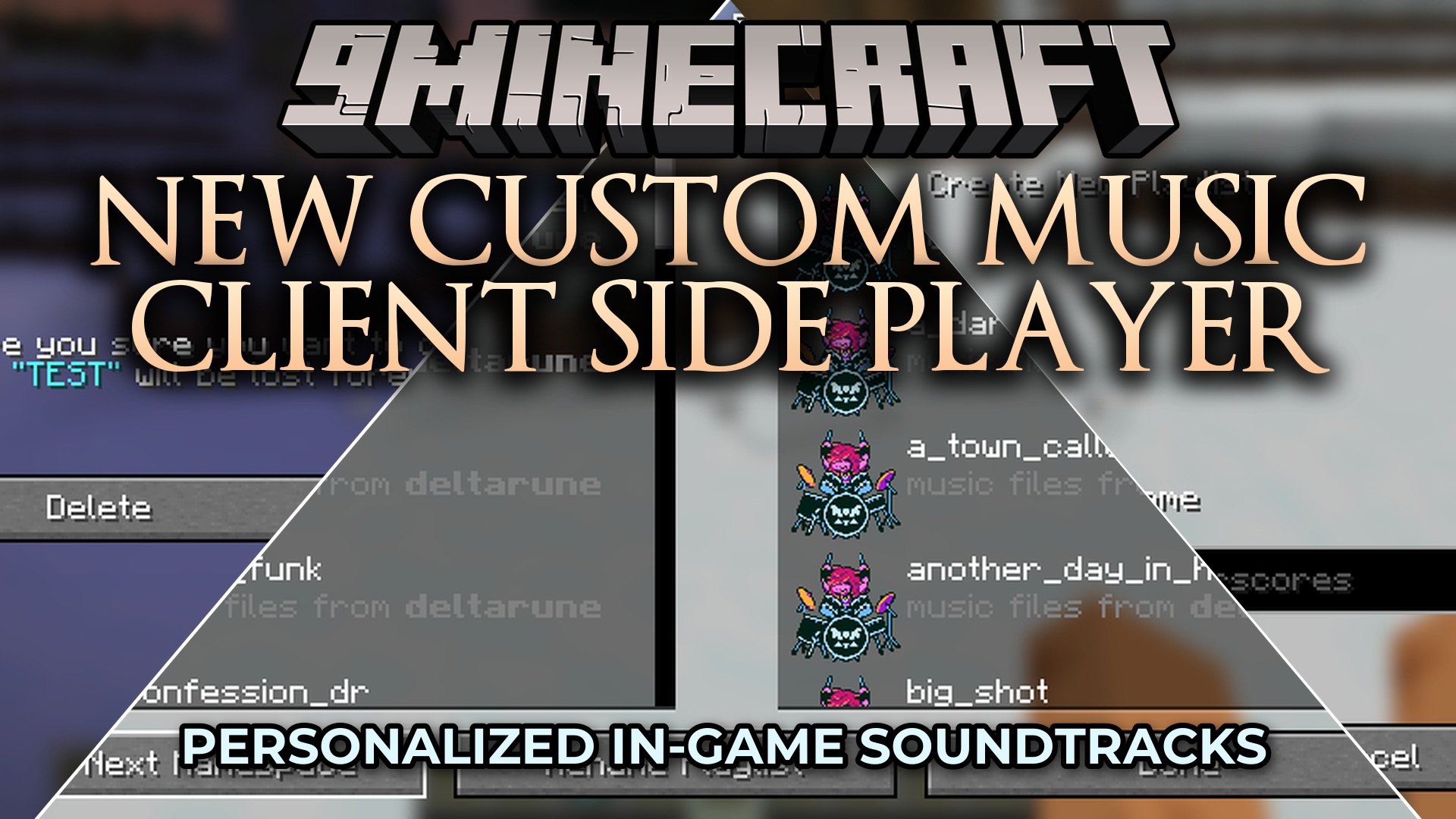
New Custom Music Client Side Player Mod lets you listen to your own songs while playing Minecraft. This mod gives you a built-in music player right on your screen. You can play single tracks, make your own playlists, and change the song order without leaving the game. It uses music from your resource packs, so you get to choose exactly what plays while you build or mine. You can even use simple keyboard buttons to control the volume and skip songs easily.
Features:
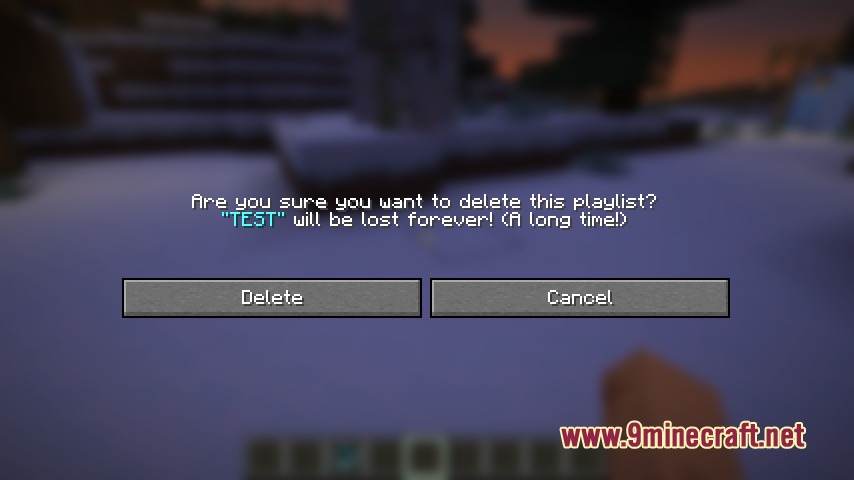
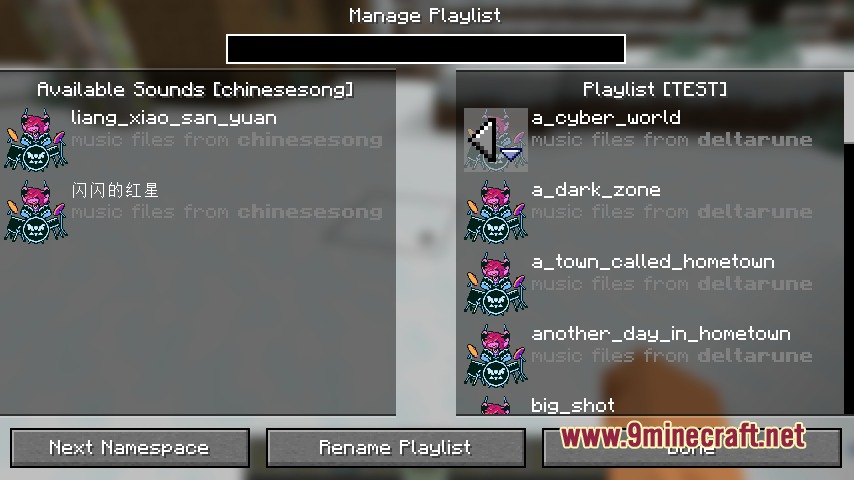
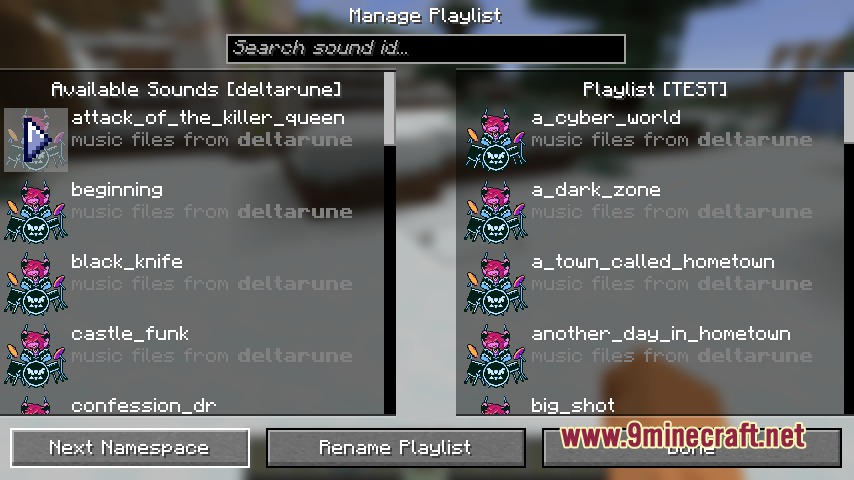
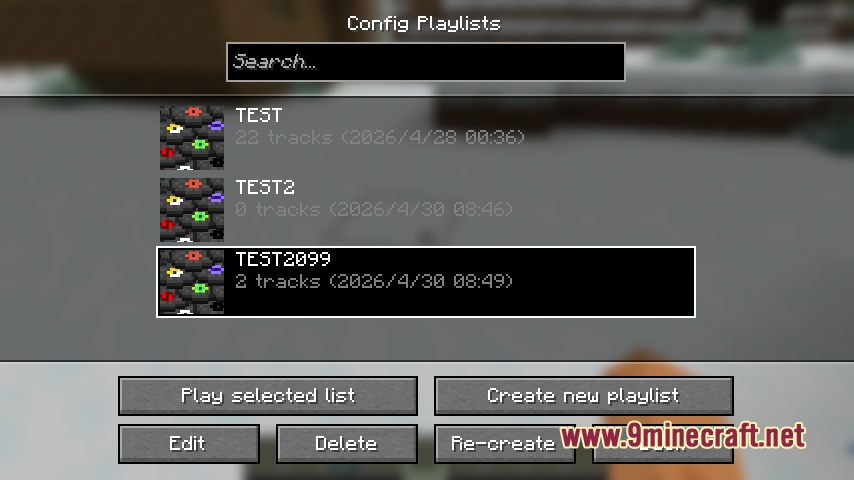
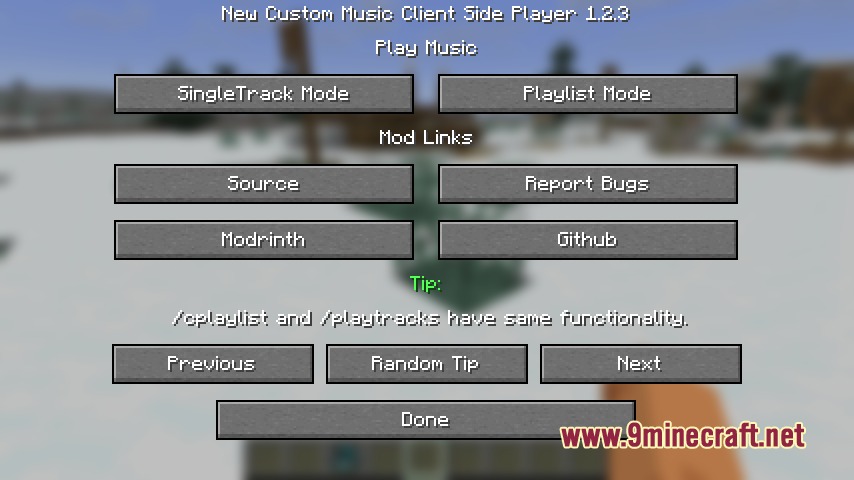
- Custom Playlists: Create, edit, rename, and delete your own groups of songs directly in the game.
- Single Track Mode: Pick one specific song to listen to and turn on the loop button if you want to hear it again.
- You can use special keyboard buttons to quickly change the volume, skip tracks, or pause the music.
- Sorts your music by namespaces so you can easily find tracks from different resource packs.
- Lets you preview your playlist and pick exactly which song should start first.
- Supports all kinds of text characters, so you can name your playlists and songs using fun symbols or different languages.
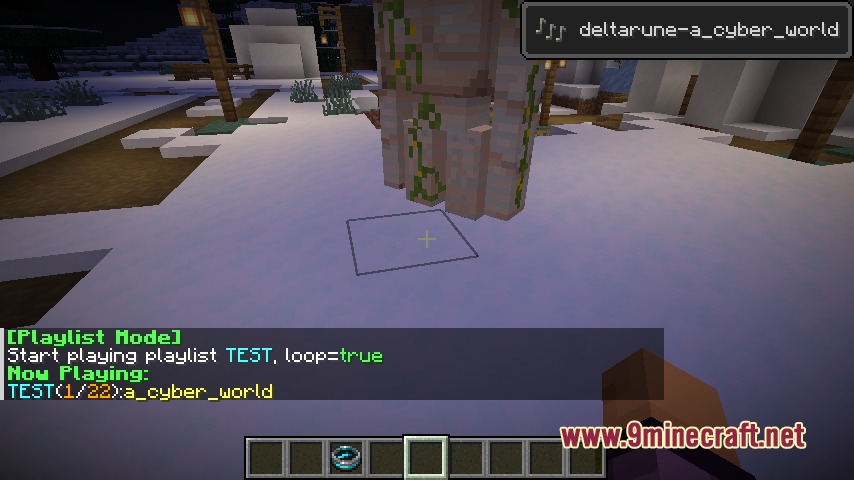
- Shows helpful pop-up messages and chat text when you start playing a new song or playlist.
- Works only on your side, meaning you can use it on servers without bothering other players.
How to Use:
- Add a resource pack that contains music files to your game.
- Open the main menu to choose between Single Track Mode or Playlist Mode.
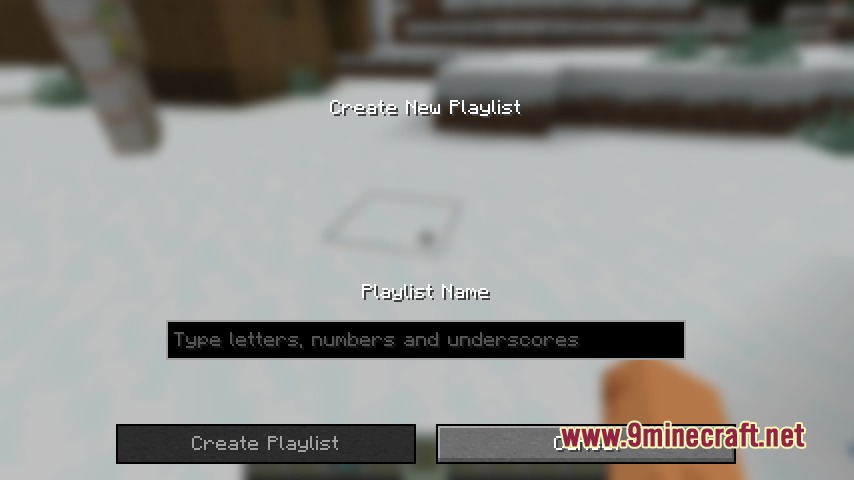
- If you want a playlist, click to create a new one and type a name for it.
- Add songs from your resource pack into the playlist and arrange them how you like.
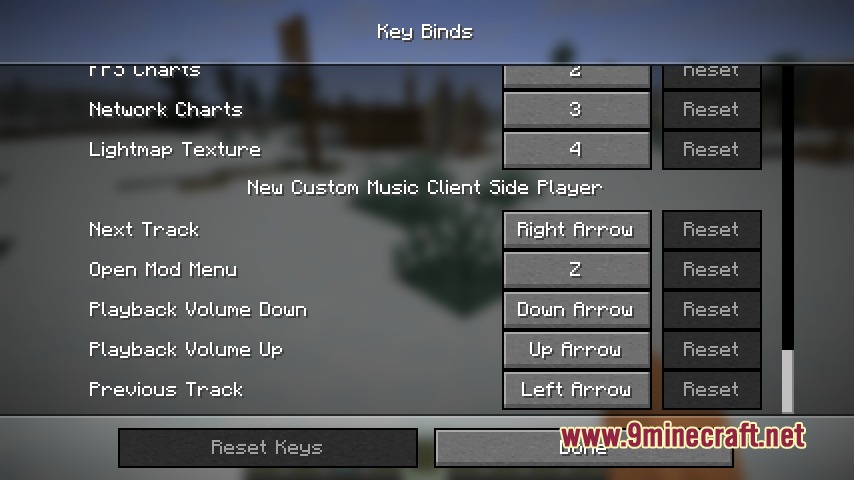
- Press the start button to play the music, and check your controls menu to see the keyboard buttons for skipping or pausing.
Screenshots:
How to Install:
New to Minecraft? Follow our step-by-step guide to install Mods on your PC.View Guide
Requirements:


New Custom Music Client Side Player Mod Download Links
For Minecraft 26.2
For Minecraft 26.1.2, 26.1.1, 26.1
Click to rate this post!
[Total: 0 Average: 0]
You May Also Like

This post has no comments yet. Be the first — your comment will appear here.