


EzRGB Shaders (26.2, 1.20.1) – Adjust Vanilla Colors with RGB Sliders
 0
0
 0
0

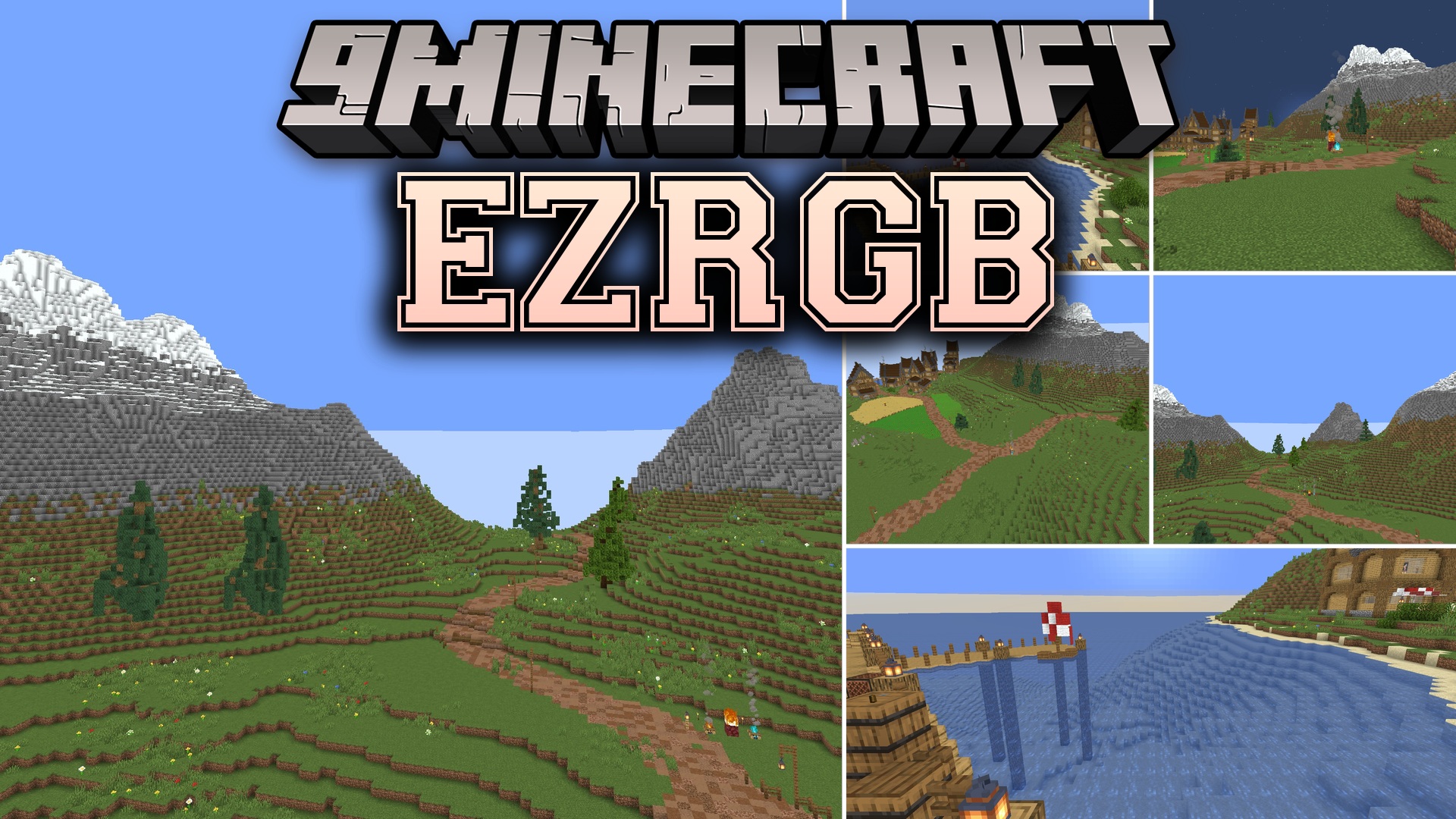
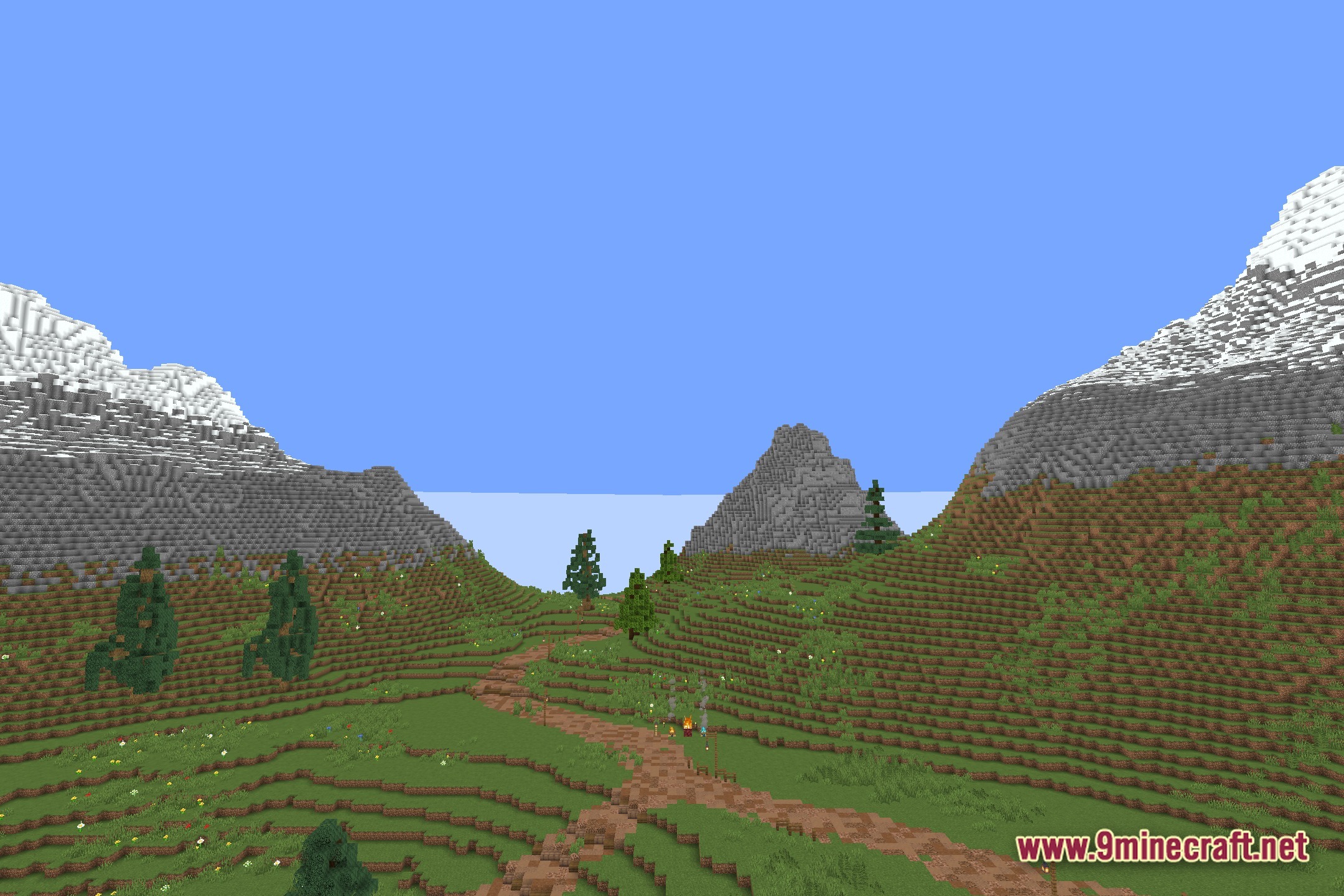
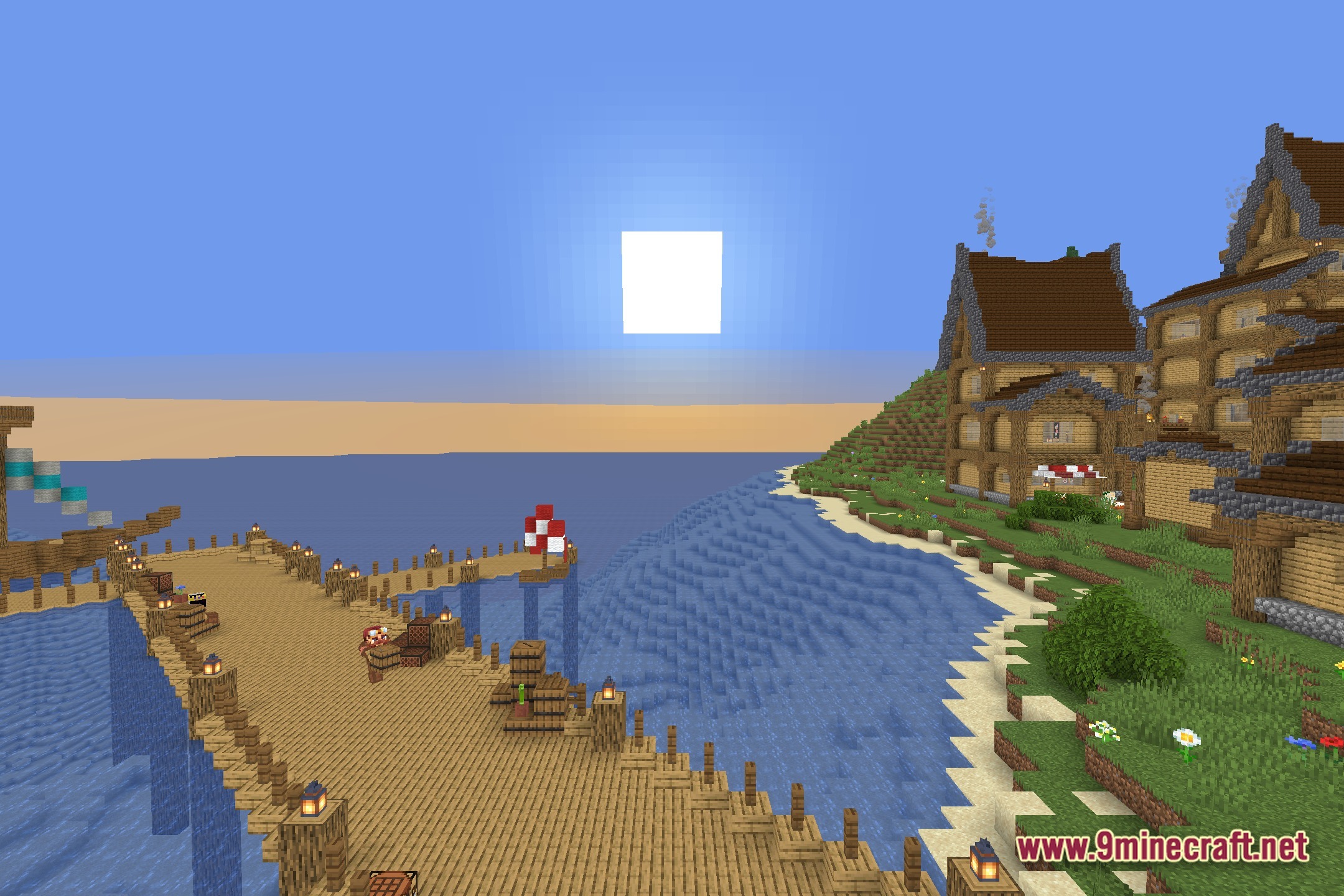
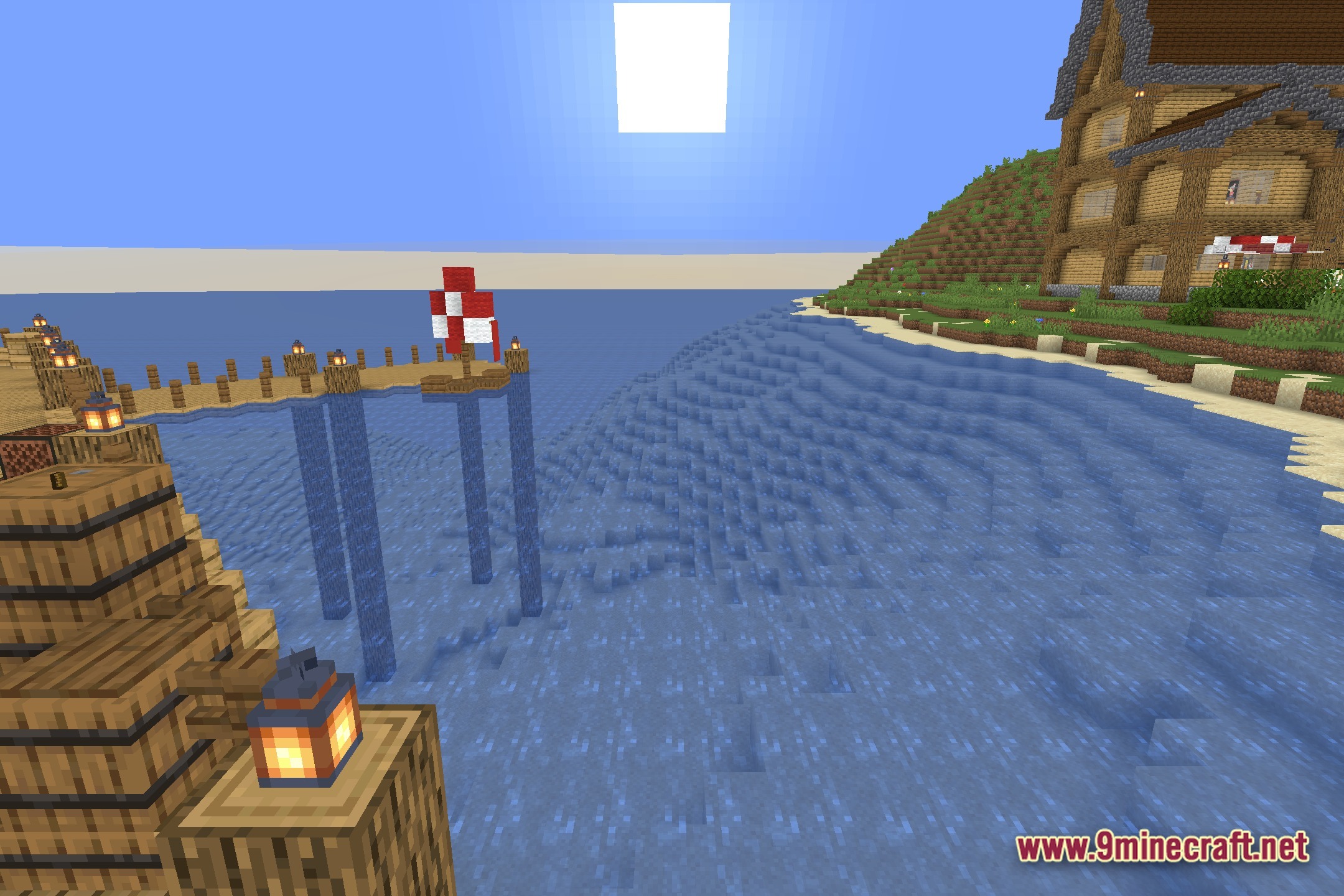
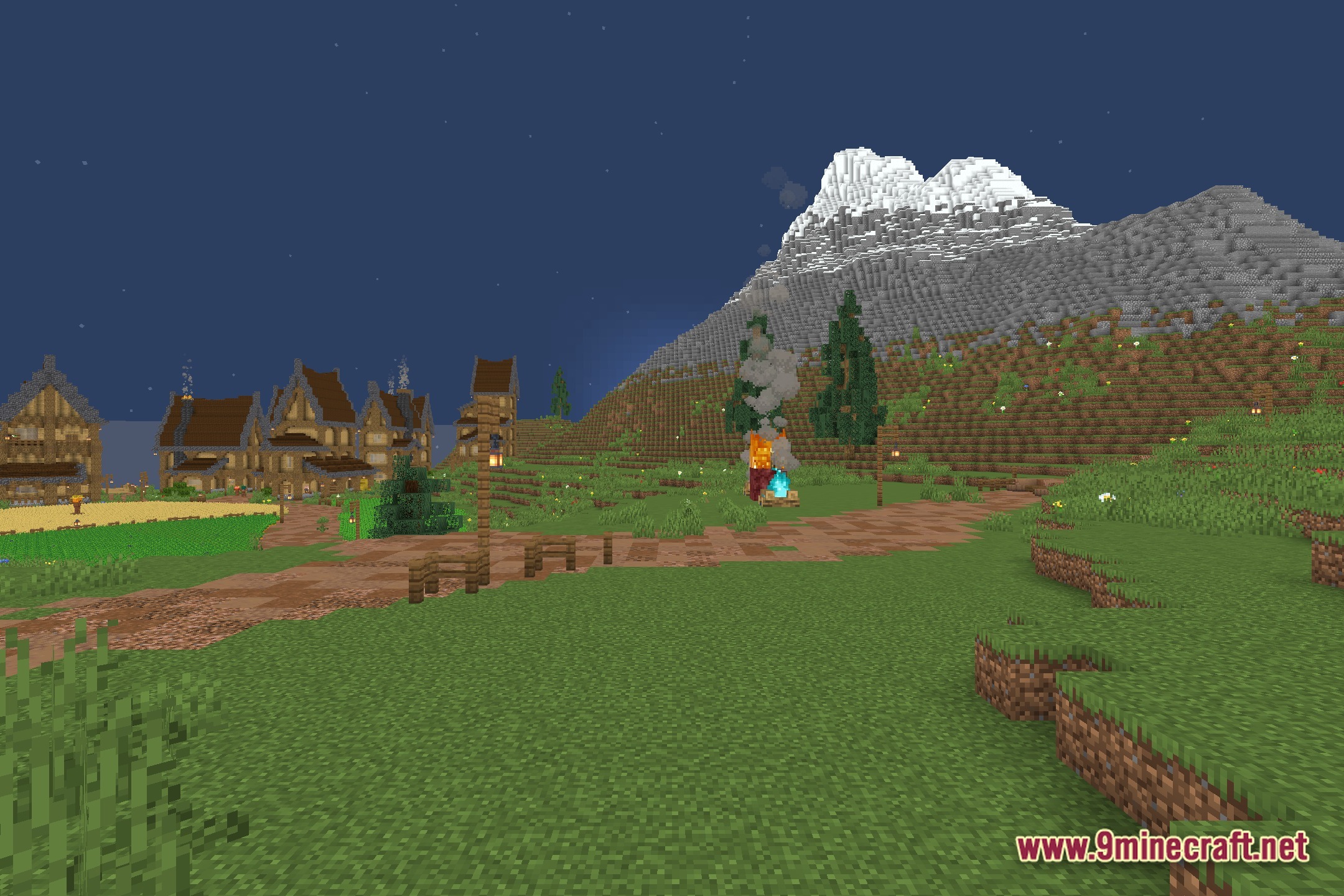
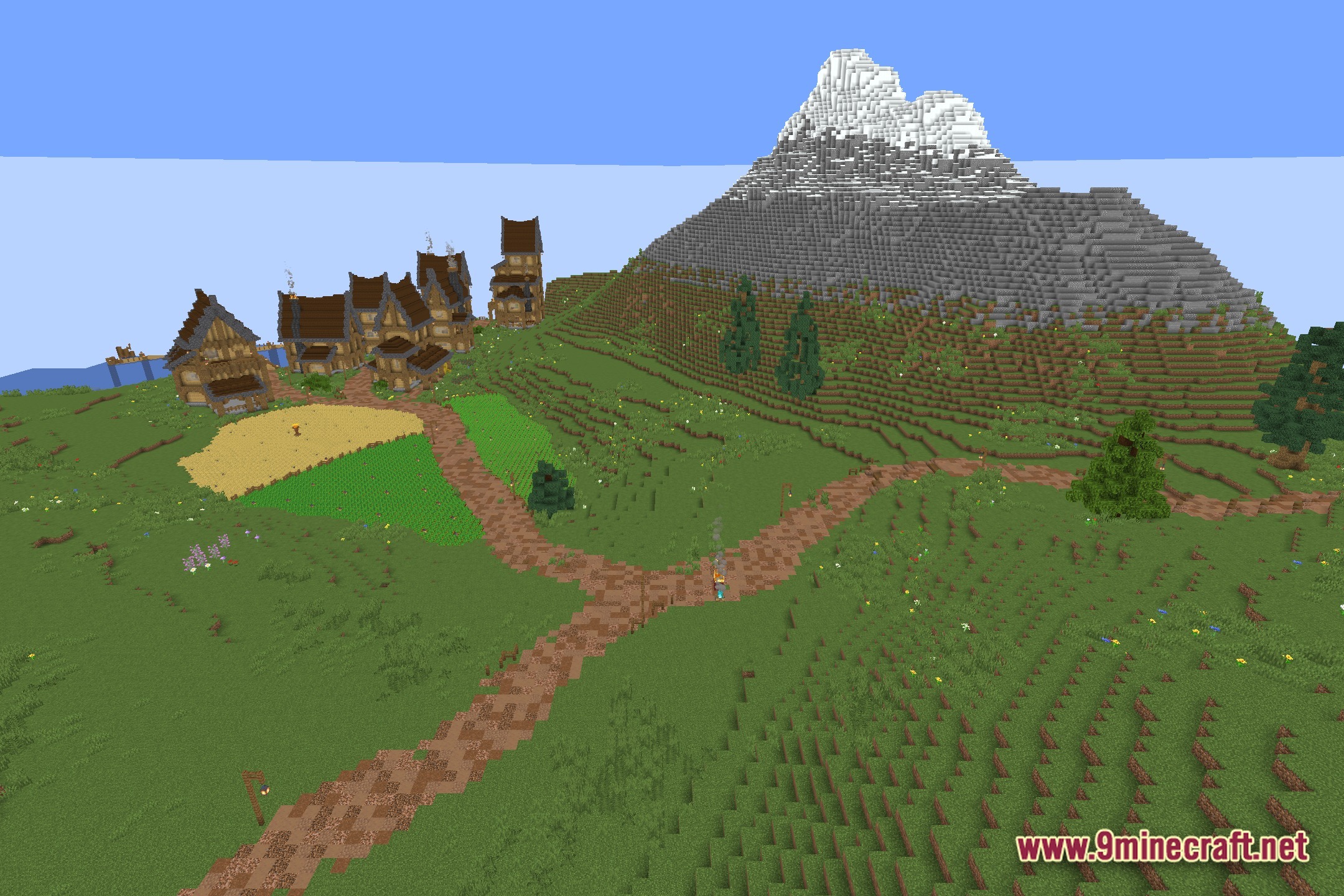
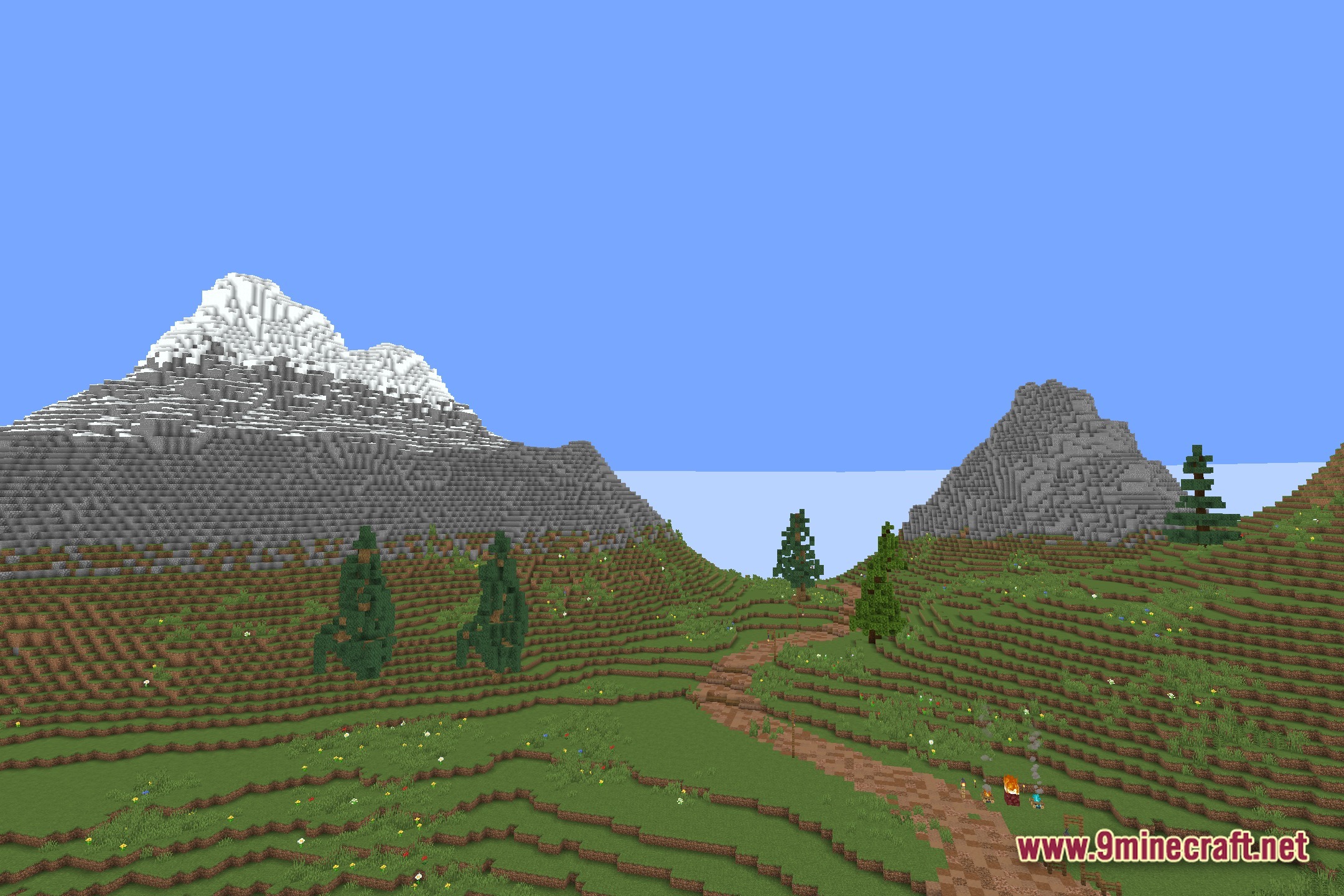
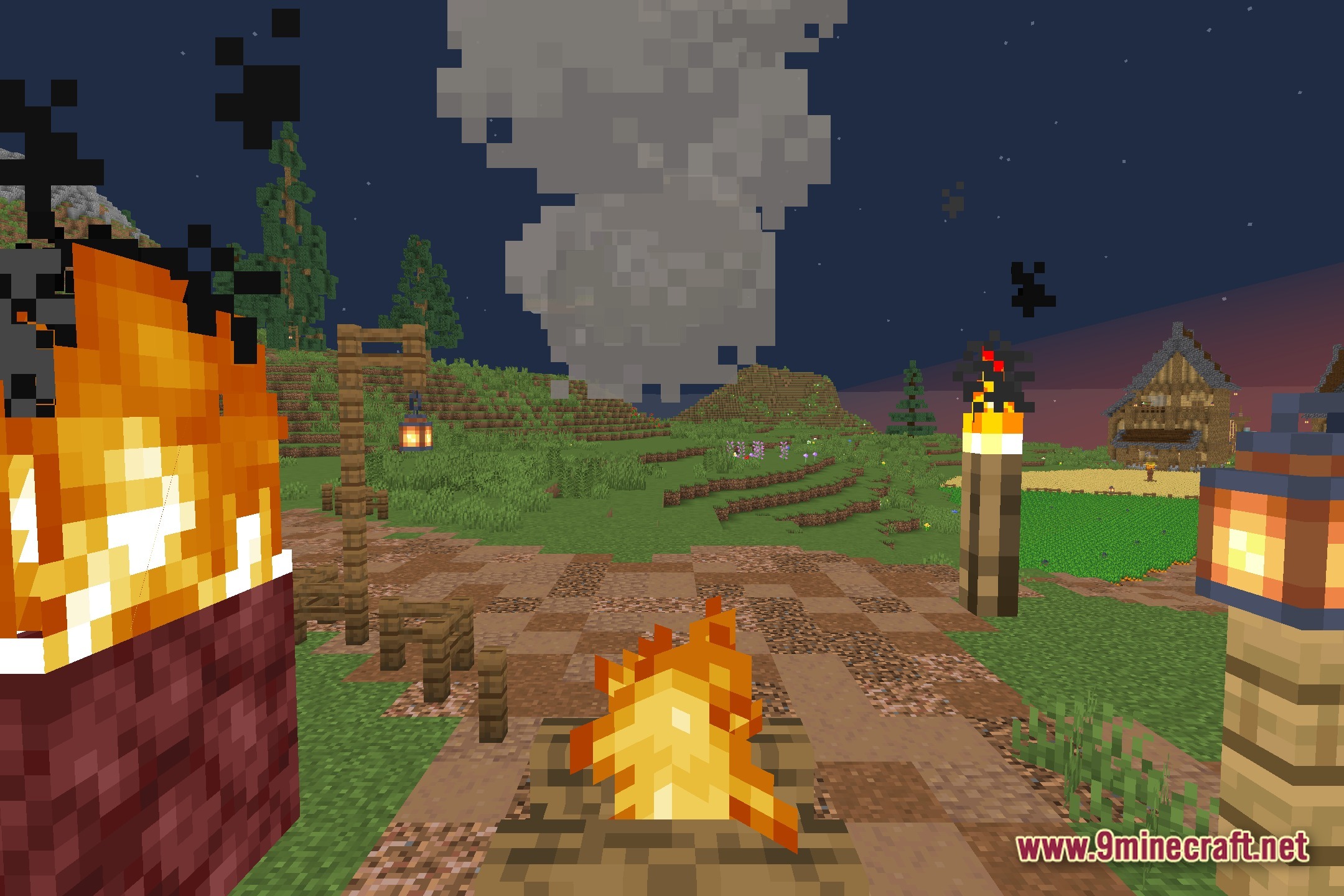
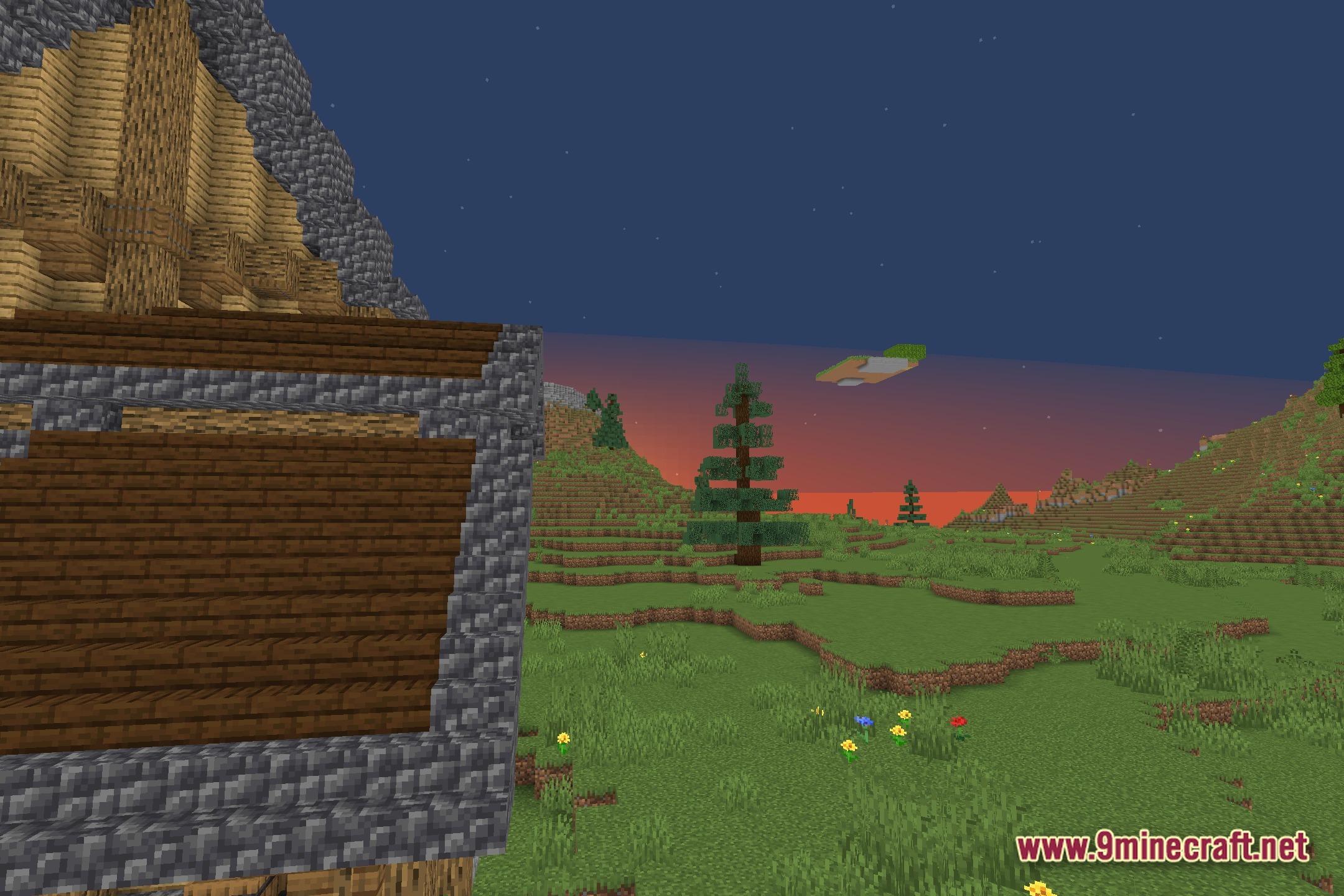
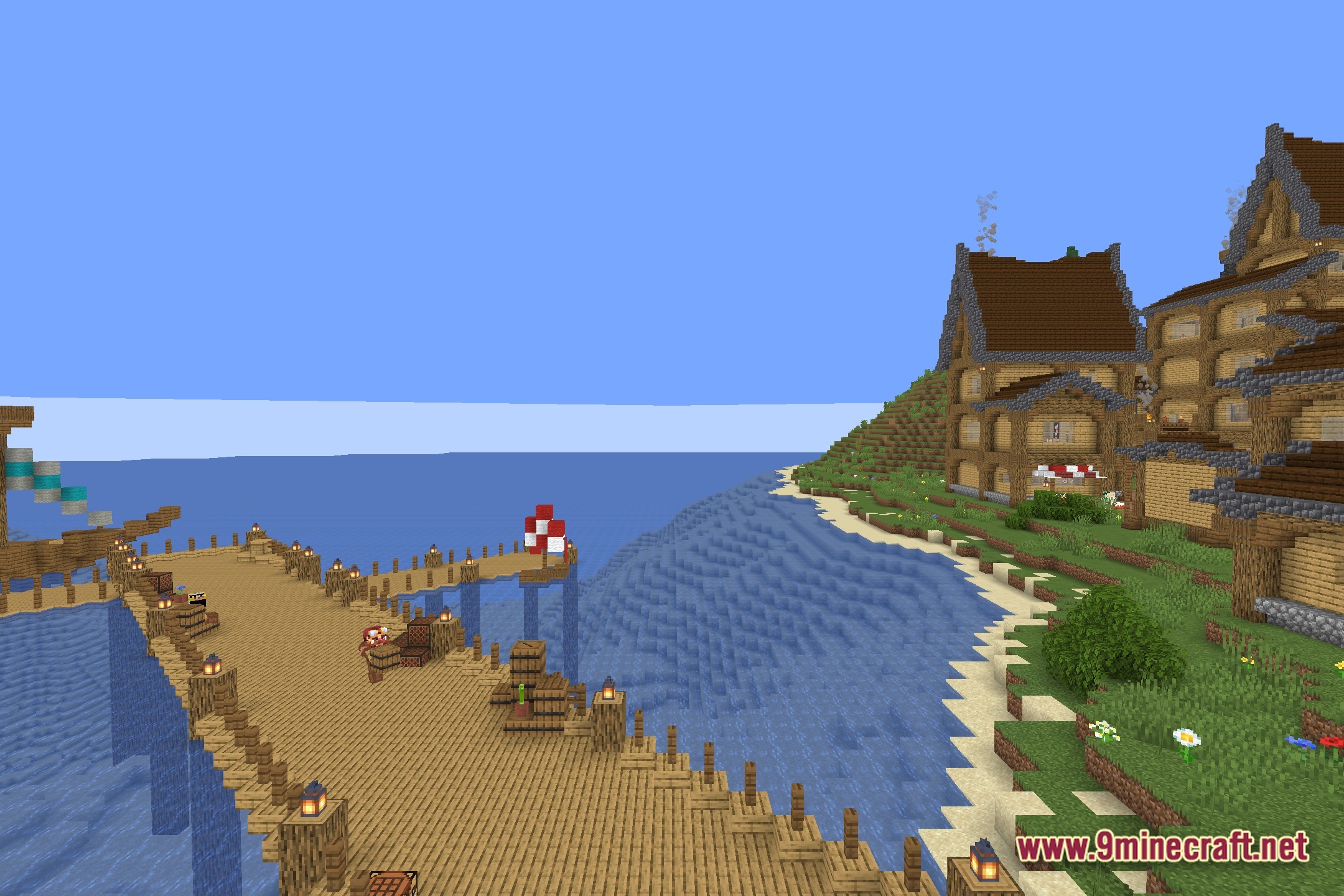
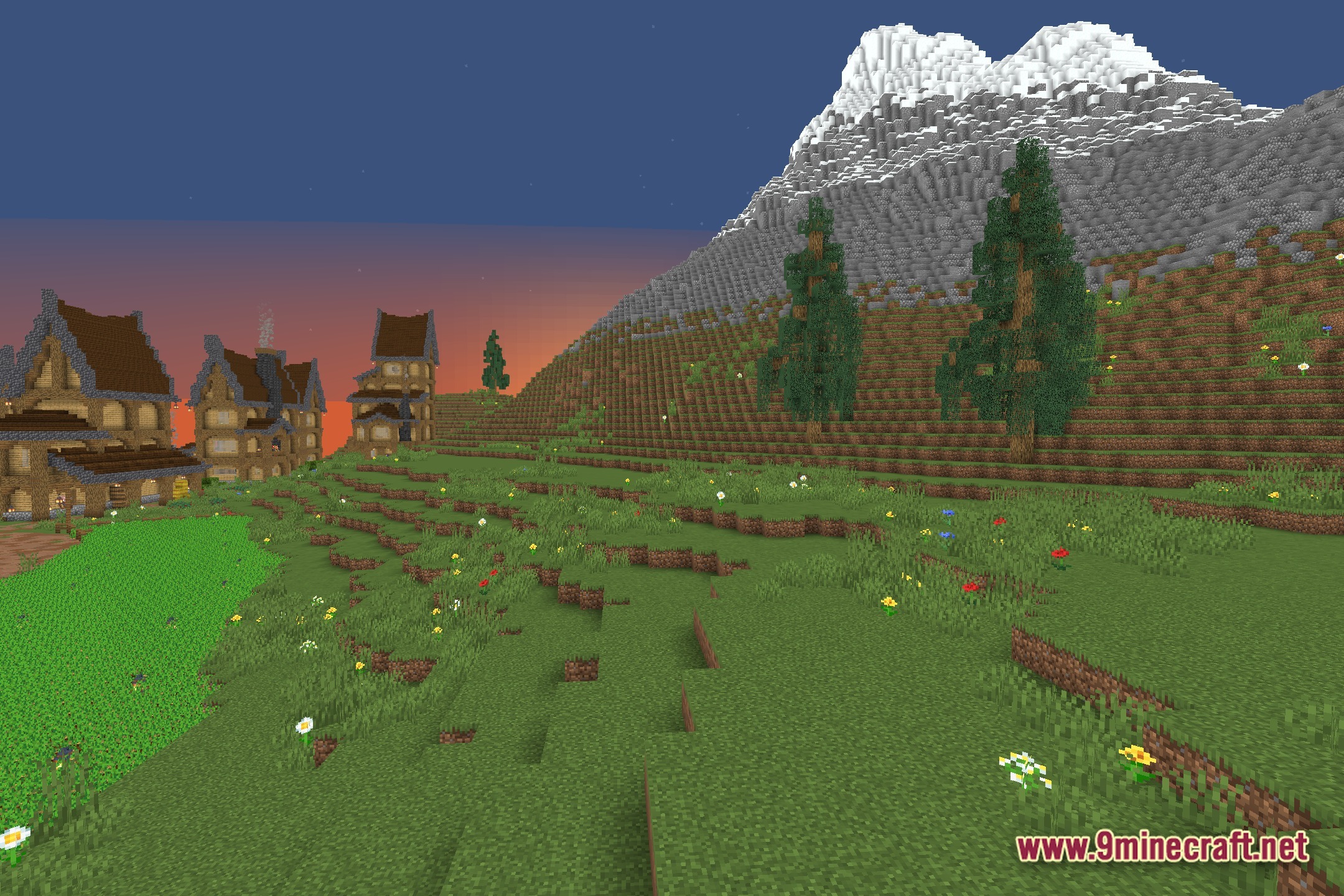
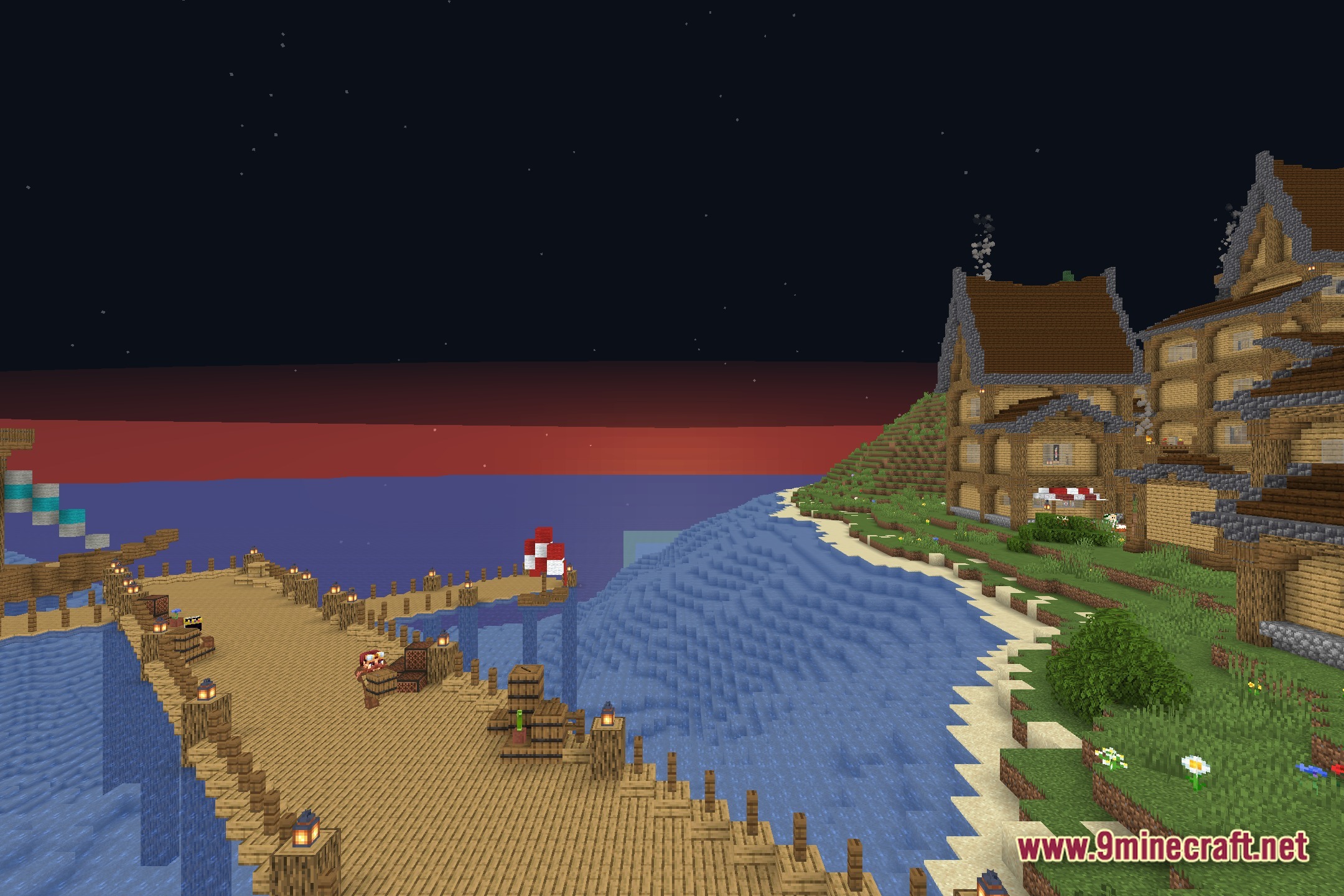
EzRGB lets you change the colors of your Minecraft world using simple sliders. This shader pack works with the vanilla game and gives you direct control over the red, green, and blue color settings. You can easily adjust how the game looks without needing complicated menus.
Features:
- RGB Sliders: Gives you easy-to-use sliders to change the red, green, and blue colors in the game.
- Works directly with vanilla Minecraft graphics.
- Lets you customize the exact look of your world by mixing different color levels.
Screenshots:
How to Install:
New to Minecraft? Follow our step-by-step guide to install Shaders on your PC.View Guide
EzRGB Shaders Download Links
Click to rate this post!
[Total: 0 Average: 0]
You May Also Like





This post has no comments yet. Be the first — your comment will appear here.