


Safe Zone Claims Mod (26.2, 1.21.11) – Claim Land to Protect Your Base

 0
0 

🌐 Good news — we've translated this article into other languages!
Or pick the one you like:
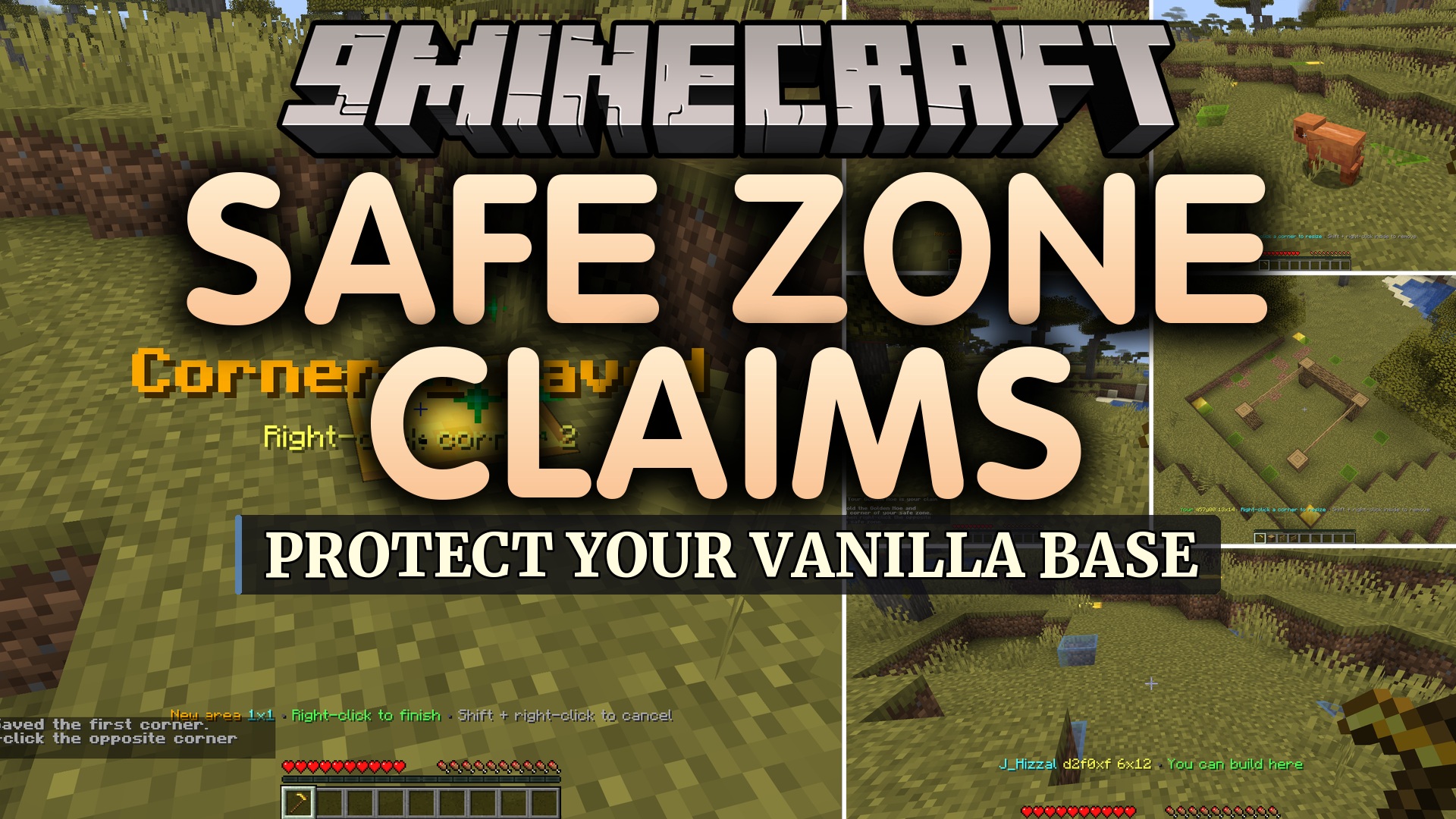
Safe Zone Claims Mod gives server owners an easy way to protect land. It runs entirely on the server side, meaning players can join and claim land without installing anything on their own game. You get a special wand when you first log in to mark your territory. Once you claim an area, other players cannot break your blocks, place lava, or blow up your hard work. It keeps your worlds safe while keeping the claiming process simple for everyone.
Features:
- Server-Side Only: Runs completely on the server, so regular vanilla players can join and use all features without downloading extra files.
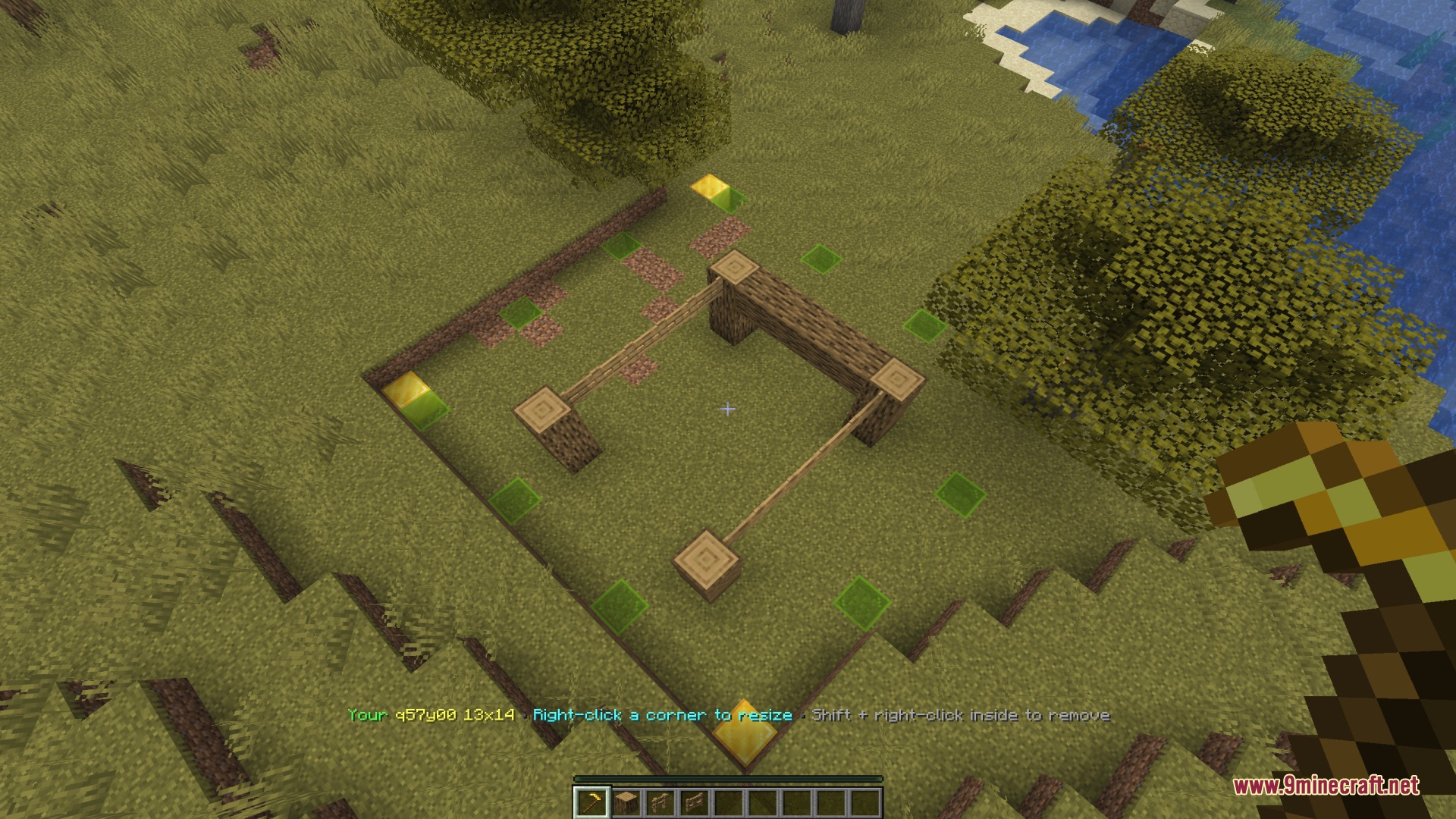
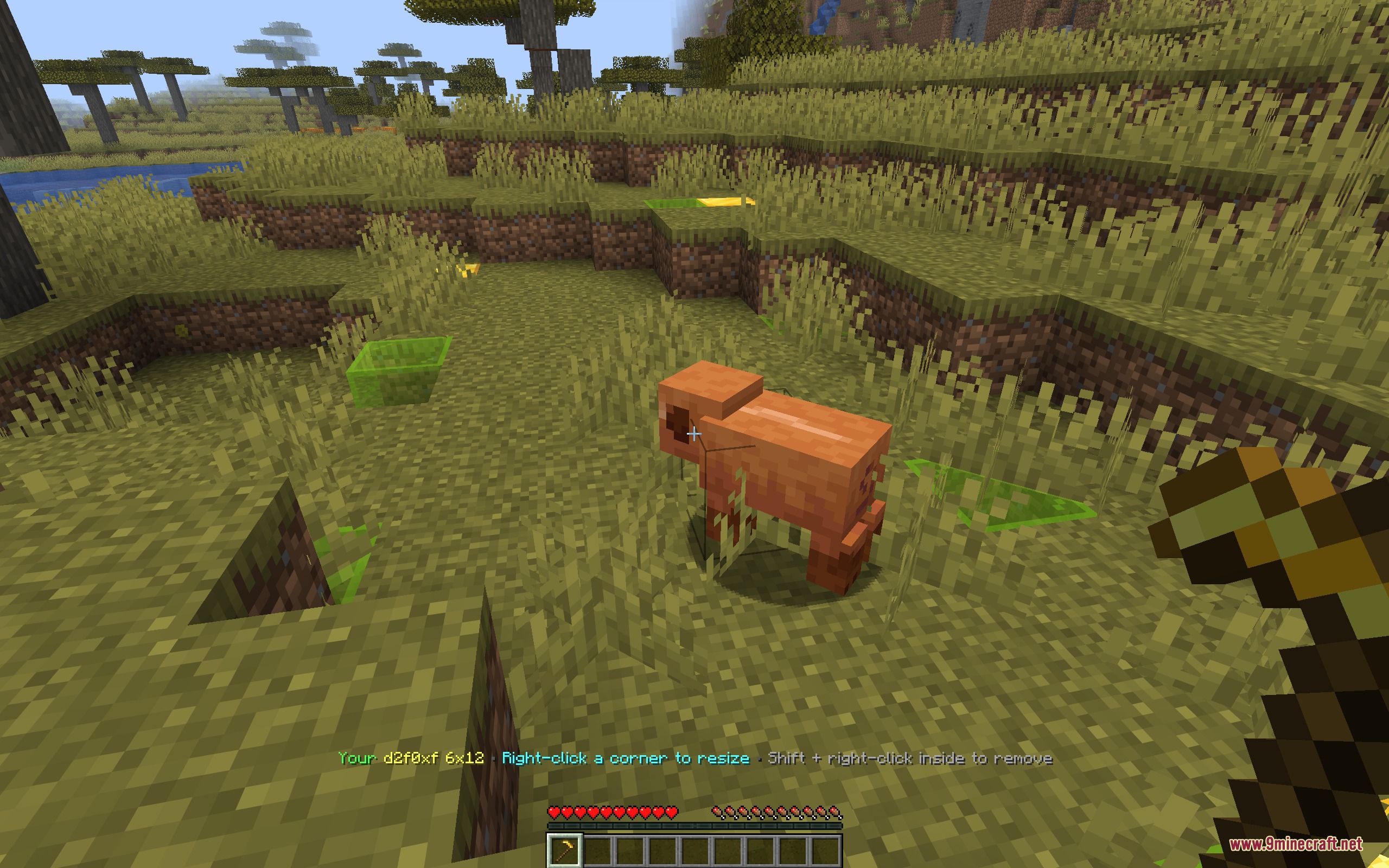
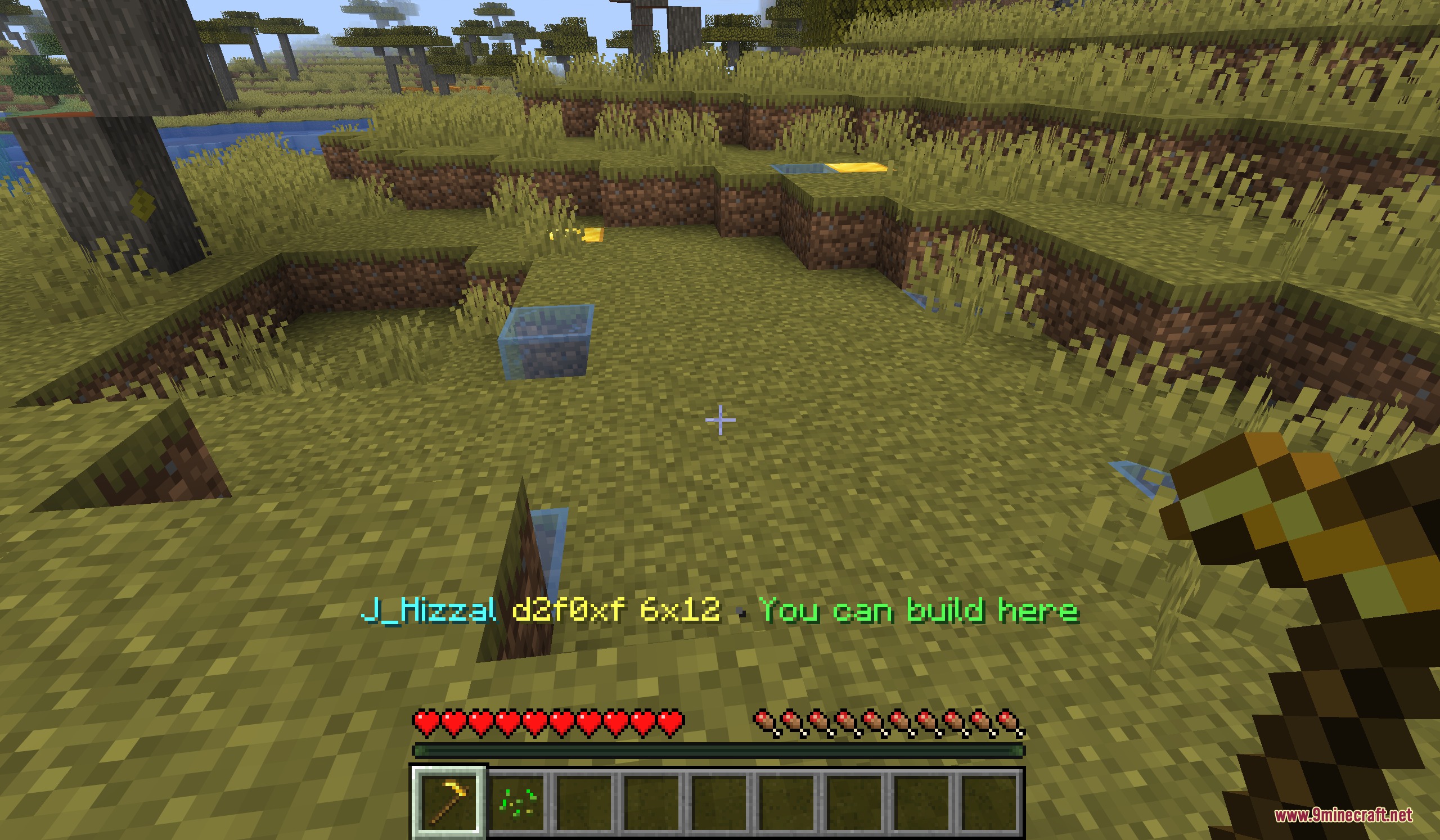
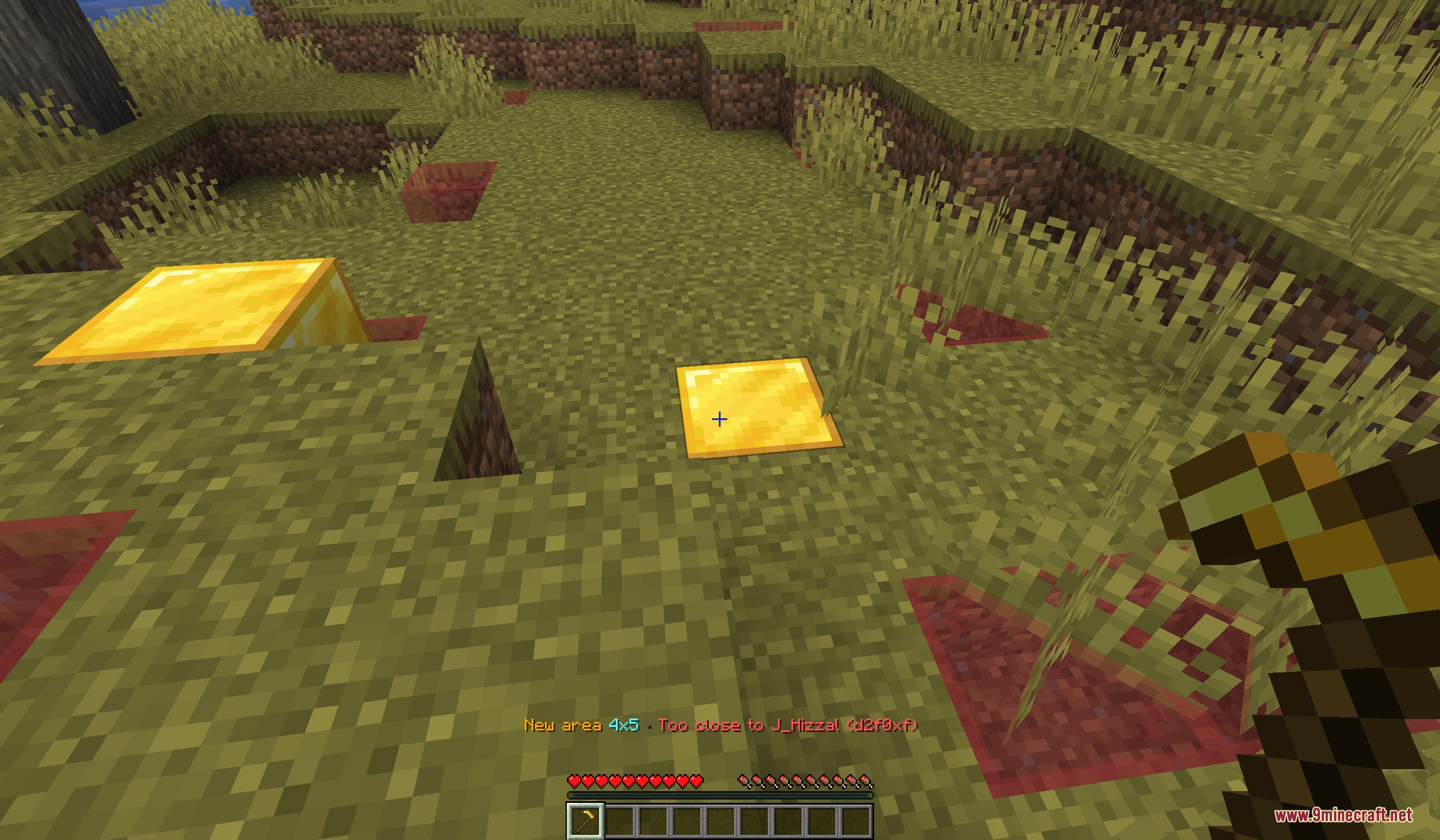
- Visual Boundaries: Shows bright outlines in the world to let you see exactly where your claim starts and ends.
- Explosion Defense: Stops TNT, creepers, and fire from destroying your blocks, chests, or armor stands inside a claimed area.
- Gives new players a starter wand automatically when they first join the game.
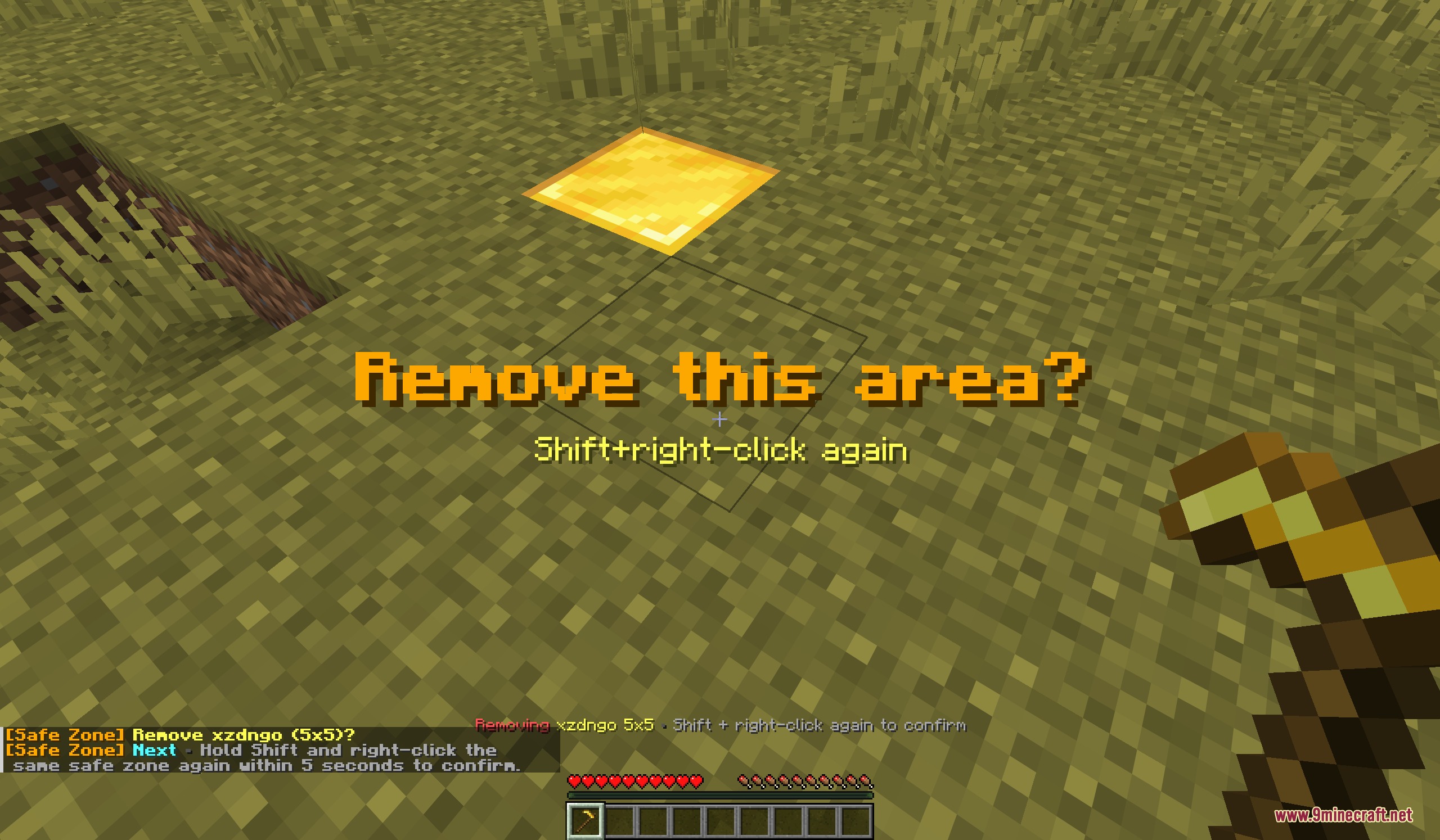
- Lets you easily resize your land or delete it by shifting and clicking with the wand.
- Allows you to trust your friends so they can build and open chests inside your safe zone.
- Blocks flowing water and lava from ruining your builds if someone places it outside your border.
- Protects paintings, item frames, and minecarts from breaking inside your borders.
- Provides server admins with tools to check, delete, or transfer land ownership if needed.
- Supports Paper server plugins like Axiom and WorldEdit to restrict big edits to claimed areas.
Commands:
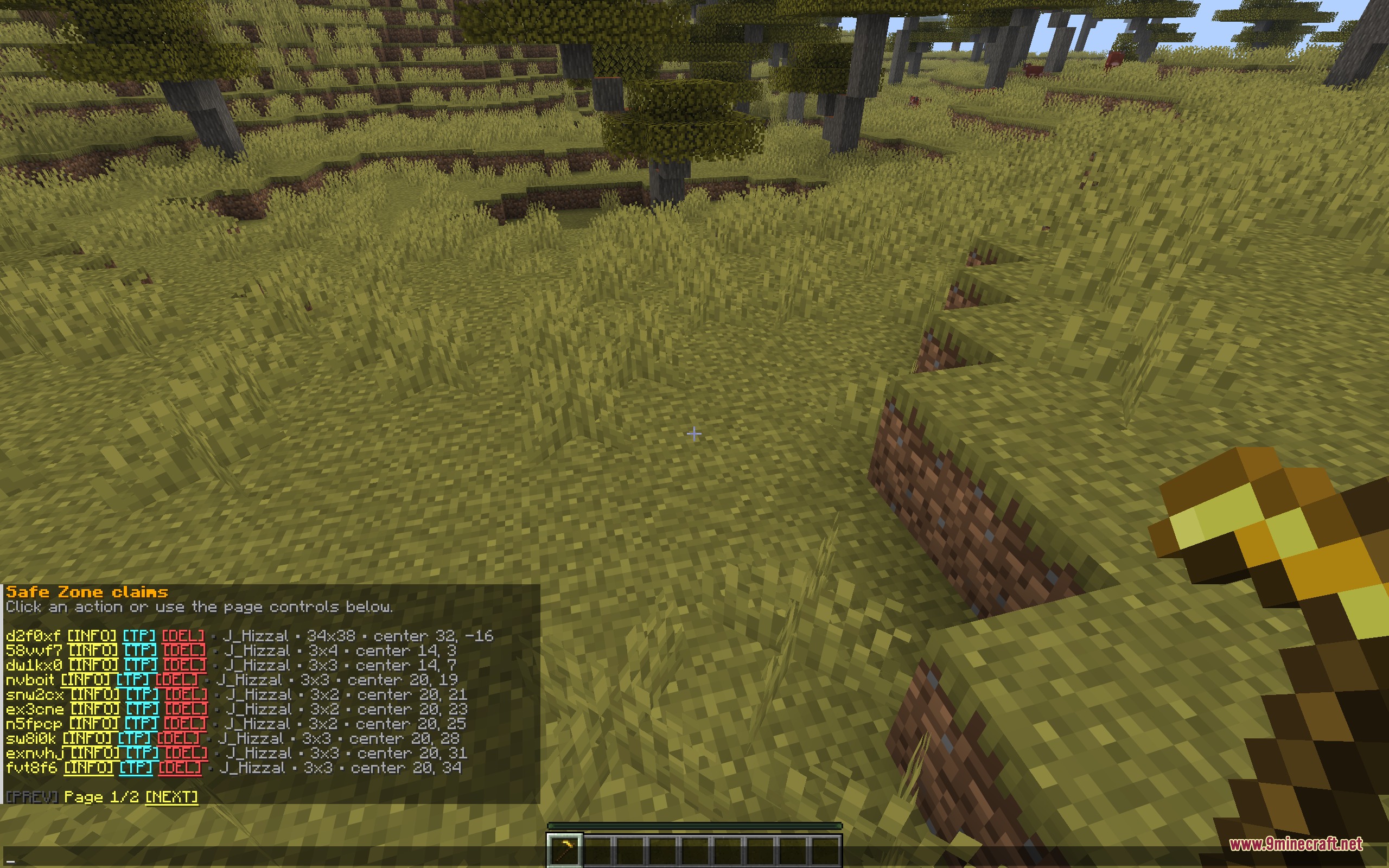
/claim list: view all the areas you currently own./claim trust <claimId>: open a menu to let friends build in your area./claim remove <claimId>: delete one of your safe zones./claim show: keep your land borders visible even when you put the wand away./sz info <claimId>: check the details of a specific claim./sz removeall <player> confirm: delete all land owned by a specific person./sz transfer <claimId> <player>: give an area to someone else.
Configuration:
claimWandItemId: change the item used for the wand.defaultMaxClaims: set how many areas a normal player can protect.maxClaimWidth: control how wide a single piece of land can be.claimExpiryDays: decide if claims vanish after a player stays offline for too long.windChargeKnockbackInClaims: turn off wind charge bouncing inside protected zones.
How to Use:
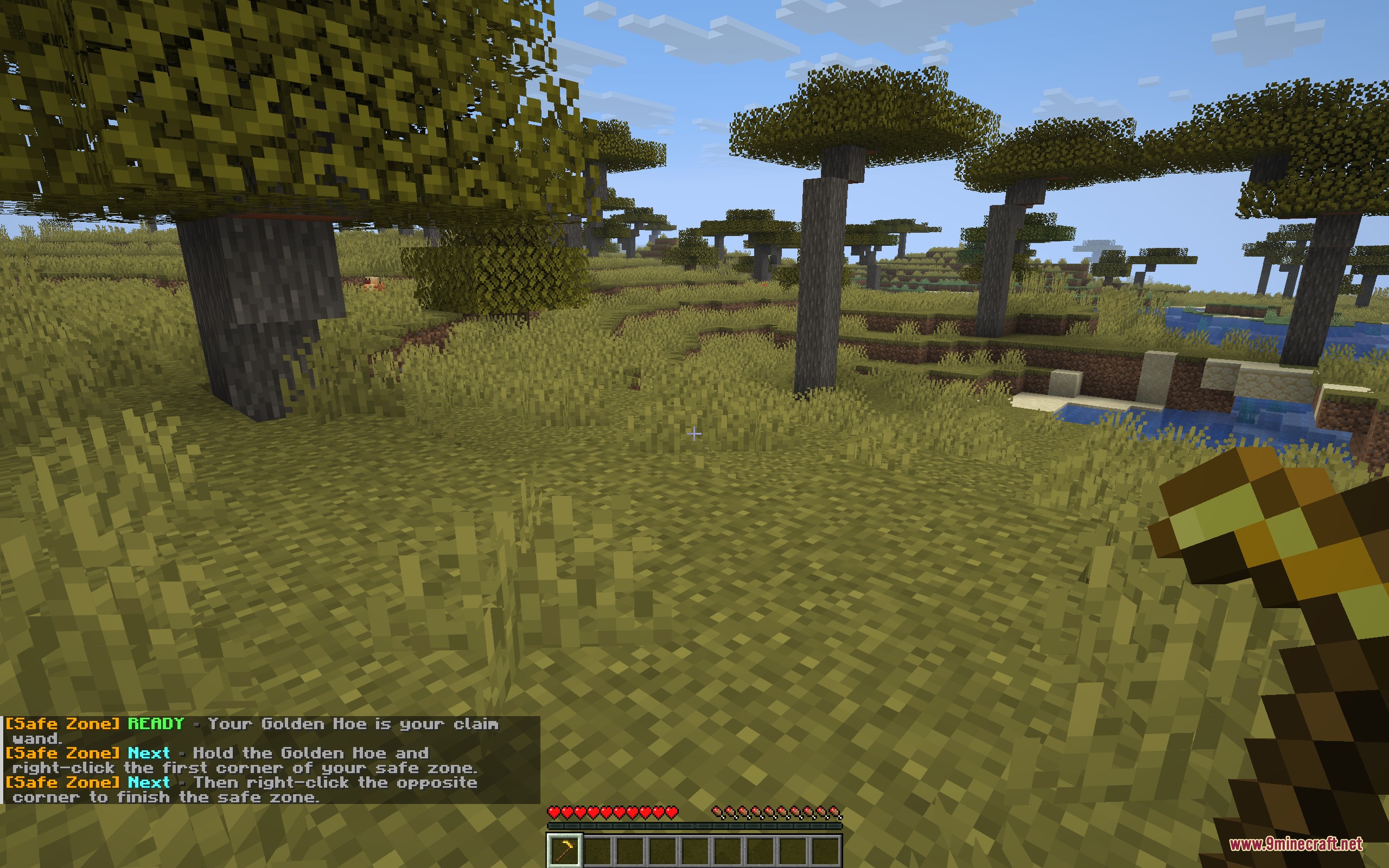
- Join the server and receive your starter wand (usually a Golden Hoe).
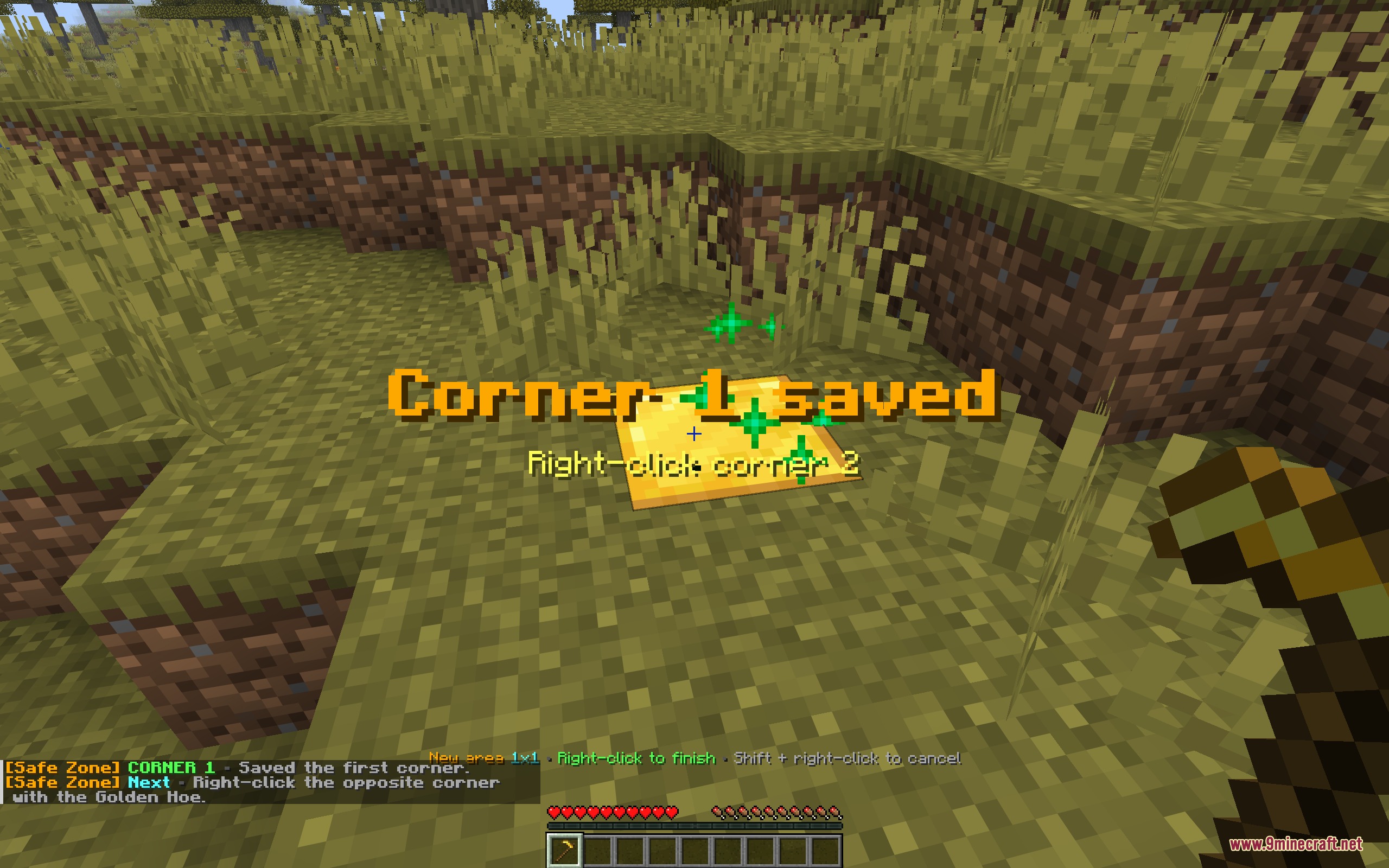
- Right-click one block on the ground to set your first corner.
- Walk to the opposite side of your build and Right-click a second block to finish the claim.
- Stand inside your new area and Shift + left-click with the wand to open the menu and trust your friends.
- Hold the wand and Right-click one of your glowing corners if you need to resize the area later.
Screenshots:
How to Install:
New to Minecraft? Follow our step-by-step guide to install Mods on your PC.View Guide
Requirements:


Safe Zone Claims Mod Download Links
For Minecraft 26.2
For Minecraft 26.1.2, 26.1.1, 26.1
For Minecraft 1.21.11
Click to rate this post!
[Total: 0 Average: 0]
You May Also Like







This post has no comments yet. Be the first — your comment will appear here.