
Gamingbarn’s Morphs Mod (26.3, 1.21.1) – Transform Into Any Creature
 37,398
 0


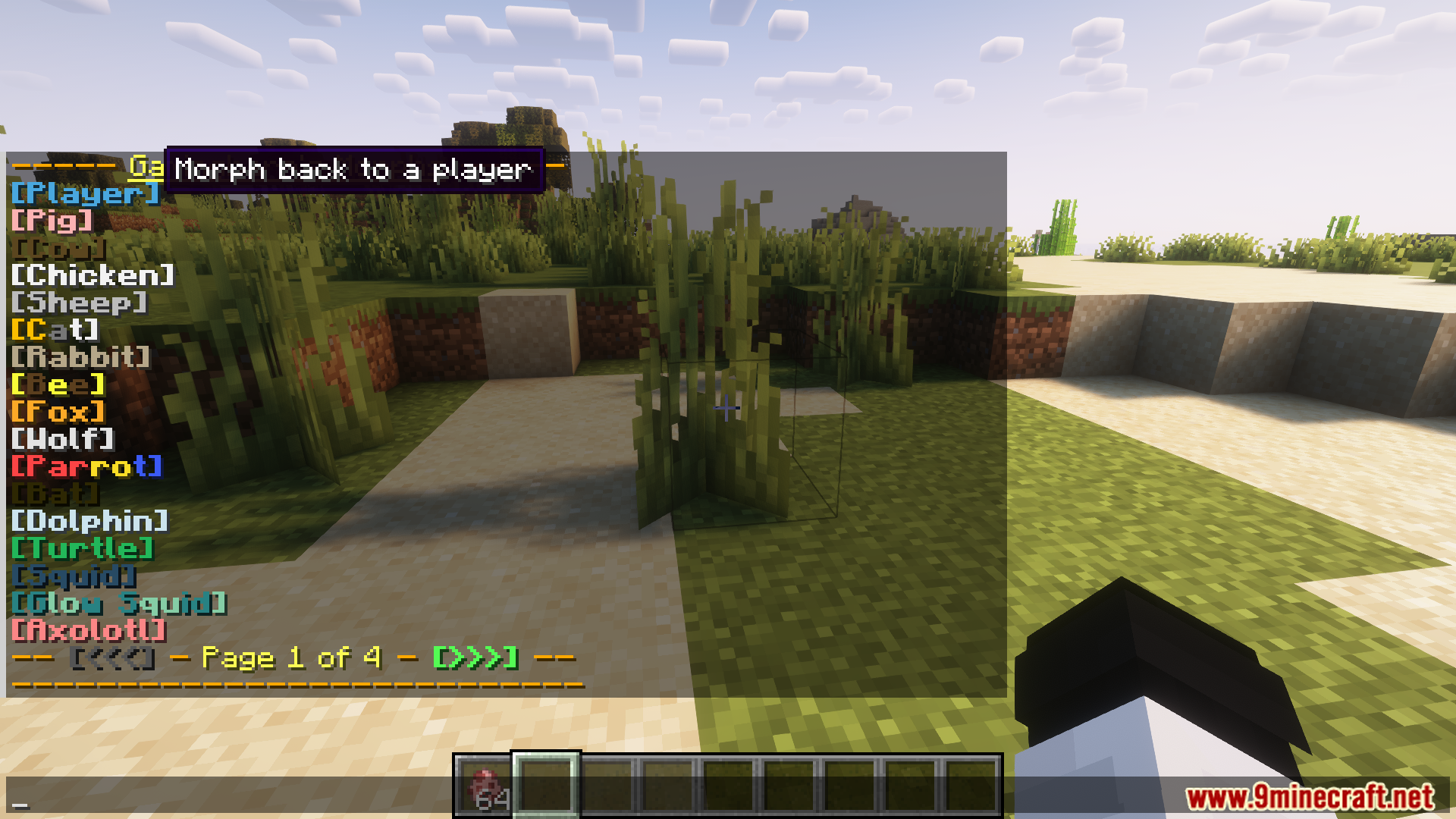
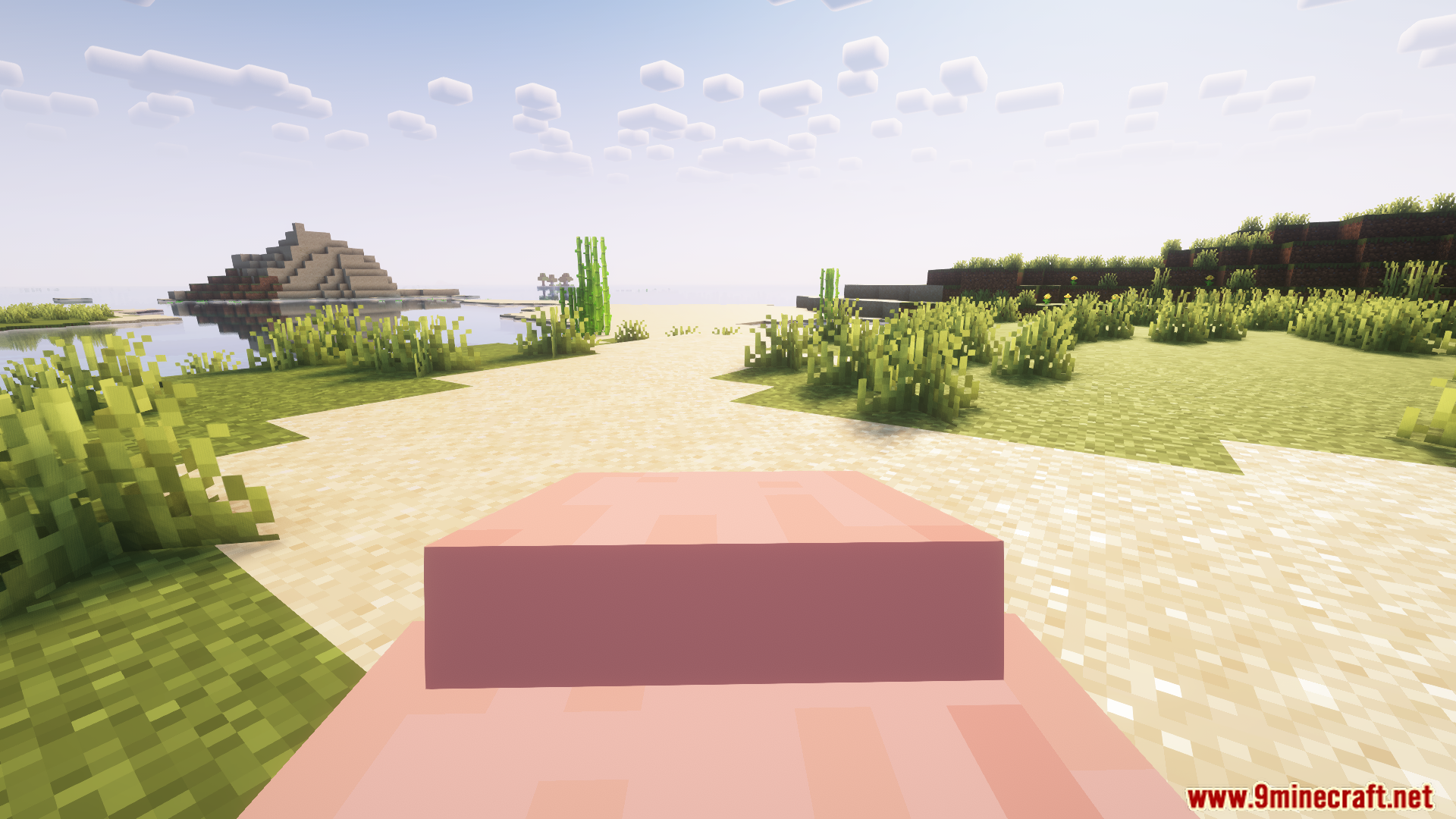
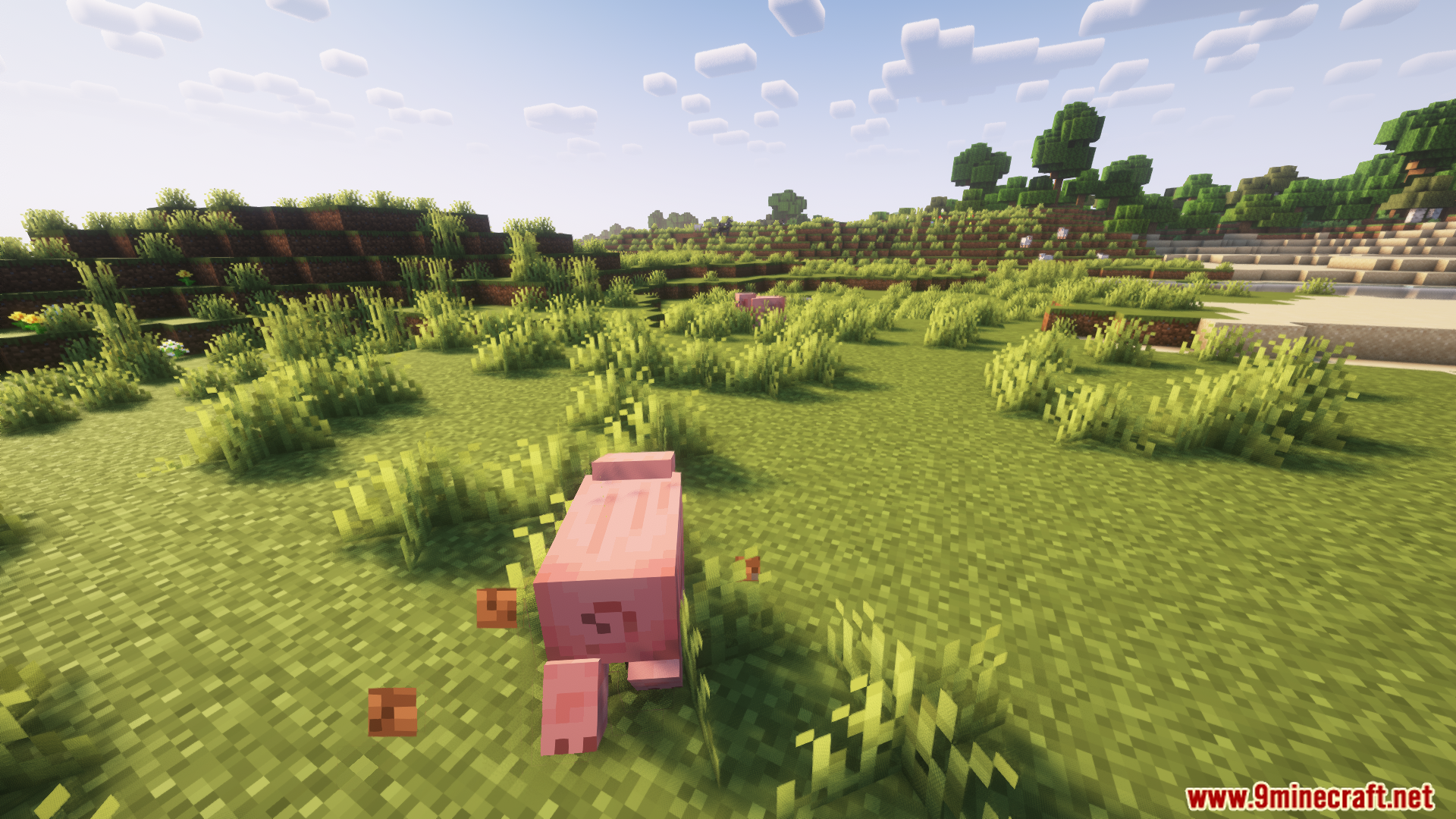
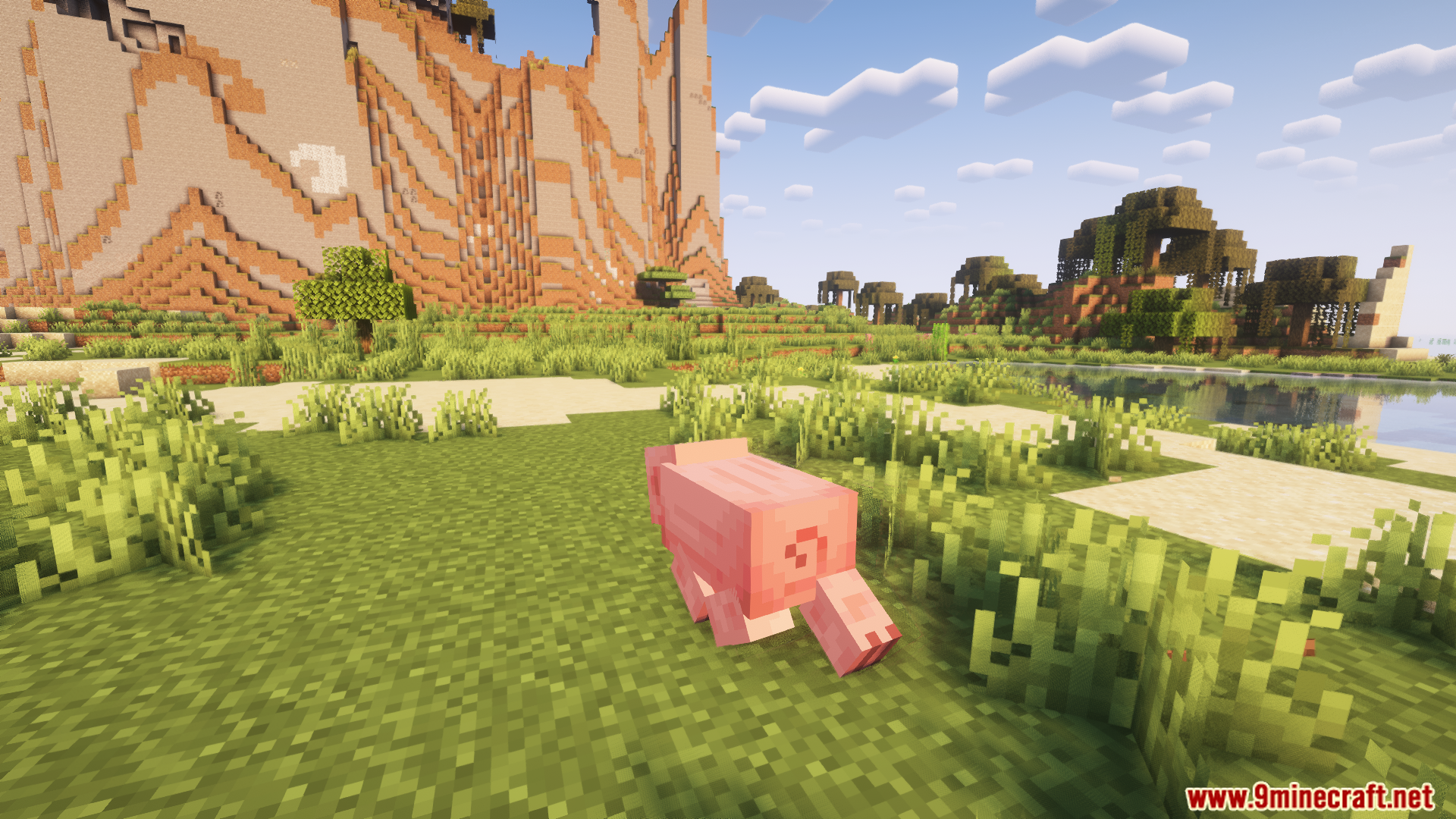
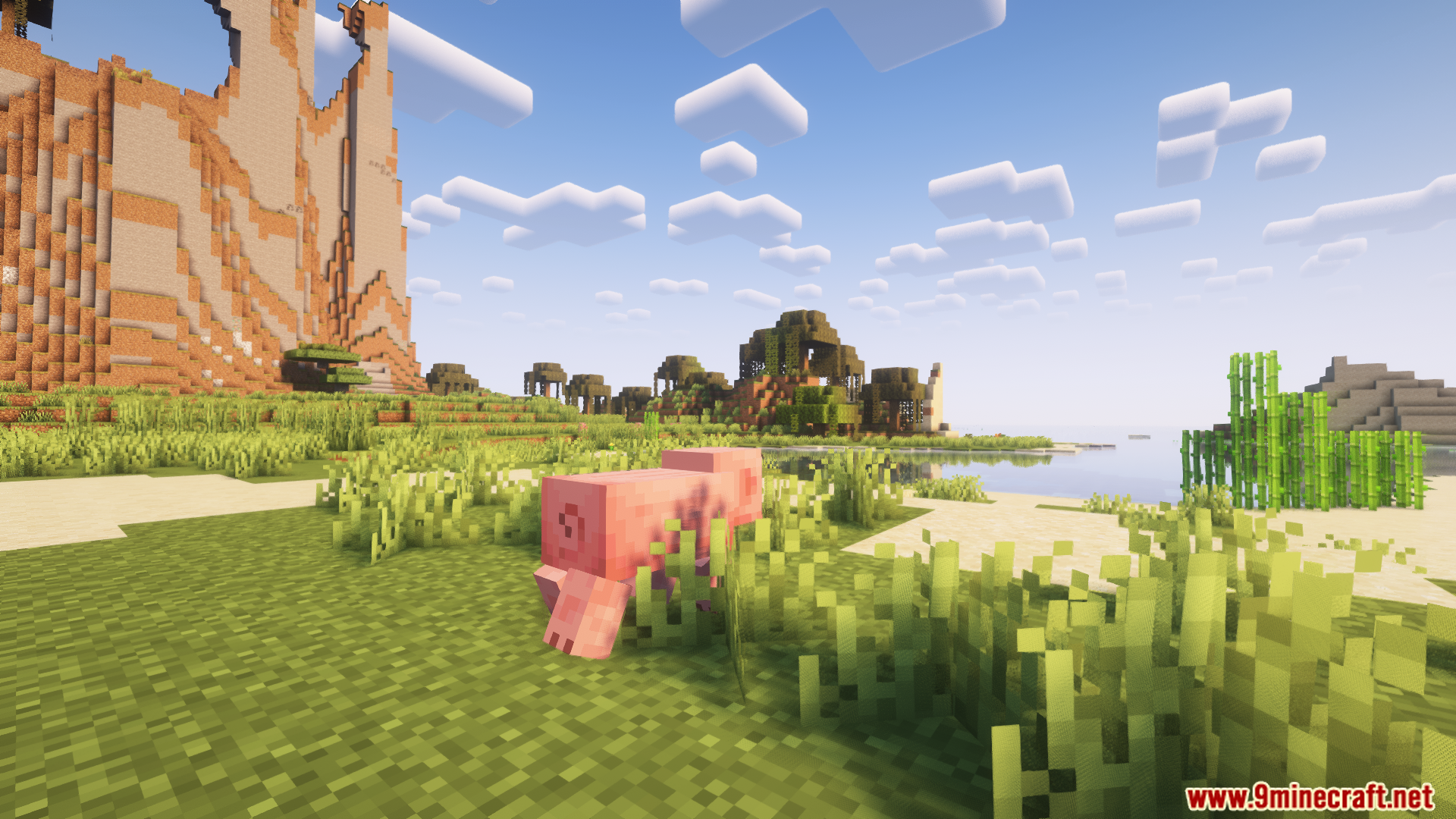
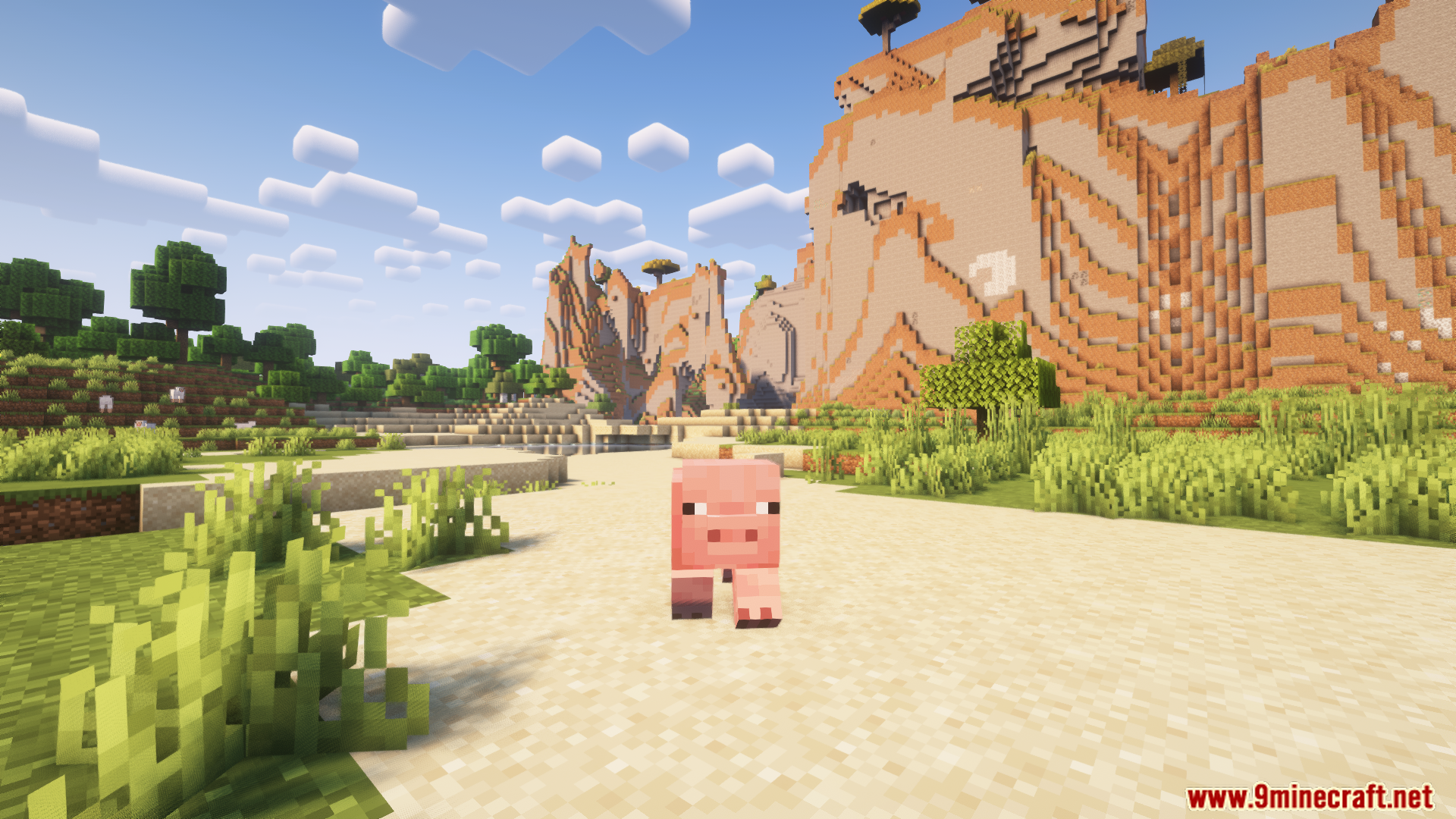
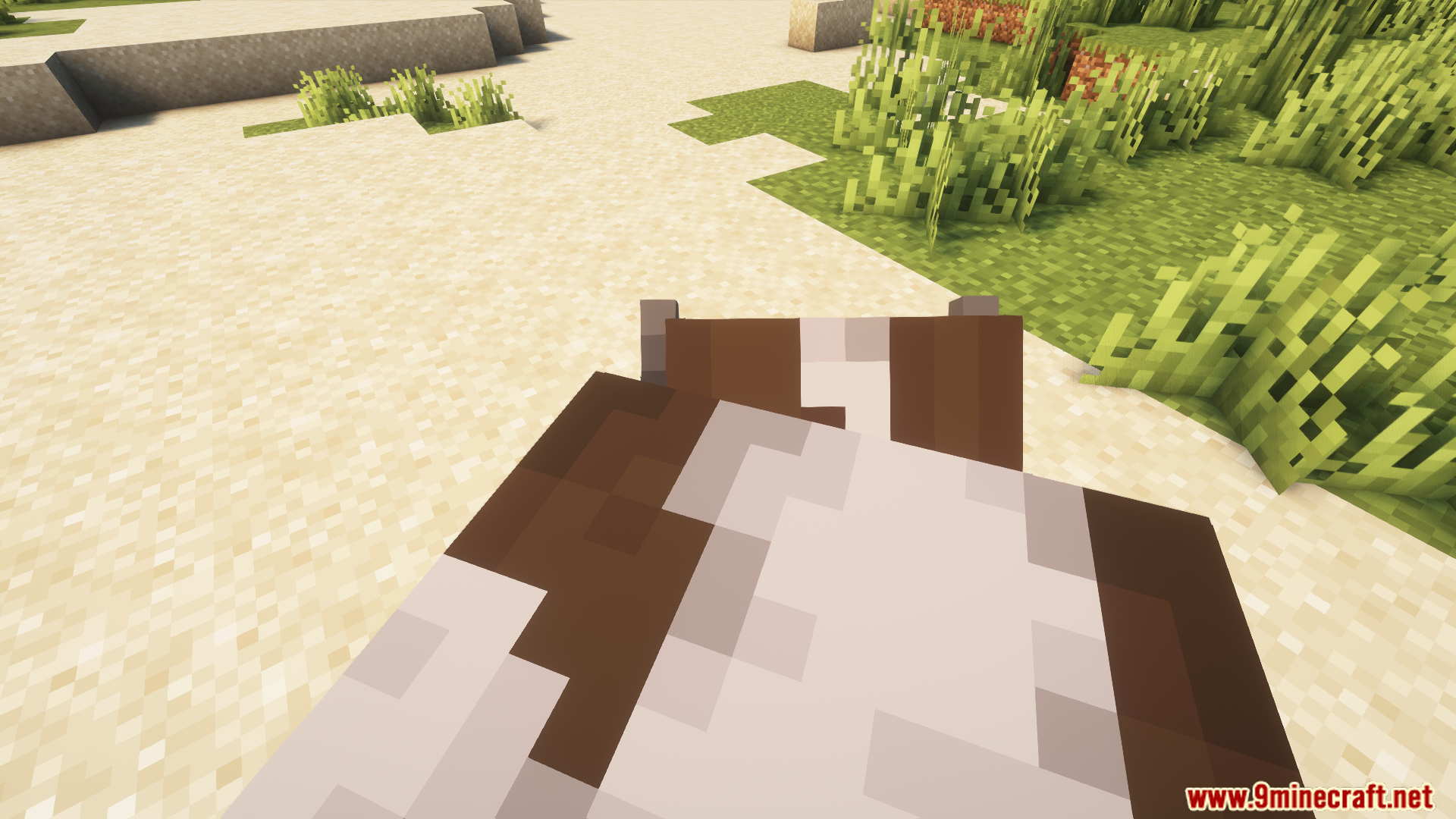
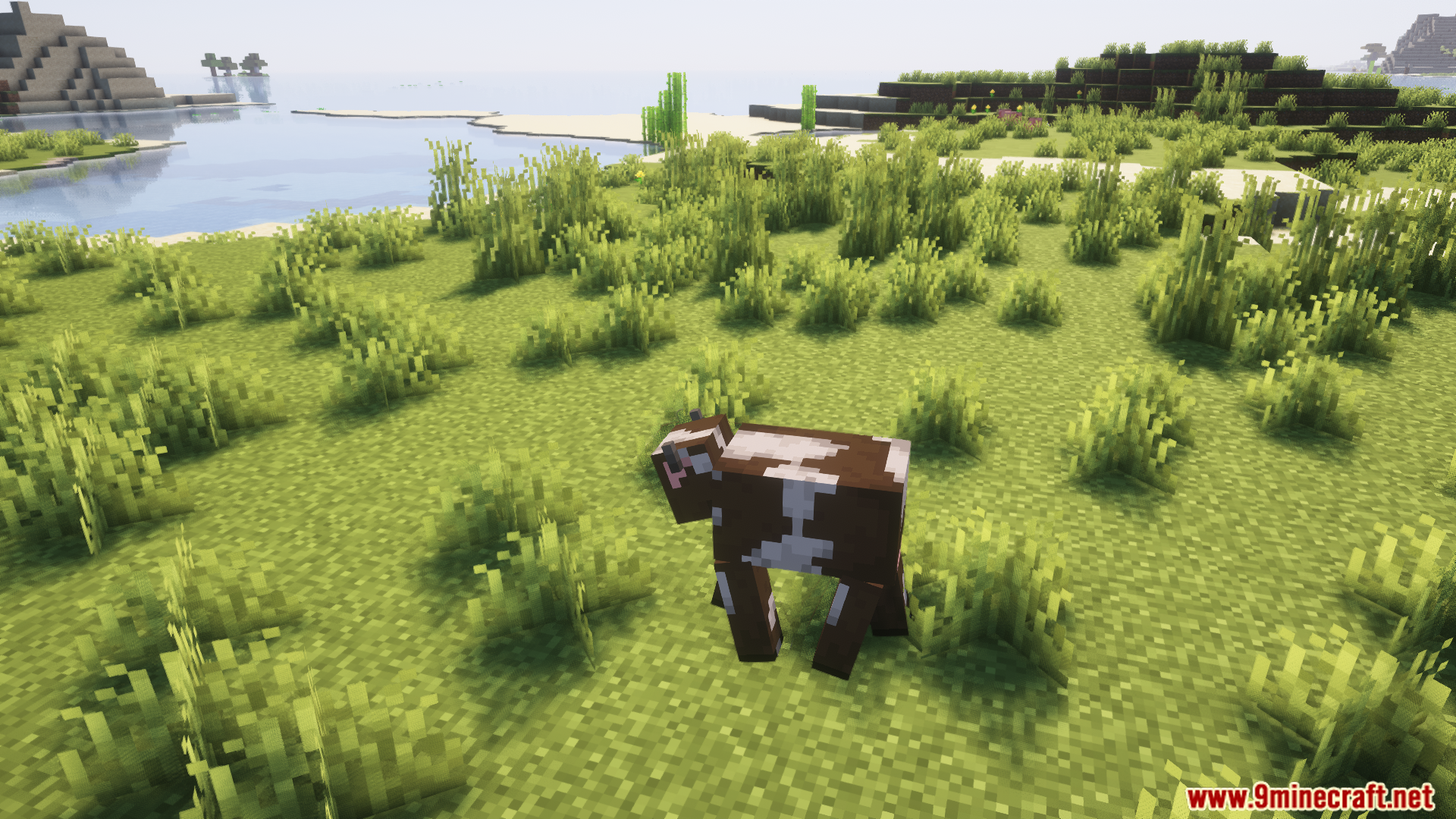
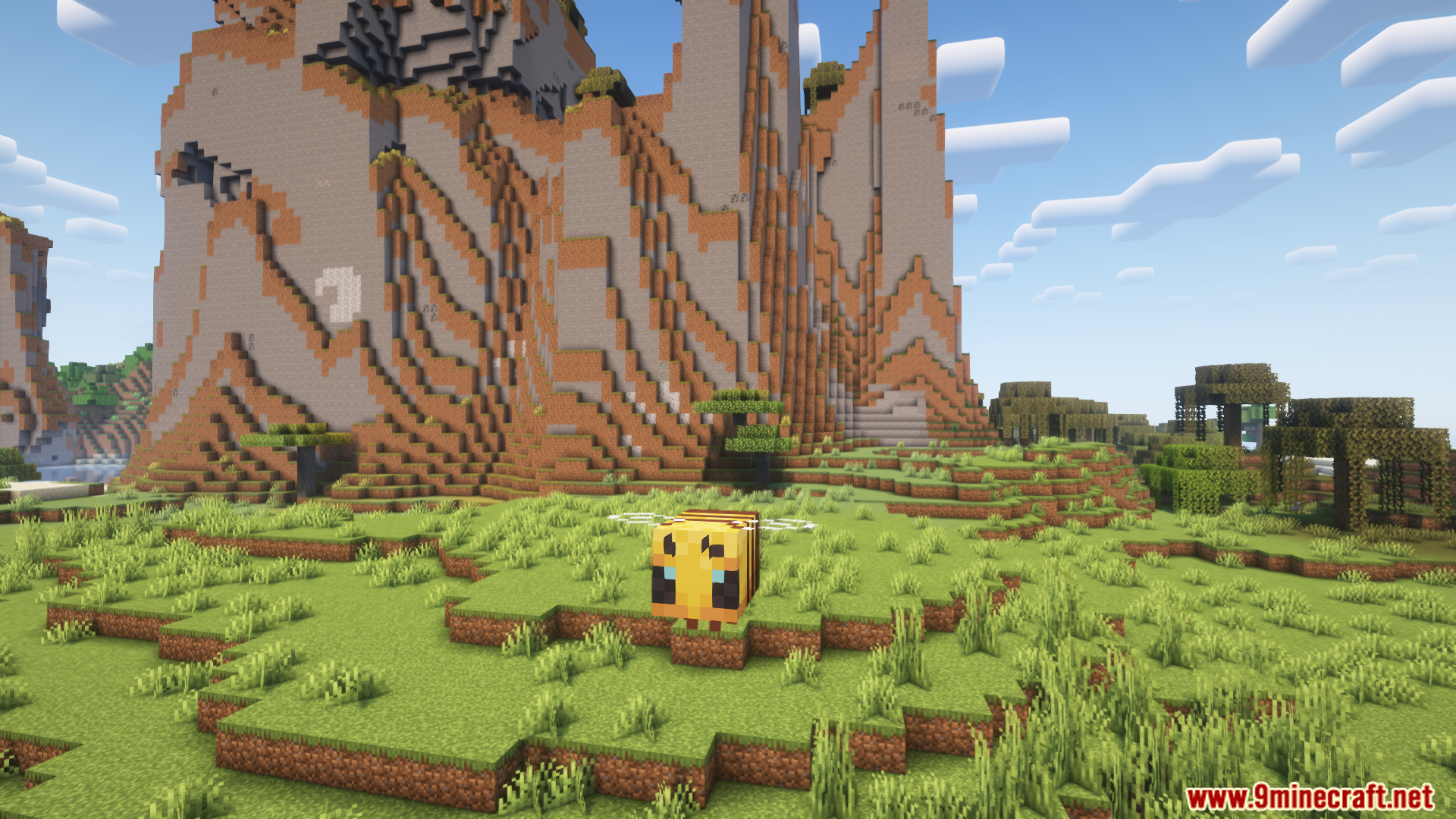
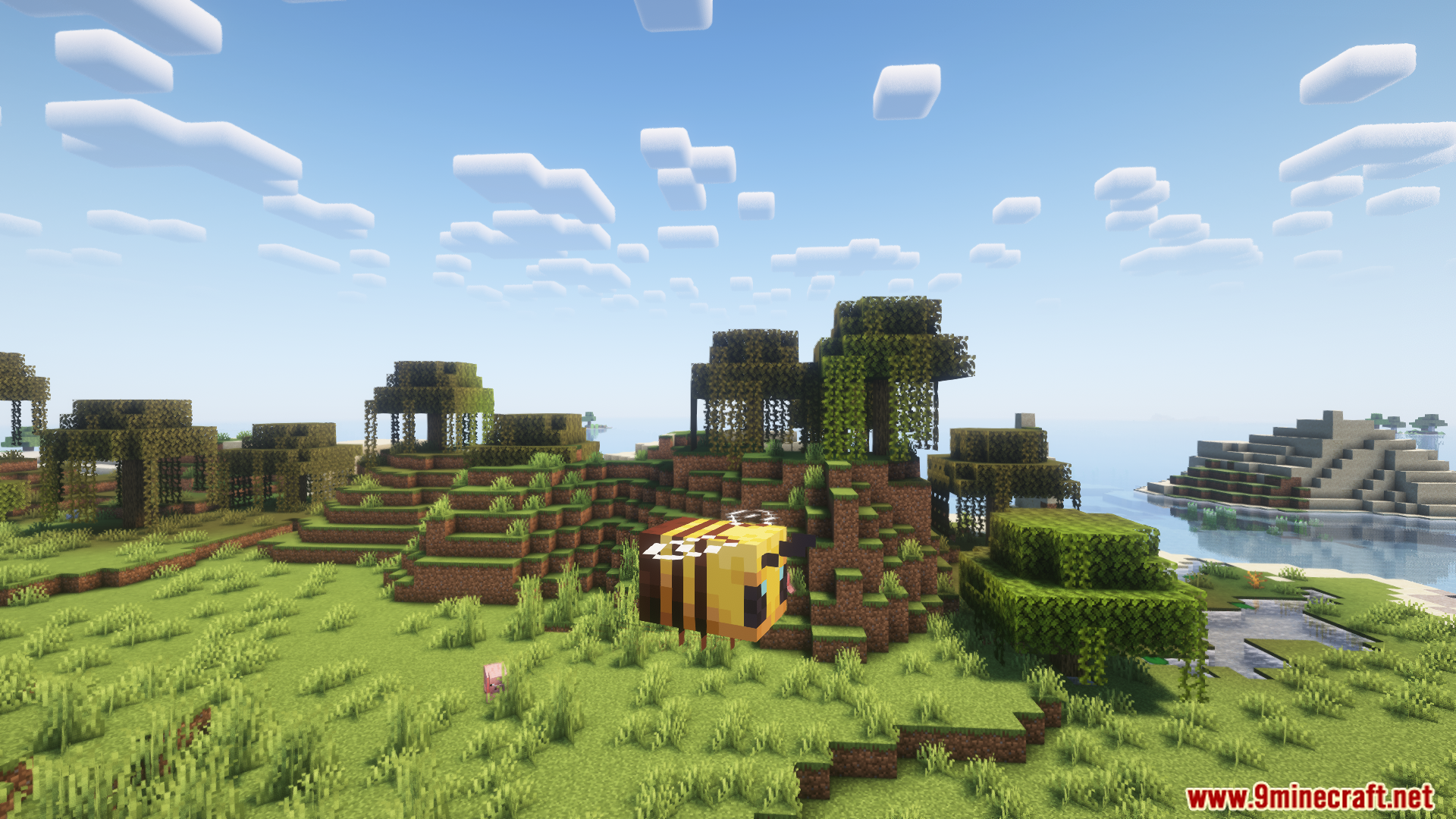
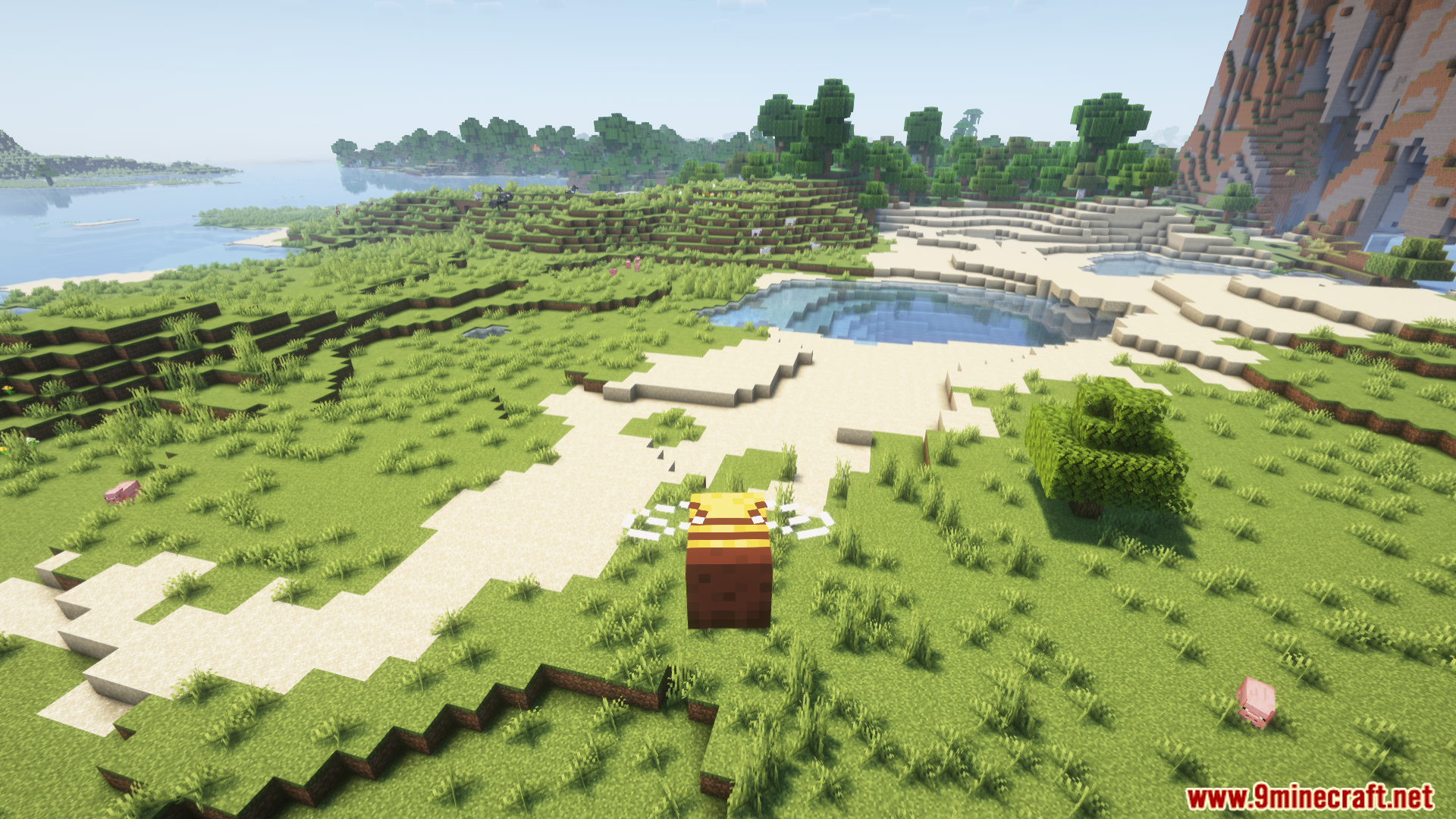
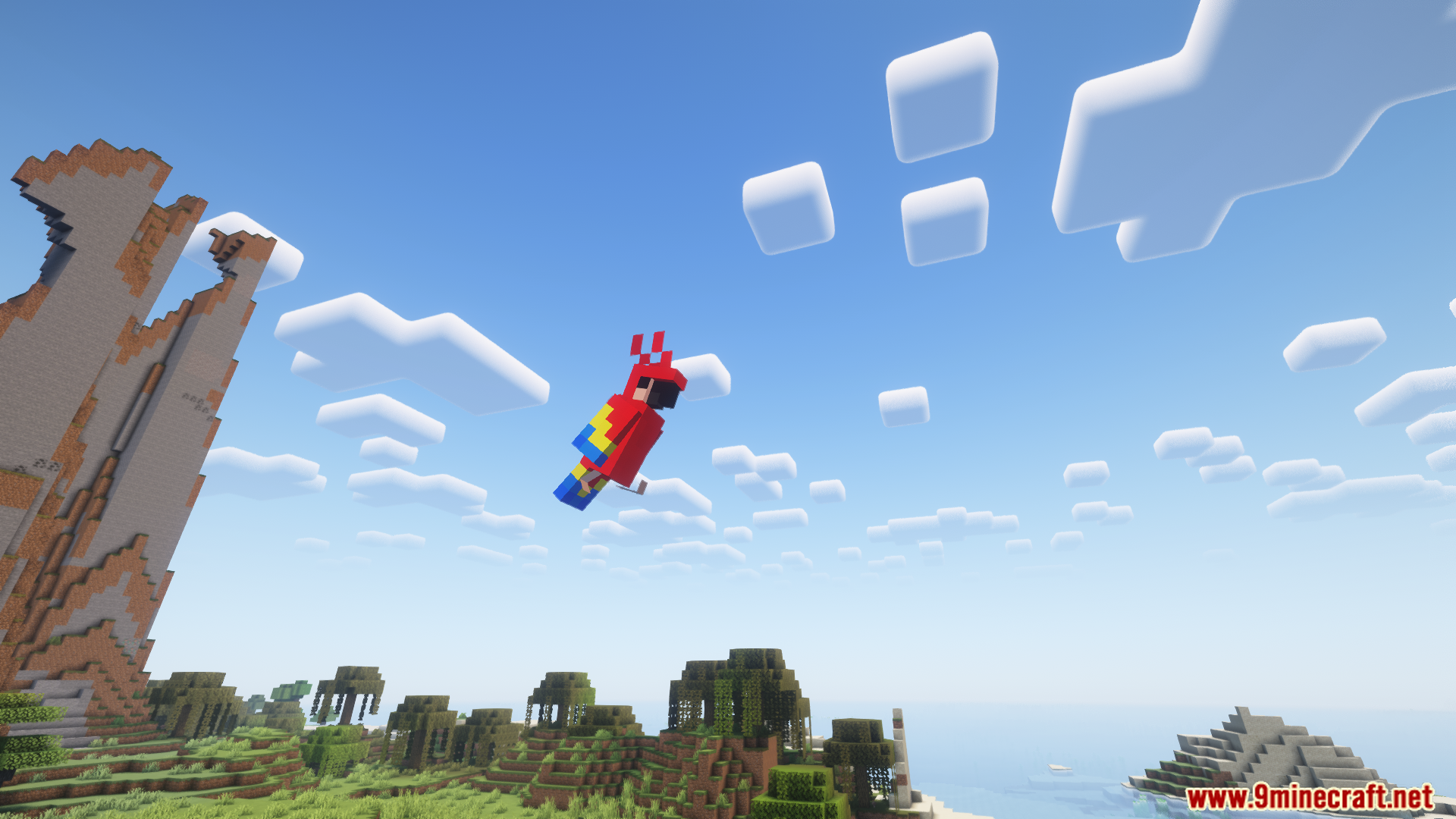
Gamingbarn’s Morphs Mod lets you transform into different mobs while playing Minecraft. It brings a simple menu system that lets you choose and try out various creature shapes easily. Certain mob forms include unique powers like climbing walls or dropping eggs. You can access these transformation options quickly using simple in-game commands.
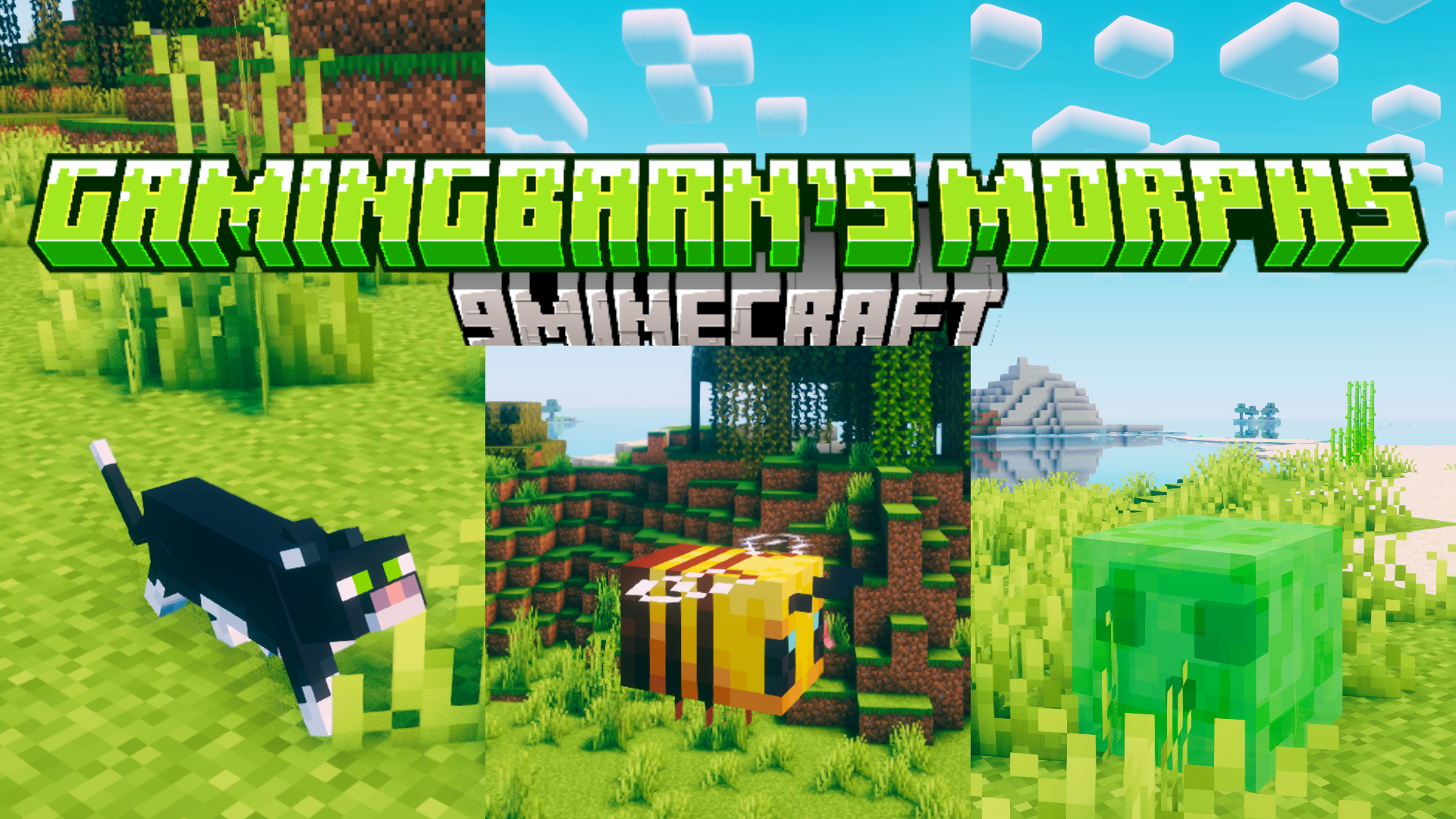
Features:
- Lets players morph into a wide variety of different mobs.
- Opens an intuitive menu system for selecting and activating morphs.
- Activates special mob abilities using the [Shift] key, such as wall climbing for spiders and egg-laying for chickens.
- Provides skin customization options to change the variant of certain morphs.
Commands:
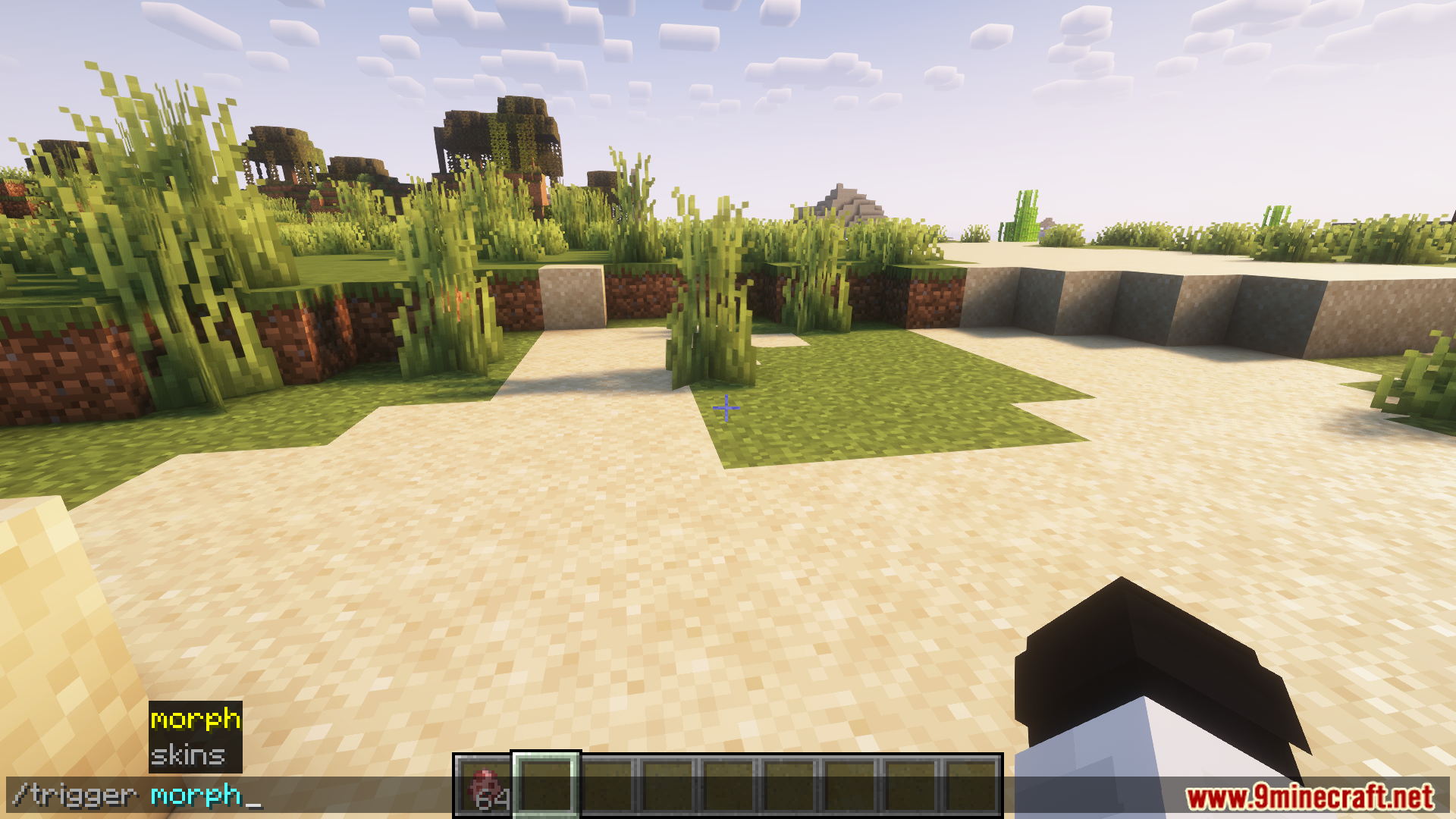
/trigger morph: Opens the morph selection menu to transform into different mobs./trigger skins: Opens the skin customization menu to change the variant of specific morphs.
How to Use:
- Type the command
/trigger morphinto the chat to begin. - Press the [T] key so your mouse cursor appears to click on items in the menu.
- Click on any mob in the menu to instantly transform into it.
- Press [Shift] while playing as a mob to use its special ability.
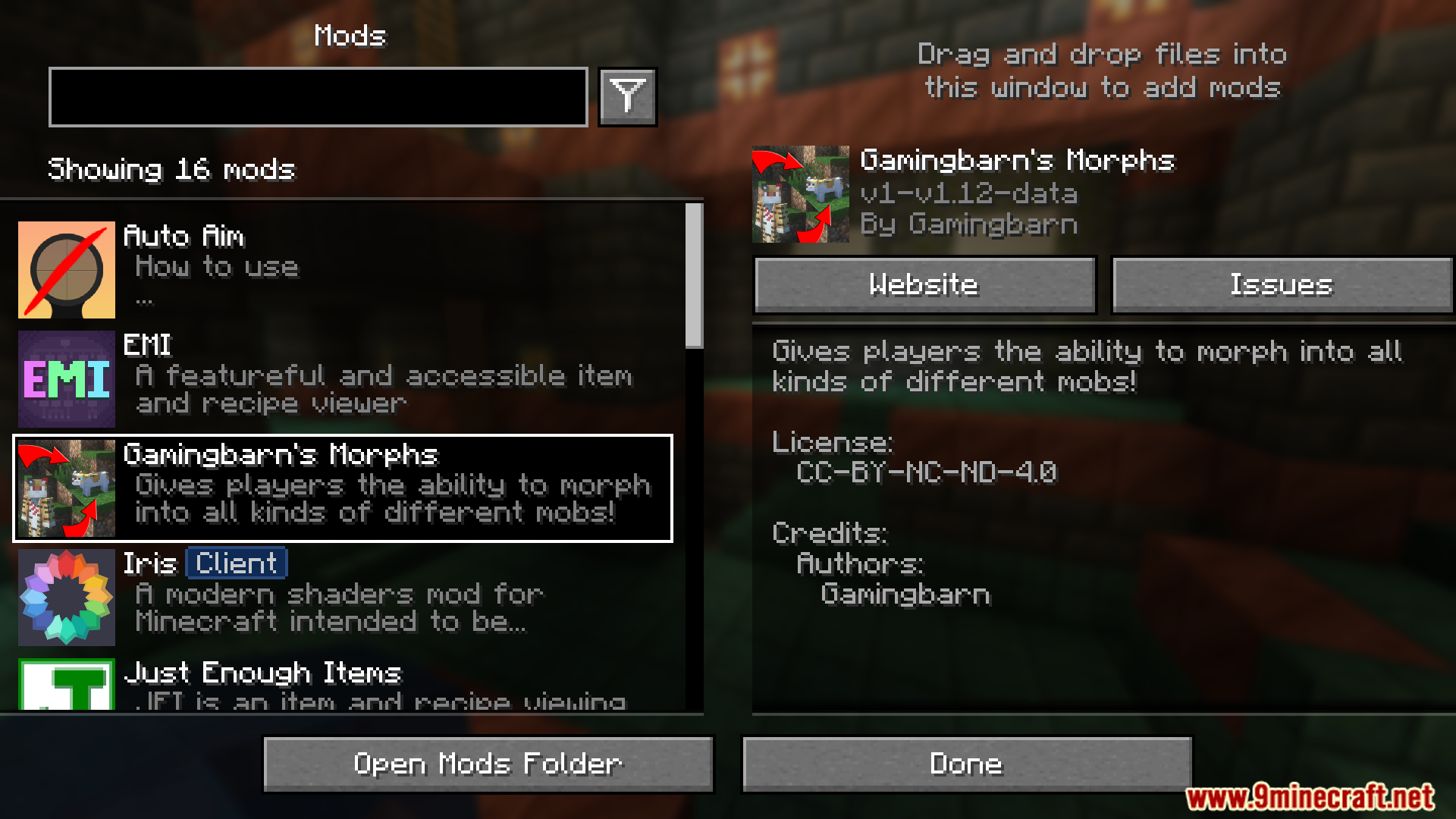
Screenshots:

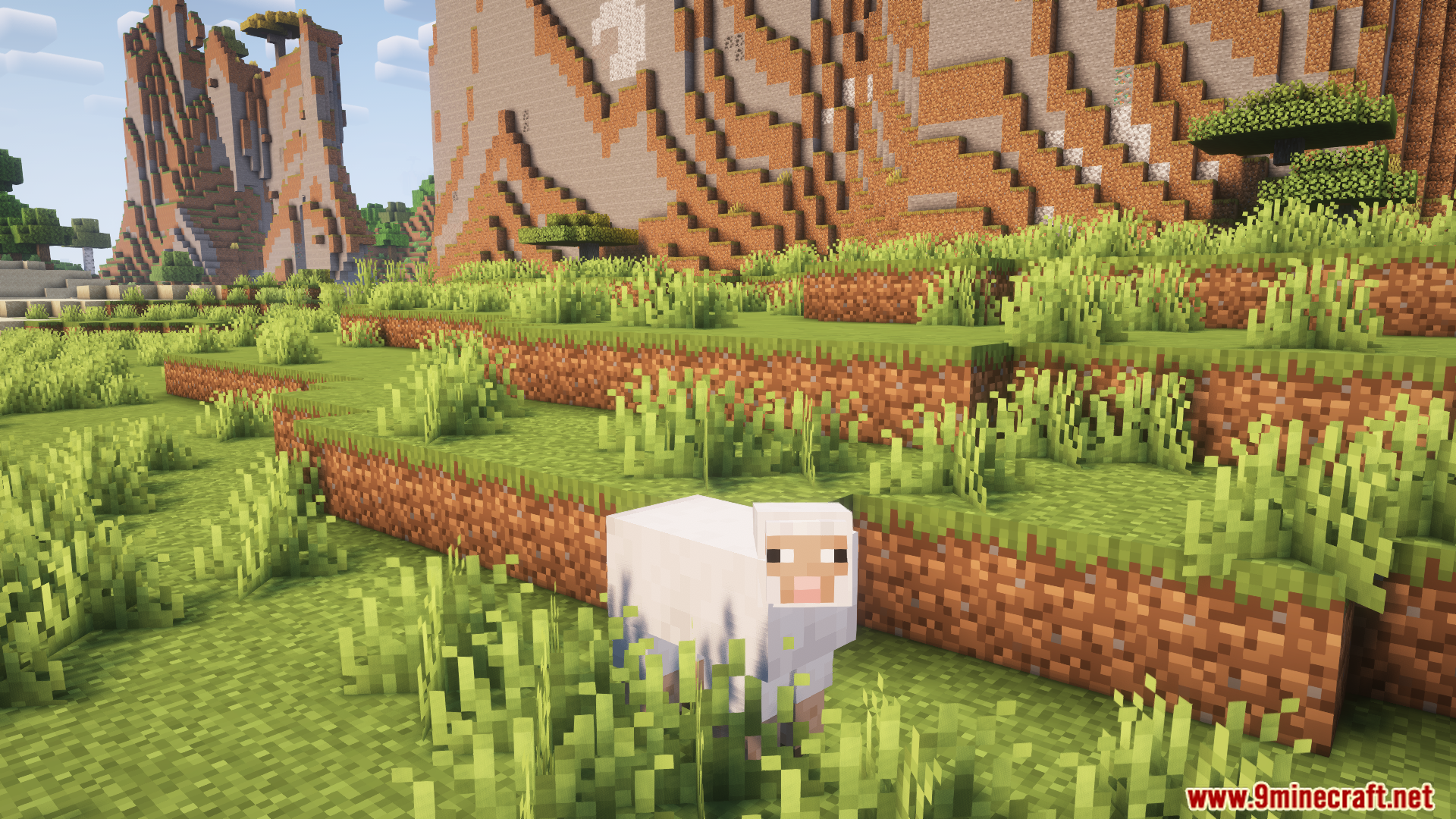
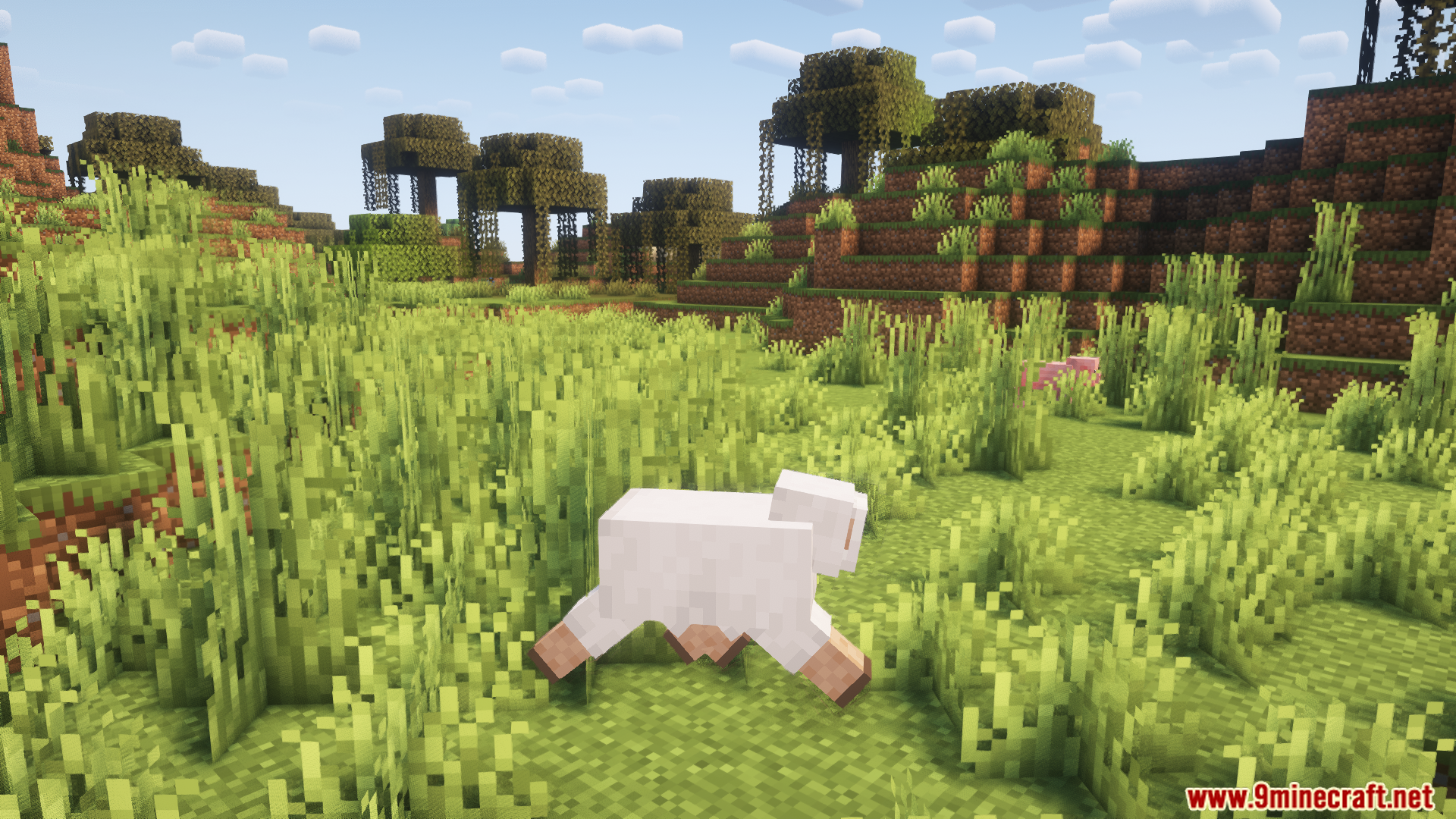
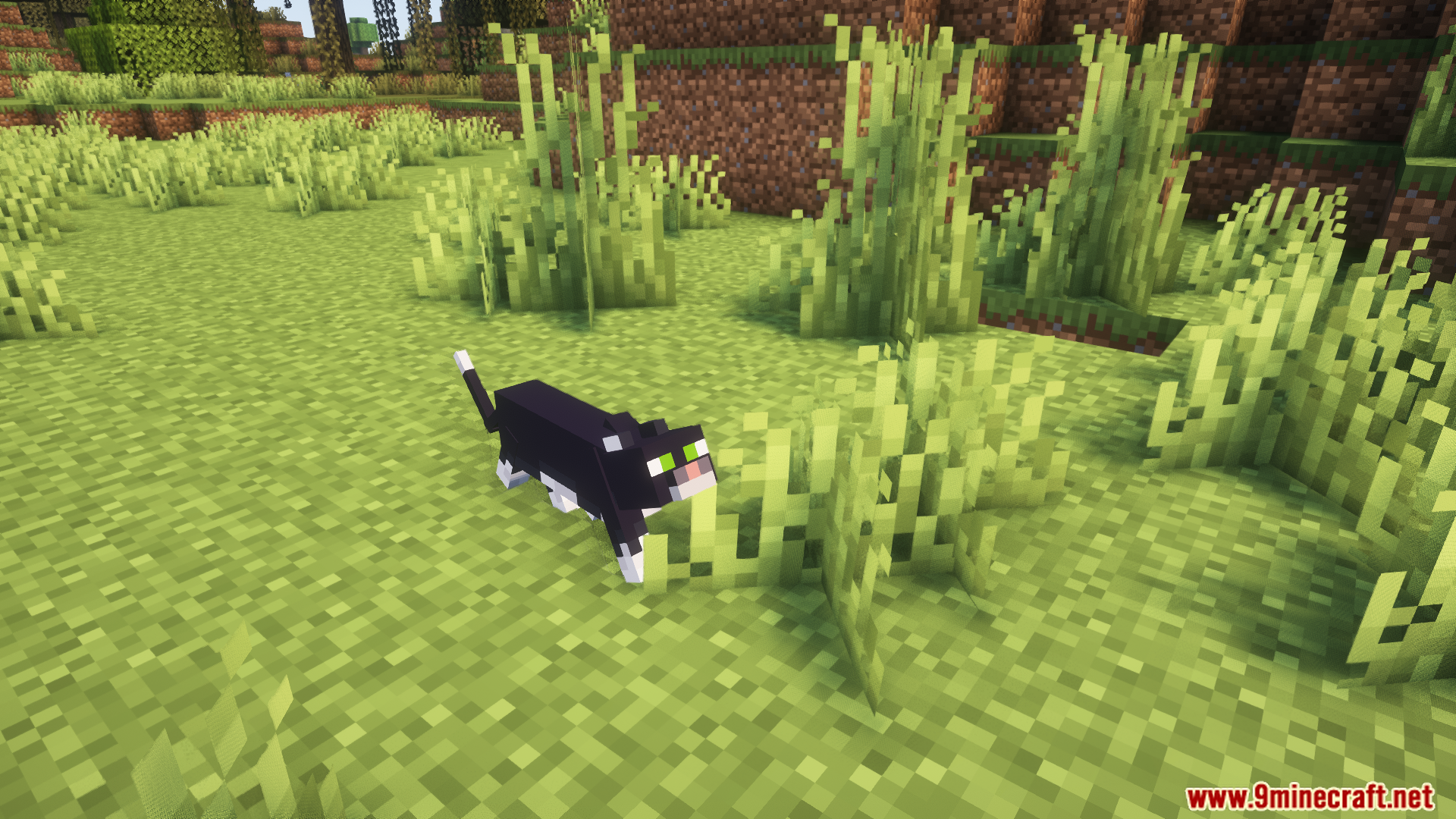
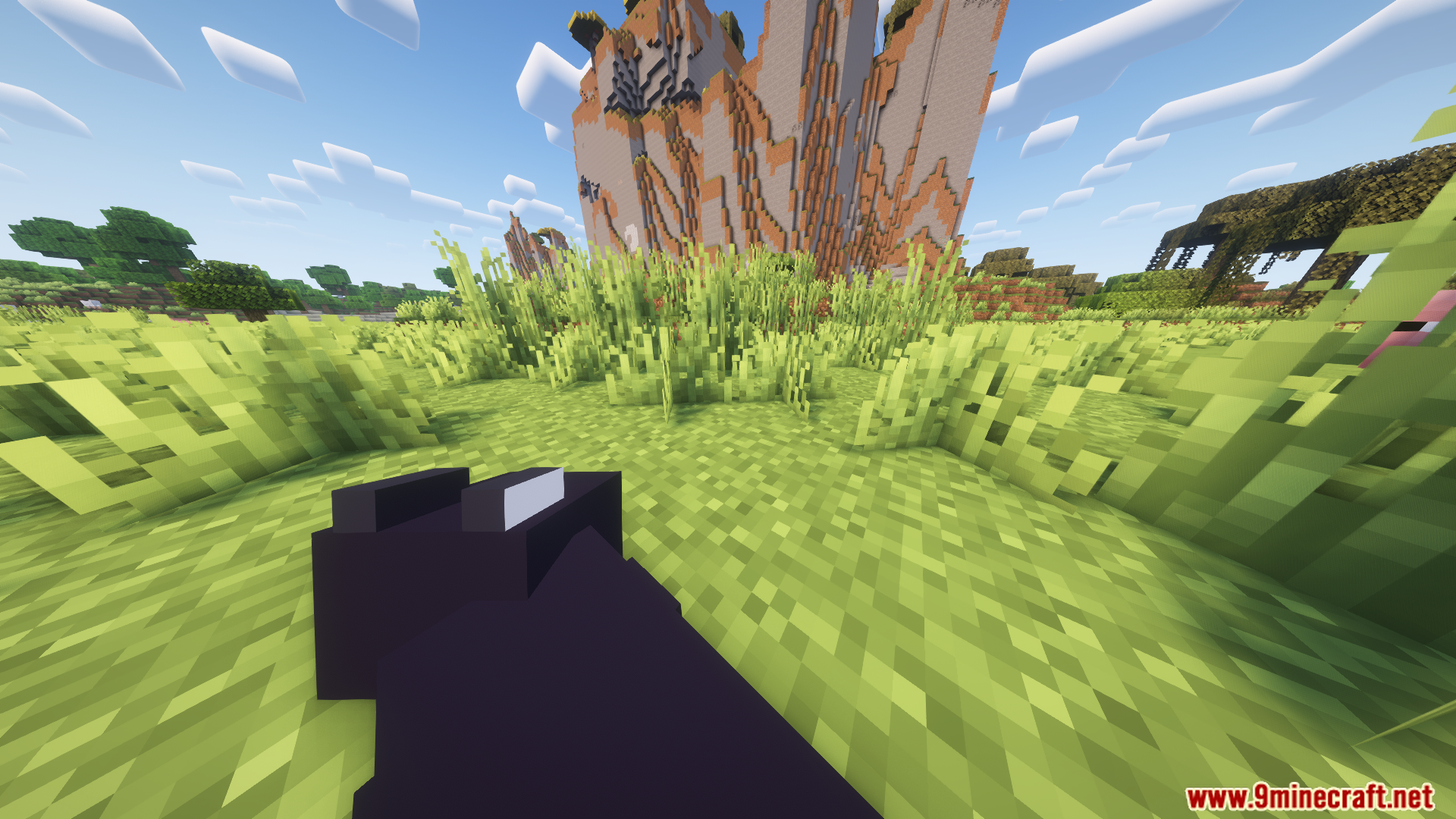
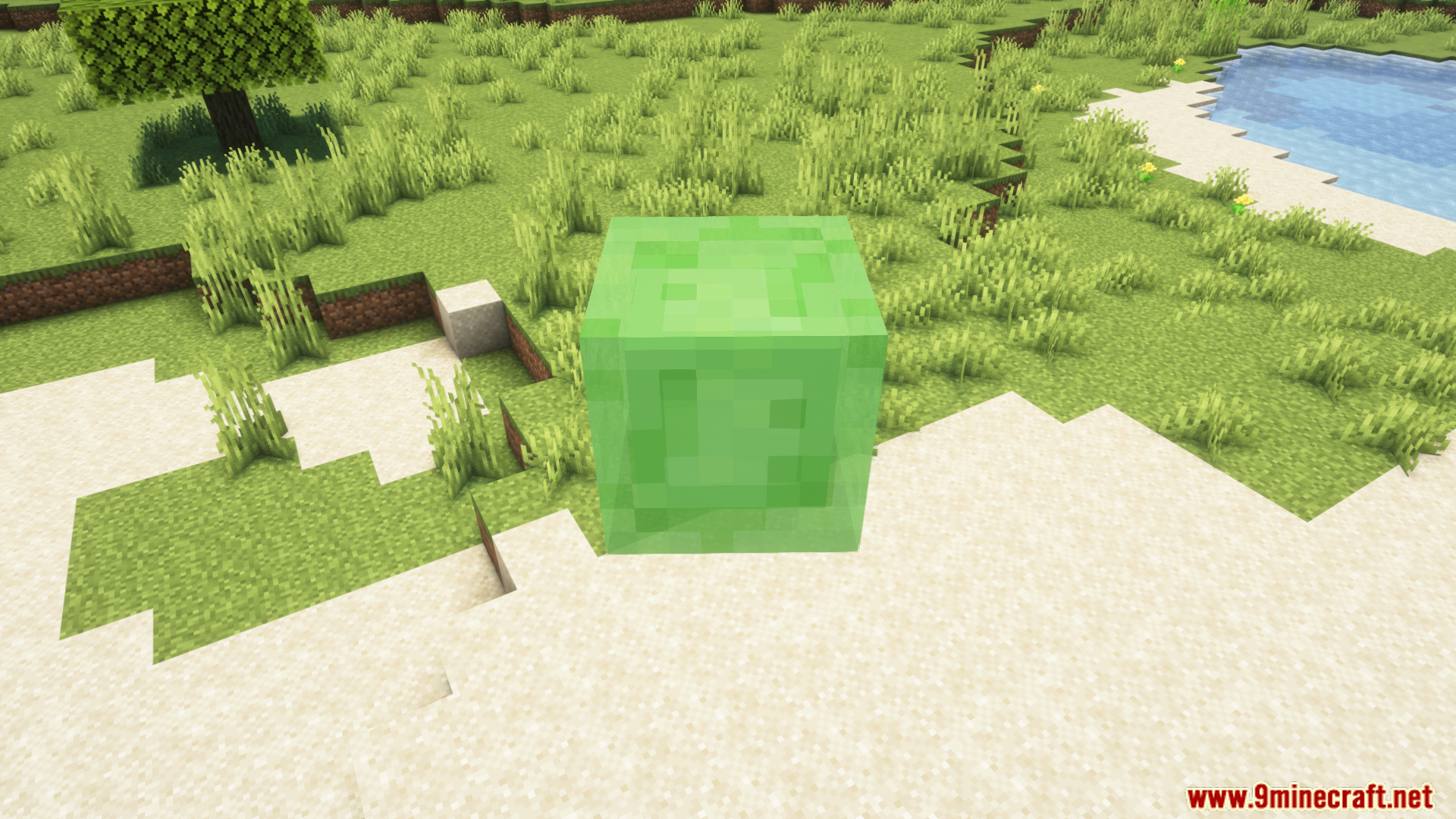
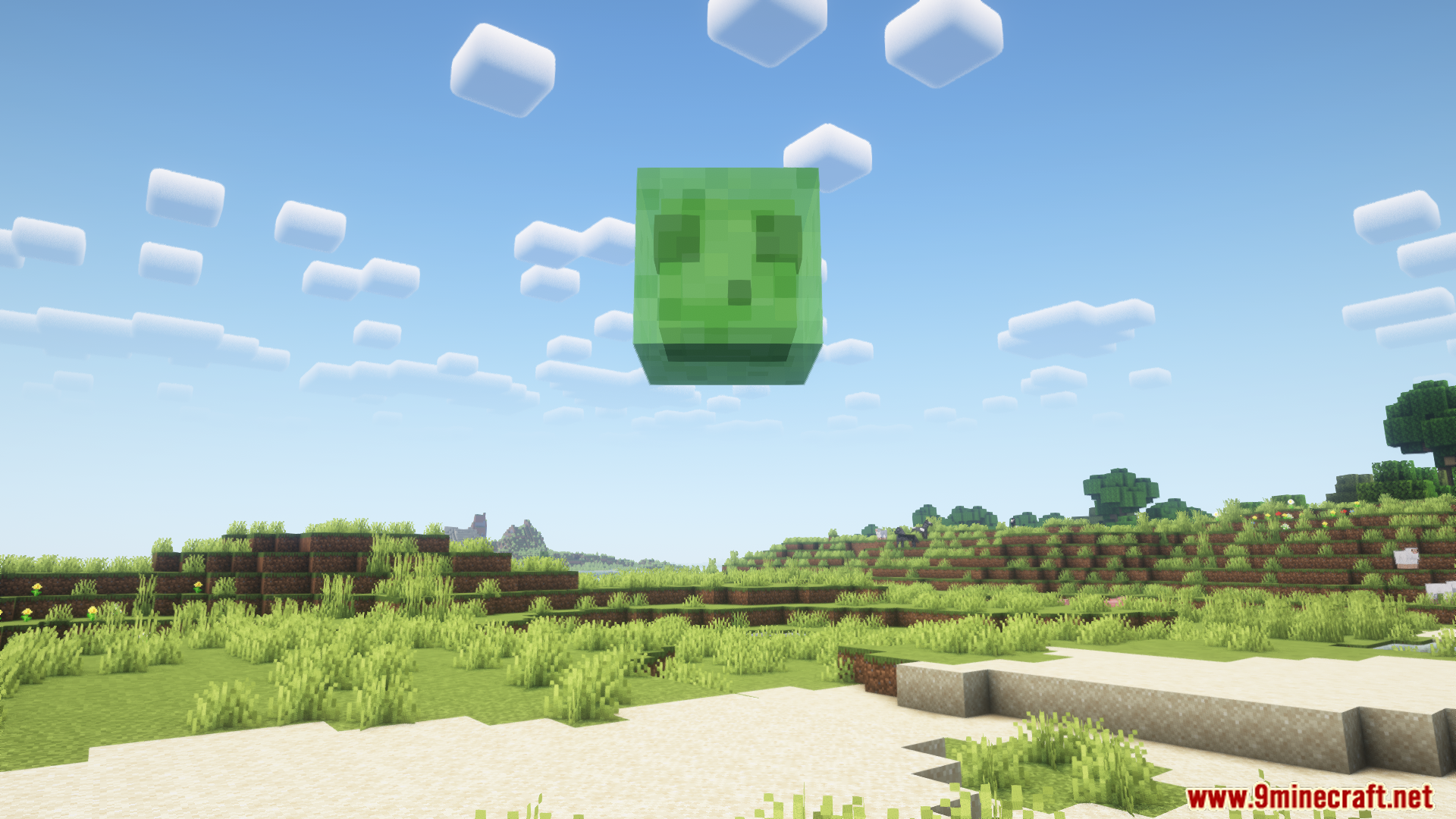
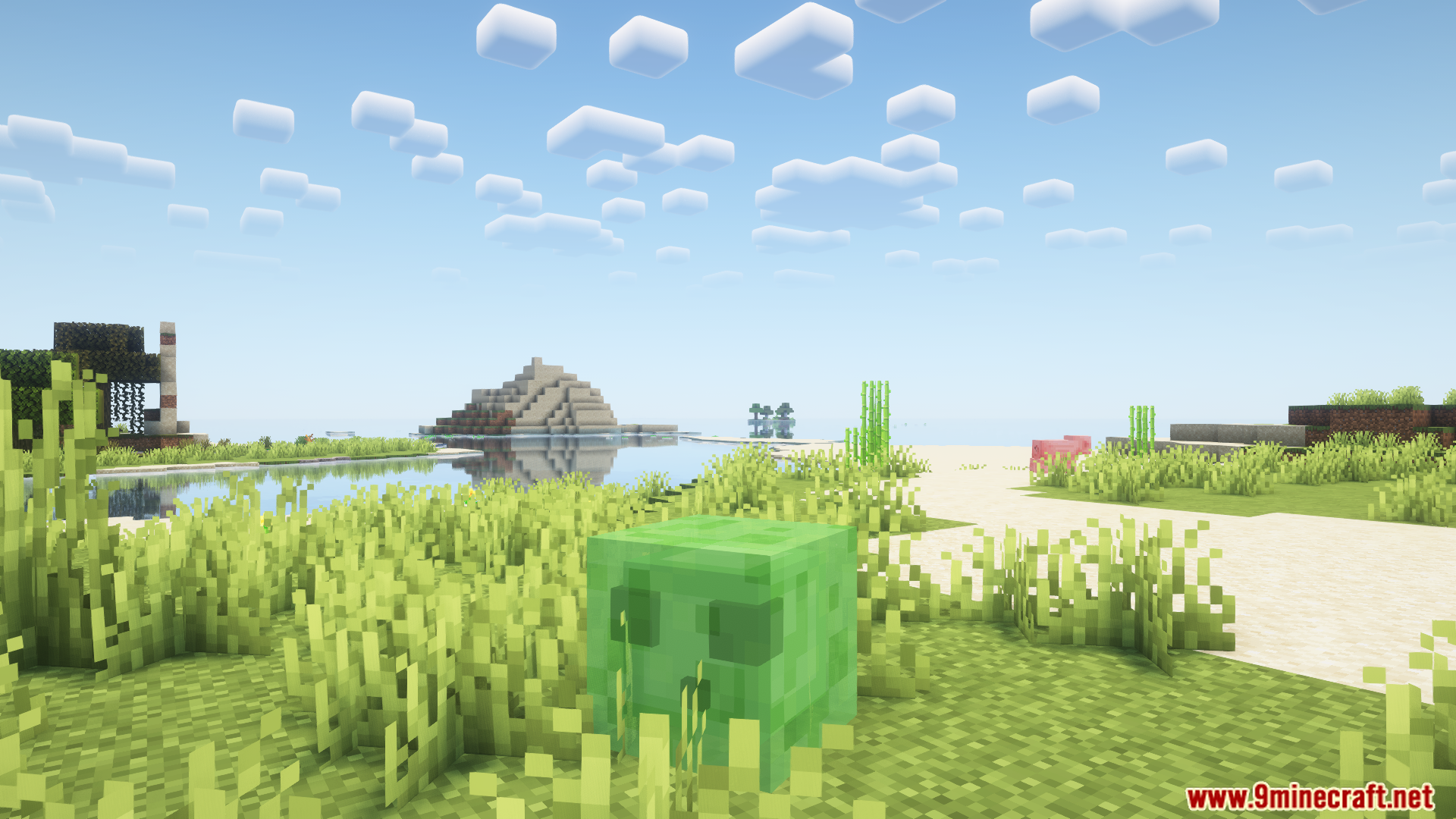
How to Install:
New to Minecraft? Follow our step-by-step guide to install Mods on your PC.View Guide
Requirements:


Gamingbarn's Morphs Mod Download Links
For Minecraft 26.3
For Minecraft 26.2
For Minecraft 26.1.2, 26.1.1, 26.1
For Minecraft
1.21.11,
1.21.10,
1.21.9
All Versions Covered
1.21.11
1.21.10
1.21.9
1.21.8
1.21.7
1.21.6
1.21.5
1.21.4
1.21.1
1.21
All Versions Covered
1.21.11
1.21.10
1.21.9
1.21.8
1.21.7
1.21.6
1.21.5
1.21.4
1.21.1
1.21
For Minecraft 1.21.10, 1.21.9
For Minecraft 1.21.8, 1.21.7, 1.21.6
For Minecraft 1.21.5
For Minecraft 1.21.4
For Minecraft 1.21.1, 1.21
Click to rate this post!
[Total: 31 Average: 4.5]
You May Also Like
Picked for this page
 Better Crates Mod (26.2, 1.20.1) – Better Storage of Your Items
 Explorer’s Compass Mod (26.3, 1.20.1) – Locate Structures Anywhere in The World
 Diagonal Fences Mod (26.3, 1.20.1) – Fences Connecting Diagonally
 Untitled Duck Mod (26.3, 1.20.1) – Animal, Food
 Explorify Mod (26.2, 1.20.1) – World Generation & Structures
 RandomTP Mod (1.21.11, 1.20.1) – The Best Random Teleport Mod Ever
 RideHud Mod (26.3, 1.20.1) – Horse Stats HUD
 Beehave Mod (26.3, 1.20.1) – Beehive & Bee Info
 Compass Ribbon Mod (26.3, 1.20.1) – Find Your Way, Embrace The Minimalist Navigation Of Compass
 Animal Armor Trims Mod (26.1.2, 1.20.1) – Customizable Animal Armor
 Blast Back Mod (26.3, 1.20.1) – Creeper Explosions Drop All Blocks
 Soaring Phantoms Mod (26.3, 1.20.1) – Revamped Phantom Spawning Mechanics
Most viewed in Mods over the last 7 days
 Ala Industrial Mod (26.3) – Run Electric Power Grids and Automated Factories
 PleasureCraft Mod (26.3, 1.21.1) – Jenny Mod Remake for Fabric
 Jennycraft Mod (26.3, 1.20.1) – Virtual Girlfriend in Minecraft
 Fapcraft Mod (26.3, 1.12.2) – Comprehensive and Detailed Content
 Jenny Mod (Fapcraft) Official Complete Guide – How to use, Tutorial
 BangCraft Mod (1.20.1) – Jenny, Ellie and Elliot
 Fabric Loader (26.3, 1.20.1) – Fabric Installer for All Minecraft Versions
 Meteor Client Mod (26.3, 1.20.1) – Xray, HUD, Fly
 The Shooting Star Demo Mod (26.3, 1.20.1) – Vaporize Terrain From Orbit
 OptiFine HD (26.3, 1.20.1) – Run Faster, FPS Boost, Shaders Support
 Aristois Client Mod (1.21.4, 1.20.1) – World Class Minecraft Utility
 Prestige Client Mod (1.21.11, 1.21.4) – Powerful Ghost Features for Crystal & Sword PvP
More from Mods
 Artemis’ Thin Logs Mod (26.3, 1.20.1) – Build Custom Trees and Detailed Wood
 Asterion Mod (26.3, 1.20.1) – Survive Ancient Mazes and Slay the Legendary Minotaur
 Passthrough Signs Mod (26.3, 1.20.1) – Right-Click Through Wall Signs
 Packing Tape Mod (26.3, 1.20.1) – Move Chests, Machines
 No XP Anvils Mod (26.3, 1.20.1) – Repair And Enchant Without XP
 Naruto Shippuden Mod (26.3, 1.16.5) – Immerse Yourself in The World of Ninja
 Araxer’s Bestiary Mod (26.3, 1.20.1) – Build an In-Game Encyclopedia of Every Mob
 Villagers Plus Mod (26.3, 1.20.1) – Expanded Villager Types and Villages
 Ore Excavation 9minecraft Mod (26.3) – Mine Ores and Chop Trees in a Single Swing
 Dirigo Mod (26.1.2, 1.21.1) – Walk Across Nether Lava Seas and Automate Animal
 HandLib Mod (26.3, 1.21.1) – Keep Your Multiplayer World Stable
 Happy Ghasts Boost Mod (26.1.2, 1.20.1) – Fly Across Vast Distances at Top Speed

This post has no comments yet. Be the first — your comment will appear here.