


Rebind Narrator 9minecraft Mod (26.2) – Never Trigger the Narrator By Mistake

 0
0 

🌐 Good news — we've translated this article into other languages!
Or pick the one you like:
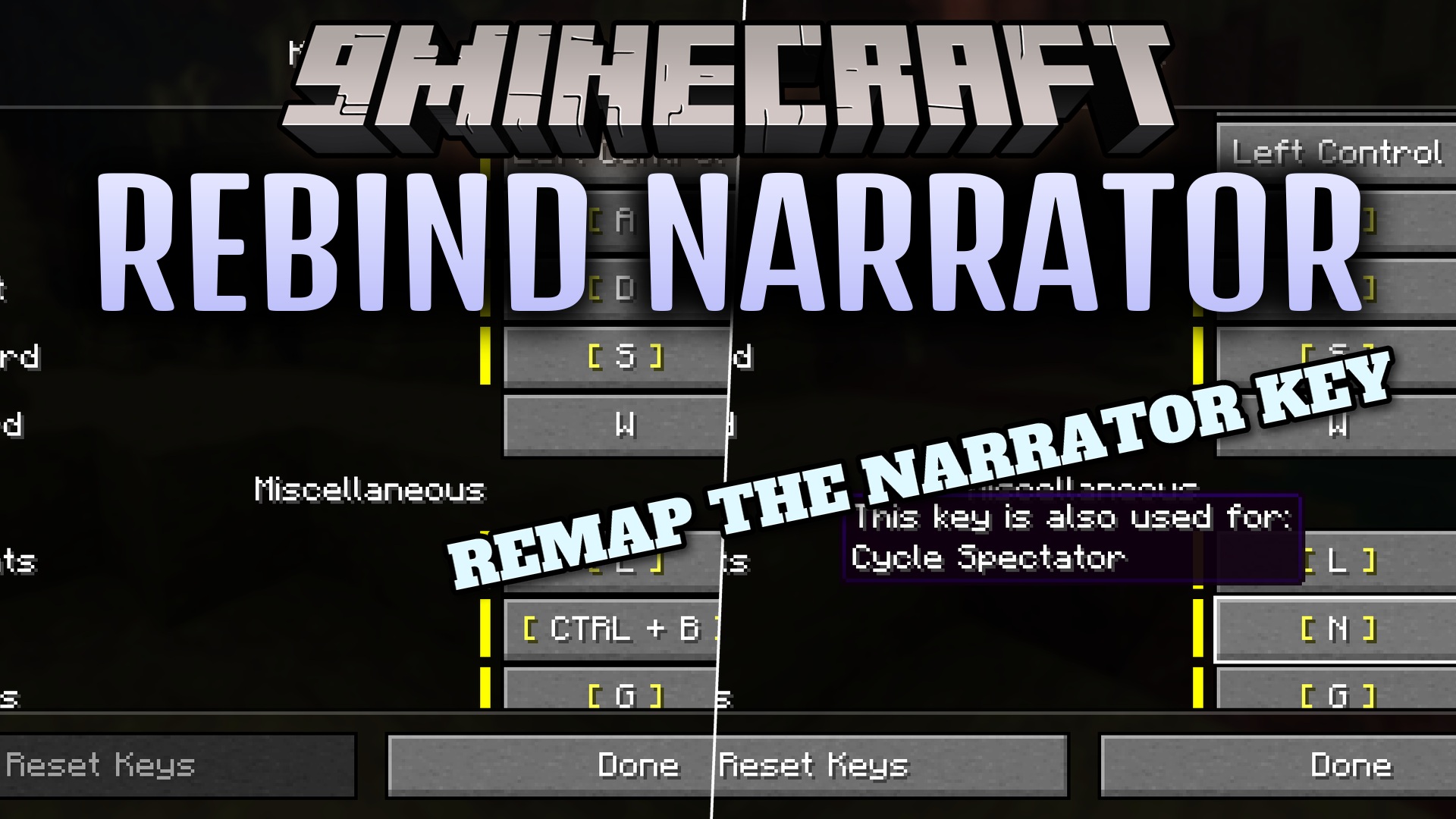
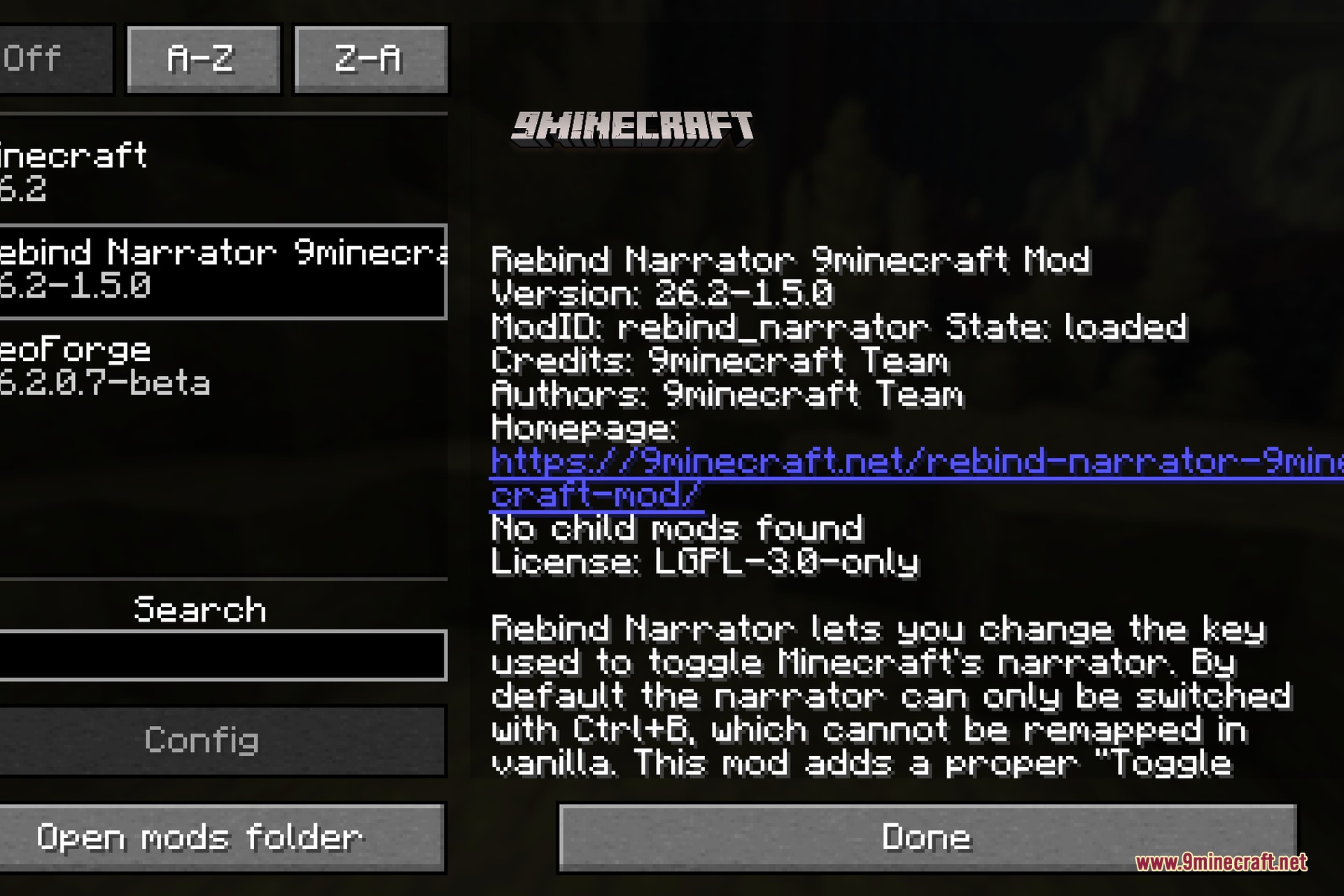
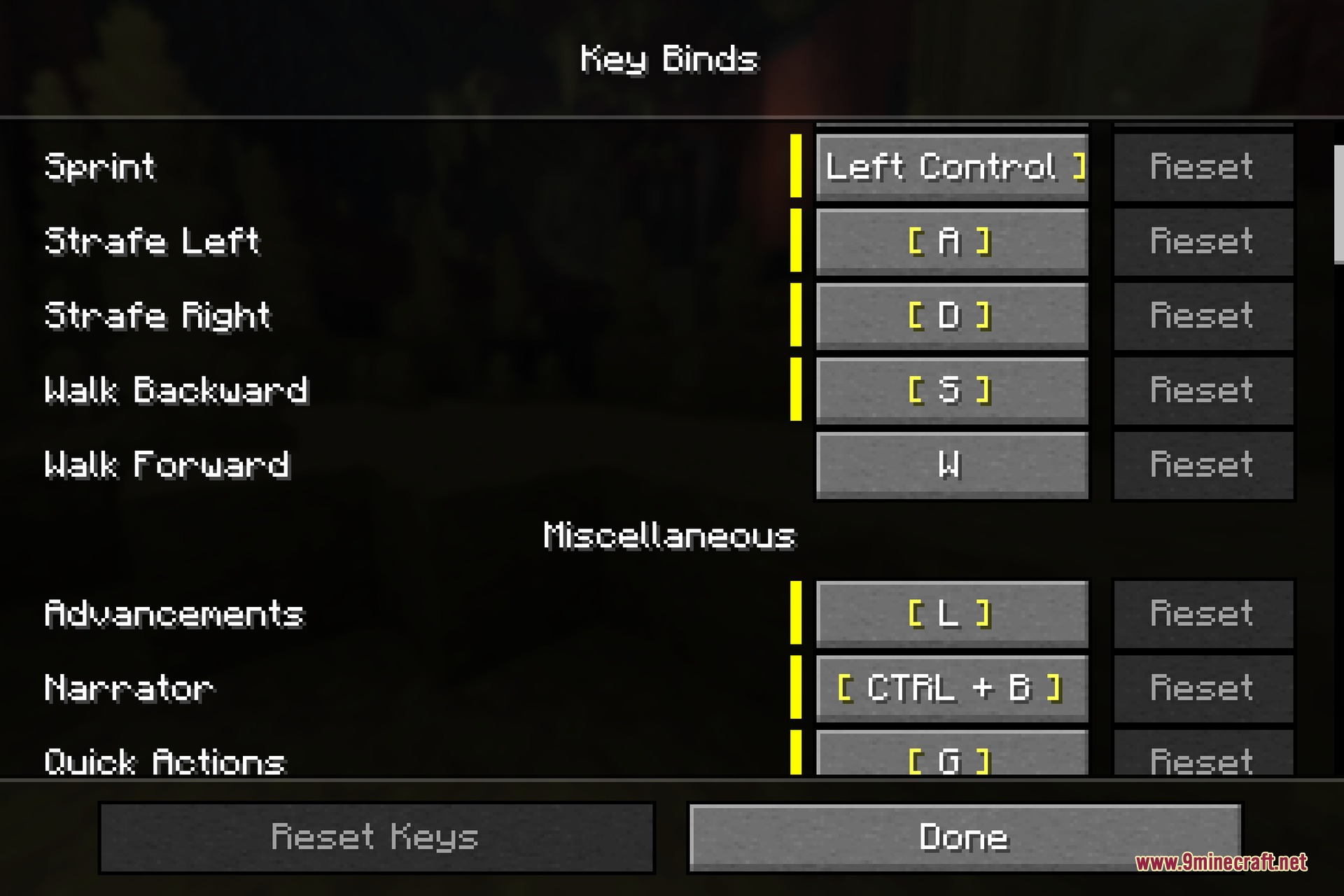
Rebind Narrator 9minecraft Mod lets you change the shortcut key for the game’s voice reader. In the regular game, pressing Ctrl and B at the same time turns on this voice, and you cannot change this shortcut. This causes players to turn it on by mistake and struggle to turn it off. This mod adds a new setting to your controls menu so you can pick a different key. It works on your side only, meaning you can join any server without the server needing the mod.
Features:
- Adds a new “Toggle Narrator” option right in your standard controls menu.
- Lets you pick any single key on your keyboard instead of holding two keys at once.
- Stops the annoyance of accidentally pressing Ctrl and B while playing.
- Runs completely on the client side so it works on multiplayer servers.
How to Use:
- Open the game menu and click on Options.
- Go into the Controls section and find Key Binds.
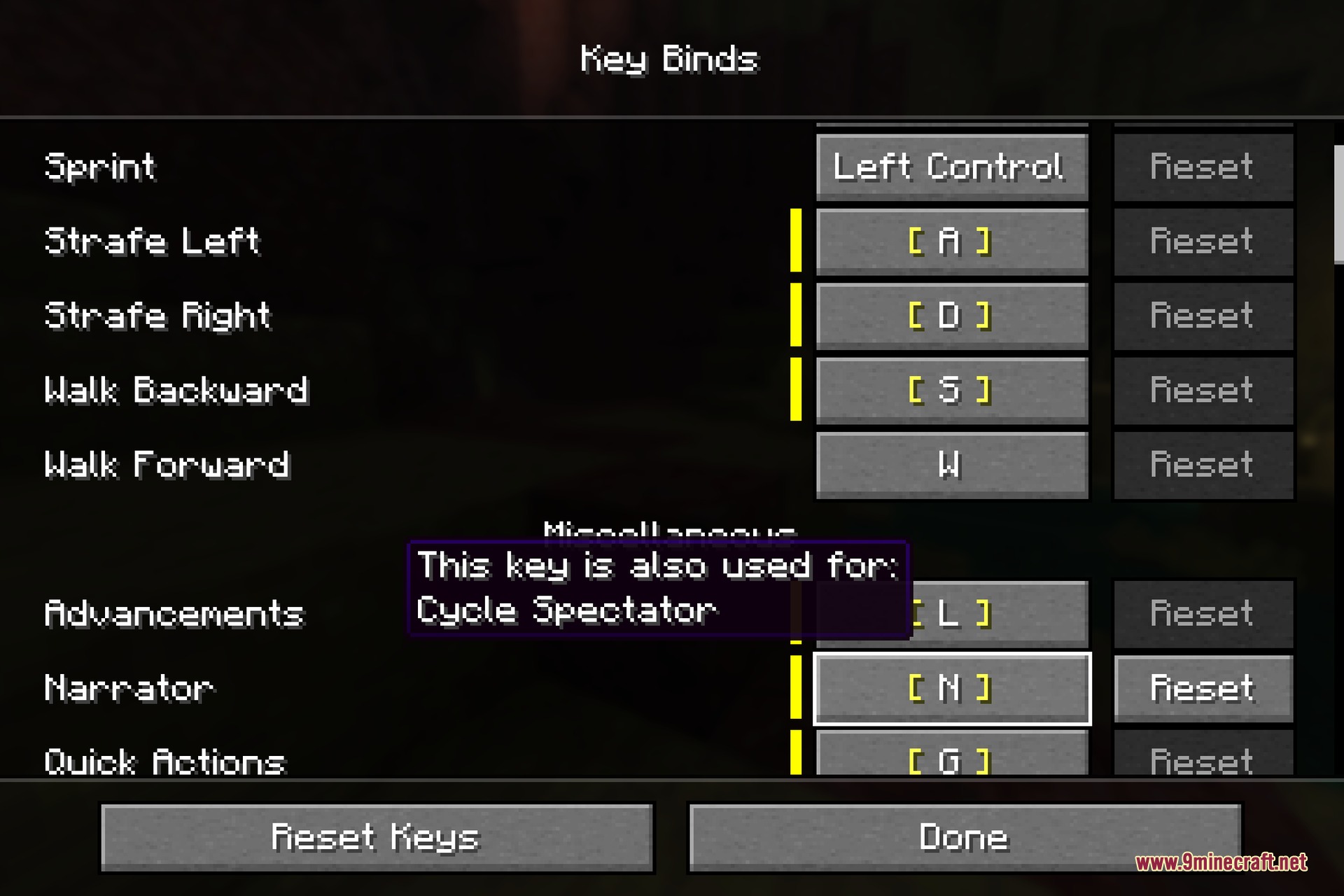
- Scroll down to find the new Toggle Narrator setting.
- Click it and press the new key you want to use.
Screenshots:
How to Install:
New to Minecraft? Follow our step-by-step guide to install Mods on your PC.View Guide
Requirements:

Rebind Narrator 9minecraft Mod Download Links
For Minecraft 26.2
Click to rate this post!
[Total: 0 Average: 0]
You May Also Like






This post has no comments yet. Be the first — your comment will appear here.