


Quacked SMP Server Management Panel Mod (26.2, 1.21.11)

 0
0 

🌐 Good news — we've translated this article into other languages!
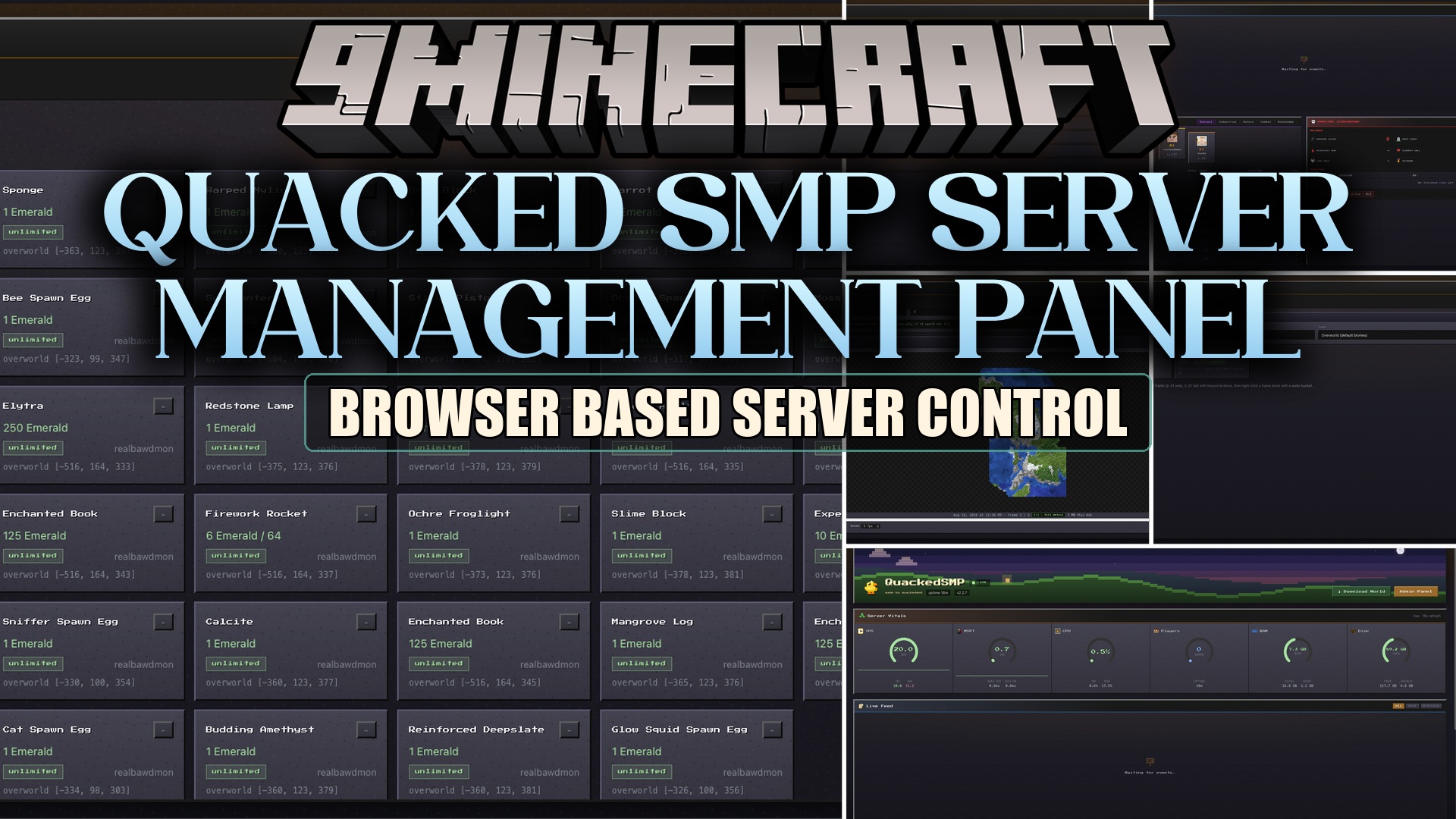
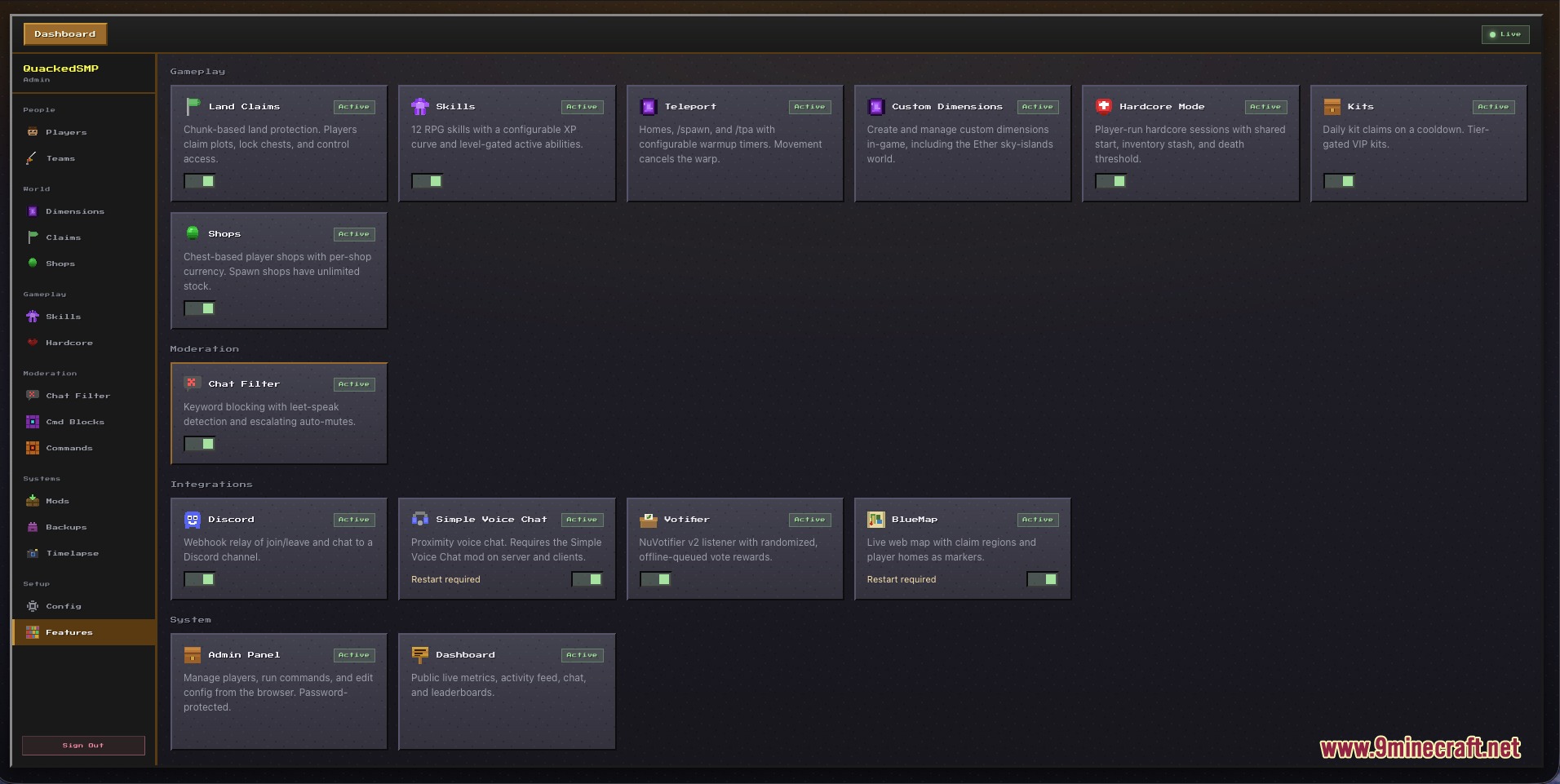
Quacked SMP Server Management Panel Mod gives server owners a built-in web dashboard alongside essential gameplay tools. You get land protection, RPG skill trees, custom dimensions, anti-cheat features, and a live control panel inside your regular internet browser. The panel lets you check server health, edit files, manage players, and make world backups without needing to restart your game.
Features:
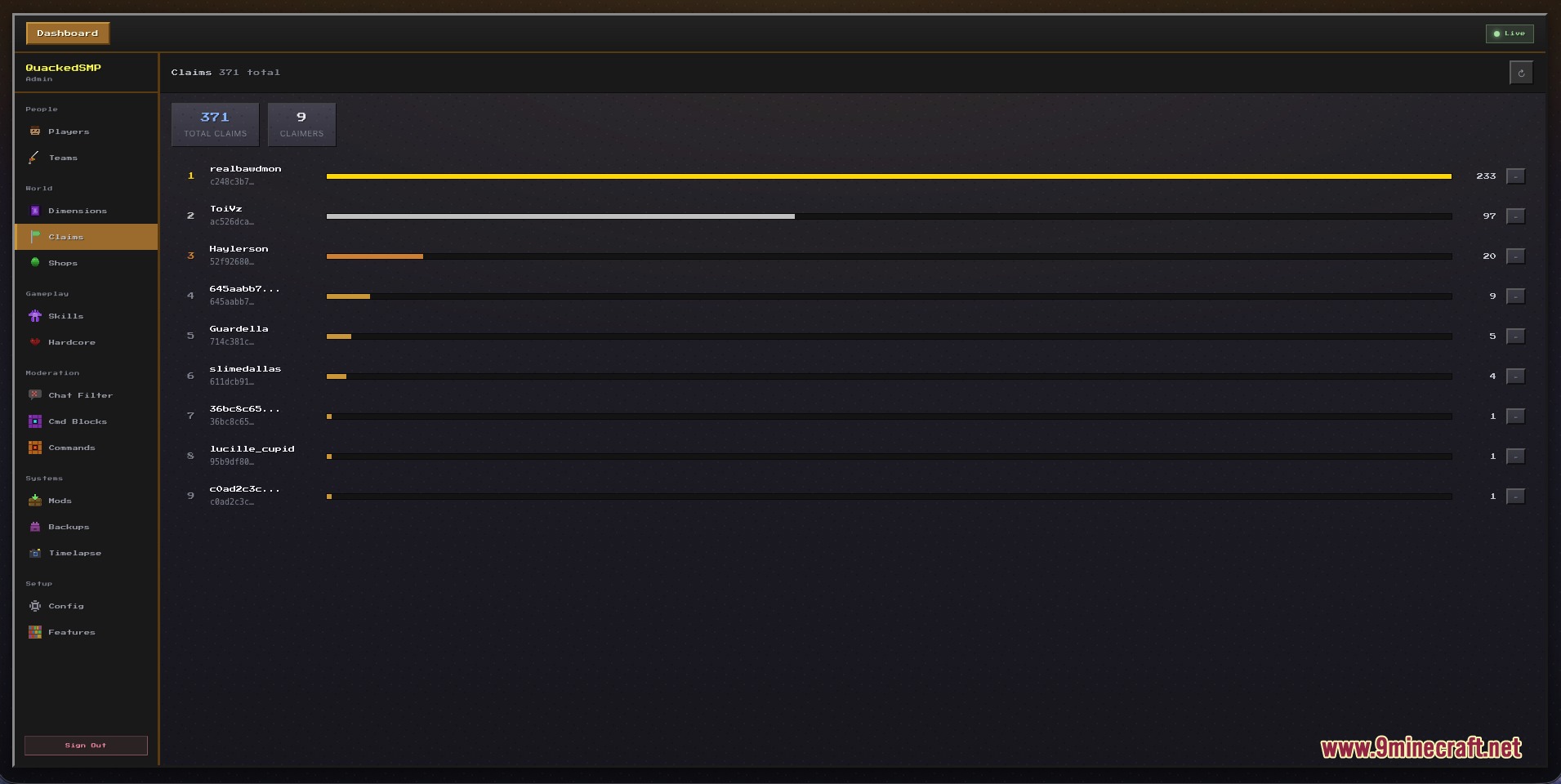
- Lets players claim land chunks to protect their builds against griefers.
- Includes an RPG leveling system with custom skills and character perks.
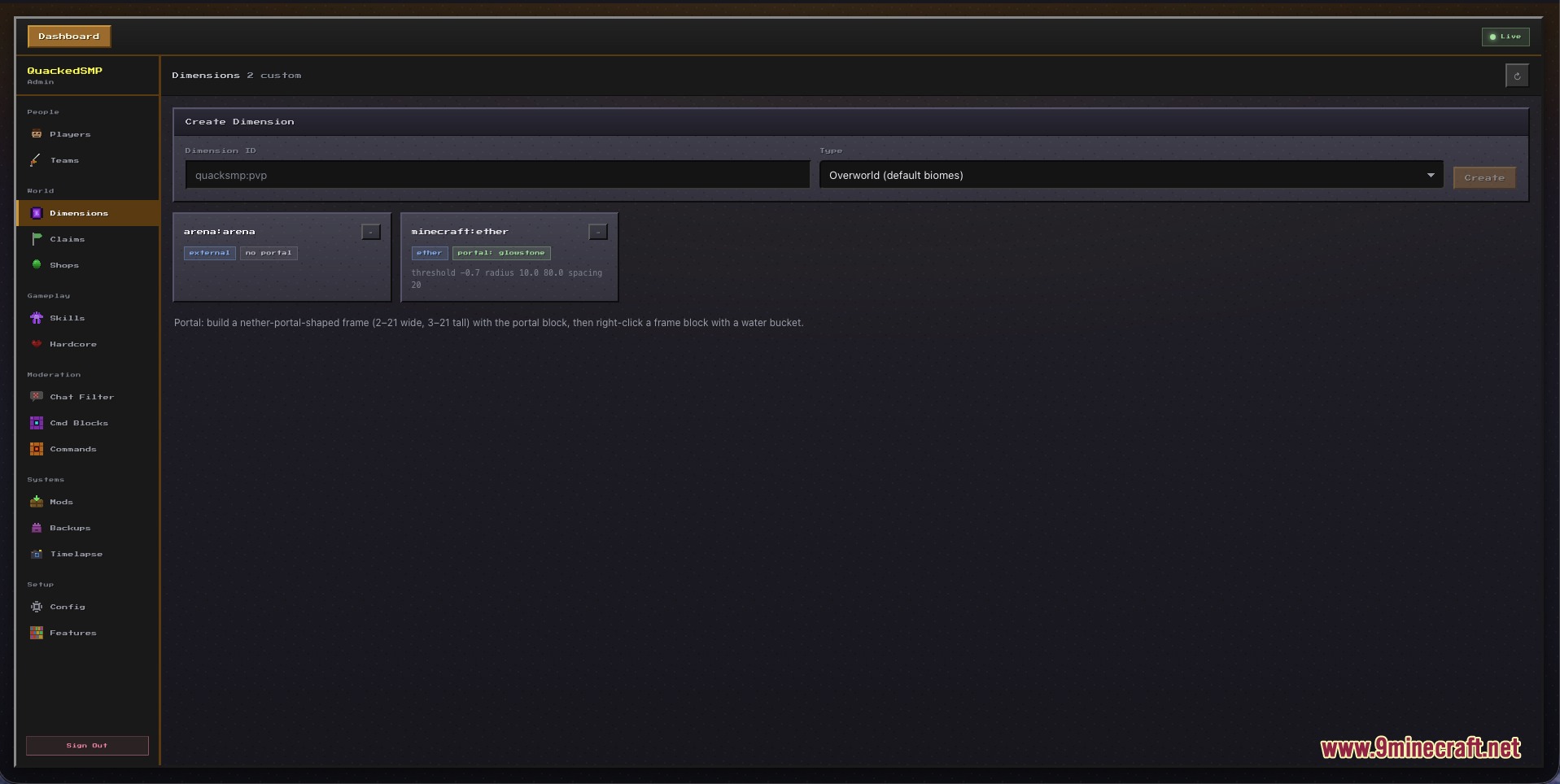
- Creates custom dimensions and connects them using custom portal frame blocks.
- Filters bad words in chat and automatically mutes rule breakers.
- Protects game resources with built-in anti-xray protection.
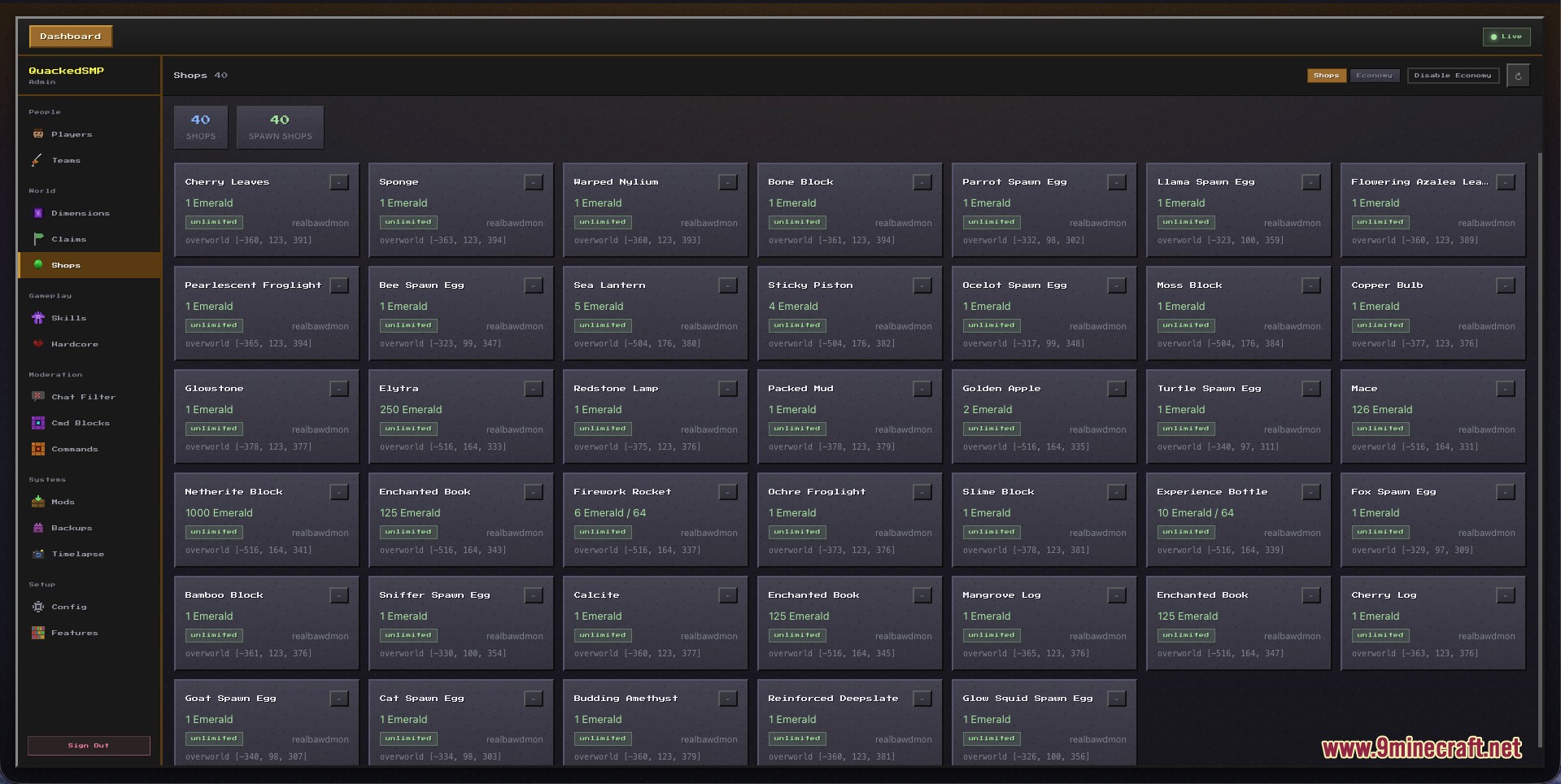
- Lets players set up shops and trade goods with a working economy.
- Creates quick world backup snapshots and allows live mod file management.
- Works alongside optional tools like Discord, BlueMap, Spark, and Simple Voice Chat.
Admin Web Dashboard:
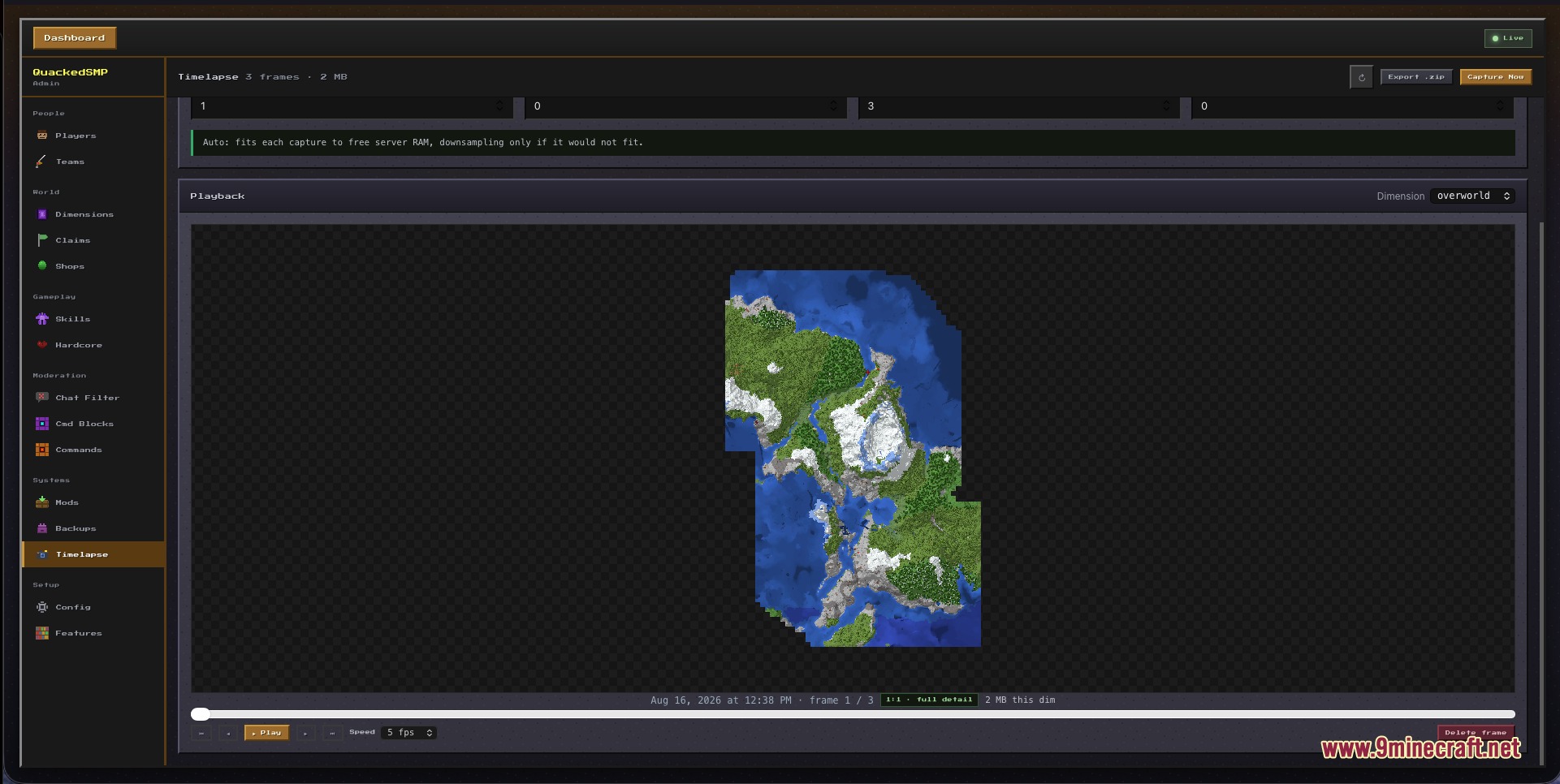
- Shows online players, current dimensions, and lets admins change OP levels or VIP ranks.
- Sends server commands directly from the browser window.
- Uploads, swaps, or deletes jar files in the server mods folder live.
- Edits server settings and game values on the fly without rebooting.
- Finds, edits, or deletes active command blocks in loaded chunks.
Public Dashboard:
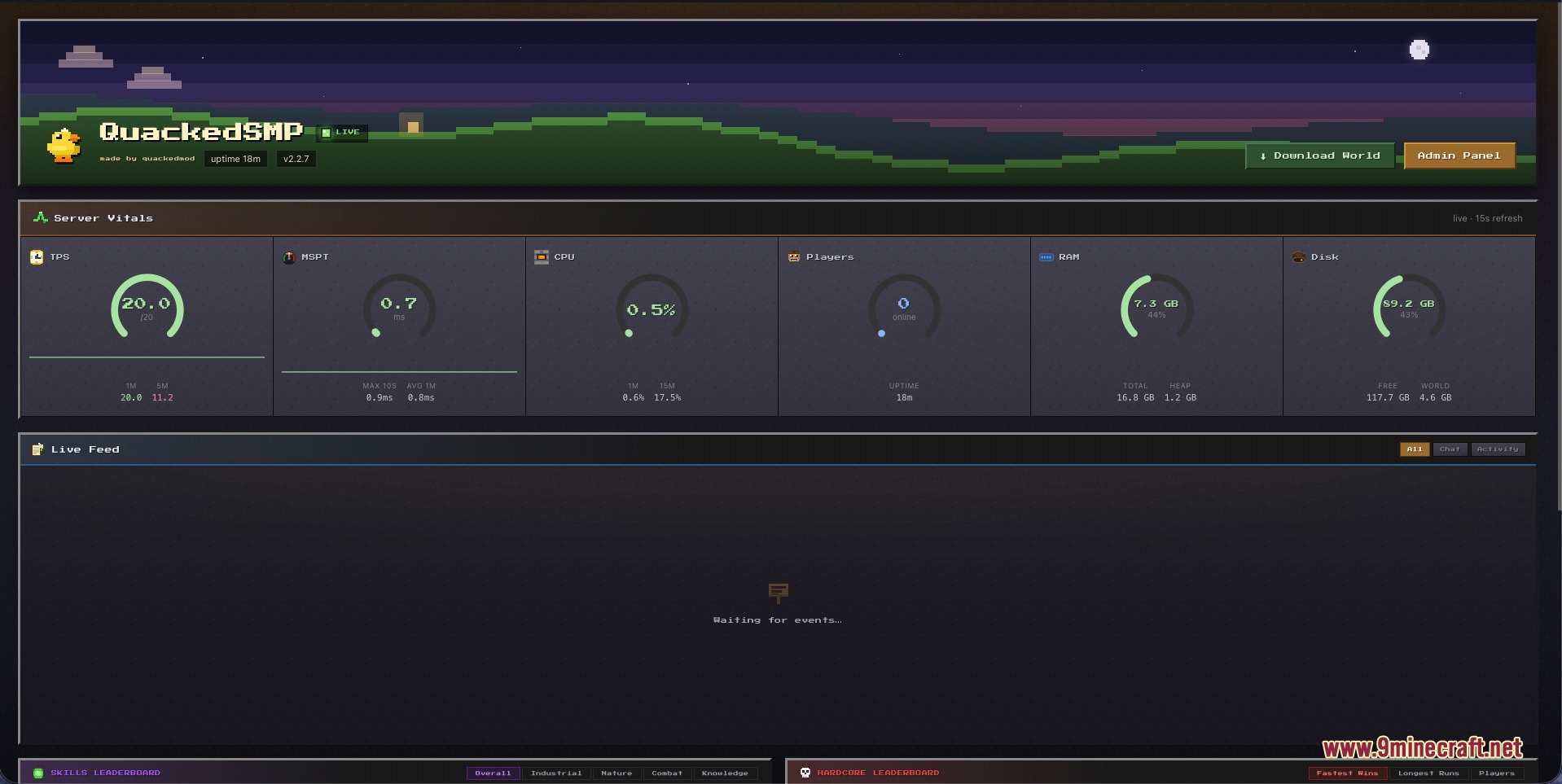
- Displays live server RAM, storage space, uptime, and player counts.
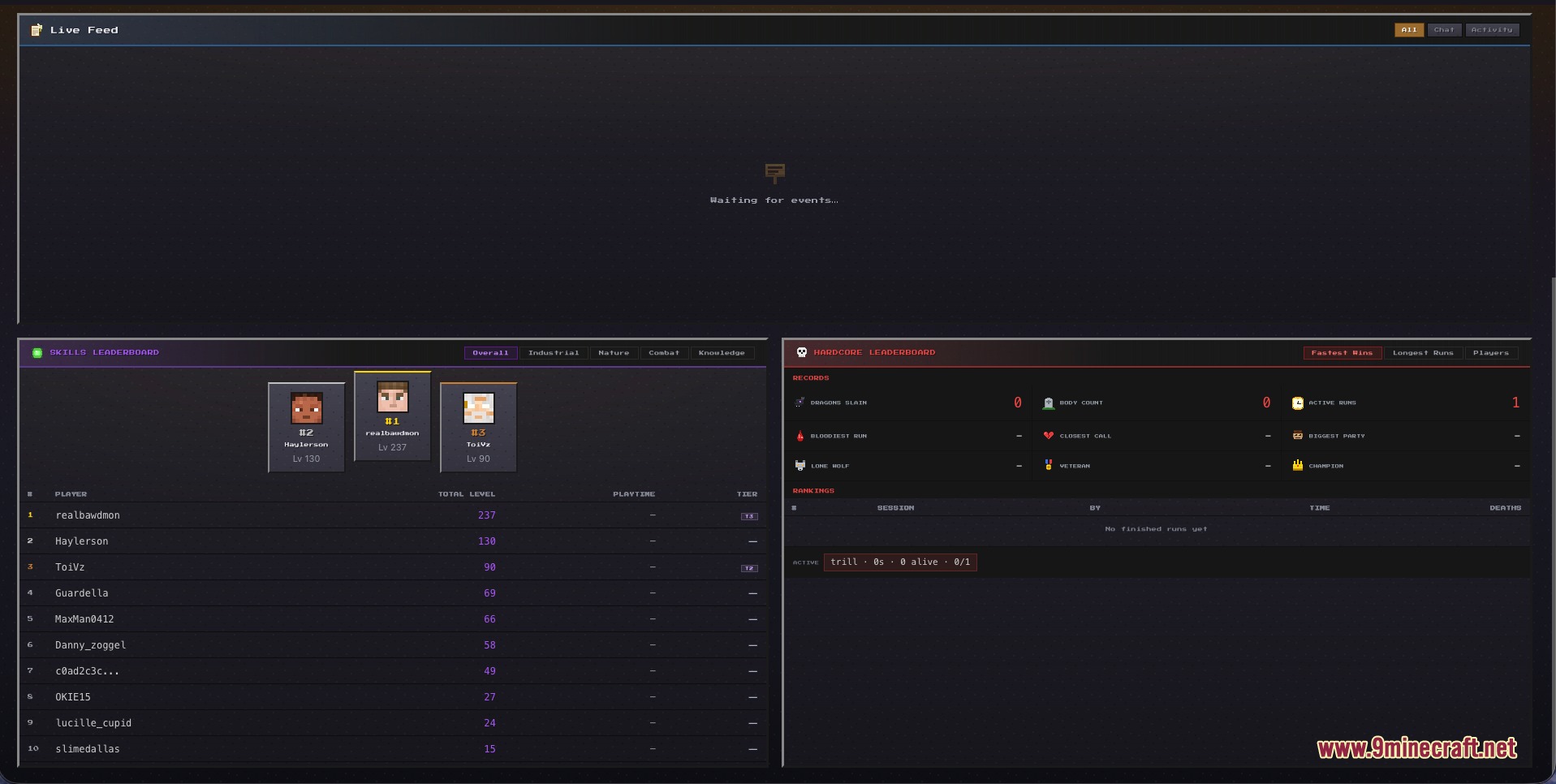
- Shows a live chat feed and player join messages in real time.
- Presents a public leaderboard for player RPG skills.
- Offers optional one-click world downloads for community members.
Commands:
/smp admin setpassword <your-password>: sets the admin password to unlock the web panel./vip set: assigns a VIP rank or tier to a player.
How to Use:
- Place the mod file into your server mods folder and start the server.
- Type
/smp admin setpassword <your-password>in the server console or in-game chat to set a password with at least 8 characters. - Open your web browser and go to
http://localhost:8125on your host computer. - Log in with your password to access the full control panel and manage your server settings.
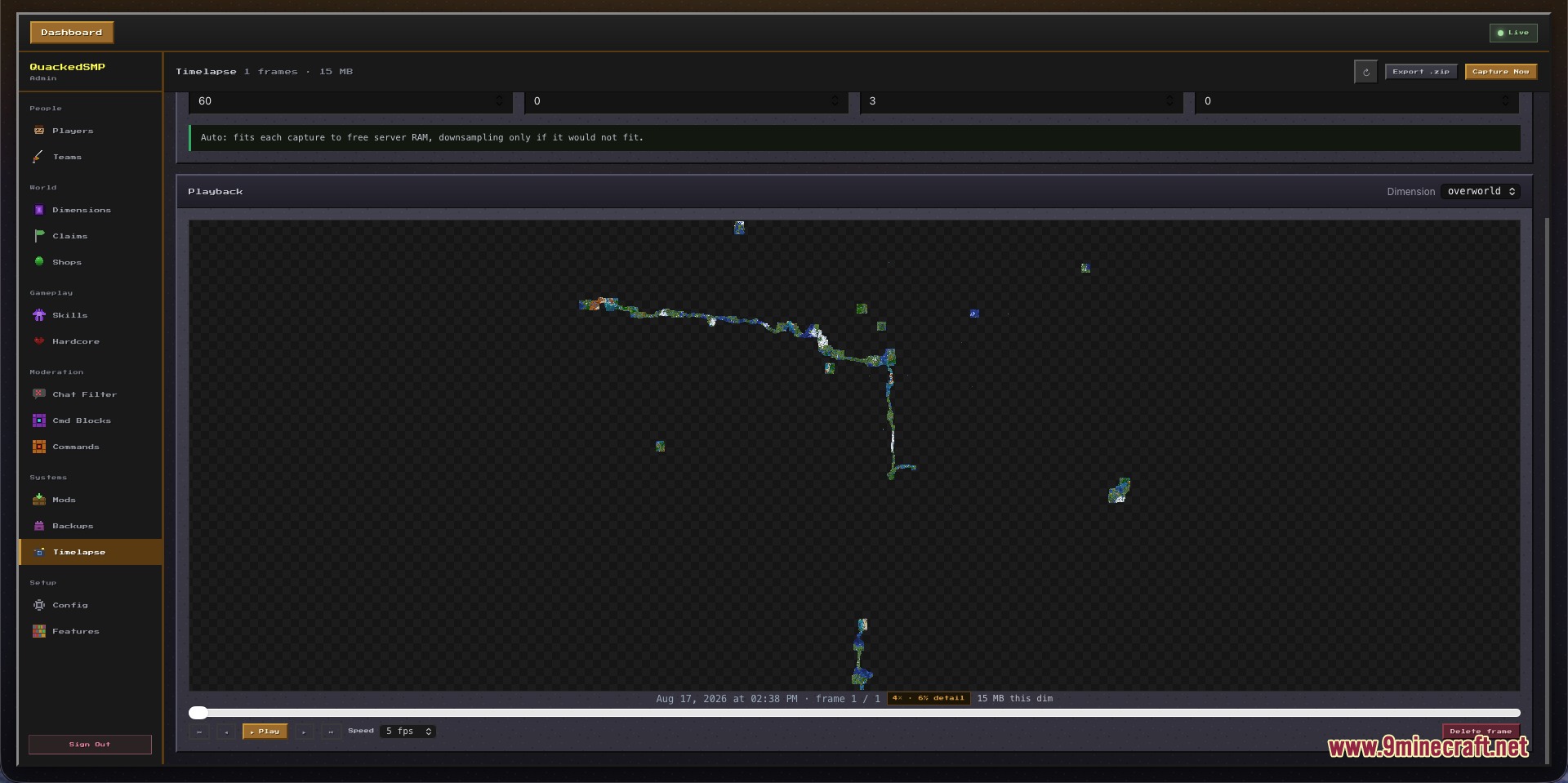
Screenshots:
How to Install:
New to Minecraft? Follow our step-by-step guide to install Mods on your PC.View Guide
Requirements:
 NeoForge Required
 Fabric Loader Required
 Fabric API Required
 BlueMap Mod Required
Simple Voice Chat Required
 Sparkles: Stardust Labs Resource Pack Required
Architectury API Required
Quacked SMP Server Management Panel Mod Download Links
For Minecraft 26.2
For Minecraft 26.1.2, 26.1.1, 26.1
For Minecraft 1.21.11
Click to rate this post!
[Total: 0 Average: 0]
You May Also Like






This post has no comments yet. Be the first — your comment will appear here.