
Luminous Essence Counter Mod (26.3, 1.21.1) – Track Exact Experience Points
 8
 0

Luminous Essence Counter Mod puts your exact XP numbers directly on your game screen. You can always see how many points you hold without guessing your level progress. The on-screen display moves wherever you want with simple mouse dragging. It also includes built-in tools to convert points into levels or pick your favorite counter colors.

Features:
- Displays your current XP points right on your HUD.
- Lets you click and drag the counter to any spot on your screen.
- Converts points into levels and levels into points instantly.
- Includes a color palette so you can change the text color of the counter.
- Features quick toggle buttons in the menu to show or hide the converter and color palette.
- Includes chat commands to quickly show, hide, or reset the counter position.
Commands:
/exp menu: opens the in-game settings menu./exp off: hides the counter from your screen./exp on: shows the counter on your screen./exp reset: resets the counter back to its default screen spot.
How to Use:
- Type
/exp menuin the chat window to open the settings screen. - Click and drag the numbers to place the counter anywhere on your screen.
- Click the palette button to pick a custom color for your text.
- Click the XP button to open the converter box and calculate your levels.
- Type
/exp offwhenever you want to hide the counter while playing.
Screenshots:


How to Install:
New to Minecraft? Follow our step-by-step guide to install Mods on your PC.View Guide
Requirements:

Luminous Essence Counter Mod Download Links
For Minecraft 26.3
For Minecraft 26.2
For Minecraft 26.1.2, 26.1.1, 26.1
For Minecraft 1.21.11
For Minecraft 1.21.10, 1.21.9
For Minecraft 1.21.8, 1.21.7, 1.21.6
For Minecraft 1.21.5
For Minecraft 1.21.4
For Minecraft 1.21.1, 1.21
Click to rate this post!
[Total: 0 Average: 0]
QUICK MINECRAFT SURVEY · ONE TAP
Mods & Modpacks
Which performance or optimization mod do you rely on the most?
30 responses · See the full results →
You May Also Like
Picked for this page
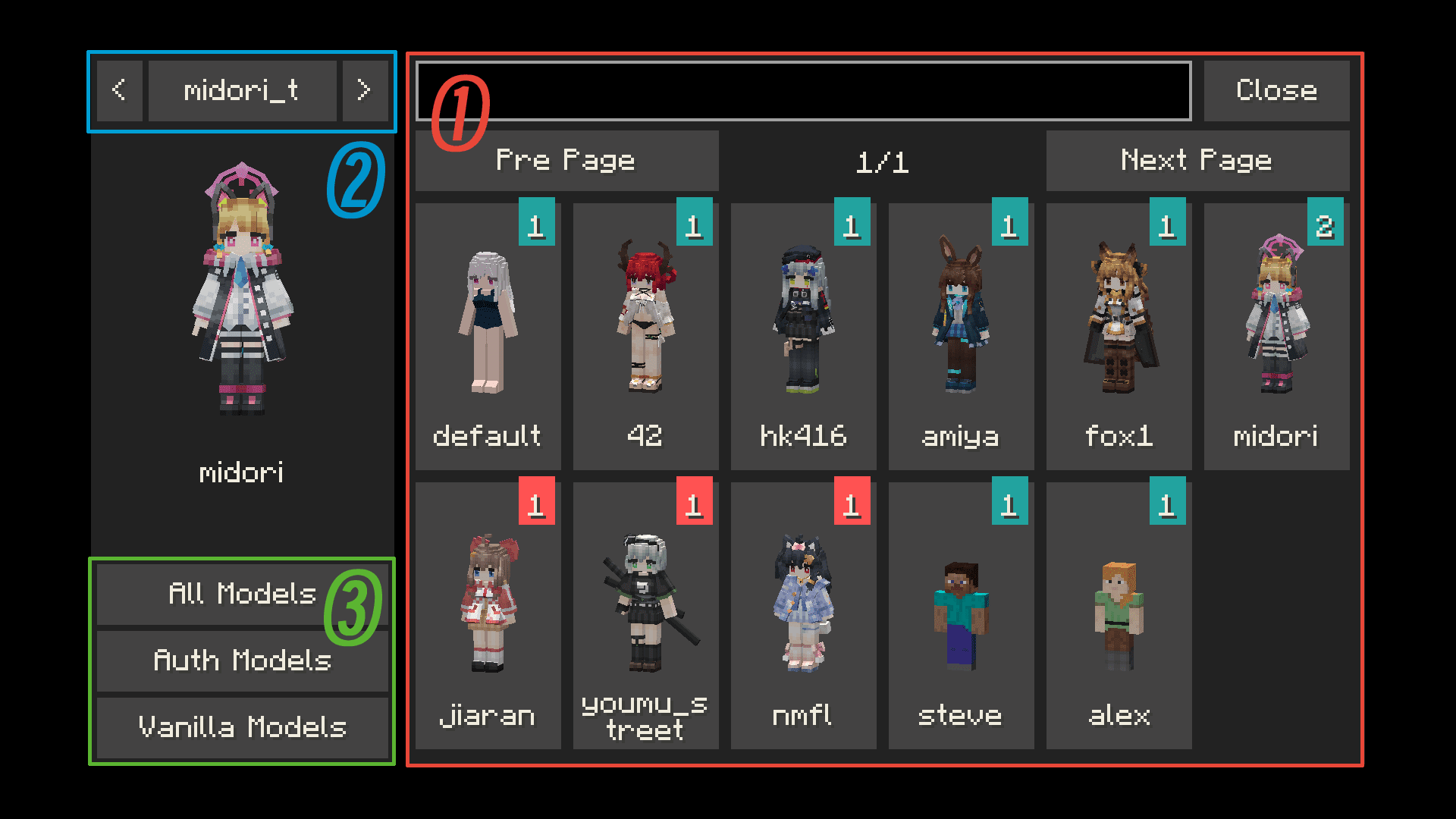 Yes Steve Model Mod (26.1.2, 1.20.1) – Characters, Girlfriends
 Cat Eyes Mod (26.3, 1.20.1) – Toggleable Night Vision
 Unlock All Recipes Mod (26.3, 1.21.1) – Automatically Grants You Every Recipe
 Convenient Curios Container Mod (26.1.2, 1.20.1) – Managing Curios Items
 Trimmable Tools Mod (26.2, 1.20.1) – New Look for Tools and Weapons
 Cobblemon: PlayerXP Mod (1.21.11, 1.20.1) – Earn EXP from Winning Pokémon battles
 Cape Command Mod (26.3, 1.21.1) – Use Any Cape You Want
 LuneX Client Mod (1.21.11) – Win Crystal Fights on Anarchy Servers
 Piglin Names Mod (26.3, 1.20.1) – Piglins Are Now Named
 Totem Party Popper Mod (26.3, 1.20.1) – More Intense Totem Animation
 Time Controller Mod (1.21.11, 1.20.1) – Speed Up, Slow Down, or Freeze
 Barter Master Merit Mod (26.2, 1.21.1) – Level Up Villagers Faster
Most viewed in Mods over the last 7 days
 Ala Industrial Mod (26.3) – Run Electric Power Grids and Automated Factories
 PleasureCraft Mod (26.3, 1.21.1) – Jenny Mod Remake for Fabric
 Jennycraft Mod (26.3, 1.20.1) – Virtual Girlfriend in Minecraft
 Fapcraft Mod (26.3, 1.12.2) – Comprehensive and Detailed Content
 Jenny Mod (Fapcraft) Official Complete Guide – How to use, Tutorial
 BangCraft Mod (1.20.1) – Jenny, Ellie and Elliot
 Fabric Loader (26.3, 1.20.1) – Fabric Installer for All Minecraft Versions
 Meteor Client Mod (26.3, 1.20.1) – Xray, HUD, Fly
 The Shooting Star Demo Mod (26.3, 1.20.1) – Vaporize Terrain From Orbit
 OptiFine HD (26.3, 1.20.1) – Run Faster, FPS Boost, Shaders Support
 Aristois Client Mod (1.21.4, 1.20.1) – World Class Minecraft Utility
 SchnurriTV Mod (1.12.2) – Characters and Features
More from Mods
 Macro Keybinds Mod (26.3, 1.20.1) – Macro Creation, Keybind Execution
 Better Enchantment Bookshelf Placement Mod (26.3, 1.20.1)
 RFTools Builder Mod (26.3, 1.20.1) – The Builder, Powerful Machine
 Block & Board Mod (26.3, 1.20.1) – Play Classic Tabletop Games with Friends
 Hammers 3×3 Mod (1.21.8, 1.20.1) – Carve Caves with One Swing
 Huge Structure Blocks Mod (26.3, 1.20.1) – Pushing Limits With Huge Structure Blocks Mod
 Rctapi Fix Mod (1.21.1) – Fight Cobblemon Trainers Without Any Server Crashes
 Better Title Screen Mod (26.3, 1.20.1) – Adding Custom Text Messages
 Log Cleaner Mod (26.3, 1.20.1) – Cleans Old and Unused Log Files
 Brick Variety Mod (26.3, 1.20.1) – More Brick Variants
 Fast Xp Mod (26.3, 1.21.1) – Faster XP Bottle Usage
 Cherry Villages Mot’s Structures Mod (26.3, 1.21.11) – Find Fresh Settlements

This post has no comments yet. Be the first — your comment will appear here.