


LuneX Client Mod (1.21.11) – Win Crystal Fights on Anarchy Servers
 504
504
 0
0

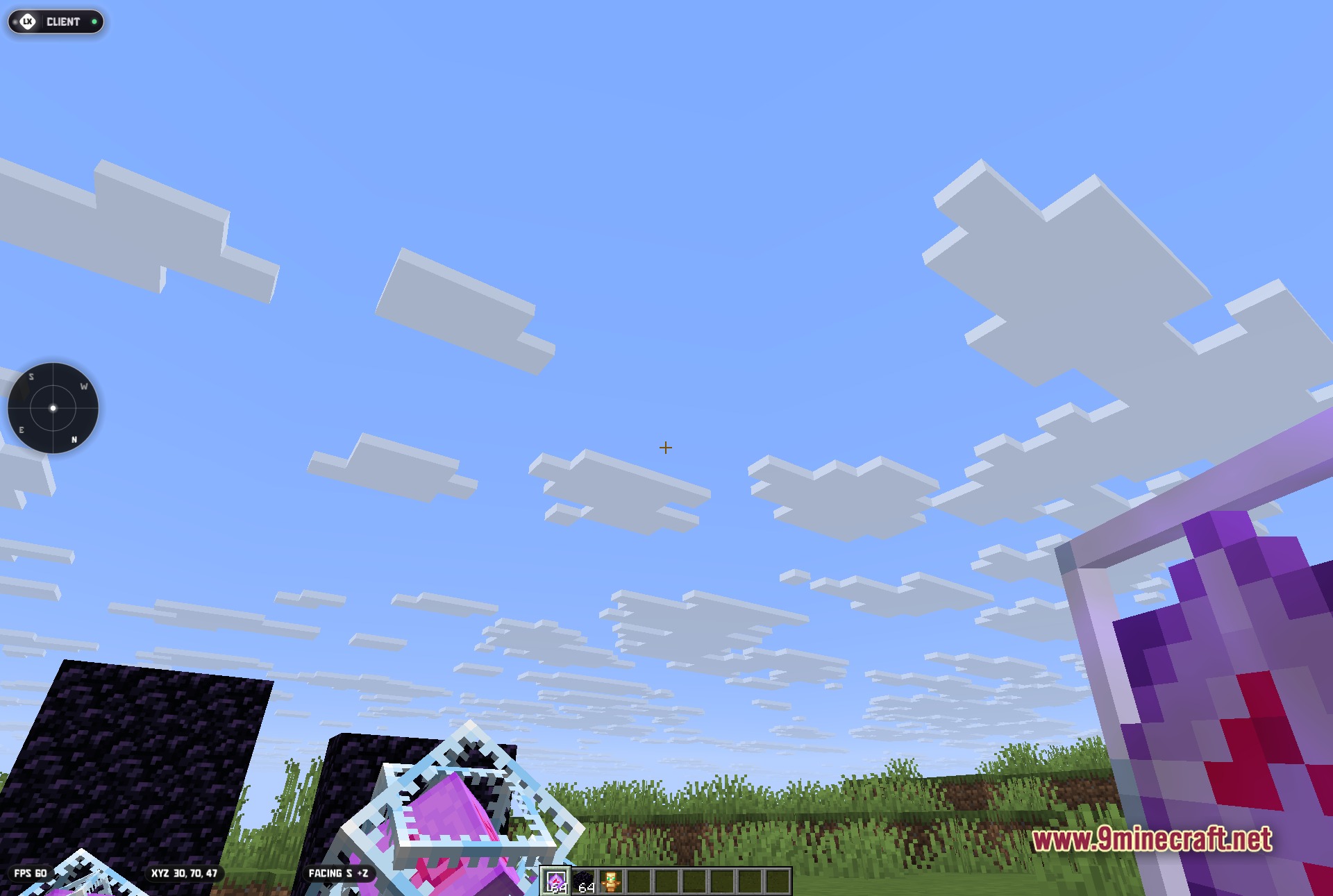
LuneX Client Mod gives you a massive advantage on anarchy servers and competitive multiplayer worlds. It packs a huge menu of tools designed to help you win crystal fights and track down hidden items. You can open a clean menu directly on your screen to turn these tools on or off quickly. The mod also shows helpful details like your coordinates and a radar right on your screen. It handles everything from auto-clicking to finding hidden chests so you can focus on playing.
Features:
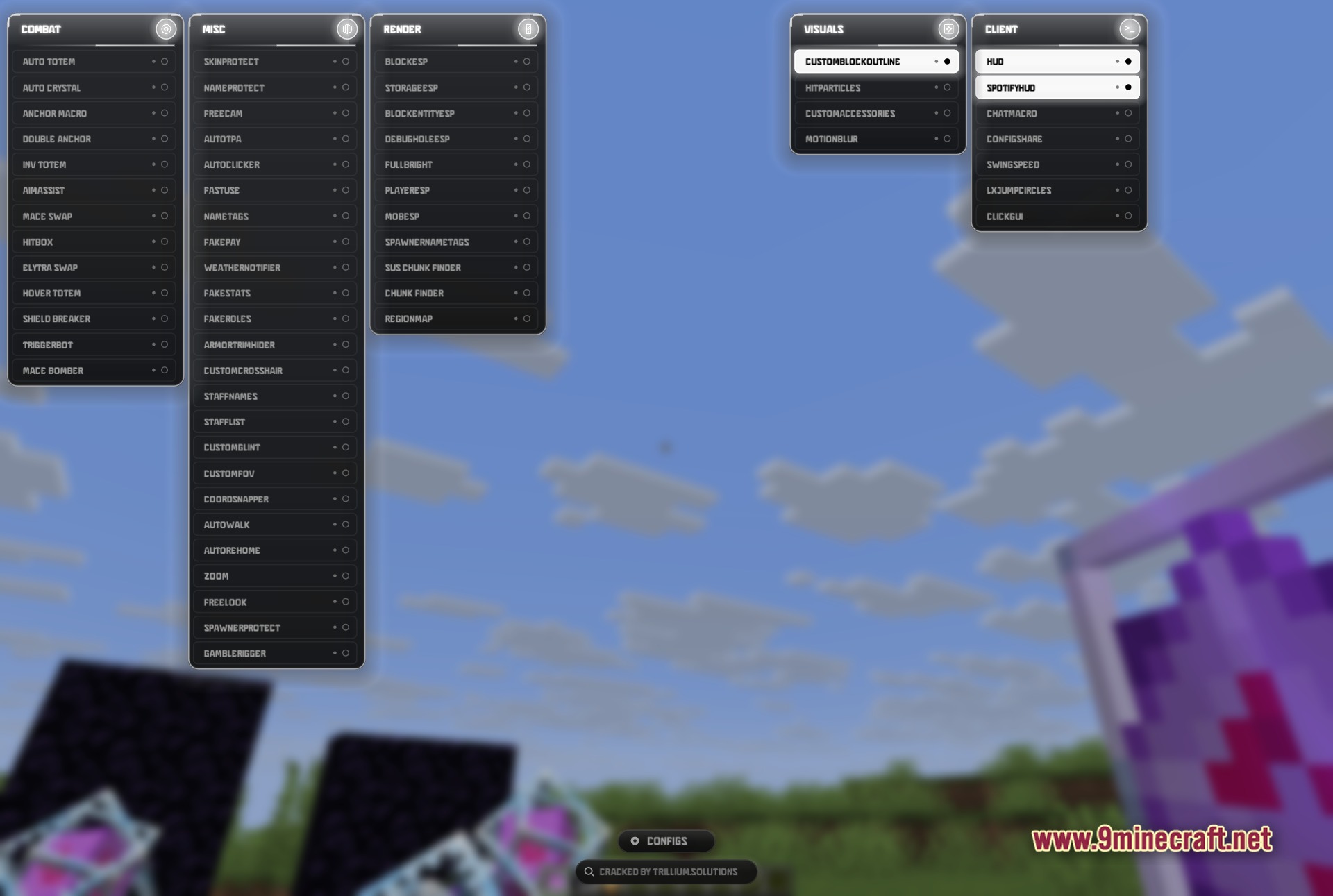
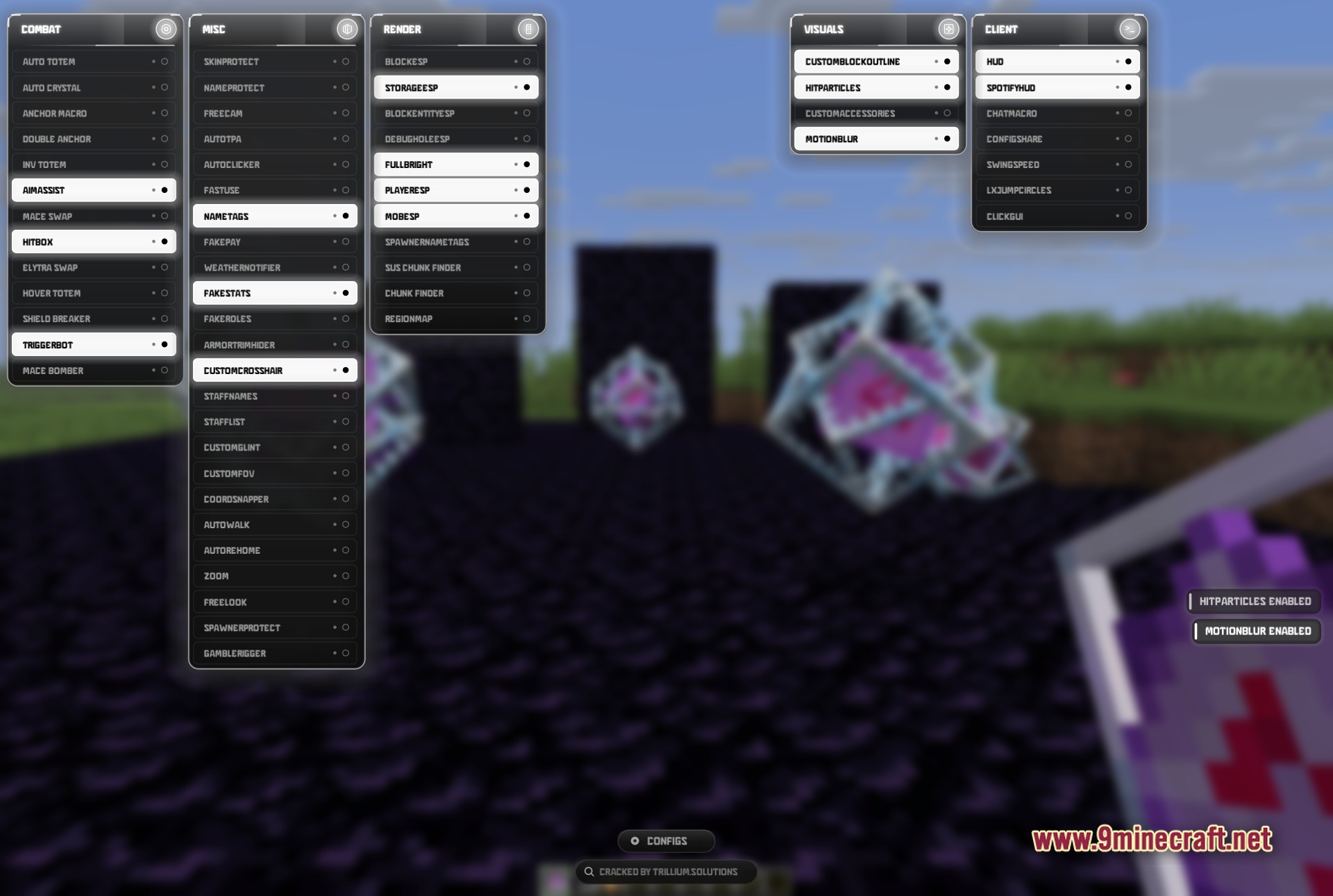
- Multi-Column ClickGUI: Press a single key to open a neat menu with all your tools sorted into categories.
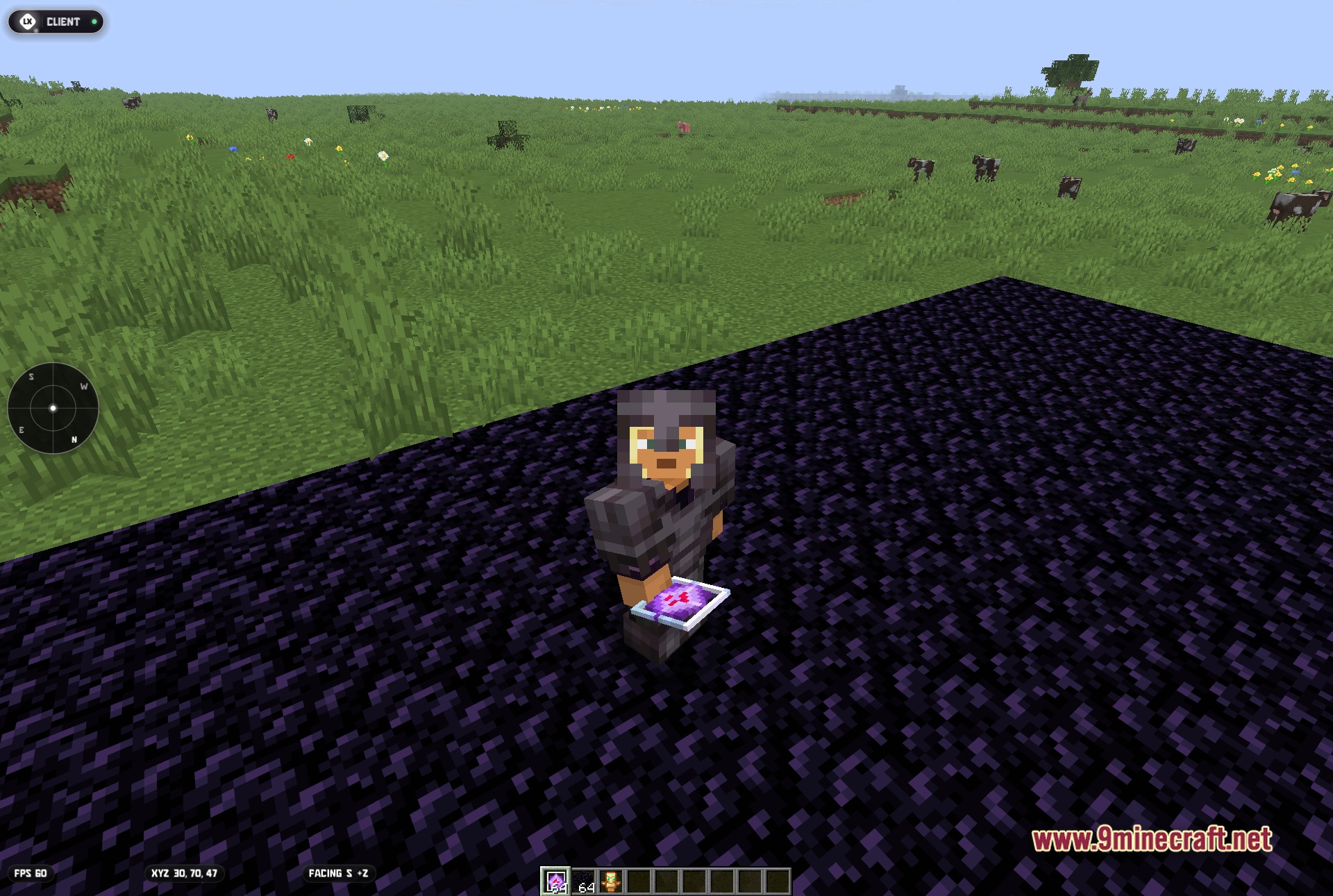
- On-Screen Radar: Shows you exactly where other players and mobs are hiding near your location.
- Ghost Client Tools: Hides your extra tools from other players so you look like you play normally.
- Automatically uses items like totems and crystals to keep you alive during tough fights.
- Helps you find hidden bases and stashes by highlighting chests and blocks through walls.
Combat Modules:
- Auto Totem
- Auto Crystal
- Aim Assist
- Hitbox
- Triggerbot
- Mace Bomber
Miscellaneous Modules:
- Skin Protect
- Name Protect
- Freecam
- Auto Clicker
- Staff List
- Zoom
Render Modules:
- Block ESP
- Storage ESP
- Fullbright
- Player ESP
- Mob ESP
- Chunk Finder
Visuals Modules:
- Custom Block Outline
- Hit Particles
- Custom Accessories
- Motion Blur
Client Modules:
- HUD
- Spotify HUD
- Chat Macro
- Config Share
- Swing Speed
- ClickGUI
How to Use:
- Press the Right Shift key to open the main ClickGUI menu.
- Left-click on any module name to turn it on or off.
- Right-click on a module to open its settings and change how it works.
- Check your screen to see the HUD, radar, and coordinate display while you play.
Screenshots:
How to Install:
New to Minecraft? Follow our step-by-step guide to install Mods on your PC.View Guide
Requirements:


LuneX Client Mod Download Links
For Minecraft 1.21.11
Click to rate this post!
[Total: 4 Average: 4]
You May Also Like
Picked for this page
 Wurst Client Mod (26.3, 1.20.1) – The Best Bypass for Minecraft
 Glazed Client Mod (26.1.2, 1.21.1) – Meteor Addon for DonutSMP Server
 System Client Mod (1.21.11, 1.21.1) – Powerful CPVP Ghost Client
 4E Client Mod (1.21.11, 1.21.1) – ChunkFinder, Base Finding for DonutSMP
 Dqrkis Client Mod (1.21.11, 1.21.4) – Undetectable Ghost Client
 Cartcore Client Mod (1.21.11, 1.21.1) – Faster Cart Tech Execution
 Radon Client Mod (1.21.11) – Donut’s Most OP, Fork of Krypton Client
 Hydra Client Mod (1.21.11) – See Through Walls and Dominate Server PvP
 Frost Client Mod (1.21.11) – Dominate Anarchy Servers with Flawless Crystal PvP
 2D Projectiles Mod (26.2, 1.20.1) – A Classic 2D Archery Style
 Vie Client Mod (1.21.11) – Automate Grinding and Dominate SMP Servers
 Vexon Client Mod (1.21.11) – Automate Crystal PvP on Anarchy Servers
Most viewed in Clients over the last 7 days
 Baritone 9minecraft Client Mod (26.3, 26.1.2) – Mine and Build Bases Hands-Free
 Meteor Client Mod (26.2, 1.20.1) – Xray, HUD, Fly
 Lunar Patcher (v10) – Using Lunar Client for Free
 CatLean Client Mod (26.2, 1.21.11) – ThunderHack Recode Alternatives
 DoomsDay Client (26.1.2, 1.20.1) – Best Free Injectable Client
 OptiFine HD 9minecraft (26.3) – Run Smooth Shaders Without the Lag
- Baritone Client Mod (26.2, 1.20.1) – Autominer, Build with AI, Xray
- System Client Mod (1.21.11, 1.21.1) – Powerful CPVP Ghost Client
 Aristois Client Mod (1.21.4, 1.20.1) – World Class Minecraft Utility
 9minecraft Xray Client (26.3, 1.20.1) – The #1 Ore Finder of 2026
- 4E Client Mod (1.21.11, 1.21.1) – ChunkFinder, Base Finding for DonutSMP
- Wurst Client Mod (26.3, 1.20.1) – The Best Bypass for Minecraft
More from Clients
 Dusk Client (1.8.9) – Dominate PvP Matches with External Combat Tools
 Thin Client Mod (1.21.11) – Dominate Anarchy Servers and Raid Hidden Bases
 Orestige Client Mod (26.1.2) – Dominate Anarchy Servers with Auto Crystal Combat
 Water v5 Client Mod (1.21.11) – Win Server PvP and See Through Walls
 Nyxraith Client Mod (1.21.4) – Dominate Every Crystal and Mace Fight
 Cyemer Client (26.1.2, 1.21.1) – Free Ghost Client for PvP
 Dark Client (26.1.2) – Load Hidden Combat and Utility Modules Instantly
 Auto-Mace Client Mod (1.21.11) – Always Land Perfect Mace Smashes
 Foxxy Client Mod (1.21.1) – Dominate Every Crystal and Sword PvP Fight
 Water Client Mod (1.21.11) – See Through Walls and Dominate PvP Fights
 Zelith Client Mod (1.21.11) – Dominate PvP and Find Hidden Server Bases
 Weed Client Mod (1.21.4) – Automate Combat and See Through Walls

This post has no comments yet. Be the first — your comment will appear here.