
Advanced Lightsabers Mod (1.7.10) – Master the Force and Forge Kyber Sabers
 2,860
 0


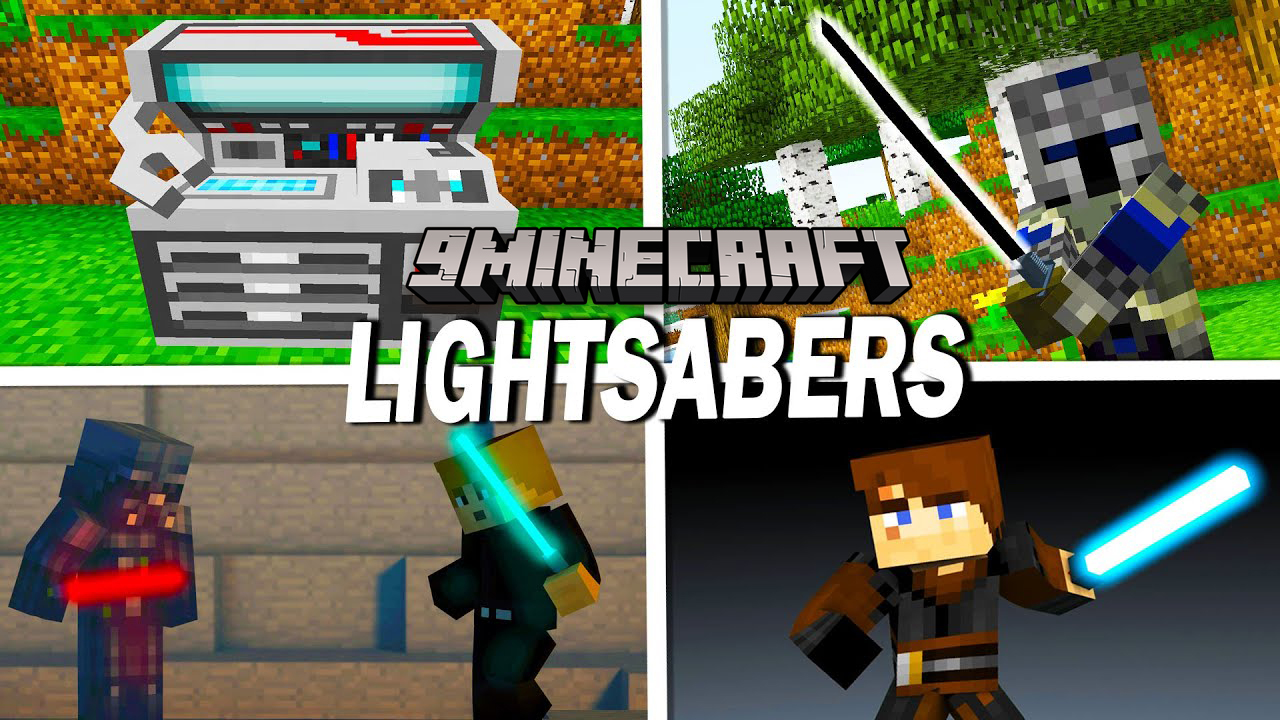
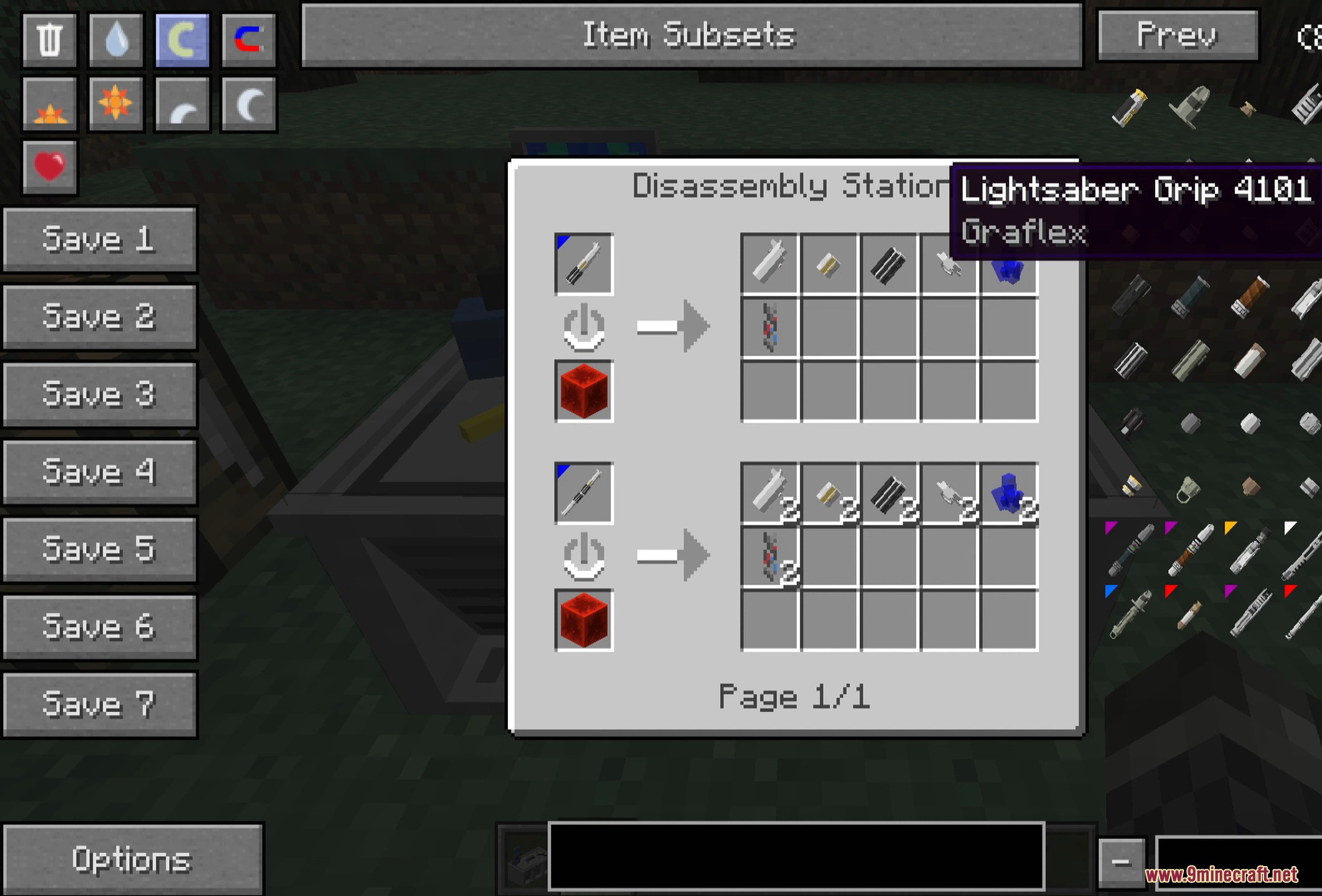
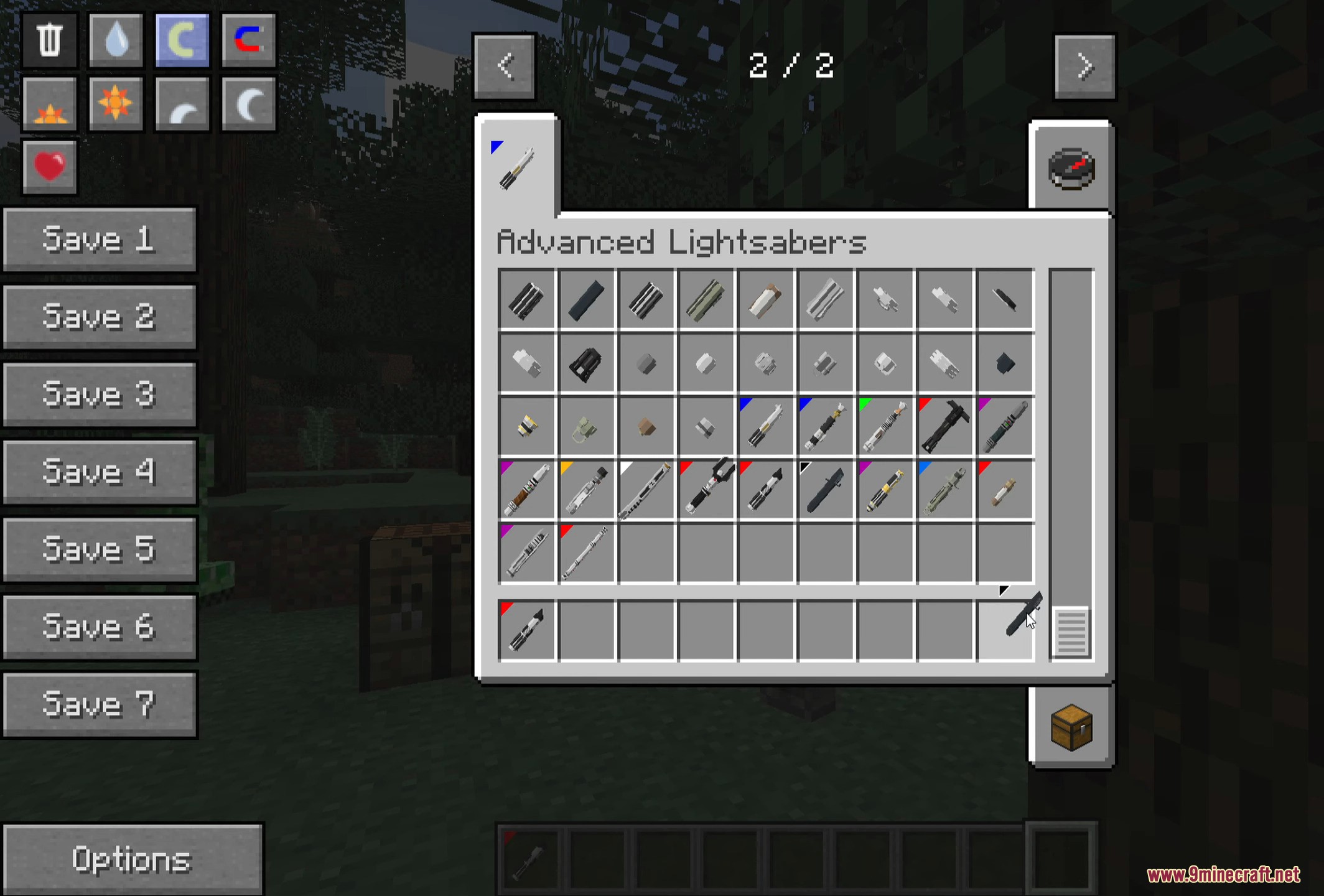
Advanced Lightsabers Mod brings famous Star Wars energy blades and Force powers into your Minecraft world. This mod lets you craft over 67 trillion single and double-bladed lightsaber combinations with 13 hilt sets, 18 color crystals, and 4 focusing crystals. You explore Crystal Caves, Jedi Temples, and desert Sith Tombs to find Holocrons, hidden chests, and rare parts. As you play, you earn Force XP alongside normal XP to unlock and upgrade 13 abilities from the Light and Dark sides. You build your custom weapon at a Lightsaber Forge and take it into battle.
Features:
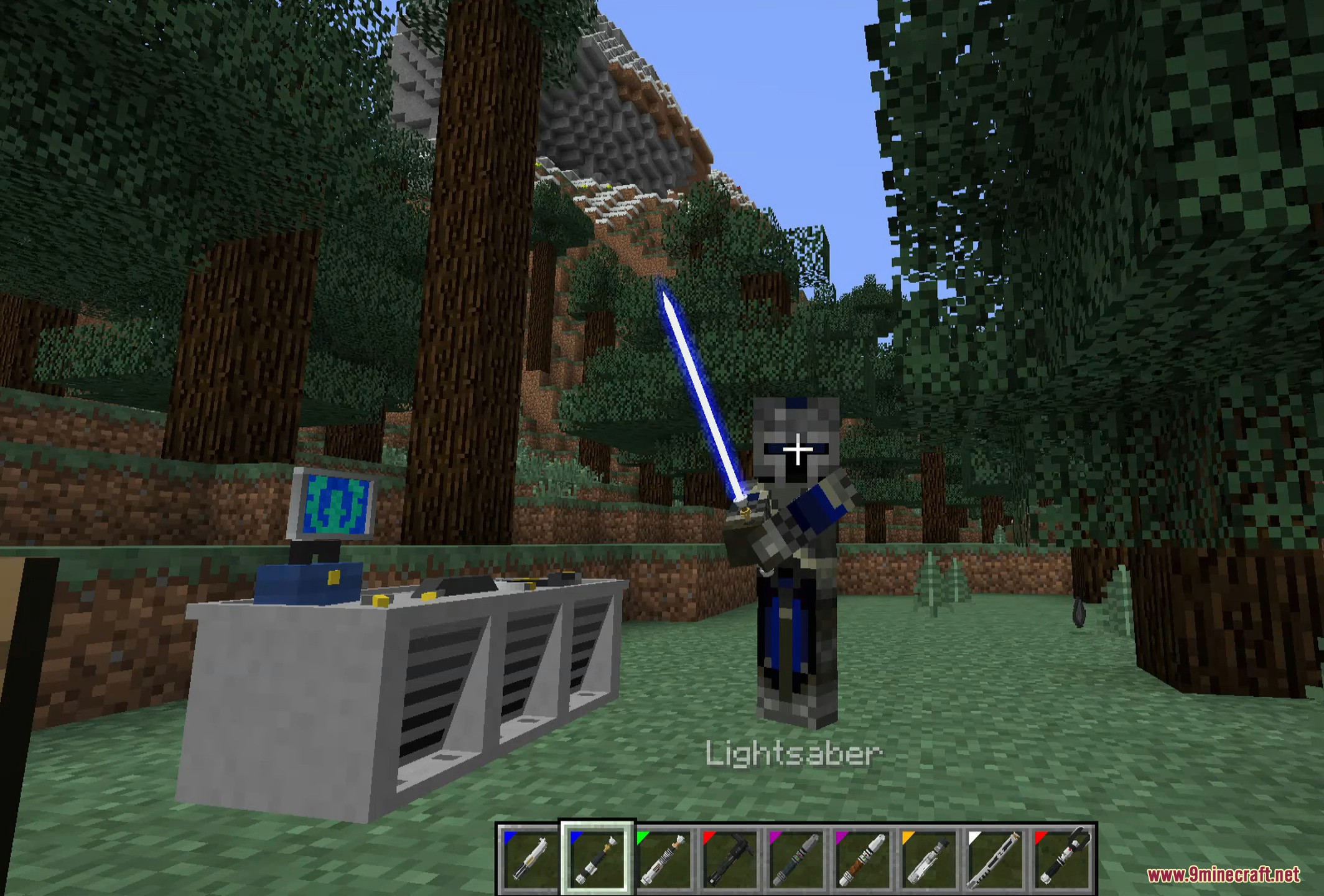
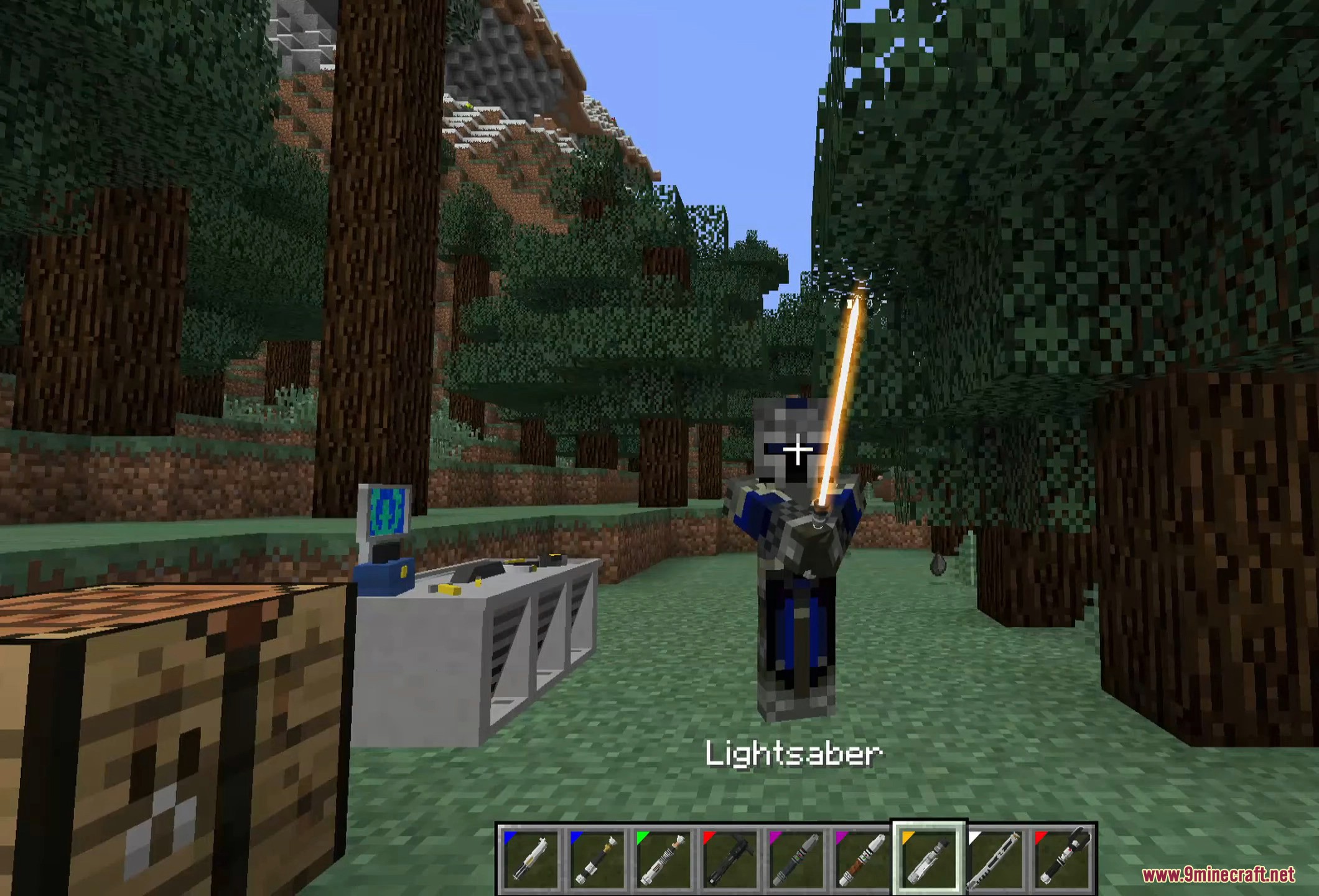
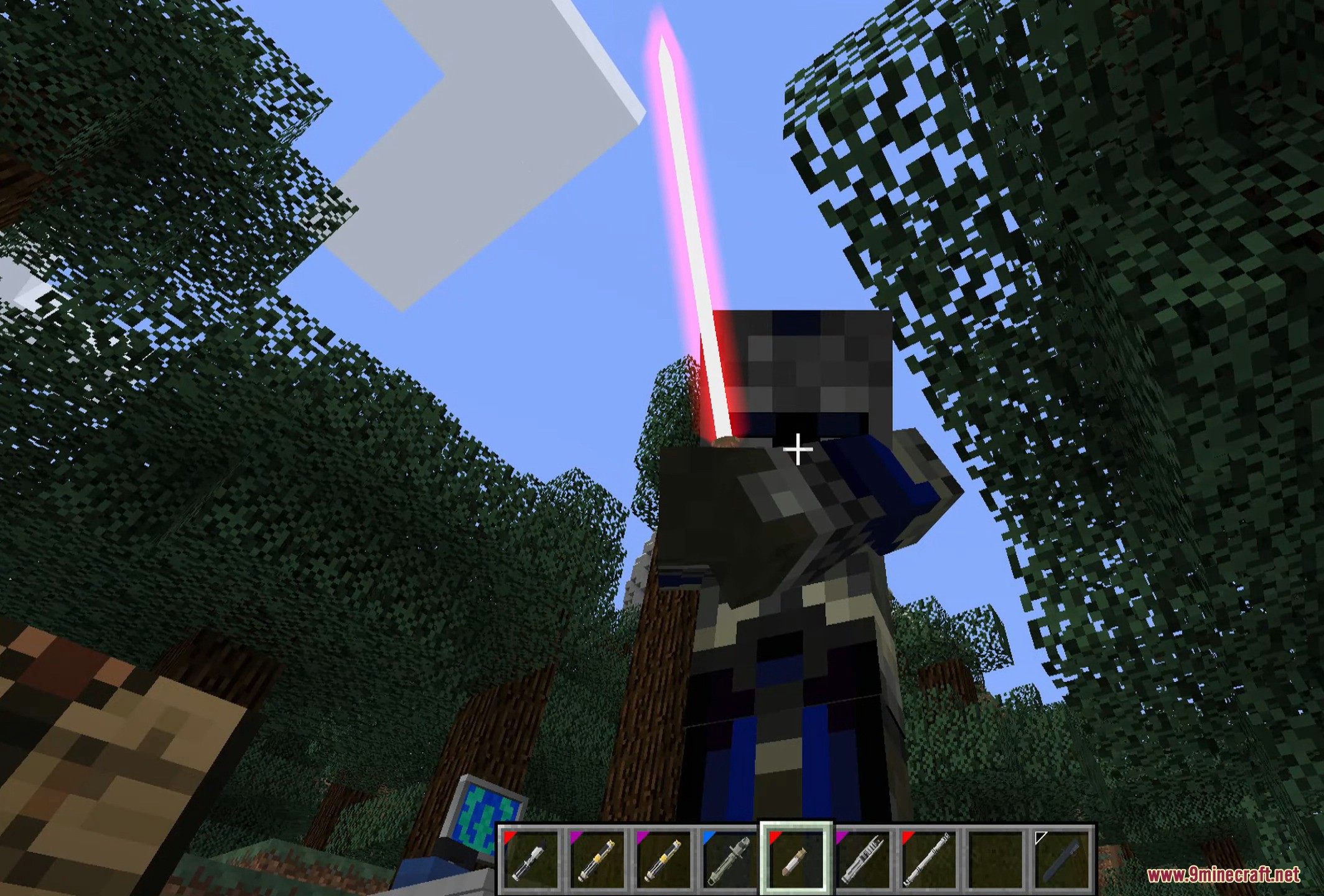
- 3D Lightsabers: Adds 3D-rendered lightsabers with glowing light effects and custom sounds, letting you turn them on and off by shift-right-clicking while holding them.
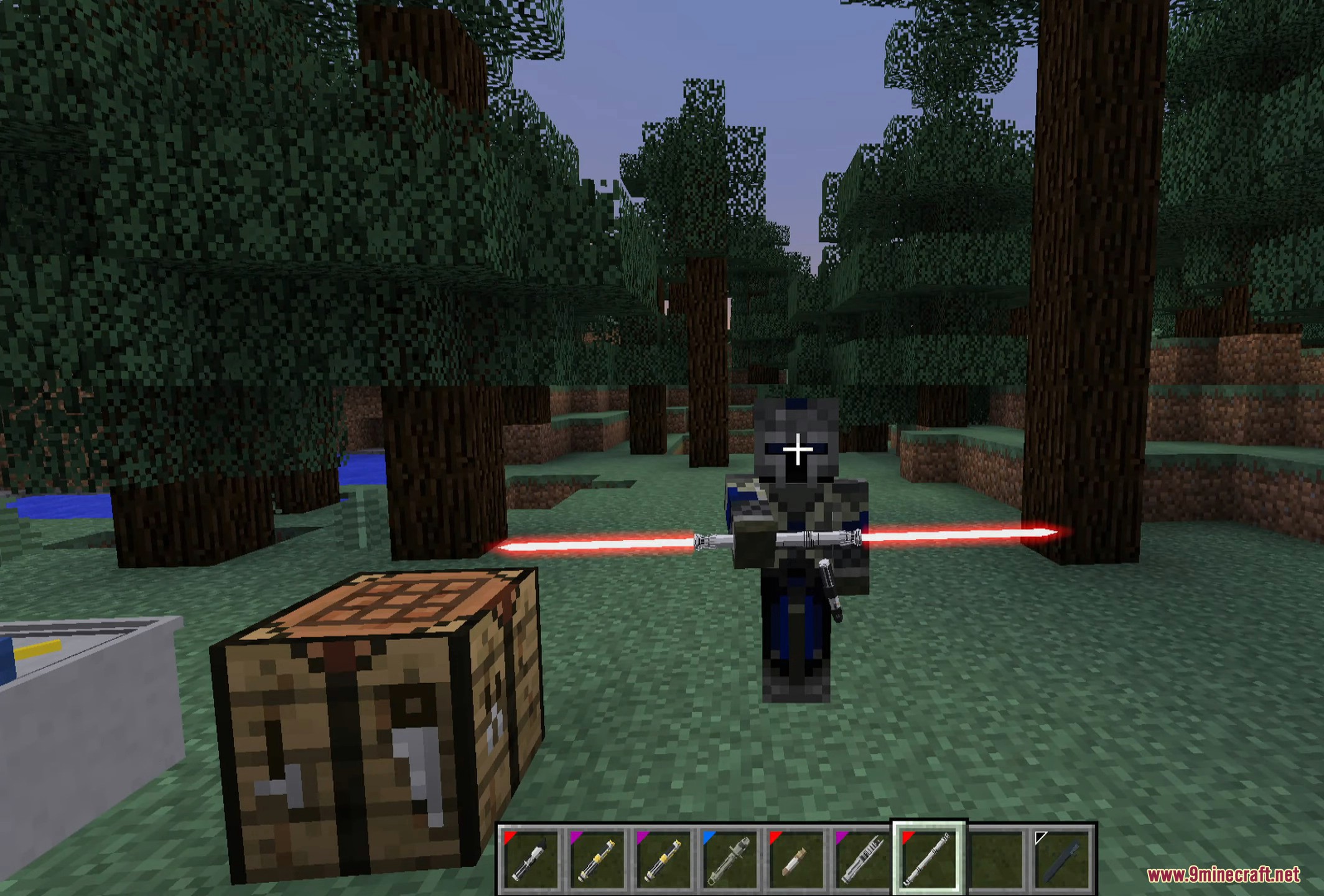
- Double-Bladed Lightsabers: Lets you combine two single lightsabers in a crafting grid to make a double-bladed weapon that hits multiple enemies with area-of-effect (AOE) damage.
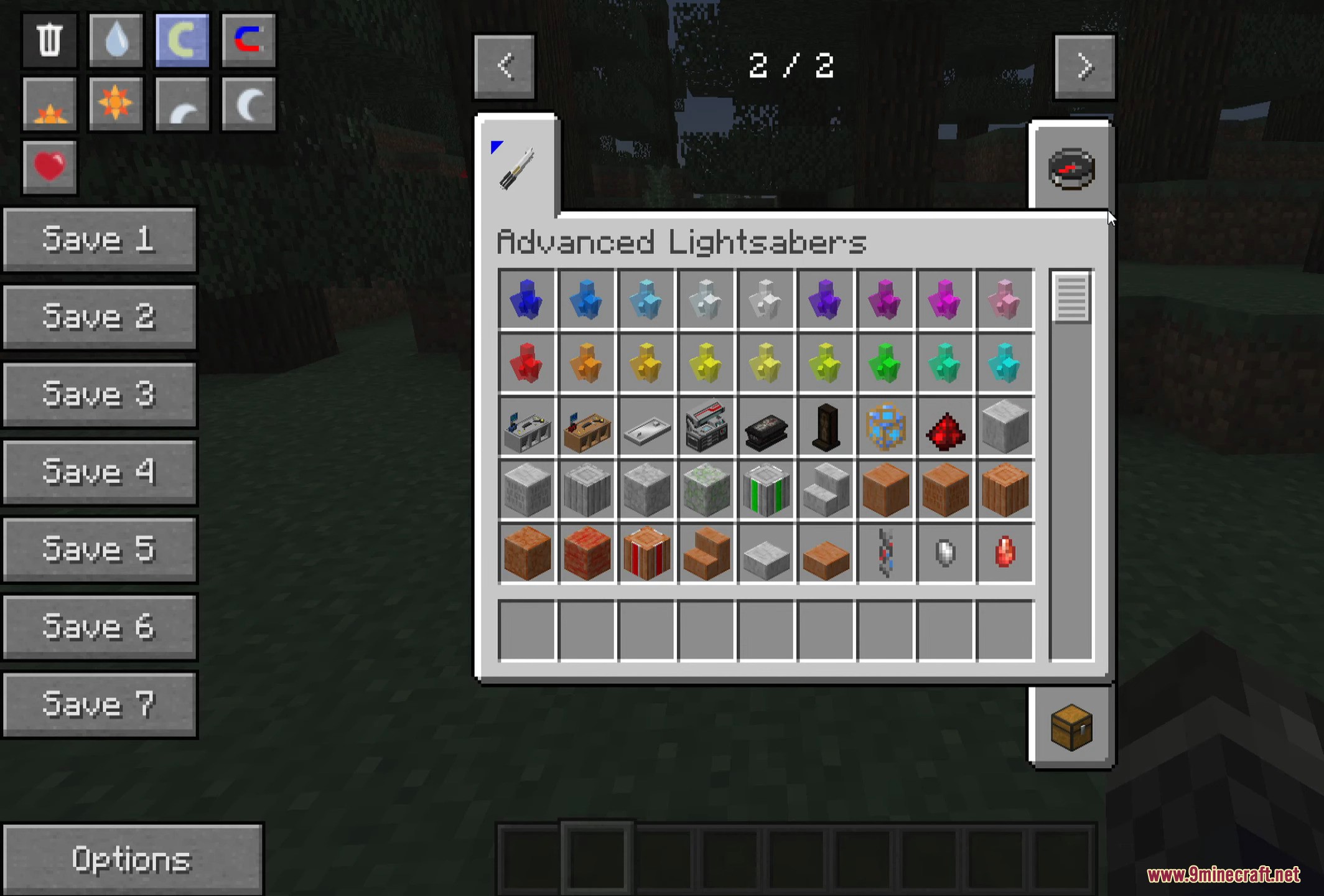
- Massive Hilt Customization: Offers over 67 trillion possible single and double-bladed lightsaber combinations (67,659,977,148,192 total, with some needing console commands) by mixing 4 interchangeable parts across 13 hilt sets, 18 color crystals, and 4 focusing crystals.
- Force Powers and Mastery: Includes 13 upgradable Force abilities unlocked with Holocrons found in the world, while Force XP earned alongside normal XP lets you buy powers, upgrade them, and raise your Force Mastery.
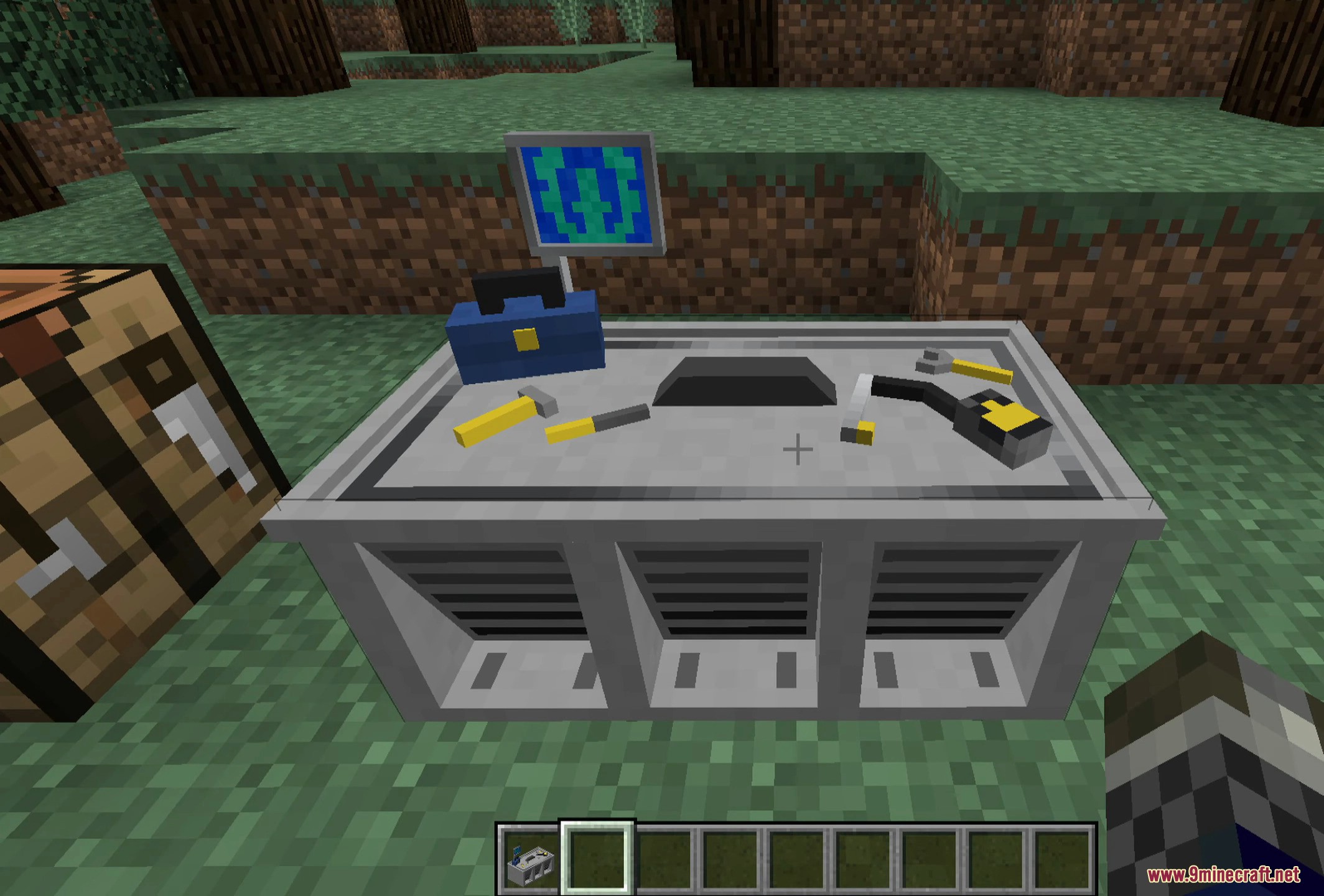
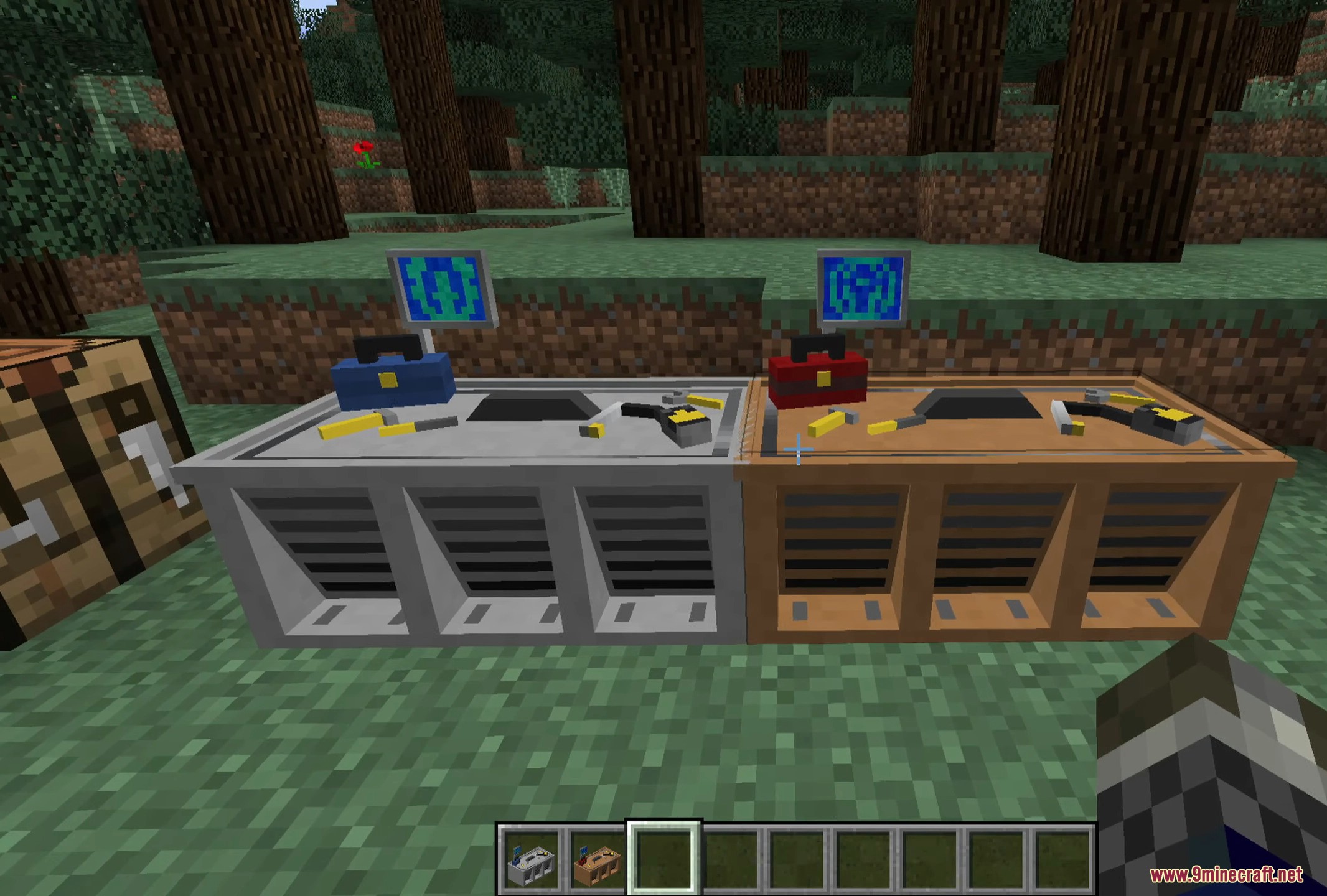
- Adds a Lightsaber Forge in Light and Dark versions, crafted with Light Forcestone (any color crystal surrounded by smooth sandstone) or Dark Forcestone (any color crystal surrounded by hardened clay).
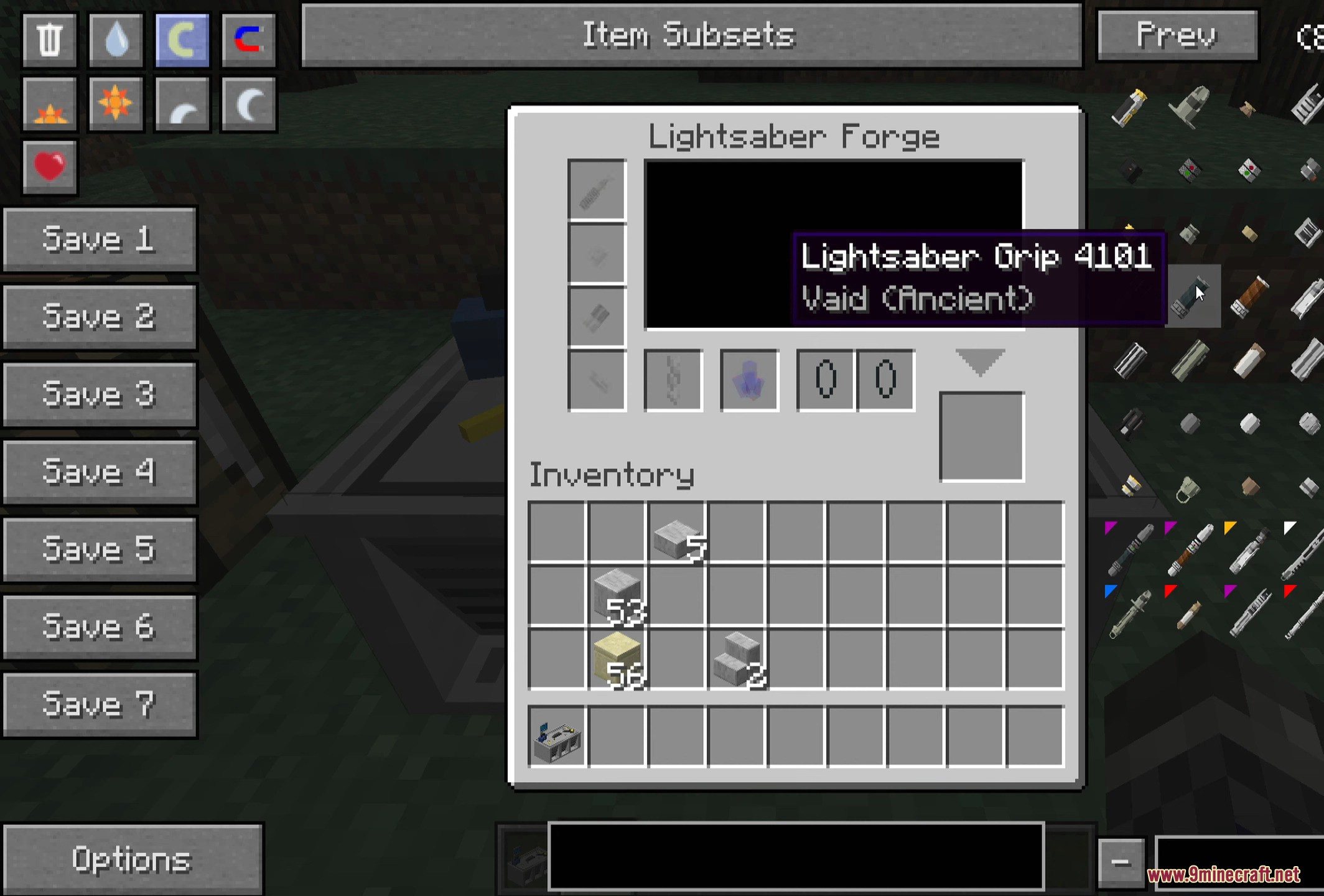
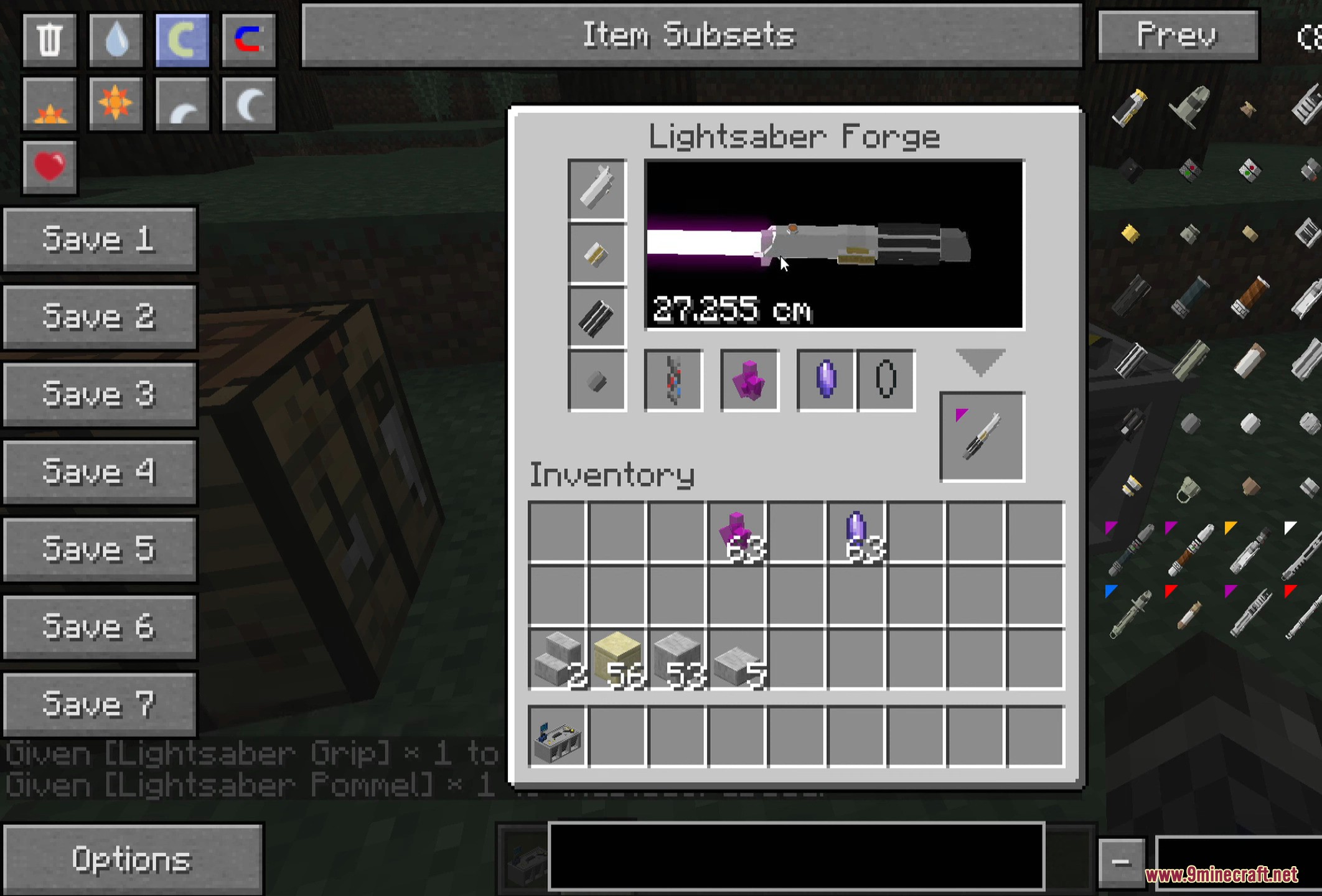
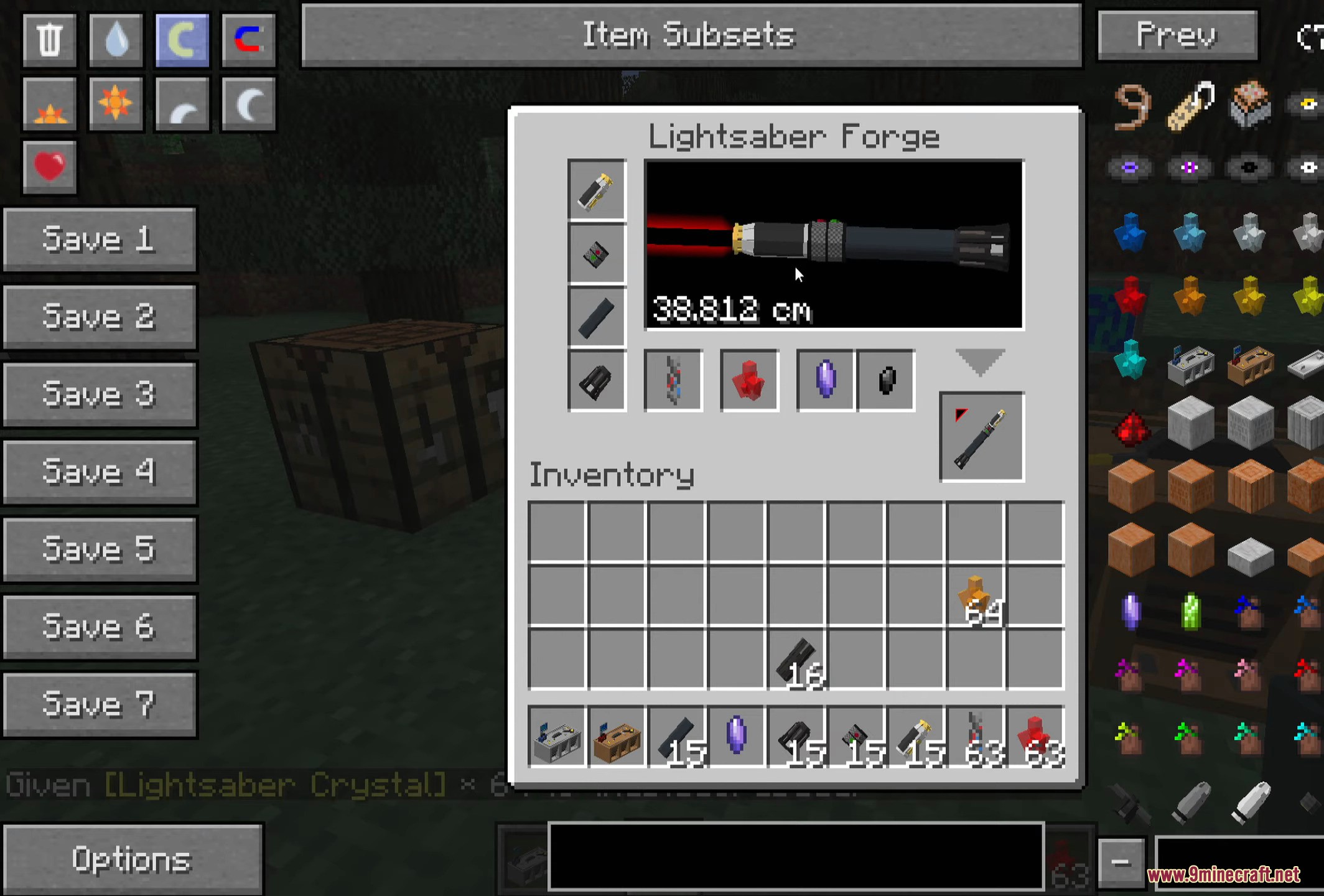
- Checks hilt length in the Lightsaber Forge, stopping you from crafting combinations that are too short and showing a warning in the bottom-left corner of the preview.
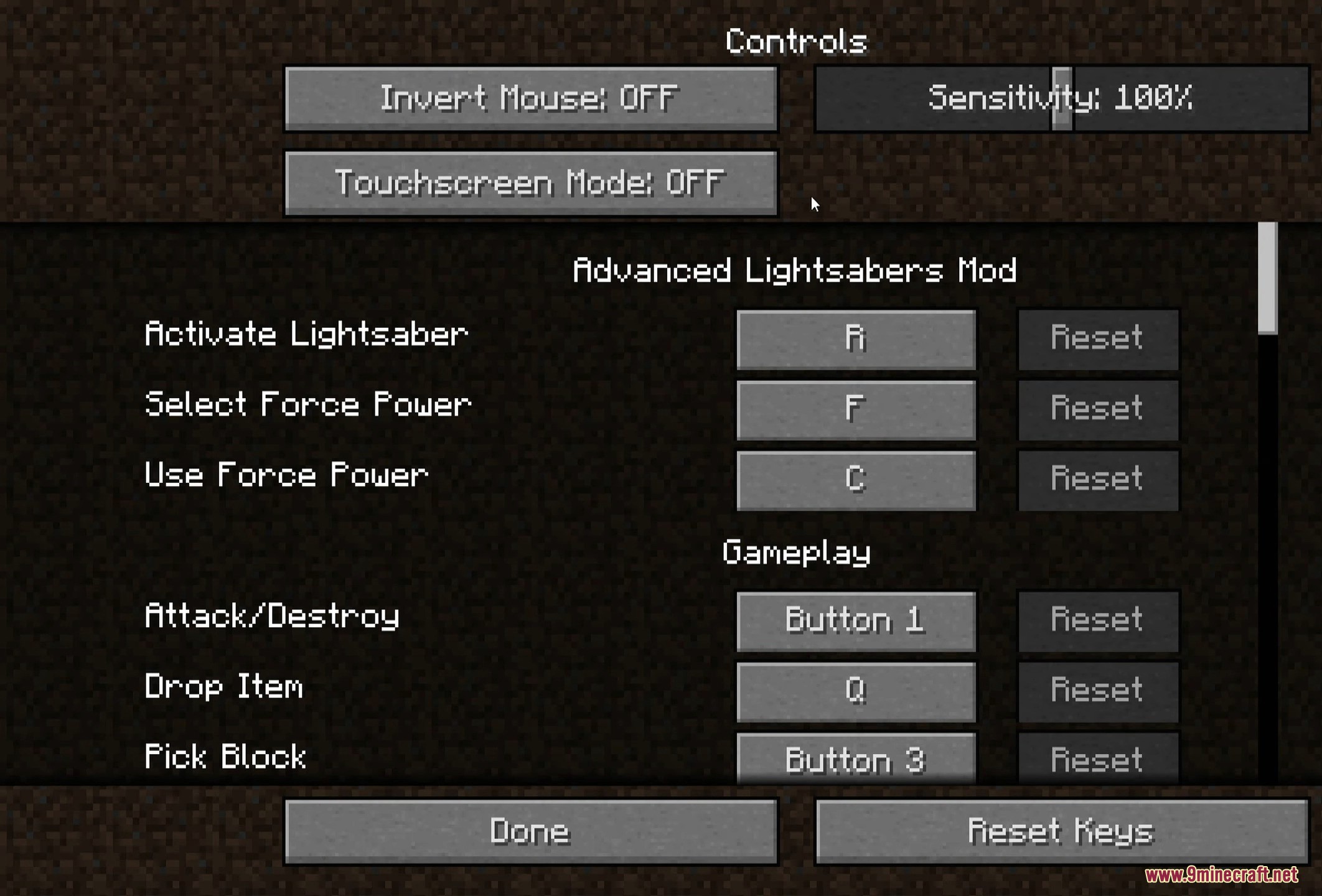
- Lets you manage unlocked Force powers with the F key by tapping it to switch between 3 hotbar abilities or holding it down to open the power management menu.
- Adds custom audio for Sith Ghosts.
- Places lightsaber parts and crystals into loot chests inside vanilla Villages, Strongholds, Dungeons, Desert Temples, and Jungle Temples.
- Spawns yellow crystal shades in Desert Temples, more green shades in Jungle Temples, and makes Village Blacksmiths the only vanilla structures that can hold lightsaber parts.
Force Powers:
- Drain Life: Pulls life force from enemies to heal you, and upgrades to Consume Life and Death Field to absorb life from multiple foes.
- Shock: Shoots bolts of lightning from your fingertips, and upgrades to Force Lightning and Force Maelstrom for heavier damage.
- Wound: Crushes the internal organs of your target, and upgrades to Choke (forces air out of their lungs) and Torture.
- Heal: Repairs your body quickly, and upgrades to Advanced Healing and Master Healing so you can also heal allies.
- Fortify: Reduces damage taken from certain Force powers for a limited time, and upgrades to Advanced Fortify and Master Fortify.
- Stun: Stops an enemy from moving for a short time, and upgrades to Force Stasis for longer control and Stasis Field to freeze multiple enemies.
- Stealth: Bends light around you to turn invisible for a limited time, though strong Force users may still locate you.
- Speed: Makes you faster and more agile for a few moments.
- Sight: Lets you sense living mobs around you, and upgrades to Gaze to spot other Force users and Force Vision to find unseen targets.
- Battle Meditation: Focuses the minds of your allies to boost their Force Pool and melee damage, with Advanced Battle Meditation and Master Battle Meditation increasing strength and range.
- Blade Throw: Throws your lightsaber to hit enemies from a distance, and upgrades to Advanced Blade Throwing for a wider strike area.
- Energy Resist: Reduces damage taken from other lightsabers, and upgrades to Advanced Energy Resist and Master Energy Resist.
- Force Push: Blasts enemies backward with a burst of air, with Advanced Force Push and Master Force Push increasing range and damage.
Focusing Crystals:
- Compressed Focusing Crystal: Gives your lightsaber a thinner, rapier-like blade like those in Star Wars: Rebels.
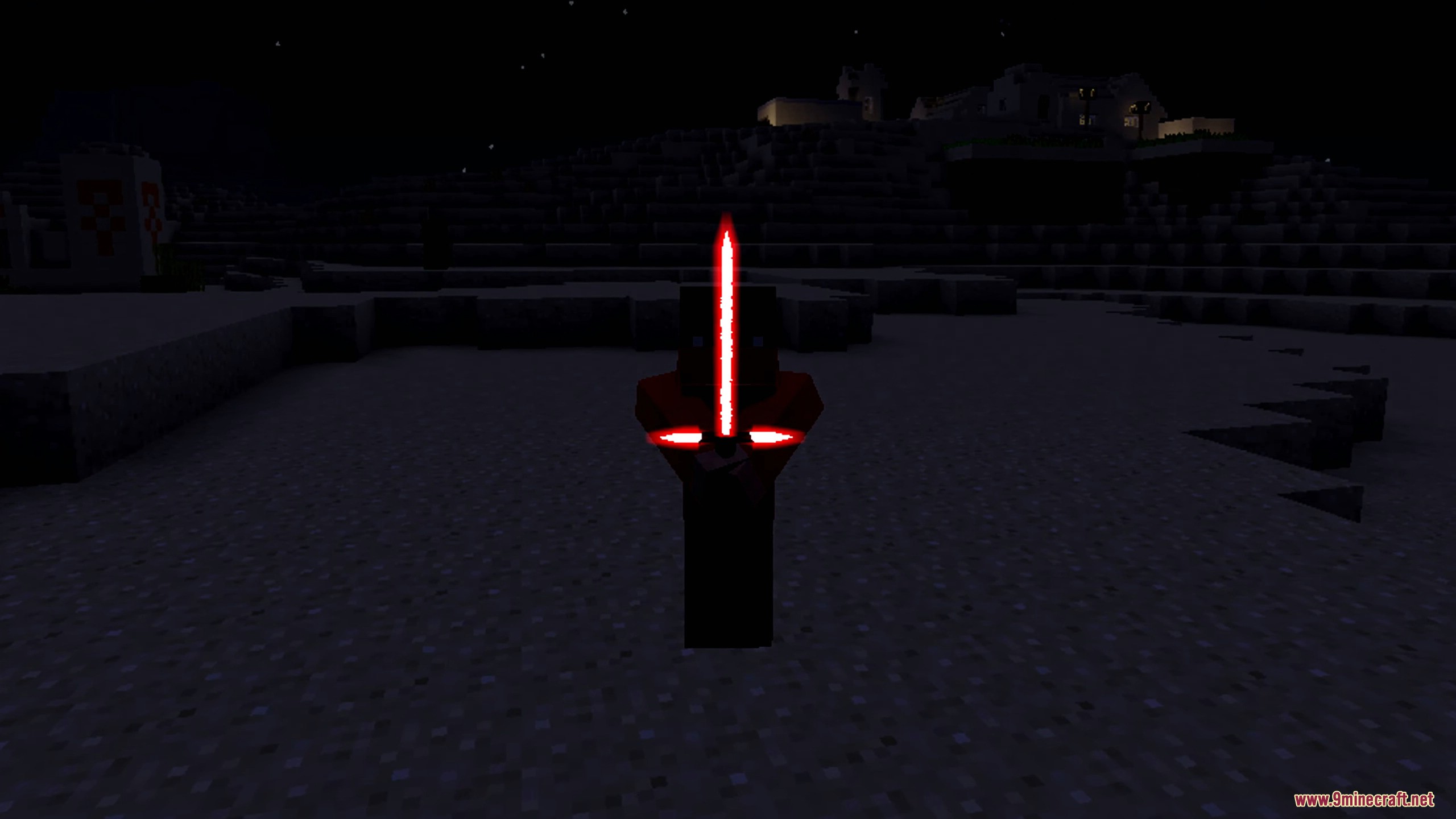
- Cracked Kyber Crystal: Gives your lightsaber an unstable, fiery blade like Kylo Ren’s weapon.
- Inverting Focusing Crystal: Gives your lightsaber a black inner blade like Pre Viszla’s Darksaber.
- Fine-Cut Focusing Crystal: Gives your lightsaber a thinner, sword-like blade like Pre Viszla’s Darksaber.
Featured Hilt Sets:
- Juggernaut: Adds a dark hilt style linked to the False Emperor.
- Fury: Adds the hilt style used by Mace Windu.
- Mechanical: Lets you rebuild the most feared lightsaber in the Empire.
- Mandalorian: Lets you craft and wield the Darksaber.
World Generation and Structures:
- Jedi Temples: Generate in most temperate biomes and hold Light Forcestone for forges, Holocrons for Force training, and hidden chests with lightsaber parts.
- Sith Tombs: Generate deep inside deserts and hold ancient treasures, hilt parts, and crystals inside dangerous halls.
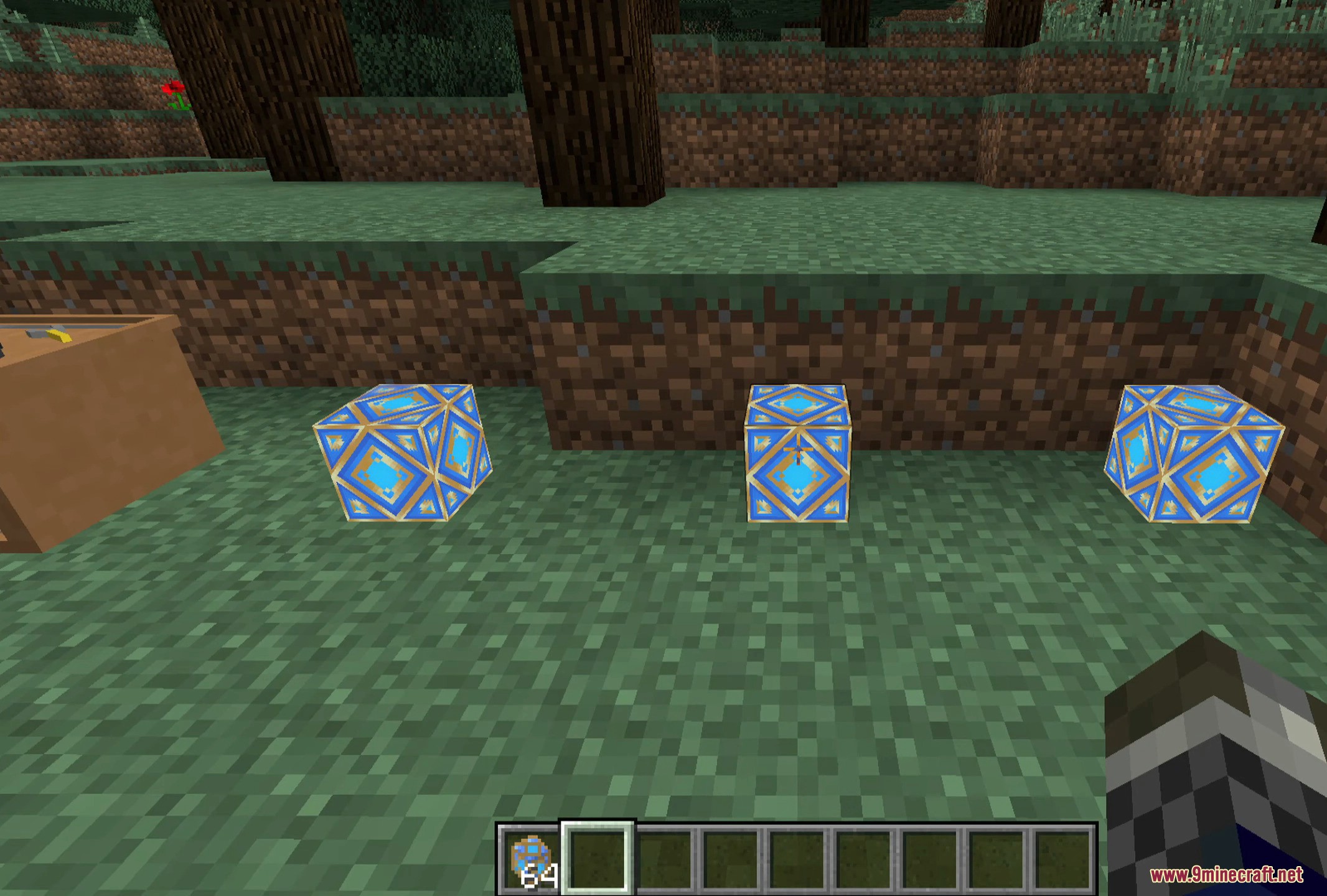
- Crystal Caves: Generate as special caves that serve as the only natural source of lightsaber crystals.
How to Use:
- Explore Crystal Caves, Jedi Temples, Sith Tombs, Dungeons, Strongholds, Desert Temples, Jungle Temples, and Village Blacksmiths to gather lightsaber color crystals, focusing crystals, hilt parts, and Holocrons.
- Craft Light Forcestone by surrounding any lightsaber color crystal with smooth sandstone, or craft Dark Forcestone by surrounding any color crystal with hardened clay; you can also collect Light Forcestone from Jedi Temples.
- Use your Light or Dark Forcestone to craft a matching Light or Dark Lightsaber Forge.
- Build the internal electronics needed for your lightsaber hilt.
- Open the Lightsaber Forge and place your hilt parts, electronics, color crystal, and optional focusing crystal inside to build your lightsaber; check the bottom-left corner of the preview to confirm the hilt is not too short.
- Combine two single lightsabers together in a crafting grid if you want to make a double-bladed lightsaber with area-of-effect (AOE) damage.
- Hold your lightsaber and press Shift + Right-Click to turn the blade on or off.
- Use the Holocrons you find and earn Force XP alongside normal XP to unlock Force powers, buy upgrades, and raise your Force Mastery.
- Hold down the F key to open the Force power management menu and set up to 3 abilities on your hotbar, then tap F to switch between them at any time.
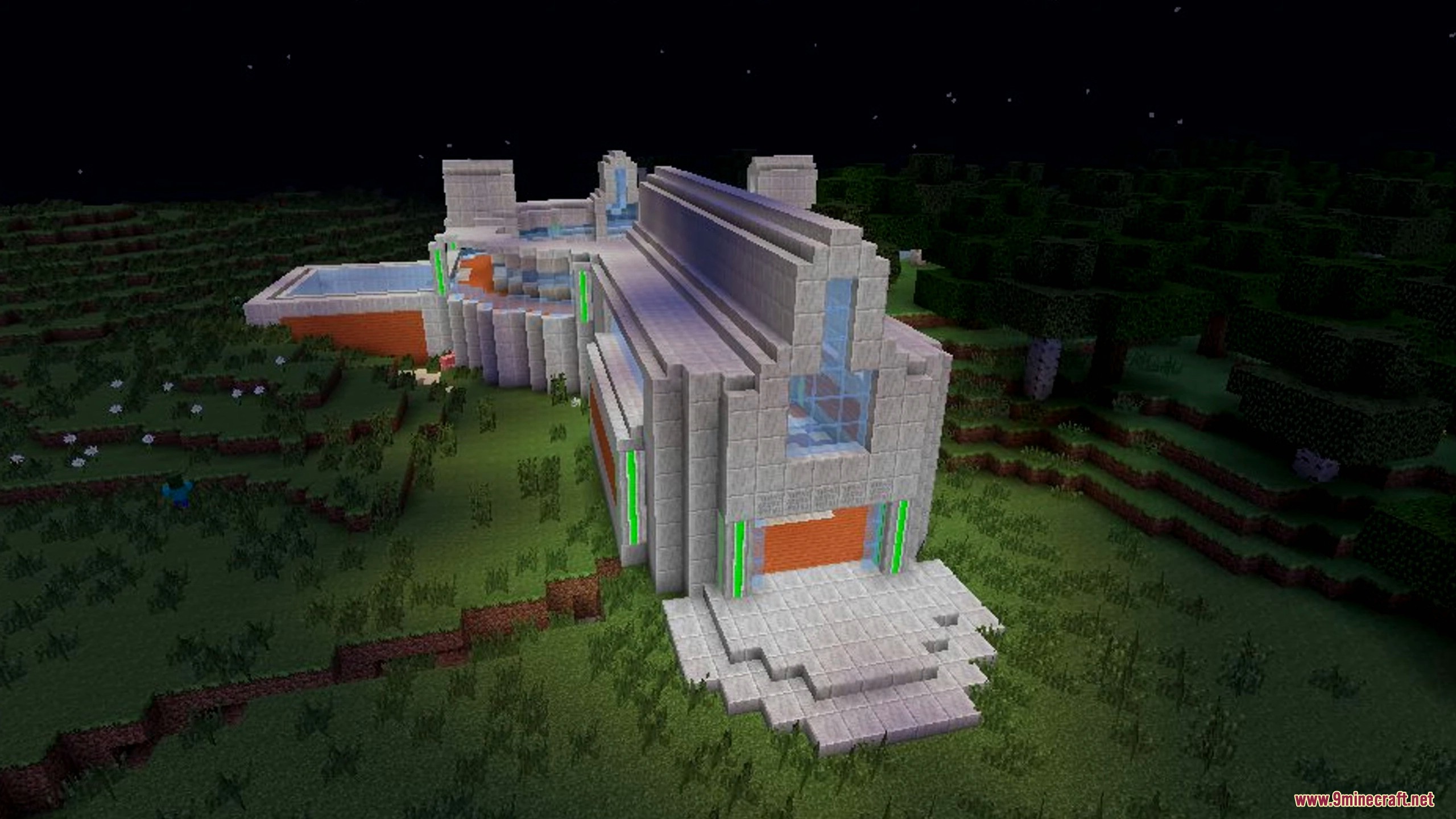
Screenshots:
How to Install:
New to Minecraft? Follow our step-by-step guide to install Mods on your PC.View Guide
Advanced Lightsabers Mod Download Links
For Minecraft 1.7.10
Forge version: Download from Server 1 – Download from Server 2
Have you ever used connector mods (like Sinytra Connector) to run Fabric mods on Forge/NeoForge?
21 responses · See the full results →
You May Also Like
Picked for this page
 TofuCraft Reloaded Mod (26.3, 1.20.1) – All About Tofu
 Crying Ghasts Mod (26.3, 1.20.1) – Passive Ghast Tear Drops
 Step Mod (26.1.2, 1.20.1) – Auto-Jump Enchantment
 Mowzie’s Cataclysm Mod (1.21.1, 1.20.1) – New Mobs, Enhanced Difficulty
 Toms Mobs Mod (26.3, 1.20.1) – New Mobs, More Adventures
 Cherry Grove Villages Mod (1.21.8, 1.20.1) – Vanilla Structure Designed Village
 Critter Armory Mod (26.3, 1.20.1) – Armor Up Your Animals
 Spawner Control Mod (26.1.2, 1.20.1) – Adjust Spawn Limits and Destruction Timers
 Blossom Homes Mod (26.3, 1.20.1) – Easy Home Teleports
 Moss Fix Mod (1.21.1, 1.20.1) – Enables Moss Growth Beneath Transparent Blocks
 Wild Battle API Mod (1.21.1) – Adds Smart Wild Pokemon Battles
 Explorer’s Compass Addon Mod (1.20.1) – Finds Next Closest Struct
Most viewed in Mods over the last 7 days
 Ala Industrial Mod (26.3) – Run Electric Power Grids and Automated Factories
 PleasureCraft Mod (26.3, 1.21.1) – Jenny Mod Remake for Fabric
 Jennycraft Mod (26.3, 1.20.1) – Virtual Girlfriend in Minecraft
 Fapcraft Mod (26.3, 1.12.2) – Comprehensive and Detailed Content
 Jenny Mod (Fapcraft) Official Complete Guide – How to use, Tutorial
 BangCraft Mod (1.20.1) – Jenny, Ellie and Elliot
 Fabric Loader (26.3, 1.20.1) – Fabric Installer for All Minecraft Versions
 Meteor Client Mod (26.3, 1.20.1) – Xray, HUD, Fly
 The Shooting Star Demo Mod (26.3, 1.20.1) – Vaporize Terrain From Orbit
 OptiFine HD (26.3, 1.20.1) – Run Faster, FPS Boost, Shaders Support
 Aristois Client Mod (1.21.4, 1.20.1) – World Class Minecraft Utility
 Prestige Client Mod (1.21.11, 1.21.4) – Powerful Ghost Features for Crystal & Sword PvP
More from Mods
 Arcanism Mod (26.2) – Build Magic Factories and Program Custom Spells
 Archangel Client Mod (1.21.11) – Master Every PvP Duel with Clean Screen Stats
 Block Front Survival Patch Mod (1.21.1) – Wage Tactical Warfare in Survival
 Better Enchantment Bookshelf Placement Mod (26.2, 1.20.1)
 SimpleRPGCore Mod (1.21.4, 1.21.1) – Fight with Classic RPG Stats
 Bard RPG Series Plus by Fichte Mod (1.21.1, 1.20.1) – Buff Allies in Combat
 Fabric Gui ImGui Mod (26.3, 1.21.11) – Clean Custom Menus and In-Game Control
 Multi Item Lib Mod (1.20.1) – Wield Custom Gear with Flawless Hand Animations
 Universe3090 Mod (1.20.1) – Survive Corrupted Dimensions Filled
 Wireless Automate Mod (1.21.1) – Automate Base Logistics Without Messy Pipes
 Vaskars Opus Faction War Quests & Bosses Mod (1.21.11, 1.20.1)
 Multitools and More Mod (26.3, 1.20.1) – Clear Your Hotbar and Travel

This post has no comments yet. Be the first — your comment will appear here.