


Airport Shuttle Schematic (1.21.x) – Drivable White Bus for Your Airport

 0
0 

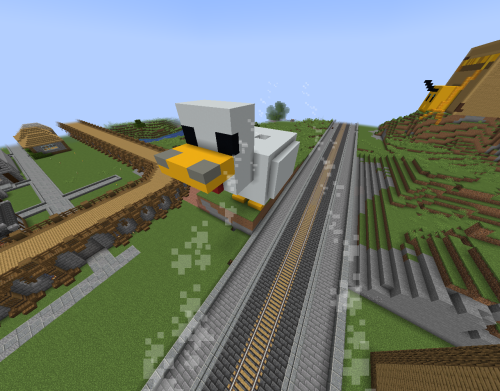
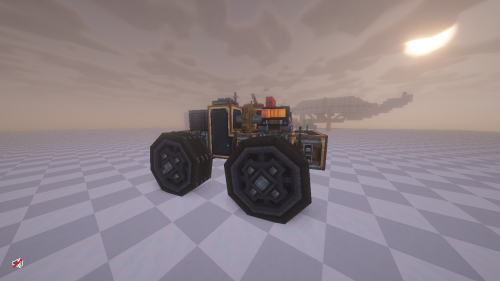
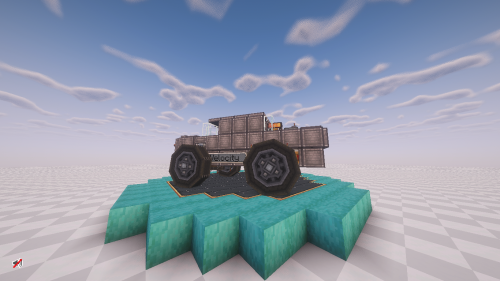
Airport Shuttle Schematic adds a working white bus to your Minecraft world. This build uses the Create mod to give you a drivable vehicle for your custom airports. You get a fully built shuttle with seats and a cockpit ready for passengers. The schematic includes the vehicle and its power source, so you can start driving right away. It fits perfectly into modern city builds or transport hubs.
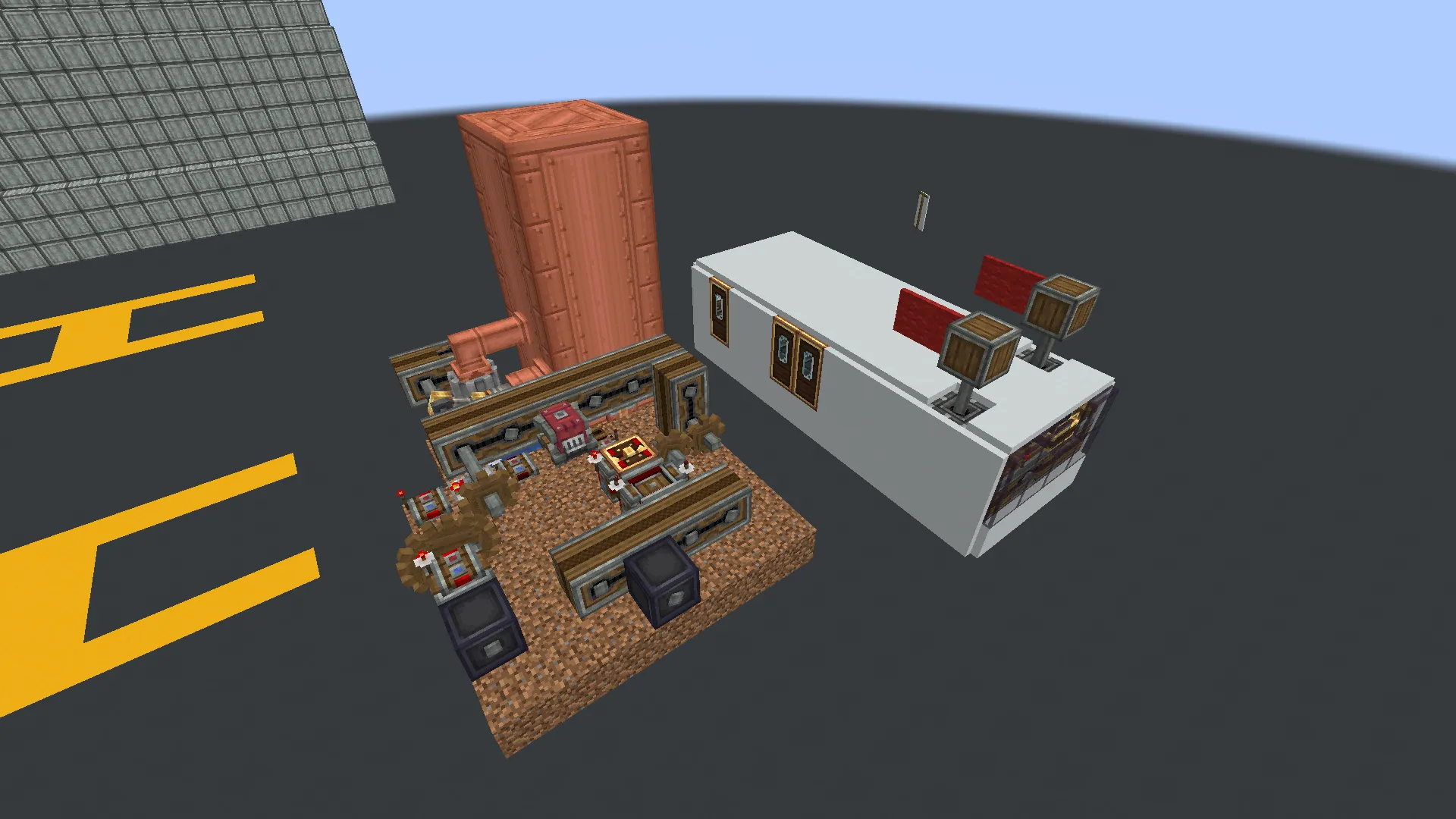
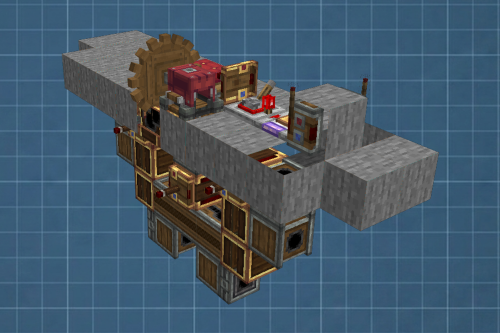
3D Preview:
Features:
- Gives you a ready-to-use white airport bus for your city.
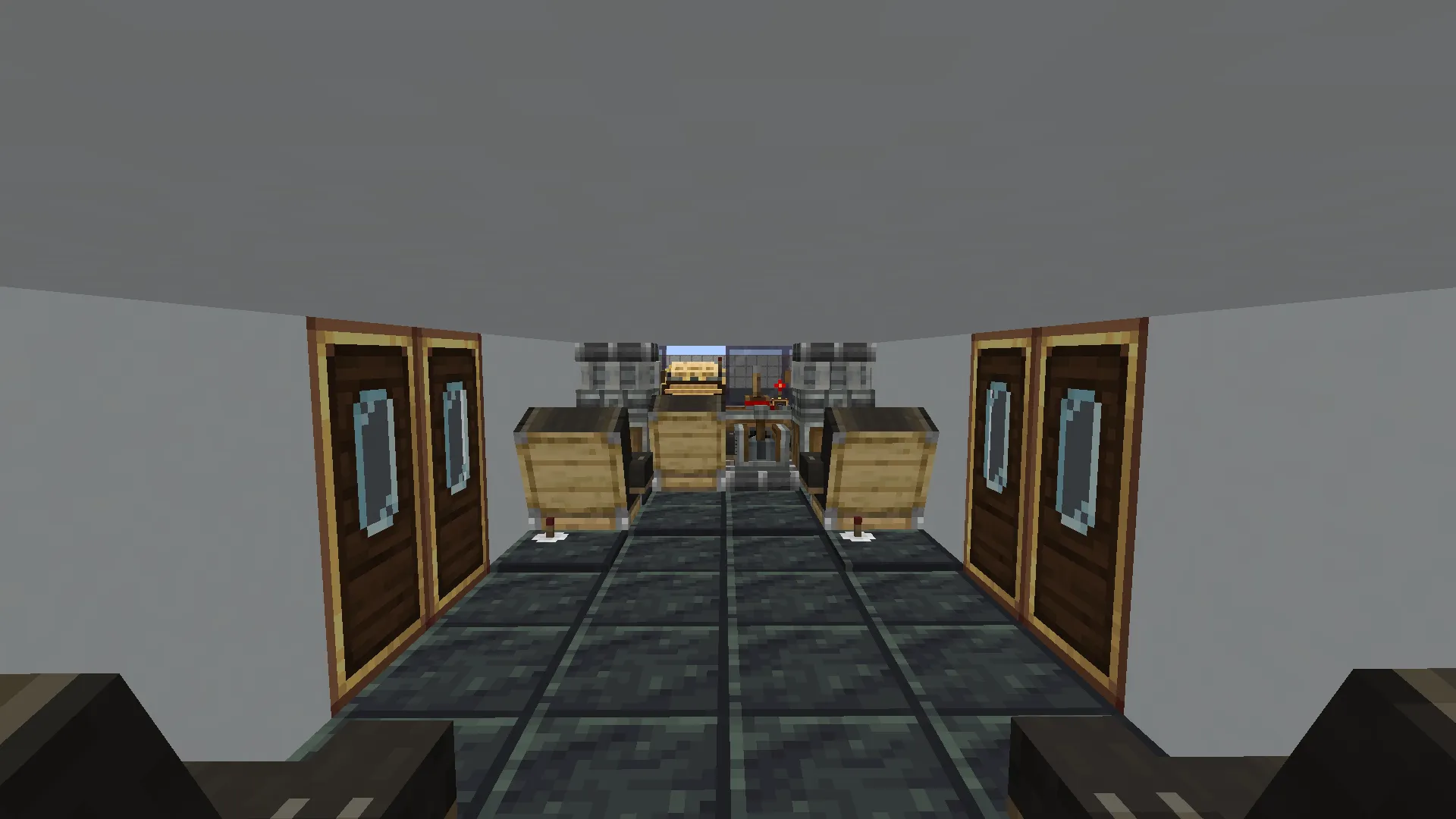
- Includes an interior with wooden seats for your passengers.
- Adds a cockpit area at the front where the driver sits.
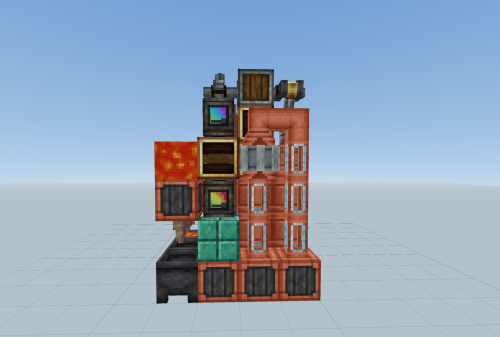
- Runs on a red engine that requires coal to work.
- Comes with a tall copper boiler that powers the whole system.
- Takes up a small 15 by 8 by 13 block space in your world.
- Uses exactly 375 blocks to build the entire setup.
Schematic Specs:
 Minecraft1.21.x
 Create Mod6.0.10
 Dimensions15×8×13
 Total Blocks375
 Top Blocks Used
Copycat Panel 119White Concrete 108Fluid Tank 63Dirt 46Polished Cut Scorchia 37
How to Use:
- Place the schematic in your world using the Create mod tools.
- Add coal to the red engine to turn on the vehicle.
- Hide the nearby copper boiler somewhere out of sight.
- Use the W, A, S, and D keys or a joystick to drive the shuttle around.
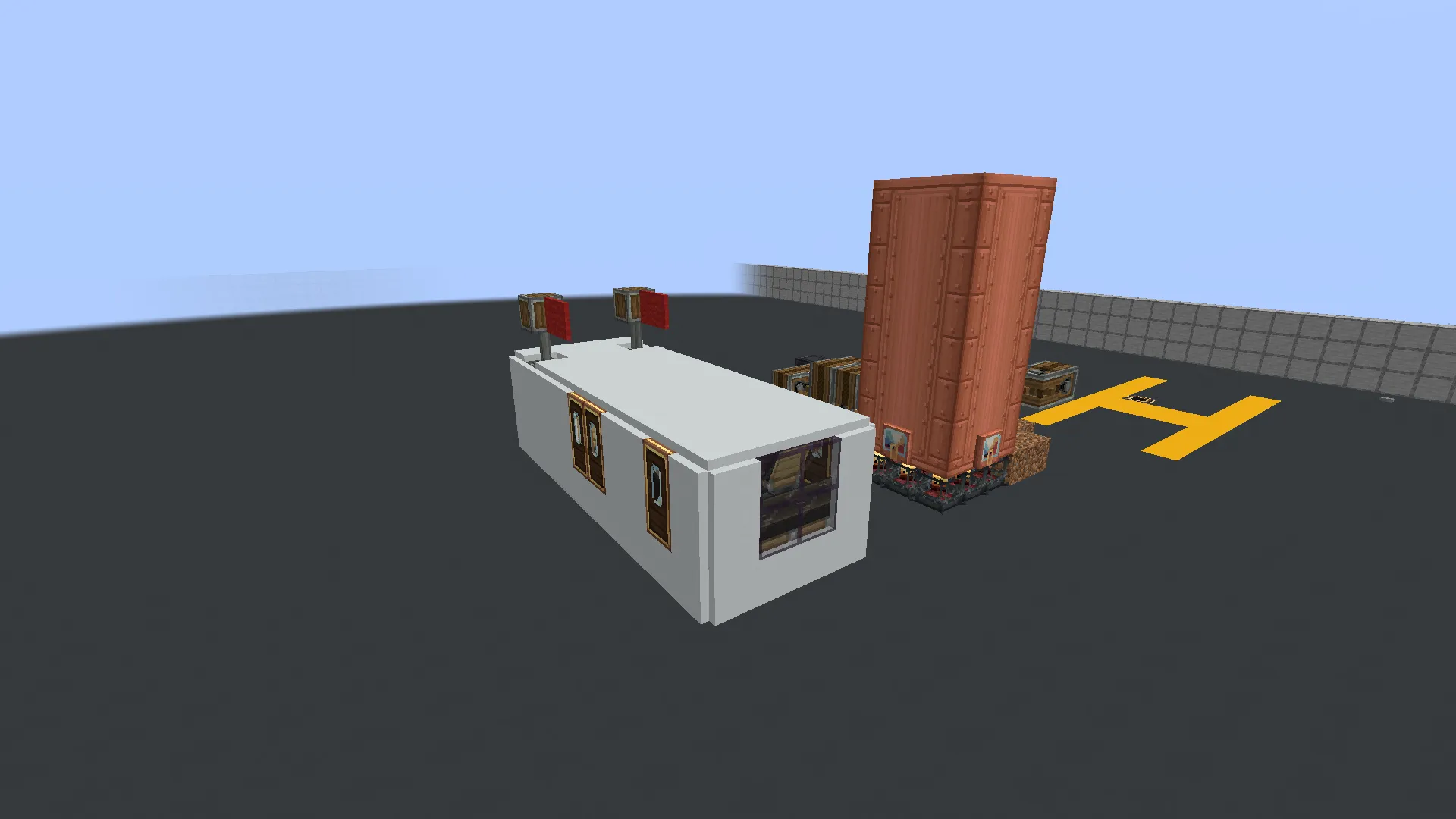
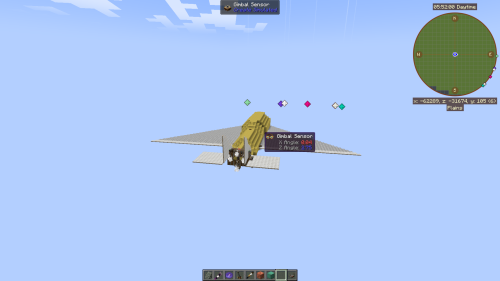
Screenshots:
Requirements:
 Create Mod Required
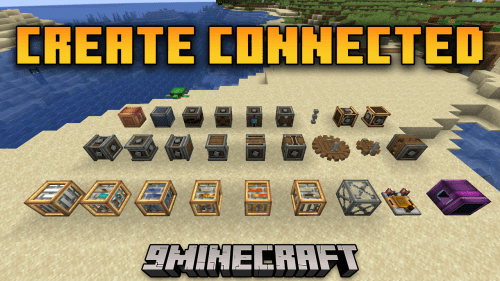 Create Connected Mod Required
copycats Required
createendertransmission Required
interiors Required
offroad Required
simulated Required
Airport Shuttle Schematic Download Links
For Minecraft 1.21.x
Click to rate this post!
[Total: 0 Average: 0]
You May Also Like


This post has no comments yet. Be the first — your comment will appear here.