
Anchor Concept I Made Schematic (1.21.x) – Useful Anchor Design for Create Airships
 36
 0


Anchor Concept I Made Schematic secures airships to the ground using a functional anchor system. It brings items up to your build through docking connectors. This build keeps your flying structures in place when you land. It features a design with moving parts that fit well on any ship. You can use it to make your airships feel more useful during transport.

3D Preview & Editor:
How to place this schematic
.nbt This is a vanilla structure file. It loads through structure blocks with no mod at all, within the 48×48×48 size limit.
| 1 | Put the .nbt file in <your world>/generated/minecraft/structures. |
| 2 | Give yourself a structure block: /give @s structure_block. |
| 3 | Place it, open it and switch the mode to LOAD. |
| 4 | Type the file name without .nbt, press LOAD, then PLACE. |
About this build
| 1 | Place the schematic file into your Minecraft schematics folder. |
| 2 | Use a Schematicannon to build the anchor onto your airship or base. |
| 3 | Connect the docking ports to your storage system to move items. |
| 4 | Lower the anchor when you want to stay in one spot on the ground. |
Features:
- Secure Grounding: Keeps airships from drifting away by sticking them to the terrain.
- Item Transport: Pulls items up from the ground using docking connectors.
- Compact Build: Fits into small spaces with its 11x8x7 block dimensions.
- Uses decorative blocks to create a machine-like appearance for your airship.
- Works with Create mod mechanics to move and dock with other parts.
- Includes 126 total blocks for a detailed but small contraption.
Schematic Specs:
 Minecraft1.21.x
 Create Mod6.0.10
 Dimensions11×8×7
 Total Blocks126
 Top Blocks Used
Railway Casing 74Brass Block 18Copycat Layer 8Copycat Slab 6Docking Connector 4
Requirements:
 Create Mod Required
simulated Required
Extra Copycats Required
gnkinetics Required
copycats Required
dndecor Required
cbcmoreshells Required
Anchor Concept I Made Schematic Download Links
For Minecraft 1.21.x
Click to rate this post!
[Total: 0 Average: 0]
QUICK MINECRAFT SURVEY · ONE TAP
Mods & Modpacks
Which item and recipe viewer mod do you prefer to have in your game?
1 responses · See the full results →
You May Also Like
Picked for this page
 The Missile Schematic (1.21.x) – Build a Functional Underground Missile Silo Complex
 Infinite Energy with Create Aeronautics Schematic (1.21.x) – Massive Rotational Power for Create Mod
 Industrial Diesel Generator Schematic (1.21.x) – Powerful Diesel Power Plant for Create Mod
 Jet Powered Atm10 Aero Car Schematic (1.21.x) – Jet Powered Car for Create Aeronautics
 Swallow A20 the Steampunk Multirole Fighter Aircraft Schematic (1.21.x) – Steampunk Fighter Jet
 Asian Starter House Schematic (1.21.x) – Asian-Inspired Compact Starter Base for Survival
 Russian Empire Tank Schematic for Creative Mode (1.21.x)
 Automatic Levitite Farm Schematic (1.21.x) – Build Automated Levitite Towers with Create
 Hovercraft V1 Schematic (1.21.x) – Build and Fly Your Own Simple Hovercraft
 Endgame Flying Machine Schematic (1.21.x) – Fly Anywhere with This Cheap Steam Powered Machine
 Desc Fuel Less Experimental Plane Design Schematic (1.21.x) – Infinite Wind Powered Flight Design
 Base Create Vanilla Plane Schematic (1.21.x) – Simple Early Game Create Mod Plane
Most viewed in Create Mod Schematics over the last 7 days
 Copper Flying Ship That Can Also Act as a Normal Boat Schematic (1.21.x) – Dual Purpose Copper
 Rail Gun Schematic (1.21.x)
 Agrimotor Schematic (1.21.x) – Build a Functional Create Mod Tractor
 Arasaka Tower Schematic (1.21.x) – Massive Black Industrial Skyscraper Build
 Starter Iron Farm Schematic (1.21.x) – Simple Early Game Iron Production Build
 Large Submarine Schematic (1.21.x) – Build a Large Submarine for Travel
 F16 Falcon Schematic (1.21.x)
 Thrall 40ft 53ft Well Car Nbt Schematic (1.20.x) – Legendary Double Stack Container Train Car
 Diesel Engine Train Schematic (1.21.x) – Heavy Freight Locomotive for Create Mod
 Sd40 2 Blue Nbt Schematic (1.20.x) – Classic Blue American Locomotive
 Compacted Alloy Farm Schematic (1.21.x) – Automatic Andesite Alloy Factory for Create
 Class 86 Schematic (1.21.x) – Classic 1960s Electric Train
More from Create Mod Schematics
 Komar V2 Schematic (1.21.x) – Detailed Helicopter Design for Create Mod
 Mini Biodiesel Farm Schematic (1.21.x) – Compact Automated Biodiesel Fuel Setup
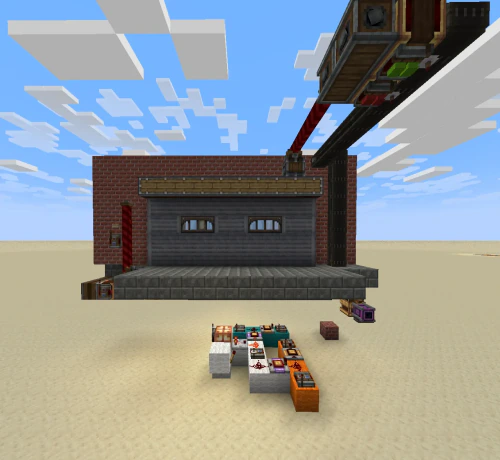 Functional Garage Door Schematic (1.21.x) – Realistic Folding Door for Create Mod
 Vt11.5 Schematic (1.21.x) – Classic Red Tee Train Design for Create
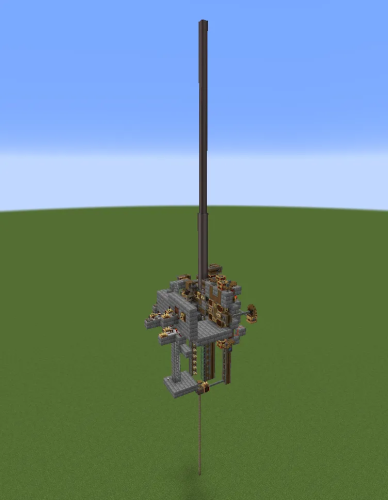 B a L L S Ballistic Automated Long Range Launch System Schematic (1.21.x)
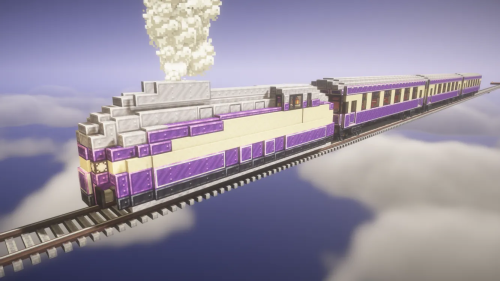 Tren DE Vapor Lujoso Schematic (1.21.x) – 1930s Aerodynamic Luxury Steam Train
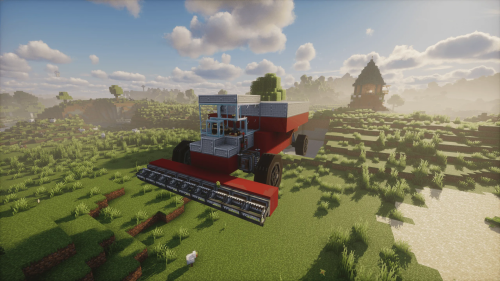 1960 Ih Grain Harvester Schematic (1.21.x) – Classic Vintage Farming Machine Build
 Desc Chinook Water Helicopter Schematic (1.21.x) – Hybrid Helicopter Build for Create Mod
 Creative More Compact Walker Schematic (1.21.x) – Tiny Walking Machine for Create Mod
 Zephyr Mk 1 Schematic (1.21.x) – Massive Steel Flying Ship for Create Mod
 Dump Truck Bin Schematic (1.21.x) – Simple Dumping Bin for Create Mod Trucks
 Farm Vsego Schematic (1.21.x) – Massive Automatic Resource Farm for Create Mod

This post has no comments yet. Be the first — your comment will appear here.