


Better Records Mod (1.12.2, 1.10.2) – كن الـ DJ الخاص بسيرفرك
 1,090
1,090
 0
0

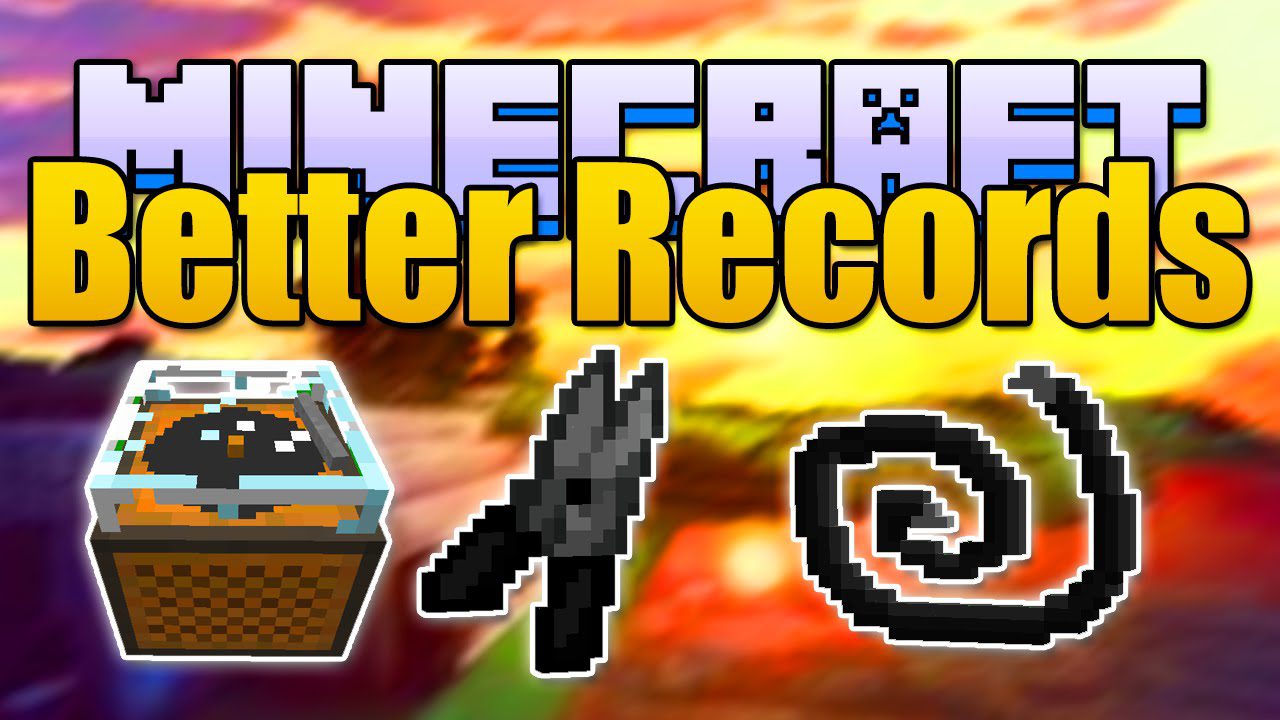
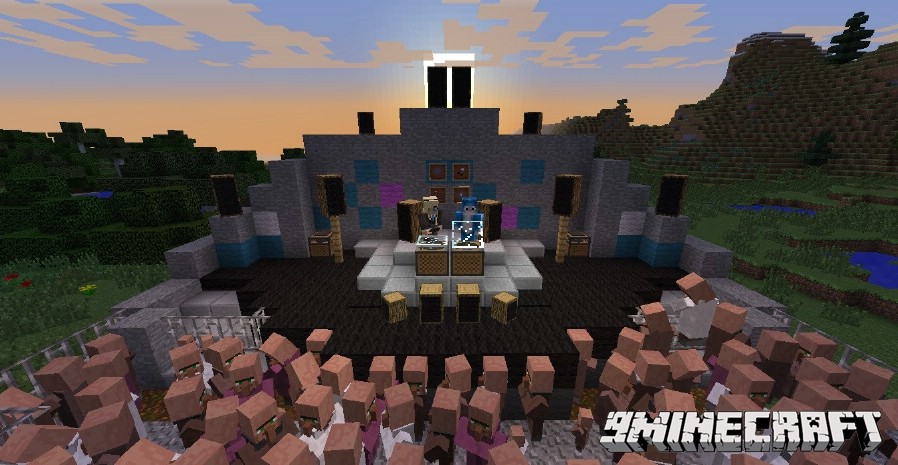
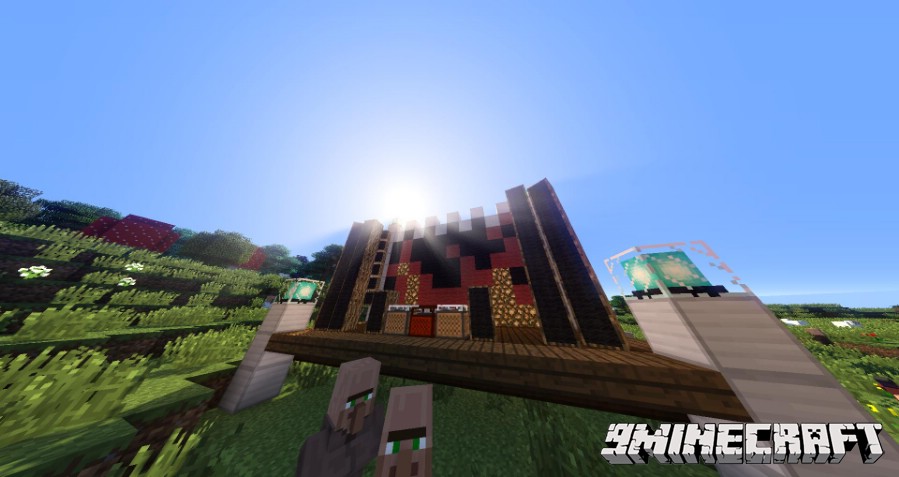
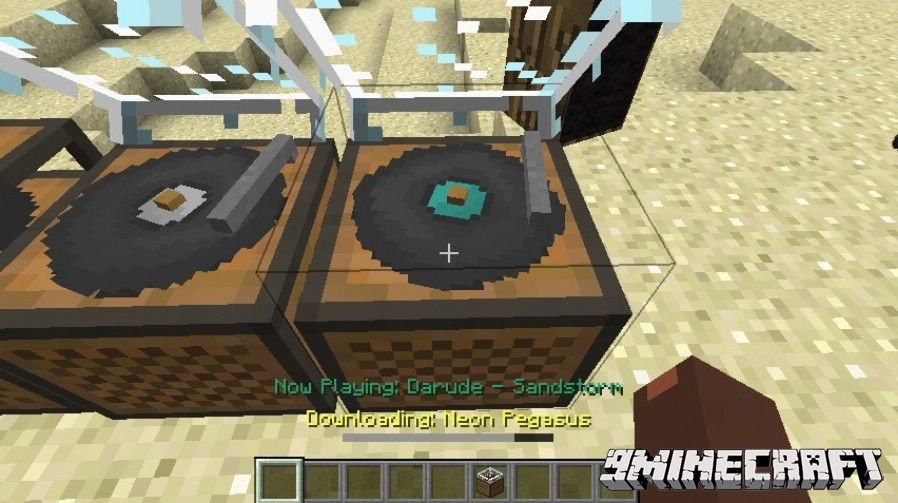
يسمح لك مود Better Records Mod بتشغيل أغانيك المفضلة مباشرة داخل Minecraft. يمكنك تحميل الموسيقى من الإنترنت أو الاستماع إلى محطات الراديو أونلاين دون مغادرة اللعبة. يضيف هذا المود أيضاً مكبرات صوت (Speakers) لجعل الموسيقى أعلى، بالإضافة إلى أضواء الستيروب والليزر لخلق أجواء حفلة رهيبة لك ولأصدقائك.
المميزات:
- تحميل الأغاني من الإنترنت عن طريق وضع رابط URL.
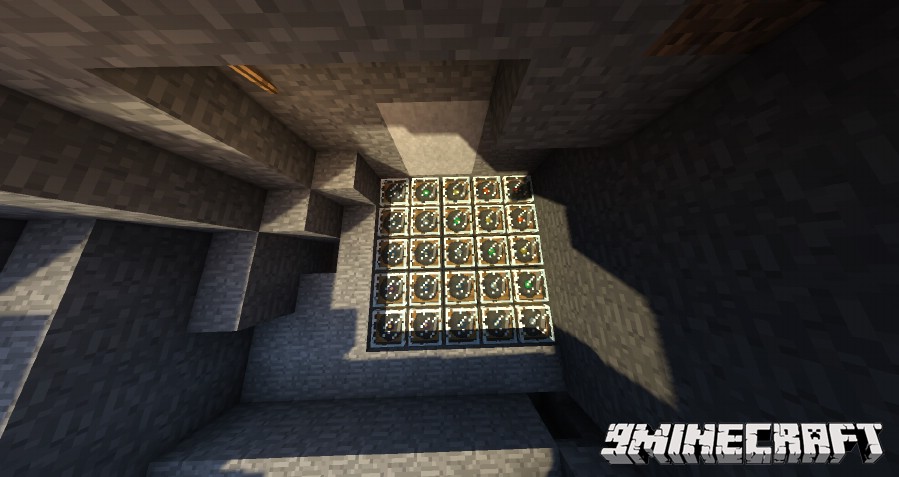
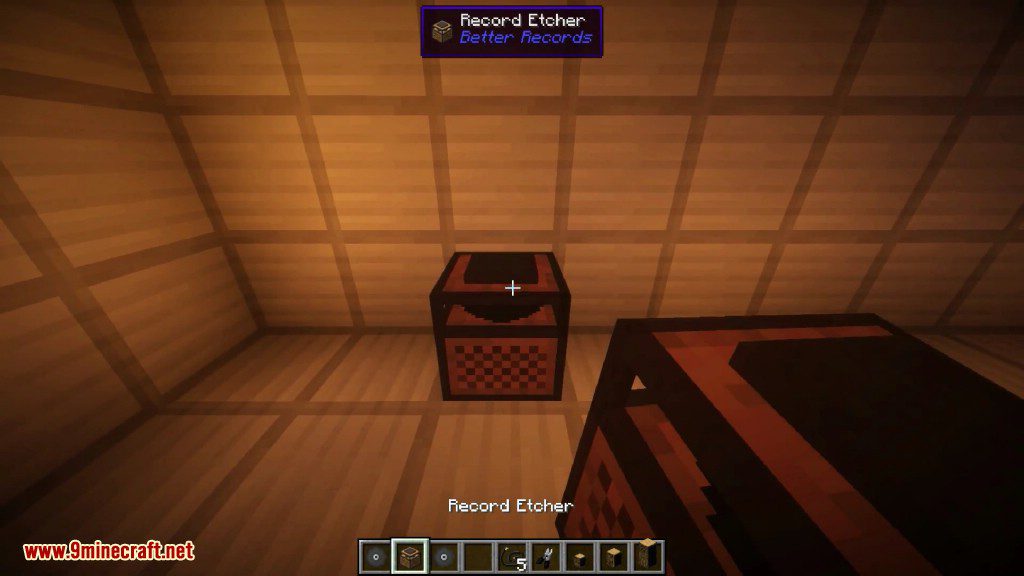
- صناعة أسطوانات موسيقى مخصصة باستخدام بلوك Record Etcher.
- يدعم صيغ الملفات MP3 و WAV و OGG لموسيقاك.
- الاستماع إلى بث الراديو المباشر من الإنترنت داخل اللعبة.
- وضع مكبرات الصوت وتوصيلها بمشغل الأسطوانات لزيادة مدى الصوت.
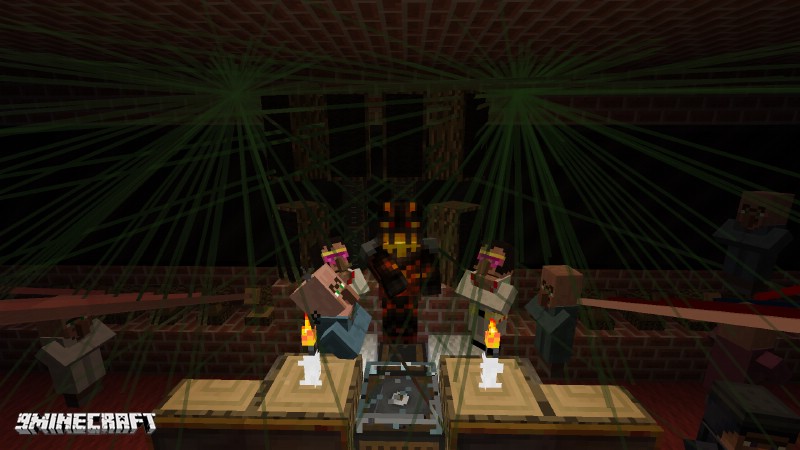
- إضافة أضواء الستيروب والليزر لعمل تأثيرات بصرية خرافية تتزامن مع الموسيقى.
- صناعة أسطوانات خاصة يمكنها تشغيل عدة أغانٍ متتالية أو بشكل عشوائي (Shuffle).
طريقة الاستخدام:
- أولاً، تحتاج إلى رابط مباشر لملف أغنية (يجب أن يكون بصيغة mp3 أو wav أو ogg).
- اصنع Record Etcher و Blank Record.
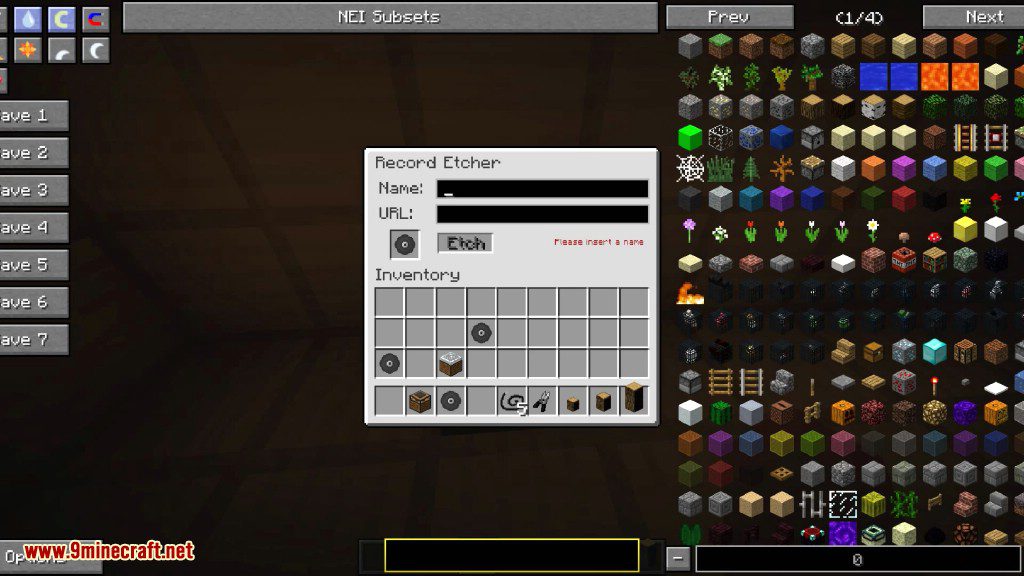
- ضع الـ Record Etcher وافتح القائمة الخاصة به.
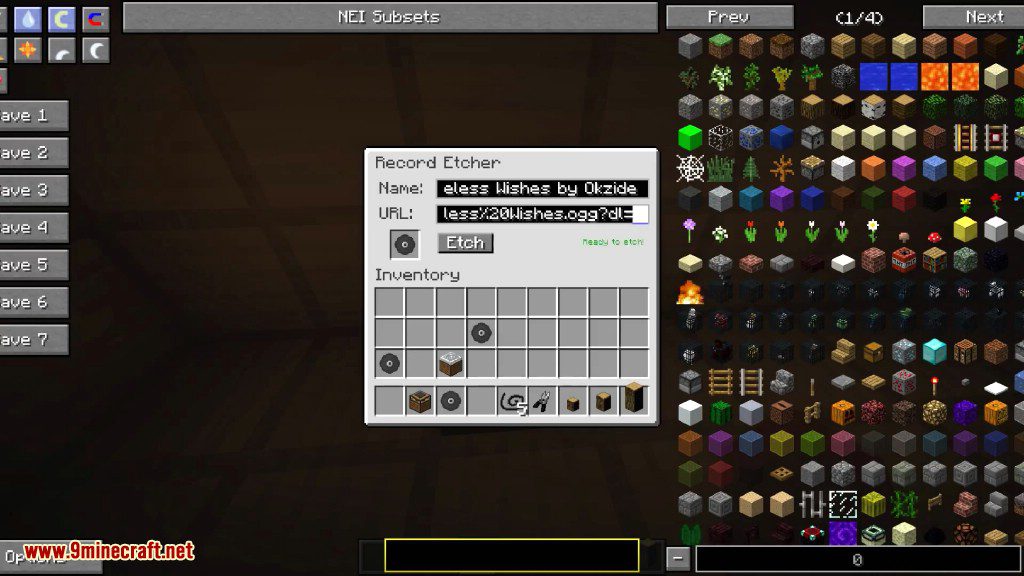
- ضع الـ Blank Record بالداخل، ثم اكتب اسماً لأغنيتك والصق الرابط.
- استخرج أسطوانتك الموسيقية المخصصة الجديدة.
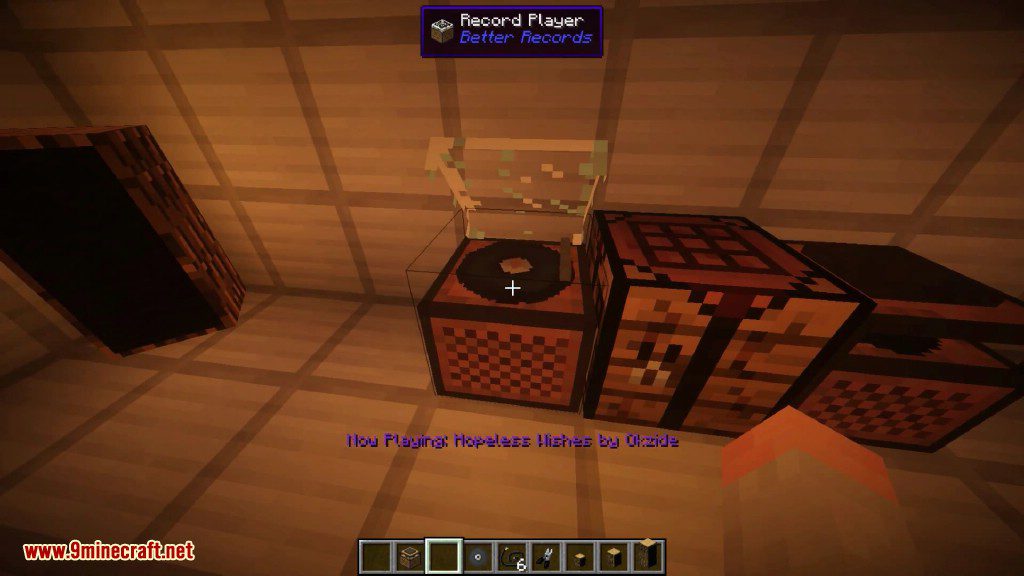
- ضع الـ Record Player وضع الأسطوانة فيه للاستمتاع بموسيقاك.
وصفات الصناعة (Crafting Recipes):
Blank Record
أول شيء، لصناعة الأسطوانة المطلوبة لهذا المود، يجب عليك دمج أي أسطوانة فانيلا مع eye of ender. صبغ الأسطوانات يعمل بنفس طريقة صبغ أي شيء آخر.

Multi Record
اضغط عدة أغانٍ في أسطوانة واحدة مدمجة! شغل أغانيك واحدة تلو الأخرى مع هذا الاختراع المذهل!

Shuffle Enabled Records
شغل أسطوانات تختار أغانٍ عشوائية من قائمتها!
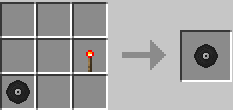
Repeat Enabled Records
لتشغيل أسطوانة مراراً وتكراراً، فقط ضع أي أسطوانة مع comparator في شبكة الصناعة!
Record Etcher
يستخدم لكتابة أغانيك الجميلة على الـ Blank Records!

Record Player
الشيء الوحيد القادر على قراءة محتويات الأسطوانات المكتوبة! (بما أن مشغل الأسطوانات الأصلي يتطلب دايموند، رأيت أن هذه وصفة جيدة لنسخة أكثر تطوراً).

Frequency Crystal
اضبط هذا الكريستال على محطة الراديو المفضلة لديك وأدخله في الراديو لسماع الراديو داخل اللعبة!

Frequency Tuner
اضبط الكريستال الخاص بك على رابط URL محدد للاستماع إلى الراديو في عالمك!

Radio
أدخل كريستال التردد المضبوط لتشغيل الراديو من الإنترنت! الموديل من تصميم RazzleberryFox (Decocraft)

Speakers
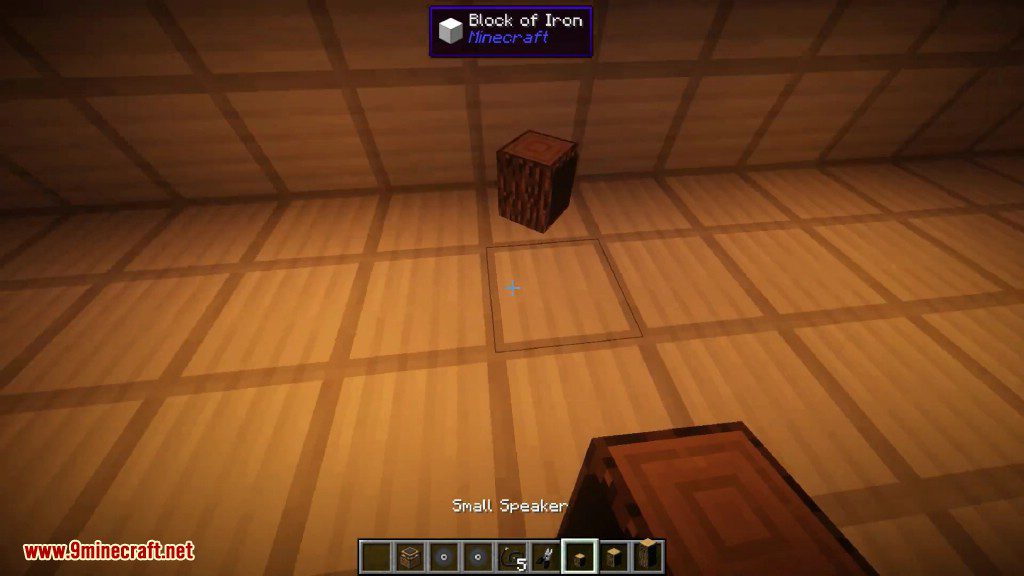
يستخدمها الناس عادةً لإيصال صوت مشغل الأسطوانات إلى مسافات أبعد في أعماق العالم.

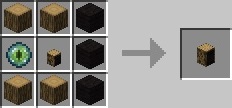

Strobe Light
حفز حواسك بهذا الضوء الوامض للغاية. تحذير: قد يسبب نوبات صرع عند الإعدادات العالية!

Lazor
أضف الحيوية إلى عالمك باستخدام هذه الأجهزة التي تطلق أضواء ملونة في السماء!
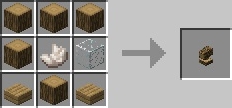
Speaker Wire
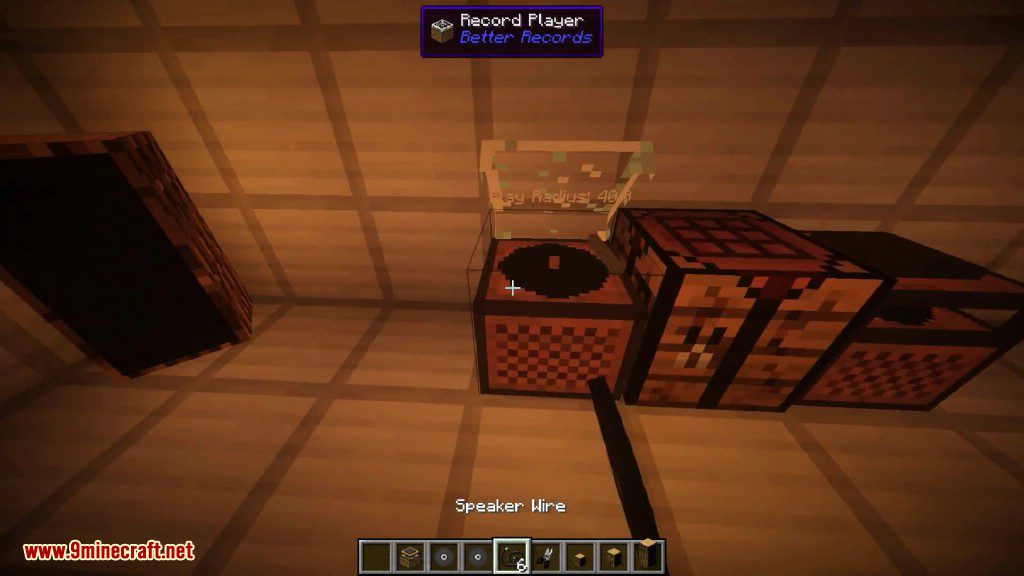
لربط شيئين معاً! يستخدم عادةً لربط الـ Record Player بالـ Speaker.

Wire Cutters
الشيء الوحيد القادر على إزالة أسلاك السماعات من الأشياء المتصلة (دون كسر الشيء نفسه…).

صور الشاشة:
كيفية التثبيت:
هل أنت جديد في ماين كرافت؟ اتبع دليلنا خطوة بخطوة لتثبيت Mods على جهاز الكمبيوتر الخاص بك.عرض الدليل
المتطلبات:
روابط تحميل Better Records Mod
إصدار Minecraft 1.7.2
إصدار Minecraft 1.7.10
إصدار Minecraft 1.8.9
إصدار Minecraft 1.9.4
إصدار Minecraft 1.10.2
إصدار Minecraft 1.12.2
قد يعجبك أيضًا




لا توجد تعليقات على هذا المنشور بعد. كن أول من يعلّق — سيظهر تعليقك هنا.