


Kernel Logic Junction Mod (1.20.1) – Let Local AI Automate Mining and Tasks
 0
0
 0
0

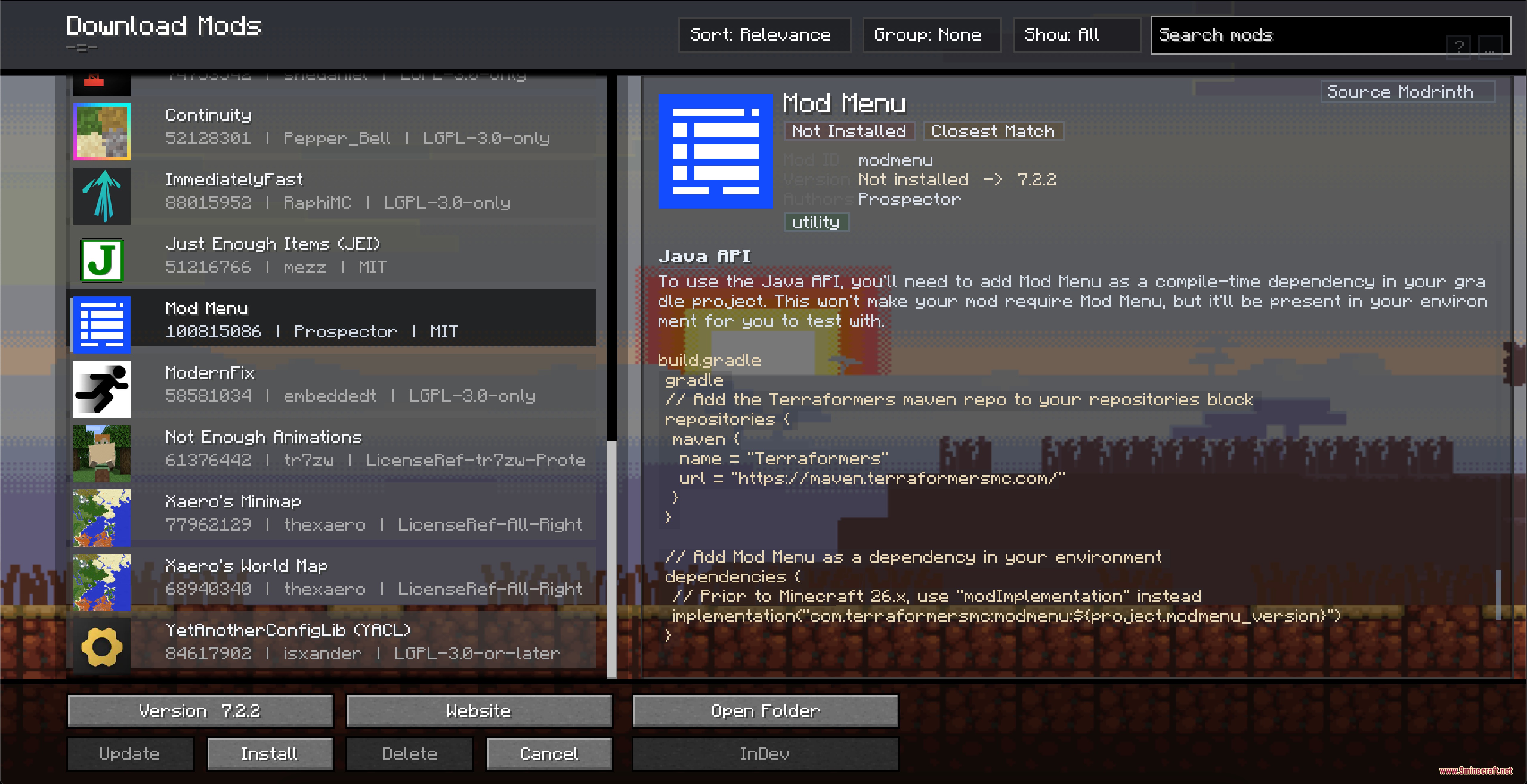
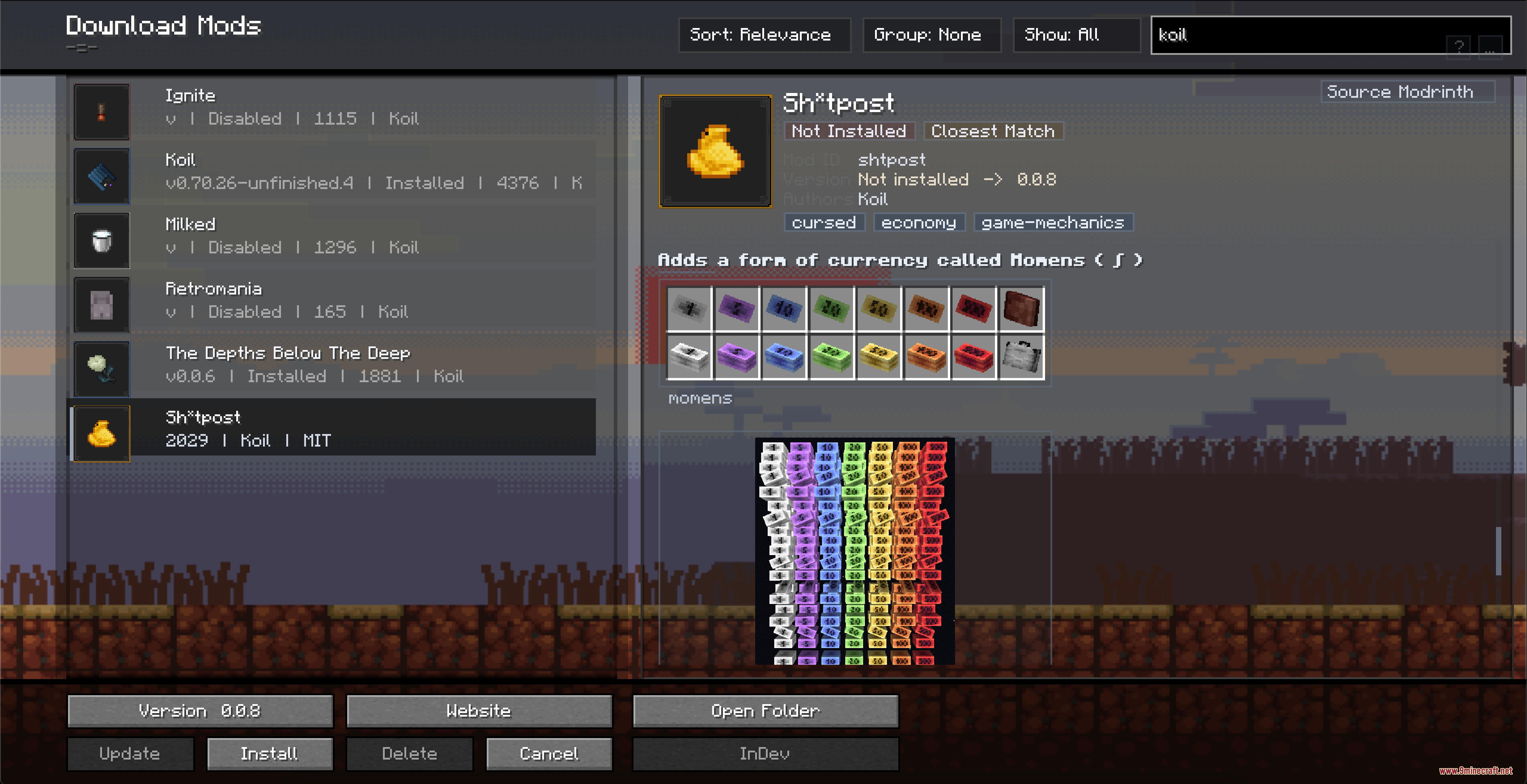
Kernel Logic Junction Mod brings local artificial intelligence and handy development tools directly into Minecraft. It lets you chat with local language models and download them straight through your game menus. The mod also features an automation mode so the model can look around, move, mine blocks, and complete tasks for you. In addition, you can browse folders, edit text files, and check log files without closing your world.

Features:
- Runs local GGUF language models directly on your computer without leaving the game.
- Automates character actions like walking, jumping, mining, using items, and attacking mobs.
- Lets you open and edit text or config files directly inside Minecraft menus.
- Includes a built-in file browser to inspect game folders and view logs in real time.
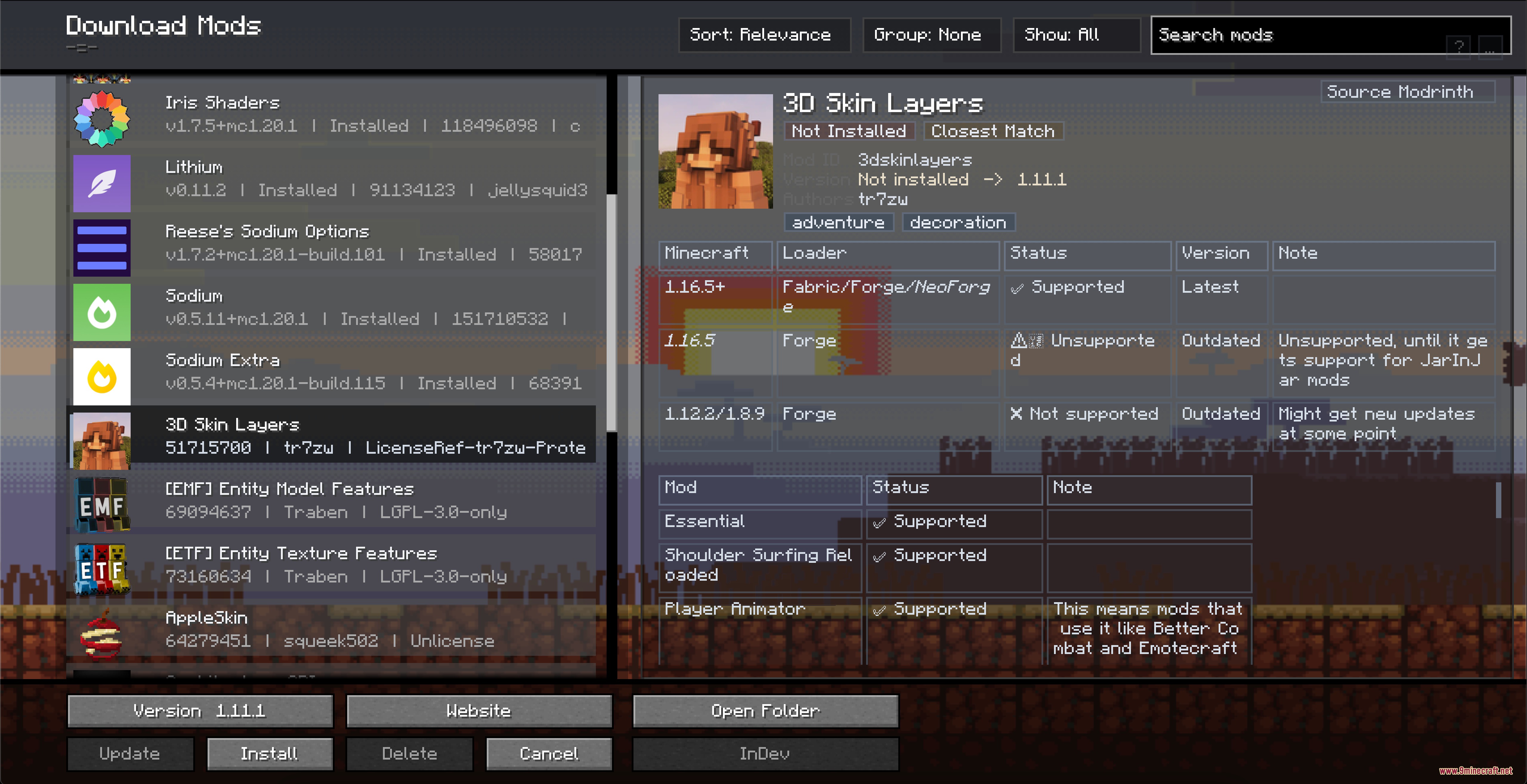
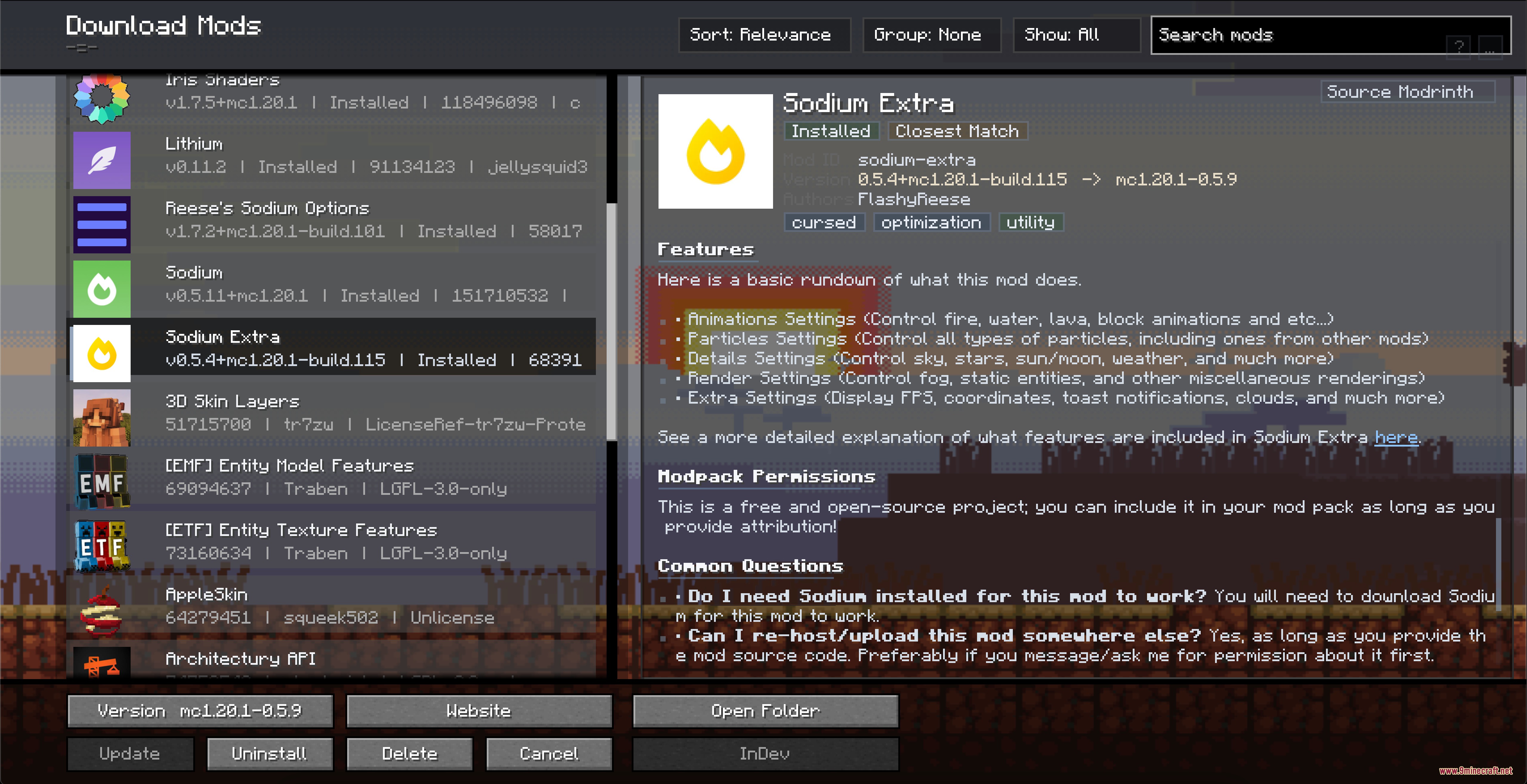
- Helps you manage installed mods, resource packs, shaders, worlds, and skins in one place.
- Connects with online mod platforms to check version info and updates.
- Features a special task language called KTL to build custom automation routines.
- Includes a deep investigation mode where the model gathers facts step by step before answering.
- Displays math formulas and media files directly in the chat window.
- Offers a package installer to safely bundle and verify custom game content.
Commands:
/ask: Talk directly to your active local model./ask deep: Ask a complex question and let the model investigate step by step using game data.
How to Use:
- Open the mod menu to pick or download a local model.
- Type
/askfollowed by your question to chat with the model. - Turn on Automation Mode if you want the model to help you walk, mine, or interact with blocks.
- Open the in-game file manager to edit configs or check logs while playing.
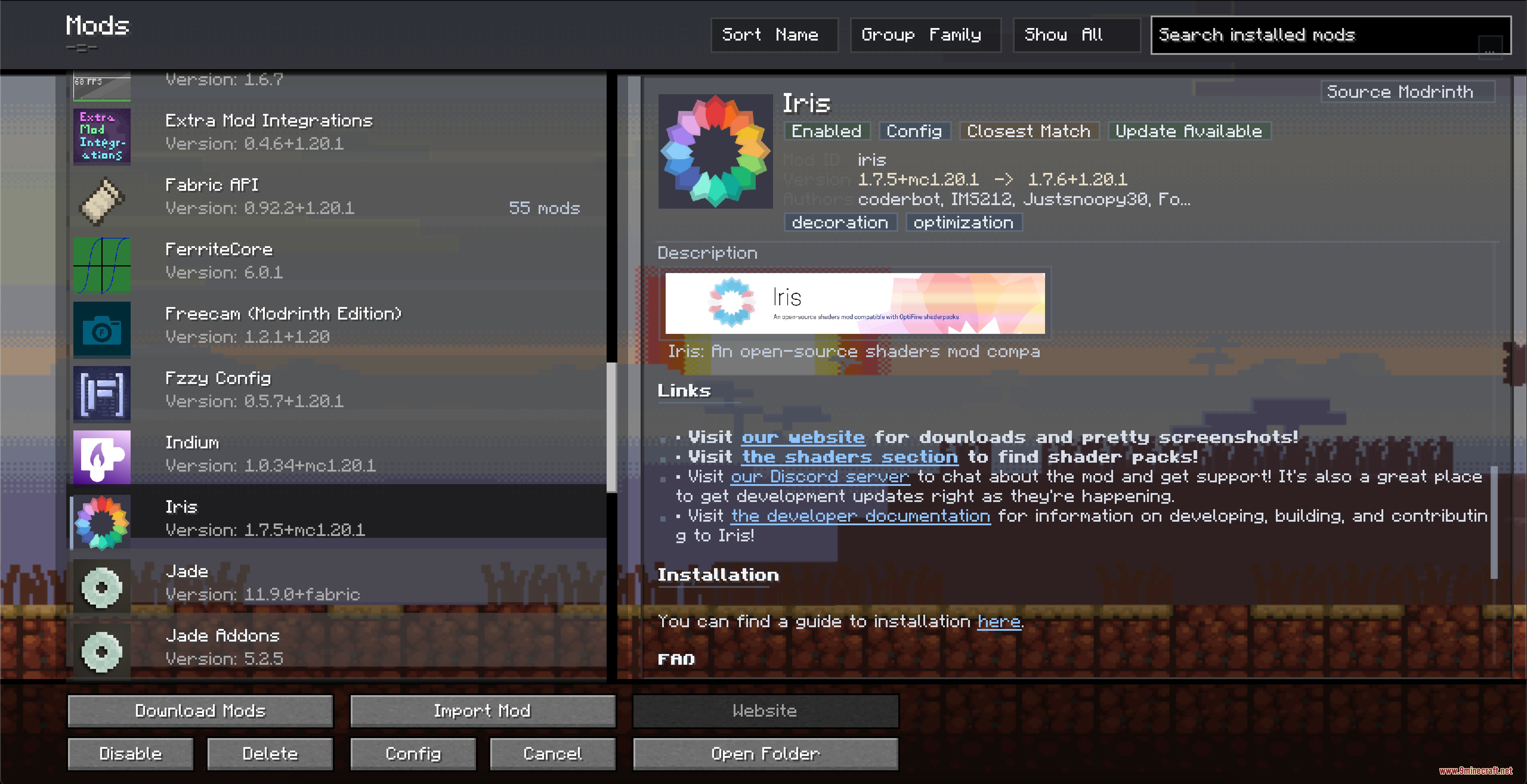
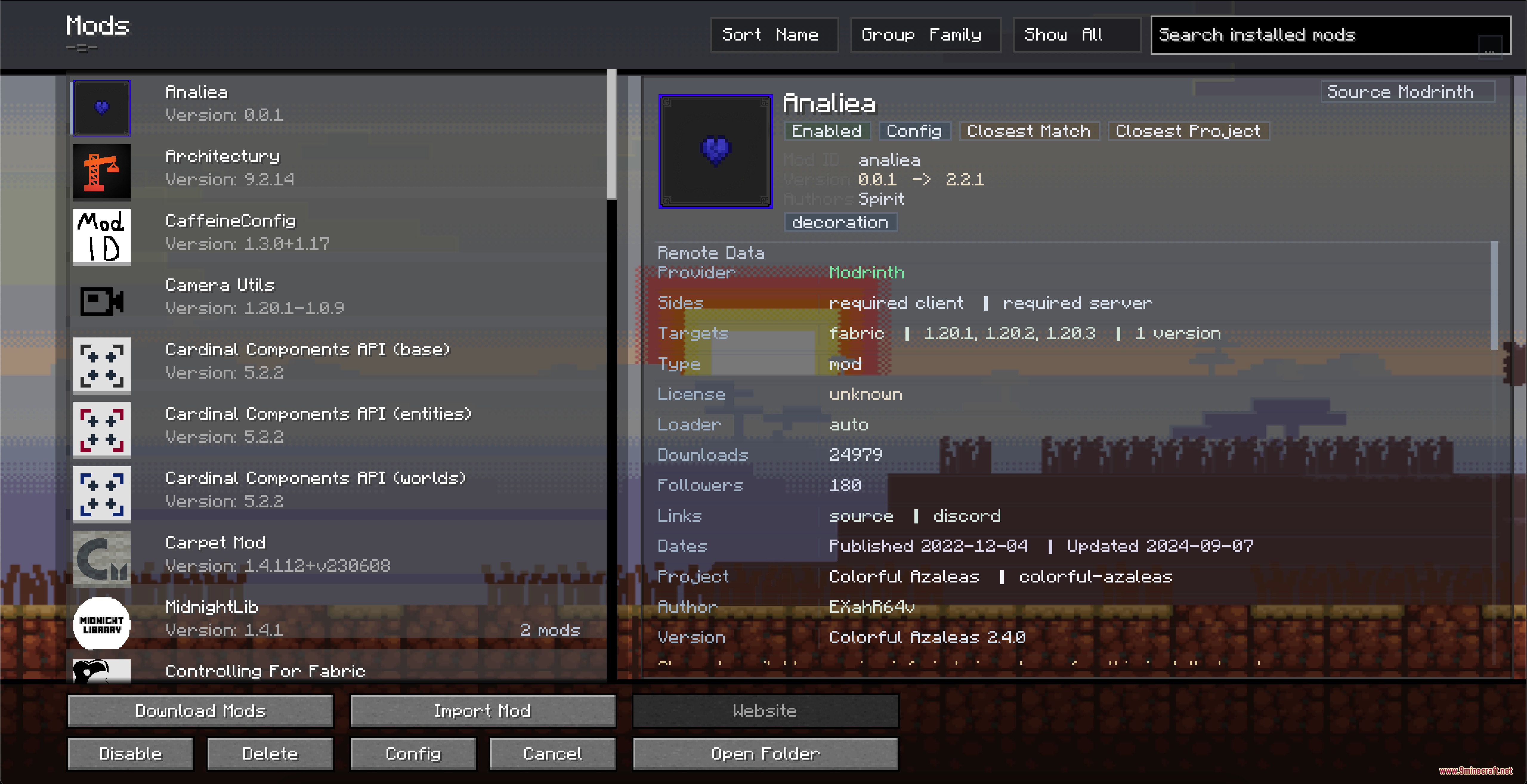
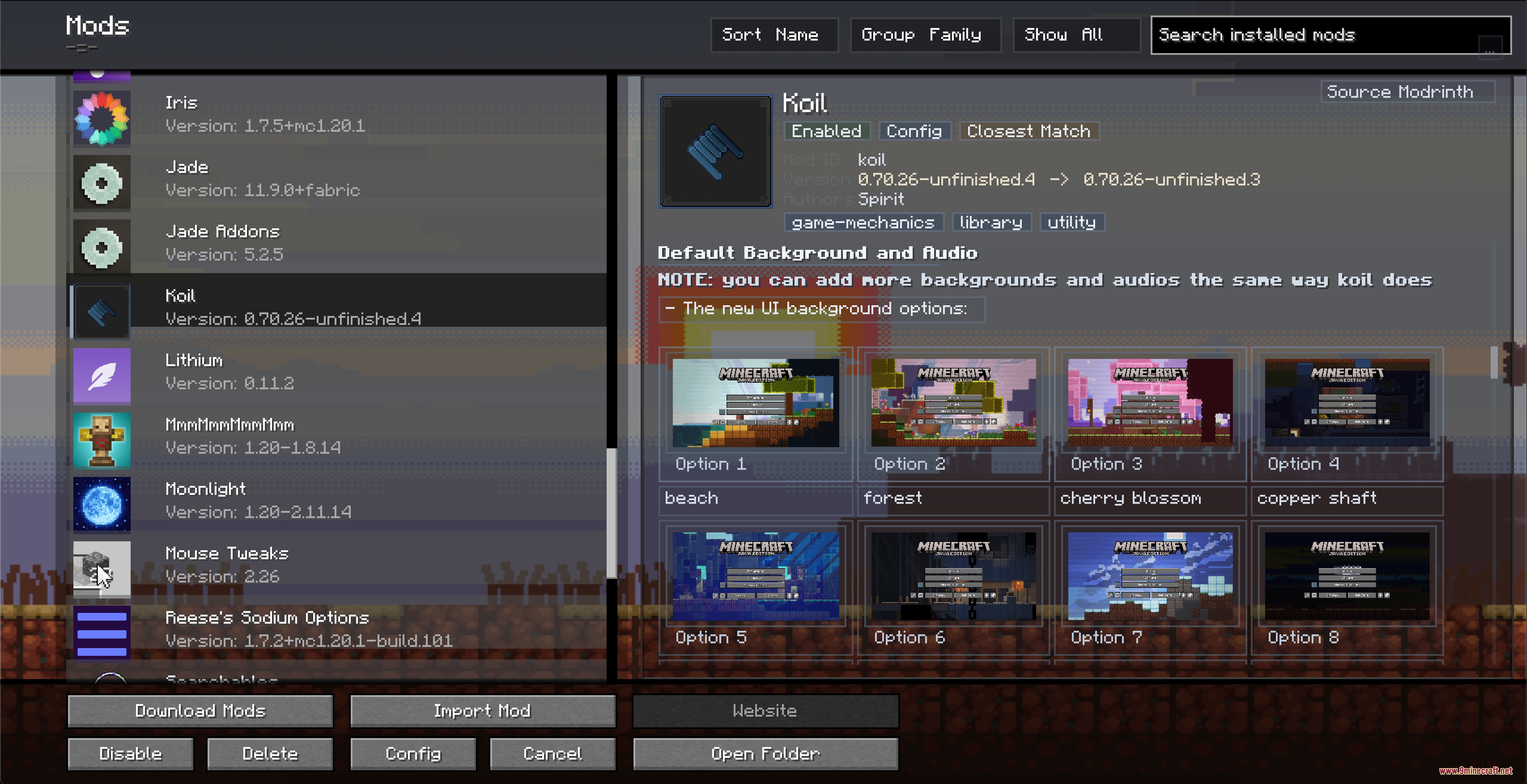
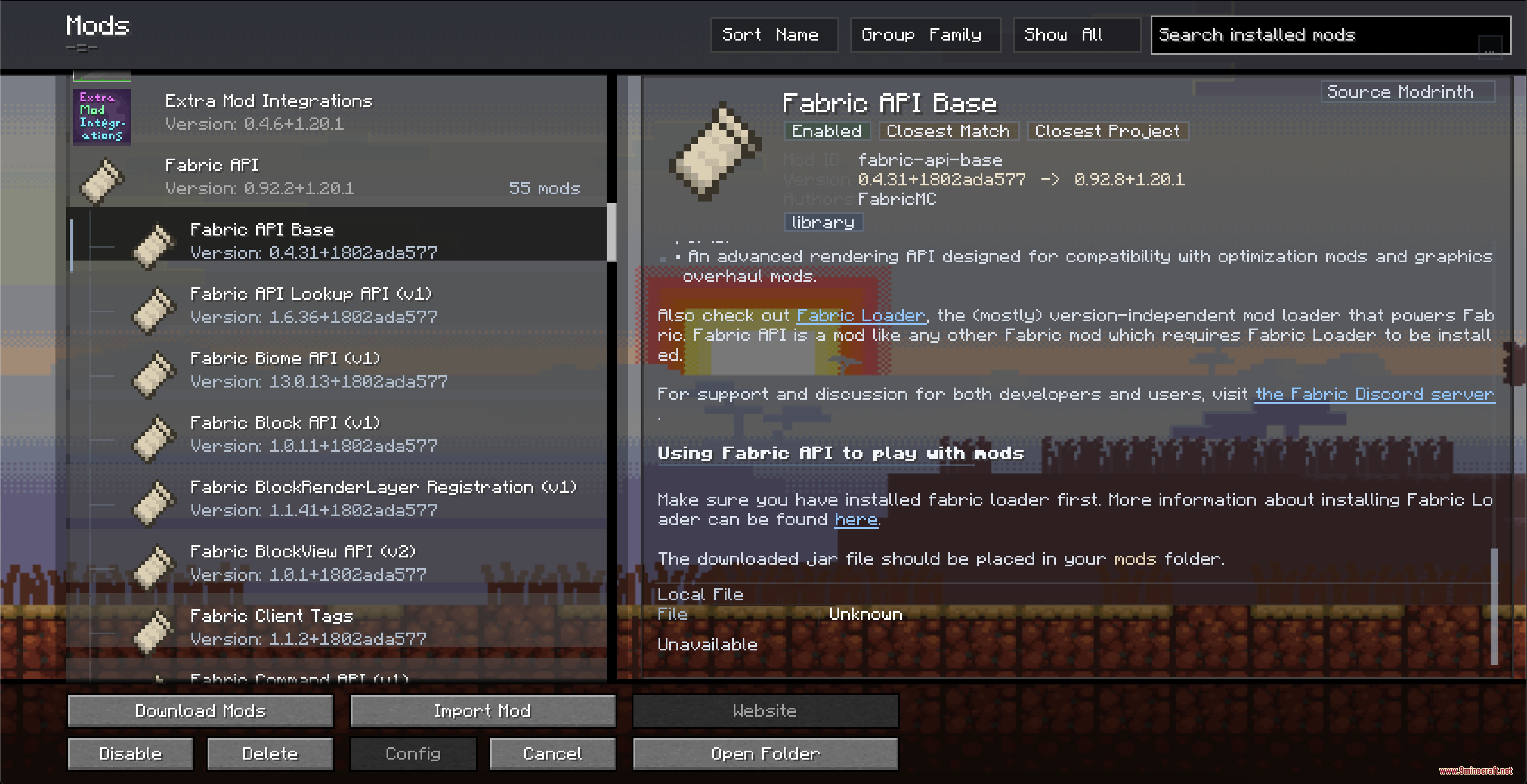
Screenshots:
How to Install:
New to Minecraft? Follow our step-by-step guide to install Mods on your PC.View Guide
Requirements:


Kernel Logic Junction Mod Download Links
For Minecraft 1.20.1, 1.20
Click to rate this post!
[Total: 0 Average: 0]
You May Also Like






This post has no comments yet. Be the first — your comment will appear here.