
Artisanal Nether Bricks Model – Upgrades Nether Fortresses with Custom 3D Blocks

 0

Artisanal Nether Bricks Model transforms the look of standard Nether Brick blocks with fresh 3D shapes and custom textures. This pack includes 18 custom 3D models and 23 texture files to give your Nether builds more visual variety. It updates fences, fence gates, walls, and stairs so that Nether Fortresses and custom bases look much more detailed. Every connecting piece, corner, and inventory icon gets a fresh visual upgrade without changing how the blocks work in survival.

Features:
- 18 Custom 3D Models: Replaces flat vanilla block shapes with detailed 3D geometry for Nether Brick building blocks.
- 23 Custom Textures: Adds unique surface details and visual variety to Nether Brick pieces.
- Updates Nether Brick Fences with custom shapes for the fence post, connecting fence side, and the inventory icon.
- Includes custom template models for fence gates, covering both closed and open states, plus special versions for gates connected directly to walls.
- Reworks Nether Brick Stairs with separate 3D models for straight stairs, inner corner stairs, and outer corner stairs.
- Provides inverted models for straight, inner, and outer Nether Brick Stairs when you place them upside down.
- Improves Nether Brick Walls with distinct 3D shapes for the central wall post, low wall side, tall wall side, and the wall inventory item.
How to Use:
- Place the downloaded pack file into your Minecraft
resourcepacksfolder, then open the game menu and move the pack to the active column. - Enter the Nether to find a naturally generated Nether Fortress, or craft Nether Bricks at home by smelting Netherrack in a furnace.
- Open your inventory or crafting table to inspect the new 3D item icons for the Nether Brick Fence and Nether Brick Wall.
- Place Nether Brick Fences and Nether Brick Walls next to each other to see how the posts, sides, and tall stacked wall pieces connect.
- Attach a fence gate between your Nether Brick Walls and right-click it to watch the model switch between the closed and open wall-gate shapes.
- Build a roof or staircase using Nether Brick Stairs, placing them around corners and upside down to view the inner, outer, and inverted stair models.
Screenshots:


Artisanal Nether Bricks Model Download Links
Click to rate this post!
[Total: 0 Average: 0]
You May Also Like
Picked for this page
 Pixel Perfection Fidelity Model – Brings Cozy Medieval 3D Models to Blocks
 Quadral Model – Brings Vivid Colors and 31 Custom 3D Models to Vanilla
 New Faithful Overlays Model – Brings Smooth Grass and Path Transitions
 Gui’s Better Vanilla Model – Brings Animated 3D Torches and Plants
 The Original Work Programmer Art Model – Brings Classic Retro Visuals and Models
 Moons Cuter Bedwars Model – Brings Cute 3D Blocks and Clean PvP Visuals
 Gothiclily’s Flower Model – Transforms Wild Foliage with Custom 3D Flora
 Brush & Juice Model – Brings Animated 3D Redstone and Mechanical Blocks
 ASTERA Model – Brings Sharp 3D Blades to Vanilla Melee Battles
 Justzilla’s Classic Model – Brings Retro Aesthetics to Modern Blocks
 All Industry New Model – Transforms Industrial Mod Blocks Into 3D Factory Gear
 Golden Days Base Model – Brings Classic Beta Visuals to Modern Blocks
Most viewed in Models over the last 7 days
 Jenny Mod Skin Pack Mega Collection – 310+ Characters
 The Most Complete Collection of Jenny Mod Resources – Models, Animations, Structures,…
 Albedo Rework Jenny Mod Model
 750 Models Addon for Yes Steve Model Mod
 Galath Rework Model – Custom Girl for PleasureCraft Mod
 Power Model – Custom Girl for PleasureCraft Mod
 Pomni Jenny Mod Model
 Femboy Ellie Rework Jenny Mod Model
 Ram Model – Custom Girl for PleasureCraft Mod
 100+ Custom Animations For Jenny Mod
 Ellie Rework Jenny Mod Model
 Steve (Jenny & Zoey) Pack Jenny Mod Model
More from Models
 Vary Me Model – Brings Animated Block Variants and Reshaped Iron Bars
 THSR 700T Model – Brings Taiwan High-Speed Rail Trains to Railway Networks
 Bucket’Em Remodeled Model – Brings Animated 3D Captured Mobs to Your Hand
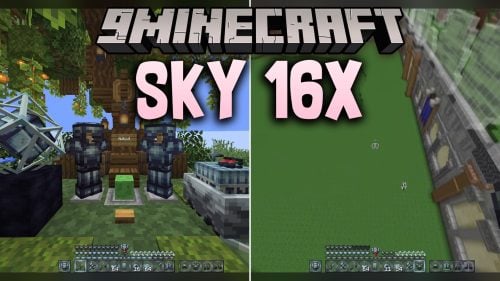 Sky 16x Model – Brings 3D Maces, Rails, and Animated PvP Visuals
 Torchified Model – Turns Held Torches Into 3D Shapes with Classic 2D Icons
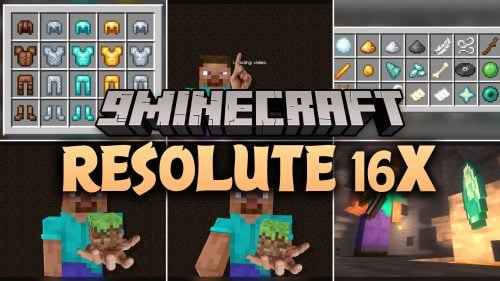 Resolute 16x Model – Brings Clean 3D Blocks and Smooth PvP Visuals
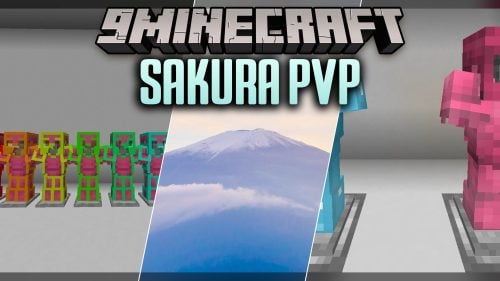 Sakura PvP Model – Brings Pink Gear and Grayscale Terrain for NethPot Combat
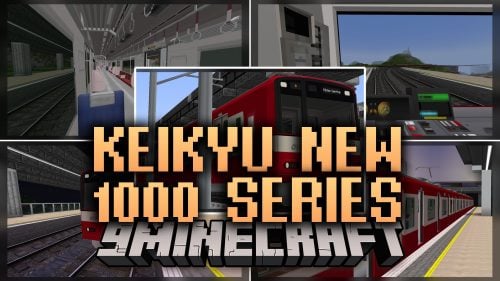 Keikyu New 1000 Series Model – Adds Keikyu Commuter Trains to MTR Railways
 700 Series Shinkansen Model – Brings Japanese Bullet Trains to Transit Railways
 Mark5a ‘Nova 3’ Set Model – Brings TPE Passenger Trains to Your Railways
 InterCity 225 Model – Brings Classic British Rail Trains to Railway Networks
 URBAN_128x Model – Transforms Vanilla Blocks with Animated 3D Urban Geometry

This post has no comments yet. Be the first — your comment will appear here.