
Sakura PvP Model – Brings Pink Gear and Grayscale Terrain for NethPot Combat

 0


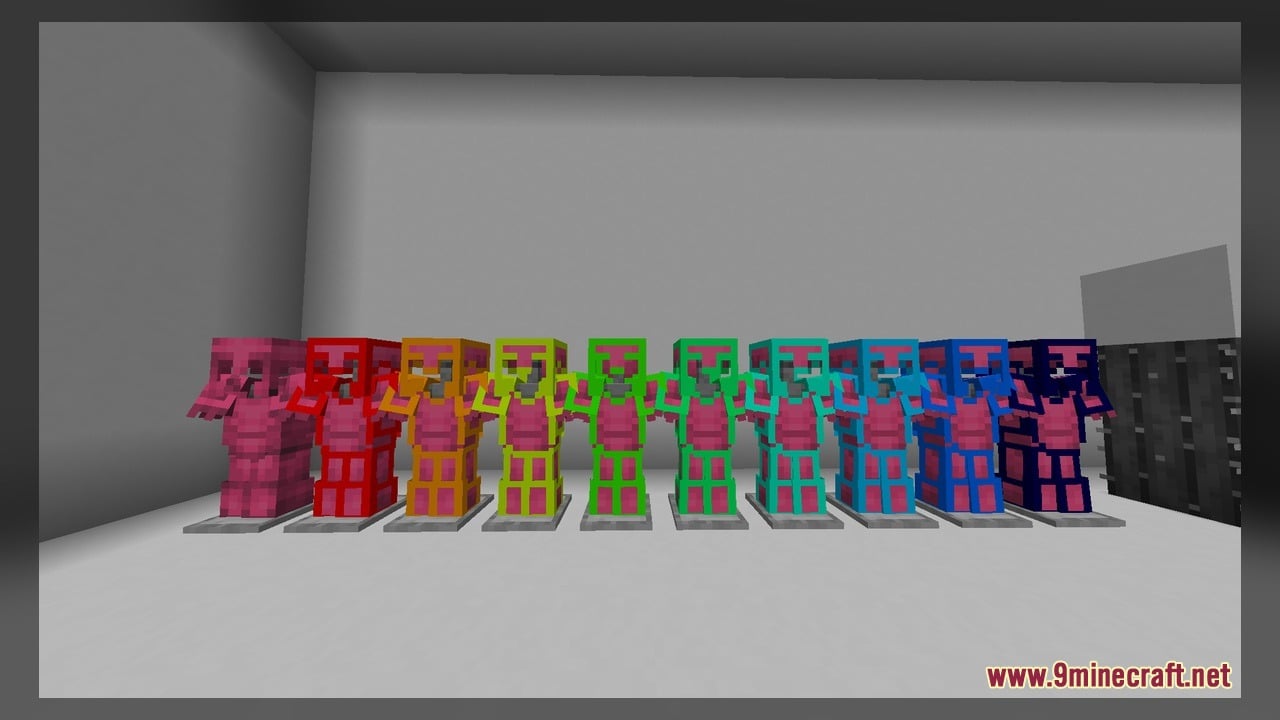
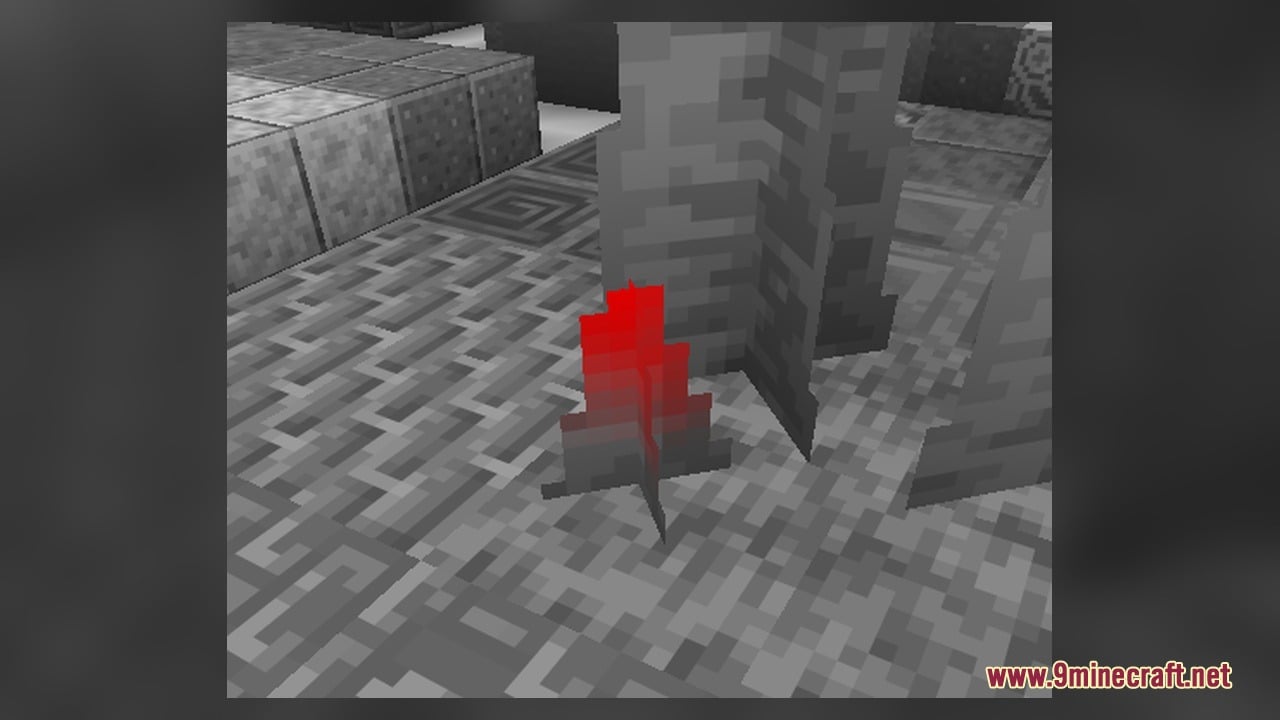
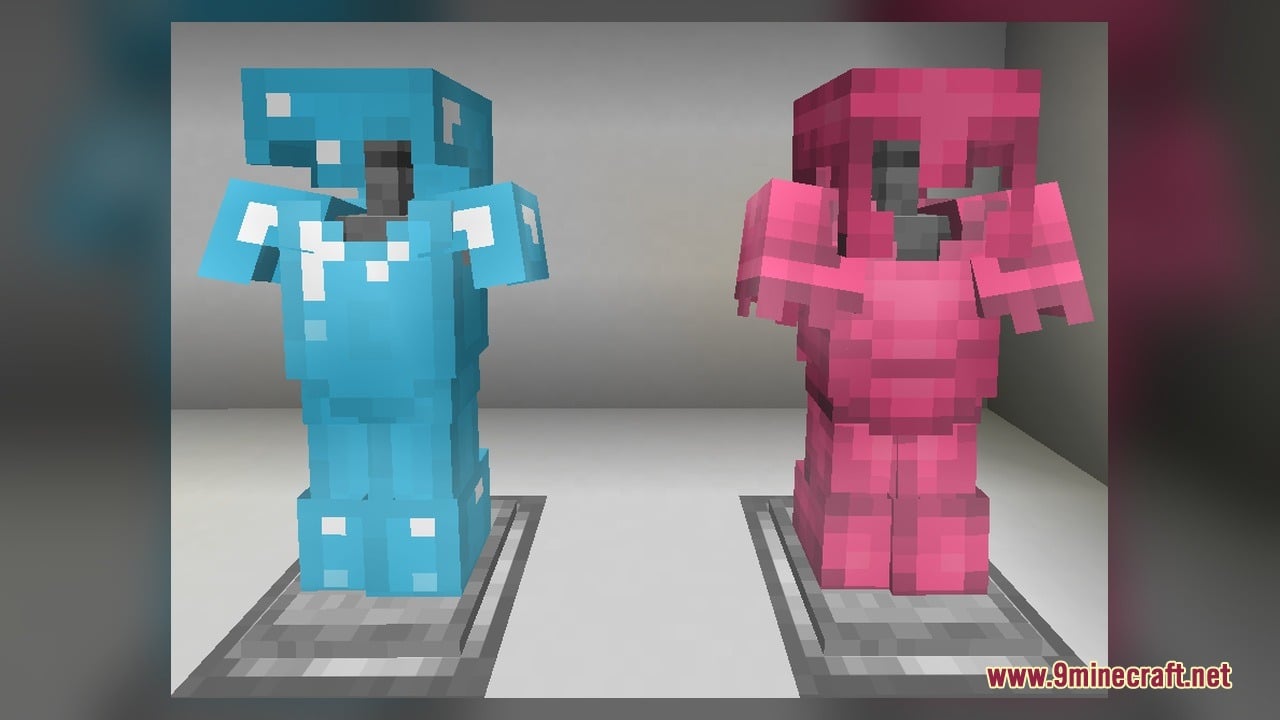
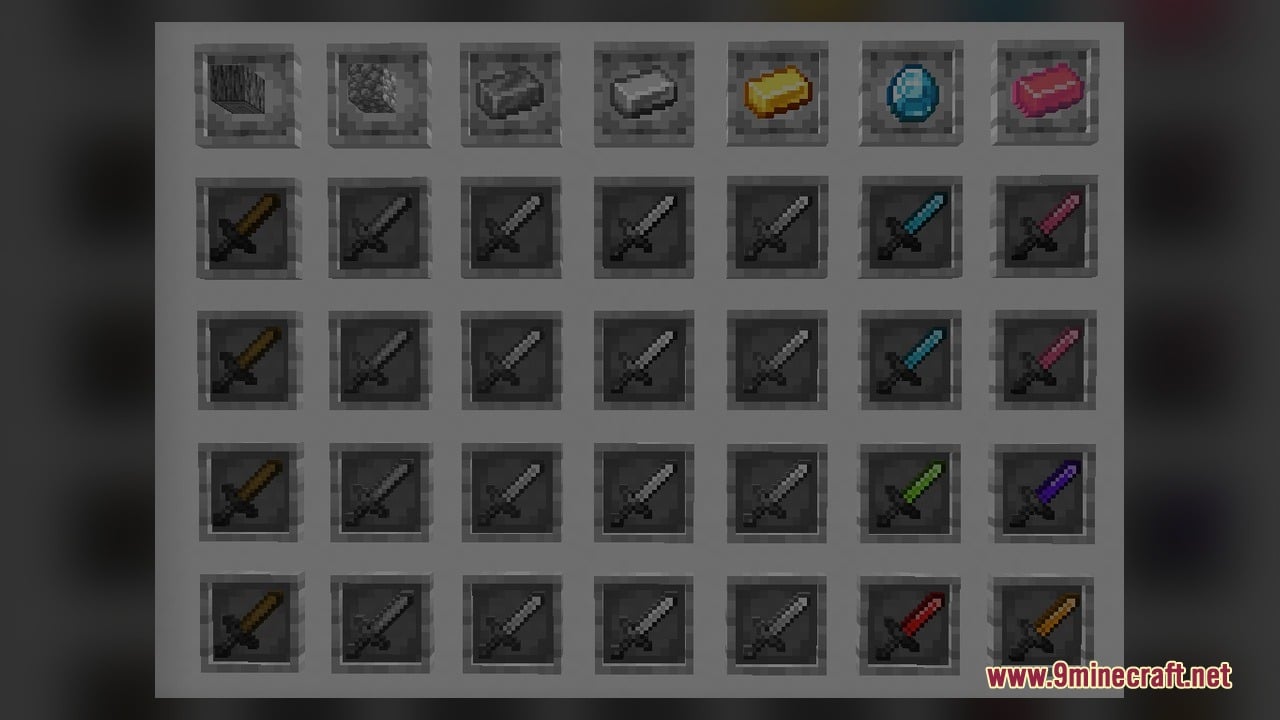
Sakura PvP Model transforms your combat view with a pink theme and a grayscale environment. This pack packs in 2,525 texture files, 22 custom 3D block models, and animated textures. The gray world background makes opponents and pink items stand out clearly, which helps you aim better during NethPot fights. It also includes UI utilities and updated redstone block models that show power states and placement directions.
Features:
- Pink PvP Theme: Repaints your combat gear and interface with bright pink visuals alongside a grayscale world environment.
- NethPot Focus: Uses high contrast between the gray terrain and bright players to help your aim during NethPot matches.
- UI Utilities: Adds helpful interface tweaks to keep track of your stats and inventory in battle.
- Includes 2,525 custom texture files with animated textures across blocks and items.
- Adds 22 custom 3D models mostly focused on redstone components and utility blocks.
Custom 3D Block Models:
- Dispensers and Droppers: Includes separate models for standard horizontal placement and vertical placement.
- Hoppers: Features a custom model for side-attached hoppers.
- Levers: Uses distinct models for both the off state and the active on state.
- Observers: Changes appearance between the idle state and the powered on state.
- Sticky Pistons: Updates both the sticky piston base and the extended sticky piston head.
- Tripwire System: Includes models for tripwire hooks (both attached and active on states) and attached tripwire strings facing North, North-East, North-South, North-South-East, and all four directions.
- Note Blocks and Templates: Replaces standard Note Blocks and includes template models for note blocks and redstone power levels.
- Lodestone: Updates the lodestone block with a custom 3D look.
How to Use:
- Open your Minecraft Options menu, click Resource Packs, and move Sakura PvP Model into the active right-hand column.
- Enter a NethPot PvP server or a singleplayer world to see the grayscale terrain and pink UI utilities right away.
- Obtain a Dispenser, Dropper, Hopper, and Lodestone from the Creative inventory or craft them in Survival, then place the Dispenser and Dropper facing both sideways and straight up to compare their horizontal and vertical 3D models.
- Place a Sticky Piston, Observer, and Lever on the ground, then flip the Lever to watch the lever, observer, and sticky piston head switch to their active powered models.
- Set up two Tripwire Hooks on opposite blocks and connect them with String in different directions (such as North-South or a four-way cross) to see the attached tripwire models change when you walk over them.
- Place a Note Block and connect it to redstone dust to check out the custom note block model, the redstone power level visuals, and the pack’s animated textures.
Requirements:
- A Minecraft version that supports animated textures
Screenshots:
Sakura PvP Model Download Links
Click to rate this post!
[Total: 0 Average: 0]
You May Also Like
Picked for this page
 Hidyk’s Realm Model – Brings Animated 3D Depth to Vanilla Blocks
 Doc’s Whimscape Additions Friends & Foes Model – Restyles Modded Mobs and Gear
 ShadowBlade Model – Equips Animated 3D Fantasy Weapons for PvP Combat
 Ying Yang 16x Model – Transforms Bedwars Blocks with Animated 3D Designs
 Slimefun Model – Brings 3D Shields, Solar Panels, and Animated Server Tech
 Moons Cuter Bedwars Model – Brings Cute 3D Blocks and Clean PvP Visuals
 Gravestone Dungeons Resource Pack Model – Brings Animated 3D Dungeon Rituals
 Vanilla SMP Model – Brings Clear 3D Weapons and Visible Traps to PvP
 Drown’s Tool Tweaks Model – Brings Animated 3D Weapons and Glowing Altars
 Vanilla Future Texture TXF Model – Brings Futuristic 3D Sci-Fi Gear and Blocks
 Mob Cards Nether Model – Transforms Spawn Eggs Into Animated Collectible Cards
 ReSky 16x Model – Brings 3D Weapons, Rails, and Animated PvP Textures
Most viewed in Models over the last 7 days
 Jenny Mod Skin Pack Mega Collection – 310+ Characters
 The Most Complete Collection of Jenny Mod Resources – Models, Animations, Structures,…
 Albedo Rework Jenny Mod Model
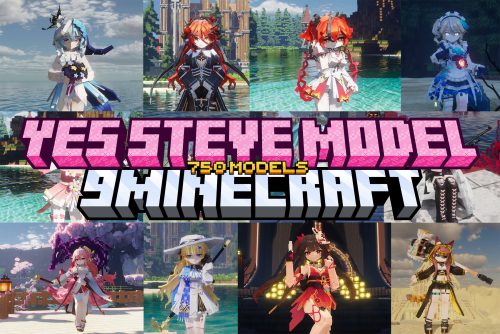 750 Models Addon for Yes Steve Model Mod
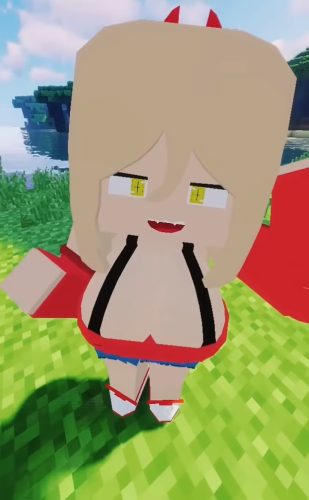 Power Model – Custom Girl for PleasureCraft Mod
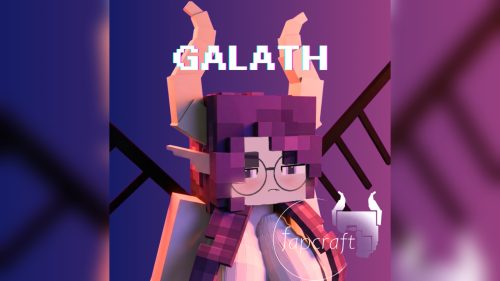 Galath Rework Model – Custom Girl for PleasureCraft Mod
 Pomni Jenny Mod Model
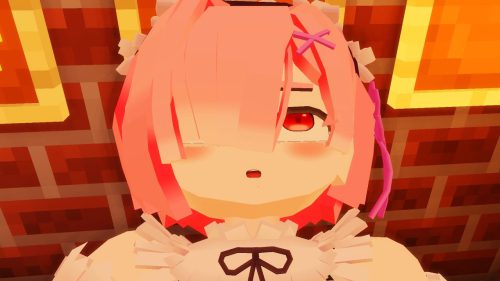 Ram Model – Custom Girl for PleasureCraft Mod
 Femboy Ellie Rework Jenny Mod Model
 100+ Custom Animations For Jenny Mod
 Ellie Rework Jenny Mod Model
 Ellen Model – Custom Girl for PleasureCraft Mod
More from Models
 CTA Trains Model – Brings Authentic Chicago L Trains to Your MTR4 Railways
 TGV Atlantique Thalys Model – Brings High-Speed European Trains to Railways
 Wet Backapacks Model – Unlocks Six Themed 3D Backpacks with Custom Straps
 Snowfall’s Crystal Essentials Model – Brings Animated 3D Blocks to Crystal PvP
 Tooniverse Texture Pack 32x Model – Brings Cute 3D Cartoon Blocks to Worlds
 Simplista – Brings Clean 64x Textures, 3D Block Models, and LabPBR Reflections
 Smooth PVP Model – Brings Clean Block Textures and Custom 3D Shapes for Combat
 Deep Origins Overlays Model – Adds Smooth Animated Block Transitions
 Kaleidoscope Deco Model – Adds Animated Fantasy Props and Collectible 3D Dolls
 Glowing 3D Items Model – Transforms Flat Vanilla Tools Into Animated 3D Gear
 3D Trial Chambers Model – Transforms Spawners, Vaults, and Maces Into 3D Shapes
 RedstoneAuxiliary Model – Adds Clear 3D Visual Cues to Redstone Blocks

This post has no comments yet. Be the first — your comment will appear here.