


Asian Train Station Schematic (1.21.x) – Traditional Asian Style Railway Station Build
 0
0
 0
0


Asian Train Station Schematic brings traditional Asian architecture to your railway network. This build works as both a decoration and a useful stop for your trains. It fits easily into villages, towns, or near your home base. You can use this station to connect different parts of your world. It uses many decorative blocks to create a detailed and pretty look.
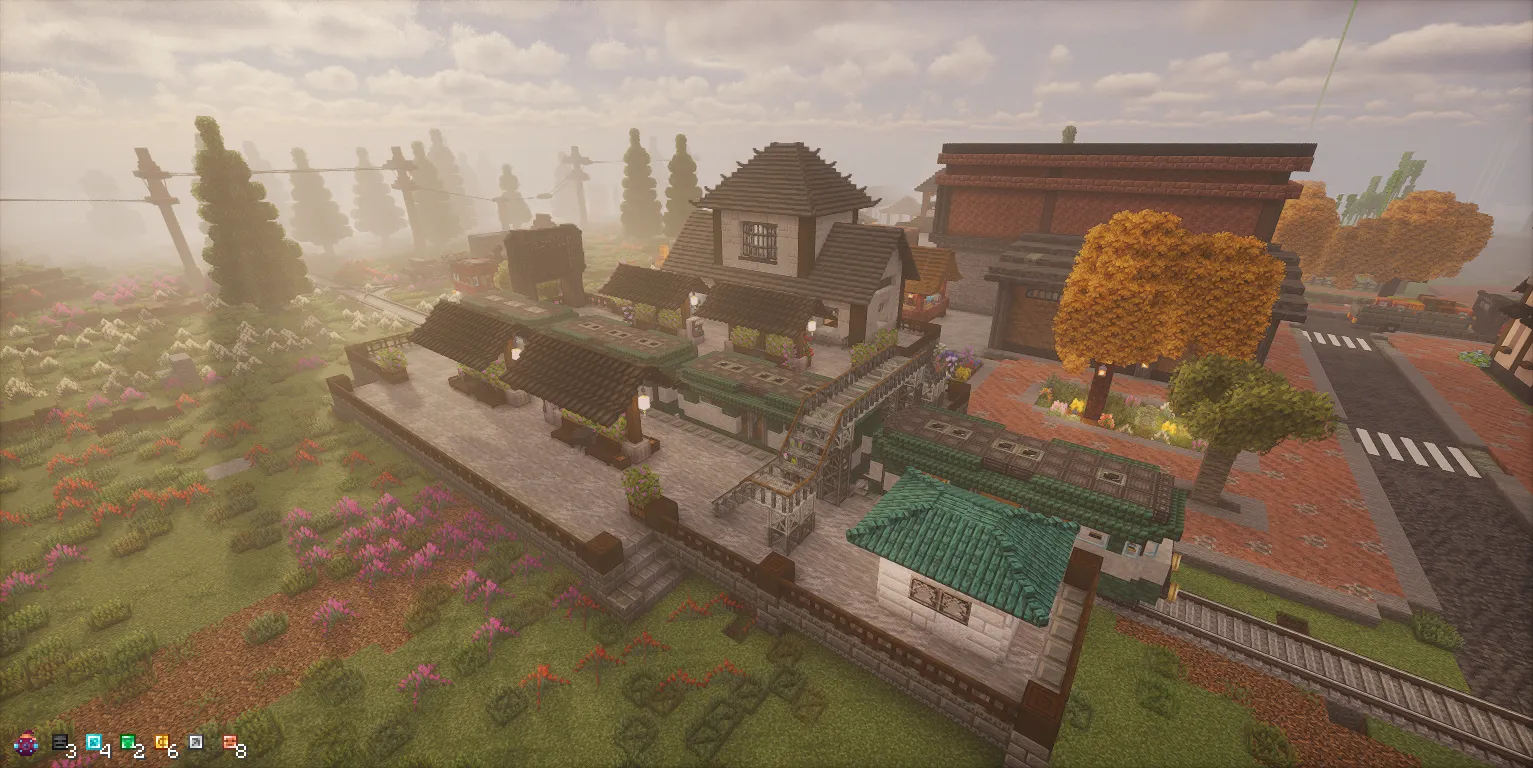
3D Preview:
Features:
- Traditional Style: Adds a unique Asian look to your Minecraft world.
- Provides a functional space for trains to stop and passengers to wait.
- Includes over 3,000 blocks for a high level of detail.
- Works well for connecting distant locations across your map.
- Fits into small areas while still offering plenty of room for tracks.
Schematic Specs:


 Top Blocks Used
Cut Stone 560Gray Flat Roof Stairs Long 244Cut Limestone 211Stone Pillar 186Cut Andesite 185
How to Use:
- Ensure you have the Create mod and all required decorative mods installed in your game.
- Place the Asian Train Station file into your schematics folder.
- Get a Schematic and Quill or a Schematicannon to prepare for building.
- Use the Schematic tool to position the station exactly where you want it on your tracks.
- Supply the Schematicannon with the necessary materials to build the structure automatically.
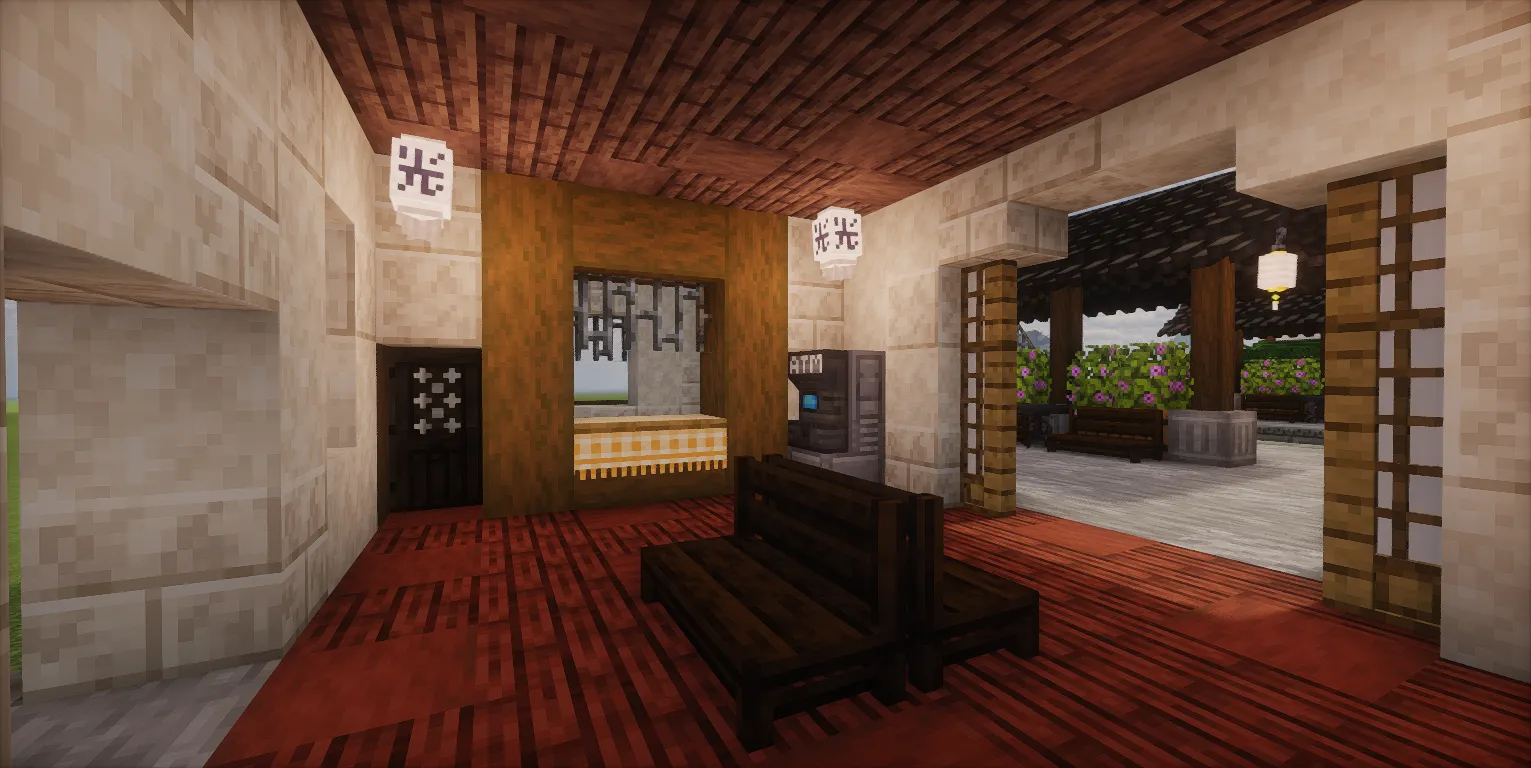
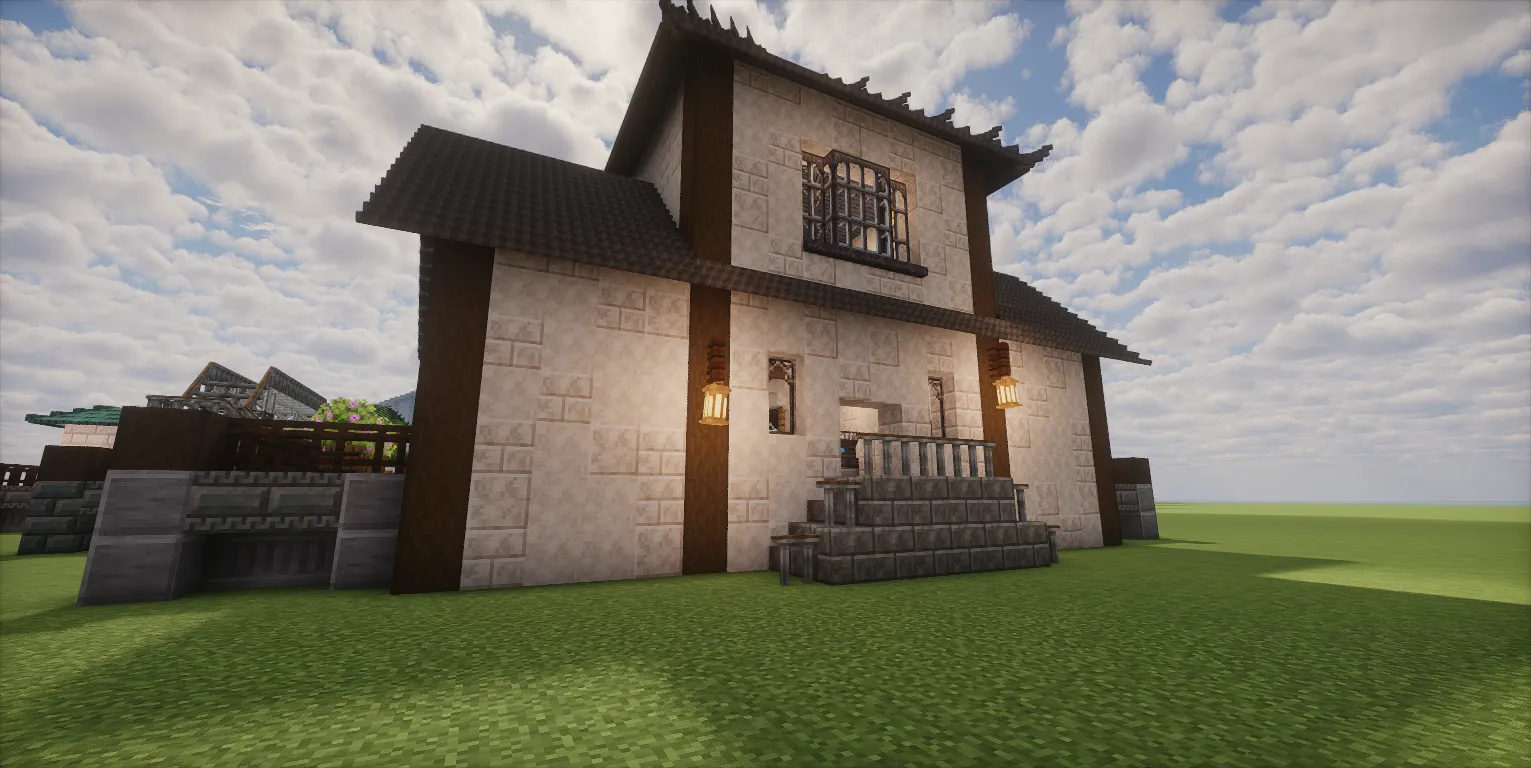
Screenshots:
Requirements:
 Create Mod Required
 Chipped Express Mod Required
 Candlelight Mod Required
 Let’s Do: Meadow Mod Required
lightmanscurrency Required
mcwregionsunexplored Required
copycats Required
createdeco Required
 MrCrayfish’s Furniture Refurbished Mod Required
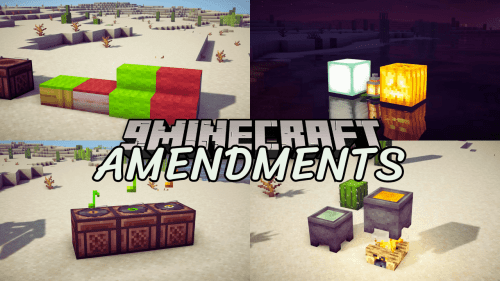 Amendments Mod Required
mcwfurnitures Required
dndecor Required
fetzisasiandeco Required
 Spirit Mod Required
 Regions Unexplored Mod Required
mcwroofs Required
bakery Required
mcwpaths Required
mcwbridges Required
Asian Train Station Schematic Download Links
For Minecraft 1.21.x
Click to rate this post!
[Total: 0 Average: 0]
You May Also Like

This post has no comments yet. Be the first — your comment will appear here.