


Banner Flags Data Pack (1.21.11, 1.20.1) – Place Banners Horizontally as Flags

 0
0 

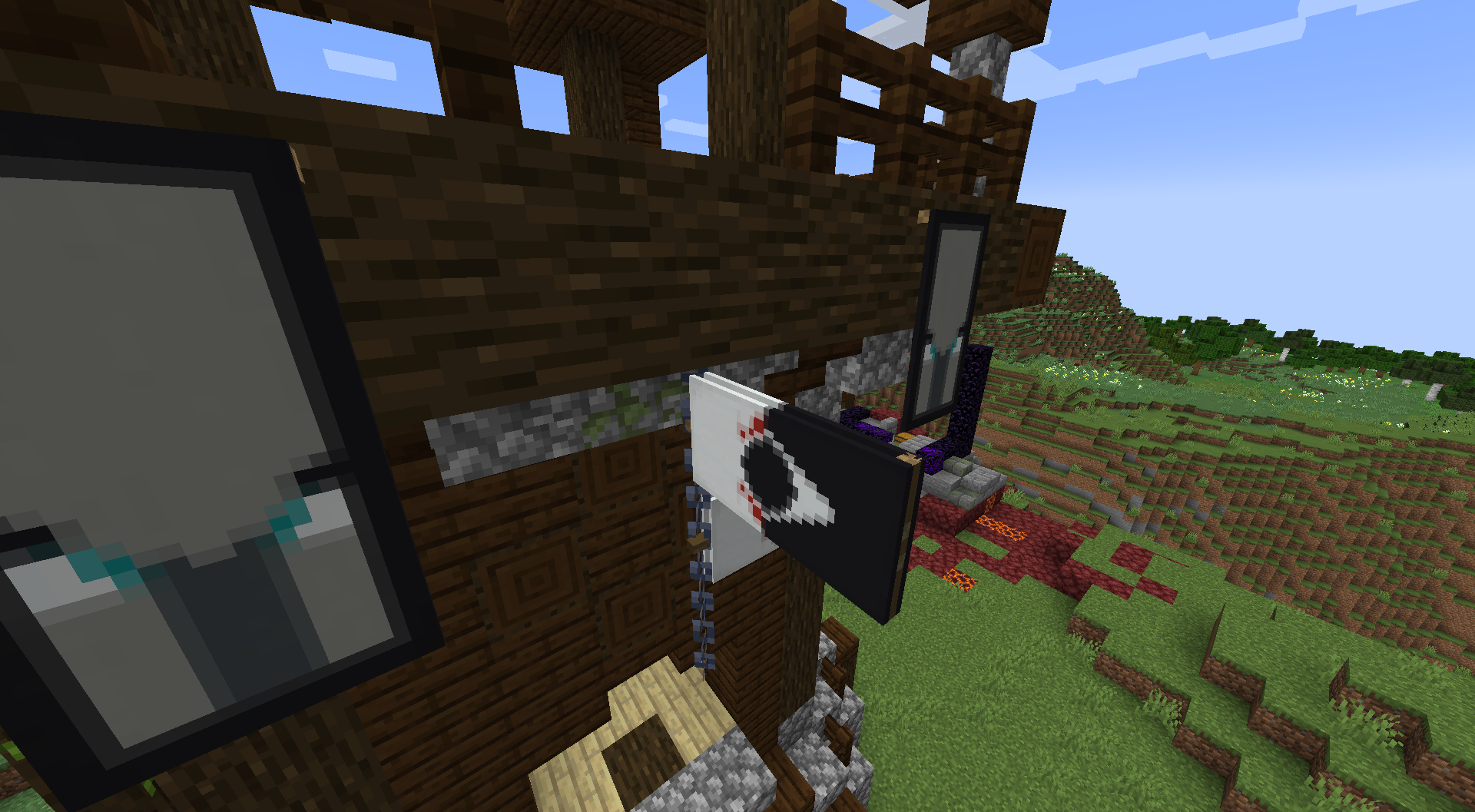
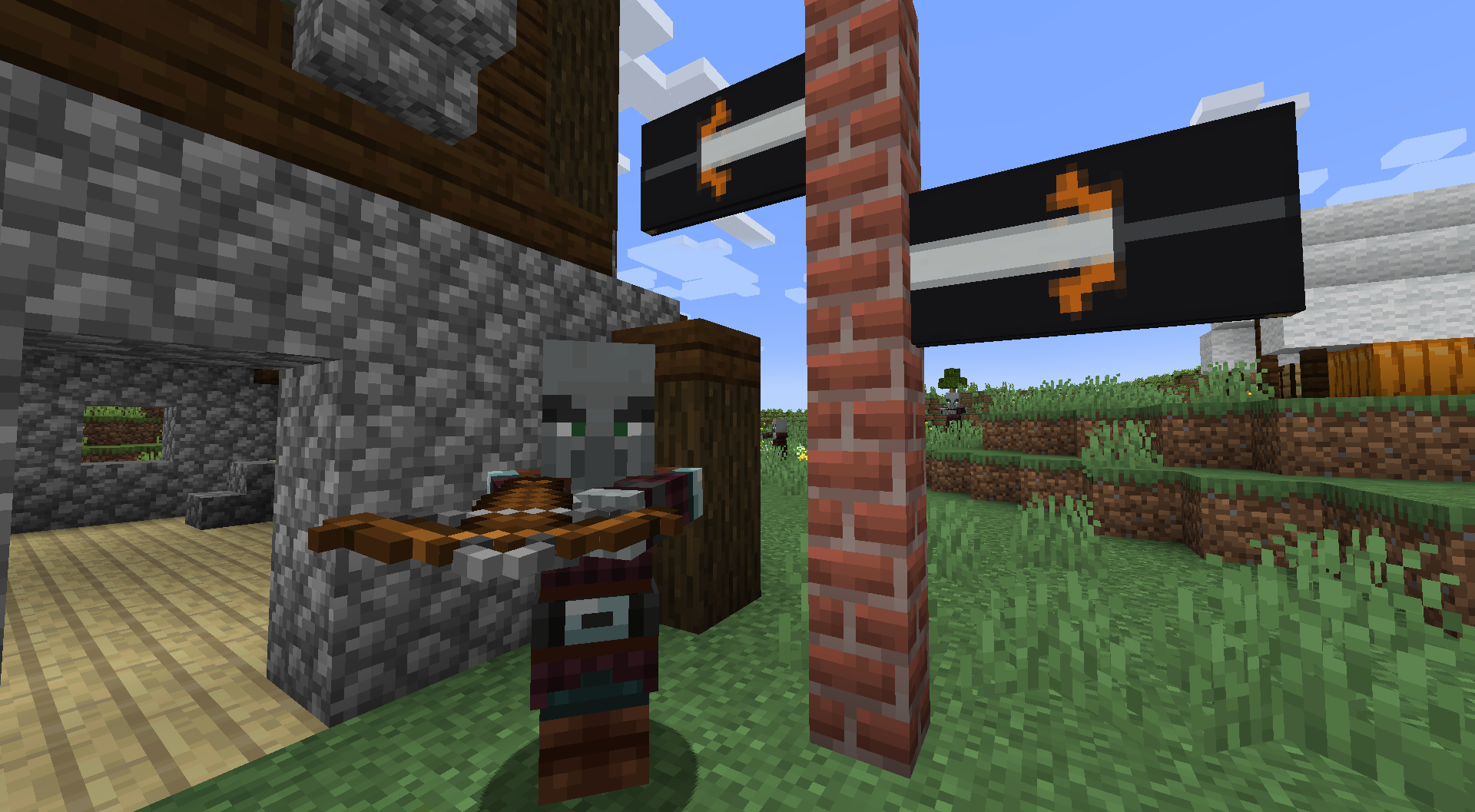
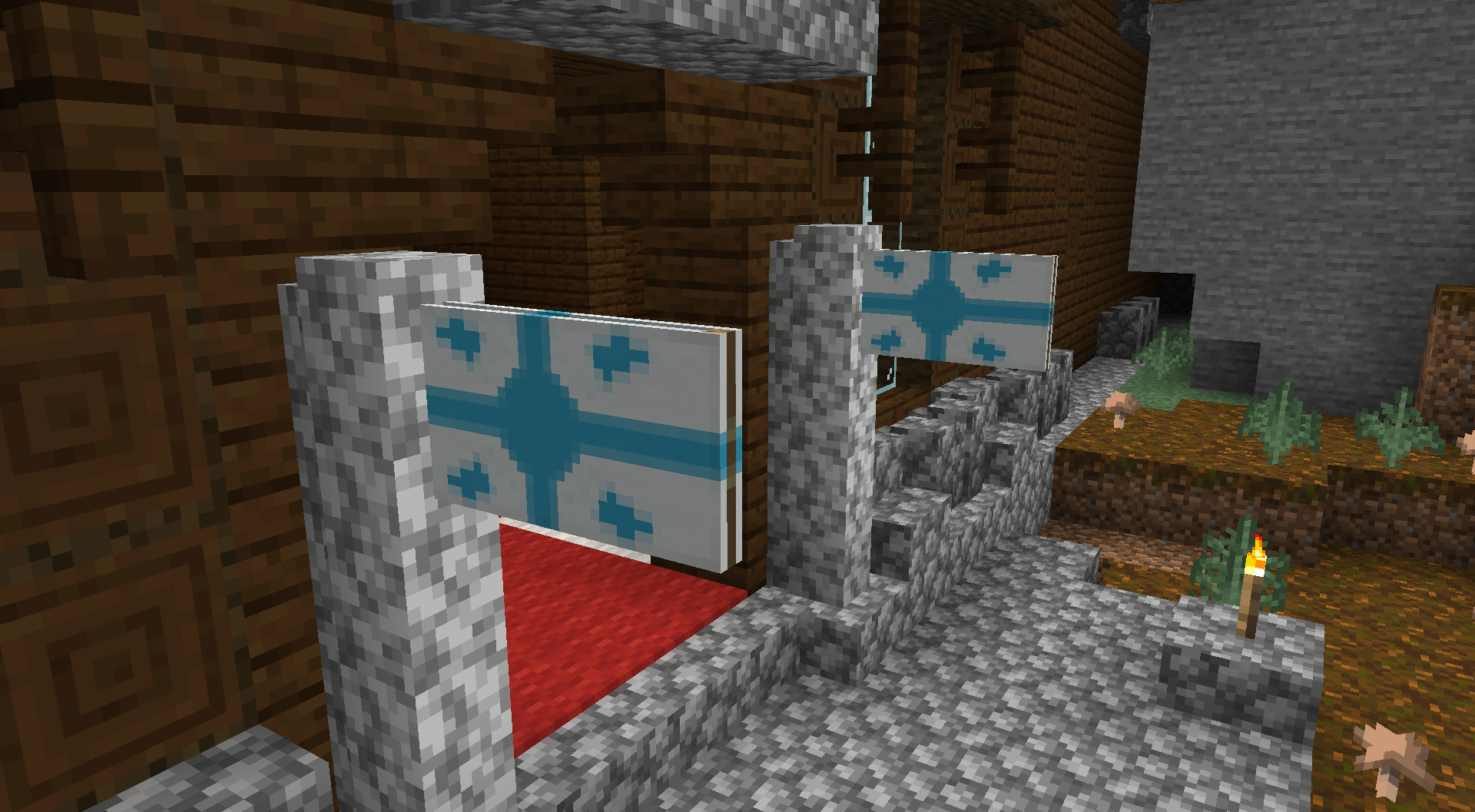
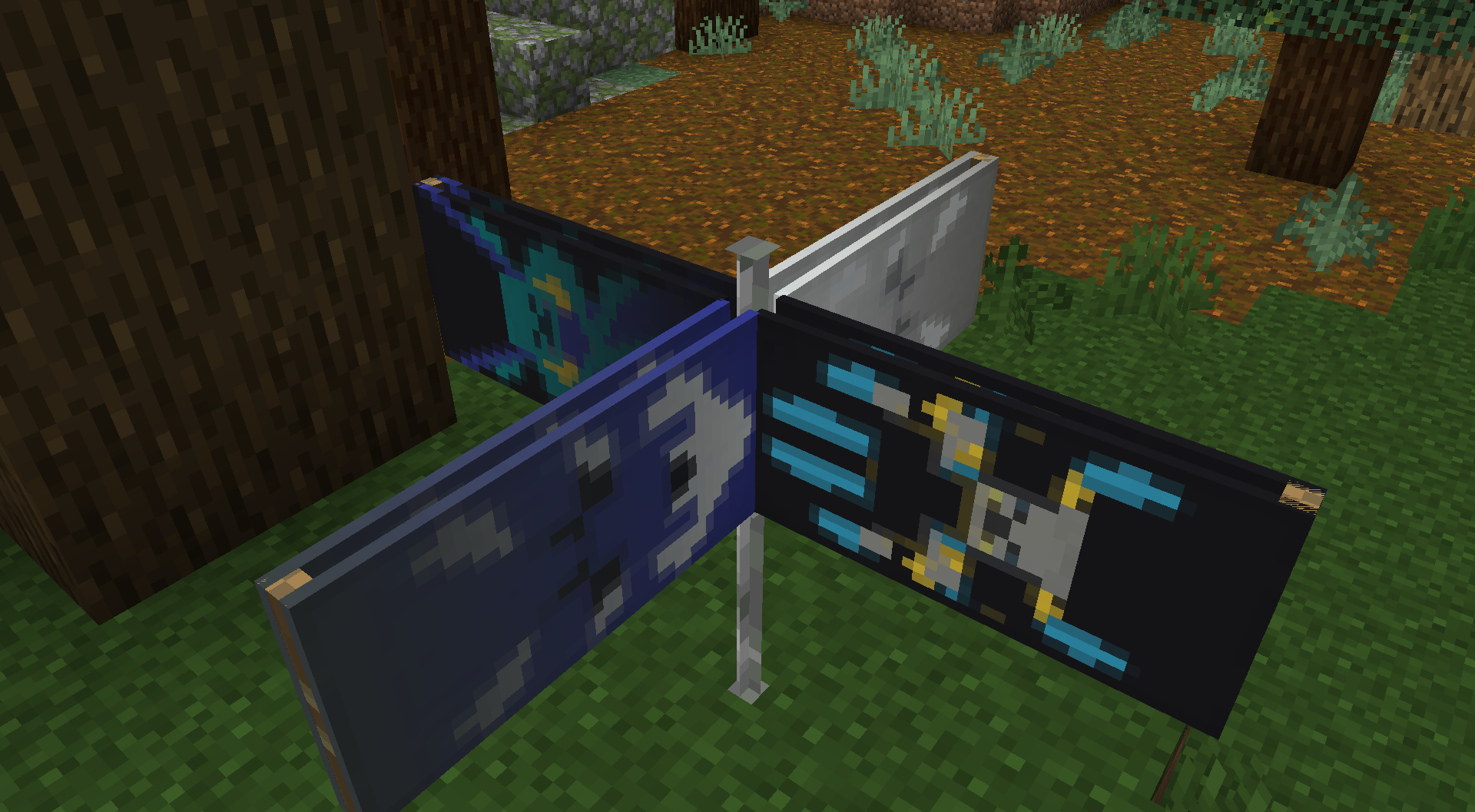
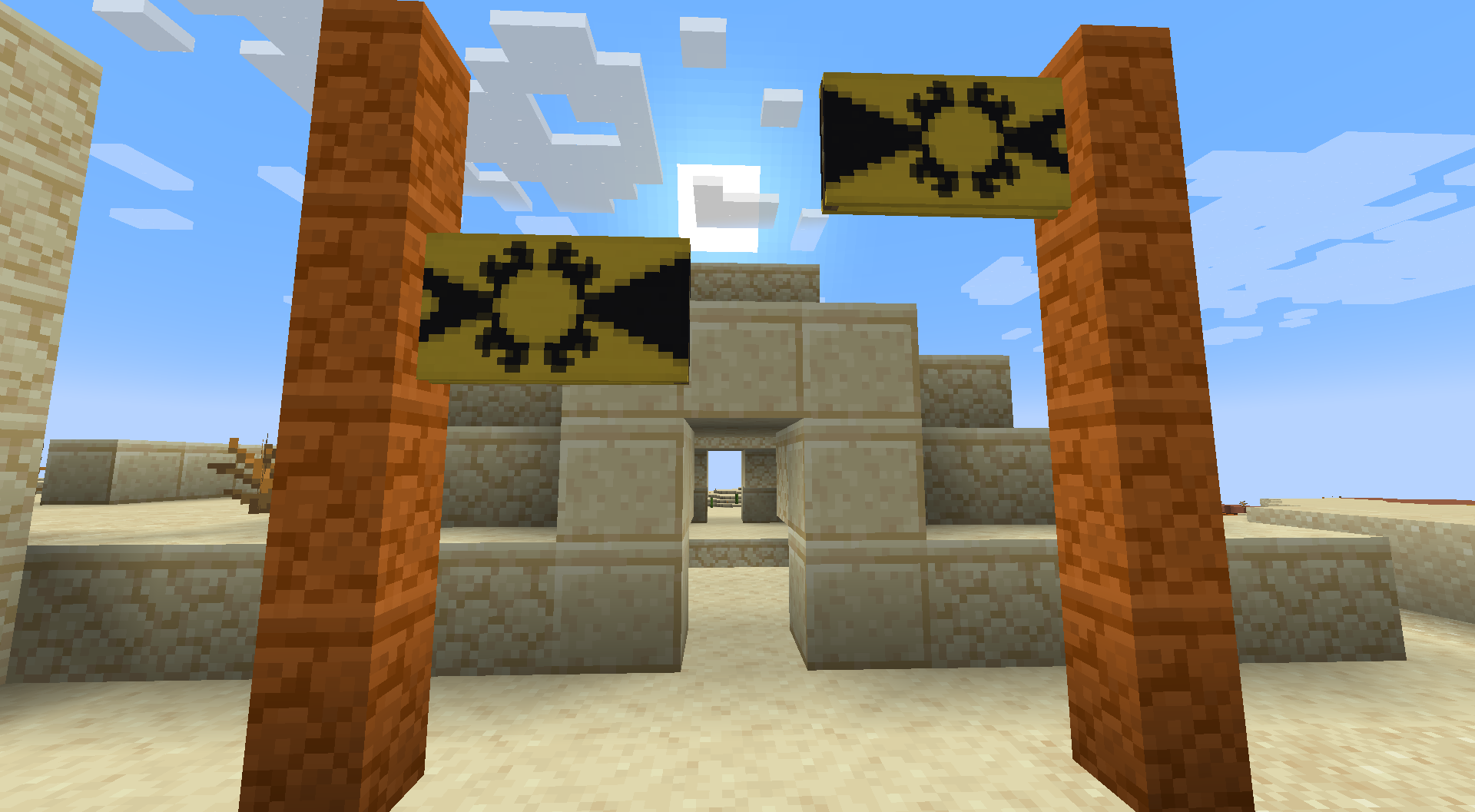
Banner Flags Data Pack introduces a brand new mechanic that allows you to place your banner horizontally to make it feels like a flag. Banners were a great addition to Minecraft that extends the ability for the player to customize and choose a proper decoration for their builds. However, they can only be placed vertically and that limits a lot of their potential. With this data pack, you can place your banner horizontally on blocks like fences, walls, chains, etc.
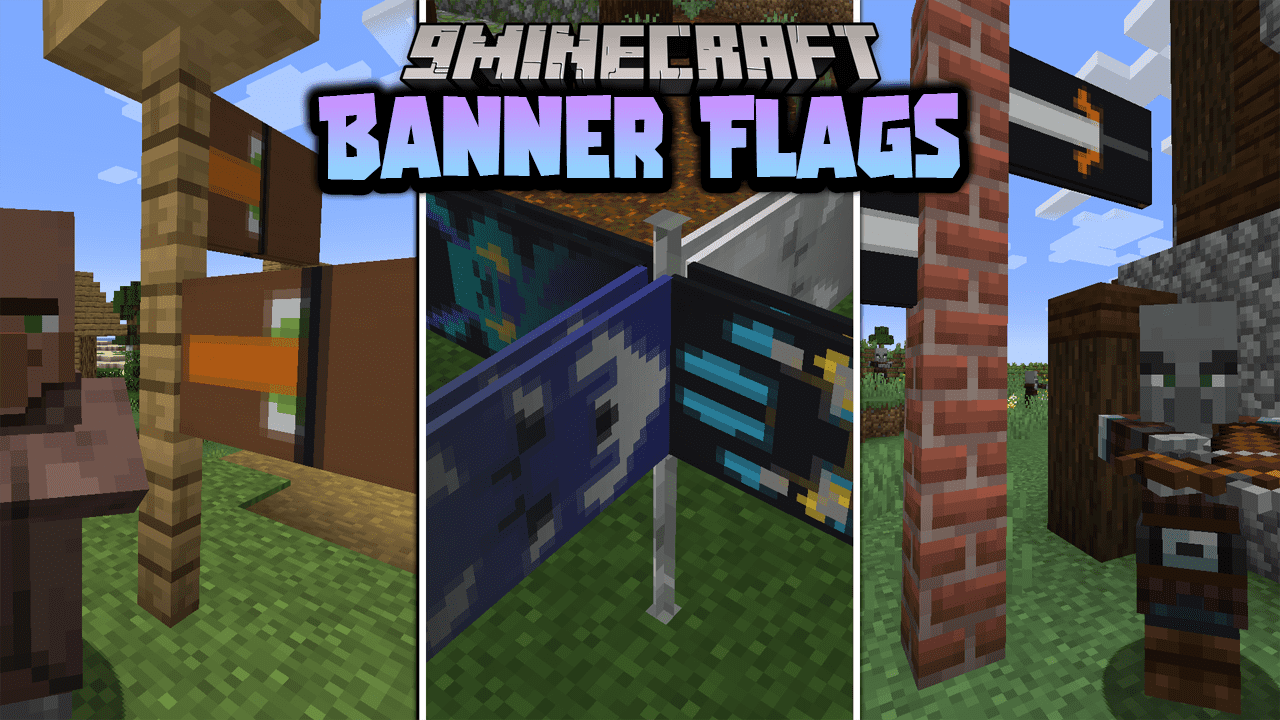
Features:
- Place flags in 4 directions (8 in version 3.0+)
- Displays the banner you placed
- Break the supporting block to remove and retrieve the banner
- Place multiple flags on the same block
- Works in multiplayer and survival-friendly
- Resize, rotate and flip flags
Supported Blocks
- Fences, walls
- Glass panes
- Iron & copper bars
- Iron & copper chains
- Lightning rods
- Bamboo stems
- End rods
How to Use
- Crouch + right-click a banner onto a supported block to place a flag
- Break the supporting block to remove the flag
- Crouch with a diamond near the flag pole to make the flag bigger (diamond is refunded when removed)
- Crouch with a stick to flip the flag; hold stick in off-hand to rotate
For Admins
- Enable placement delay to avoid protected-area exploits: /function bannerflags:delay_on
Uninstallation
- Break blocks with flags to get banners back
- Or run /function bannerflags:removeall (no banner refund)
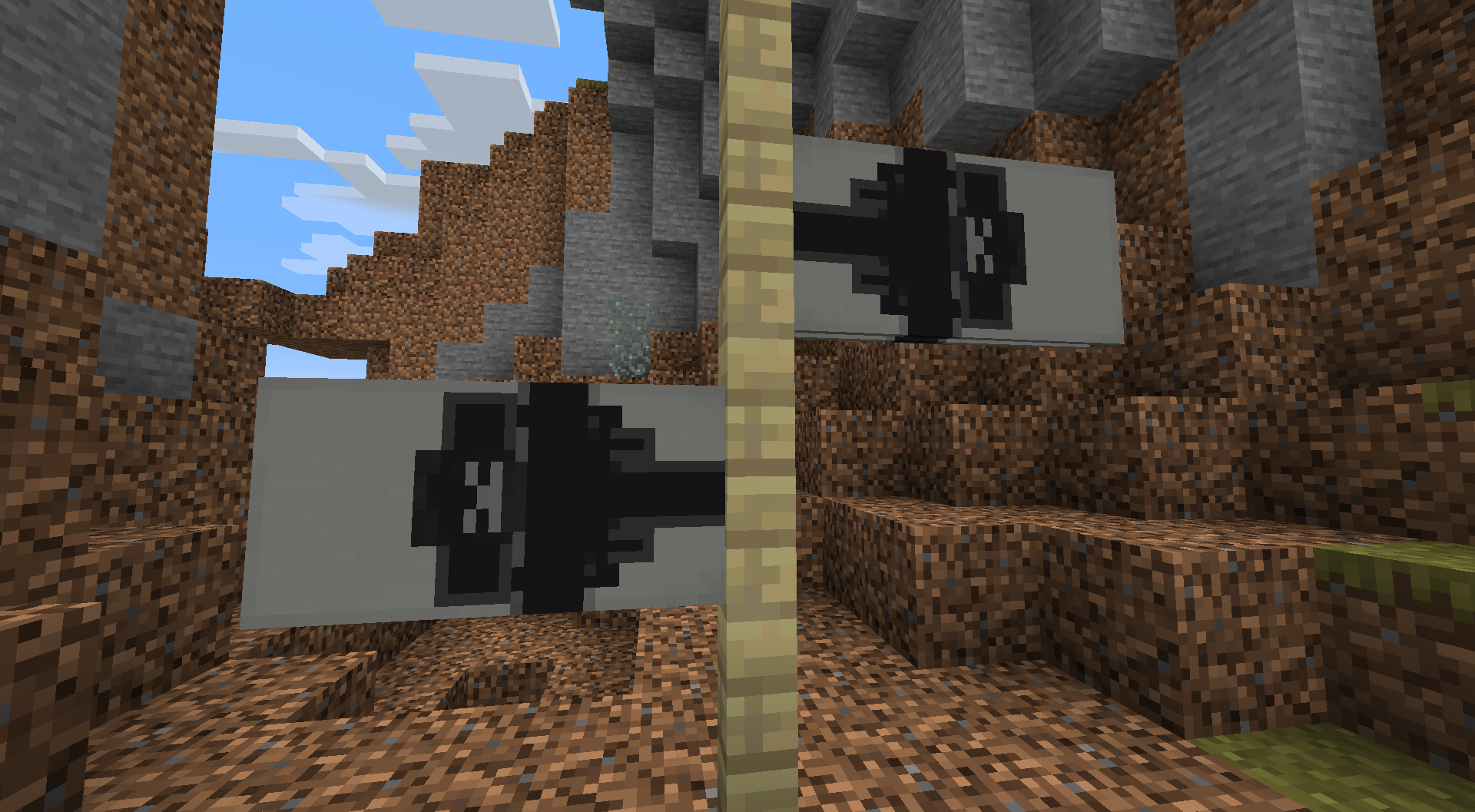
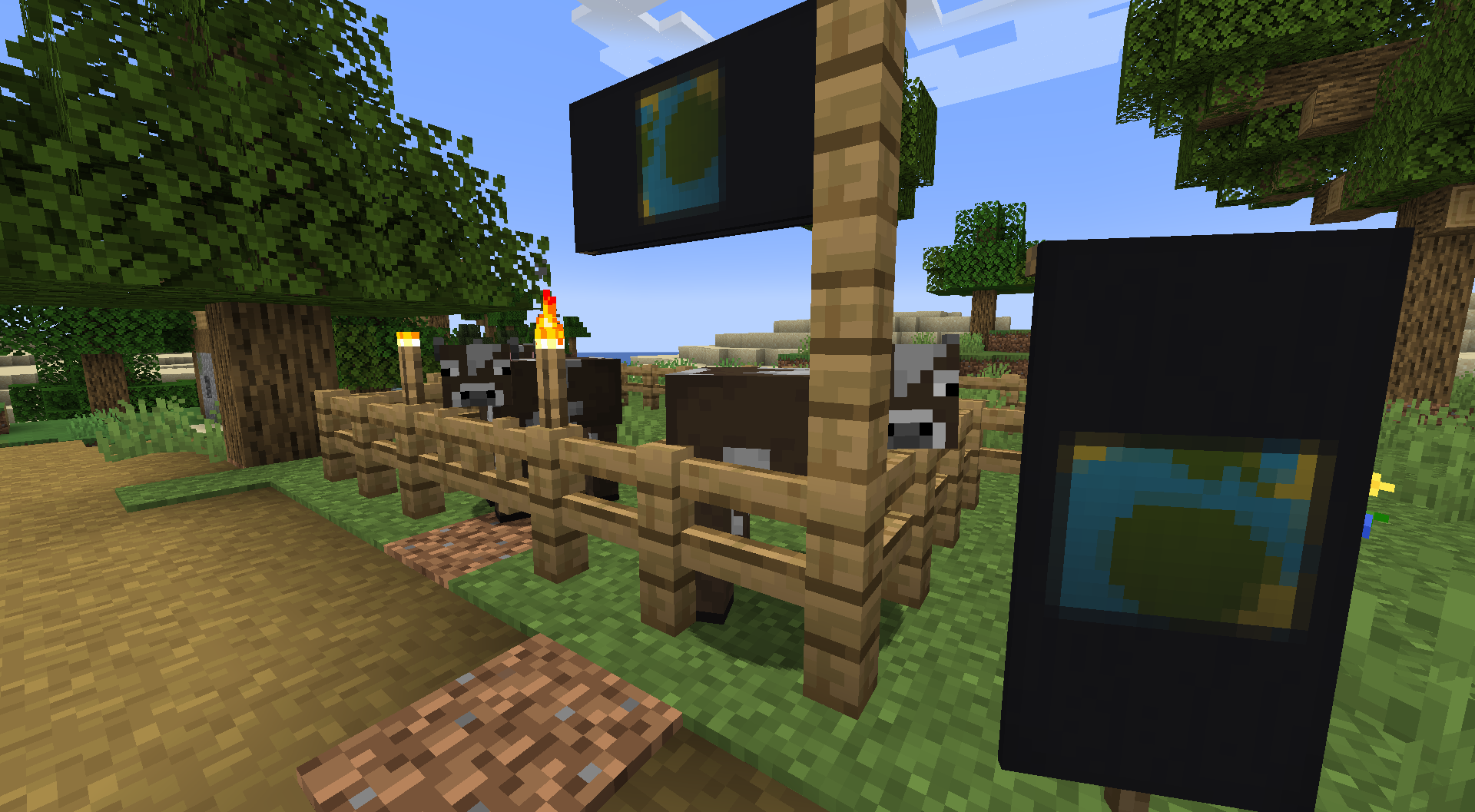
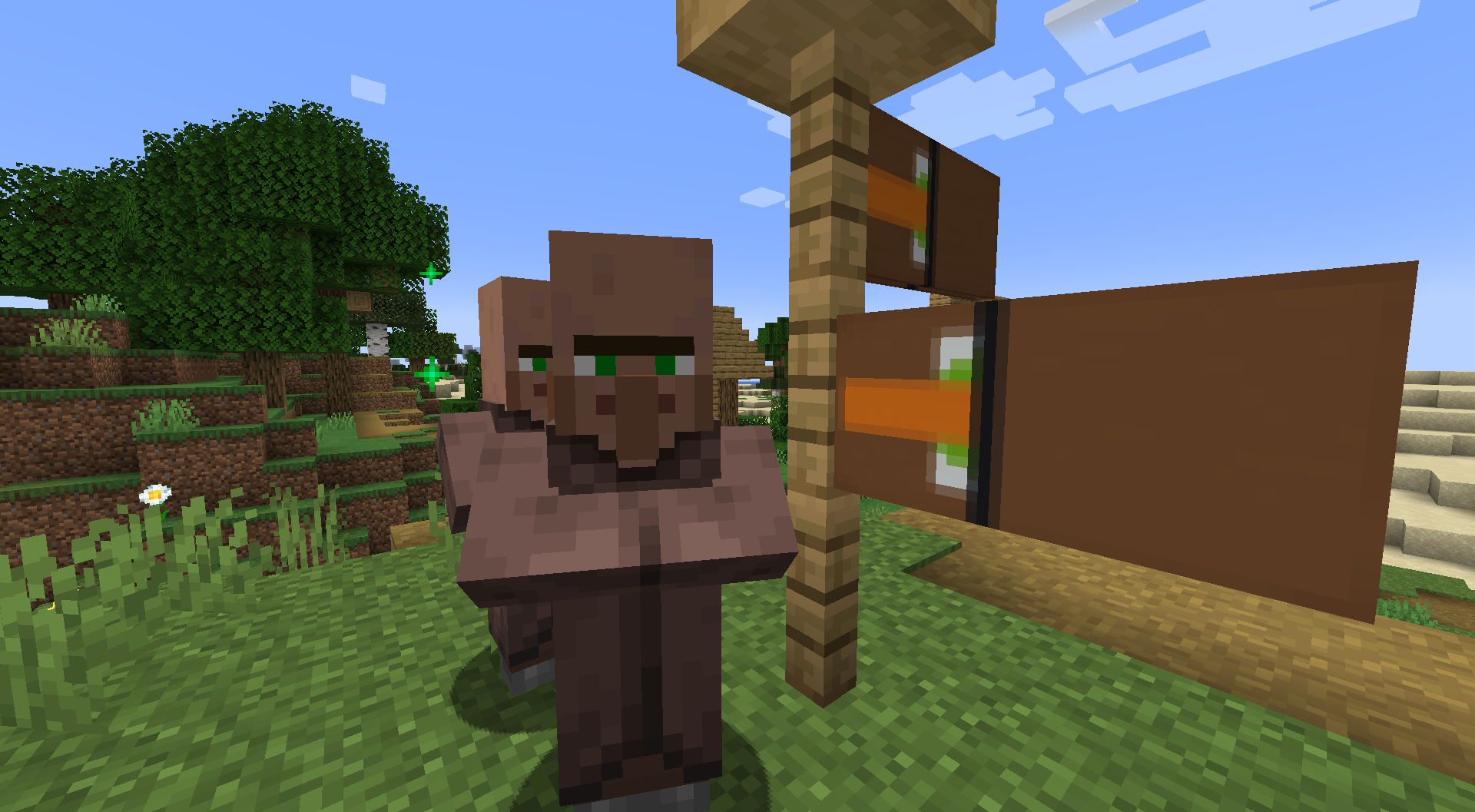
Screenshots:
How to Install:
New to Minecraft? Follow our step-by-step guide to install Data Packs on your PC.View Guide
Banner Flags Data Pack Download Links
For Minecraft 1.21.11
For Minecraft 1.21.10, 1.21.9
For Minecraft 1.21.8, 1.21.7, 1.21.6
For Minecraft 1.21.5
For Minecraft 1.21.4
For Minecraft 1.21.1, 1.21
For Minecraft 1.20.6
For Minecraft 1.20.4, 1.20.2, 1.20.1, 1.20
For Minecraft 1.19.4, 1.19.3, 1.19.2, 1.19.1, 1.19
For Minecraft 1.18.2, 1.18.1
Click to rate this post!
[Total: 3 Average: 4.7]
You May Also Like



This post has no comments yet. Be the first — your comment will appear here.