
Better Muffling Mod (1.19.2, 1.18.2) – Bring Peace and Quiet to Your Base

 0


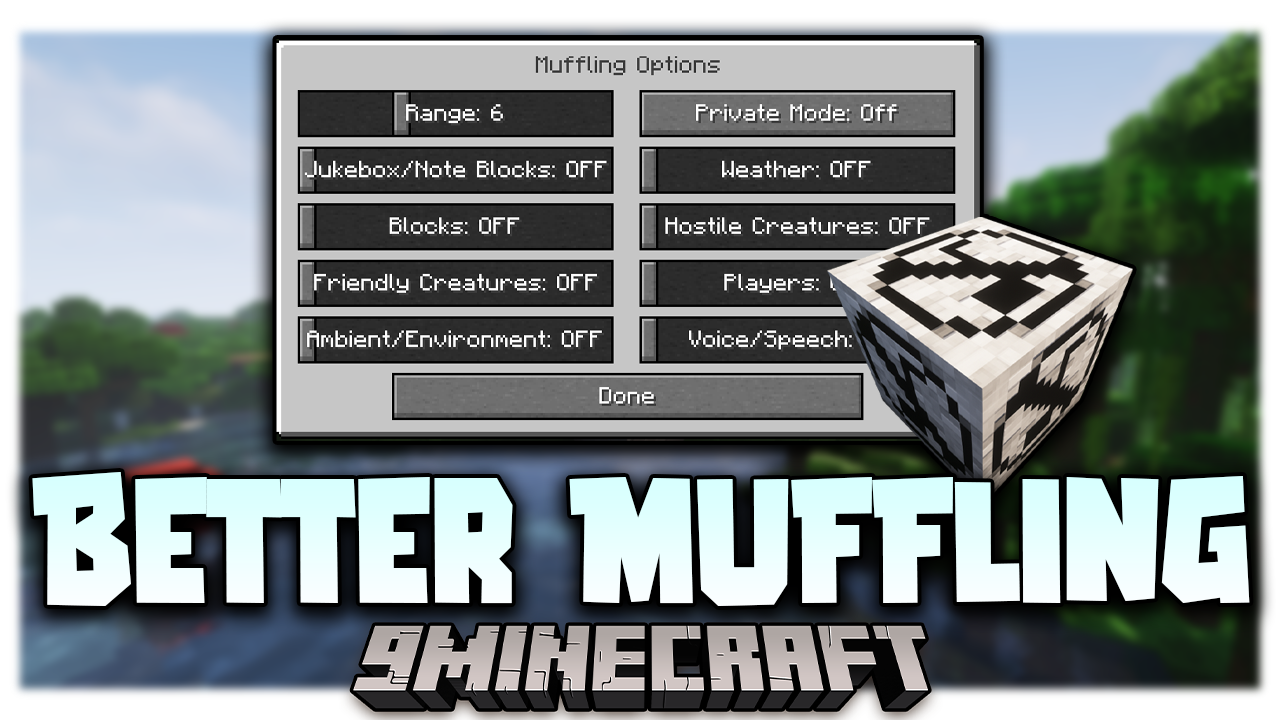
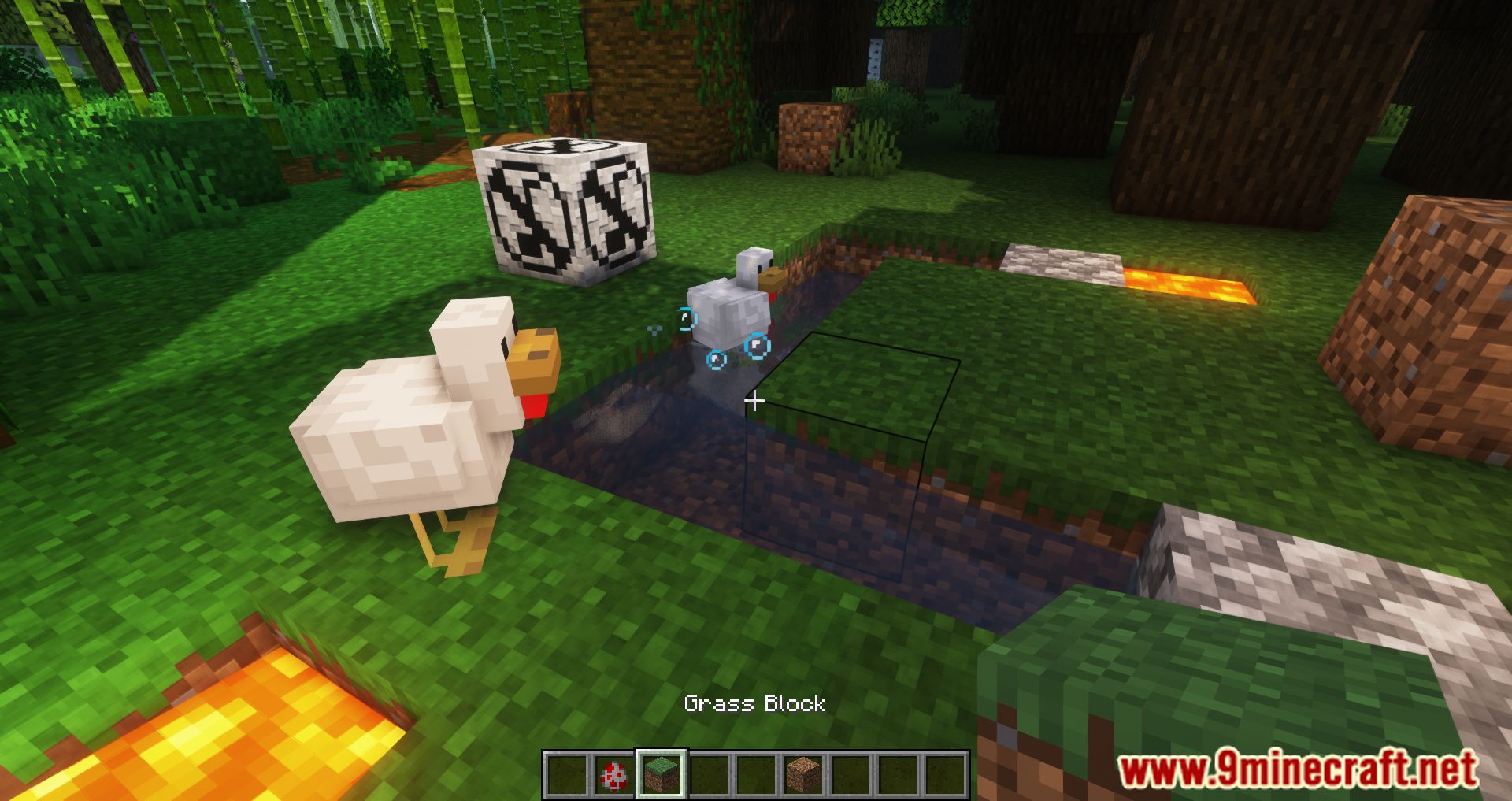
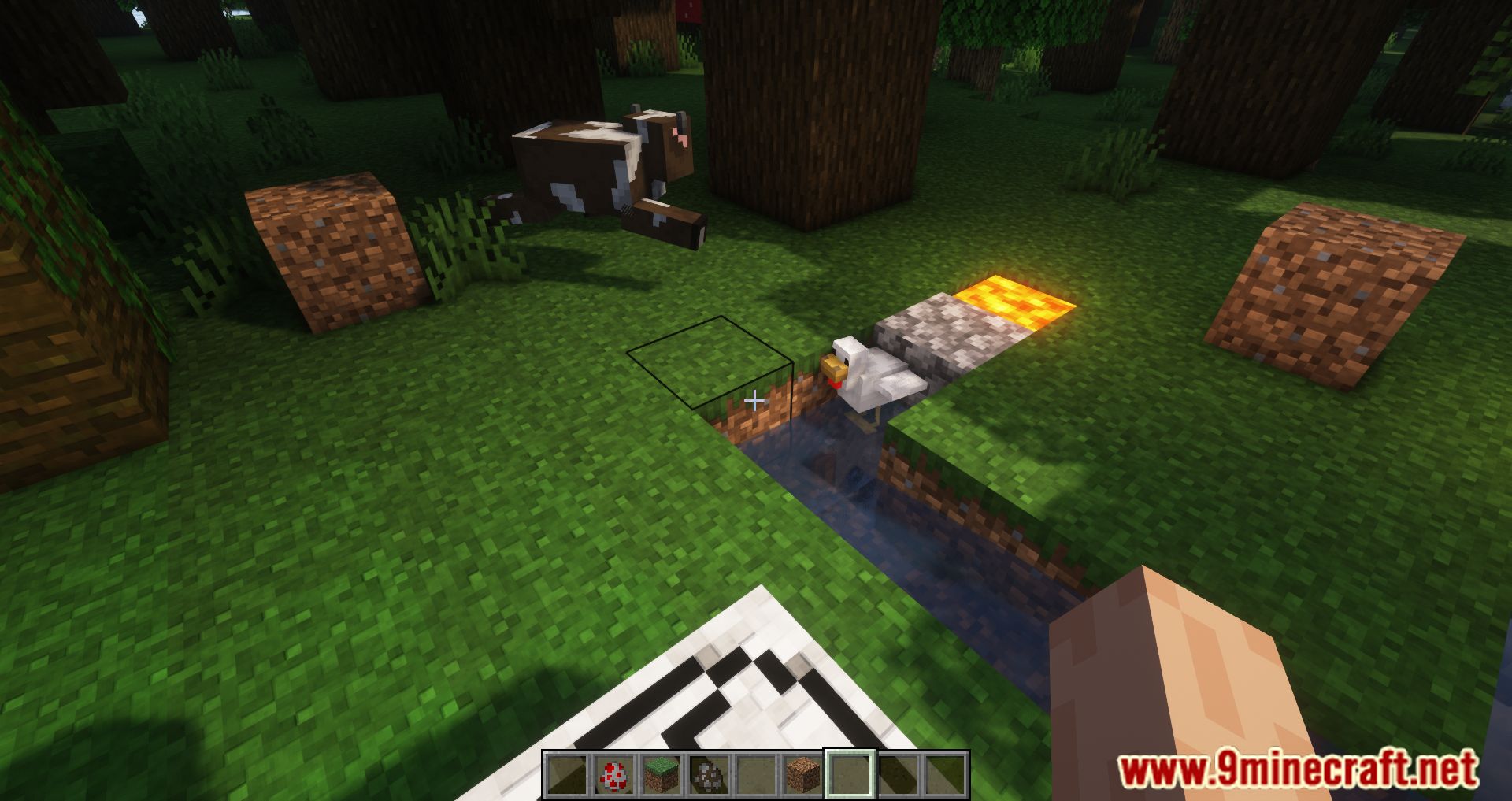
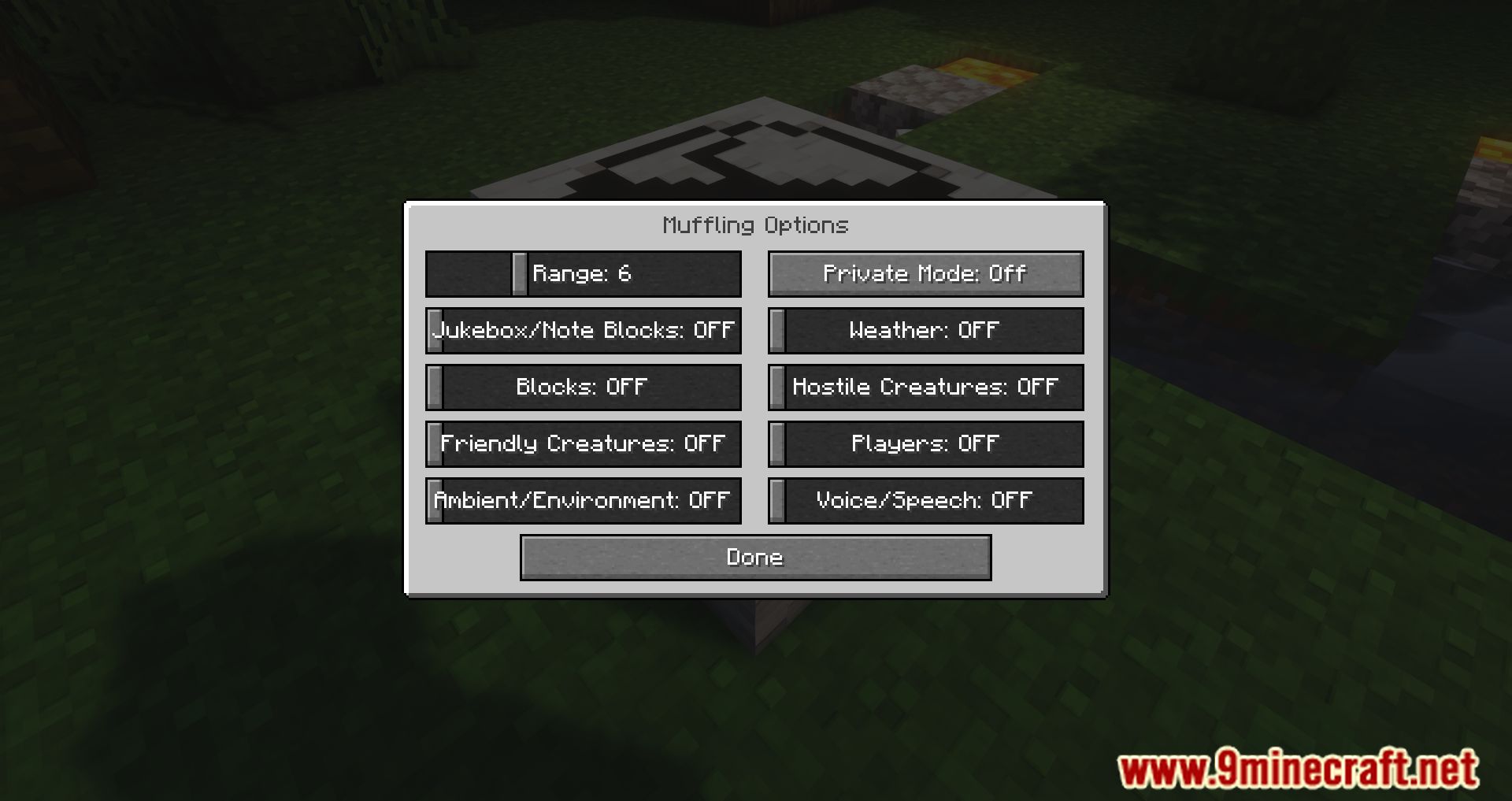
Better Muffling Mod adds a Muffling Block that quiets nearby sounds in your world. You can place it near noisy spots like animal pens or water streams to lower the volume in a sphere-shaped area without muting your whole game. When you right-click the block, a menu opens so you can adjust volume levels for Minecraft sound categories, set the block range, and enable private mode. This mod also includes an Advance Upgrade Item that turns the block into an Advanced Muffle Block for filtering specific sounds with a whitelist or blacklist. All of your volume, range, and private settings stay saved inside the block when you break it.
Features:
- Muffling Block: Quiets nearby sounds inside a sphere-shaped zone around the block.
- Advanced Muffle Block: Mutes or allows individual sounds inside a sound category using a whitelist or blacklist.
- Controls volume levels for standard Minecraft sound categories, except Master and Music.
- Adjusts the quiet zone size from a minimum of 2 blocks up to a default maximum of 16 blocks.
- Adds an Advance Upgrade Item that upgrades a normal Muffling Block into an Advanced Muffle Block.
- Includes a Listen button on the Advanced Muffle Block that detects nearby sounds so you can add them straight to your whitelist or blacklist.
- Offers a private mode where only the player who placed the block can change its settings or break it.
- Saves all volume sliders, range values, and private mode settings inside the block when you break it.
- Clears all saved data from a broken Muffling Block when you place it in a crafting table.
Configuration:
bettermuffling.cfg: Lets you change the maximum range limit of the Muffling Block beyond the default 16 blocks.bettermuffling-common.toml: Common config file for setting the maximum range limit of the Muffling Block.
How to Use:
- Place the Muffling Block near the noisy area you want to quiet down.
- Right-click the block to open its menu, then adjust the sound category sliders and set the quiet range between 2 and 16 blocks.
- Turn on private mode in the menu if you want to stop other players from changing the settings or breaking the block.
- Hold the Advance Upgrade Item and Shift + Right-click a Muffling Block to turn it into an Advanced Muffle Block.
- Open the Advanced Muffle Block menu and click the Listen button to pick up nearby sounds, then add them to your whitelist or blacklist to allow or mute specific noises.
- Break the Muffling Block anytime to move it with your settings saved, or put the broken block in a crafting table to wipe its saved data.
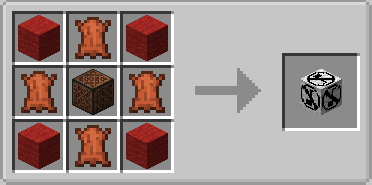
Crafting Recipes:

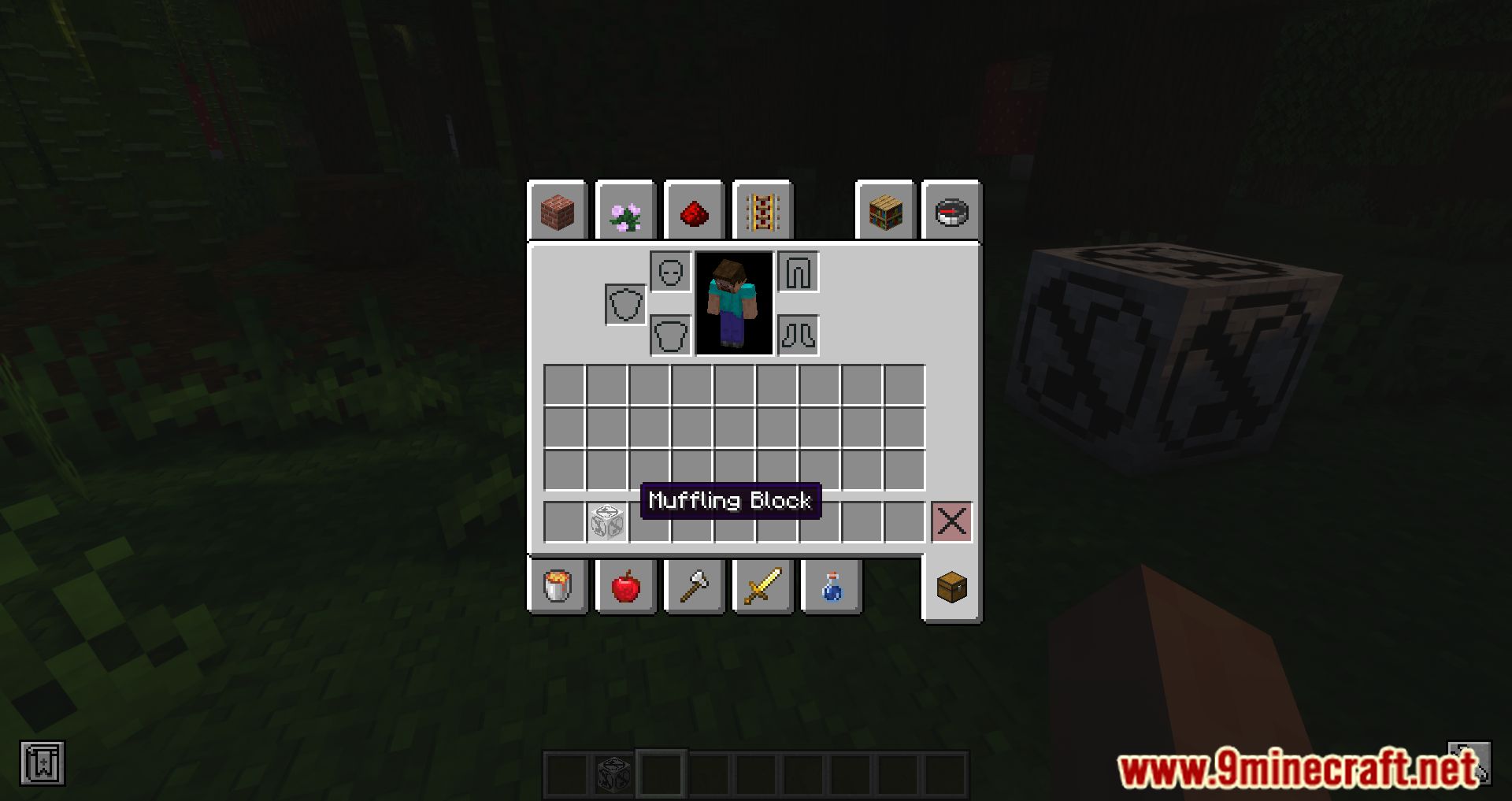
Screenshots:
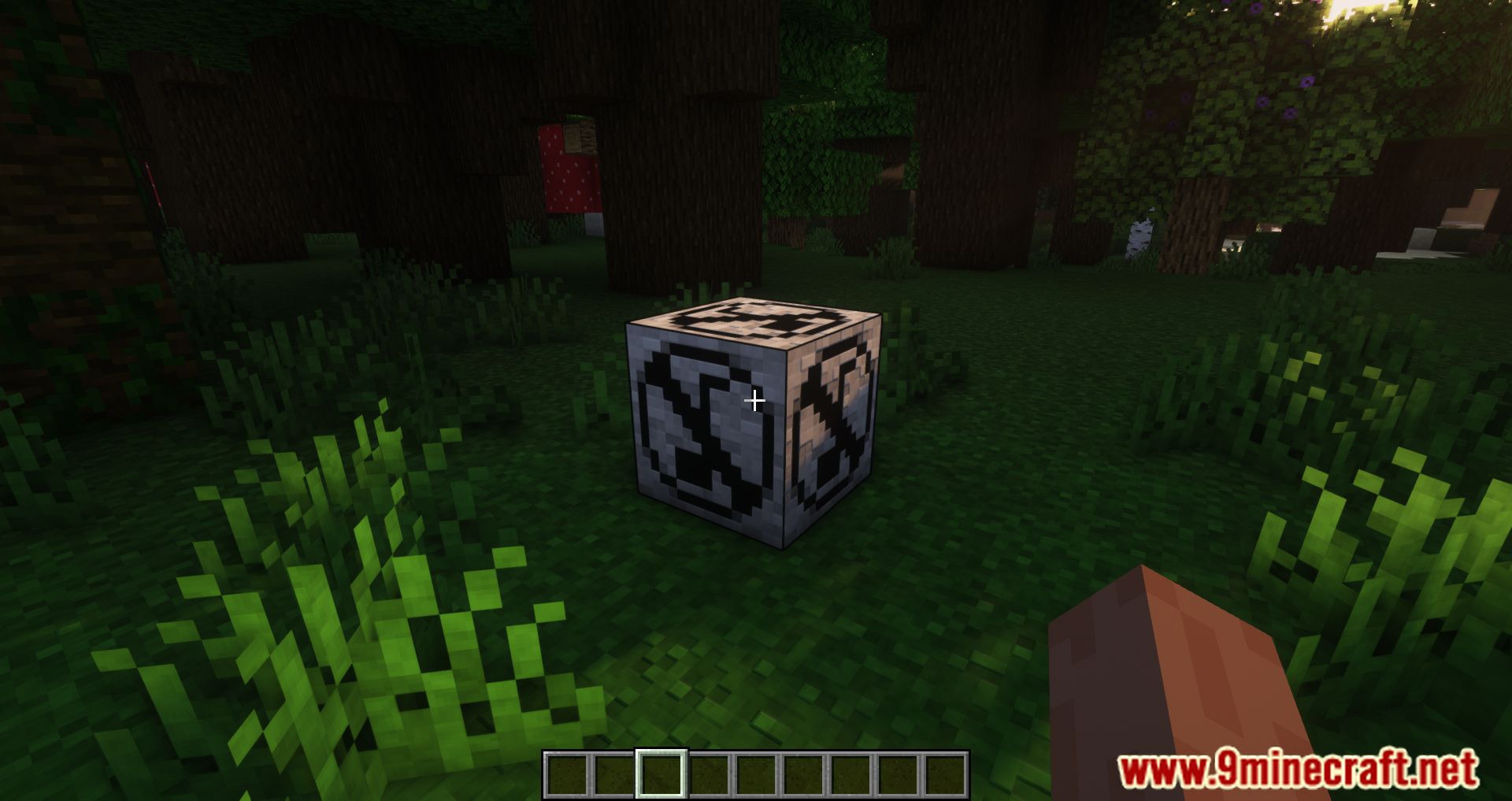
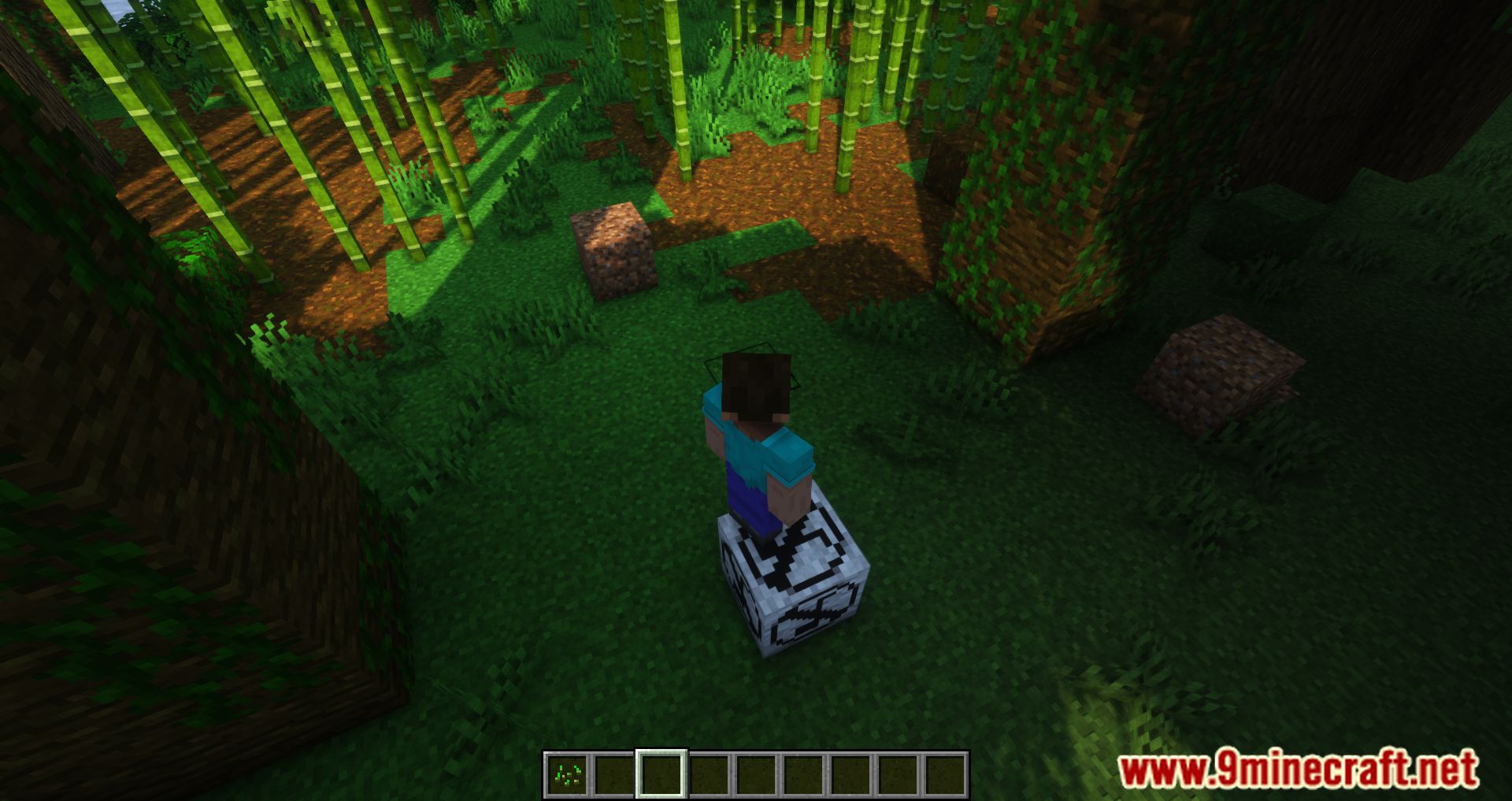

How to Install:
New to Minecraft? Follow our step-by-step guide to install Mods on your PC.View Guide
Better Muffling Mod Download Links
For Minecraft 1.19.2
Forge Version: Download from Server 1 – Download from Server 2
For Minecraft 1.19
Forge Version: Download from Server 1 – Download from Server 2
For Minecraft 1.18.2, 1.18.1
Forge Version: Download from Server 1 – Download from Server 2
For Minecraft 1.16.5
Forge Version: Download from Server 1 – Download from Server 2
For Minecraft 1.15.2
Forge Version: Download from Server 1 – Download from Server 2
For Minecraft 1.14.4
Forge Version: Download from Server 1 – Download from Server 2
For Minecraft 1.12.2
Forge Version: Download from Server 1 – Download from Server 2
Who do you usually play modded Minecraft with?
60 responses · See the full results →
You May Also Like
Picked for this page
 Durability Plus Mod (26.1, 1.20.1) – Item Durability Tooltips
 Reap Mod (26.3, 1.20.1) – Auto Tree Mining, Auto Farming
 Iron Barrels Mod (1.21.11, 1.20.1) – Iron Chests, But for Barrels
 Nutritious Milk Mod (26.3, 1.20.1) – Enhanced Effects for Drinking Milk
 End Portal Recipe Mod (26.3, 1.20.1) – Craftable End Portal
 Vault Patcher Mod (26.2, 1.20.1) – Coverts Hard Coded Strings Into Localization Strings
 Player Hopper Mod (1.21.11, 1.20.1) – A Hopper That Pulls Items From A Player’s Inventory
 Scoreboard Overhaul Mod (26.3, 1.20.1) – A Fresh Look For Your Sidebar
 Enchantips Mod (26.2, 1.20.1) – Enchantment Related Tooltips & Features
 Immersive Weathering Pandas Compat Mod (1.20.1) – Adds Ivy to Falling Trees
 Icarus X Transmog Compat Mod (1.20.1, 1.20) – Transmog Support For Icarus Wings
 Legendary Tooltips X Traveler’s Backpack Fix Mod (1.20.1, 1.20) – Prevent Backpack Inventory FPS Spikes
Most viewed in Mods over the last 7 days
 Ala Industrial Mod (26.3) – Run Electric Power Grids and Automated Factories
 PleasureCraft Mod (26.3, 1.21.1) – Jenny Mod Remake for Fabric
 Jennycraft Mod (26.3, 1.20.1) – Virtual Girlfriend in Minecraft
 Fapcraft Mod (26.3, 1.12.2) – Comprehensive and Detailed Content
 Jenny Mod (Fapcraft) Official Complete Guide – How to use, Tutorial
 BangCraft Mod (1.20.1) – Jenny, Ellie and Elliot
 Fabric Loader (26.3, 1.20.1) – Fabric Installer for All Minecraft Versions
 The Shooting Star Demo Mod (26.3, 1.20.1) – Vaporize Terrain From Orbit
 Meteor Client Mod (26.3, 1.20.1) – Xray, HUD, Fly
 OptiFine HD (26.3, 1.20.1) – Run Faster, FPS Boost, Shaders Support
 Aristois Client Mod (1.21.4, 1.20.1) – World Class Minecraft Utility
 Prestige Client Mod (1.21.11, 1.21.4) – Powerful Ghost Features for Crystal & Sword PvP
More from Mods
 FAUNA Engine Mod (1.21.1, 1.20.1) – Powering Legendary Dragons
 Avali Nexus Mod (26.3) – Settle Frozen Frontiers with High-Tech Bird Tribes
 Orient’s Hotpot Chronicles Mod (1.20.1) – Boil Fresh Hotpot Meals Over Open Flames
 Far Lands Traveler Mod (26.1.2) – Survive the Long Trek to the Edge of the World
 Beli’s SkyLyrics Mod (1.21.11) – Sing Along to Desktop Tracks Projected in the Night Sky
 Explainstone and Songmelyn Mod (1.21.1) – Broadcast Custom Music Across Your Base
 Rockstar Shaders Mod (26.3) – Cast Ray-Traced Light Across Vast Distant Horizons
 ERYDON Mod (1.20.1) – Design Grand Courtyards with Carved Marble Pillars
 Infinity Bound Mod (1.21.1) – Snap Away Enemies with Legendary Superhero Gear
 Legacy Gecko Lib Fabric Mod (1.16.5) – Power Animated Creatures in Modpacks
 The Man from the Shadow Horror Mod (1.20.1) – Fight Hallucinations to Survive
 Shade & Saturation Slider Mod (26.2, 1.21.11) – Make Every Biome Vibrant

This post has no comments yet. Be the first — your comment will appear here.