
Better Taskbar Mod (1.20.4, 1.20.1) – Know Exactly When Your World Is Ready
 1,638
 0


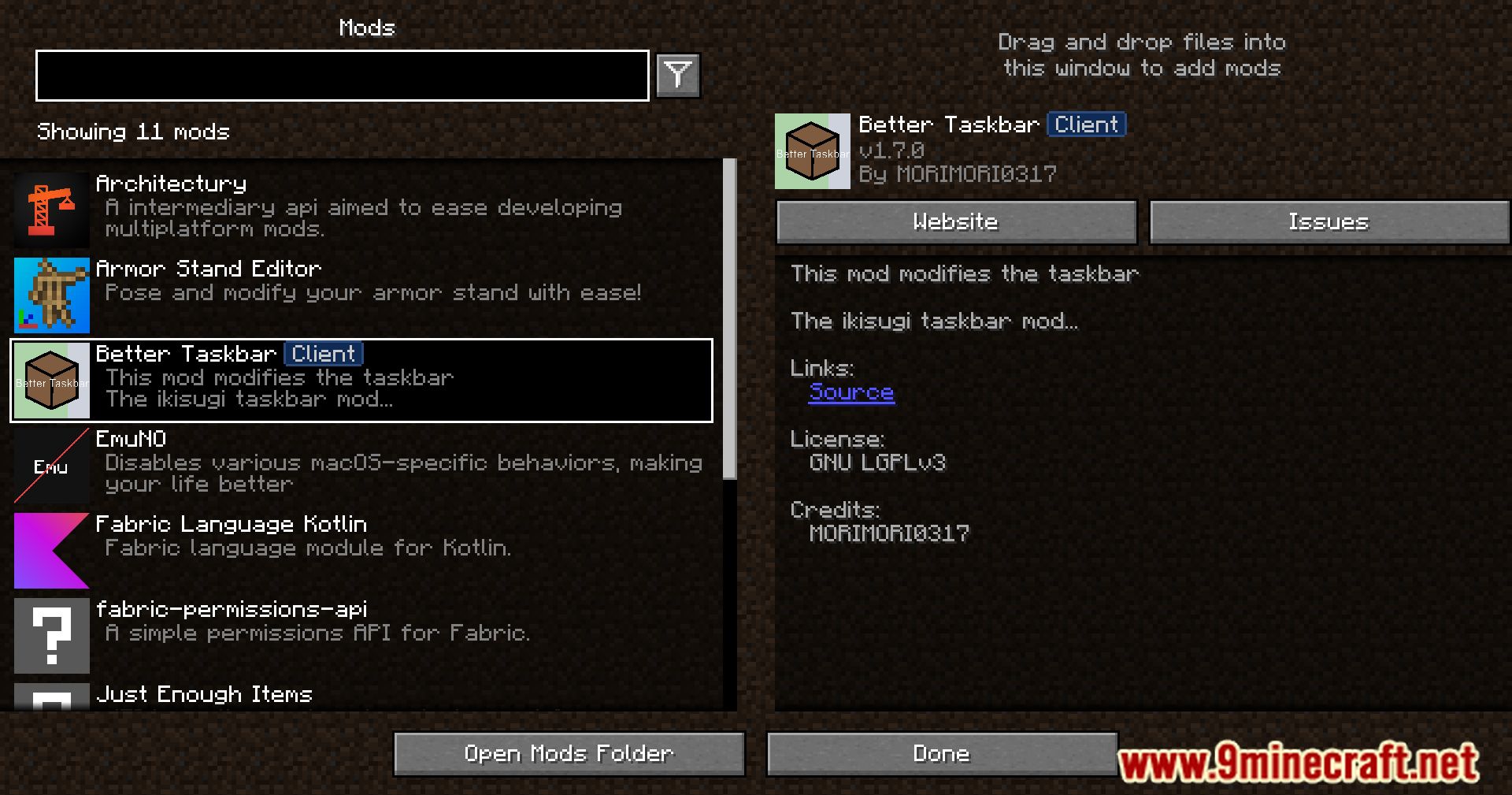
Better Taskbar Mod shows loading progress right on your Windows taskbar while Minecraft loads worlds and resource packs. It works only on 64-bit Windows computers, such as Windows 10 and Windows 11. On other operating systems, this mod does nothing and does not cause crashes or other problems.
Requires:
Features:
- Taskbar Progress Indicator: Adds a loading progress bar directly to the Windows taskbar so you can see the game’s loading state.
- World Loading Support: Shows progress on the taskbar while a world loads.
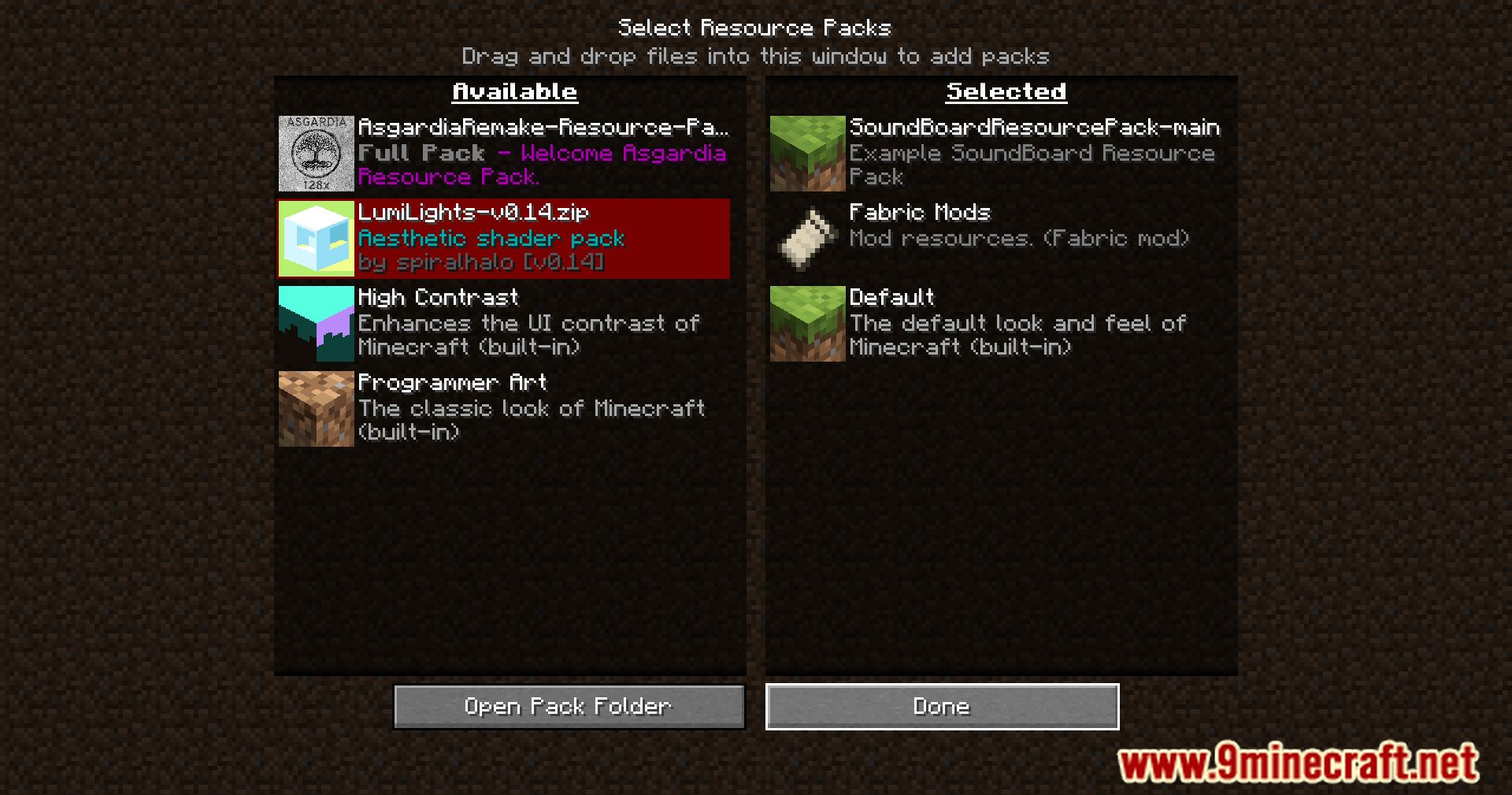
- Resource Pack Support: Tracks loading progress when you load resource packs.
- Works only on 64-bit Windows systems, including Windows 10 and Windows 11.
- Does nothing on unsupported operating systems and causes no crashes or problems.
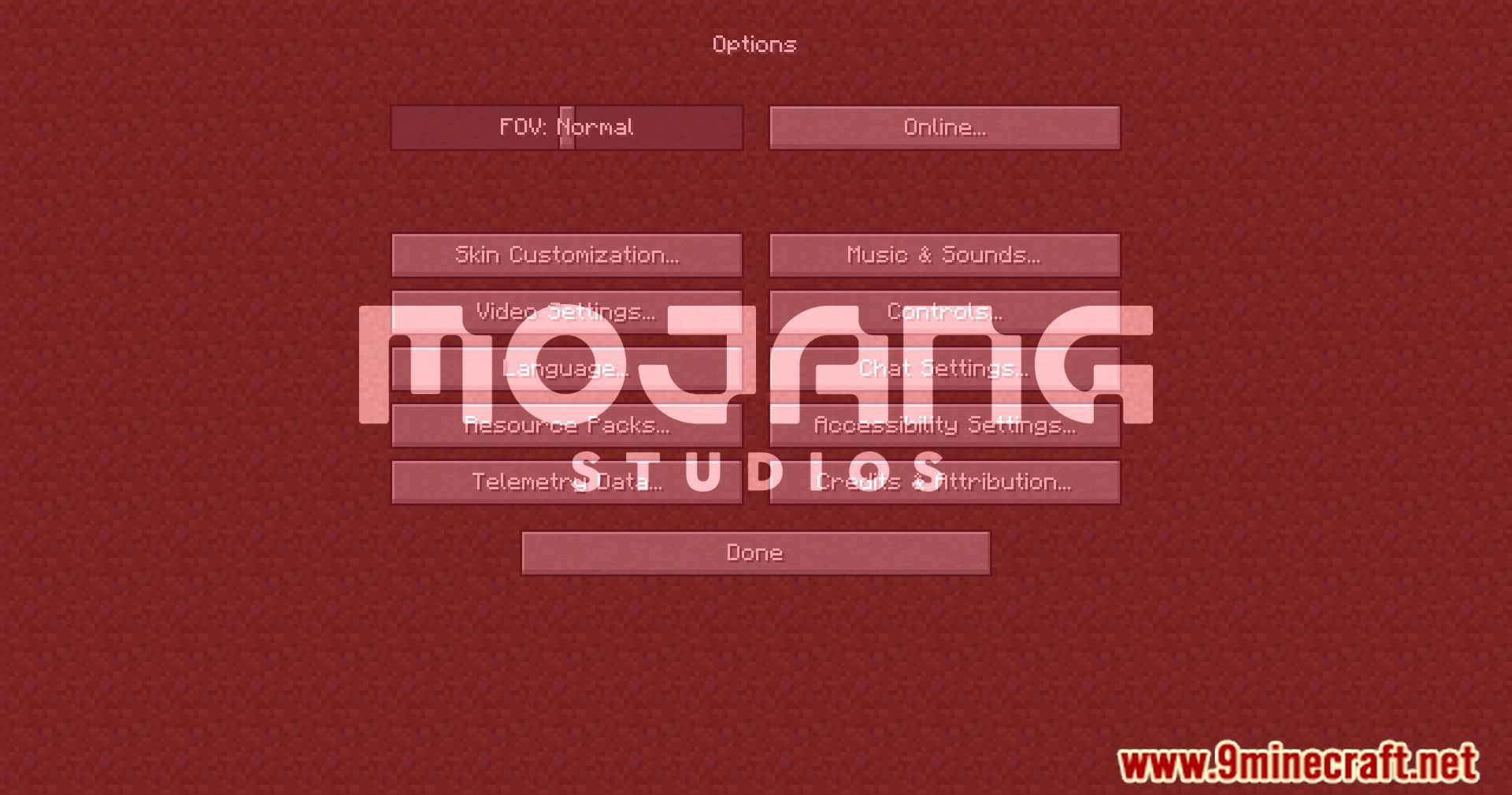
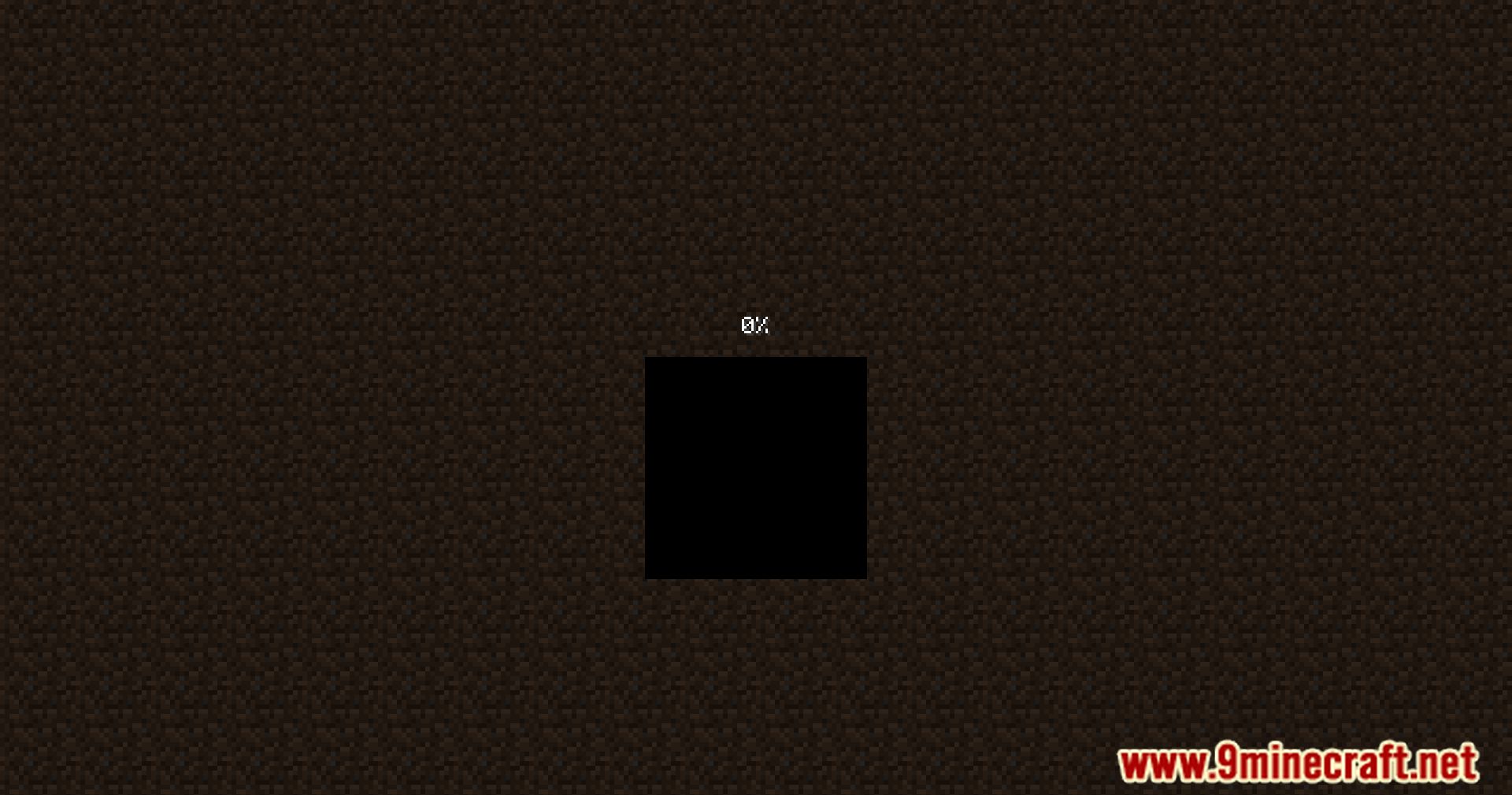
Screenshots:

How to Install:
New to Minecraft? Follow our step-by-step guide to install Mods on your PC.View Guide
Better Taskbar Mod Download Links
For Minecraft 1.20.4, 1.20.3
Forge Version: Download from Server 1 – Download from Server 2
NeoForge Version: Download from Server 1 – Download from Server 2
Fabric/Quilt Version: Download from Server 1 – Download from Server 2
For Minecraft 1.20.2, 1.20.1, 1.20
Forge Version: Download from Server 1 – Download from Server 2
Fabric/Quilt Version: Download from Server 1 – Download from Server 2
For Minecraft 1.19.4, 1.19.3
Forge Version: Download from Server 1 – Download from Server 2
Fabric/Quilt Version: Download from Server 1 – Download from Server 2
For All Versions from Minecraft 1.18.2 to Minecraft 1.19.2
Forge Version: Download from Server 1 – Download from Server 2
Fabric/Quilt Version: Download from Server 1 – Download from Server 2
For Minecraft 1.18.1
Forge Version: Download from Server 1 – Download from Server 2
For Minecraft 1.17.1
Forge Version: Download from Server 1 – Download from Server 2
How do you usually learn how a complex mod works?
23 responses · See the full results →
You May Also Like
Picked for this page
 Iron Chests Mod (26.3, 1.20.1) – Finally Organize Your Loot
 Tree Harvester Mod (26.3, 1.20.1) – Auto-Planting Tree Chopper
 Jade Mod (26.3, 1.20.1) – Hwyla/WAILA Fork
 Animatica Mod (1.21.11, 1.20.1) – Infuse Motion into Minecraft
 Ctrl Q Mod (26.1, 1.20.1) – Take Control Of Your Inventory
 Harder Branch Mining Mod (1.21.11, 1.20.1) – Harder Digging and Deeper Exhaustion
 Simply No Shading Mod (26.2, 1.20.1) – Uniform Brightness Across All Blocks
 NoWheel Mod (26.3, 1.20.1) – Hotbar Scroll Disable
 XXL Packets Mod (26.3, 1.20.1) – Raising The Packet Size Limit
 Styled Player List Mod (26.3, 1.20.1) – Change Player List Look
 Totem Party Popper Mod (26.3, 1.20.1) – More Intense Totem Animation
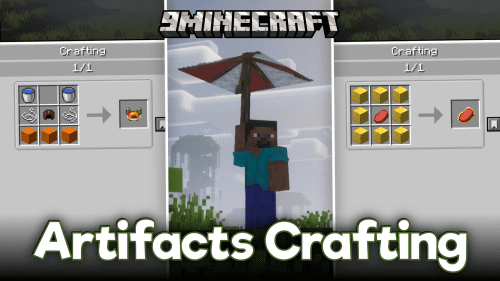 Artifacts Crafting Mod (1.21.11, 1.20.1) – Stop Hunting, Start Crafting!
Most viewed in Mods over the last 7 days
 Ala Industrial Mod (26.3) – Run Electric Power Grids and Automated Factories
 PleasureCraft Mod (26.3, 1.21.1) – Jenny Mod Remake for Fabric
 Jennycraft Mod (26.3, 1.20.1) – Virtual Girlfriend in Minecraft
 Fapcraft Mod (26.3, 1.12.2) – Comprehensive and Detailed Content
 Jenny Mod (Fapcraft) Official Complete Guide – How to use, Tutorial
 BangCraft Mod (1.20.1) – Jenny, Ellie and Elliot
 Fabric Loader (26.3, 1.20.1) – Fabric Installer for All Minecraft Versions
 Meteor Client Mod (26.3, 1.20.1) – Xray, HUD, Fly
 OptiFine HD (26.3, 1.20.1) – Run Faster, FPS Boost, Shaders Support
 The Shooting Star Demo Mod (26.3, 1.20.1) – Vaporize Terrain From Orbit
 Aristois Client Mod (1.21.4, 1.20.1) – World Class Minecraft Utility
 SchnurriTV Mod (1.12.2) – Characters and Features
More from Mods
 Passthrough Signs Mod (26.3, 1.20.1) – Right-Click Through Wall Signs
 Packing Tape Mod (26.3, 1.20.1) – Move Chests, Machines
 No XP Anvils Mod (26.3, 1.20.1) – Repair And Enchant Without XP
 Naruto Shippuden Mod (26.3, 1.16.5) – Immerse Yourself in The World of Ninja
 Araxer’s Bestiary Mod (26.3, 1.20.1) – Build an In-Game Encyclopedia of Every Mob
 Villagers Plus Mod (26.3, 1.20.1) – Expanded Villager Types and Villages
 Ore Excavation 9minecraft Mod (26.3) – Mine Ores and Chop Trees in a Single Swing
 Dirigo Mod (26.1.2, 1.21.1) – Walk Across Nether Lava Seas and Automate Animal
 HandLib Mod (26.3, 1.21.1) – Keep Your Multiplayer World Stable
 Happy Ghasts Boost Mod (26.1.2, 1.20.1) – Fly Across Vast Distances at Top Speed
 LiquidBounce Client Mod (26.3, 1.20.1) – LiquidLauncher, A Free Client
 Create Hand Made Mod (1.21.1) – Craft Create Recipes By Hand in Your Workshop

This post has no comments yet. Be the first — your comment will appear here.